


How to read these AI automation examples
Aranv maps and builds AI use cases for business teams at US small and midsize companies: finance, sales, operations, customer service and HR. Each use case is one job, such as reading supplier bills or routing tickets, wired into the systems you already run and checked by your own staff.
A use case here is one job with a clear start and finish: a bill arrives and becomes a draft entry, or a question comes in and gets an answer or an owner. Keeping it that narrow lets you test the job on past examples, measure it and switch it off without touching the rest of the business.
Finance teams usually have the clearest starting points. AI invoice processing reads supplier bills, accounts payable automation matches them to purchase orders and receipts, and bookkeeping automation proposes categories and reconciliation matches for your accountant to confirm.
How we pick a first use case
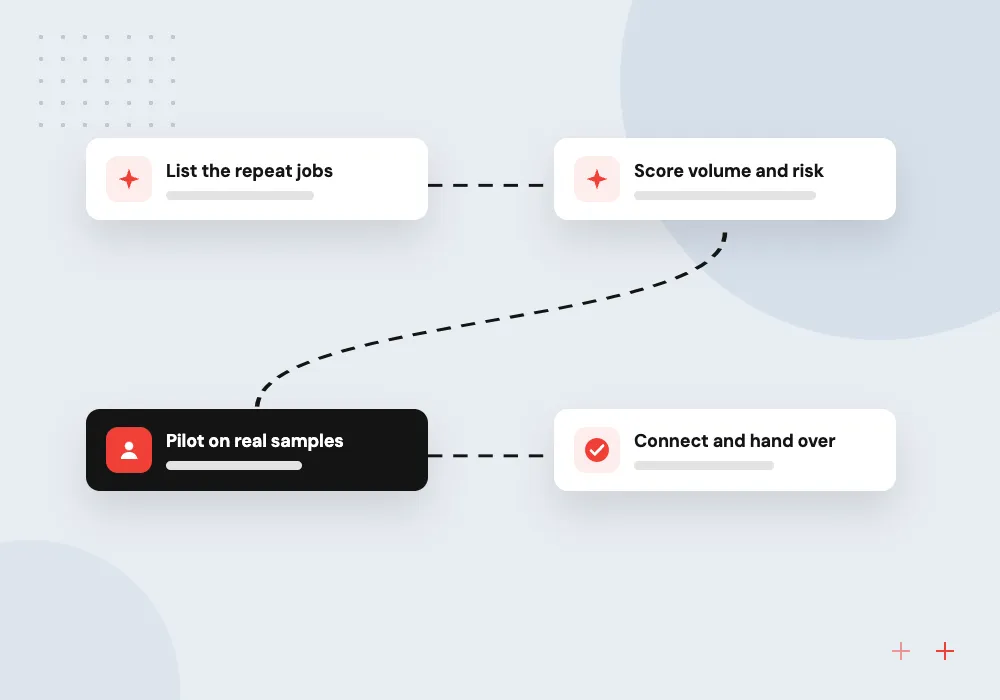
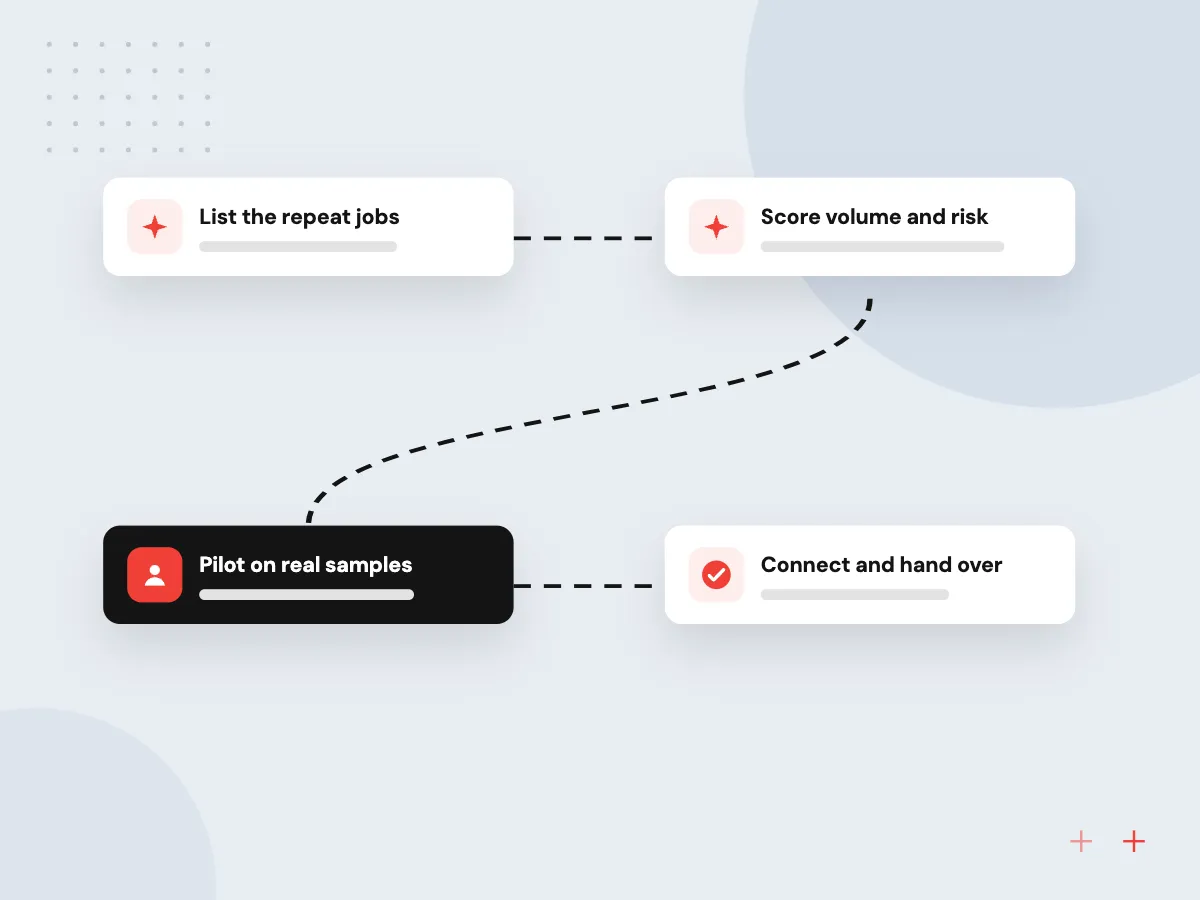
From a list of ideas to one live job
- 01 List the repeat jobs Each team names tasks that arrive daily in the same shape, like bills or orders.
- 02 Score volume and risk We weigh how often a job runs against what a wrong answer would cost.
- 03 Pilot on real samples Past documents or messages show how often the model gets the job right.
- 04 Connect and hand over The job goes live inside your ERP, CRM or helpdesk with a review queue.
Finance paperwork and inbox sorting are common first picks, because both follow clear rules and come with plenty of past examples to test against.
Business AI use cases by team
Each card covers one part of the business and the jobs where AI tends to fit first.
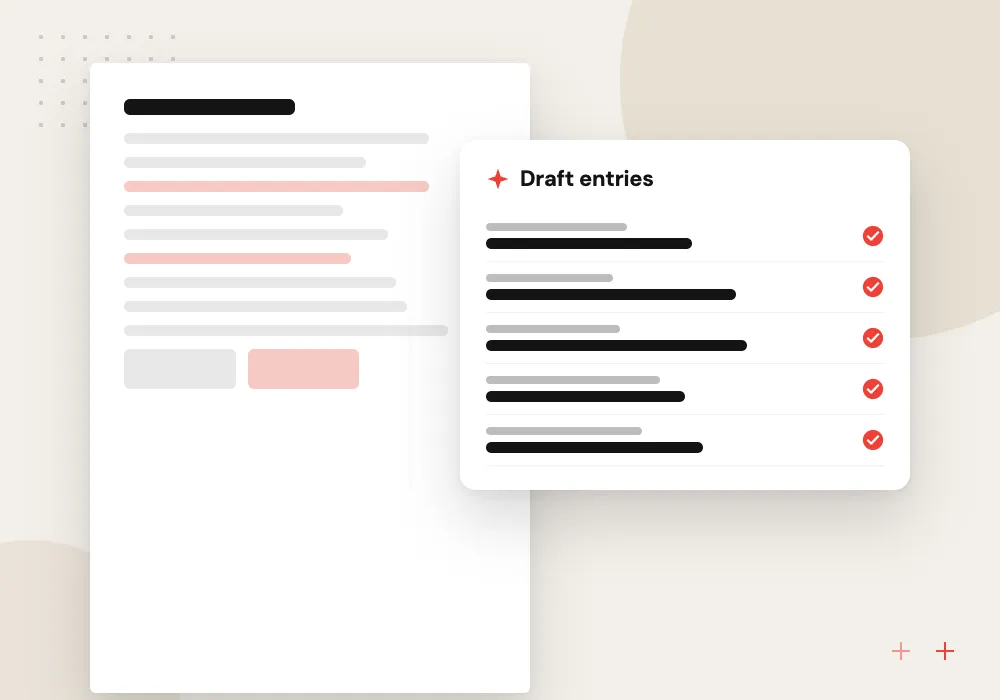
Finance and accounting
Invoice capture, accounts payable matching, receipt reading and bookkeeping suggestions, with every posting held for a person to approve before it reaches the ledger.
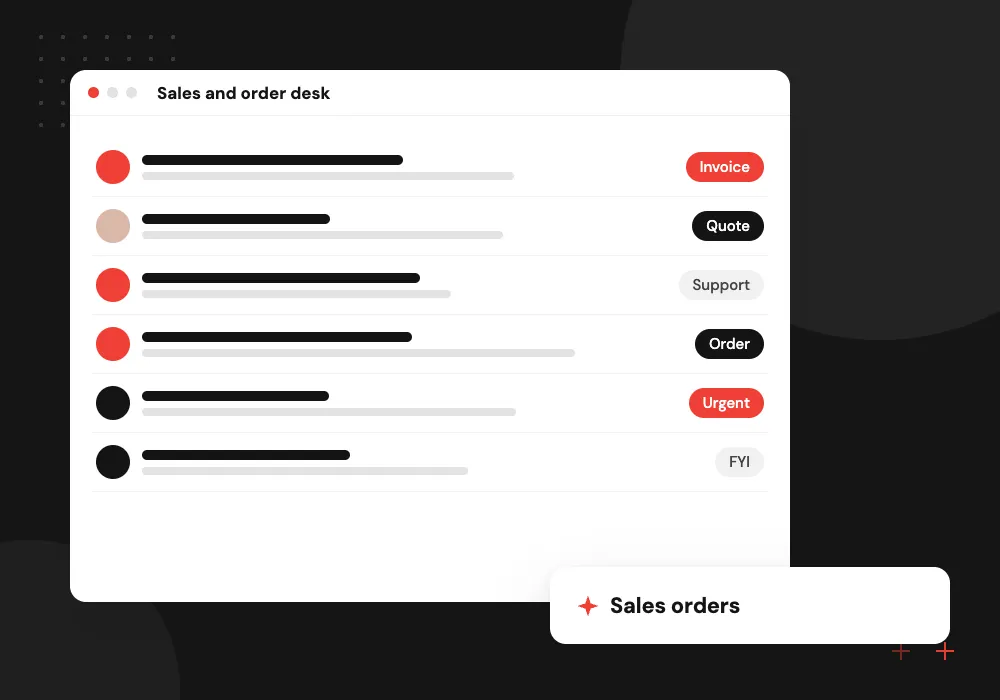
Sales and order desk
Lead scoring, quote drafting and turning emailed purchase orders into sales orders, so reps spend their hours with buyers instead of retyping line items.
Operations and compliance
Contract review, claims intake, onboarding checks and document sorting, where the model reads the file first and a specialist makes the call.
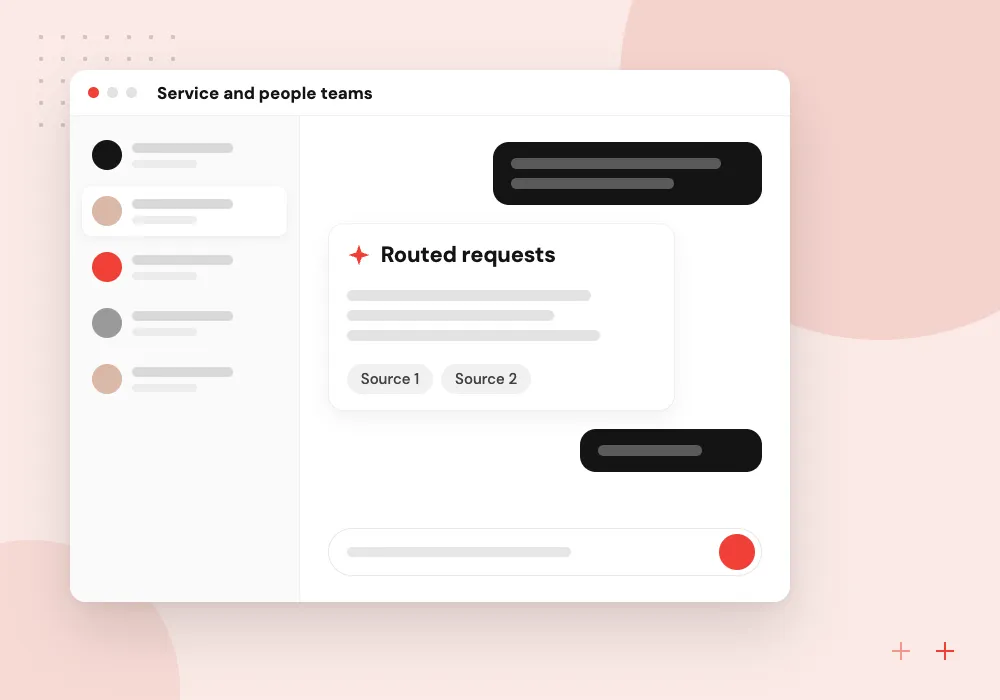
Service and people teams
Ticket routing, an AI receptionist, HR and IT help desks and new-hire onboarding, answering routine questions from your own policies and passing the rest to staff.
How to choose your first use case
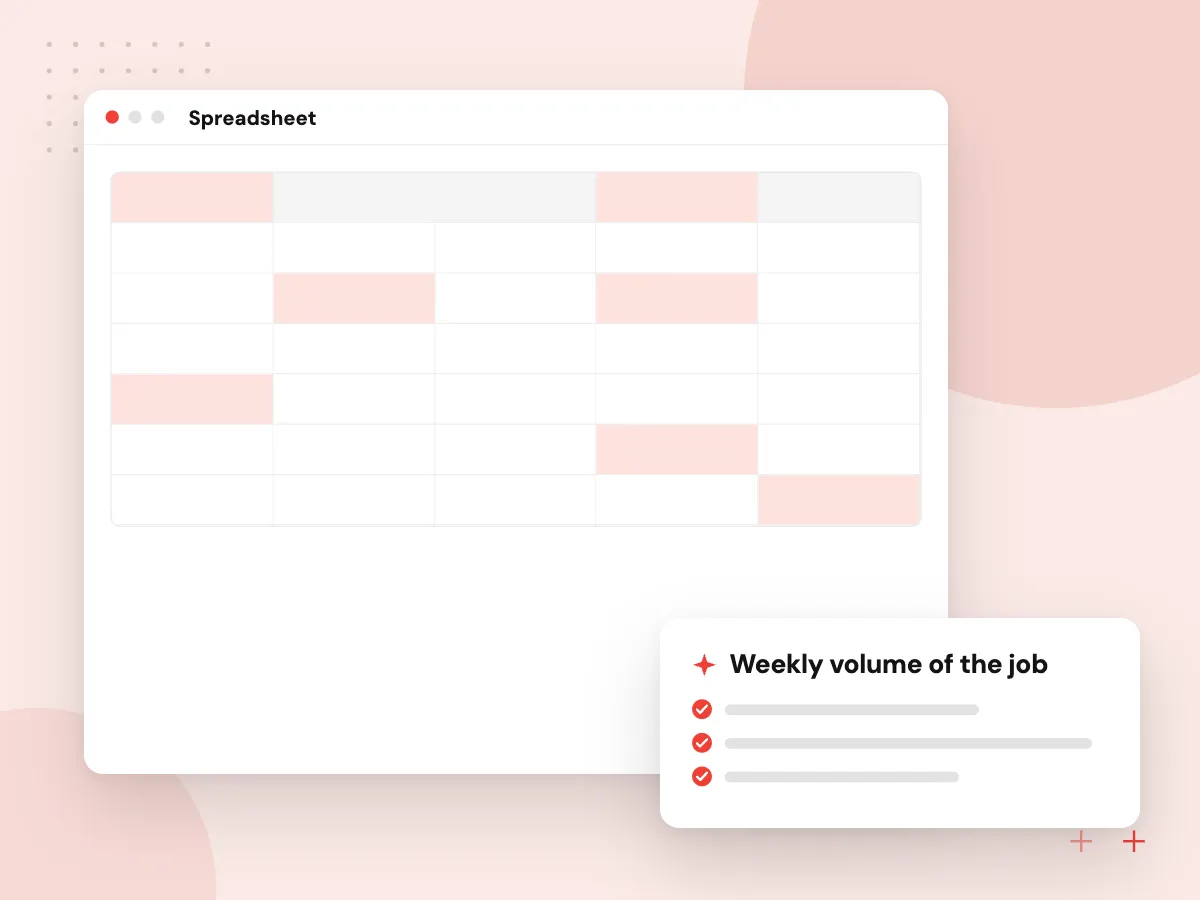
A good first job runs dozens of times a week, follows written rules, has past examples to test against and does limited harm if a draft is wrong. We score candidate jobs with your managers on those points and start with the strongest.
What we do
- Weekly volume of the job
- Written rules or policies
- Past examples for testing
- Cost of a wrong answer
- A named owner who signs off
What every use case needs to run
Behind each job sits the same plumbing: a way in for documents or messages, a model call with a fixed output format, business rules that check the result, a review screen for exceptions and a log of who approved what. We build these parts once so later jobs can reuse them.
What we do
- Intake from email, upload or API
- Structured model output
- Rule checks before anything posts
- Review queue for exceptions
- Audit log per decision

How we approach a project
On the sales side, AI order processing turns customer emails into orders and lead qualification scores new enquiries against your own criteria. Operations teams use document classification to sort mixed scans and contract review to flag clauses for counsel.
Service and people teams often begin with ticket routing or an HR help desk. We build each of them through our AI workflow automation or AI agent development services. Before committing, run through our readiness checklist to confirm who owns the data.
How we work
- One job at a time
- Staff approve what matters
- Measured on your own data
Our Process
-

Workshop by team
Managers from finance, sales, operations and service list their repeat jobs, the systems involved and who signs off each one.
-

Shortlist and test
We score the list together, pick one or two candidates and run them against a sample of your past documents or messages.
-

Build the first job
Intake, model, checks and a review screen go live for one team, with results written into the system that team already uses.
-

Review, then add the next
After a few weeks of live use we go through the exceptions with the team, adjust the rules and plan the second use case.
Why Aranv for AI use cases
We start from your volumes
Before suggesting a use case we count the bills, orders or tickets your team handles and time a few, so the choice rests on numbers you recognize.
Your systems stay the record
Results land in the ERP, CRM, accounting package or helpdesk you already use, not in a separate AI screen staff must remember to check.
People keep the decisions
Payments, contract terms, claim outcomes and customer approvals stay with named staff. The model prepares the work and shows where each value came from; a person signs it off.
Room for the next job
Intake, logging and review screens are designed so the second and third use cases can reuse them instead of starting from scratch.
AI use cases
AI Invoice Processing
AI invoice processing that reads supplier bills from email and scans, extracts header and line data, checks it and posts draft bills for approval.
AI Accounts Payable Automation
AI accounts payable automation that matches bills to purchase orders and receipts, routes approvals, screens vendor changes and prepares payment runs.
AI Receipt and Expense Processing
AI receipt processing for employee expenses: staff snap a photo, the system reads and checks it against your policy, and builds the report for approval.
AI Bookkeeping Automation
AI bookkeeping automation that categorizes bank and card transactions, suggests reconciliation matches and drafts month-end entries for your accountant.
AI Contract Review
AI contract review that extracts key clauses, compares them with your standard positions and flags risks for your lawyer or contract manager to decide on.
AI Claims Processing
AI claims processing for insurers, MGAs and TPAs: first notice of loss intake, document reading, policy checks and triage, with adjusters deciding each claim.
AI KYC and Customer Onboarding
AI KYC verification for fintechs, lenders and credit unions: ID and business document checks, beneficial owner capture and screening, with analysts deciding.
AI Document Classification
AI document classification that sorts mixed scans, email attachments and uploads by type, splits bundled files and routes each document to the right team.
AI Data Entry Automation
AI data entry automation that reads forms, PDFs, emails and spreadsheets, validates each field and writes clean records into your ERP, CRM or database.
AI Order Processing
AI order processing that turns emailed and PDF purchase orders into sales orders, with customer and item matching and price, stock and credit checks.
AI Lead Qualification
AI lead qualification that reads each form, chat and email inquiry, scores it against your sales criteria and sends qualified leads to the right rep.
AI Email Triage
AI email triage for shared inboxes: every message is read, labeled, routed to the right person or system and given a draft reply your staff can approve.
AI Quote Generation
AI quote generation that reads RFQs and spec sheets, matches items to your catalog, applies your pricing rules and drafts a quote for estimator approval.
AI Proposal Writing
AI proposal writing built on your discovery notes, past proposals and rate card: first drafts of proposals and statements of work, checked by your team.
AI RFP Response
AI RFP response tools that break down each RFP, draft answers from your approved content and route gaps to experts, security questionnaires included.
AI Product Description Generation
An AI product description generator tied to your catalog: titles, copy and attributes written from real product data and reviewed before they go live.
AI Content Generation for Marketing
AI content generation for marketing teams: a drafting workflow built on your brand voice and facts, with claim checks, approvals and publishing included.
AI Website Personalization
AI personalization for your website or store: content, offers and product rows that adapt to each visitor from first-party data, with consent respected.
AI Recommendation Engine Development
AI recommendation engine development for stores and content sites: models trained on your own interaction data, with business rules, testing and monitoring.
AI Product Search
AI product search that understands plain-language queries, part numbers and typos, mixing keyword and semantic search so shoppers find the right item.
Customer Sentiment Analysis with AI
Customer sentiment analysis AI that reads reviews, tickets, surveys and call notes, scores each topic and shows trends and alerts your team can act on.
AI Translation and Localization
AI translation integration for websites, catalogs and support: machine translation with your glossary, automatic checks and bilingual review built in.
AI Demand Forecasting
AI demand forecasting by SKU, store and week, trained on your sales, price and promotion history and delivered into the ERP your buyers already use.
AI Inventory Optimization
AI inventory management that sets reorder points, safety stock and draft purchase orders from forecasts and real supplier lead times, inside your ERP.
AI Sales Forecasting
AI sales forecasting that scores every CRM deal, predicts close dates and rolls them into a monthly revenue forecast your sales and finance teams share.
AI Price Optimization
AI pricing optimization for retailers and distributors: elasticity models, markdown plans and quote price bands, kept inside margin rules you control.
AI Route Optimization
AI route optimization that plans delivery and service routes around time windows, capacity and driver hours, with a dispatch board and driver app.
AI Predictive Maintenance
AI predictive maintenance that reads sensor, PLC and work order data, predicts equipment failures and opens work requests in your CMMS for planners.
AI Visual Quality Inspection
AI visual inspection for production lines: cameras and models that find surface defects, missing parts and label errors, with uncertain parts sent to people.
AI Fraud Detection
AI fraud detection for online orders, payments, vendor bank changes and account takeovers, with a review queue where your analysts make the final call.
Customer Churn Prediction
A churn prediction model that scores each customer's risk of leaving from usage, billing and support data, with reasons your retention team can act on.
AI Anomaly Detection
AI anomaly detection that watches KPIs, payments, data loads and meter readings, flags what breaks the normal pattern and routes alerts to an owner.
AI Appointment Scheduling
AI appointment scheduling that books, moves and confirms appointments by chat, text or phone, checking your live calendar, staff skills and booking rules.
AI Receptionist
An AI receptionist that answers your business line, handles routine questions, takes complete messages and transfers callers to the right person.
AI Call Analytics
AI call analytics that transcribes recorded calls, writes call summaries, tags reasons and flags missed disclosures, with results sent to your CRM.
AI Ticket Routing
AI ticket routing that reads each support ticket, sets category, priority and language, and assigns it to the right queue or agent in your helpdesk.
AI Meeting Notes and Summaries
AI meeting summaries built for your team: transcripts from Zoom, Teams or Meet turned into decisions and action items in your CRM or project tool.
AI HR Help Desk
An AI HR chatbot that answers employee questions from your handbook and HR system in Teams or Slack, and hands sensitive cases to your HR team.
AI IT Help Desk
An AI IT help desk that resolves password resets, access requests and how-to questions in Teams or Slack, and files complete tickets for IT staff.
AI Employee Onboarding
AI employee onboarding that builds each new hire's checklist, chases paperwork, opens IT and equipment requests and answers first-week questions.
AI Compliance Monitoring
AI compliance monitoring that tracks new rules and guidance, maps them to your policies and controls, and flags documents that need compliance review.
AI Knowledge Base
An AI knowledge base that answers staff questions from your wiki, drives and past tickets, cites the source, respects permissions and flags stale pages.
AI Patient Intake
AI patient intake for practices: digital intake forms, insurance card reading, completeness checks and visit summaries that staff review before filing.
AI Prior Authorization
AI prior authorization for providers: checks which orders need approval, gathers chart evidence, drafts payer paperwork and tracks every request.
Let’s talk about your next step.
Tell us about your workflow, current tools and goals.
AI use case FAQs
-
What are the most practical AI use cases for a small business?
Reading documents and sorting messages. Invoices, receipts, purchase orders and support emails arrive in volume and follow patterns a model can learn, while a person still approves the result. Forecasting also fits, given a consistent sales history.
-
How do we decide which AI use case to start with?
Pick the job that runs most often, follows written rules and has a past record you can test against. Risk matters too: a draft bill that a clerk checks is a safer first step than an automatic refund. We score the options with you in a short workshop.
-
Do we need clean data before starting?
You need representative examples, not perfect data. For document jobs, a few hundred past files with known correct answers make a good test set. We check what you have early and say so if a gap must be fixed first.
-
Does AI replace the people who do this work now?
In the jobs we build, AI takes over the typing and the first sort, and staff move to exceptions, customers and approvals. Someone who knows the work stays responsible for each decision.
-
How long does one AI use case take to put into production?
A single, well-defined job feeding one system usually takes weeks rather than months. Extra systems, unusual document types and multi-step approvals add time. You get a written plan after we test on your samples and before the build starts.

Let’s talk about your next step
Contact Aranv to discuss your workflow, current tools, and goals. Meet with our team or send an inquiry.
Book a meeting with our team
Choose an available date and time for a 30-minute conversation about your project.
Tell us about your project
Share a few details so we can discuss a useful next step.
Prefer email? sales@aranv.com