


What an Odoo AI project includes
Aranv adds AI to Odoo for small and midsize businesses that run sales, inventory, purchasing and accounting in it. We configure Odoo’s built-in AI, build custom modules for document capture and forecasting, and connect assistants to your records, so your AI ERP works on the data you already keep.
Recent Odoo versions ship their own AI. Odoo 19 added AI agents, AI-filled fields and AI server actions. Odoo 20, released in September 2026, lets automated and scheduled actions call agents and accepts connections over the Model Context Protocol, and its AI features run on credits bought through Odoo’s in-app purchase service. We set these up first, because they move forward with each Odoo release.
Custom work fills the gaps. We build modules that call a language model from Odoo, for example to read supplier documents, classify incoming leads or draft a quotation from a customer email. They follow standard Odoo development patterns, the same ones our Odoo customization and wider Odoo development teams use, so they can be carried through upgrades.
How AI connects to an Odoo database
AI inside your ERP
- 01 Odoo records as context Sales, stock, purchase and accounting data are read through Odoo’s own models and API.
- 02 Access rights respected The AI sees only what the signed-in user is allowed to see.
- 03 Actions through Odoo logic Updates run as server actions or model methods, so existing validations still apply.
- 04 Results where people work Answers, drafts and forecasts appear in forms, chatter, reports and dashboards.
AI logic lives in its own module, which keeps version upgrades manageable.
Where AI in ERP pays off
Odoo AI works best on tasks that touch many records, or on documents people currently read one at a time.
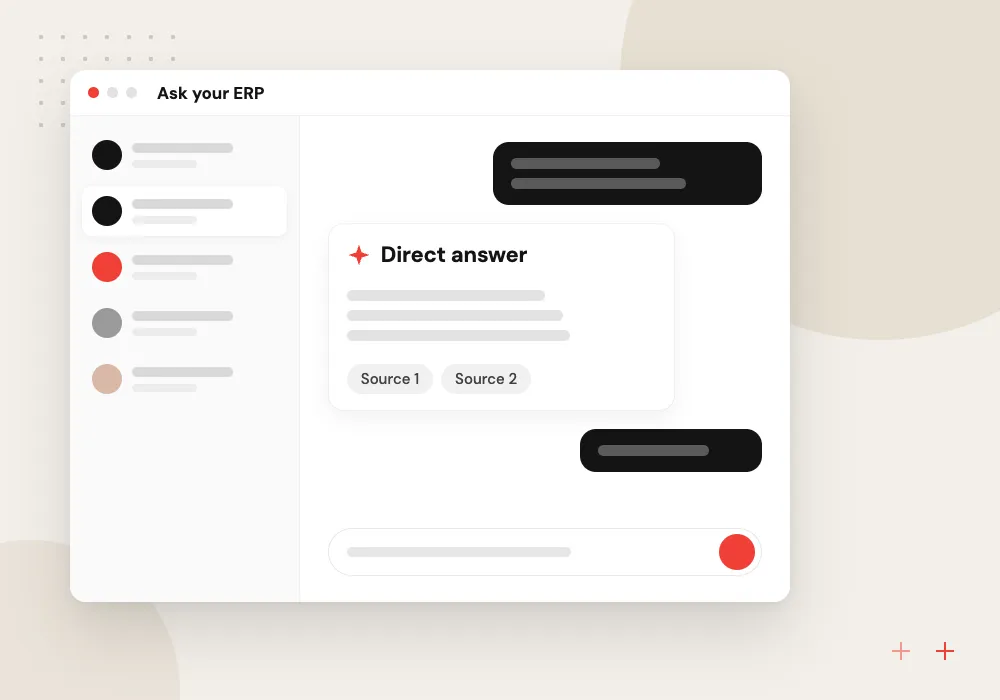
Ask your ERP
Managers ask which customers are late paying or which products are running low and get answers from live Odoo data.
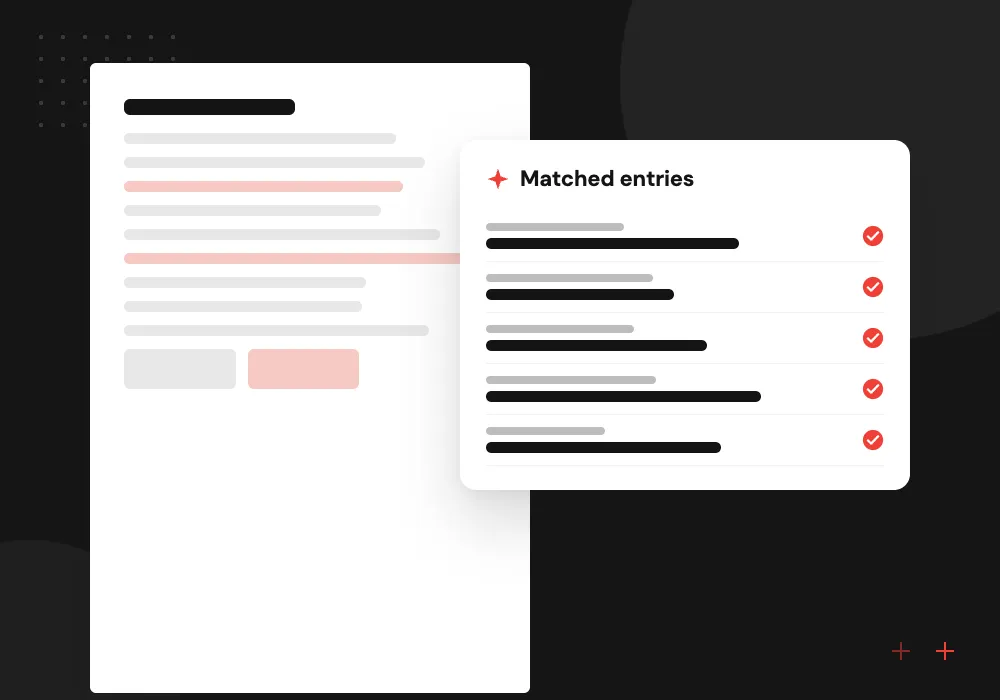
Supplier document capture
Vendor bills and delivery slips are read into draft entries and matched to the purchase order they belong to.
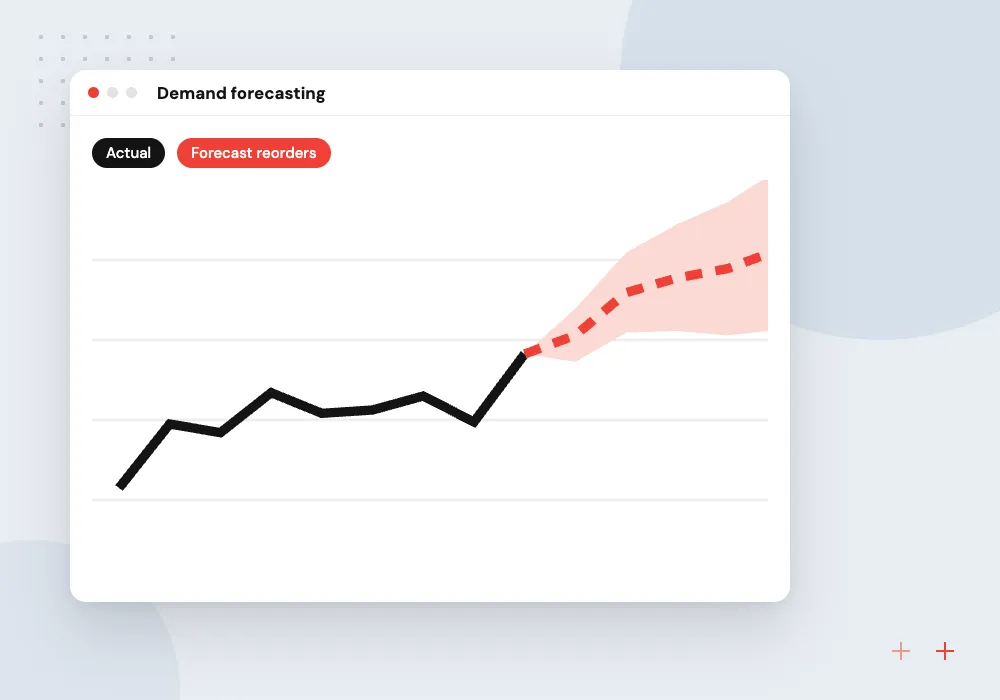
Demand forecasting
Sales history, seasonality and open orders feed reorder suggestions that buyers review in the replenishment screen.
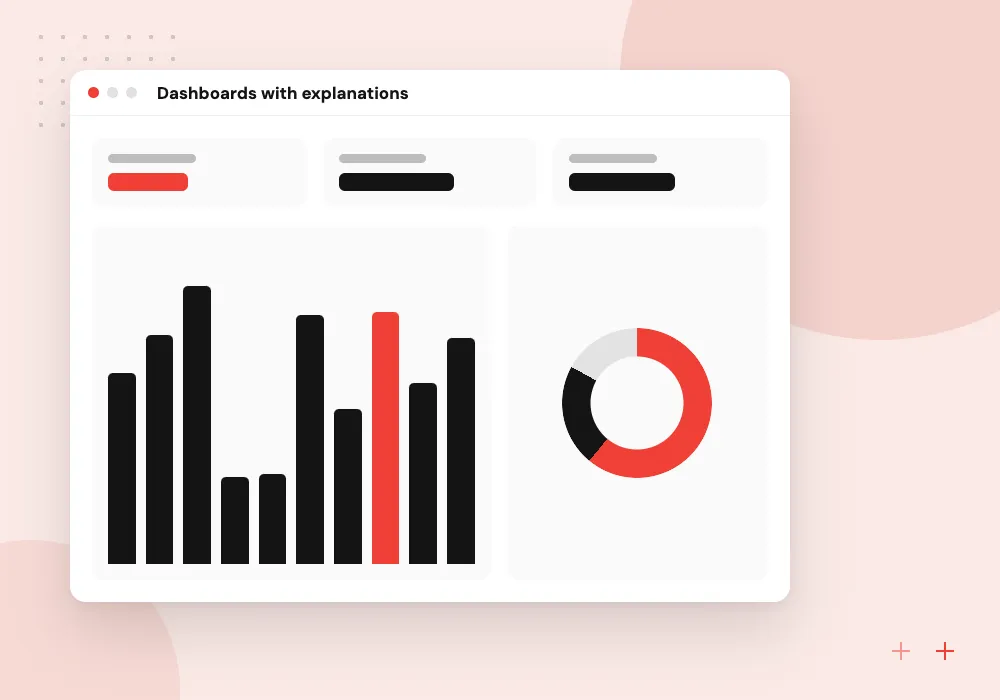
Dashboards with explanations
Odoo dashboards gain short plain-language notes on what changed this week and which records drove it.
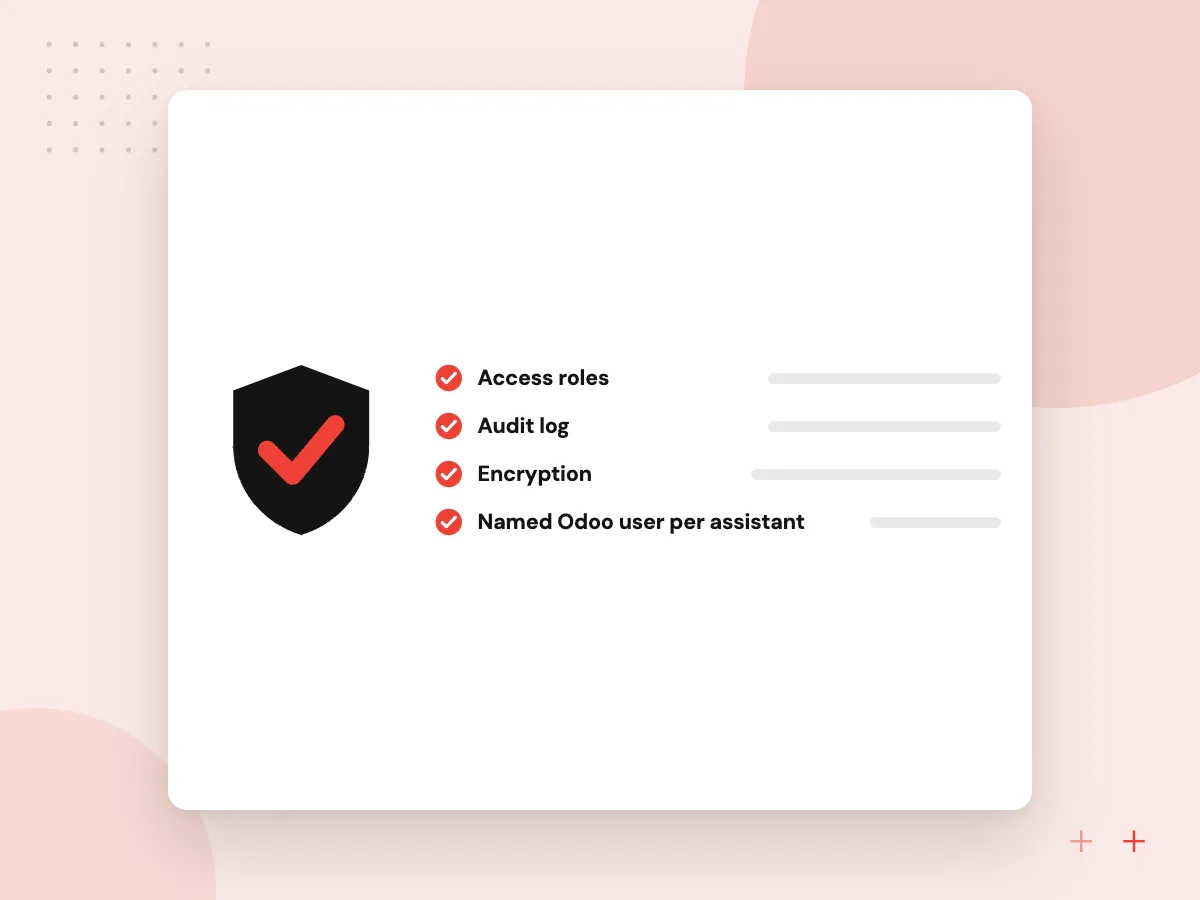
Data access and approvals for Odoo AI
An AI feature in Odoo should never see more than the person using it. Each assistant runs as a named Odoo user under the same record rules, a model receives only the fields a request needs, and edits to stock, prices or journal entries go into an approval step before they are saved.
What we do
- Named Odoo user per assistant
- Record rules applied to AI reads
- Field limits and personal data masking
- Approval step for sensitive changes
- AI actions noted in the chatter
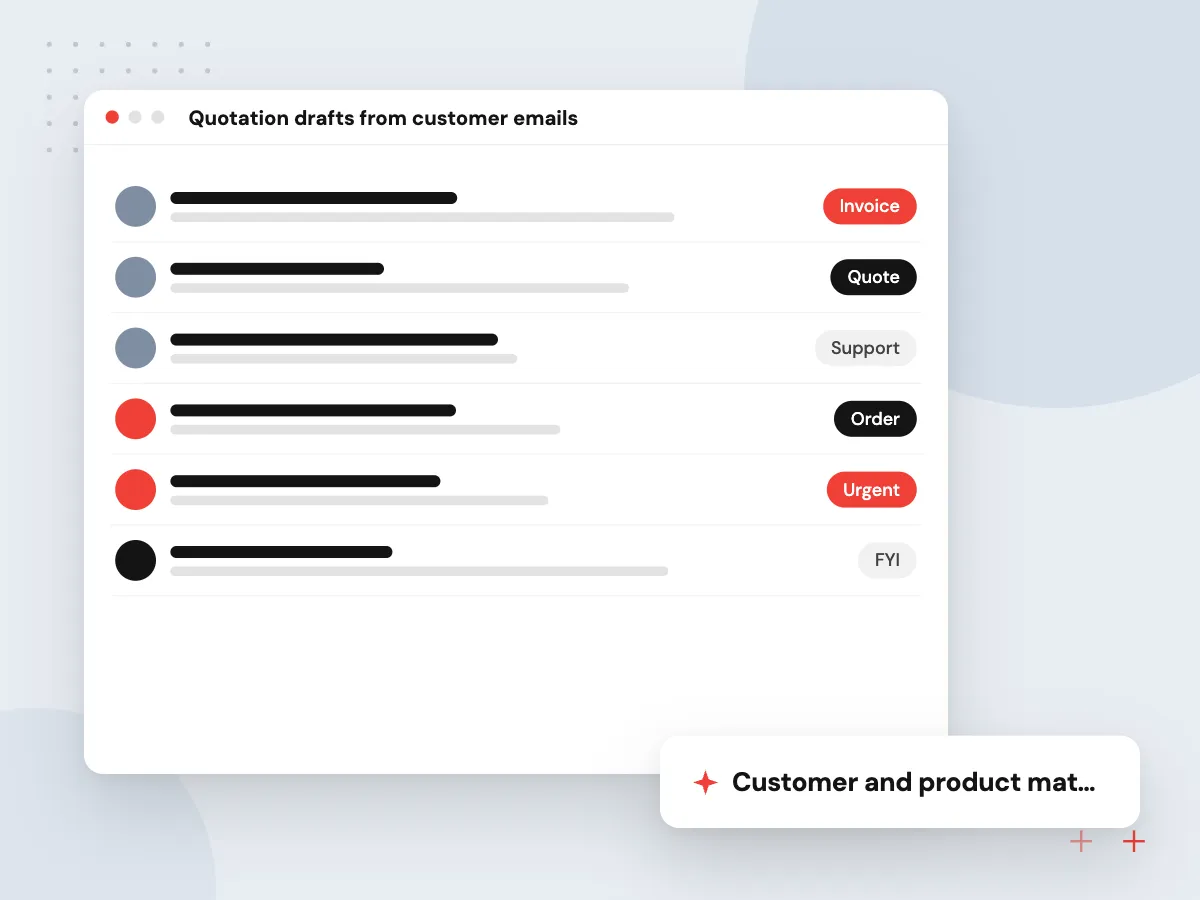
Quotation drafts from customer emails
Customers often order through free-text emails or attached PDFs. A custom module reads the message, matches the customer and products in Odoo, and creates a draft quotation priced from the right pricelist, which a salesperson checks before sending.
What we do
- Customer and product matching
- Draft quotations on the right pricelist
- Lines with no match flagged
- Original email kept on the record
- Salesperson review before sending

How we approach a project
Forecasting uses your own sales and purchase history. A statistical or machine learning model usually suits this better than a language model, and we choose the simpler option when it forecasts as well. Forecasts feed the replenishment rules and reports your buyers already use. For analytics that span several systems, see business intelligence.
If you are still choosing or setting up Odoo, start with Odoo implementation. On an older version, an Odoo migration usually comes before AI work.
How we work
- Built-in features before custom code
- Odoo access rights always apply
- Separate, upgrade-safe modules
Our Process
-

Version and data check
We confirm your Odoo version, edition, installed apps and data quality, since these decide what is possible.
-

Native features first
We configure Odoo’s built-in AI where it covers the need and list what still calls for a custom module.
-

Module build on staging
Custom AI features are developed and tested on a staging copy of your database with real records.
-

Rollout by department
Each team gets its features with short training, and we track usage and corrections before moving to the next area.
Why Aranv for AI in Odoo
Odoo developers build the AI
The people building your AI features also write standard Odoo modules, so the work respects the ORM, security groups and the upgrade process.
Running cost explained upfront
We show how Odoo’s AI credits and any outside model bills add up at your volume, so the running cost is known before a feature goes live.
Corrections reviewed regularly
When staff change an AI draft, the edit is recorded, and we go through those corrections at regular reviews to adjust prompts, rules or matching.
Advice that fits your edition
What can be built depends on edition and hosting, since custom Python modules generally need Odoo.sh or your own server, so we confirm your setup first.
Planning AI for ERP and Odoo?
Book a 30-minute conversation with the team that would build it.
AI ERP and Odoo AI FAQs
-
Does Odoo have built-in AI?
Yes. Odoo 19 introduced AI agents, AI-filled fields and AI server actions. Odoo 20 lets automated and scheduled actions call agents and adds connections over MCP. In Odoo 20, AI features use credits purchased through Odoo’s in-app purchase service.
-
Can AI work with an older Odoo version?
Custom AI modules can be built for older versions, but the native AI features need a recent release. If you are several versions behind, upgrading first often costs less than building workarounds.
-
Is our ERP data sent to an AI provider?
Only the records a request needs, and only to a provider you approve. We can limit fields, mask personal data, choose providers whose terms exclude training on your data, or point Odoo at a model hosted in your own cloud account.
-
What is the difference between AI in ERP and a BI dashboard?
A dashboard shows numbers you decided to track in advance. AI features answer questions you did not plan for, explain changes in plain language and can act on records. Many businesses use both, with dashboards for routine metrics.
-
Can AI forecast inventory in Odoo?
Yes. A model trained on your sales history and supplier lead times can suggest reorder quantities that feed Odoo’s replenishment report, where buyers review them. Accuracy depends on how much clean history you have for each product.
-
Will custom AI modules break when we upgrade Odoo?
They need testing on each upgrade, like any custom module. We keep AI code in separate modules, never edit core files and document dependencies, which keeps upgrade work small.

Let’s talk about your next step
Contact Aranv to discuss your workflow, current tools, and goals. Meet with our team or send an inquiry.
Book a meeting with our team
Choose an available date and time for a 30-minute conversation about your project.
Tell us about your project
Share a few details so we can discuss a useful next step.
Prefer email? sales@aranv.com