


What a Flutter project includes
Aranv is a Flutter app development company. Our Flutter developers build cross-platform apps for small and midsize businesses from a single Dart codebase, so one team ships the same features to iPhone and Android, with web or desktop versions when they help.
Flutter is Google’s open-source UI toolkit, and Flutter apps are written in Dart. Instead of using each platform’s built-in controls, Flutter draws its own widgets, which gives you the same look on every device. The official list of supported platforms shows which Android, iOS, desktop and browser versions each release covers.
A typical scope covers screen design, a shared widget library, state management, offline storage, sign-in, push notifications, a back end or API, automated tests and release pipelines for both stores. We keep plugin choices conservative and write small native modules when a plugin is missing or poorly maintained.
One codebase, several platforms
How a Flutter app is put together
- 01 Widgets in one Dart codebase The same screens and logic compile to native code for iOS and Android.
- 02 A design system, drawn once Flutter paints every pixel itself, so your brand looks identical on each phone.
- 03 Platform code where needed Small Swift or Kotlin modules cover device features that plugins miss.
- 04 Two store releases One build pipeline produces App Store and Google Play releases together.
Web, Windows, macOS and Linux targets come from the same code if your project needs them.
Where Flutter fits well
Flutter suits apps with a strong custom look, a budget that has to cover two platforms, and features built mostly from forms, lists, maps and media.
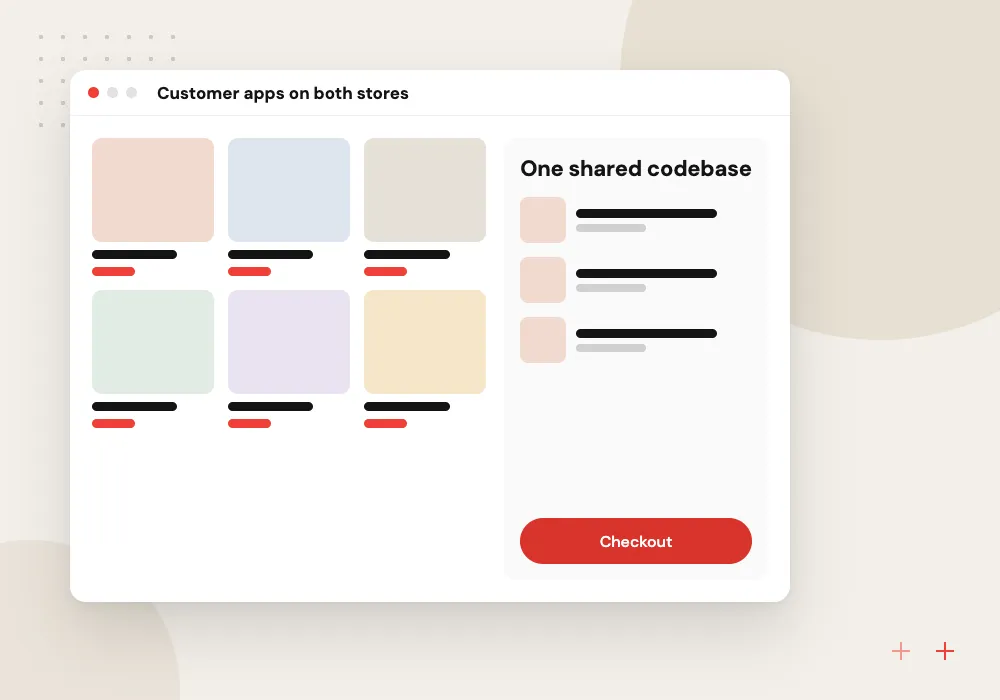
Customer apps on both stores
Ordering, booking and account screens built once and released to iPhone and Android users on the same day.
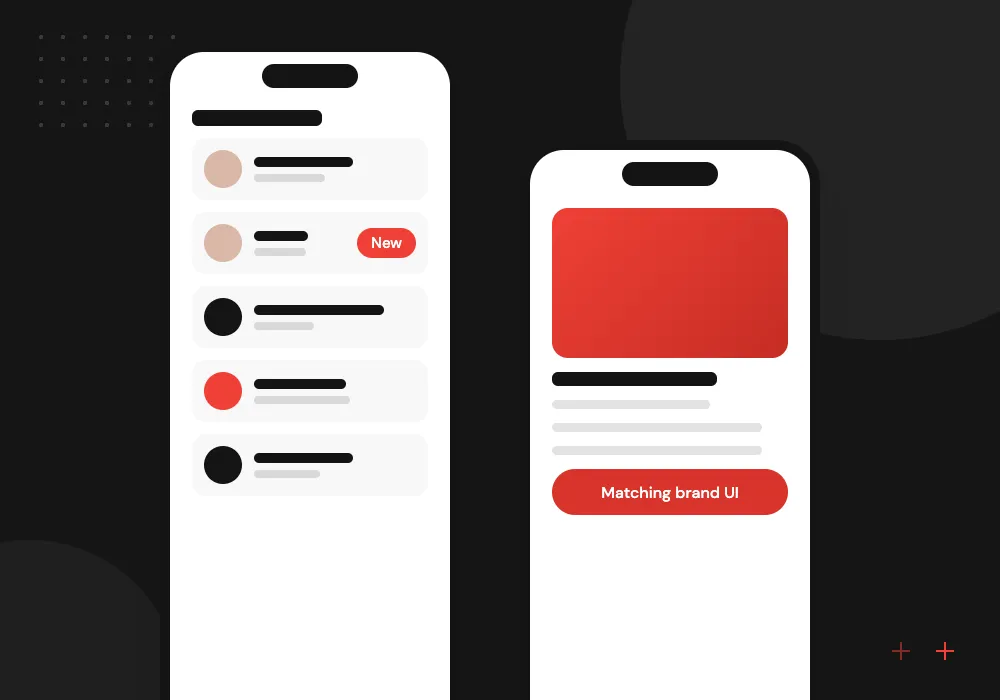
Branded, design-heavy apps
Custom animations and layouts that look the same on every device and follow your design files closely.
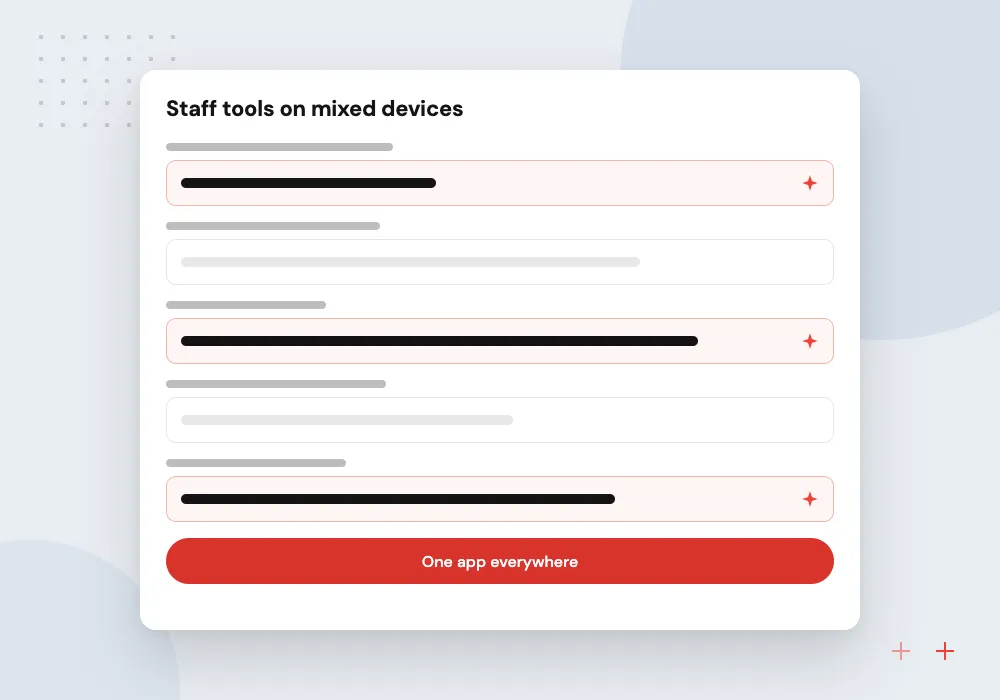
Staff tools on mixed devices
Inspection, timesheet and approval apps for teams that carry a mix of company and personal phones.
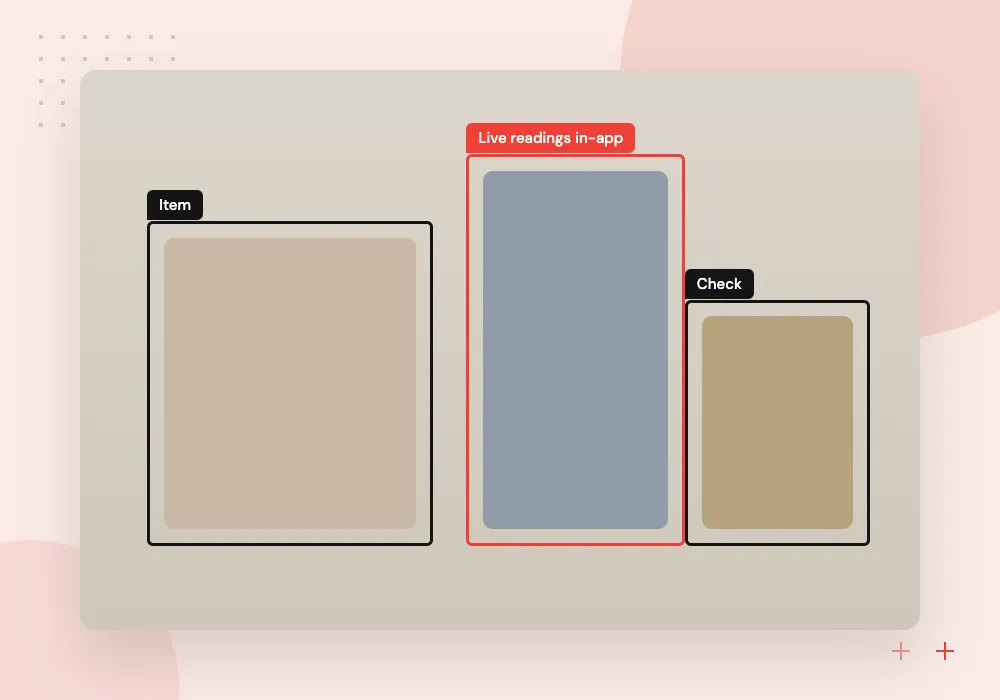
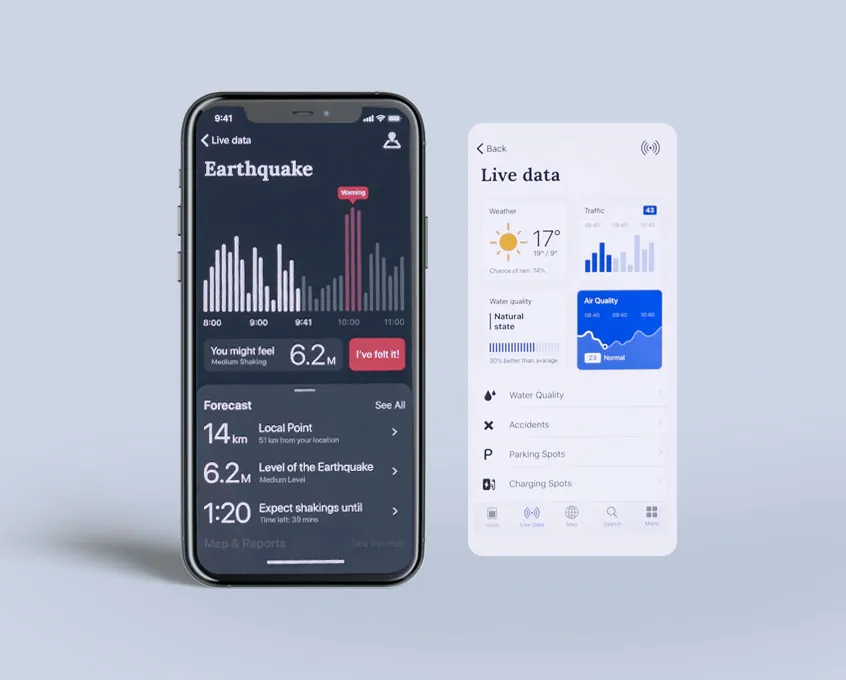
Companion apps for hardware
Apps that pair with sensors or equipment over Bluetooth, using a plugin or native code for the connection.
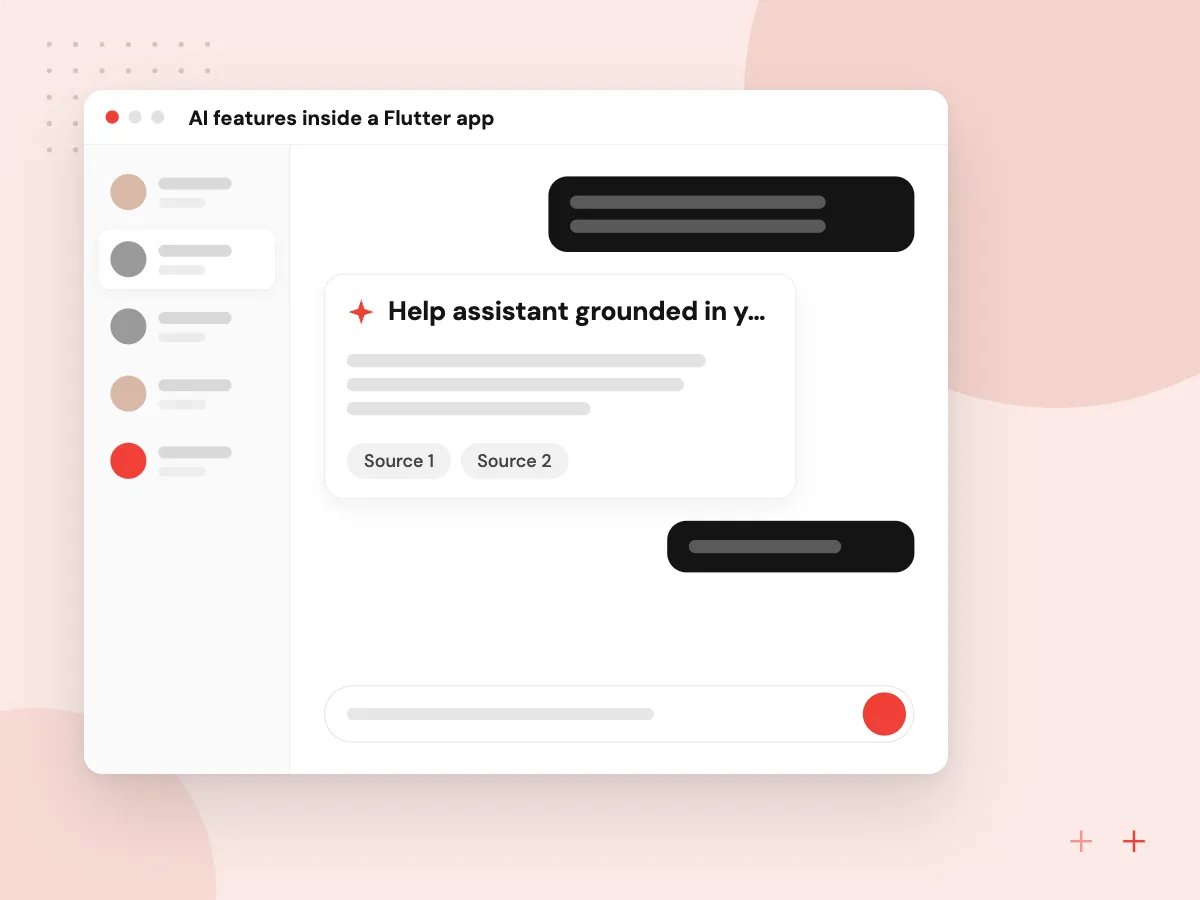
AI features inside a Flutter app
Flutter screens can call a language model through your own back end, so no model API key is stored in the app itself. We add features such as an assistant that answers from your help articles, photo capture that fills in a receipt or damage report, and spoken notes turned into structured entries a user can correct before saving.
What we do
- Help assistant grounded in your articles
- Photo capture that fills forms
- Voice notes into structured fields
- Model calls routed through your server
- Per-user usage limits
Taking over an existing Flutter app
An app built a few years ago can fall behind on SDK versions, store policy deadlines and plugin updates. We begin with a written health report on the codebase, then work through the upgrades in small releases, so current users keep a working app the whole time.
What we do
- Codebase health report
- Flutter and Dart SDK upgrades
- Replacement of abandoned plugins
- Google Play target API updates
- New widget and integration tests
How we approach a project
Flutter or React Native? Both are mature and both produce real apps from shared code. With React Native, developers write TypeScript and the app shows the standard iOS and Android controls, which suits teams that already work in React and apps meant to feel at home on each platform. Flutter suits apps with a custom visual identity and teams happy to adopt Dart. We build with both and recommend one based on your team, design and existing code; see React Native app development.
When an app needs deep platform features, such as home screen widgets, watch apps or heavy background work, a native build can be the safer option. Compare native iOS development and native Android development, or start from our mobile app development overview.
How we work
- One team, one codebase
- Pixel-consistent brand design
- Native code where it matters
Our Process
-

Check the plugin landscape
We map each feature to a maintained plugin or planned native code before we estimate anything.
-

Review designs on both platforms
Screens are checked on an iPhone and an Android phone side by side, including back gestures and keyboard behavior.
-

Build with shared tests
Widget and integration tests run on every change, and both store builds come out of one pipeline.
-

Launch and keep Flutter current
We release to both stores, then update Flutter, Dart and plugins on a regular schedule.
Why Aranv for Flutter
Plugins checked before quoting
We confirm a maintained plugin or a native module plan for every device feature before giving an estimate, so Bluetooth, payments or camera work does not turn into a surprise halfway through.
Tested on physical phones
Each build is tried on real iPhone and Android handsets, including small and older models, because emulators miss many keyboard, permission and performance problems.
Swift and Kotlin in-house
When a feature needs platform code, the same team writes the Swift or Kotlin module, so you never need a second vendor for the native parts.
Accounts and keys in your name
Apps are published under your own Apple and Google developer accounts, and we hand over the source code, signing keys and build pipeline with written notes.
Planning Flutter App Development Services?
Book a 30-minute conversation with the team that would build it.
Flutter app development FAQs
-
Is Flutter a good choice for a business app?
Yes, for most business apps built around forms, lists, maps, media and account screens. It is a weaker fit for apps that lean heavily on platform-specific features or need the smallest possible download size, where native code may serve better.
-
Should we choose Flutter or React Native?
Pick React Native if your developers already know React and TypeScript or you want platform-native controls. Pick Flutter if a consistent custom design matters most and you have no JavaScript code to reuse. Both handle typical business apps well, and we recommend one after looking at your team and plans.
-
How much code is shared between the iOS and Android versions?
Most of it. Screens, business logic and tests are shared. Platform-specific work is limited to items such as push setup, store settings and any device feature that no plugin covers.
-
Can the same Flutter developers build the web version?
Flutter can compile to the web, which works well for internal tools and app-like dashboards. For public pages that must rank in search, a separate web front end is usually the better choice, because Flutter’s web output is not designed around search indexing.
-
What do you need from us to start a Flutter project?
Your goals and target users, any designs or brand guidelines, access to the systems the app connects to, and Apple and Google developer accounts registered to your company.
-
Can you take over an existing Flutter app?
Yes. We review the Flutter and Dart versions, plugins, state management and test coverage, then upgrade outdated packages in a safe order before adding new features.

Let’s talk about your next step
Contact Aranv to discuss your workflow, current tools, and goals. Meet with our team or send an inquiry.
Book a meeting with our team
Choose an available date and time for a 30-minute conversation about your project.
Tell us about your project
Share a few details so we can discuss a useful next step.
Prefer email? sales@aranv.com