


What a workflow automation project includes
Aranv builds AI workflow automation for small and midsize businesses whose staff move information between email, CRM, ERP and spreadsheets by hand. We automate those repeat steps, use AI only where a step needs reading or judgment, and keep approvals and run logs so your team stays in control.
Most offices run a dozen small processes nobody ever designed: someone checks an inbox, copies details into the CRM, updates a spreadsheet and emails a colleague. We map each one step by step, note how often it runs and how long it takes, and pick the ones where automation clearly pays back.
We build on the tools you have. That can be a workflow platform your team already pays for, scheduled scripts in your cloud account, or a small service that calls your systems directly. Connections to CRMs, ERPs and accounting tools are covered in more depth on our API development and integration page.
Anatomy of an automated workflow
Trigger, steps, exceptions
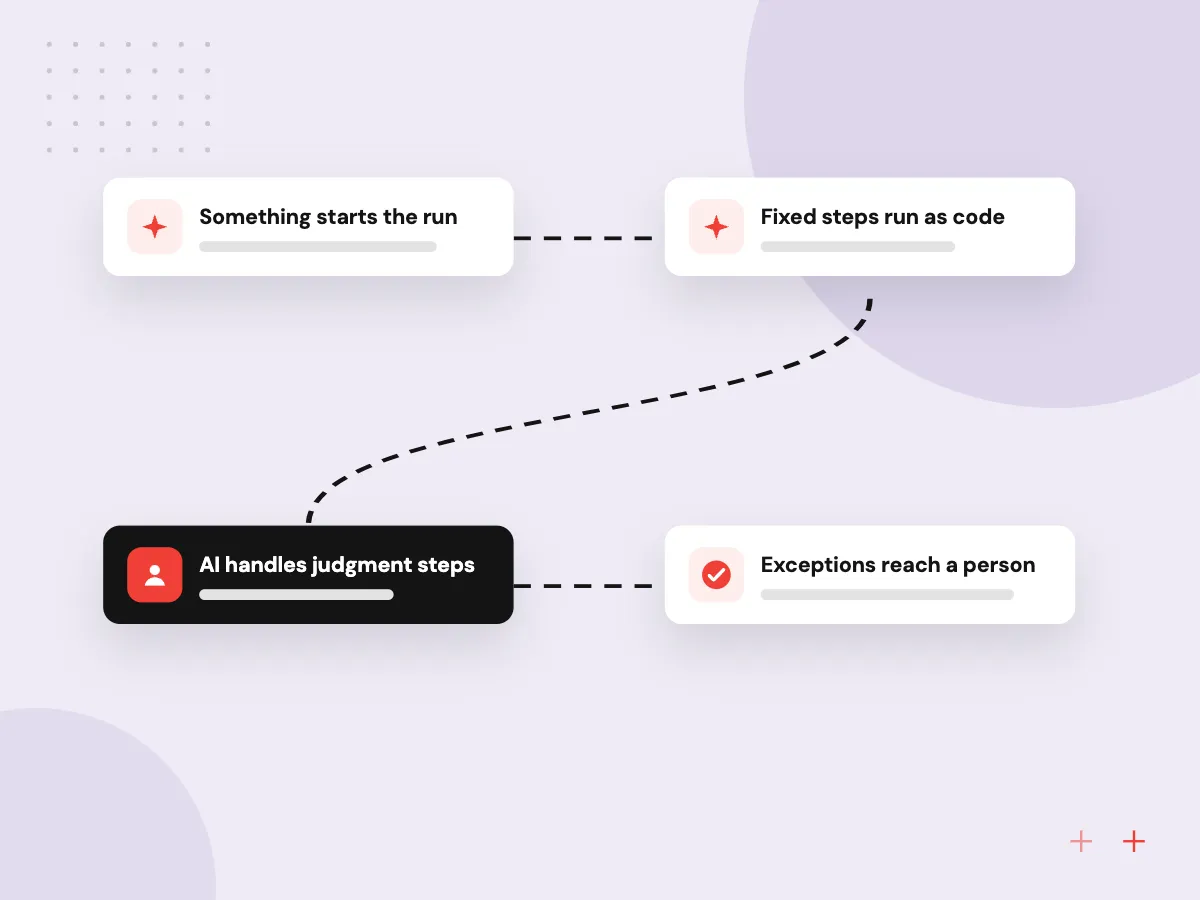
- 01 Something starts the run A new email, form entry, record change or schedule triggers the workflow.
- 02 Fixed steps run as code Lookups, calculations and updates follow rules that behave the same way every time.
- 03 AI handles judgment steps A model classifies, extracts or drafts where plain rules cannot read free text.
- 04 Exceptions reach a person Anything unusual waits in a queue with context, and every run is logged.
AI is used only for the steps that need it, which keeps runs cheaper, faster and easier to audit.
Repetitive tasks worth automating
Business process automation works best on tasks that happen often, follow a pattern and take staff time every day.
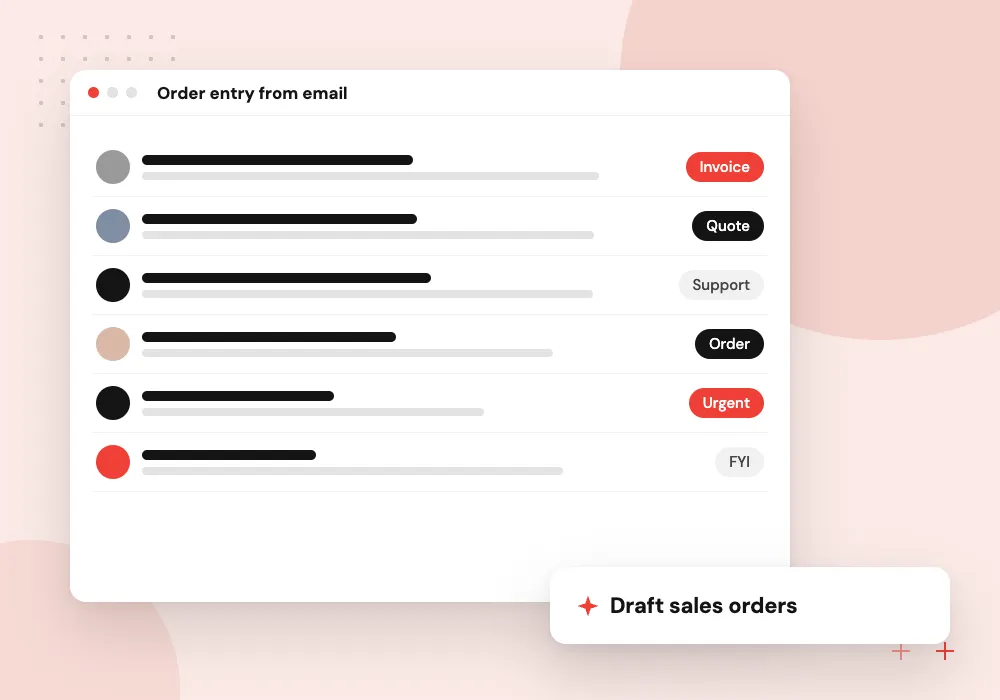
Order entry from email
Purchase orders sent by customers are read, checked against price lists and created as sales orders awaiting approval.
CRM and spreadsheet sync
Records changed in one place are cleaned, deduplicated and written to the others, with conflicts flagged for review.
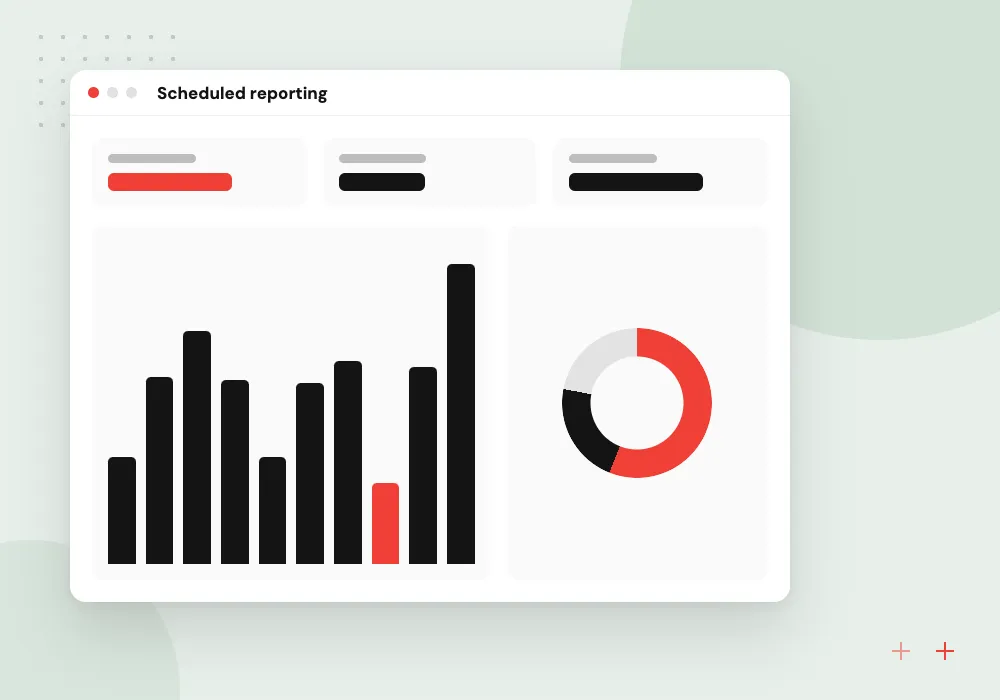
Scheduled reporting
Figures from several systems are pulled together, summarized in plain language and sent to managers each week.
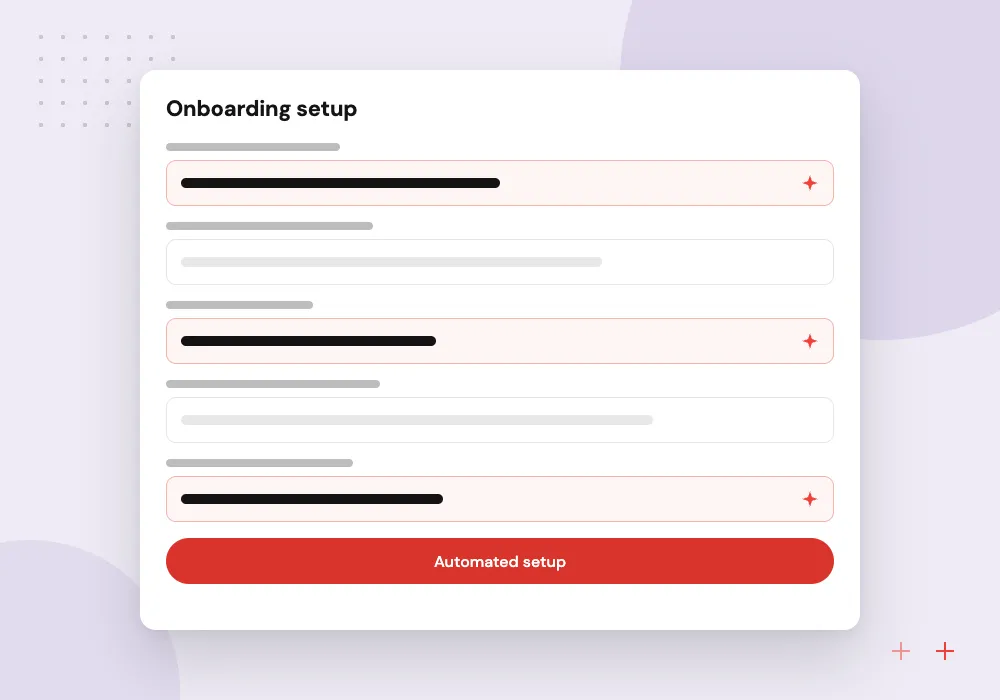
Onboarding setup
Accounts, folders, welcome emails and checklists for a new hire or customer are created from one form, with reminders for missing items.
Exception queue and run history
Each run records what triggered it, what every step read and wrote, and where it stopped. Items the rules or the model are unsure about wait in an exception queue with the source email or file attached, so the person clearing them can see why each one was held.
What we do
- Step-by-step run history
- Exception queue with the source attached
- Alerts when a run fails
- Pause switch for each workflow
- Approval before money or stock changes
A ranked list of processes to automate
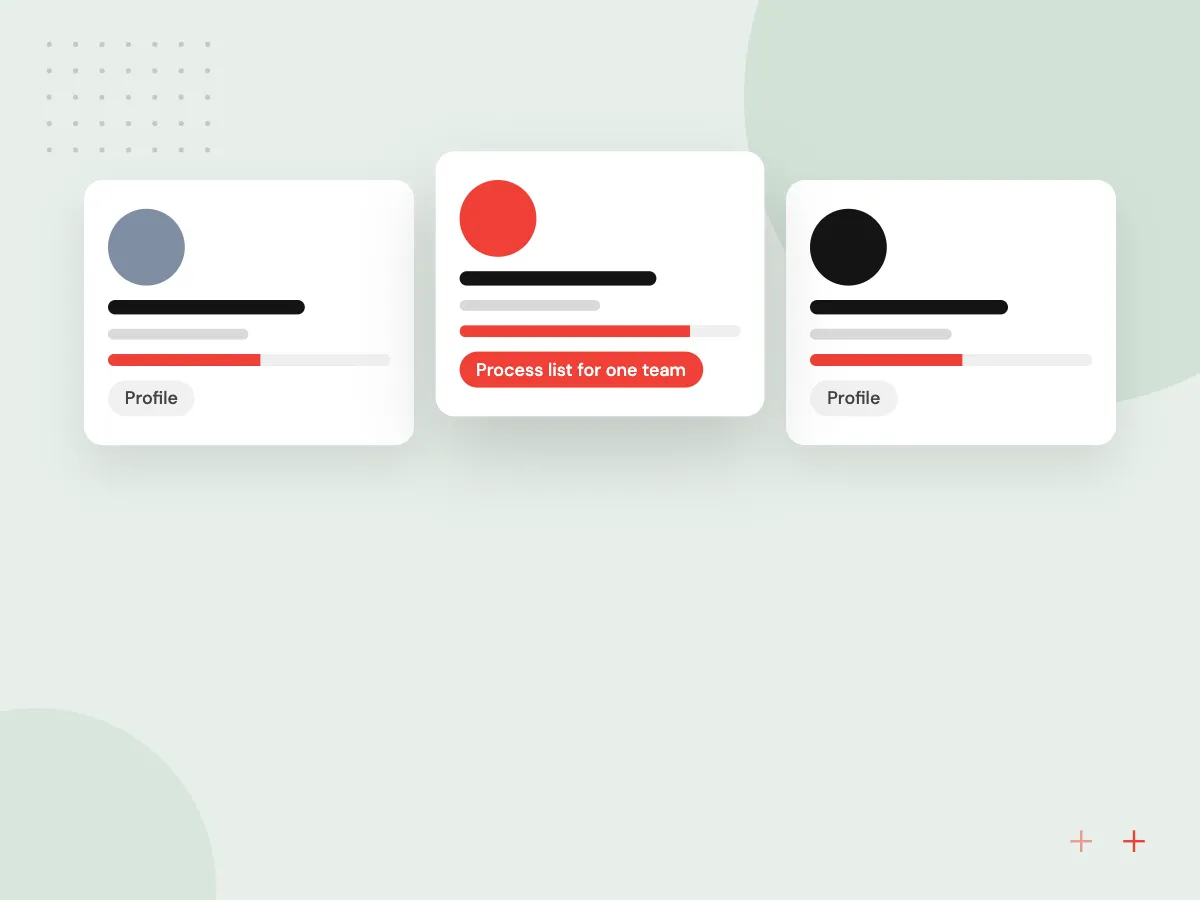
Before building, we list the small processes in one team, from inbox checks to weekly reports, and record how often each runs, how long it takes, which systems it touches and who does it. The list is ranked so the first workflow is the one most likely to pay back.
What we do
- Process list for one team
- Frequency and time per task
- Systems and handoffs involved
- Rule steps and AI steps labeled
- Ranked shortlist for phase one

How we approach a project
AI is used for specific steps: reading a free-text email, sorting a request into a category, pulling fields from an attachment or drafting a reply for review. Heavy document work such as invoices and contracts sits with AI document processing. When one step needs an assistant that plans and uses tools on its own, we build it the way described under AI agent development.
Every workflow can be paused, and steps that change money, stock or customer records can require approval first. If you are unsure where AI fits in your business, the AI project readiness checklist is a sensible first read.
How we work
- Rules first, AI where needed
- A visible log for every run
- Small workflows shipped early
Our Process
-

Screen-share walk-through
A staff member shows us the task on screen while we note every system, decision and exception.
-

Design the run
We write down the trigger, the fixed steps, the AI steps, the approval points and what happens when something fails.
-

Parallel run
The automation runs next to the manual process for a short period so both sets of results can be compared.
-

Handover, then the next one
Your team gets the run log, alerts and a short guide, and we pick the next process from the list.
Why Aranv for automation
Plain rules before models
Lookups, calculations and updates run as ordinary code. A model is called only where a step must read free text, which keeps runs predictable and model costs low.
Built on tools you pay for
If your team already has a workflow platform, we build there first. Custom services are added only where volume, logic or missing connectors call for them.
Logic your staff can read
Each workflow comes with a one-page description of its trigger, steps and approvals, so the person who owns the process can see what runs on their behalf.
One workflow at a time
We finish, hand over and measure one process before starting the next, so the time saved is visible and the team learns how exceptions are handled.
Planning AI Workflow Automation?
Book a 30-minute conversation with the team that would build it.
AI workflow automation FAQs
-
What tasks can AI automate in a small business?
Good candidates are frequent, rule-heavy tasks with some free text involved: sorting incoming email, entering orders, updating CRM records, chasing missing paperwork and building routine reports. Work that needs negotiation or rare judgment calls is better left with people.
-
Do we need a workflow platform or custom code?
Either can work. A workflow platform is quick to change and easy for staff to read. Custom code suits high volumes, complex logic or systems without ready-made connectors. We often combine the two.
-
How is AI workflow automation different from RPA?
Robotic process automation clicks through screens the way a person would and tends to break when a screen changes. We prefer direct API connections, and we add AI for the parts that involve reading or writing language, which older RPA could not handle.
-
What happens when an automation gets something wrong?
It should stop and ask rather than guess. Validation rules catch most problems before anything is written, uncertain items go to a review queue, and the log shows exactly what each run did so it can be corrected.
-
How soon can a first workflow go live?
A single, well-defined workflow is often live within weeks rather than months, though it depends on system access and how clean your data is. We agree milestones once the process map is done.
-
What do you need from our team?
Access to the systems involved, one person who knows the process well, and an hour or two of their time each week during the build to answer questions and check results.

Let’s talk about your next step
Contact Aranv to discuss your workflow, current tools, and goals. Meet with our team or send an inquiry.
Book a meeting with our team
Choose an available date and time for a 30-minute conversation about your project.
Tell us about your project
Share a few details so we can discuss a useful next step.
Prefer email? sales@aranv.com