


What customer portal development includes
Aranv offers customer portal development for US businesses that want clients to help themselves: secure sign-in, order and project status, invoices and payments, shared documents and service requests, connected to the CRM, ERP and accounting systems your staff already use.
A self-service portal is a web application with one hard rule: every client sees only their own records. We design the account model first, covering companies with many users, people who belong to several accounts and staff who act on a client’s behalf, then build permissions around it.
Sign-in is where most portal risk sits. We support single sign-on, passkeys and multi-factor login, and follow NIST’s digital identity guidelines on passwords, which favor longer minimums and drop forced periodic resets.
From status calls to self-service
How a portal replaces status calls
- 01 List the repeat questions We tally the calls and emails your team answers about orders, invoices and files.
- 02 Pick the source systems Each answer is traced to the CRM, ERP or file store that holds it.
- 03 Build secure self-service Clients sign in, see their own records and act on them without calling.
- 04 Measure and extend We track logins and remaining calls, then add the next most requested feature.
A portal shows data that already exists elsewhere. It should read from your systems, not become one more place to update.
Client portal development by use
Portals serve different jobs depending on what clients ask your team for most often.
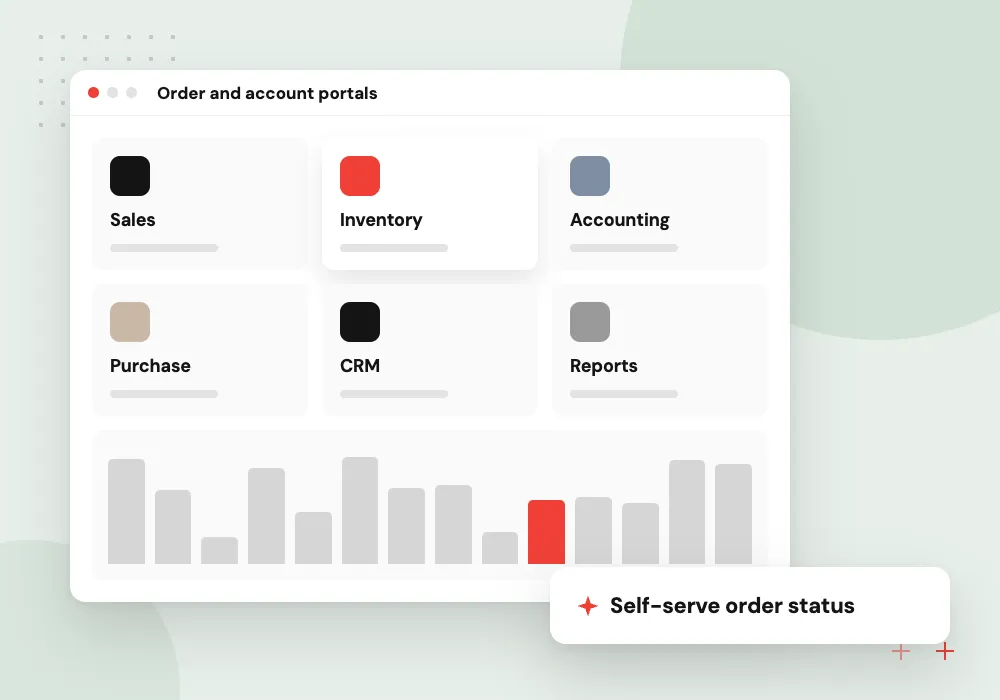
Order and account portals
B2B customers check order status, tracking, invoices and statements, reorder past items and download certificates, using data drawn from your ERP.
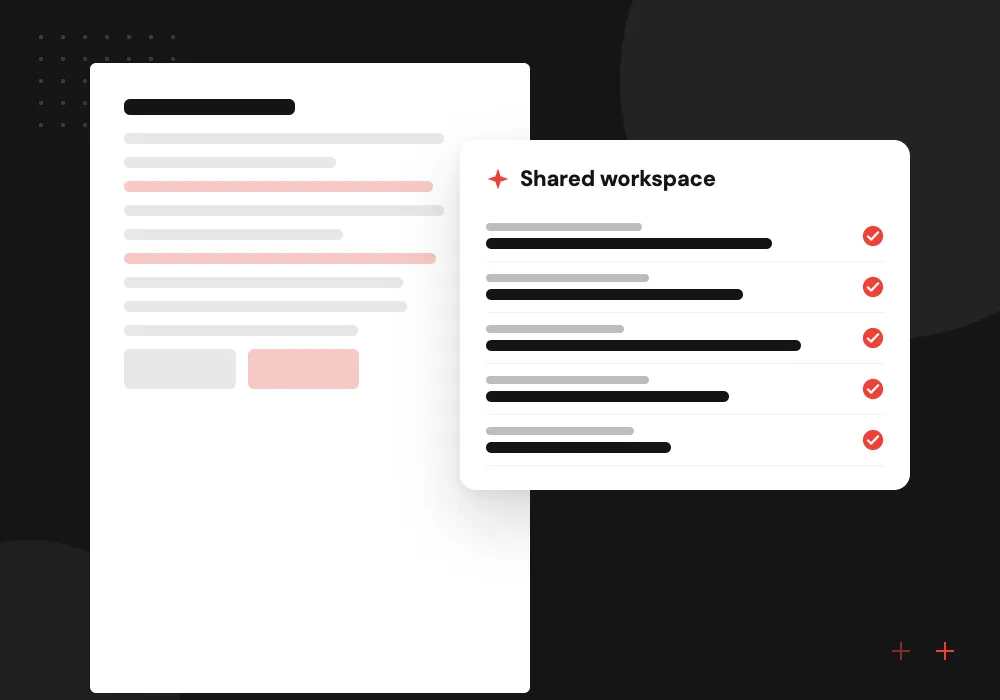
Client project portals
Accounting, legal, engineering or agency clients follow milestones, approve deliverables, upload files and sign documents in one secure space.
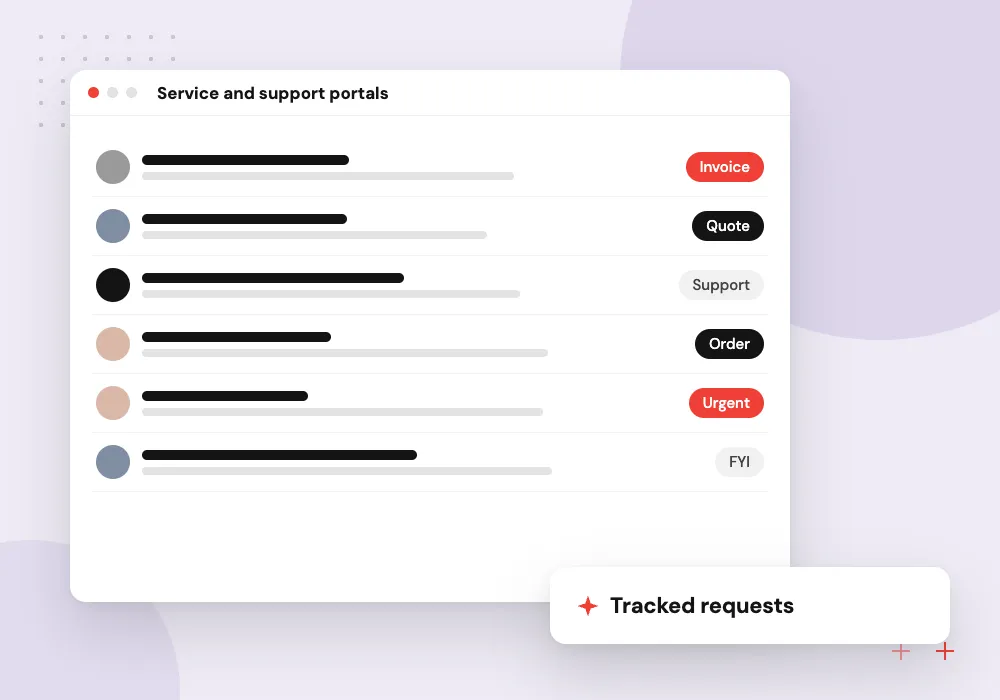
Service and support portals
Customers raise service requests, book visits, track tickets and read help articles, while staff handle each request in the helpdesk they already use.
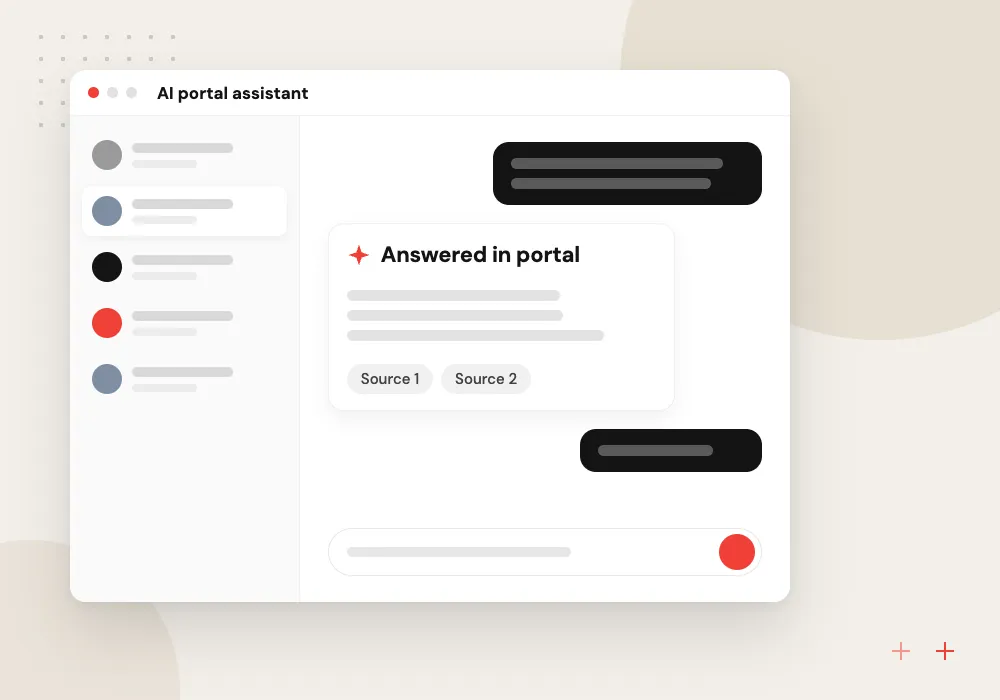
AI portal assistant
An AI assistant answers questions about a client’s own orders, invoices and contracts by reading the portal’s data, and passes anything it cannot settle to the account team.
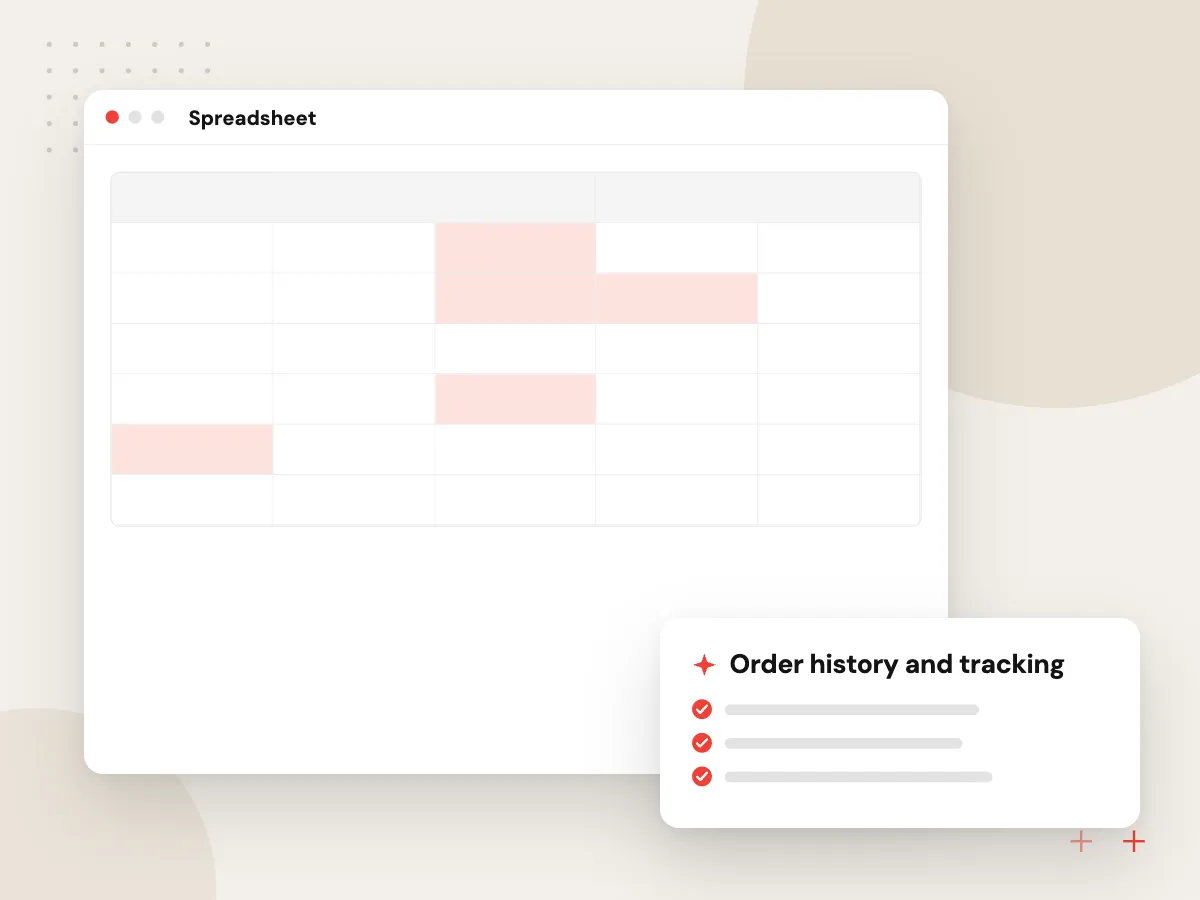
Self-service portal for B2B accounts
Business customers want answers without waiting for a sales rep: where is my order, what do I owe, where is the certificate for that batch. The portal pulls those answers from your ERP and accounting system, lets buyers reorder and download documents, and shows account managers what each client viewed.
What we do
- Order history and tracking
- Statements and invoice download
- Reorder from past orders
- Certificates and spec sheets
- Multi-user company accounts
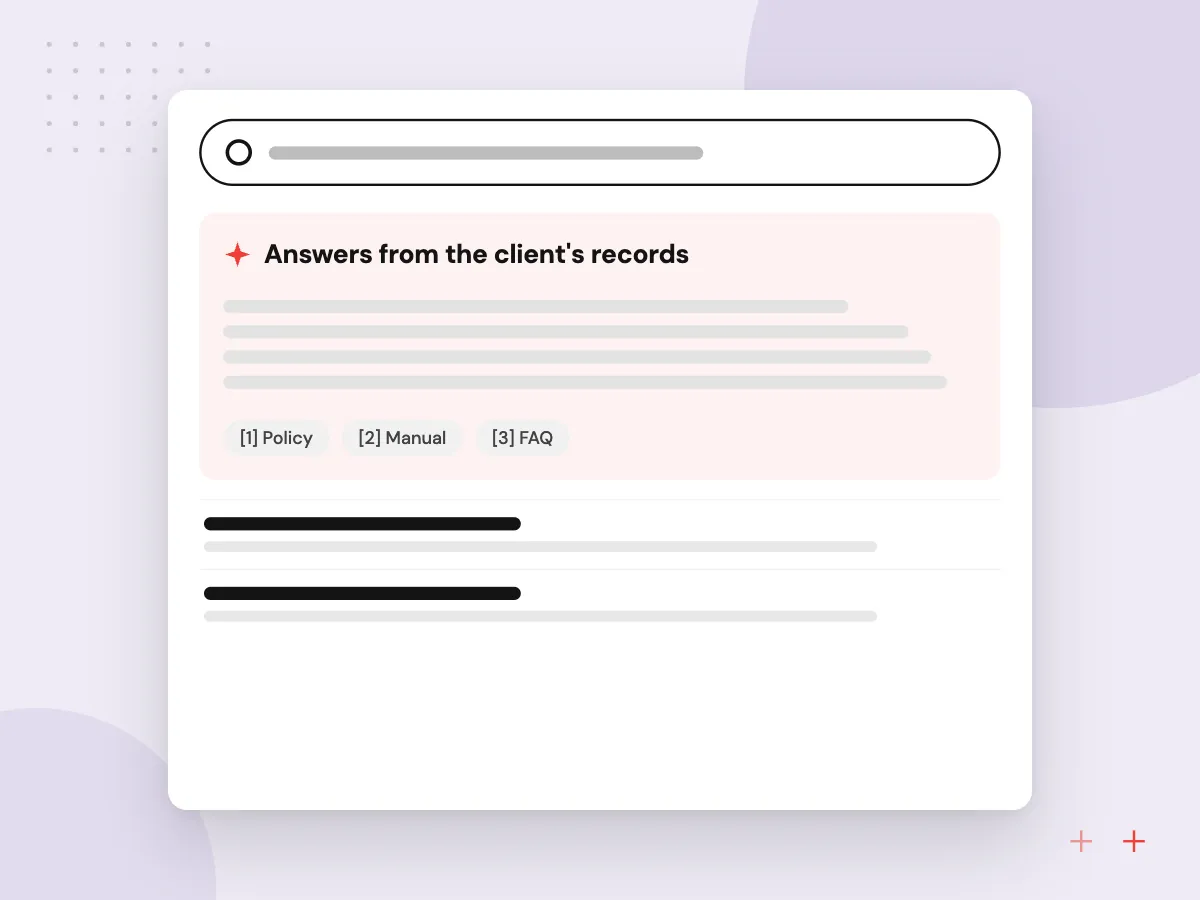
AI help inside the client portal
A portal assistant answers everyday questions such as which invoices are overdue or when a part ships, using the client’s own records. It drafts service requests from a description and photos, and hands anything involving pricing, disputes or contract terms to a named person on your team.
What we do
- Answers from the client’s records
- Permission checks on every lookup
- Request drafting from photos
- Handoff to the account team
- Logged conversations for review

How we approach a project
The data comes from systems you already run. Through API integration, the portal reads orders from your ERP, contacts from your CRM and invoices from accounting, and writes requests back where staff will see them. For online invoice payment, our payment gateway integration work adds card and ACH payments without card numbers touching your servers.
Shared files need versions, retention and access logs, which our document management system work covers. An AI assistant inside the portal follows the same permissions as the screens, so it only retrieves records the signed-in user may already see.
How we work
- Clients see only their own data
- Read from systems you already run
- Every request leaves an audit trail
Our Process
-

Review client contact logs
We read a sample of client emails and call notes to find the questions a portal should answer first.
-

Design accounts and permissions
Company, user and staff roles are agreed, along with what each one can view, change or approve.
-

Connect, then build screens
Integrations with your ERP, CRM and file store come first, then the screens clients use on top of them.
-

Invite clients in waves
A small group of friendly clients tries the portal before invitations go to everyone, and help text is written from their questions.
Why Aranv for client portals
Permissions tested, not assumed
Automated tests try to reach other clients’ records on every release, because a portal that leaks one invoice loses the trust it was built to earn.
Your systems stay the source
The portal reads and writes through your ERP, CRM and accounting APIs, so staff keep working where they are and no record is kept twice.
Sign-in people can manage
Passkeys, single sign-on and sensible password rules keep accounts secure without filling your support queue with lockouts and resets.
Room to grow
The account model is planned for more users, companies and features, so adding payments or documents later does not mean rebuilding the core.
Planning Customer Portal Development?
Book a 30-minute conversation with the team that would build it.
Customer portal questions
-
What does a customer portal cost to build?
The main drivers are the number of systems it reads from, the account and permission model, payments, document handling, e-signature, and whether clients need a mobile app. A phased estimate follows discovery, so the first release covers the questions your team fields most.
-
Should we use our CRM’s built-in portal or build a custom one?
Use the built-in portal if your client data lives mostly in that CRM and its layout suits your clients. Build a custom portal when data is spread across an ERP, accounting and file storage, when you need your own workflows, or when per-user portal licenses get expensive.
-
How do you keep each client’s data separate?
Every query is filtered on the server by the signed-in user’s account and role, not just hidden on screen. Automated tests try to read other accounts’ records on each release, and access to sensitive documents is logged.
-
Can clients pay invoices through the portal?
Yes. The portal lists open invoices from your accounting system, takes card or bank payments through a payment provider’s hosted fields, and marks each invoice paid in accounting. Card numbers stay with the provider.
-
Can an AI chatbot in the portal see confidential client data?
Only what the signed-in user can already see. The assistant retrieves records through the same permission checks as the portal screens, never from a shared index of everyone’s data, and conversations are logged for your team.
-
How do we get clients to use the portal?
Start with the task they contact you about most, send personal invitations with a direct link, and keep sign-in simple with passkeys or email links. Staff can then point routine questions to the portal instead of answering by email.

Let’s talk about your next step
Contact Aranv to discuss your workflow, current tools, and goals. Meet with our team or send an inquiry.
Book a meeting with our team
Choose an available date and time for a 30-minute conversation about your project.
Tell us about your project
Share a few details so we can discuss a useful next step.
Prefer email? sales@aranv.com