


What custom CRM development includes
Aranv offers custom CRM development for small and midsize businesses: CRMs built around your sales and service process, or platforms such as Odoo and Zoho extended and connected to your email, ERP, website and phone systems, so every customer record lives in one place.
We begin by mapping how a customer moves through your business: where leads come from, who qualifies them, how quotes are priced and approved, what happens after the sale and where data is typed twice today. That map shows which parts a standard CRM already handles and which need custom work.
Many smaller companies are best served by a standard CRM set up properly. Zoho CRM, HubSpot and Odoo CRM handle contacts, pipelines, email logging and basic reports out of the box. If you already run Odoo for accounting or inventory, its CRM shares customers and products with the rest of the system; see Odoo development and Odoo customization.
How a CRM project is shaped
Process first, software second
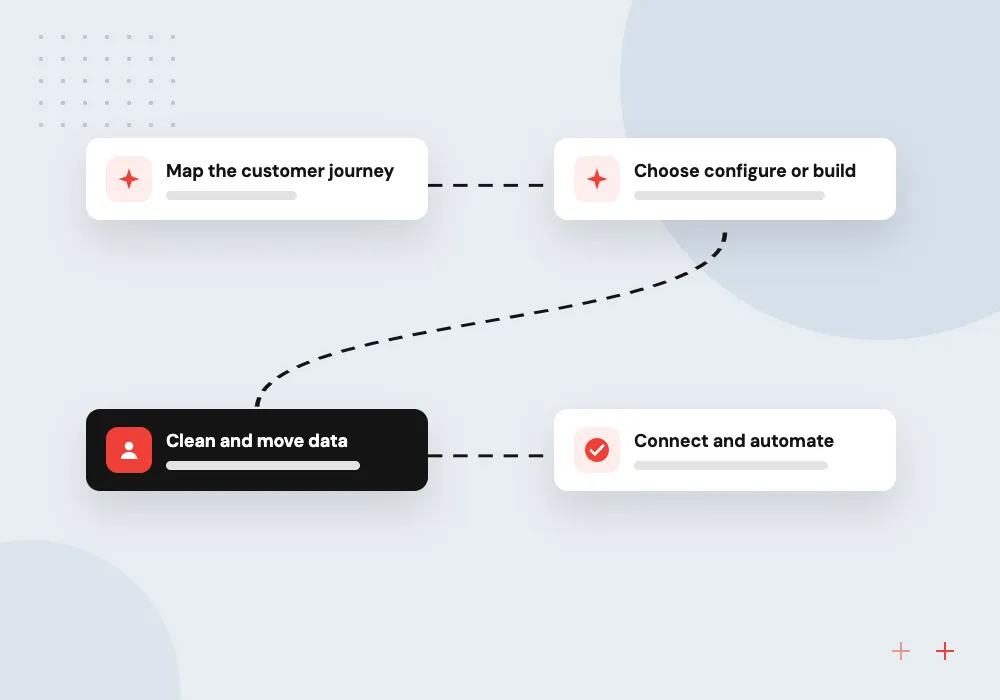
- 01 Map the customer journey From first inquiry to quote, order, invoice and renewal, with an owner at each stage.
- 02 Choose configure or build A standard CRM, an extended platform, or a fully custom application.
- 03 Clean and move data Contacts, companies and deals deduplicated and imported from spreadsheets and old tools.
- 04 Connect and automate Email, forms, ERP and invoicing linked so nobody retypes a record.
A full custom build only pays off when no standard CRM fits the way you sell.
CRM work we take on
The right answer ranges from a well-configured standard CRM to a system written from scratch.
CRM for small business
A first CRM for a team running sales from spreadsheets and inboxes, with simple pipelines, tasks and reminders.
Zoho CRM for small business
Zoho set up with custom modules, layouts, workflows and Deluge scripts where the standard features stop short.
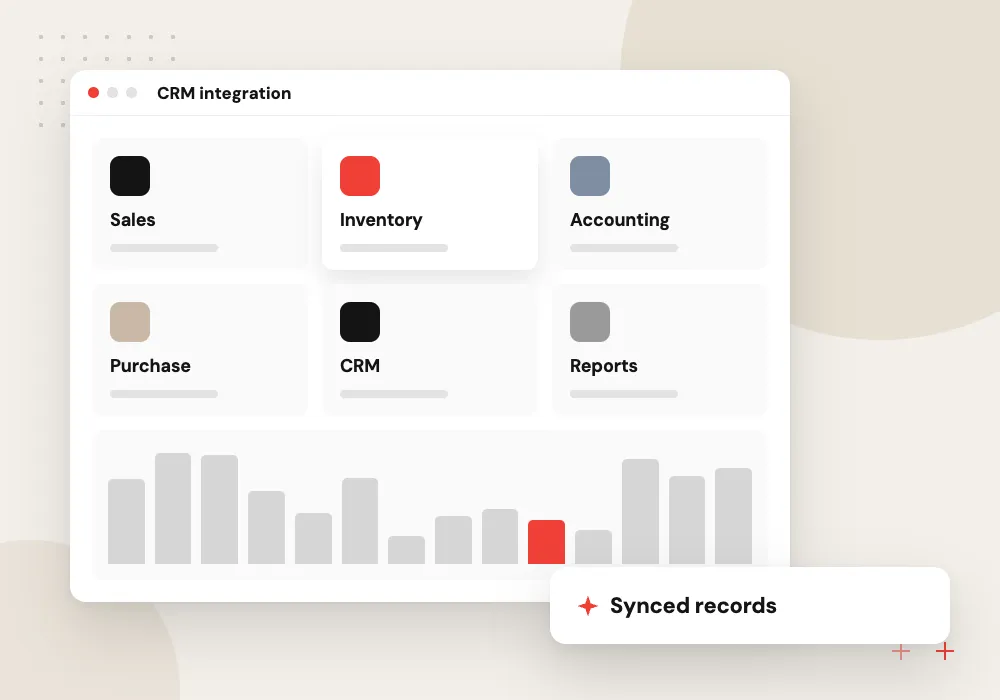
CRM integration
Two-way sync between the CRM and your ERP, accounting, online store, phone system or website forms.
Fully custom CRM
A purpose-built system for unusual processes, such as project-based sales, field visits or dealer networks.
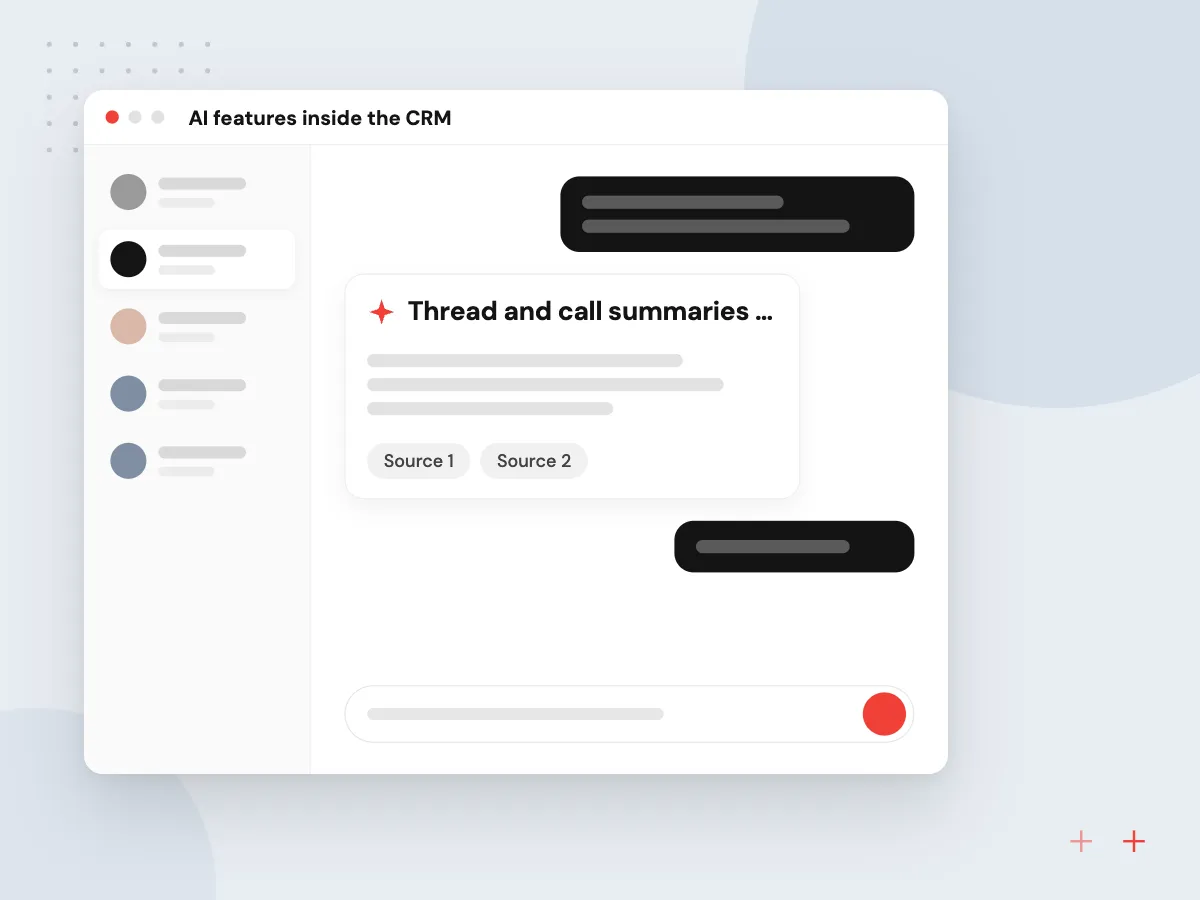
AI features inside the CRM
With clean records in place, AI can do useful work inside the CRM: summarize a long email thread on the contact page, suggest the next step on a stalled deal, draft a reply from past conversations or score new leads against the ones that became customers. Staff accept or edit each suggestion.
What we do
- Thread and call summaries on records
- Next-step hints on stalled deals
- Drafts based on past conversations
- Lead scores from your own history
- Accept or edit before saving
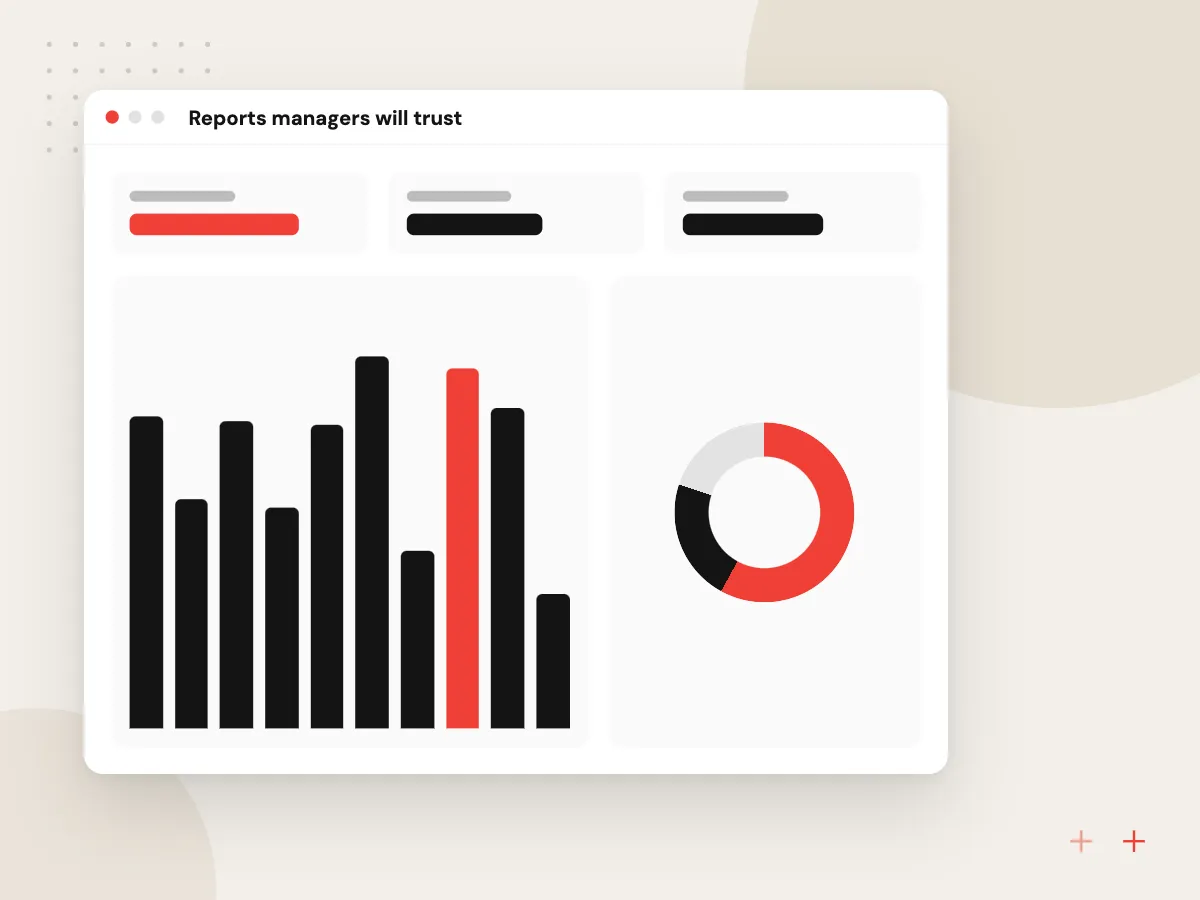
Reports managers will trust
A CRM earns trust when its numbers match what managers see elsewhere. We define pipeline value, win rate and response time the way finance and sales leaders agree, build role-based dashboards in the CRM or in Power BI, and flag open deals with missing amounts or close dates.
What we do
- Pipeline and forecast views by stage
- Win and loss reasons captured
- Service response time reports
- Missing-field checks on open deals
- Power BI link for wider reporting

How we approach a project
A custom CRM makes sense when your process fits no standard pipeline, when per-user licensing grows expensive, or when the CRM must sit inside a customer portal or product you already run. We build these as web applications with role-based access, audit history, search, reports and a phone-friendly interface, following the practices of our custom software development work.
Integration is usually where the effort goes. We connect the CRM to email and calendars, web forms, accounting, ERP, eCommerce and telephony through their APIs and webhooks, with error logs and retries so a failed sync is visible. More on that under API development and integration.
For AI built around a sales team in particular, see our AI sales assistant page.
How we work
- Fit the CRM to your process
- Clean data before go-live
- Remove double entry first
Our Process
-

Sales process mapping
Workshops with sales, service and finance to map stages, fields, approvals and handoffs.
-

Platform decision
A written comparison of configuring a standard CRM against custom development for your case.
-

Build and data migration
Configure or develop in short cycles while cleaning and test-importing your current records.
-

Rollout and adoption
Training by role, a short pilot with one team, then fixes before everyone switches over.
Why Aranv for CRM projects
Configure before we code
If Zoho, HubSpot or Odoo can run your process with good setup, we recommend that and build only the parts the platform cannot do.
One record for every team
Sales notes, quotes, orders, tickets and invoices hang off the same company record, so sales, service and finance all read one shared history.
License math done openly
Per-user fees over several years are set against the cost of building and maintaining a custom CRM, so the decision rests on figures you can check.
Documented and yours
Custom fields, modules and scripts are written up, and a custom build’s code and database belong to you, so a later partner can extend it without starting over.
Planning Custom CRM Development?
Book a 30-minute conversation with the team that would build it.
Custom CRM FAQs
-
Is a custom CRM better than Zoho or HubSpot?
Not always. A standard CRM is quicker to start and comes with vendor updates and a mobile app. A custom CRM wins when your process is unusual, when the CRM has to live inside your own product or portal, or when per-user fees for a large team outweigh build and upkeep costs.
-
What is the best CRM for a small business?
The one your team will actually keep up to date. Zoho CRM, HubSpot and Odoo CRM are common starting points, and the right pick depends on what else you run, such as Odoo for accounting or Microsoft 365 for email. We compare options against your process before recommending one.
-
How much does custom CRM development cost?
Cost depends on the number of modules, user roles and integrations, and on how much data needs cleaning and moving. Configuring a standard CRM is usually a smaller project than building one. We estimate after process mapping and include hosting and maintenance in the comparison.
-
Can you connect our CRM to our ERP and website?
Yes. CRM integration usually covers website forms, email, accounting or ERP, online orders and sometimes telephony. We use each system’s API or webhooks, log every sync and alert someone when a record fails, so data does not quietly drift apart.
-
Can you move our data from spreadsheets or an old CRM?
Yes. We export, deduplicate and map contacts, companies, deals, notes and attachments, test the import on a copy, and have your team check a sample before the final move. Records nobody uses can be archived instead of migrated.

Let’s talk about your next step
Contact Aranv to discuss your workflow, current tools, and goals. Meet with our team or send an inquiry.
Book a meeting with our team
Choose an available date and time for a 30-minute conversation about your project.
Tell us about your project
Share a few details so we can discuss a useful next step.
Prefer email? sales@aranv.com