


What a document processing project includes
Aranv builds AI document processing for small and midsize businesses that receive invoices, forms, contracts and statements by email or upload. We pull out the fields you need, check them against your records and send clean data to your accounting, ERP or CRM system, with a person reviewing anything uncertain.
We start with a sample set of your real documents across the main types and layouts, including the messy ones. That set becomes the test bench for every later change, so accuracy is measured instead of assumed.
Extraction combines optical character recognition, layout analysis and a language model that returns fields in a fixed schema. Where the prebuilt invoice and receipt models from the major cloud providers fit, we use them; otherwise we build custom extraction. Extracted contracts can then be searched and questioned with the methods on our RAG development page.
How a document becomes usable data
Capture, check, review, post
- 01 Documents arrive PDFs, scans and phone photos come in from a shared inbox, upload page or folder.
- 02 Fields are extracted Text recognition and a language model read totals, dates, parties, line items and clauses.
- 03 Rules check the result Totals must add up, vendors must exist and purchase orders must match.
- 04 People review exceptions Low-confidence values go to a review screen, and approved data posts to your system.
Each extracted value keeps a link to the page it came from, so reviewers can verify it quickly.
Documents we automate
Document intelligence pays off where the same document types arrive every week and someone on your team still retypes them.
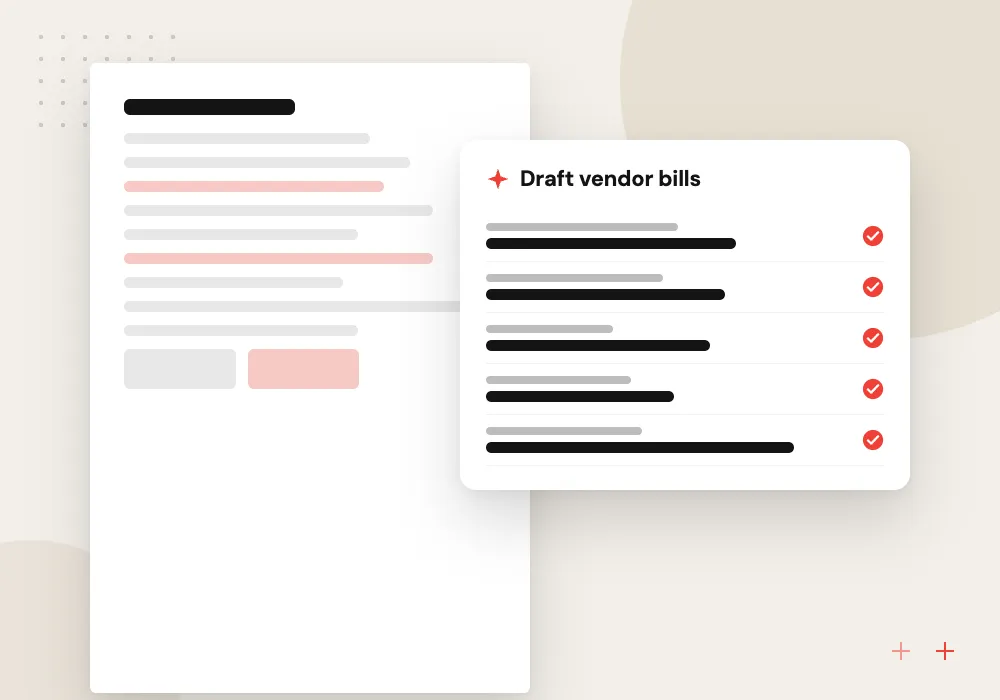
AI invoice processing
Vendor invoices are read line by line, matched to purchase orders and receipts, and queued as draft bills for approval.
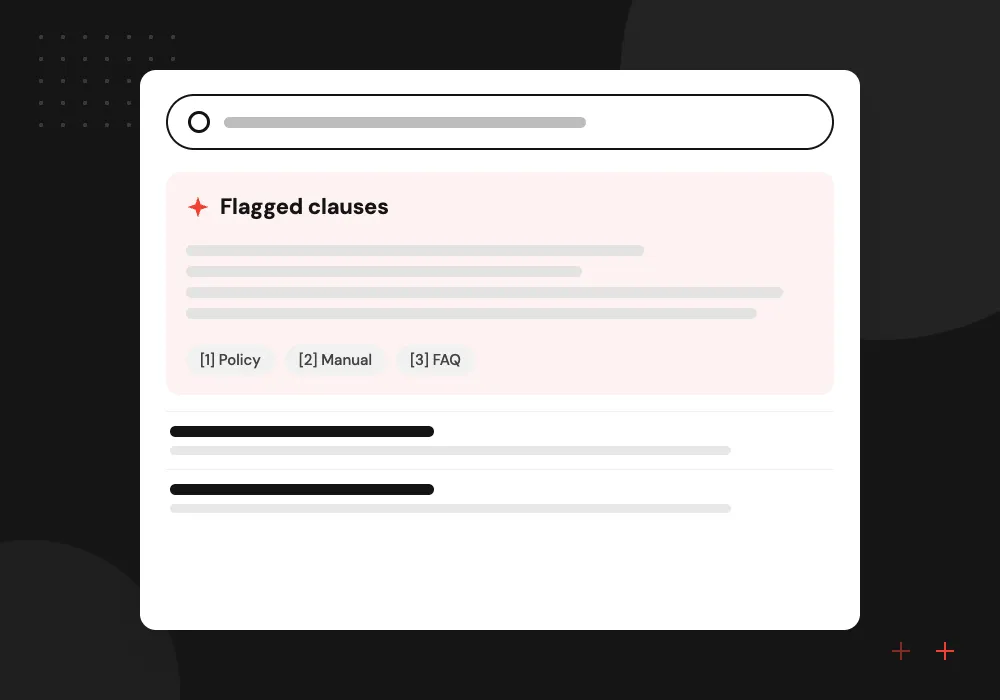
Contract review AI
Agreements are compared with your standard terms, and clauses such as auto-renewal or uncapped liability are flagged for counsel.
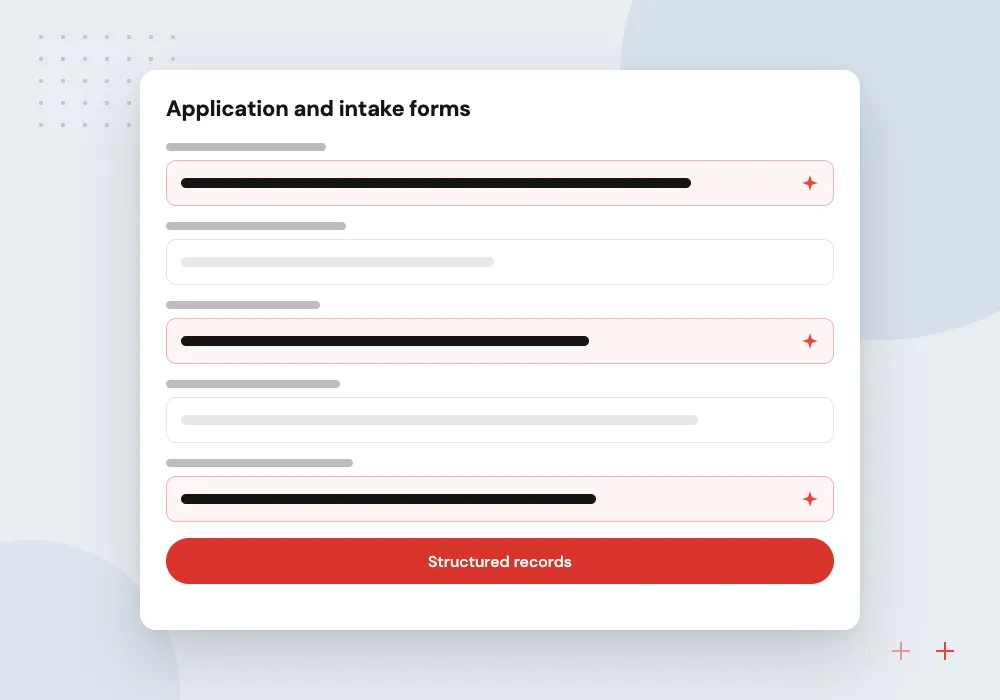
Application and intake forms
Customer, patient or employee forms become structured records, and incomplete ones go back with a list of what is missing.
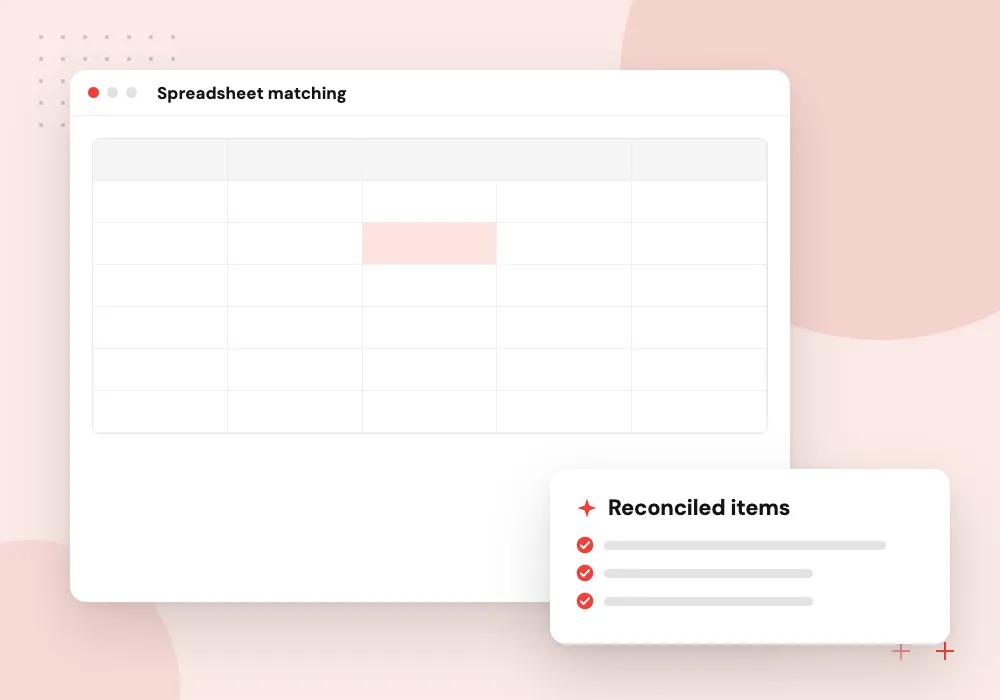
Statements and remittances
Bank statements, remittance advice and shipping papers are reconciled against open items in your ledger.
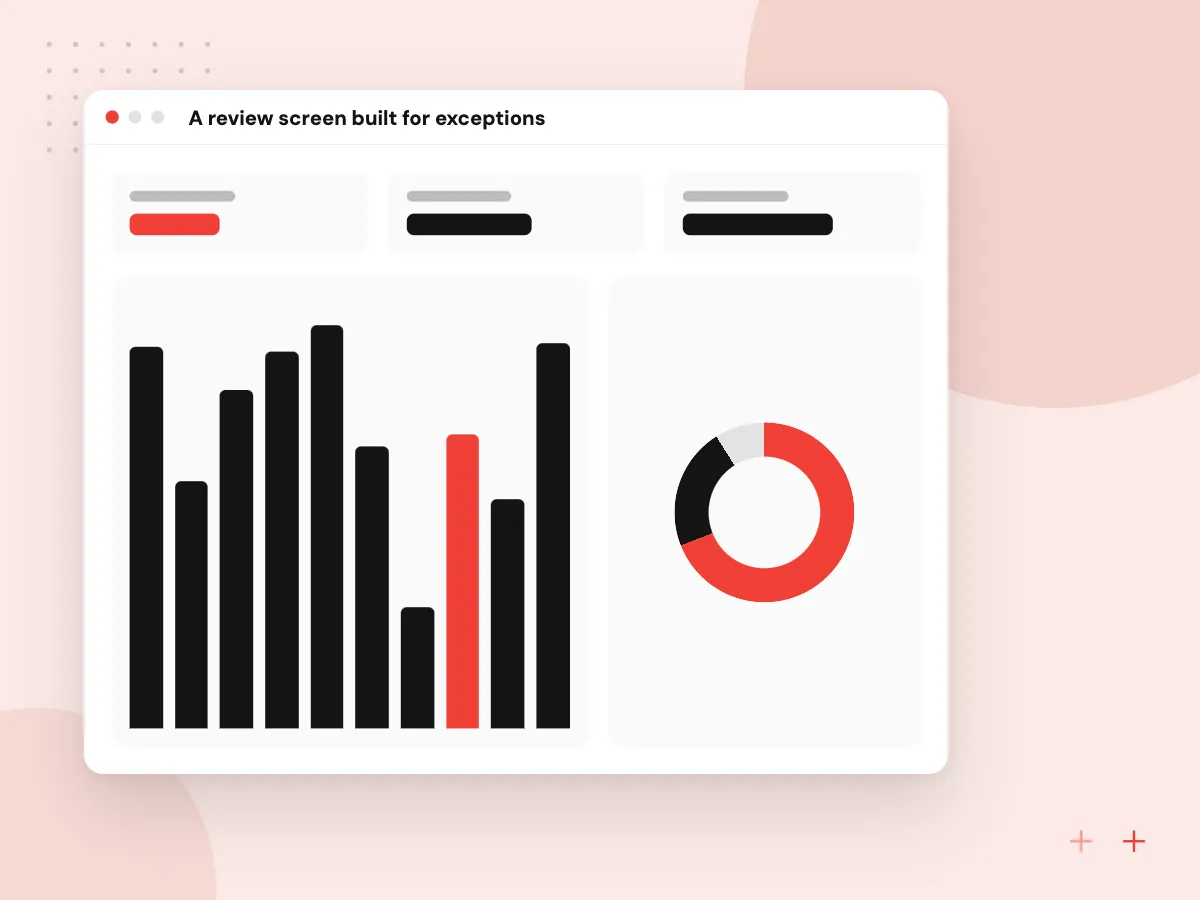
A review screen built for exceptions
Reviewers see the original page on one side and the extracted fields on the other, with uncertain values highlighted and their spot on the page marked. Accepting takes one click, a correction is typed once, and every change is logged with the reviewer’s name so an auditor can follow it later.
What we do
- Page and fields side by side
- Confidence shading per value
- Keyboard-first corrections
- Reviewer name on every change
- Corrections added to the test set
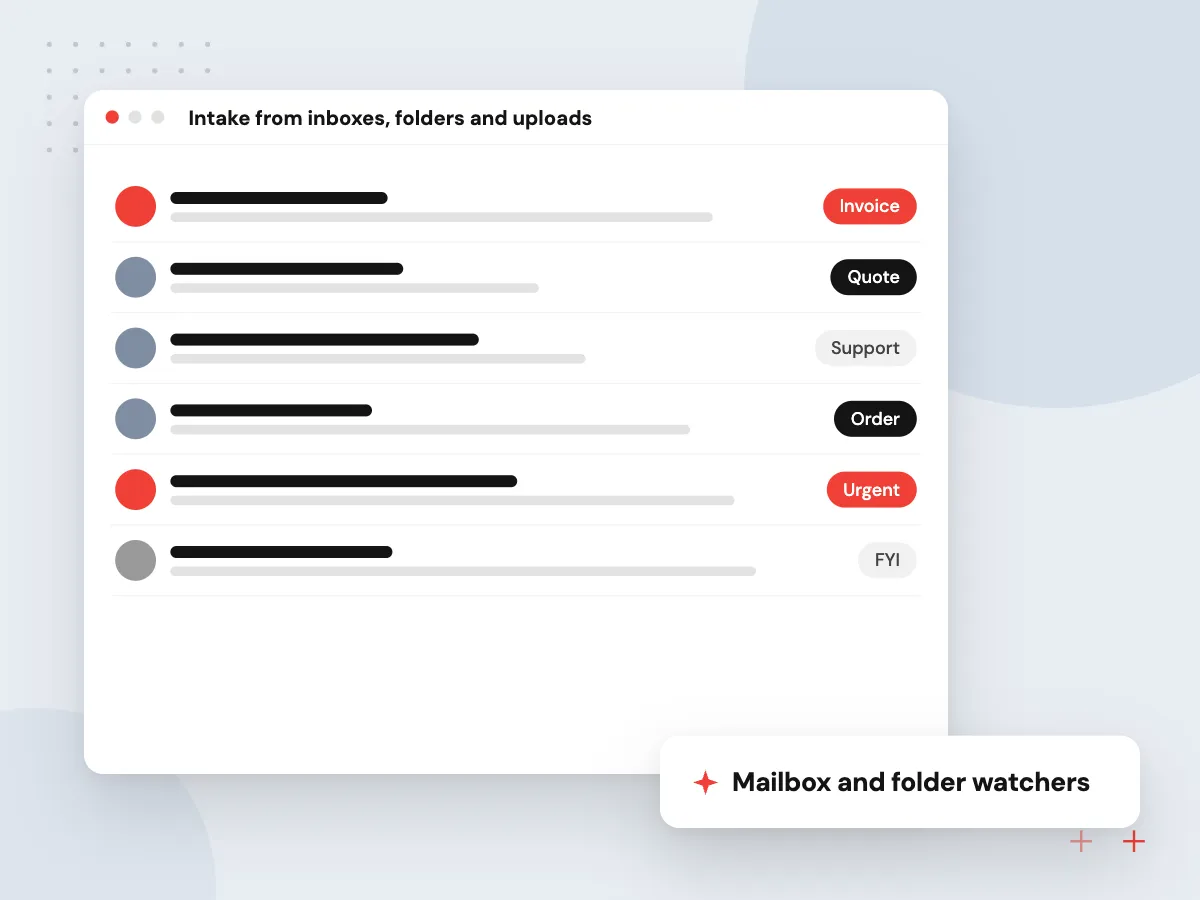
Intake from inboxes, folders and uploads
Documents rarely arrive in one place. We collect them from a shared mailbox, a scanner folder, a supplier portal or an upload page, split PDFs that hold several documents, set aside duplicates and sort each file by type before extraction starts.
What we do
- Mailbox and folder watchers
- Upload page for customers or staff
- Splitting of combined PDFs
- Duplicate file detection
- Routing by document type

How we approach a project
Validation is where most of the value sits. We write rules for your business: invoice totals equal the sum of the lines plus tax, the vendor matches a record in your system, and quantities match what was received before a bill is approved.
Output goes where your team works: draft bills in your accounting package, records in Odoo through our AI for ERP and Odoo work, or a feed into other systems built by our API integration team.
Contract review is assistance, not legal advice. The system highlights clauses and compares them with your playbook, and your lawyer or contract manager makes the call. For approval chains that continue after extraction, see AI workflow automation.
How we work
- Every field traceable to its page
- People approve uncertain values
- Validation before anything posts
Our Process
-

Collect and label samples
You share real examples of each document type, and we label the fields that matter and note edge cases such as handwriting or multi-page tables.
-

Extraction and rules
We build the extraction schema and validation rules, then measure field-level accuracy against the labeled sample.
-

Review screen and posting
Your team tests the review queue and the posting to your accounting or ERP system with live, low-risk documents.
-

Run and tune
After launch we track which fields get corrected most and adjust prompts, rules or models to cut manual review.
Why Aranv for document work
Measured on your own files
Accuracy is reported field by field on a labeled sample of your documents, bad scans included, so you know which values need a person before anything goes live.
Rules your accounts staff recognize
Totals, tax, vendor matches and received quantities are checked the way your finance team already checks them, so exceptions reach the person who would have caught them anyway.
Data kept where you decide
Processing runs in a cloud account or region you choose, provider retention settings are reviewed with you, and sensitive fields can be masked before a model reads them.
Posted to the system of record
Approved data lands as draft bills, records or ledger entries in your accounting package, ERP or CRM, each one linked back to its original file.
Planning AI Document Processing?
Book a 30-minute conversation with the team that would build it.
AI document processing FAQs
-
How accurate is AI invoice processing?
It depends on document quality and how many layouts you receive. Clean digital PDFs extract very reliably, while blurry scans and handwriting need more review. We measure accuracy per field on your own sample before launch, and confidence thresholds decide which values a person checks.
-
Do we still need people to review documents?
Yes, for exceptions. Reviewers should only see documents that fail a rule or fall below a confidence threshold, instead of retyping every page. Thresholds can be relaxed as measured accuracy holds up.
-
Can it read handwritten forms?
Often, but less accurately than printed text. Checkboxes, signatures and neat block capitals work well, while free handwriting usually needs a reviewer. We test your actual forms before committing to an approach.
-
What is the difference between OCR and document intelligence?
OCR turns an image into text. Document intelligence goes further: it understands layout, tables and meaning, so it knows which number is the invoice total and which date is the payment due date.
-
Where is our data stored and processed?
We agree that before the build. Options include your own cloud account, a provider region you choose and settings that stop providers from keeping or training on your files. Sensitive fields can be masked before any model sees them.
-
Can AI review contracts for us?
It can do the first pass: find clauses, compare them with your standard positions and list deviations. A qualified person still approves the result, and the system records what was flagged and who signed off.

Let’s talk about your next step
Contact Aranv to discuss your workflow, current tools, and goals. Meet with our team or send an inquiry.
Book a meeting with our team
Choose an available date and time for a 30-minute conversation about your project.
Tell us about your project
Share a few details so we can discuss a useful next step.
Prefer email? sales@aranv.com