


What our UX design work includes
Aranv offers UI/UX design services for web applications, mobile apps and SaaS products. We study how your users work, turn that into wireframes and clickable prototypes, test them with real people, and hand developers a design system they can build from without guesswork.
Good interface design starts with the tasks people need to finish. We interview users, read analytics and support tickets, and watch people use the current system where one exists. That research produces user journeys and a short list of problems to fix, which keeps later design debates grounded in evidence rather than taste.
Wireframes then set out structure and content, and clickable prototypes in Figma let users try the key tasks. We test with a few people from the real audience, note where they hesitate and revise. Only once the flow works do we apply visual style: color, type, imagery and motion that fit your brand.
From user research to a build-ready design
Design decisions backed by evidence
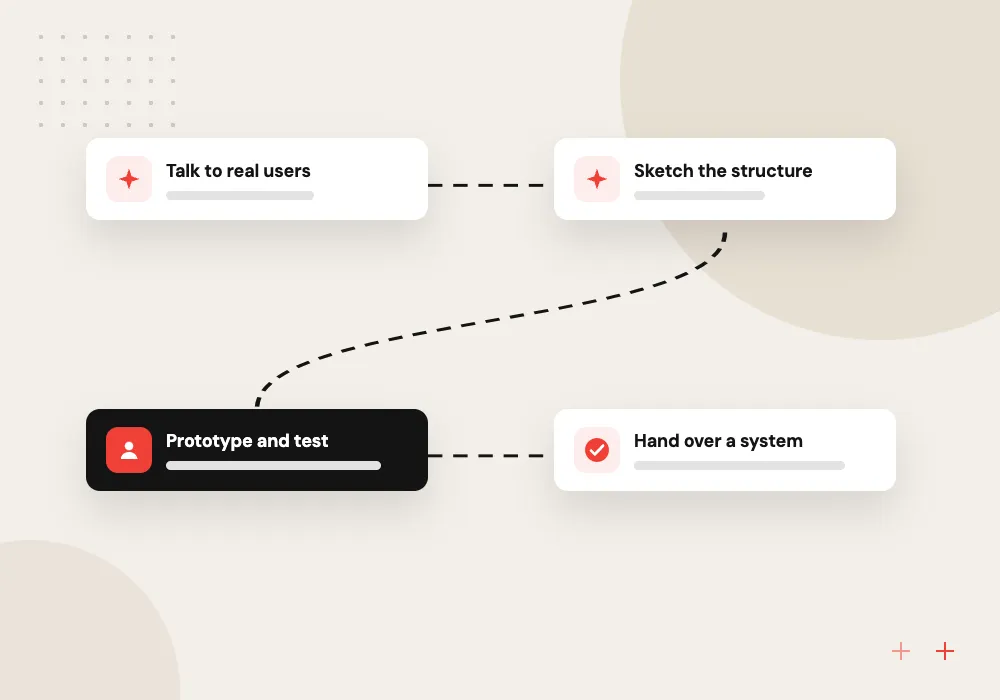
- 01 Talk to real users Short interviews and task observation show where people get stuck today.
- 02 Sketch the structure Wireframes settle navigation, content and the order of each task.
- 03 Prototype and test Target users try a clickable prototype before any code exists.
- 04 Hand over a system Components, styles and states are documented in Figma for developers.
Visual style comes last, once the structure has proven itself with users.
Product design for apps, portals and websites
Design work pays off most early on, when changing a screen takes minutes rather than a sprint.
New product design
Research, flows and a full interface for a product that does not exist yet, ready for a development team.
App design services
iOS and Android screens that follow each platform’s conventions while keeping your brand consistent.
Redesign of a live system
Usability review and redesign of a portal or tool that staff or customers find confusing.
Design systems
A shared library of components, colors, type and spacing, so each new screen matches the last.
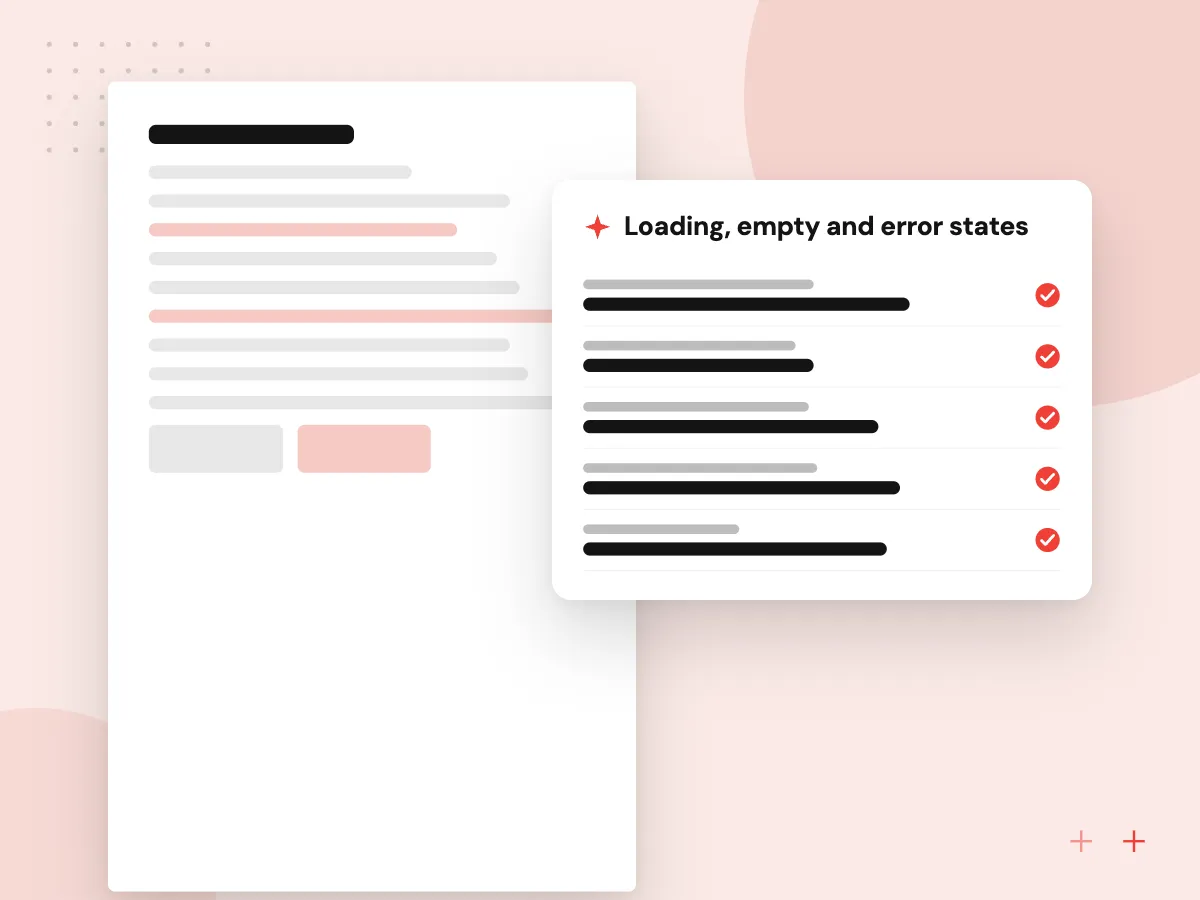
Interaction states and developer handover
Many questions during a build come from screens nobody drew: the empty list, the slow load, the failed payment. We design those states for each component, name tokens the way developers will use them in code, and review the built screens against the tested prototype.
What we do
- Loading, empty and error states
- Color, type and spacing tokens
- Component specs with variants
- Annotated flows for each journey
- Review of built screens
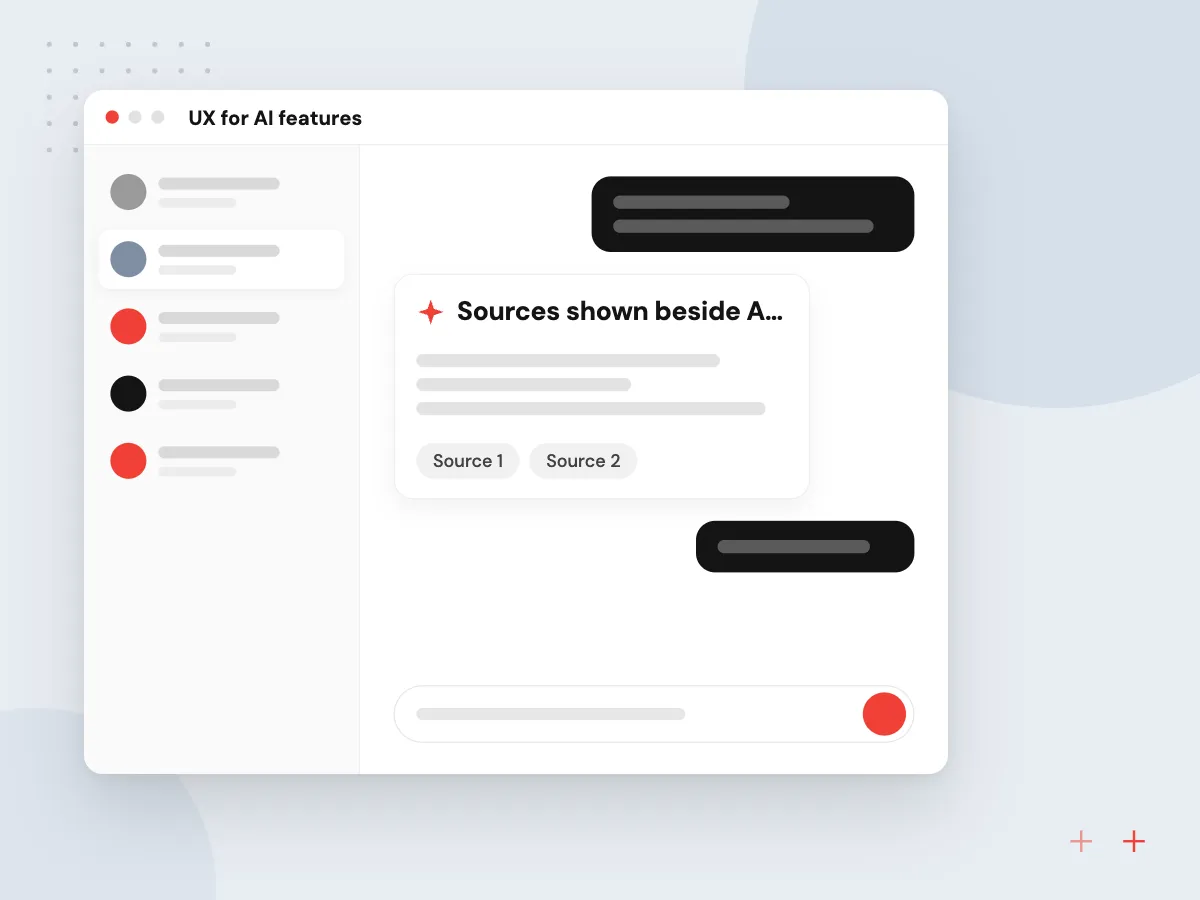
UX for AI features
AI features frustrate people when they cannot tell what the system did or how to correct it. We design screens that show the source behind an answer, let users edit a draft before it goes out, make it clear when a person takes over, and keep a manual path for each task.
What we do
- Sources shown beside AI answers
- Editable drafts before sending
- Clear handoff to a person
- Feedback buttons on each output
- Manual route for every AI task
How we approach a project
Accessibility is part of the wireframe stage, not a final audit. We design to the WCAG 2.2 success criteria, which include a minimum size for tap and click targets and a rule that keyboard focus must not be fully hidden behind other content, and we check contrast, focus order and form errors as we go.
Unlike a standalone UX design agency, we plan design and development together, so screens reflect what the chosen framework can do. Handover includes a component library, color and spacing tokens, and notes on loading, empty and error states. Design feeds straight into web application development, mobile app development and MVP projects.
Have screens that confuse users, or a product that needs its first design? Set up a 30-minute design conversation through the contact page and bring screenshots if you have them.
How we work
- Research before pixels
- Accessible from the first wireframe
- Designs developers can actually build
Our Process
-

Research and goals
Interview users and stakeholders, review analytics and agree which tasks the design must make easier.
-

Flows and wireframes
Map each journey step by step and wireframe the screens, reviewing structure before any styling.
-

Prototype testing
Run moderated sessions on a clickable prototype and fix the problems people actually hit.
-

Design system handover
Deliver final screens, components and tokens, then support developers while they build.
Why Aranv for UX design
Designers who plan with developers
Our designers and engineers work together, so each screen is checked for build effort and framework limits before you approve it.
Tested with your real users
Prototypes are tried by your customers or staff, not only by the project team, so changes rest on what people did rather than opinions.
Accessibility from the first sketch
Target sizes, contrast and focus order are checked in wireframes, when fixing them costs little, instead of in an audit after launch.
Figma files you own
Source files, the component library and tokens sit in your Figma workspace, so your team or a future partner can keep designing in the same system.
Planning UI/UX Design?
Book a 30-minute conversation with the team that would build it.
UI/UX design FAQs
-
How do UI design and UX design differ?
UX design covers how a product works: the steps, structure and content that carry someone through a task. UI design covers how it looks and responds: layout, color, type, buttons and feedback. Users judge a product on both, so we treat them as one piece of work.
-
What do we receive at the end of a design project?
Researched user journeys, wireframes, a tested clickable prototype, final screens for each device size and a documented component library in Figma. Developers also get notes on interaction states and accessibility, so nothing has to be guessed during the build.
-
How many people do you need for usability testing?
A handful of participants per round usually surfaces the most serious problems, and several small rounds teach more than one large one. Where possible we recruit from your customers or staff, since they know the real tasks.
-
Can you redesign our existing app without rebuilding it?
Often, yes. Many usability problems sit in wording, layout and navigation, which can change without touching the back end. We review the current product, rank issues by impact and effort, and design changes your developers can ship in stages.
-
Do you design for accessibility?
Yes. We use WCAG 2.2 level AA as the working target, checking contrast, target sizes, focus order, labels and error messages at each stage. Full conformance also depends on how the design is coded, so we review the built screens too.
-
Can you work with our in-house developers?
Yes. We hand designs to your team in Figma with a component library and walk-through sessions, then answer questions and review built screens during development so the final product matches the tested design.

Let’s talk about your next step
Contact Aranv to discuss your workflow, current tools, and goals. Meet with our team or send an inquiry.
Book a meeting with our team
Choose an available date and time for a 30-minute conversation about your project.
Tell us about your project
Share a few details so we can discuss a useful next step.
Prefer email? sales@aranv.com