


What custom ERP development includes
Aranv delivers custom ERP development for small and midsize US businesses that have outgrown spreadsheets and disconnected apps: one system for orders, purchasing, inventory, production and job costing, built from scratch or on Odoo, connected to your accounting package and shaped around how your teams work.
An ERP joins the records a business runs on: customers, items, orders, suppliers, stock, jobs and the money attached to each. Packaged ERPs suit standard processes, but many manufacturers, distributors and service firms run steps no package handles well, such as configured quotes or made-to-order production. That is where our custom software development team comes in.
Before writing code we test the packaged route. Odoo development often covers most of the ground, and our guide to Odoo vs NetSuite sets out the trade-offs between two common platforms. A custom ERP makes sense when per-user licensing grows heavy, when workarounds pile up, or when the ERP must sit inside a portal you already run.
How we scope an ERP
Start with the order, end with the ledger
- 01 Trace order to cash We follow a real order from quote through fulfillment, invoice and payment.
- 02 Trace purchase to pay Requisitions, approvals, receiving and supplier bills, with every spreadsheet in between noted.
- 03 Decide build, extend or buy Custom modules, Odoo with extensions, or a packaged ERP, compared in writing.
- 04 Release by department Modules go live one team at a time, with data migrated for each.
Many businesses keep their accounting package as the general ledger, with the ERP posting summarized entries to it.
ERP software development we take on
Most ERP projects start because the same order is typed into three systems and nobody trusts the stock figure.
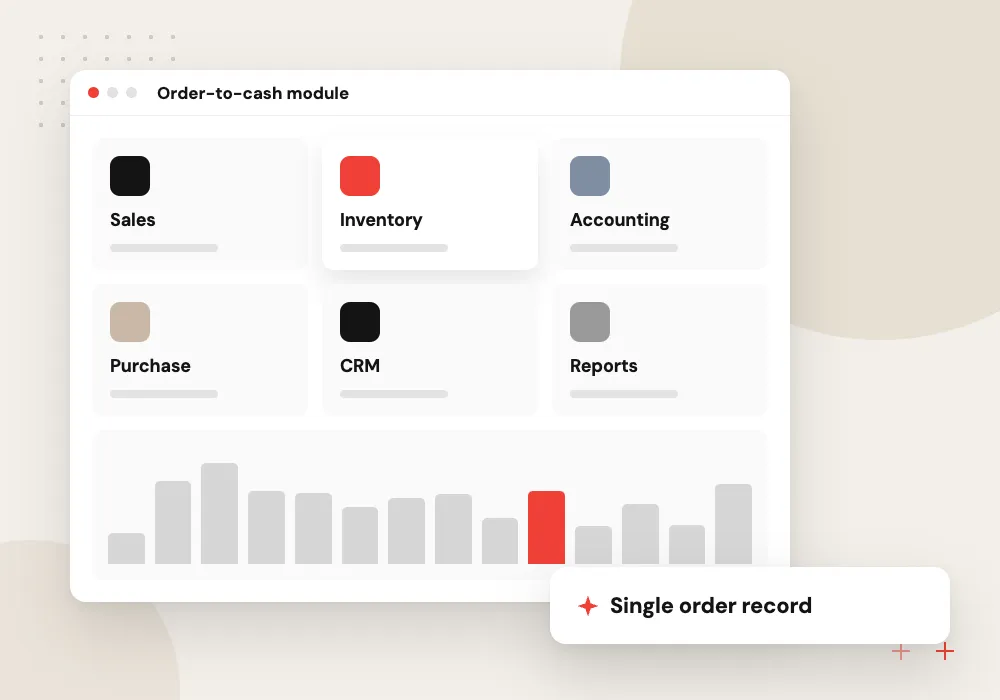
Order-to-cash module
Quotes, sales orders, pick lists, shipping and invoices in one flow, with credit holds and customer-specific pricing applied automatically.
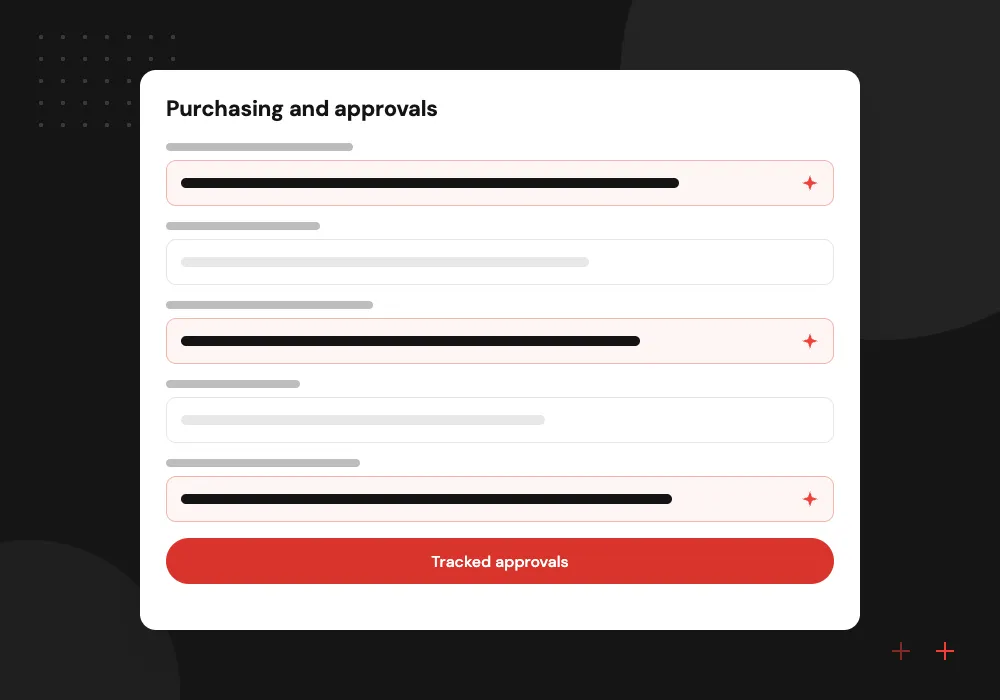
Purchasing and approvals
Purchase requests, approval limits by role, supplier price lists and three-way matching of purchase order, receipt and supplier bill.
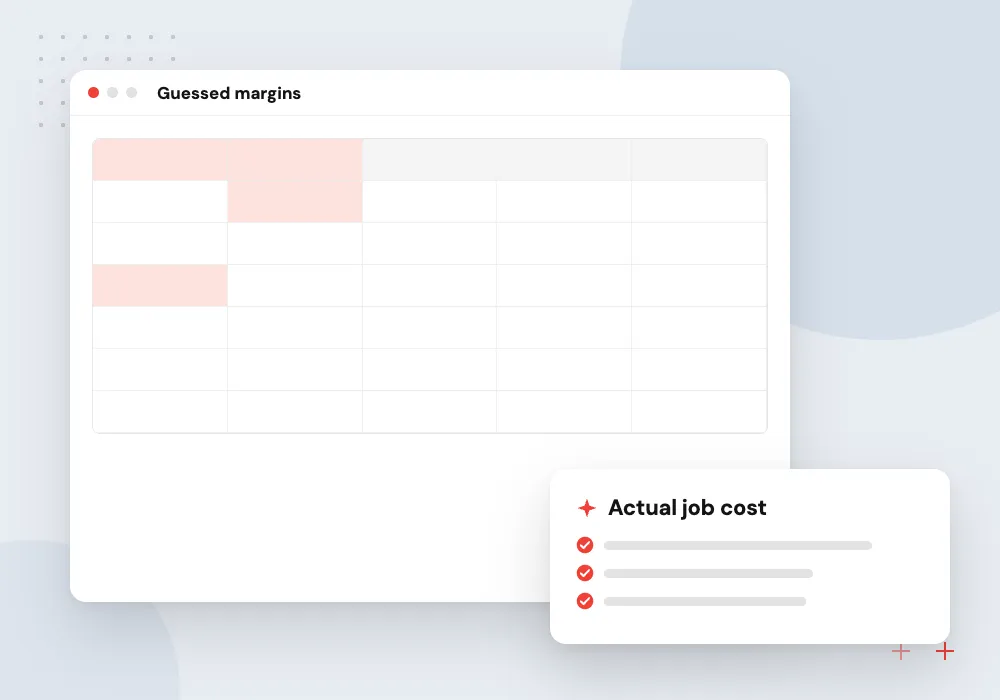
Production and job costing
Bills of materials, work orders and labor time captured on the floor, so each job shows actual cost against the original quote.
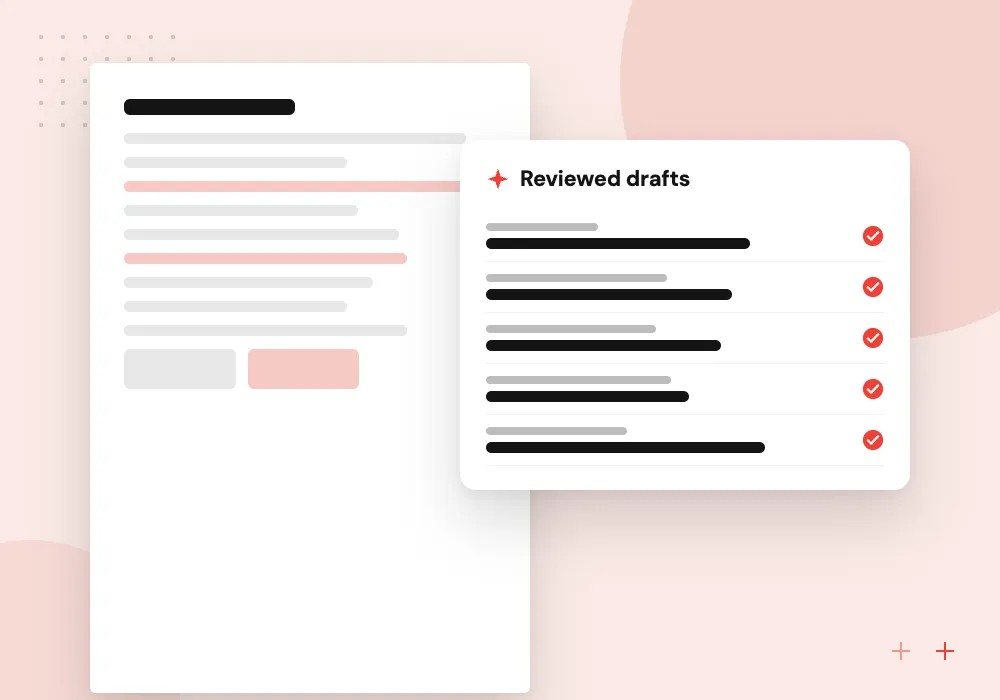
AI inside the ERP
Supplier invoices and emailed orders read into draft records, unusual entries flagged, and plain-English questions answered from ERP data, with staff approving each change.
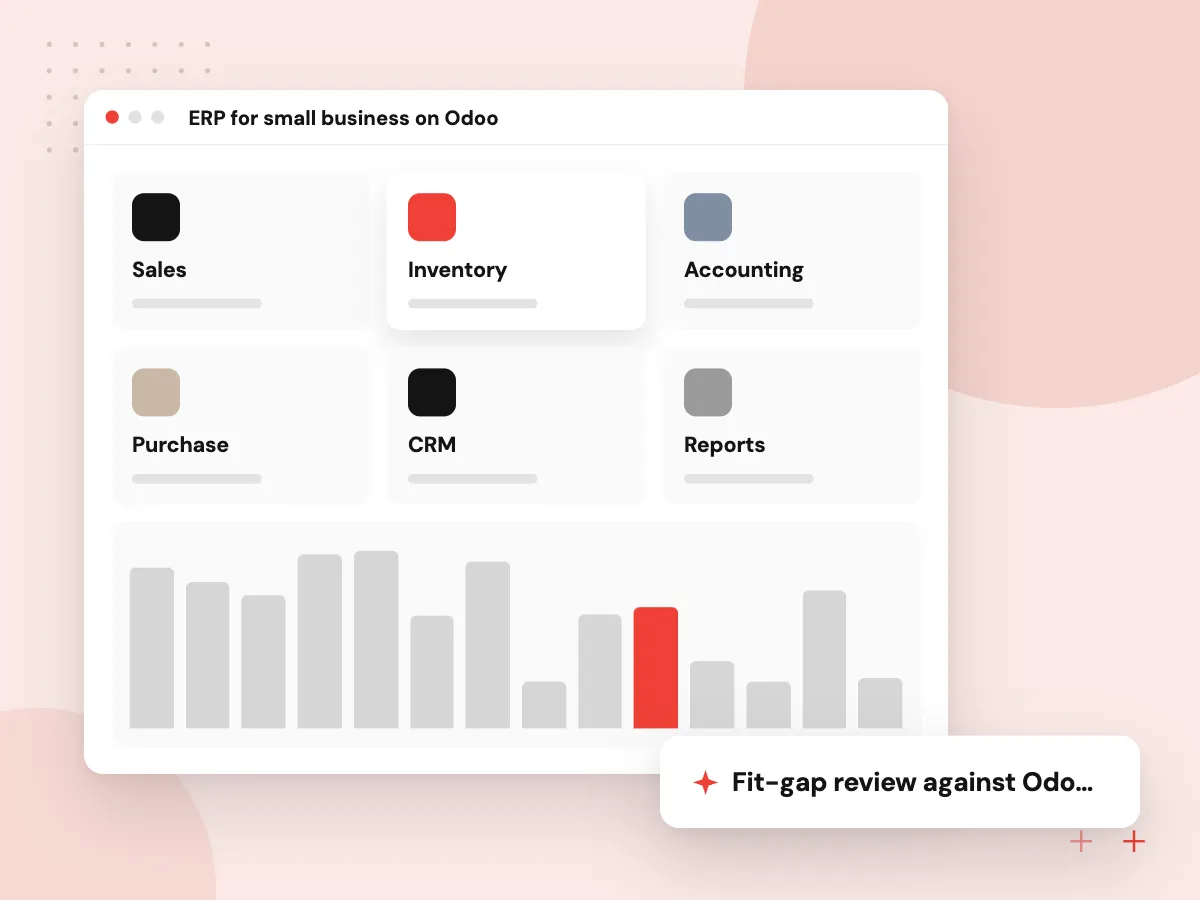
ERP for small business on Odoo
A full custom build is not always the right first step. Odoo already covers sales, purchasing, inventory, manufacturing and accounting, and custom modules can handle the places where your process differs. We compare that route with a ground-up build for your case and, where Odoo fits, write only the parts that are unique to you.
What we do
- Fit-gap review against Odoo apps
- Custom modules for unique steps
- Links to the tools you keep
- Data migration from spreadsheets
- Training for each role
Data migration and the audit trail
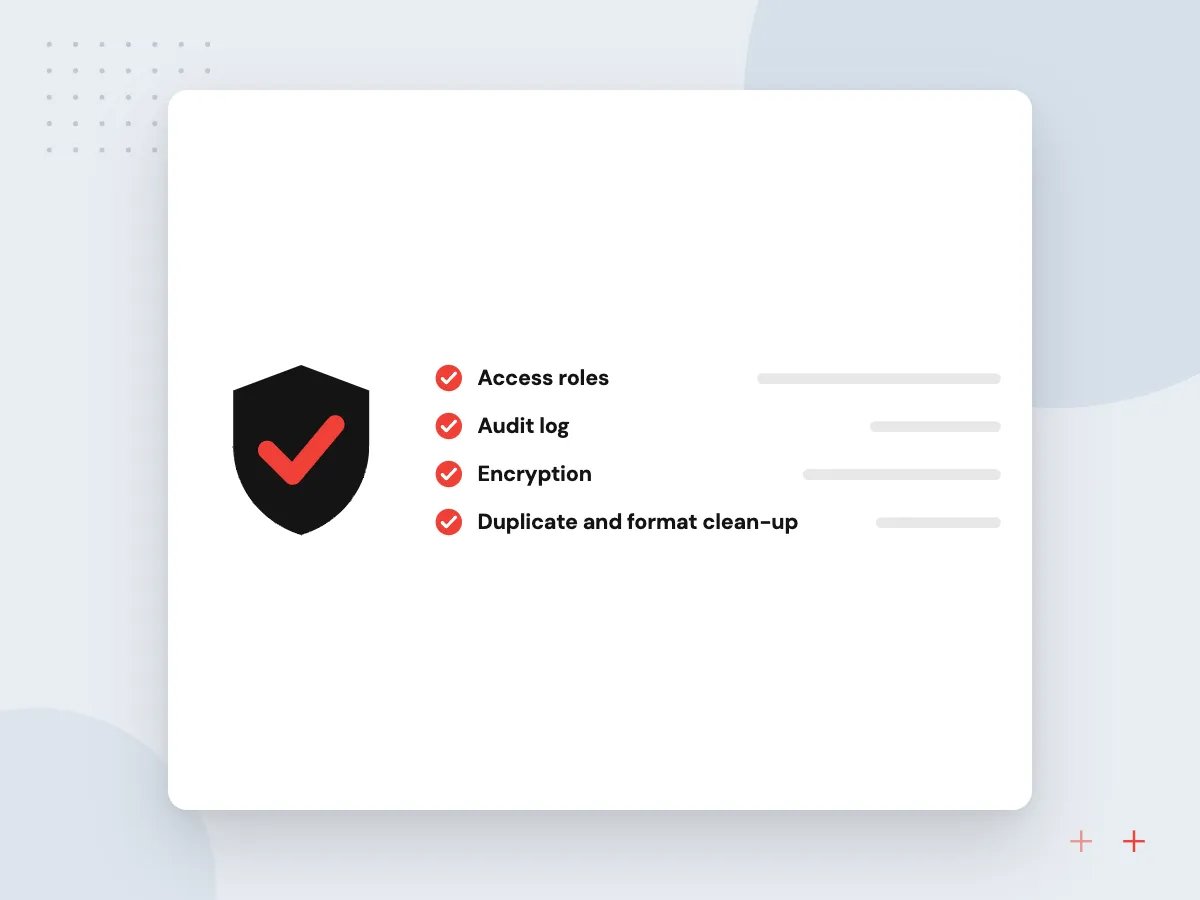
An ERP is only trusted if its opening numbers match the old books. We clean customer, item and supplier lists, load open orders and balances, and reconcile them with finance before go-live. Every later change records who made it and when, so the history holds up when your accountant or auditor asks.
What we do
- Duplicate and format clean-up
- Trial loads with reconciliation
- Opening balances signed off by finance
- Change history on key records
- 1099 flags and vendor totals

How we approach a project
Stock and warehouse work is often the first module, covered in more depth on our inventory management software page. Customer and pipeline records can stay in your current CRM or move into a custom CRM linked to the ERP, and existing records move across through our data migration process.
Tax reporting shapes the data model too. The IRS Form 1099-NEC guidance sets the payment totals that trigger reporting for contractors, so vendor records carry a 1099 flag and the ERP keeps running totals for year-end. AI features such as invoice reading and anomaly flags come once the data is clean; see AI for ERP and Odoo.
How we work
- One record for each order
- Finance sees what operations sees
- Phased go-live by department
Our Process
-

Process mapping by department
Sales, purchasing, warehouse, production and finance each walk us through a normal week.
-

Fit-gap and phase plan
We list what standard modules cover, what must be built and which department goes live first.
-

Module build with real data
Each module is built and tested against a copy of your actual items, customers and orders.
-

Cutover and stabilization
Opening balances are loaded, staff switch over, and we stay close through the first month-end close.
Why Aranv for ERP projects
Operations and finance together
Workshops include the warehouse lead, the buyer and the bookkeeper, because an ERP that suits only one department creates new spreadsheets in the others.
Build only what is unique
We use standard modules wherever they fit and write custom code for the steps that give you an edge, which keeps upgrades and support manageable.
Accounting stays connected
Invoices, bills and payments post to QuickBooks, Xero or Odoo Accounting automatically, with a reconciliation report so finance can check every sync.
You own what we build
Custom modules, data and documentation belong to you under the contract, whether the ERP is built from scratch or on Odoo.
Planning Custom ERP Development?
Book a 30-minute conversation with the team that would build it.
Custom ERP FAQs
-
Is a custom ERP worth it for a small business?
Sometimes. If a packaged ERP or Odoo fits most of your process, configuring it usually costs less and starts sooner. Custom development pays off when your way of working is a competitive advantage, when per-user fees climb as you hire, or when workarounds eat hours every week.
-
Should we build an ERP or customize Odoo?
Check Odoo first. It covers sales, purchasing, inventory, manufacturing and accounting, and custom modules can handle the unusual steps. A ground-up build fits when your data model is very different from Odoo’s, or when the system must be part of a product you sell.
-
Can a custom ERP work with QuickBooks?
Yes. Many smaller companies keep QuickBooks as the general ledger and let the ERP run operations. The ERP posts invoices, bills and payments to QuickBooks through its API, and a sync report shows finance what was sent and anything that failed.
-
How is ERP data migrated from spreadsheets?
We collect the current lists, clean duplicates and formats, map each column to the new structure, and run trial loads that finance checks against existing reports. Only after the numbers agree do we load opening balances and open orders for go-live.
-
What drives the cost of custom ERP development?
The number of modules and departments, how unusual the processes are, the systems to integrate, the volume and condition of existing data, and how many sites or companies the ERP must handle. We estimate by phase after process mapping, so the first module can be funded on its own.

Let’s talk about your next step
Contact Aranv to discuss your workflow, current tools, and goals. Meet with our team or send an inquiry.
Book a meeting with our team
Choose an available date and time for a 30-minute conversation about your project.
Tell us about your project
Share a few details so we can discuss a useful next step.
Prefer email? sales@aranv.com