


What a sales assistant project includes
Aranv builds an AI sales assistant for small and midsize sales teams. It drafts lead follow-up, prepares account briefs, turns calls into notes and keeps the CRM current. Reps approve what goes out, and managers get a pipeline they can rely on.
The assistant is built around your CRM. It reads and writes contacts, companies, deals and activities through the CRM’s API, and mainstream CRMs such as HubSpot, Salesforce, Pipedrive and Odoo all provide one. If your team runs on a homegrown tool or spreadsheets, our custom CRM development work can give it a proper data model first.
Email drafts use your product information, pricing rules and best past replies as context, so they sound like your team and quote real terms. Automatic sending is possible for simple acknowledgments, but we keep a person on anything that commits to price or delivery.
Where the assistant works in a deal
From new lead to updated record
- 01 New lead arrives A form fill or inbound email is matched to a company and existing CRM records.
- 02 Brief and first draft The assistant summarizes the account and drafts a reply for the rep to approve.
- 03 Call becomes notes After a meeting, the transcript turns into a summary, next steps and updated fields.
- 04 Pipeline stays current Stale deals and missed follow-ups are flagged to each owner every morning.
Reps stay the sender. The assistant drafts, suggests and fills fields, and people decide.
What an AI powered sales assistant handles
Reps lose hours to typing, searching and remembering. These are the tasks the assistant takes off their plate.
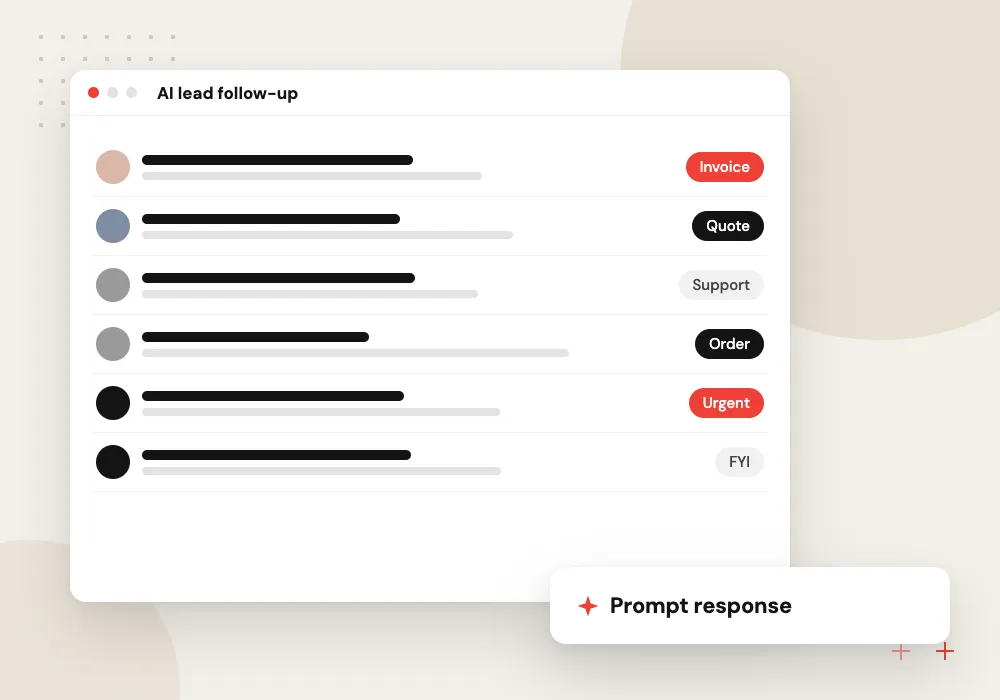
AI lead follow-up
Inbound leads get a personal draft reply soon after they arrive, based on what they asked and what you sell.
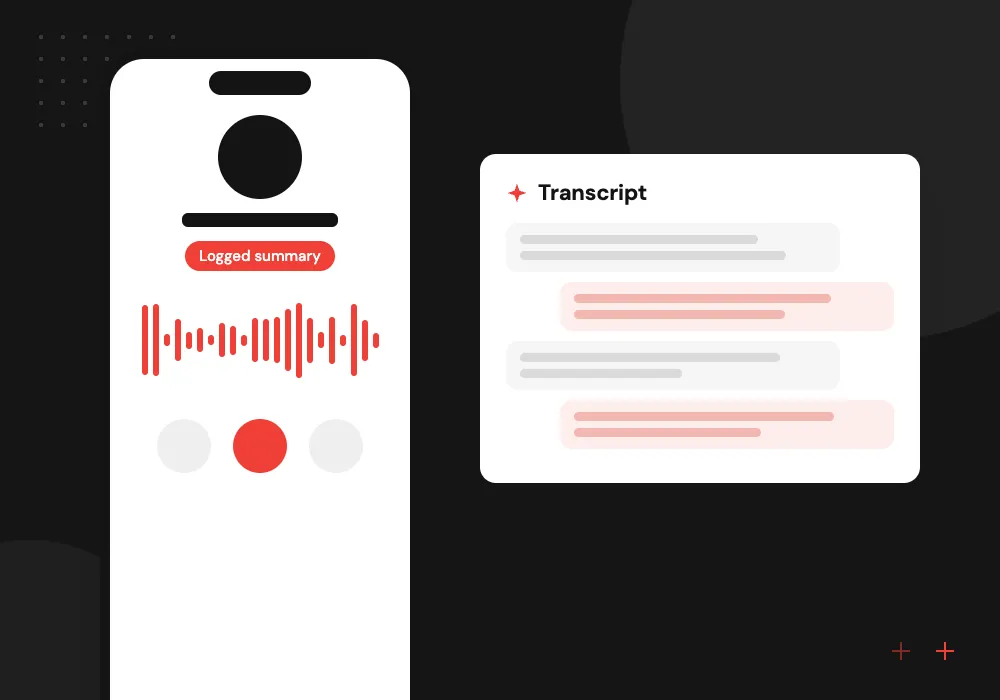
Meeting notes and next steps
Call recordings become a short summary of decisions, objections and tasks, written to the deal record.
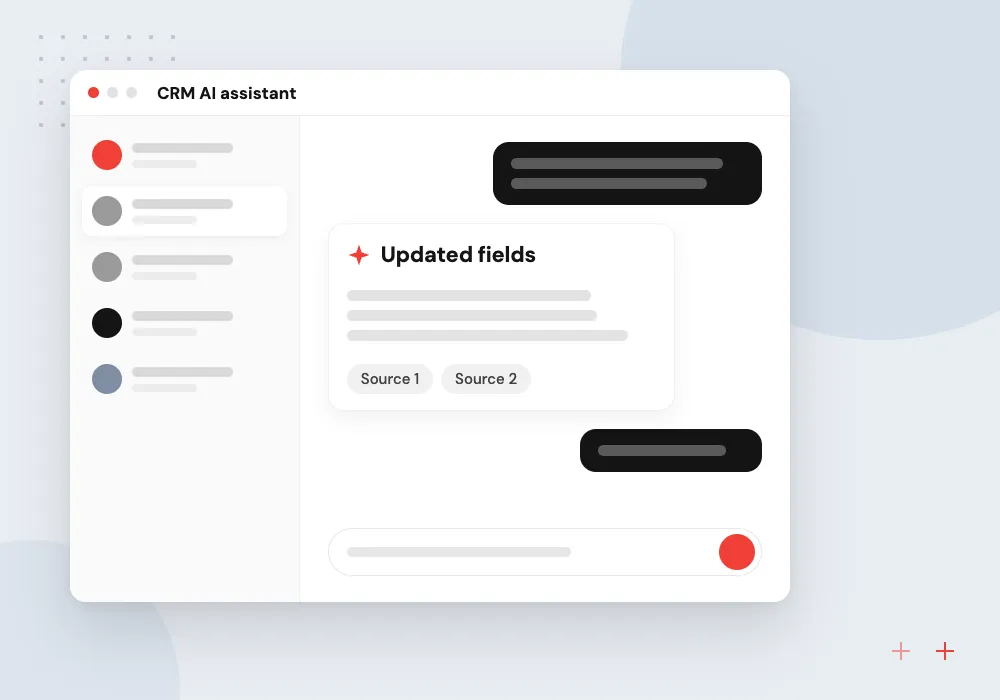
CRM AI assistant
Reps ask in plain language for their open deals, last contact or quote status, and update records by chat.
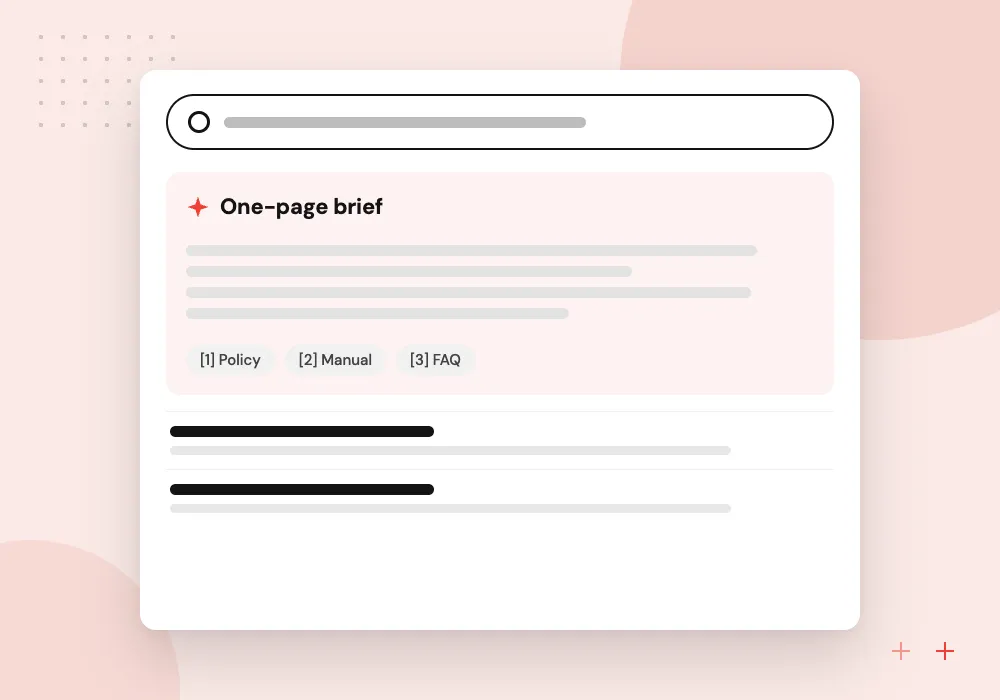
Account research briefs
Before a call, the assistant gathers account history, open tickets, past orders and public company details.
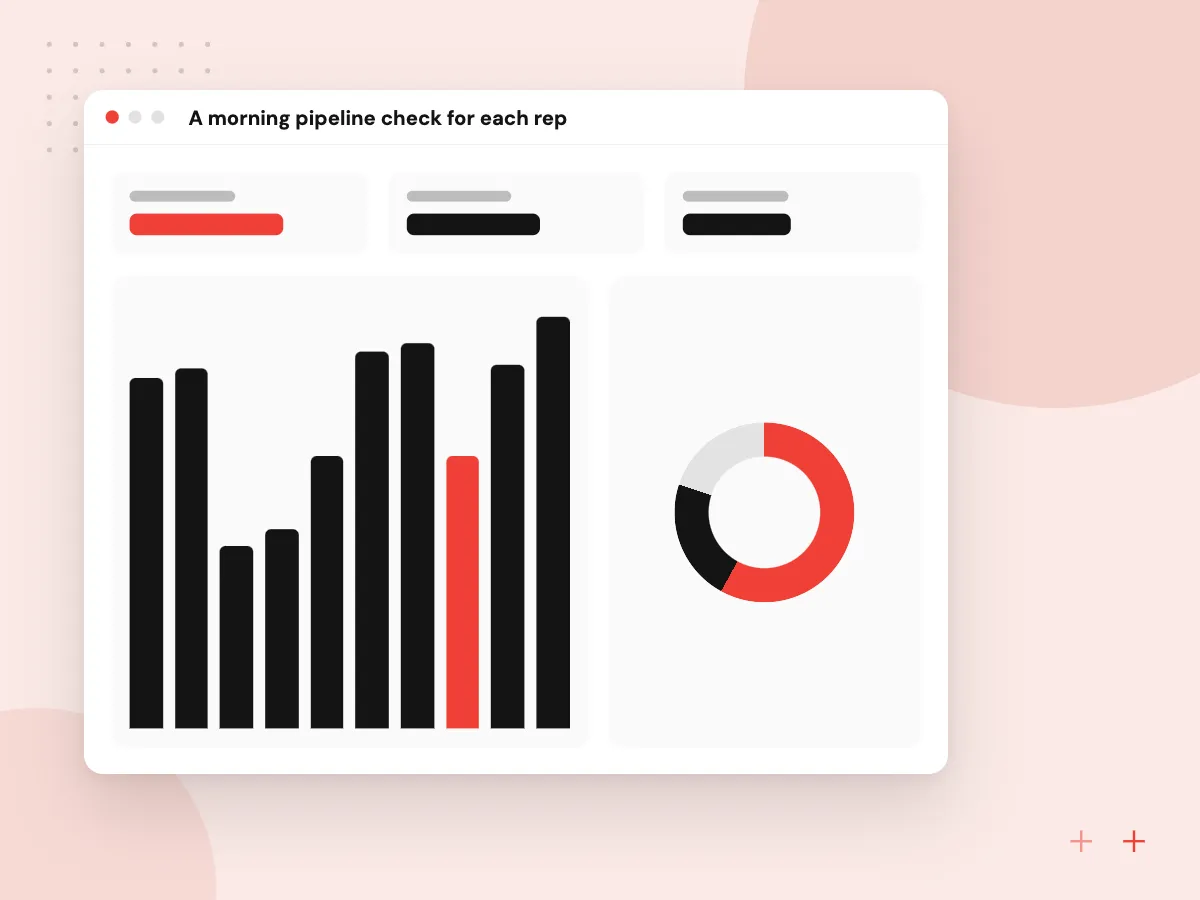
A morning pipeline check for each rep
Each morning the assistant reviews the open deals a rep owns and lists the ones that need attention: no activity for a set number of days, a close date already passed, no named decision maker, or a promised follow-up that was never sent. Managers see the same list for the whole team.
What we do
- Stale deal flags by owner
- Close dates already passed
- Missing required fields
- Promised follow-ups not yet sent
- Team view for sales managers
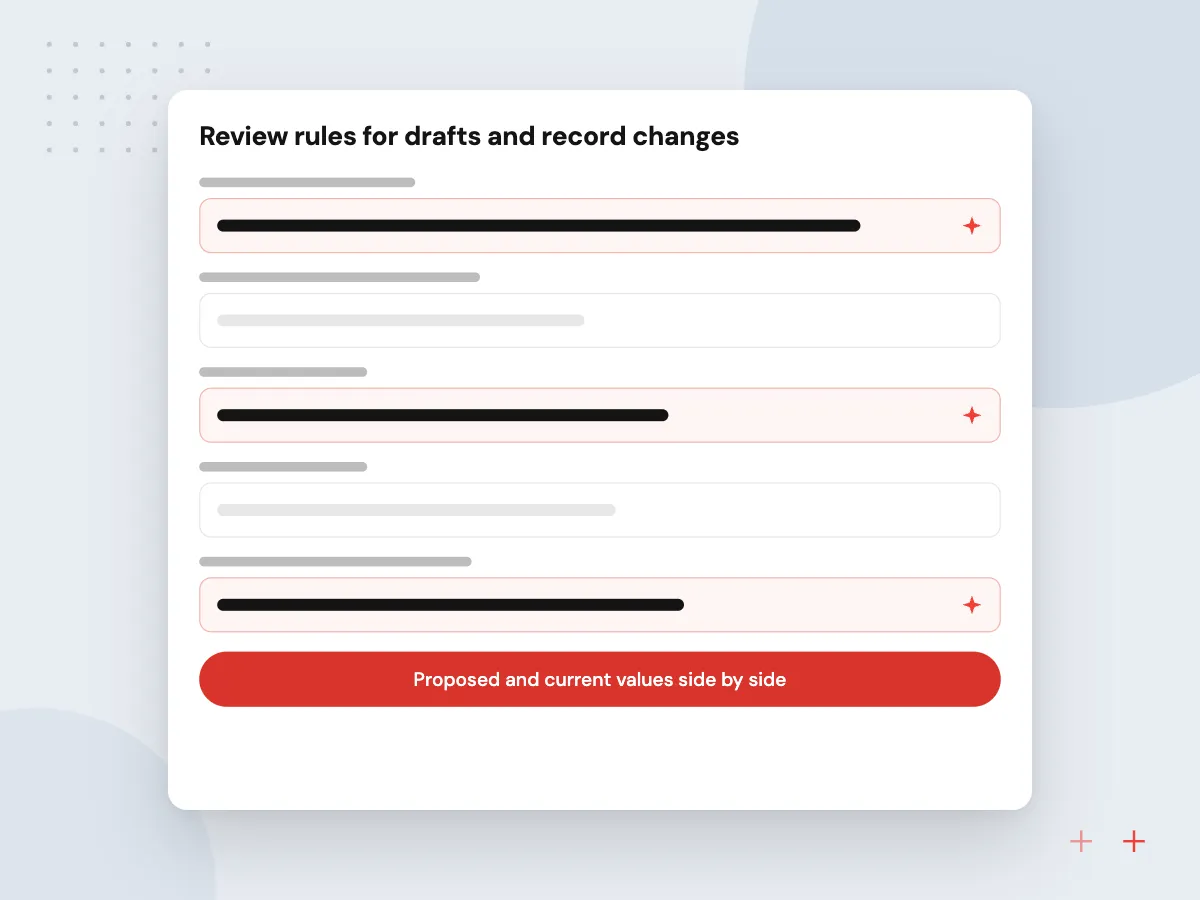
Review rules for drafts and record changes
Nothing the assistant writes is saved or sent without a rule behind it. Reps see proposed field values beside the current ones, outbound drafts wait for approval, and a log records who accepted each change. Fields such as deal amount or owner can be locked so only people edit them.
What we do
- Proposed and current values side by side
- Approval queue for outbound drafts
- Locked fields the assistant cannot edit
- Suppression list check before sending
- Change log on every record

How we approach a project
Meeting notes come from the recordings or transcripts your video meeting or phone system already produces. Consent rules for recording calls vary by state, so notices are set up before anything is recorded. Summaries map to fields you define, such as budget, timeline, decision maker and next step. For inbound sales phone lines, see AI voice agent development.
Commercial email has to follow CAN-SPAM: an honest sender and subject, a postal address, a working opt-out, and opt-outs honored within 10 business days. The agent patterns behind this work are explained under AI agent development, and model connections under LLM integration.
How we work
- Reps approve every outbound message
- The CRM stays the record
- Opt-outs checked before each send
Our Process
-

Sit with the reps
We watch two or three reps handle leads, research accounts and log calls, and note where time goes.
-

Fields, rules and limits
We agree which fields the assistant may fill, which messages need approval and which records it must never change.
-

Pilot with one team
A small group uses the assistant on live leads while we compare reply times and CRM completeness with everyone else.
-

Rollout and coaching
Prompts are adjusted from rep feedback, new tasks are added, and the full team learns to review drafts quickly.
Why Aranv for sales teams
Built inside your CRM
Drafts, briefs and field updates appear in the CRM and inbox your reps already use, so adoption does not depend on yet another login.
Compliance handled in the flow
Opt-out lists, sender details and call recording notices are part of the build, so reps do not have to remember them for every message or meeting.
Pilot figures before rollout
One team uses the assistant on live leads first, and its reply times and CRM completeness are compared with the rest of the sales floor before anyone else switches on.
Reps shape the prompts
A feedback button on every draft lets reps mark what was wrong, and we adjust prompts and examples from those notes during the first weeks.
Planning AI Sales Assistant Development?
Book a 30-minute conversation with the team that would build it.
AI sales assistant FAQs
-
Will an AI sales assistant send emails without our approval?
Only if you choose that. By default every draft waits for a rep to review and send it. Some teams allow automatic sending for simple acknowledgments, such as confirming a demo request, while pricing and proposals stay manual.
-
Which CRMs can it work with?
Any CRM with an API, which covers the common ones and many niche tools. We check API limits, custom fields and permissions during discovery. If your CRM sells its own AI add-on, we compare it with a custom build before you spend on either.
-
Is it legal to use AI for sales emails?
Yes, as long as the emails follow the same rules as any commercial email. In the US that means CAN-SPAM: honest subject lines, a clear sender, a postal address and a working opt-out. Sales calls and texts have stricter consent rules.
-
How does it learn our products and pricing?
We load product sheets, price lists, approved messaging and short customer story summaries into a searchable knowledge base. The assistant answers only from that material, and it is updated whenever products or prices change.
-
Can it update the CRM after a sales call?
Yes. From the transcript it proposes a summary, next steps and field values such as deal stage or close date. Reps see the proposed changes and accept or edit them before they are saved.
-
Who owns the prompts, data and code?
You do. Code, prompts and configuration are handed over to you, and your CRM data stays in your own accounts. We document the setup so your team or another vendor can maintain it.

Let’s talk about your next step
Contact Aranv to discuss your workflow, current tools, and goals. Meet with our team or send an inquiry.
Book a meeting with our team
Choose an available date and time for a 30-minute conversation about your project.
Tell us about your project
Share a few details so we can discuss a useful next step.
Prefer email? sales@aranv.com