


What education software development covers
Aranv offers education software development for K-12 schools, colleges, training providers and edtech companies: parent and student portals, admissions and enrollment tools, course platforms, products that sync rosters and support single sign-on, and AI assistants that answer only from your own course and policy content.
Projects tend to fill the space between core platforms: a portal families actually open, an admissions flow, a reporting view for leadership, or a product that plugs into classrooms you already run. When the main need is courses, enrollments and progress tracking, our LMS development page covers it in detail.
Student records carry legal duties. FERPA governs education records at schools that receive Department of Education funds, COPPA applies to online services directed at children under 13, and many states add student privacy laws of their own. We document what each feature stores and who can see it, and review that list with your privacy lead or district counsel.
How a school tool fits the systems already in place
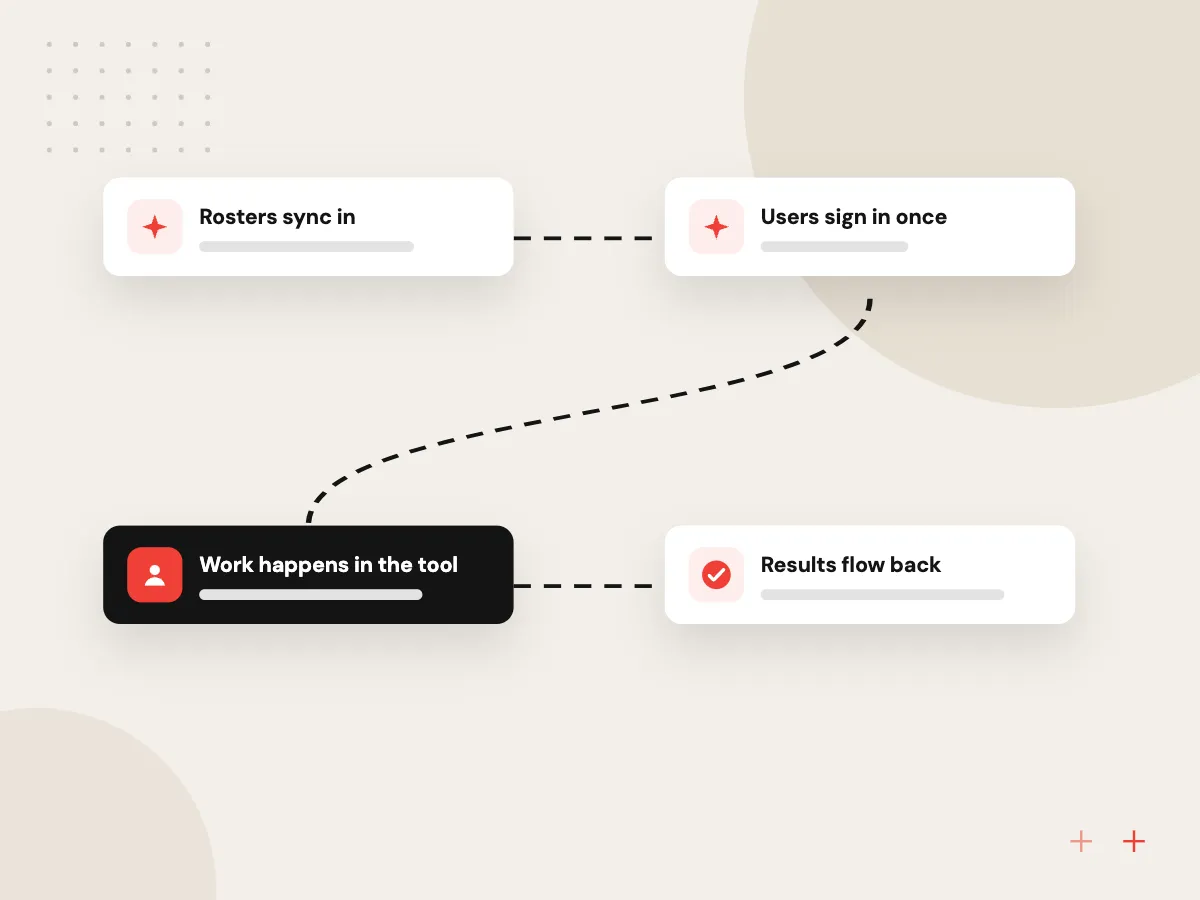
One tool, connected to the SIS
- 01 Rosters sync in Classes, teachers and students arrive from the student information system each night.
- 02 Users sign in once Staff, students and families use the Google or Microsoft accounts they already have.
- 03 Work happens in the tool Forms, courses, messages or applications run with role-based views for each user.
- 04 Results flow back Grades, attendance or enrollment status return to the SIS or LMS automatically.
Your SIS stays the record for students; new tools read from it and write back only what is agreed.
School software and edtech development
Schools already pay for a student information system and a learning platform. Most requests are about the gaps between them.
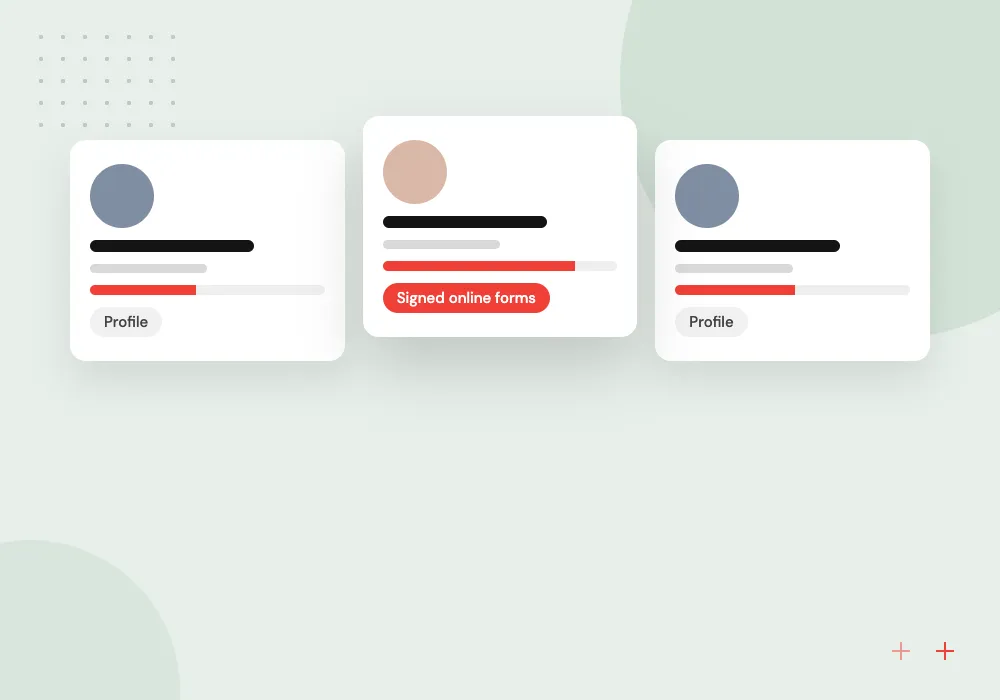
Parent and student portals
Schedules, grades, forms, payments and messages in one portal for families, connected to your student information system instead of copied from it.
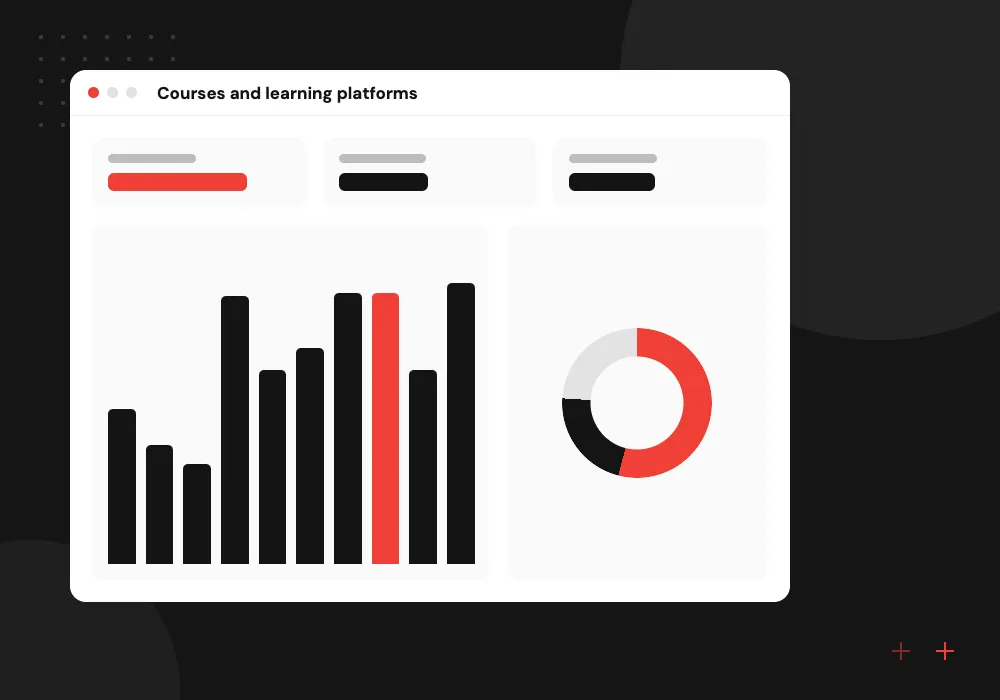
Courses and learning platforms
Course delivery, quizzes, progress tracking and certificates for schools, training providers and employers teaching their own staff.
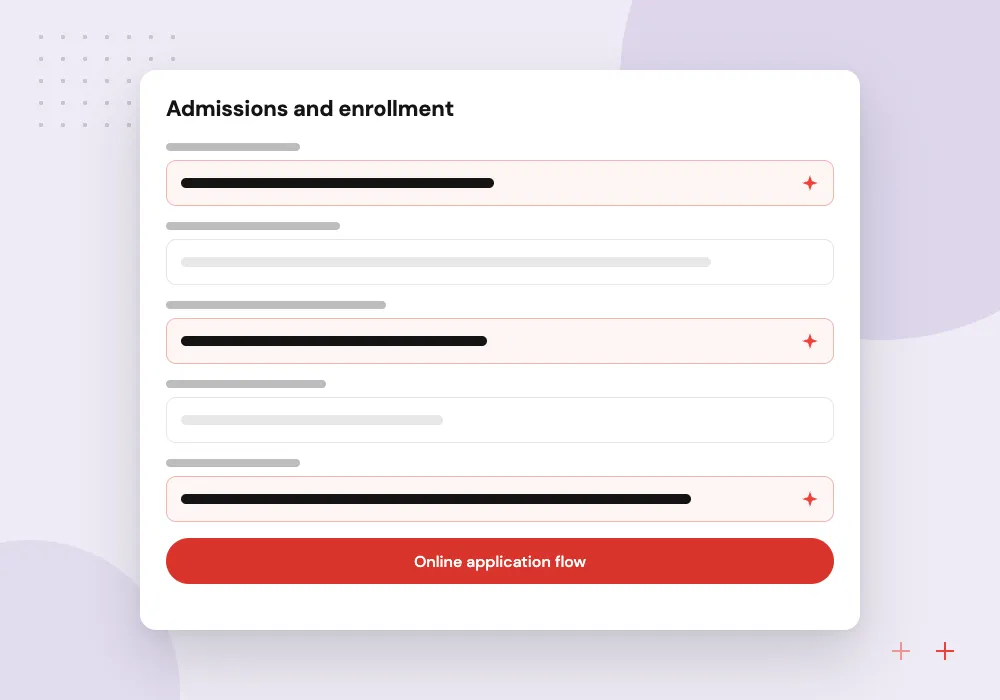
Admissions and enrollment
Online applications, document upload, interview booking and enrollment contracts, with a status page applicants can check themselves.
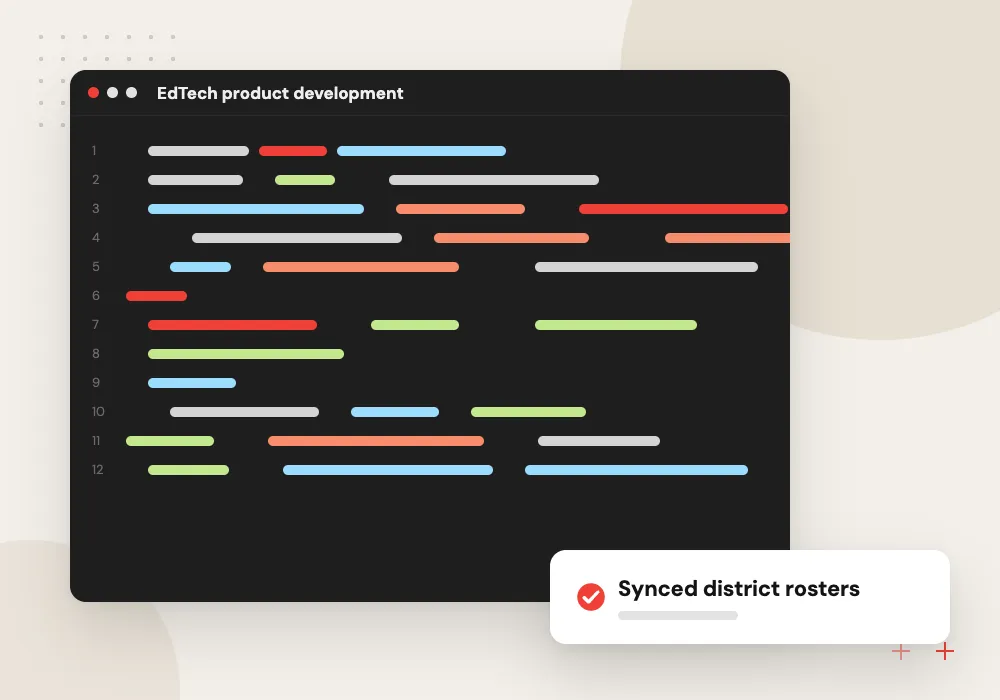
EdTech product development
Products for schools built with roster sync, single sign-on and LTI launch support, so districts can roll them out without manual account setup.
SIS, LMS and sign-in integrations
Schools will not adopt a tool that needs its own rosters. We connect to student information systems and learning platforms with standards such as OneRoster for rosters and LTI for launching tools inside a course, add Google or Microsoft sign-in, and test against a sandbox before any live school data is used.
What we do
- OneRoster and CSV roster sync
- LTI launch and grade passback
- Google and Microsoft single sign-on
- Attendance and grade exchange with the SIS
- Data sharing agreement documentation
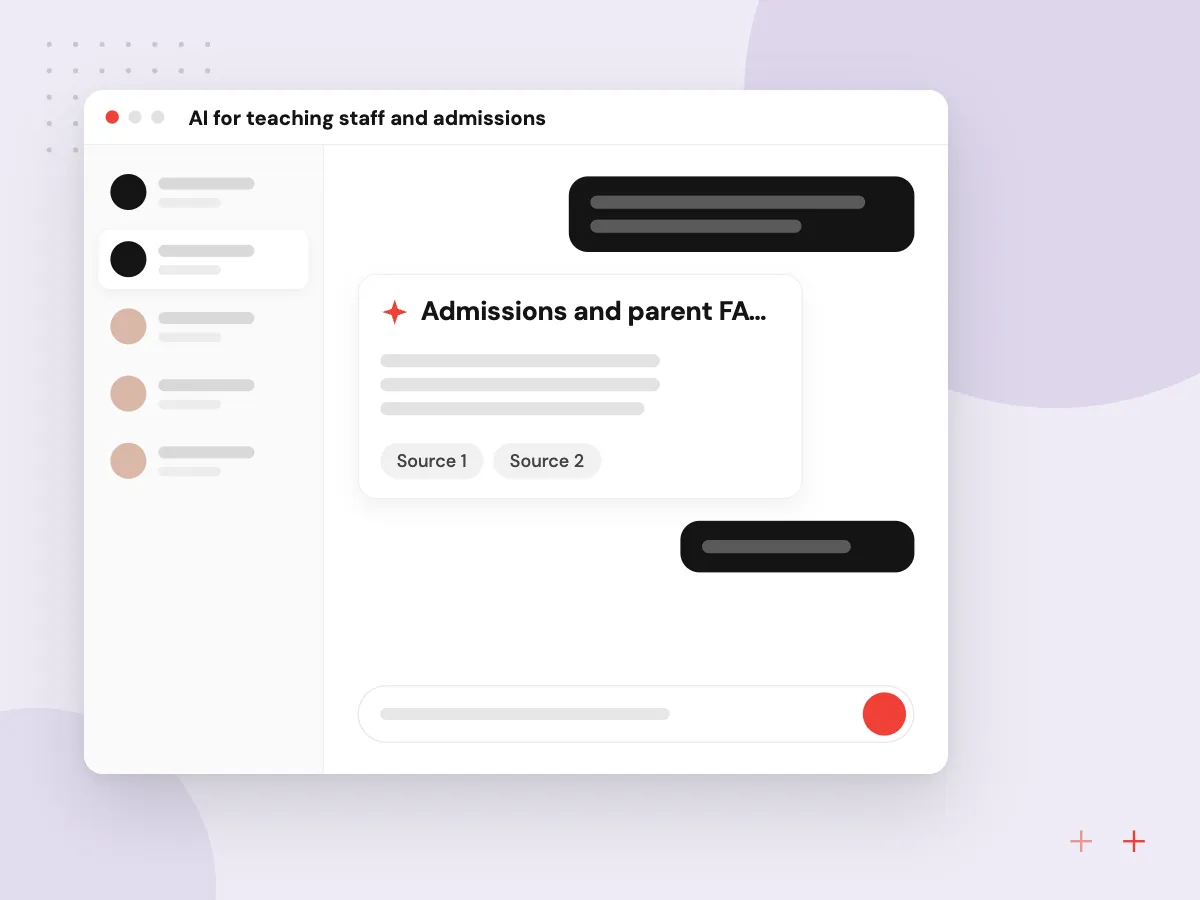
AI for teaching staff and admissions
Assistants answer applicant and parent questions from your published policies, help teachers draft feedback against a rubric and explain course material using only the readings you upload. Teachers keep grading decisions, we pick vendor terms that exclude your data from model training, and tools for younger students get extra limits.
What we do
- Admissions and parent FAQ assistant
- Rubric-based feedback drafts
- Study helper limited to course readings
- Caption and alt text drafts
- Usage logs for school leaders

How we approach a project
EdTech companies selling to schools need a multi-tenant product with district admin screens, roster sync and usage reports. Our SaaS development team builds that foundation, and mobile app development covers apps for students and families.
Read AI for schools and education for where assistants help staff and where teachers must stay in charge, or browse other sectors on the industries hub. Principals and product leads can request a 30-minute conversation with us using the contact form.
How we work
- Student data listed field by field
- Release around the school calendar
- Accessible to every learner by default
Our Process
-

Talk to the people using it
We interview teachers, registrars, admissions staff and a few parents or students before any screen is designed.
-

Agree the data rules
Every student data field gets a purpose and a retention period, and the list is reviewed with your privacy contact.
-

Pilot with one school or cohort
A single campus, grade or course uses the release first, timed to avoid testing weeks and term starts.
-

Scale for the next term
Pilot fixes go in before the new term, with staff training and short guides for families.
Why schools work with Aranv
We follow the school year
Releases are planned around term starts, testing windows and holidays, so new software stays clear of staff during their busiest weeks.
Privacy written down
Each feature comes with a list of the student data it uses, which makes data sharing agreements and parent questions easier to answer.
Standards over custom links
We connect through rostering and launch standards your district already supports, which cuts setup work for IT staff at each new school.
Accessibility in every sprint
Keyboard and screen reader checks run during each sprint, so accessibility problems are fixed while features are built rather than after launch.
Planning Education Software Development?
Book a 30-minute conversation with the team that would build it.
Education software FAQs
-
How much does education software development cost?
The biggest factors are the number of user types, such as students, parents, teachers and administrators, the SIS and LMS connections required, accessibility testing, mobile apps and, for edtech products, multi-tenant district setup. We price in phases after discovery so a pilot can run within one budget year.
-
Can your software integrate with our student information system?
Most student information systems support roster exports or standards such as OneRoster, and many offer APIs to approved partners. We confirm what your system allows and how the vendor grants access, then build a sync that keeps classes and enrollments current without manual uploads.
-
Is the software FERPA compliant?
FERPA obligations fall on the school and depend on how records are handled, not on code alone. We build access controls, audit logs and deletion features and help you document data flows for your data sharing agreement. Your school or district decides whether the arrangement meets its duties.
-
Do you build accessible education software?
Yes. We design and test to WCAG 2.1 Level AA as a baseline, or 2.2 where your policy asks for it: keyboard navigation, screen reader labels, video captions and readable contrast. Public schools and colleges face federal accessibility rules for web content, so we review requirements early.
-
Should students use AI tutors in our courses?
Use them with limits. Assistants that answer only from your course materials, show their sources and keep conversation logs are easier for teachers to review. For children under 13, COPPA and parental consent rules apply, which is why many schools start with tools for teachers and staff.

Let’s talk about your next step
Contact Aranv to discuss your workflow, current tools, and goals. Meet with our team or send an inquiry.
Book a meeting with our team
Choose an available date and time for a 30-minute conversation about your project.
Tell us about your project
Share a few details so we can discuss a useful next step.
Prefer email? sales@aranv.com