


What LMS development includes
Aranv offers LMS development for US companies, training providers and schools that have outgrown packaged course tools: a custom learning management system with courses, assessments, certificates, compliance tracking and reports, connected to your HR data, single sign-on and content standards.
A custom learning management system is worth building when packaged tools force workarounds: seat fees that climb with every hire, reports that must be rebuilt in spreadsheets, or training that should live inside your own product. We build it as a web application that works on phones, with learner, instructor, manager and admin roles.
Content standards decide what plays inside it. SCORM packages from authoring tools, xAPI statements for activity outside the browser, and LTI for launching outside tools each have trade-offs, and the right mix depends on what you already own. xAPI is now an IEEE standard, published as IEEE 9274.1.1-2023.
From slide decks to tracked learning
How an LMS project comes together
- 01 Map learners and courses We list learner groups, required courses, deadlines and who needs which report.
- 02 Choose content standards SCORM, xAPI or LTI are picked to match the content you already own.
- 03 Build learning and admin Learners get courses and quizzes; admins get enrollment rules, grading and reports.
- 04 Migrate and launch Existing courses and completion history move over before learners switch.
Many organizations already own content, so the LMS is designed to play what you have before any authoring tools are added.
Custom learning management systems we build
Who the learners are shapes everything: employees on a deadline, paying customers, partners or students.
Employee training portals
Onboarding paths, required safety and policy courses, due dates by role, and reminders to managers when someone on their team falls behind.
Course selling platforms
An elearning platform where customers buy single courses or subscriptions, study on any device and download certificates, with checkout and coupons built in.
Partner and customer academies
Product training for dealers, resellers or customers, with a separate catalog per company and reports that each partner manager can see.
AI tutors and quiz drafting
AI drafts quiz questions from your manuals, answers learner questions using only your course material, and suggests the next lesson from quiz results.
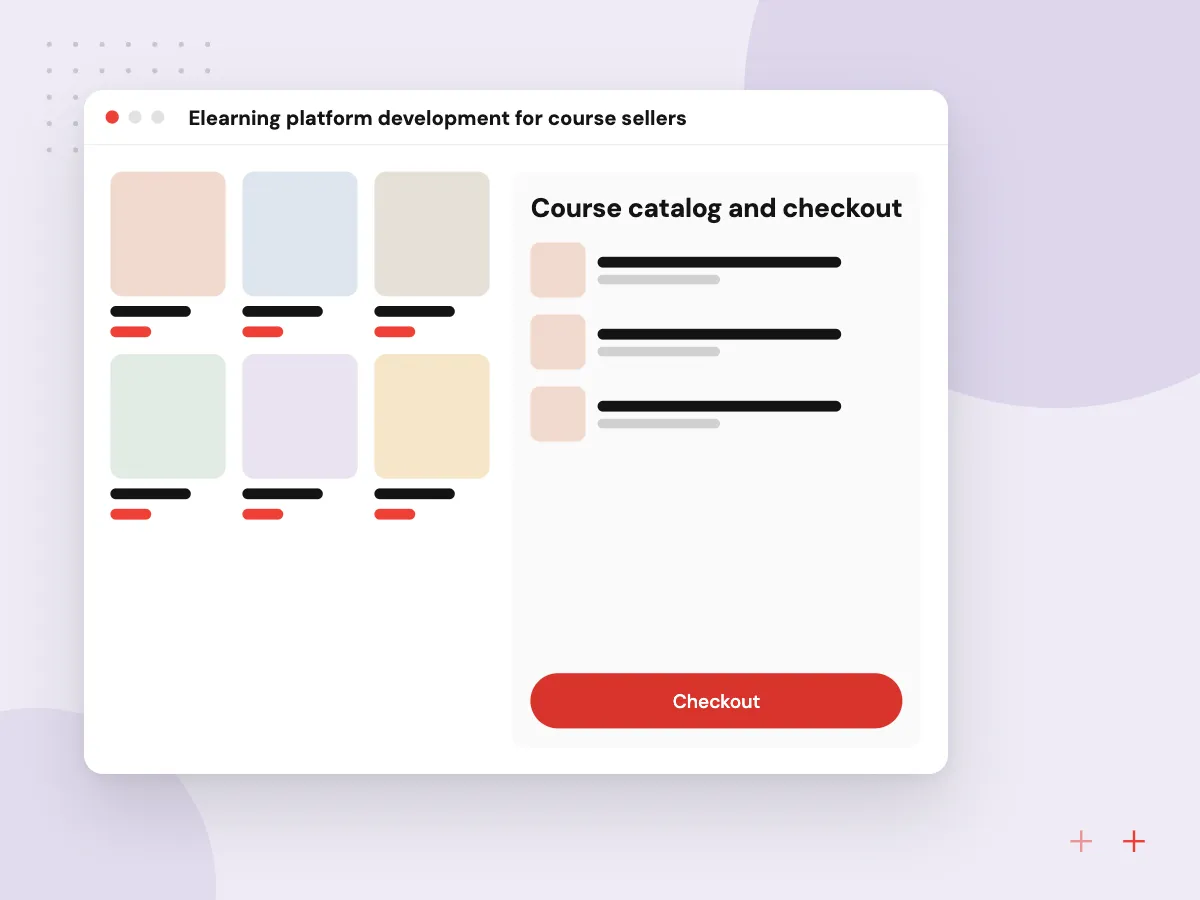
Elearning platform development for course sellers
Selling courses adds storefront work to the LMS: a catalog, checkout, coupons, subscriptions and accounts buyers manage themselves. We connect payments, stream video through a hosting service, and give instructors a dashboard of enrollments, completion and revenue per course.
What we do
- Course catalog and checkout
- Subscriptions and bundles
- Streamed video lessons
- Certificates with verification links
- Instructor revenue reports
AI course assistant and quiz drafting
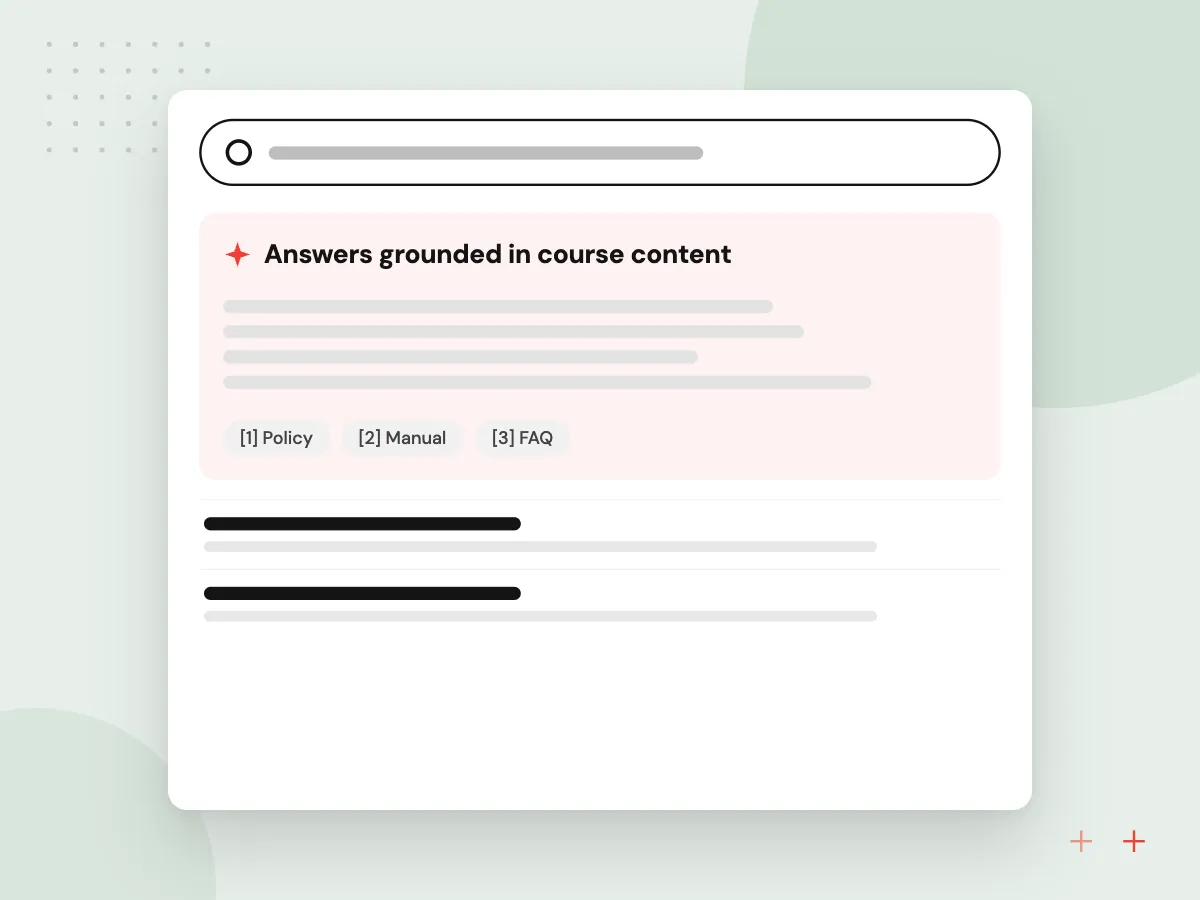
An assistant inside each course answers learner questions from that course’s material and links the lesson it used. Trainers can ask it for draft quiz questions, summaries or practice scenarios from a manual, then edit and approve them. Questions it cannot answer are logged, showing trainers where content is unclear.
What we do
- Answers grounded in course content
- Source lesson shown with answers
- Quiz drafts for instructor approval
- Unanswered question log
- Practice scenarios from manuals

How we approach a project
Enrollment usually follows your HR data. New hires, transfers and leavers can sync from your HR platform, covered on our HRMS software development page, and single sign-on lets staff use their email login. Schools and training providers will find student systems and parent messaging on our education software development page.
AI works best as a study aid tied to your own material. A course assistant built with RAG and knowledge search answers from your manuals and cites the lesson it used, and quiz questions it drafts wait for an instructor’s approval.
How we work
- Learner path first, admin rules second
- Standards for content you already own
- Reports managers will actually open
Our Process
-

Audit courses and records
We inventory existing courses, file formats, completion records and certificates, and mark which must migrate.
-

Prototype learner and admin views
A clickable learner dashboard and an admin enrollment screen are reviewed by trainers and a few learners.
-

Build, import, compare
Courses are imported and played end to end, scores are checked against the source, and reports are compared with your current figures.
-

Pilot with one department
One team uses the LMS for a full training cycle while the old system stays read-only for history.
Why Aranv for LMS projects
Your content keeps working
We test your existing SCORM and video content in the new system early, so years of course work are not stranded by the switch.
History moves with learners
Completion records, scores and certificate dates migrate with checks against the old system, which matters when an auditor asks for proof.
HR and sign-on connected
Enrollments follow your HR data and staff sign in with existing accounts, so the training team stops adding and removing learners by hand.
AI with an approval step
Generated quiz questions and summaries wait for a trainer’s approval, and the course assistant answers only from material you have published.
Planning LMS Development?
Book a 30-minute conversation with the team that would build it.
LMS development questions
-
What drives the cost of custom LMS development?
The number of roles, whether you sell courses or only train staff, the content standards to support, links to HR, sign-on and payment systems, and how much history must migrate. Estimates come in phases, so required training can launch before extras like discussion forums.
-
Should we build an LMS or use an existing platform?
Use a packaged LMS when standard courses, quizzes and certificates meet your needs at a fair per-learner price. Build when training is part of a product you sell, reporting rules are unusual, seat fees outgrow the value, or learning must sit inside software your staff already use.
-
Will our existing SCORM courses work in a custom LMS?
Yes. We build or integrate a SCORM player so packages from common authoring tools run as they do today, with scores and completion recorded. We test a sample of your real packages early, because older courses sometimes report results in unusual ways.
-
What is the difference between SCORM, xAPI and LTI?
SCORM packages run inside the LMS and report completion and scores. xAPI records learning events as statements, including activity outside a browser course. LTI lets an LMS launch an outside tool, such as a lab or assessment platform, and receive grades back.
-
Can the LMS track compliance training deadlines?
Yes. Courses can be assigned by role, location or hire date, with due dates, reminders to learners and managers, recertification cycles and completion reports that export for inspectors or clients.
-
How does AI in an LMS avoid making things up?
The assistant only retrieves from your course material, shows the source lesson with each answer, and passes questions it cannot answer to a trainer. AI-drafted quiz questions are published only after an instructor approves them.

Let’s talk about your next step
Contact Aranv to discuss your workflow, current tools, and goals. Meet with our team or send an inquiry.
Book a meeting with our team
Choose an available date and time for a 30-minute conversation about your project.
Tell us about your project
Share a few details so we can discuss a useful next step.
Prefer email? sales@aranv.com