


What HRMS software development includes
Aranv offers HRMS software development for US employers whose HR work is spread across spreadsheets, email and a payroll login: one system for employee records, onboarding, time and leave, documents and self-service, connected to your payroll provider and built with strict access to personal data.
An HRMS holds the employee lifecycle in one place: hiring, onboarding, job and pay changes, time and leave, reviews, training and exits. Packaged HR suites work well for many companies. A custom build or extension makes sense when you run unusual shift patterns, union rules or multi-state leave policies, or when HR features must sit inside your own staff portal. We build those under the same design, testing and ownership terms as any other custom software development project.
Recruiting firms and HR technology companies have different needs again, covered on our HR and recruitment industry page. If you already run Odoo for operations, its HR apps can be extended instead of building from zero; see Odoo development.
From scattered HR files to one system
Every employee, one record
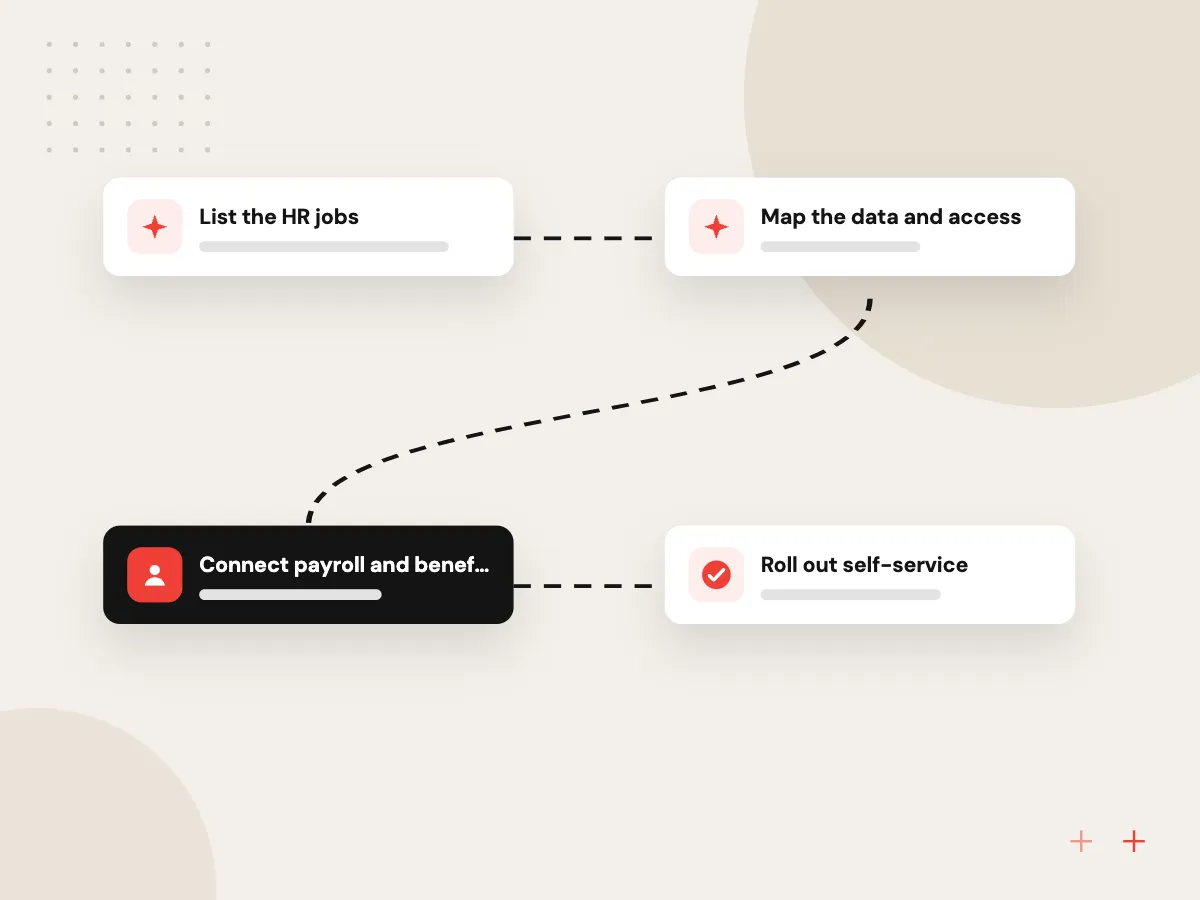
- 01 List the HR jobs Hiring, onboarding, time off, reviews, changes and exits, each with its owner.
- 02 Map the data and access Which fields exist, who may see them, and how long each record is kept.
- 03 Connect payroll and benefits Pay changes, hours and deductions flow to the payroll provider instead of email.
- 04 Roll out self-service Employees update details, request leave and sign documents from a phone.
Payroll calculation usually stays with a specialist provider; the HRMS sends it clean, approved data.
HRIS development work we take on
Many HR teams already pay for a payroll service and need everything around it to connect.
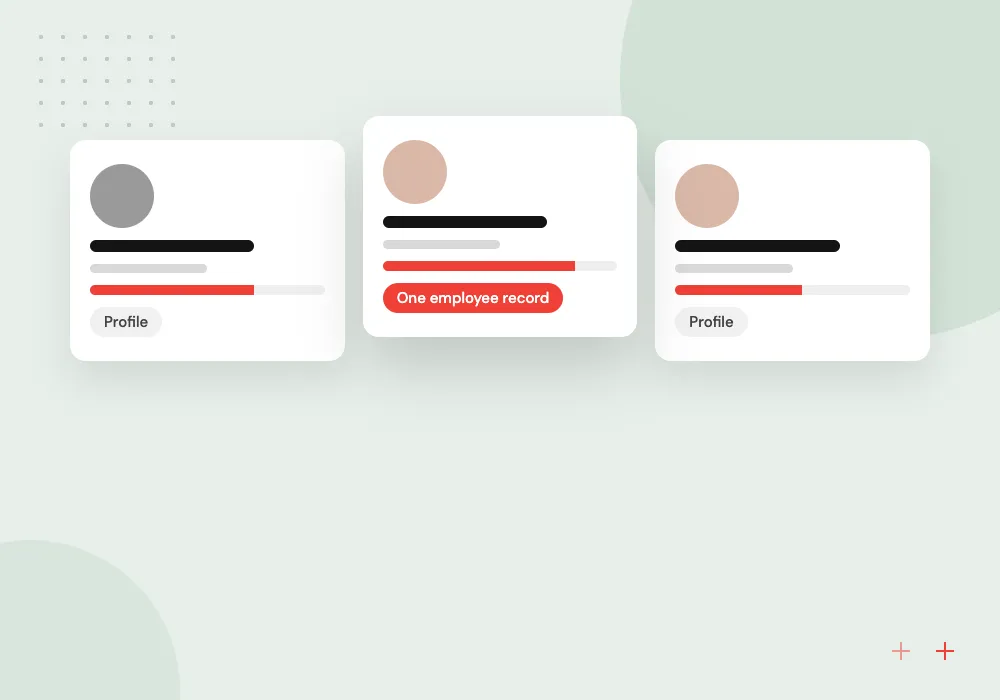
Employee records and documents
One profile per person with job history, pay changes, certifications and signed policies, with field-level access so managers see only what they need.
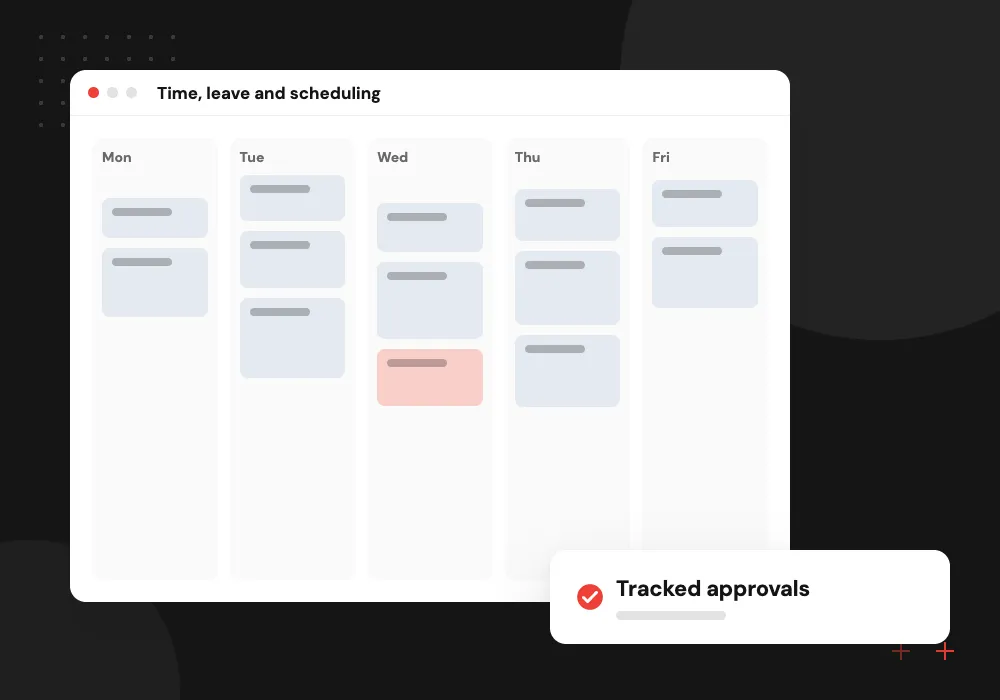
Time, leave and scheduling
Leave requests, accrual rules by state and policy, timesheets and shift swaps, with approvals routed to the right manager.
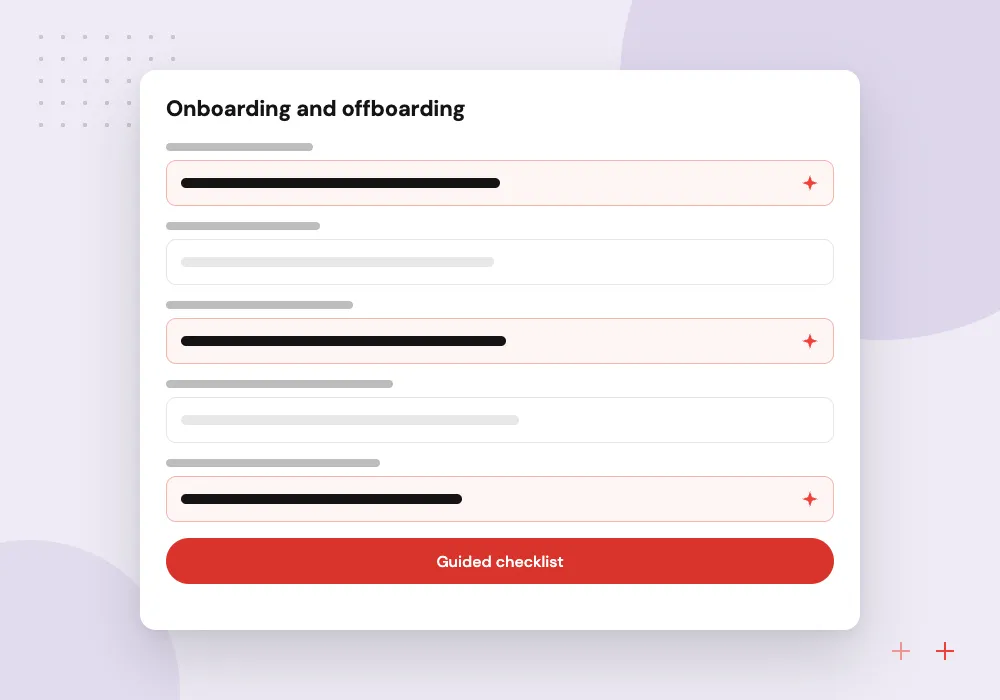
Onboarding and offboarding
Offer letters, tax and eligibility forms, equipment and account requests, and exit checklists that start automatically on the right date.
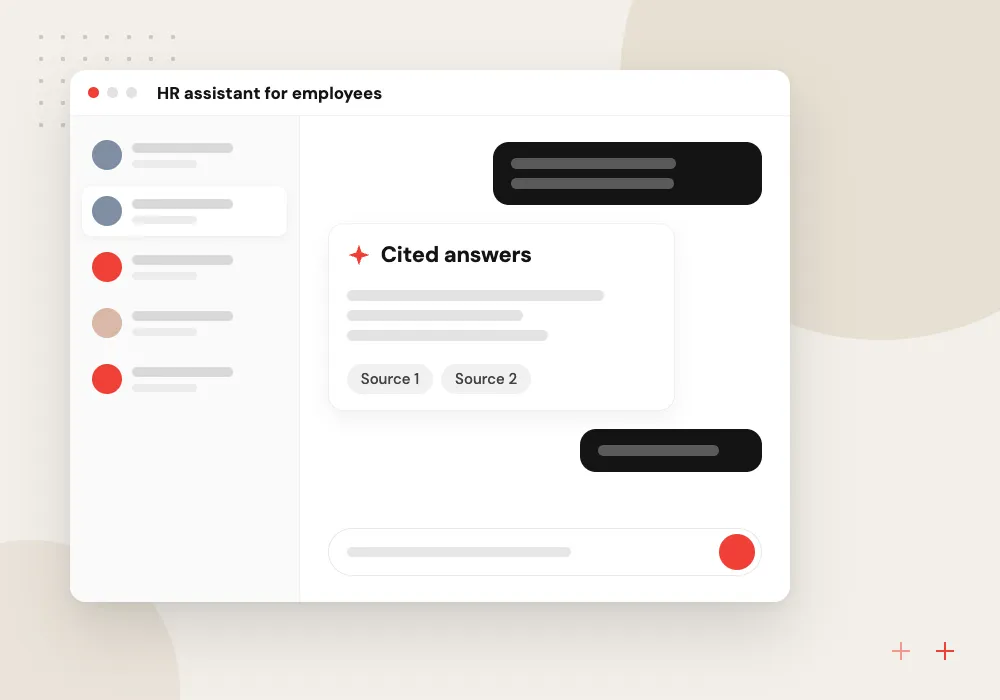
HR assistant for employees
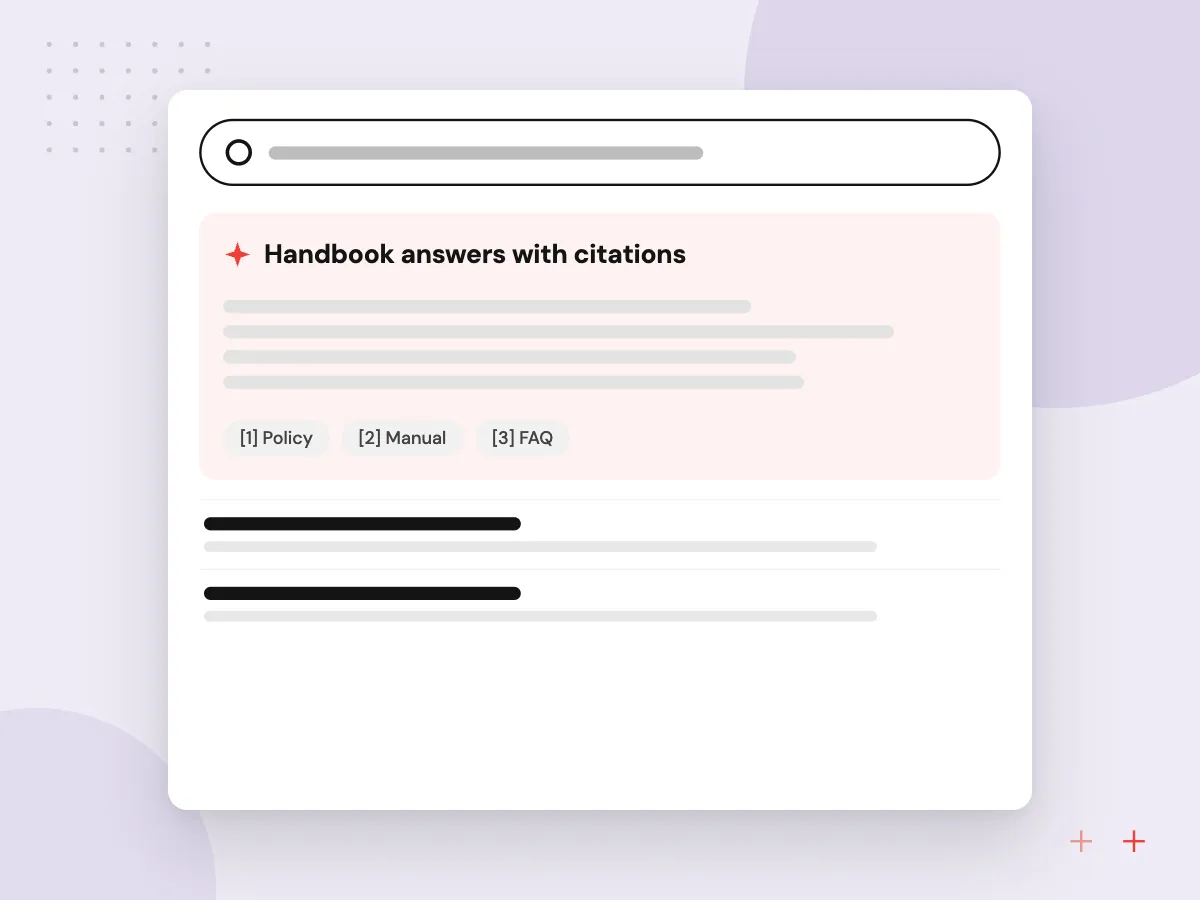
A chat assistant that answers policy and benefits questions from your handbook, cites the page it used, and hands sensitive cases to HR.
Payroll, benefits and timekeeping connections
An HRMS saves time only when it ends the re-keying between HR, payroll and benefits. We connect it to your payroll provider, benefits platform and time clocks through their APIs or scheduled file exports, check every transfer, and alert HR when a record is rejected before the pay run.
What we do
- Payroll provider API or file sync
- Benefits enrollment updates
- Time clock and timesheet import
- Pre-payroll exception report
- General ledger export for finance
AI features with people kept in charge
AI fits HR best when it handles questions and paperwork, not decisions about people. We build handbook assistants, onboarding guides and summaries of long policy documents. In hiring, AI can organize applications and draft job posts, while screening and rejection decisions stay with your staff.
What we do
- Handbook answers with citations
- Onboarding guide for new hires
- Draft job descriptions
- Sensitive questions routed to HR
- Logs of every AI answer

How we approach a project
Employee data needs careful handling. The Department of Labor’s FLSA recordkeeping fact sheet sets out which payroll and time records employers keep and for how long, and we design retention around it with your advisers. Access roles, encryption and audit logs are agreed before the build, as our security and IP page describes.
Routine questions to HR can move to an assistant that answers from your own handbook, explained on our AI HR help desk page, and new hire tasks can be guided through AI employee onboarding.
How we work
- Personal data seen only when needed
- One record from offer to exit
- Payroll stays with specialists
Our Process
-

HR process interviews
We sit with HR, payroll, managers and a few employees to see how requests move today.
-

Data and permission design
Fields, roles, retention periods and integrations are written up for your HR lead to approve.
-

Build and parallel run
The new system runs beside the old process for a pay cycle so the numbers can be compared.
-

Launch and self-service rollout
Managers go first, then employees receive access with short guides for each task.
Why Aranv for HR systems
Access designed field by field
Salary, Social Security numbers, medical leave notes and immigration documents get their own permissions and audit logs, agreed with your HR lead before any screen is built.
Built around your policies
Leave rules, approval chains and review cycles follow your handbook and the states you hire in, rather than a vendor’s default settings.
Payroll left to the experts
We do not rebuild payroll tax engines. The HRMS hands approved changes to the provider you trust, which keeps the system smaller and easier to maintain.
Records kept as long as required
Retention periods for payroll, time and personnel files are set in the system with your HR and legal advisers, so old records are kept or archived on schedule.
Planning HRMS Software Development?
Book a 30-minute conversation with the team that would build it.
HRMS software FAQs
-
Should we build an HRMS or buy one?
Buy when a packaged HR suite fits your policies and its per-employee fees stay reasonable. Build or extend when you have unusual shifts, union or multi-state rules, or need HR features inside a portal your staff already use. Pairing a packaged payroll service with custom HR workflows around it is a common middle path.
-
Can a custom HRMS run payroll?
It can, but we usually advise against building payroll tax calculation yourself. Tax tables, filings and year-end forms change often and carry penalties when wrong. The HRMS sends approved hours, pay changes and deductions to a payroll provider, which handles the calculation and filing.
-
How do you protect employee personal data in an HR system?
Sensitive fields such as Social Security numbers, bank details and medical leave notes are encrypted and visible only to named roles, and every view and change is logged. We agree access rules, hosting and retention with your HR lead before building, and review them again before launch.
-
Can AI be used for hiring decisions?
We keep hiring decisions with people. AI can organize applications, draft job posts and summarize interview notes, but automatic screening carries legal and fairness risks, and New York City, for example, requires bias audits of automated employment decision tools. We review any hiring use with your counsel first.
-
What does an HRMS project need from our side?
An HR lead who can decide on policies, the integration documents from your payroll and benefits providers, current employee data exports, and the handbook and forms you use today. Time from a few managers during testing helps the rollout.

Let’s talk about your next step
Contact Aranv to discuss your workflow, current tools, and goals. Meet with our team or send an inquiry.
Book a meeting with our team
Choose an available date and time for a 30-minute conversation about your project.
Tell us about your project
Share a few details so we can discuss a useful next step.
Prefer email? sales@aranv.com