


What an Android project includes
Aranv is an Android app development company that builds native Kotlin apps for small and midsize businesses: customer apps on Google Play, and staff apps on company phones, tablets and rugged scanners, each one connected to the systems you already use.
We write Android apps in Kotlin, the language Google recommends for Android, and build interfaces with Jetpack Compose. Java code in older apps keeps working next to Kotlin, so a full rewrite is rarely the first step.
The scope usually covers screen design, the app, a back end or API, sign-in, push notifications through Firebase Cloud Messaging, crash reporting and a Play Console set up under your company account. For staff devices we also plan device management, so the app installs and updates without anyone touching each phone.
Inside a native Android build
Kotlin, Compose and Google Play
- 01 Interface in Jetpack Compose Screens adapt to phones, foldables and tablets from many different manufacturers.
- 02 Works offline, syncs later A local database keeps records safe when coverage drops in warehouses or rural sites.
- 03 Tested across real devices We test on a spread of screen sizes, Android versions and manufacturer skins.
- 04 Staged rollout on Google Play Updates reach a small share of users first, then everyone else.
Each release targets the API level that Google Play currently requires.
Android apps for business
Android suits companies that hand devices to staff, sell to a broad consumer market, or need hardware such as barcode scanners and NFC readers.
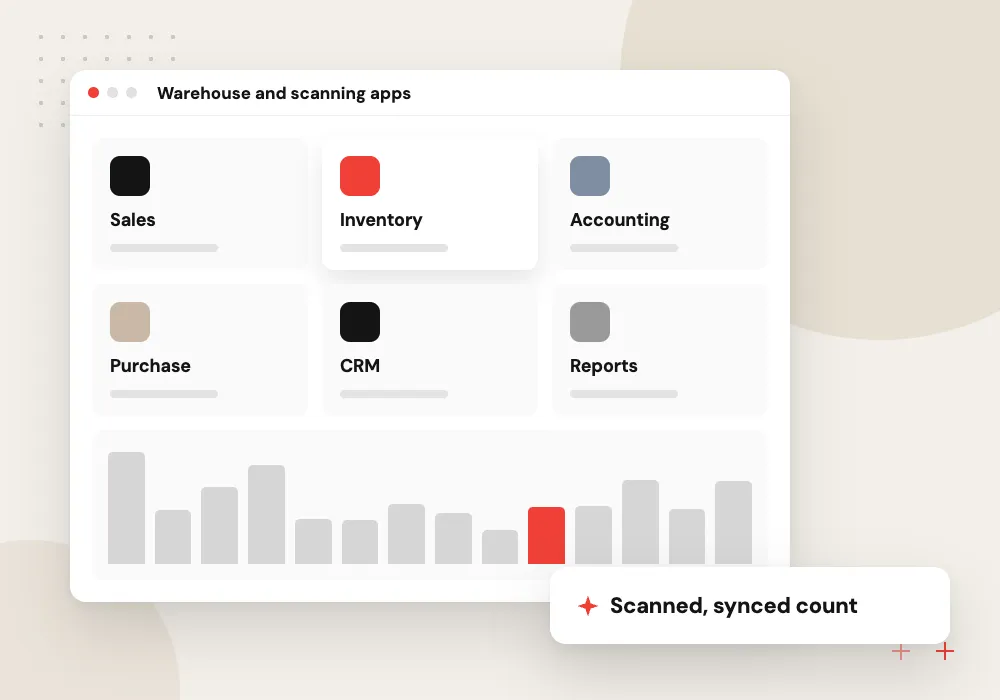
Warehouse and scanning apps
Picking, packing and stock counts on rugged Android scanners, synced with your inventory system.
Delivery and driver apps
Routes, proof-of-delivery photos and signatures, with GPS tracking and maps that still work offline.
Kiosks and dedicated devices
Locked-down tablets for check-in, sign-up or ordering, managed through Android Enterprise so staff and customers see only your app.
Consumer apps on Google Play
Accounts, orders, loyalty and push notifications for customers on Android phones, from budget models to current flagships.
AI features inside an Android app
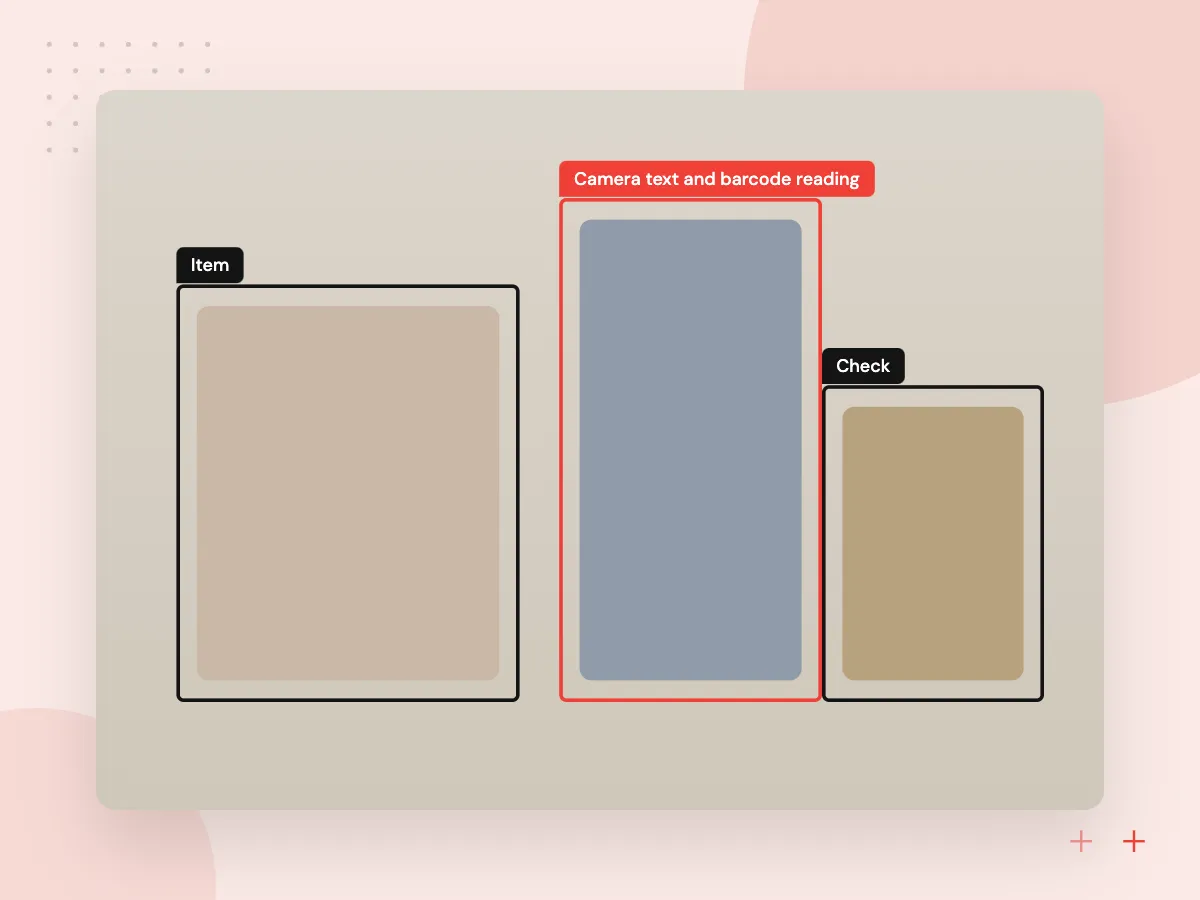
Android apps can use AI in practical ways: reading a label or meter through the camera, filling a form from a spoken note, or answering a customer question from your help content. Some tasks run on the device with Google’s ML Kit, and others call a language model through your back end, where keys and logs stay under your control.
What we do
- Camera text and barcode reading
- Voice notes turned into form fields
- In-app assistant using your help content
- Model calls routed through your back end
- Sensible fallback when offline
Setup for managed company devices
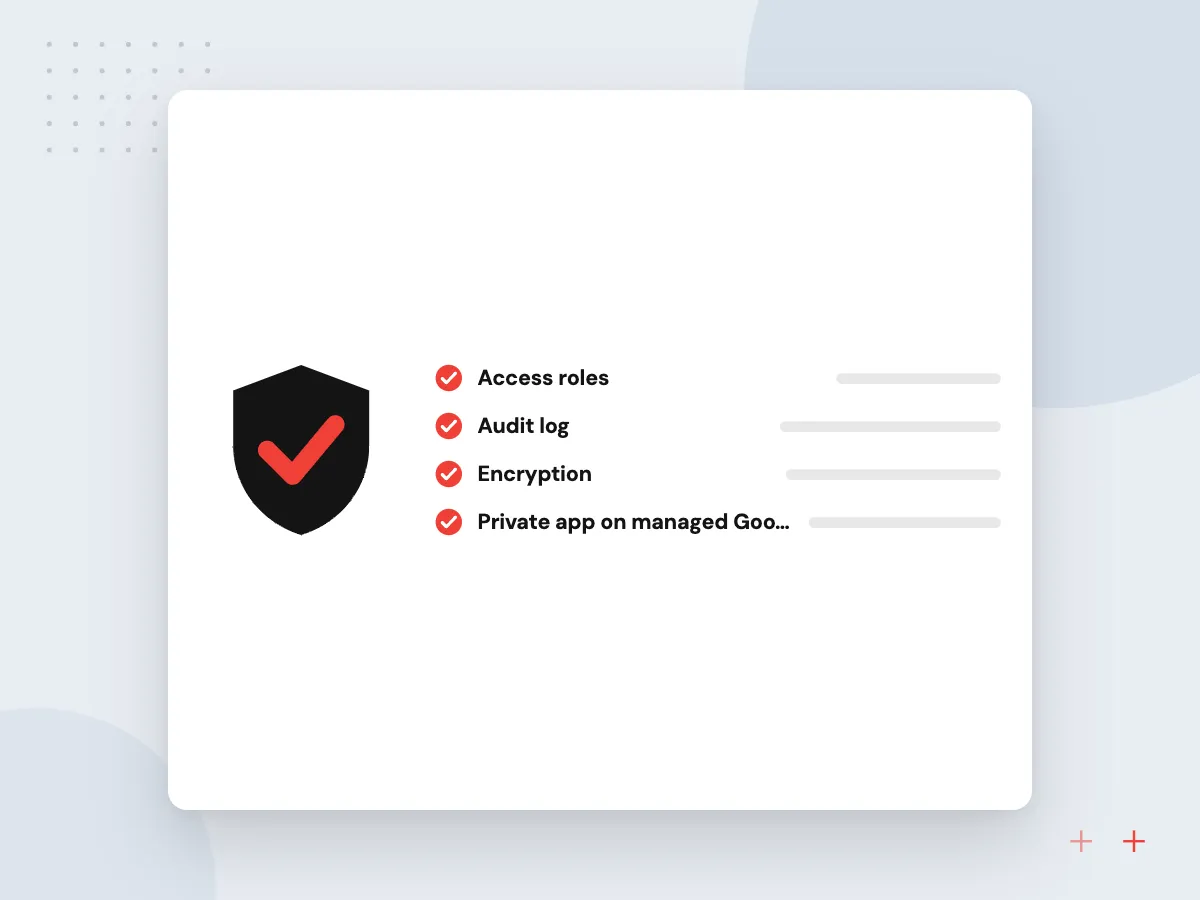
Company phones and scanners need more than an app. We prepare the app for Android Enterprise, so your IT team or device management provider can install it remotely, push settings and updates, lock devices to approved apps and wipe a lost phone without visiting each site.
What we do
- Private app on managed Google Play
- Kiosk and dedicated-device modes
- Managed configuration settings
- Remote installs and updates
- Lock and wipe through your MDM

How we approach a project
Google Play raises its minimum target API level every year, and the current dates are listed in its target API level requirements. An app that misses the deadline stops reaching new users on newer Android versions, so ongoing support includes that yearly change.
Building for both platforms? A native Swift iOS app next to a Kotlin app gives each platform its own code, while Flutter and React Native share one codebase. Our mobile app development page explains how we compare them, and API integration covers the back-end connections most business apps need.
How we work
- Kotlin and Jetpack Compose
- Built for many device makers
- Offline first for field work
Our Process
-

Device and user audit
We note who uses the app, which devices and Android versions they carry, and what hardware it must talk to.
-

Design for many screen sizes
Layouts are checked at phone, foldable and tablet sizes before development starts.
-

Sprints on an internal test track
Every sprint ships a build to a Google Play internal testing track for your team to try.
-

Rollout and yearly upkeep
We release in stages, watch Android vitals and crash reports, and handle each year’s target API change.
Why Aranv for Android apps
Tested on the devices you use
We test on the phones, tablets and scanners your staff or customers carry, including older Android versions and manufacturer skins, not only on the newest emulator image.
Offline work treated as normal
Field and warehouse apps save every scan, photo and signature locally and sync when coverage returns, with conflicts settled by rules you agree.
Play Console in your name
Listings, release tracks and app signing sit in a Play Console account your company owns, so publishing an update does not depend on our access.
Yearly Play changes planned in
Support plans include the annual target API update and other Play policy changes, so a deadline does not stop the app from reaching new users.
Planning Android App Development Services?
Book a 30-minute conversation with the team that would build it.
Android app development FAQs
-
Why choose native Kotlin instead of a cross-platform framework?
Native Kotlin makes sense when the app depends on Android hardware such as scanners, NFC or Bluetooth devices, runs on managed company devices, or must perform well on low-cost phones. If you also need iOS on one budget, Flutter or React Native is often the better choice.
-
Can you build an app for our rugged scanners or company tablets?
Yes. We build for managed devices, use the scanner maker’s SDK where needed, and can set the app up in kiosk or dedicated-device mode so staff only see the tools they need.
-
What affects the cost of an Android app?
Cost rises with each extra user role and screen, with offline sync, with every system the app connects to, with hardware features and with the range of devices you must support. A discovery phase turns these into a scoped, itemized estimate.
-
Do you publish the app on Google Play for us?
Yes. We prepare the store listing, data safety form, content rating and release tracks in a Play Console account your company owns, then manage review and rollout.
-
Can you fix an Android app that another developer built?
Yes. We review the code, Gradle build, libraries and target API level, fix whatever blocks the next Play Store update first, then plan the remaining work in order of risk.
-
Who owns the Android app once it is built?
Your company owns the Kotlin source code, the Play Console account and the app listing. Work happens in a repository you control, and we document how to build and release the app.

Let’s talk about your next step
Contact Aranv to discuss your workflow, current tools, and goals. Meet with our team or send an inquiry.
Book a meeting with our team
Choose an available date and time for a 30-minute conversation about your project.
Tell us about your project
Share a few details so we can discuss a useful next step.
Prefer email? sales@aranv.com