


What software maintenance includes
Aranv provides software maintenance services for businesses that depend on a web app, mobile app or internal system every day: security patches, framework and server upgrades, bug fixes, monitoring and small improvements, delivered under a monthly plan with a named lead and agreed response times.
Every application relies on code it does not control: the language runtime, frameworks, libraries, the operating system and third-party APIs. Each has its own release and end-of-support schedule, which you can check for PHP on the official supported versions page. Maintenance keeps your software on versions that still receive security fixes, so an upgrade is never done in a panic.
We start with a health check: versions in use and their support dates, known vulnerabilities in dependencies, a test restore from backup, monitoring gaps and the parts of the code with no tests. You get a written report and a proposed plan. Where the code is too old for patching to make sense, we discuss legacy application modernization instead.
What a maintenance plan covers each month
Patch, fix, watch, improve
- 01 Patch dependencies and servers Framework, library and operating system updates, tested on staging first.
- 02 Fix reported issues Tickets sorted by severity, each level with an agreed first-response time.
- 03 Watch uptime and errors Monitoring, error tracking and backup checks, with alerts sent to our team.
- 04 Improve in small steps Planned time for small features, speed fixes and cleanup of fragile code.
Severity levels and response times are written into the support agreement before it starts.
Application support services we provide
We look after software we built and software inherited from another team.
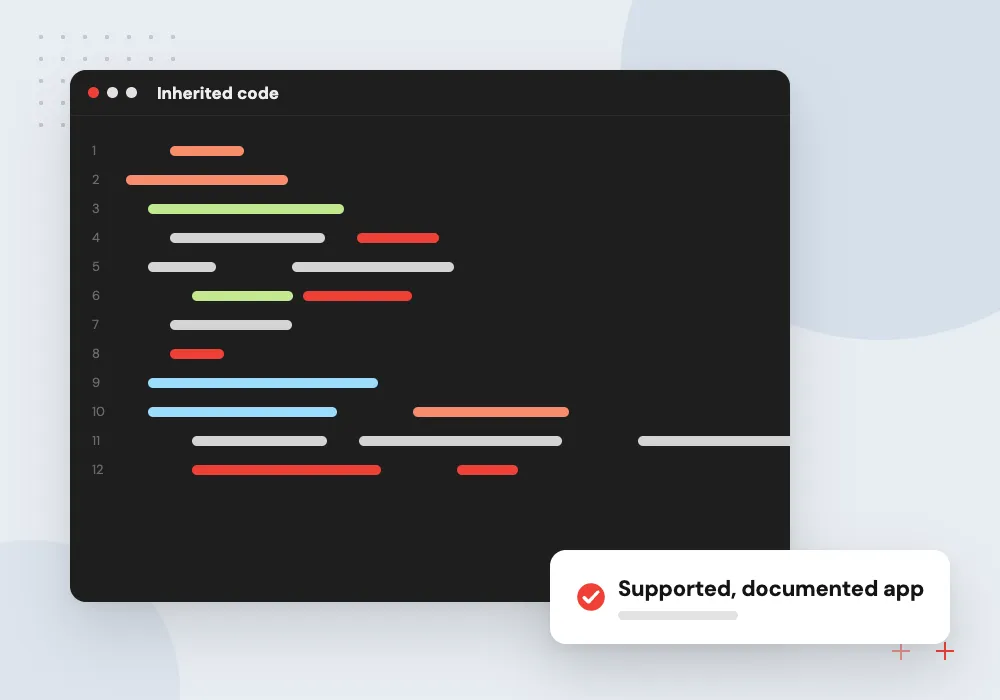
Inherited code
We document the setup, fix what is unsafe and keep the app running after a vendor or developer leaves.
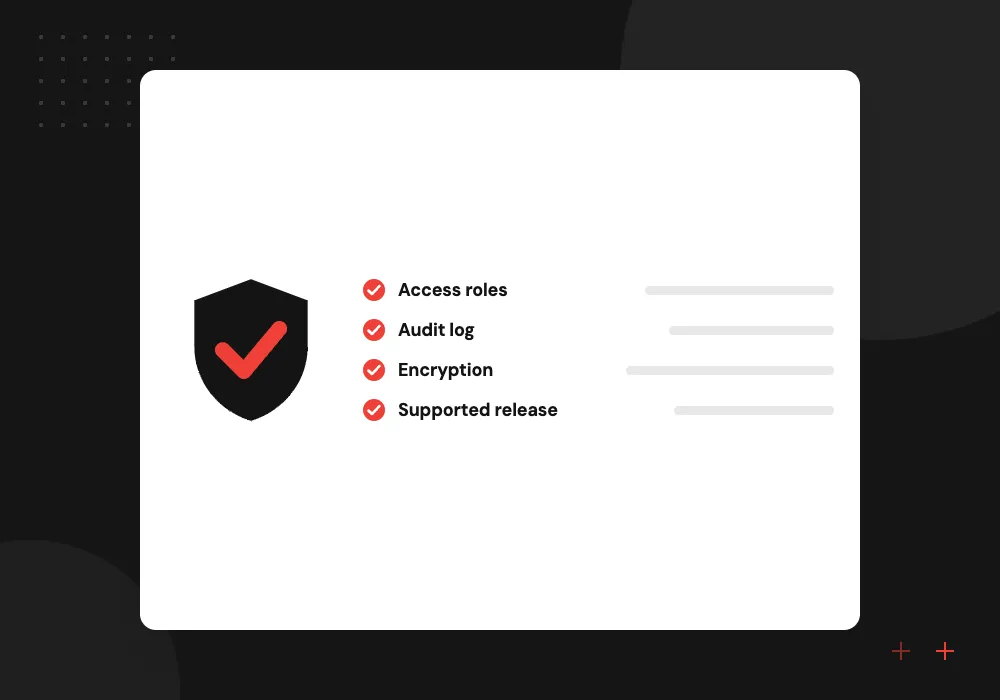
Version upgrades
PHP, Node.js, Python, React or Odoo upgrades planned before the old version stops getting security fixes.
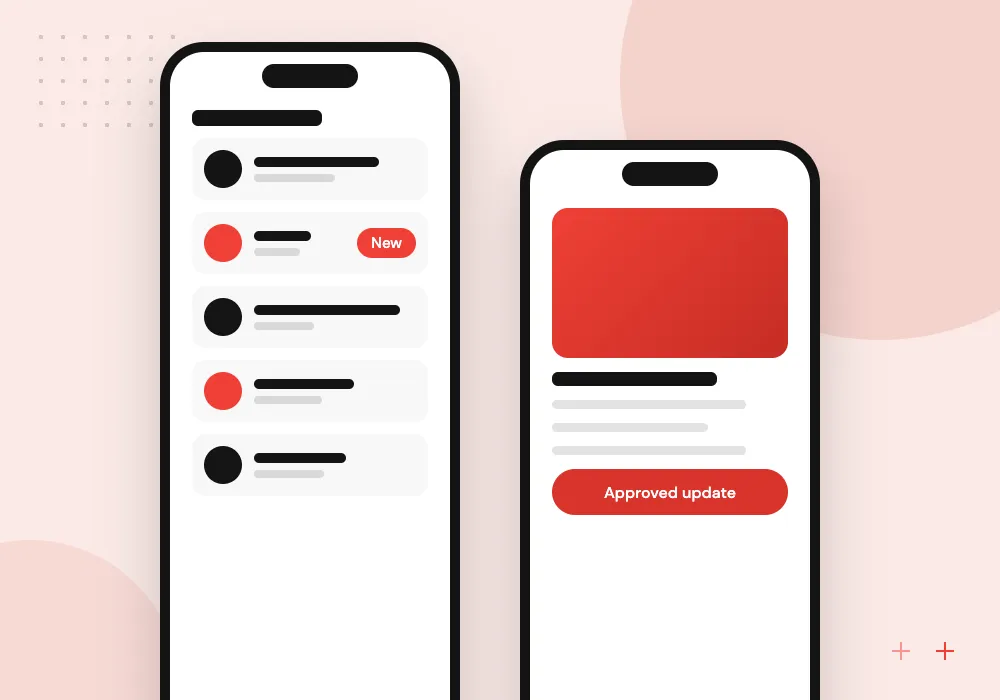
App maintenance for mobile
New iOS and Android releases, store policy changes, crash fixes and third-party SDK updates.
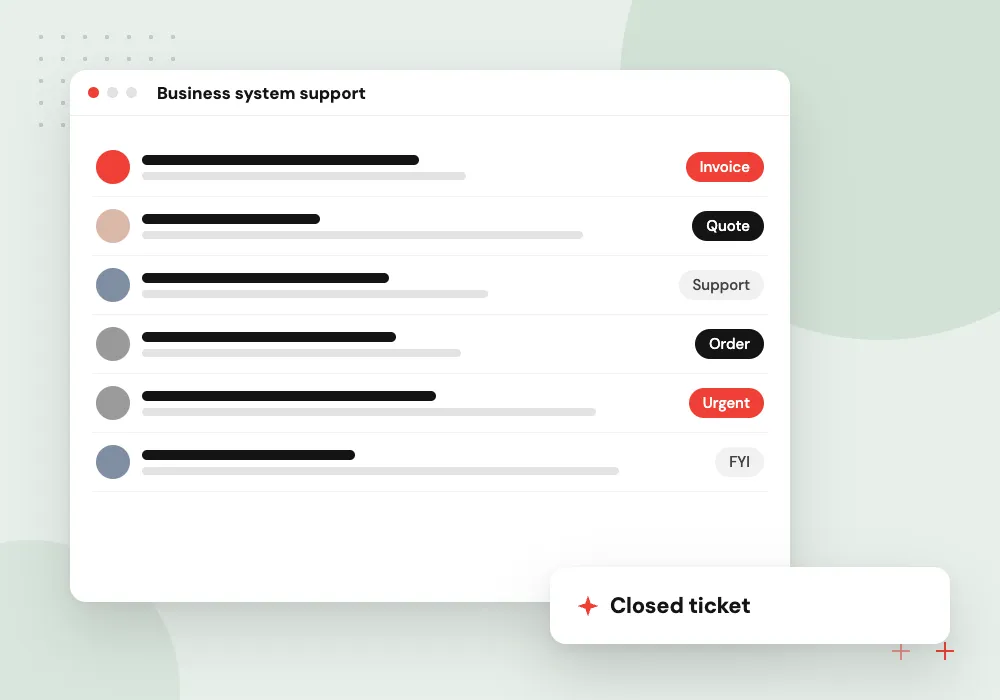
Business system support
Help for ERP, CRM and portal users, from data corrections and imports to permission changes.
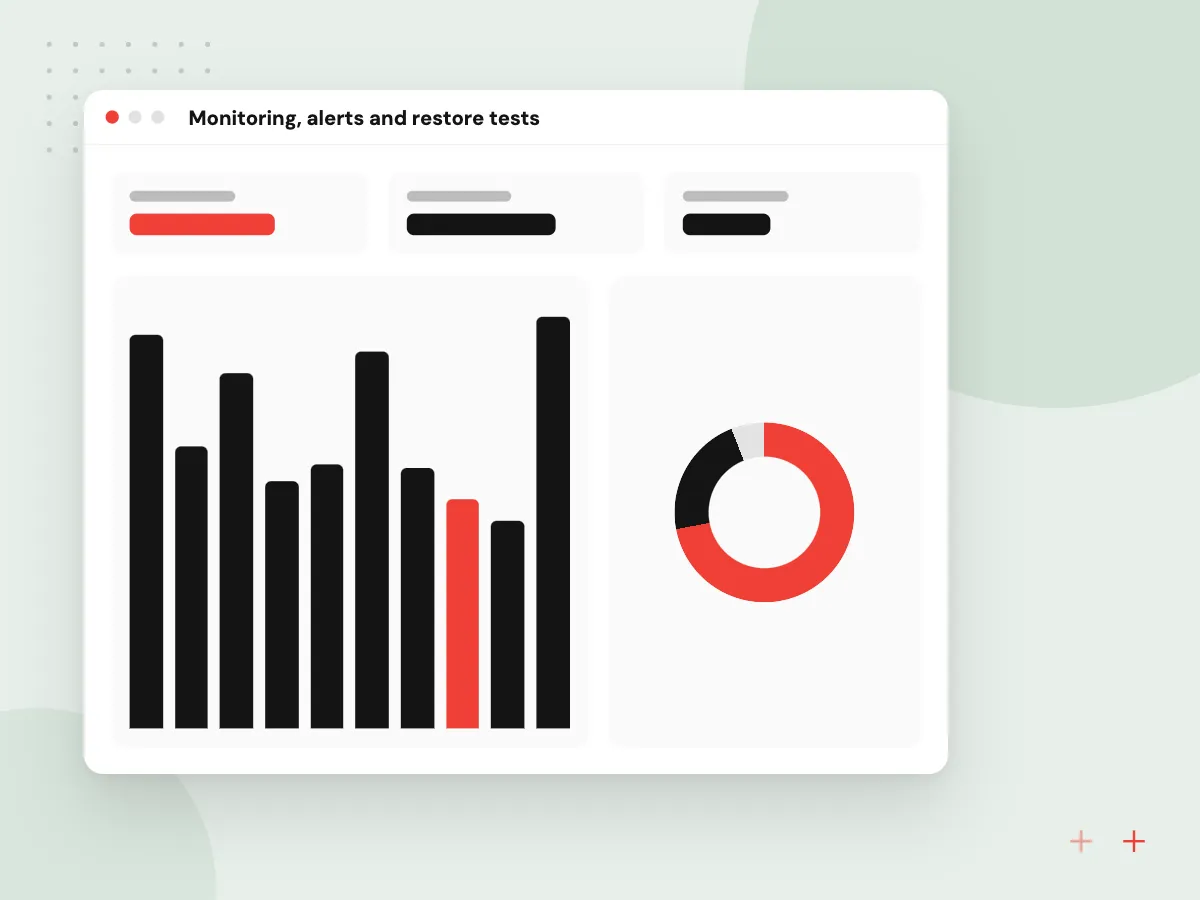
Monitoring, alerts and restore tests
Without monitoring, customers are often the first to notice an outage. We set up uptime checks, error tracking and alerts that reach the right person, and we restore a backup to a test server on a schedule, since a backup nobody has restored is only an assumption.
What we do
- Uptime checks on key pages and APIs
- Error tracking tagged by release
- Alerts routed by severity
- Scheduled test restores
- Certificate and domain expiry warnings
Support for AI features in production
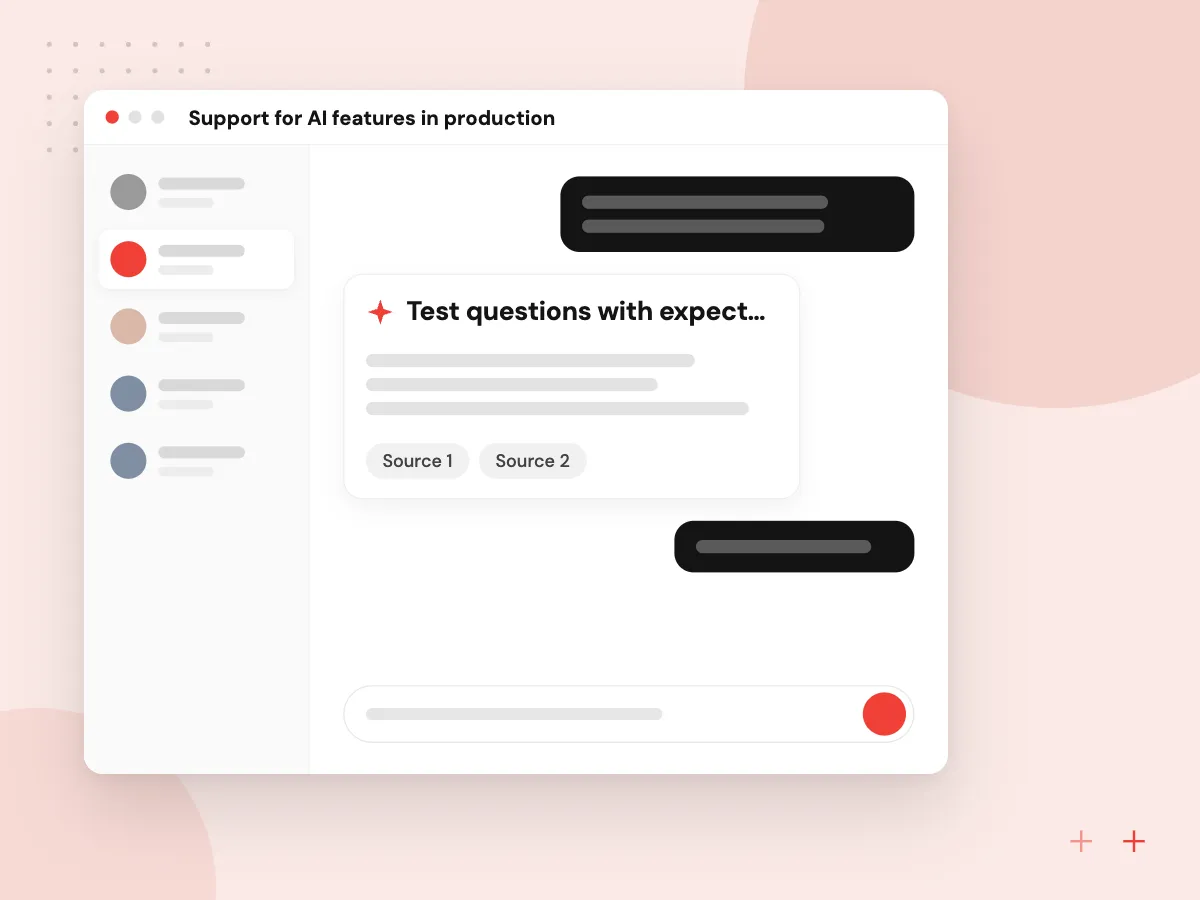
Chatbots and document tools need care that ordinary code does not. When a provider changes or retires a model, we rerun your saved test questions on the replacement, compare the answers, adjust prompts and switch only when results hold up. We also watch usage costs and review answers users mark as wrong.
What we do
- Test questions with expected answers
- Model retirement dates tracked
- Prompt changes kept in version control
- Monthly cost and usage summary
- Review of answers users flag
How we approach a project
Under a plan, all requests come through one ticket queue. An outage or data problem is handled first, a broken feature next, and change requests are scheduled. Changes are tested on staging and listed in release notes, so you can see what changed and when.
Maintenance and development overlap. Small features, reports and integrations fit inside the plan; bigger work becomes a separate project or a dedicated development team. Regression tests from our QA and software testing service protect existing features after each update, and DevOps automation keeps releases routine.
We support web applications, mobile apps, WordPress sites, Odoo systems and AI features such as chatbots, where prompts and model versions also need review after a provider changes or retires a model.
How we work
- Upgrade before it becomes urgent
- One ticket queue, one named lead
- Every change recorded in release notes
Our Process
-

Health check
Review versions, vulnerabilities, backups, monitoring and hosting access, and list urgent risks.
-

Stabilize
Fix critical issues, switch on monitoring and confirm backups can actually be restored.
-

Agree the plan
Severity levels, response times, monthly hours and reporting set out in one agreement.
-

Monthly cycle
Updates, fixes and small improvements, with a short report and an upgrade outlook each month.
Why Aranv for ongoing support
A named lead for your system
One person owns your account, reads every ticket and keeps notes on how the system is built, so you do not have to explain the setup again.
Upgrades planned from support dates
We track end-of-support dates for each runtime and framework you use and put the upgrade in the plan months before fixes stop.
Every change written down
Release notes list what changed, why and when, so anyone on your side can trace an issue back to the update that caused it.
Fixes and new work kept apart
The agreement says what the monthly plan covers. Anything larger is estimated and approved by you before we start.
Planning Software Maintenance and Support Services?
Book a 30-minute conversation with the team that would build it.
Software maintenance FAQs
-
What is included in software maintenance services?
Security and dependency updates, bug fixes, monitoring, backup checks, server updates and small improvements. The exact scope, hours and response times sit in a written agreement, so both sides know what is covered and what counts as new work.
-
Can you maintain software another company built?
Yes. We begin with a health check and a documentation pass, because inherited code often has no notes on how it is deployed. We need repository access, hosting credentials and a list of known problems. A short handover call with the previous developer helps if they are reachable.
-
How much does application maintenance cost?
It depends on the size and age of the system, the number of integrations and how fast you need responses. Older code with no tests takes more effort per change. We propose a monthly plan after the health check, once we know what we are looking after.
-
What happens when PHP or a framework version reaches end of life?
We plan the upgrade months ahead: run the app on the new version in staging, fix incompatible code and packages, then release in a quiet period. Once a version is unsupported, security fixes stop arriving, so the upgrade is worth scheduling early.
-
How do we report a problem?
Through a shared ticket queue or a support address set up for your account. Each ticket gets a severity, a first response and updates until it is closed. Urgent issues such as an outage are flagged so they move to the front of the queue.
-
Do you maintain mobile apps after launch?
Yes. App maintenance covers new iOS and Android versions, store policy and SDK requirements, crash reports and listing updates. Apple and Google raise their minimum build requirements over time, so an app left untouched can stop being accepted for updates.

Let’s talk about your next step
Contact Aranv to discuss your workflow, current tools, and goals. Meet with our team or send an inquiry.
Book a meeting with our team
Choose an available date and time for a 30-minute conversation about your project.
Tell us about your project
Share a few details so we can discuss a useful next step.
Prefer email? sales@aranv.com