


What an iOS project includes
Aranv is an iOS app development company that builds native Swift apps for iPhone and iPad. We design, build and publish apps for the customers, field teams and members of small and midsize US businesses, connected to the systems those businesses already run.
We write iOS apps in Swift, Apple’s own language, and build most new screens with SwiftUI. UIKit still has a place for complex lists, camera work and older codebases, and the two frameworks can live side by side in one app.
A typical scope covers screen design, the app itself, a secure API or back end, sign-in with Face ID or Sign in with Apple, push notifications, analytics and crash reporting.
From first screen to the App Store
How a native iOS app ships
- 01 Screens drawn in SwiftUI Native controls, Dynamic Type and dark mode behave the way iPhone owners expect.
- 02 Data from your back end A secure API links the app to your CRM, ERP or database.
- 03 Beta builds in TestFlight Your staff install test versions and send feedback before the public release.
- 04 Review and release We prepare the listing, privacy answers and screenshots for App Store review.
We track Apple’s yearly SDK rules, so each update can still be uploaded.
iPhone and iPad apps we build
Native iOS fits apps that rely on the camera, location, Apple Pay, widgets or offline work, and products whose users mostly carry iPhones.
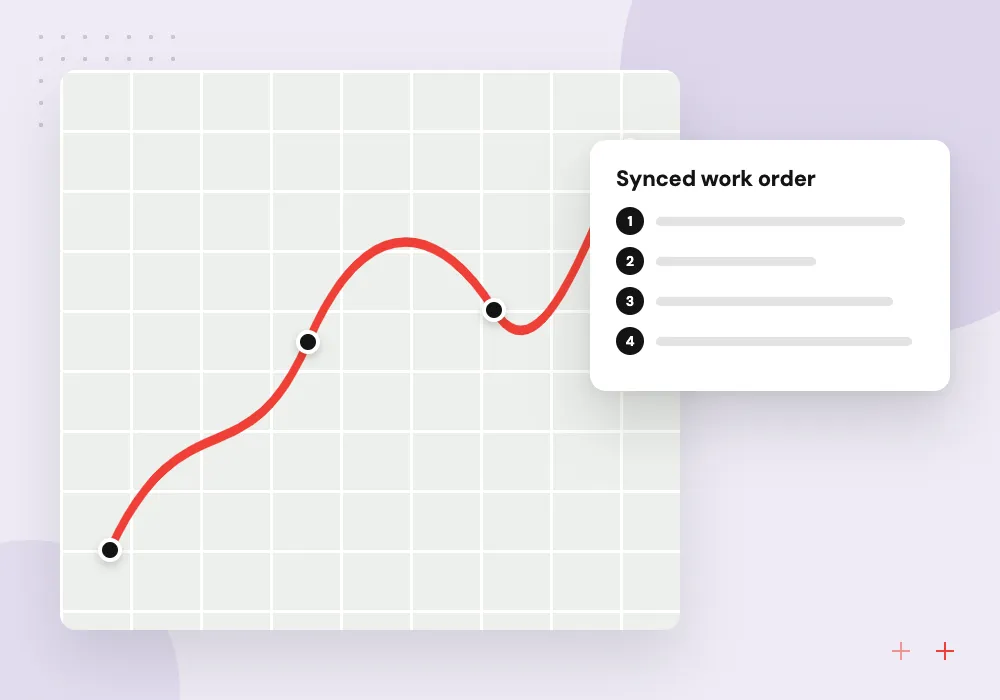
Field service apps
Technicians see their jobs, capture photos and signatures, and sync once they are back in coverage.
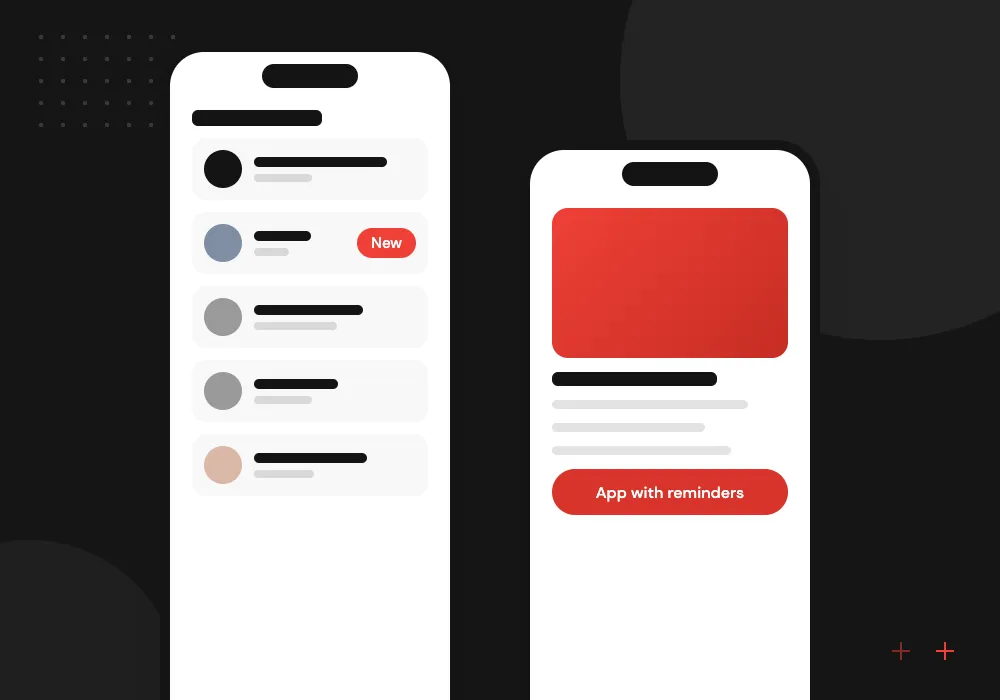
Customer and member apps
Bookings, loyalty, orders and push reminders for the people who already buy from your website.
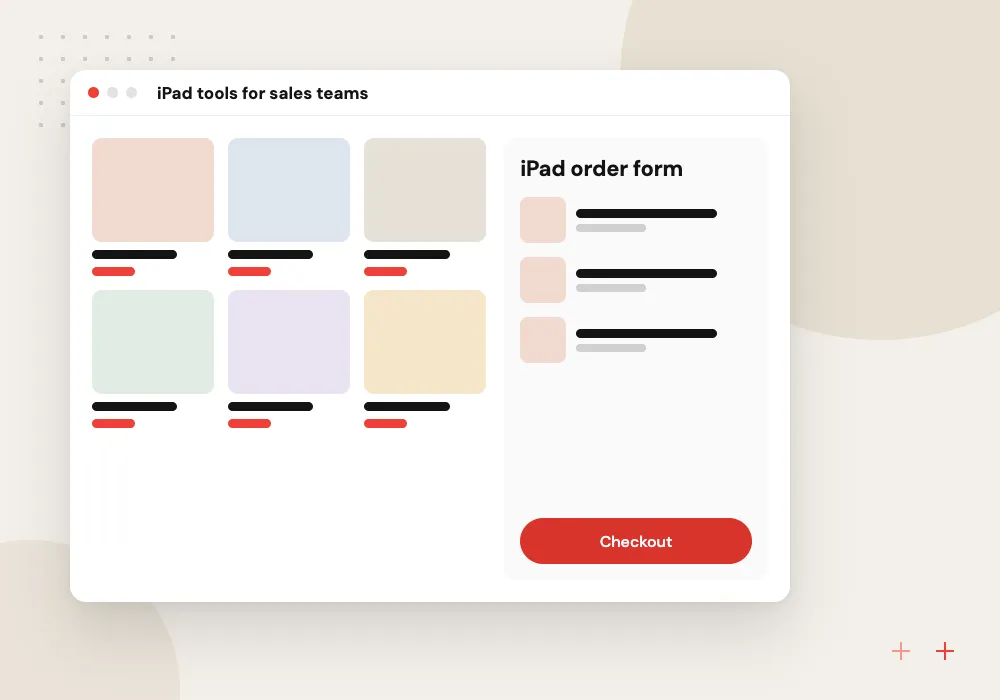
iPad tools for sales teams
Catalogs, quotes and order capture on iPad, built for trade shows, showrooms and customer visits.
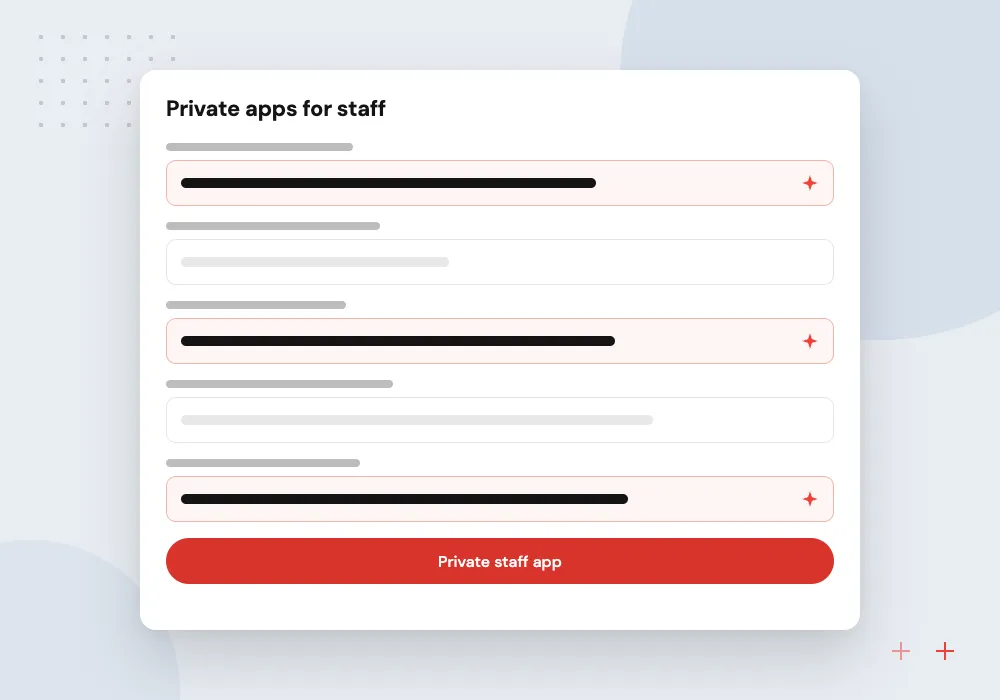
Private apps for staff
Inspections, checklists and approvals handed out to employees through Apple Business Manager instead of the public store.
Private iPhone apps for your staff
An app for employees does not have to appear in the public App Store. Through Apple Business Manager it can be offered only to your organization as a custom app, then installed on company iPhones and iPads by your device management tool.
What we do
- Custom app setup in Apple Business Manager
- Installs through your MDM tool
- Sign-in with staff accounts
- Offline checklists that sync later
- Updates pushed to every device
AI features on iPhone and iPad
Some AI can run on the device itself: Apple’s Vision and Core ML frameworks read text, scan barcodes and sort photos without sending them anywhere. Heavier jobs, such as drafting a service report or answering from your manuals, go to a language model through your back end. We decide per feature on privacy, speed and cost.
What we do
- On-device text and barcode reading
- Photo sorting with Core ML
- Report drafts through your server
- Answers drawn from your manuals
- User review before anything is sent
How we approach a project
Apple raises its build rules every year. Its upcoming requirements page now asks for Xcode 26 on every upload, so a project that has sat untouched for a year or two usually needs a rebuild before its next update. We check this before we estimate any work on an existing app.
If you need Android as well, compare the options first. React Native and Flutter share one codebase across both platforms, while Swift paired with a separate native Kotlin Android app gives each platform its own code. Our mobile app development overview explains how we weigh them.
How we work
- Native Swift, no web wrappers
- Privacy designed in from day one
- Releases planned around App Store review
Our Process
-

Plan the core journeys
We list the users, the three or four tasks they open the app for, the iOS versions to support and the systems to connect.
-

Prototype on real iPhones
Clickable designs run on your team’s own devices early, so feedback is about real taps rather than slides.
-

Weekly TestFlight builds
Each sprint ends with a build your testers can install, backed by code review and automated UI tests.
-

Submit, launch and maintain
We handle App Store submission, watch crash reports after launch and update the app for each new iOS release.
Why Aranv for iOS apps
Apple’s rules from the first sketch
Designs follow Apple’s Human Interface Guidelines and App Review rules from the start, which lowers the risk of a late redesign after a rejected submission.
Accessibility in every build
Dynamic Type, VoiceOver and contrast are tested on each sprint build, so the app works for people who enlarge text or use a screen reader.
App and API from one team
The same team writes the API and admin panel the app relies on, so a mismatch between phone and server is fixed in one place.
Privacy details filled in carefully
We help you complete the App Store privacy details and permission prompts, listing each type of data the app and its libraries collect.
Planning iOS App Development Services?
Book a 30-minute conversation with the team that would build it.
iOS app development FAQs
-
What is a realistic timeline for an iPhone app?
That depends on the number of screens, integrations and user roles. A focused first version with a few core tasks takes a few months, while apps with payments, offline sync or several roles take longer. We give you a timeline after a short discovery phase, not before it.
-
Should we build native iOS or use Flutter or React Native?
Choose native Swift when the app depends on Apple features such as widgets, Apple Watch, HealthKit or advanced camera work, or when iPhone users are your main audience. If you need Android at the same time on one budget, a cross-platform framework is often the better fit.
-
What does an iOS app development company need from us?
A product owner who can make decisions, access to the systems the app must connect to, your brand assets, and an Apple Developer account in your company’s name. We can walk you through setting up the account if you do not have one yet.
-
Who owns the app and its source code?
You do. The app is published under your own Apple Developer account, and the Swift code, designs and build settings sit in a repository your company controls.
-
Can you take over an iOS app written by another team?
Yes. We start with a code review covering the Swift version, third-party libraries, test coverage and build setup, then list what must change before the next App Store upload and what can wait.
-
Do you build iPad apps as well as iPhone apps?
Yes. Most of the code is shared, but we design iPad screens separately so they use the larger display well, with split views, keyboard shortcuts and Apple Pencil input where your users need them.
-
What happens after the app is live?
We offer ongoing support: crash monitoring, fixes, updates for each new iOS version and new features planned with you. Because Apple keeps raising its SDK minimums, an unmaintained project needs a rebuild before its next release.

Let’s talk about your next step
Contact Aranv to discuss your workflow, current tools, and goals. Meet with our team or send an inquiry.
Book a meeting with our team
Choose an available date and time for a 30-minute conversation about your project.
Tell us about your project
Share a few details so we can discuss a useful next step.
Prefer email? sales@aranv.com