


What .NET development services include
Aranv provides .NET development services for small and midsize US companies: ASP.NET Core web applications and APIs, migration of .NET Framework systems to current .NET, Azure hosting, and AI features written in C# that work with the Microsoft tools your staff already use.
Modern .NET is open source and cross-platform, so an ASP.NET Core app runs in Linux containers as well as on Windows. It suits companies invested in SQL Server and Microsoft 365, and products that need strong typing and good performance. .NET Framework 4.x still runs on Windows, but new libraries target current .NET.
ASP.NET Core development. A typical build covers the domain model in C#, Entity Framework Core for data, ASP.NET Core Identity or Entra ID for sign-in, background workers, health checks and xUnit tests. Hosting is often Azure, though Linux containers on any cloud work too.
Moving a .NET Framework app forward
From Windows-only code to current .NET
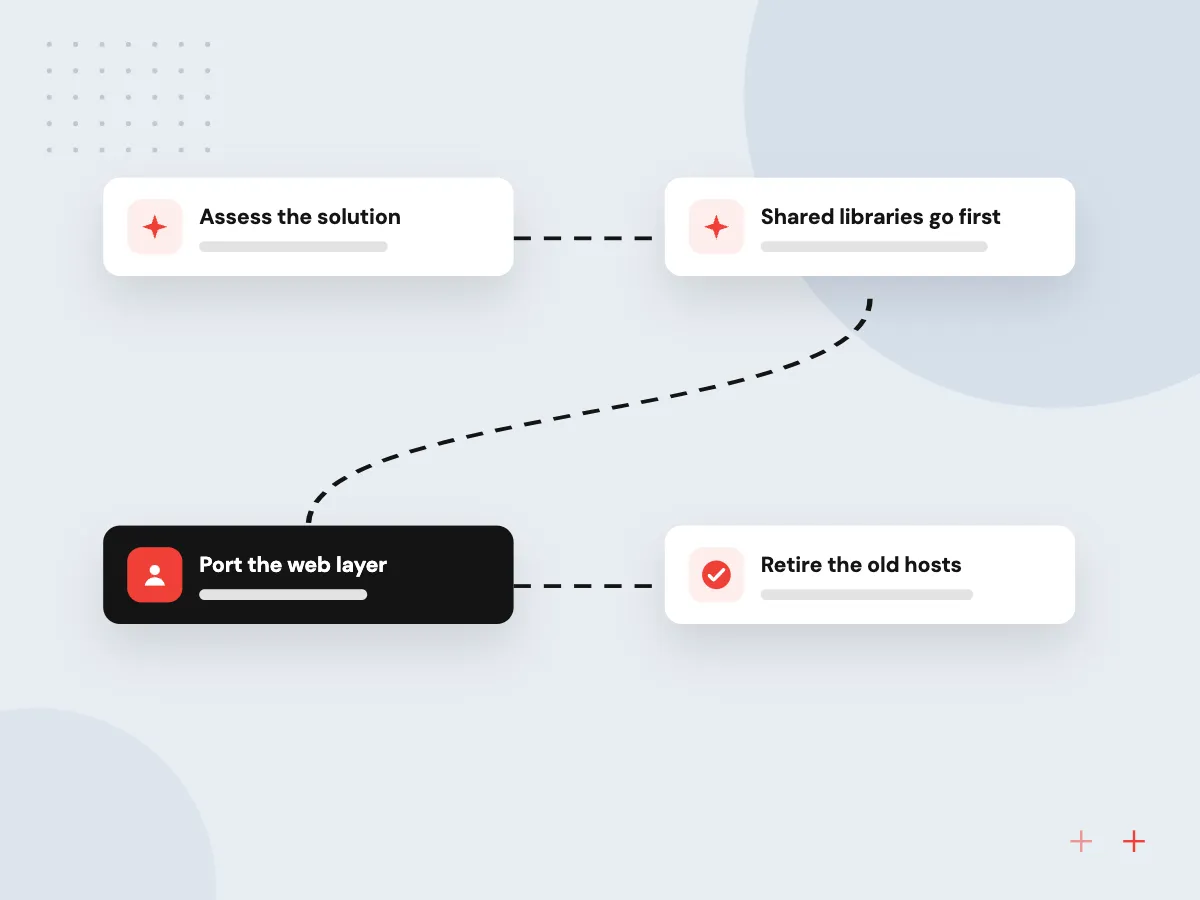
- 01 Assess the solution Every project is checked for blocking packages and Windows-only APIs.
- 02 Shared libraries go first Class libraries move to .NET Standard 2.0, so old and new apps can share them.
- 03 Port the web layer MVC and Web API controllers move to ASP.NET Core in groups.
- 04 Retire the old hosts Once traffic runs on .NET 10, the old Windows servers can go.
A new build starts at step three, with a fresh ASP.NET Core project on .NET 10.
What we build with .NET
Many US companies run on Microsoft: SQL Server, Microsoft 365, Azure and Windows desktops. Most of our .NET work starts from that setting.
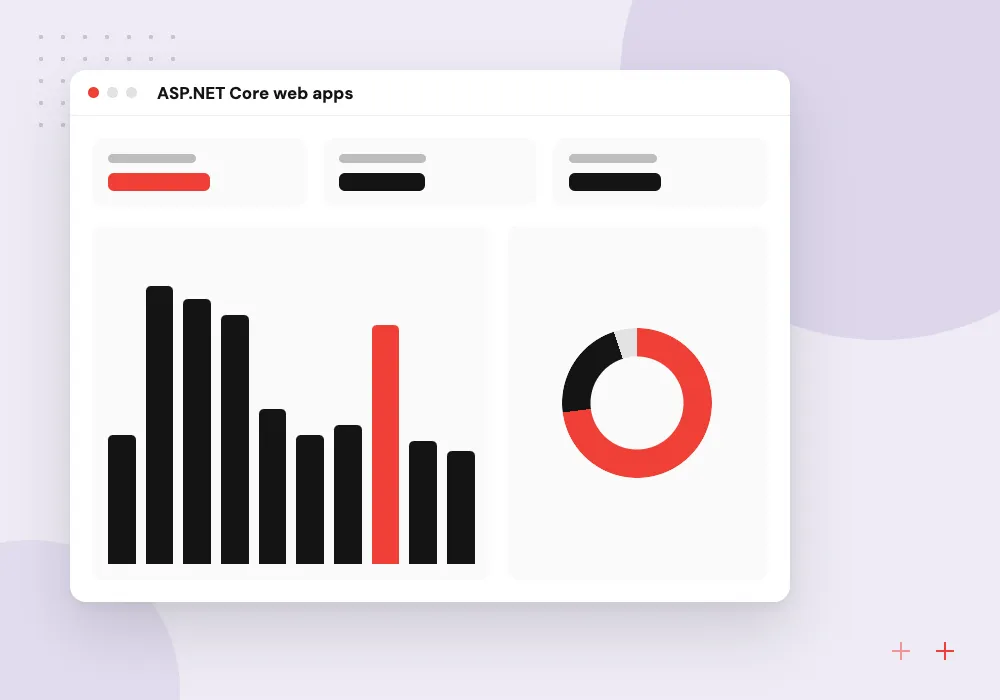
ASP.NET Core web apps
Customer portals and staff dashboards in Razor Pages, Blazor or React, with sign-in through Microsoft Entra ID.
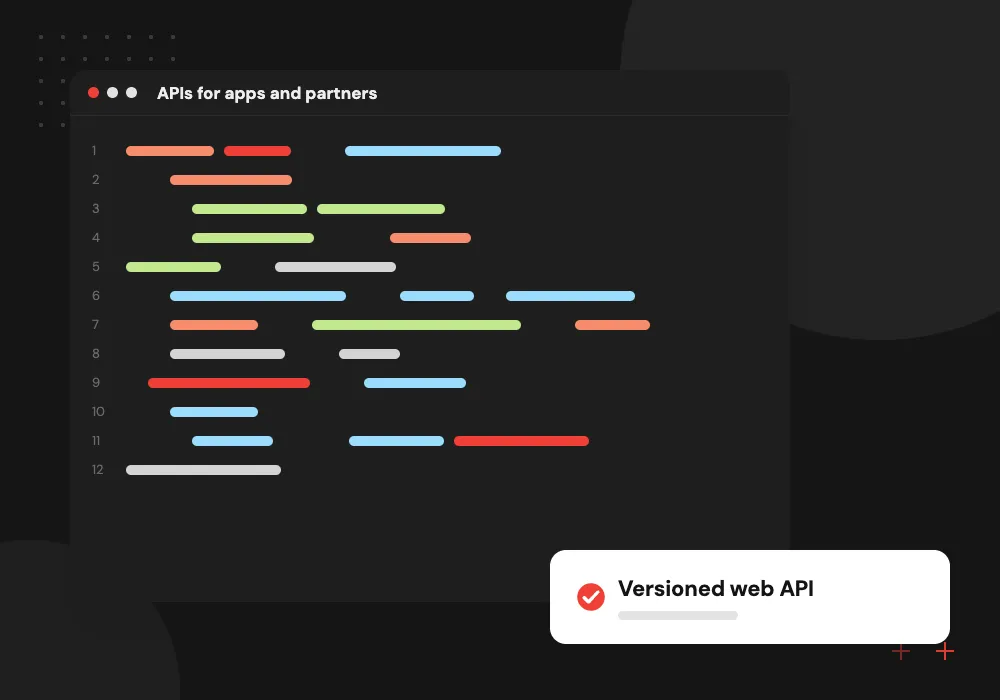
APIs for apps and partners
Minimal APIs or controllers with OpenAPI documents, versioning and rate limits for mobile apps and partner systems.
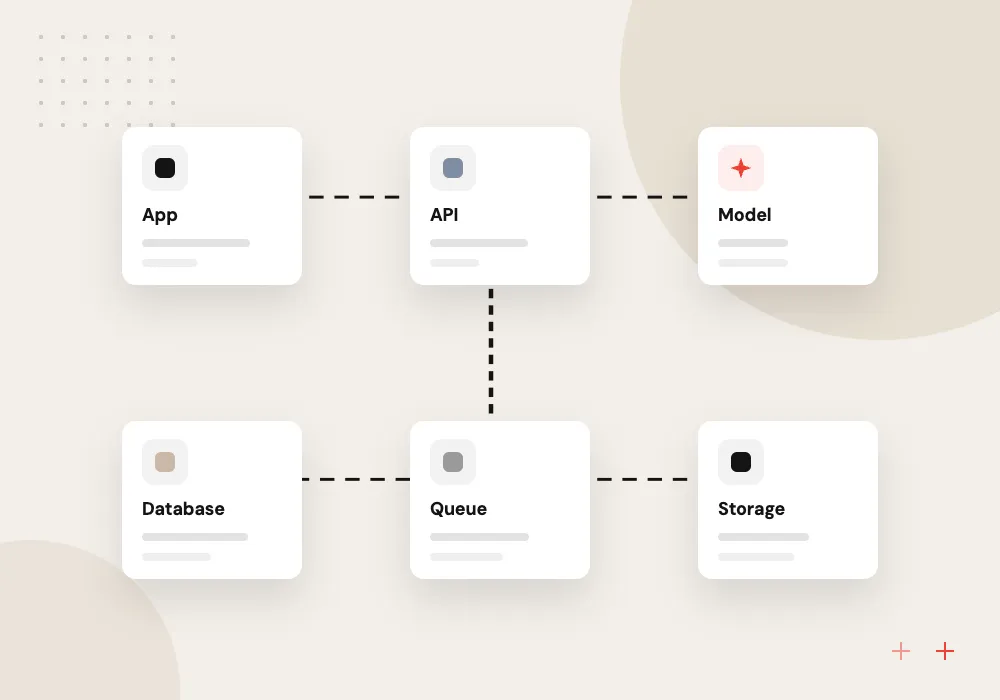
.NET Framework migration
WebForms pages rebuilt in Blazor or Razor Pages and WCF services moved to gRPC or REST, all on .NET 10 in stages.
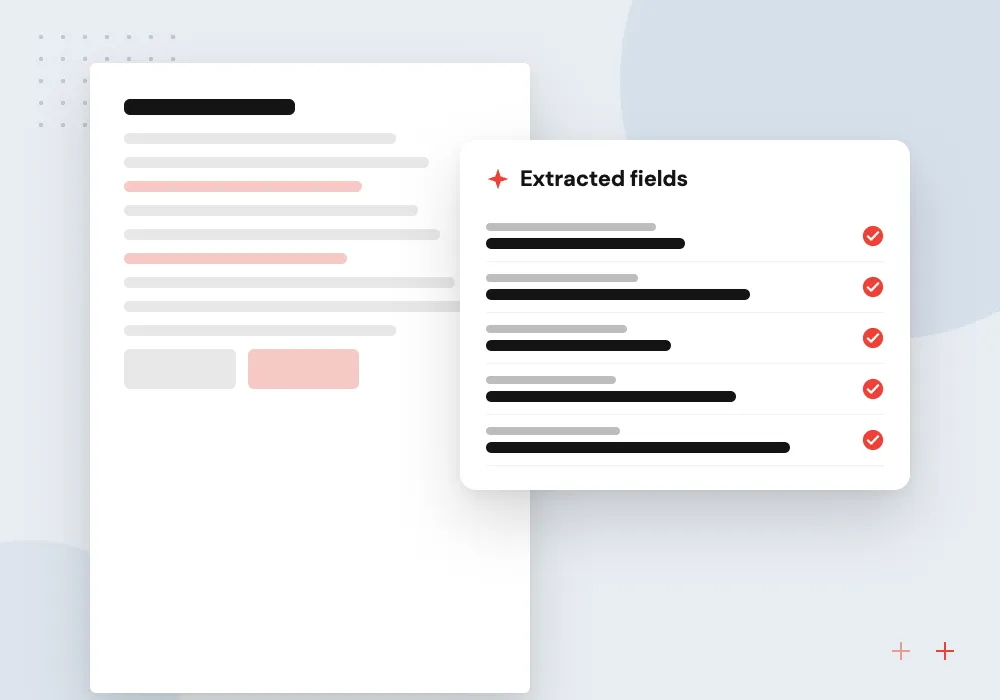
AI features in C#
Microsoft.Extensions.AI or Semantic Kernel connects your app to Azure OpenAI or another model for drafting, extraction and search.
Porting .NET Framework apps to .NET 10
Most .NET Framework systems mix several project types: class libraries, an MVC or WebForms site, a WCF service and a few console jobs. Each takes a different route to .NET 10. We order the projects by dependency, port shared libraries first and keep the old site live until its replacement passes the same tests.
What we do
- Project-by-project assessment report
- Shared libraries on .NET Standard
- WCF moved to gRPC or CoreWCF
- WebForms pages rebuilt in Blazor
- Windows services as worker services
- Side-by-side staging comparison
AI features inside the Microsoft stack
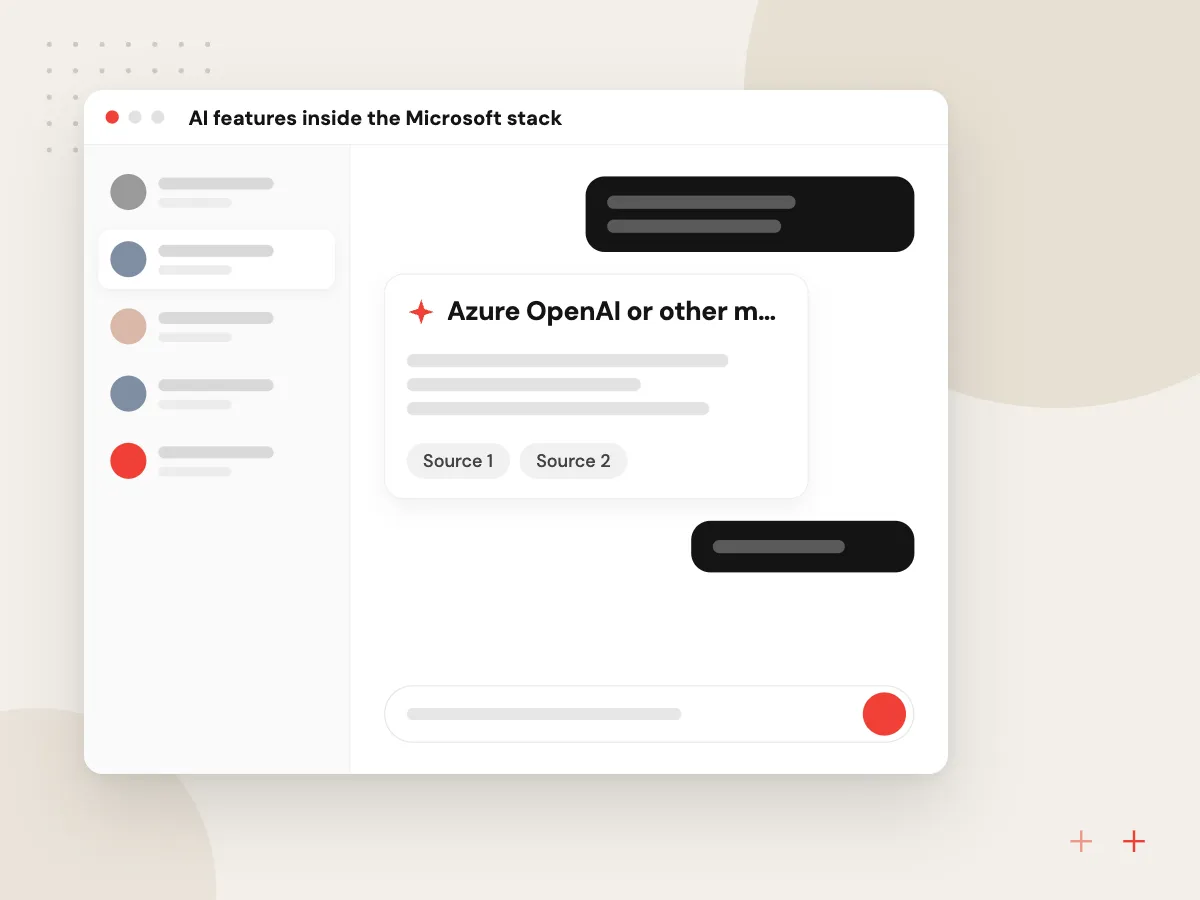
If your staff live in Outlook, Teams and SharePoint, an AI feature should meet them there. We build C# services that read only what the user can already open, ask a model to summarize, classify or draft, and return the result to your app or a Teams message for a person to approve.
What we do
- Azure OpenAI or other model client
- Entra ID permissions respected
- SharePoint and SQL Server retrieval
- Teams or Outlook delivery
- Logged prompts and outputs

How we approach a project
.NET migration. Microsoft’s .NET support policy gives each release a fixed end date, so upgrades can be planned well ahead. We move .NET 6 or 8 apps up to .NET 10 and port .NET Framework apps project by project. Larger rebuilds follow our legacy application modernization approach.
For model work in a Microsoft setting, see Azure OpenAI development. Desktop and mobile apps in C# are covered by .NET MAUI development, and every stack we support appears on the technologies page.
How we work
- Target the current LTS release
- Port in slices, not one rewrite
- C# your IT team can read
Our Process
-

Solution and hosting review
We list target frameworks, NuGet packages and Windows dependencies, and note how each app is hosted.
-

Pick a path per project
Each project is marked upgrade in place, port to ASP.NET Core or rebuild, with the reason noted.
-

Port and compare
Both versions stay live in staging while integration tests check that their responses match.
-

Switch traffic and retire
Users move over in groups while we watch the logs, then the old servers are shut down.
Why Aranv for .NET
Support dates set the order
We map your apps against Microsoft’s published end dates, so the systems closest to losing patches move first.
Ports checked against the original
Before cutover, old and new versions answer the same requests in staging and we compare results, so tests find behavior changes before customers do.
Fits your Microsoft licensing
We design around the SQL Server, Microsoft 365 and Azure services you already pay for before suggesting anything new.
Your IT team keeps control
Infrastructure is written as code in your own Azure or cloud account, and your administrators hold the access from day one.
Planning .NET Development Services?
Book a 30-minute conversation with the team that would build it.
.NET development FAQs
-
When does support for .NET 8 end?
Microsoft lists November 10, 2026 as the end of support for both .NET 8 and .NET 9, after which they get no more patches. .NET 10, a long-term support release, is supported until November 14, 2028, which makes it the usual upgrade target now.
-
Can a .NET Framework app move to .NET 10 without a full rewrite?
Partly. Class libraries, business logic and most data access code port with modest changes. WebForms pages do not carry over and need rebuilding in Razor Pages or Blazor, and WCF server code moves to CoreWCF, gRPC or REST. Our assessment shows which parts port and which need new code.
-
Do we have to host .NET on Azure?
No. ASP.NET Core runs on Linux or Windows, in containers, on AWS, Google Cloud or your own servers. Azure is a natural fit if you already use Microsoft 365 and Entra ID, but cost and what your IT team manages today should decide.
-
How do you add AI features to a C# application?
We add a service that calls a language model through Microsoft.Extensions.AI or Semantic Kernel, using Azure OpenAI or another provider. It sends only records the signed-in user may see, returns structured results your code can check, and logs each call.
-
What drives the cost of a .NET migration?
The number of projects in the solution, how much WebForms or WCF code there is, third-party packages without current versions, and existing test coverage. We give a phased estimate after the assessment, so you can fund the shared libraries first and the web layer next.

Let’s talk about your next step
Contact Aranv to discuss your workflow, current tools, and goals. Meet with our team or send an inquiry.
Book a meeting with our team
Choose an available date and time for a 30-minute conversation about your project.
Tell us about your project
Share a few details so we can discuss a useful next step.
Prefer email? sales@aranv.com