


What .NET MAUI development includes
Aranv provides .NET MAUI development for businesses that run on Microsoft tools: Android, iOS, Windows and Mac apps from one C# codebase, Blazor Hybrid apps that reuse web components, and planned Xamarin migration for apps that lost Microsoft support in May 2024.
.NET MAUI is Microsoft’s framework for Android, iOS, macOS and Windows apps written in C# and XAML. It suits companies whose back office already runs on .NET, Azure and Microsoft 365, because one language and one team cover both the app and the server. Our .NET development group builds both sides.
It is a weaker fit for consumer apps where a highly custom look matters most, or for teams that know JavaScript or Dart rather than C#. There, React Native or Flutter may be easier to staff, and our mobile app development page compares the routes.
One C# project, four app platforms
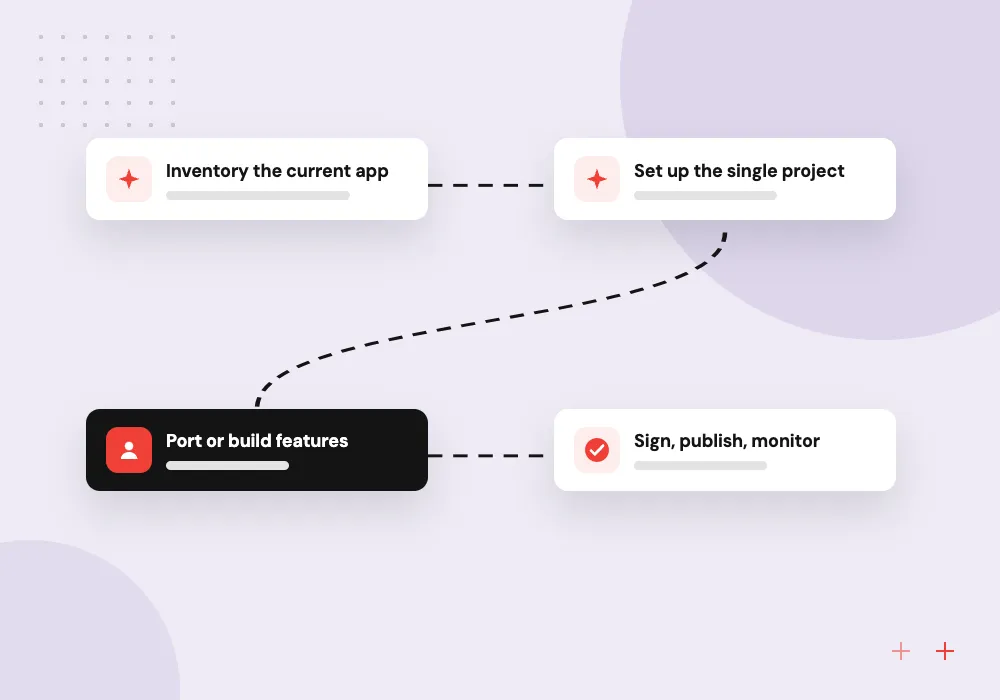
From Xamarin or a blank page to MAUI
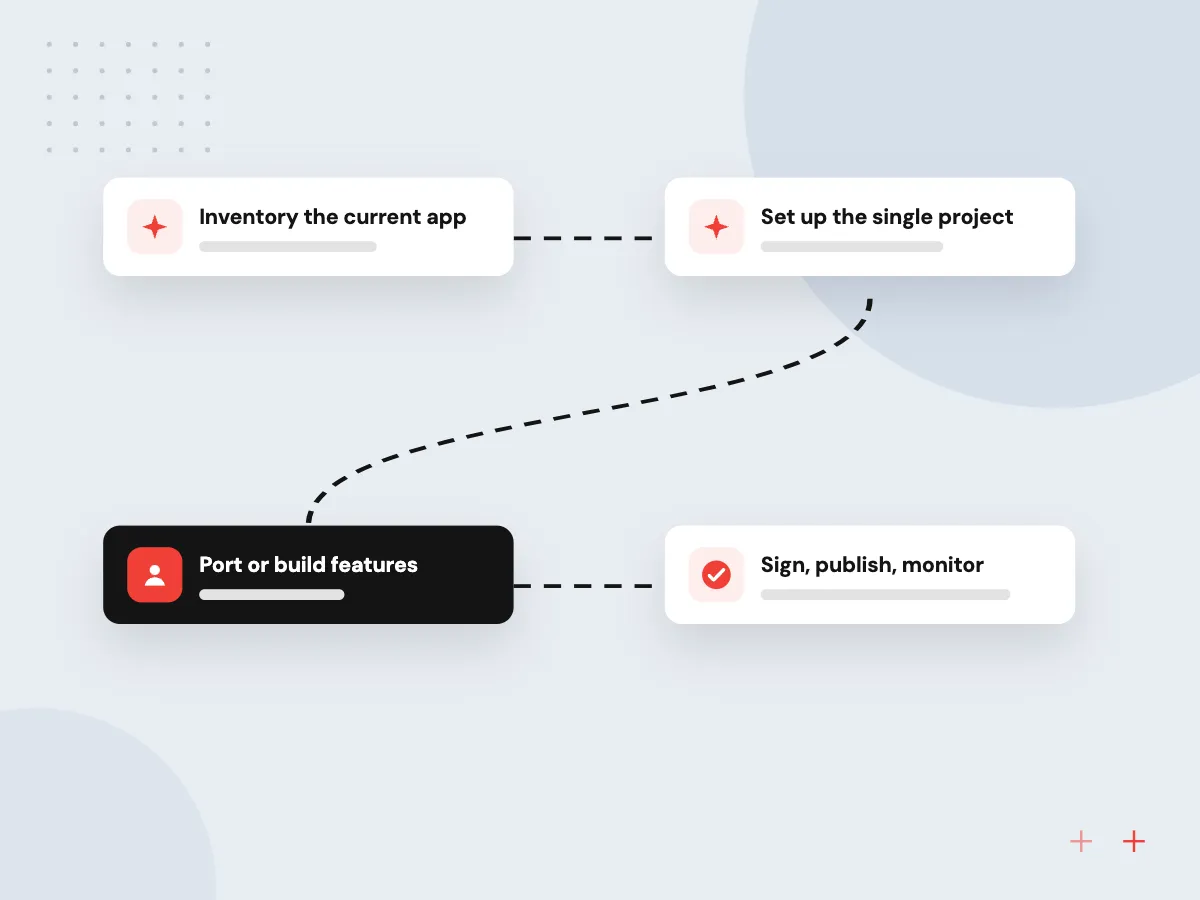
- 01 Inventory the current app Screens, custom renderers, NuGet packages and build pipelines are listed with their MAUI equivalents.
- 02 Set up the single project One project file targets Android, iOS, Windows and Mac Catalyst with shared resources.
- 03 Port or build features Views, view models and services move over in slices, each one tested on devices.
- 04 Sign, publish, monitor Store submissions, Windows installers, crash reporting and a plan for yearly .NET updates.
iOS builds still need a Mac with Xcode, so a Mac build host is part of every pipeline we set up.
What we build with .NET MAUI
Our .NET MAUI projects usually fall into one of four kinds.
Xamarin.Forms migration
Xamarin.Forms apps moved to .NET MAUI, with custom renderers rewritten as handlers and retired packages swapped for maintained ones.
Line-of-business mobile apps
Inspection checklists, order entry and approvals for staff who already sign in with Microsoft Entra ID and work in Microsoft 365 every day.
Windows and Mac desktop
Office and warehouse desktop tools built from the same codebase as the phone app, packaged as installers for Windows and macOS.
Blazor Hybrid apps
Razor components from your existing Blazor web app hosted inside a native shell, with access to the camera, local files and device sensors.
Xamarin migration without a long freeze
Xamarin’s final SDKs target Android API 34 and Xcode 15, older than the levels the app stores now ask for when you ship an update. We move the app to .NET MAUI in planned slices, keep the current version live until the new build is ready, and test each slice on real devices.
What we do
- Package and renderer audit
- Single-project conversion
- Renderers rewritten as handlers
- Essentials calls mapped to MAUI
- New build and signing pipeline
AI features in C# apps
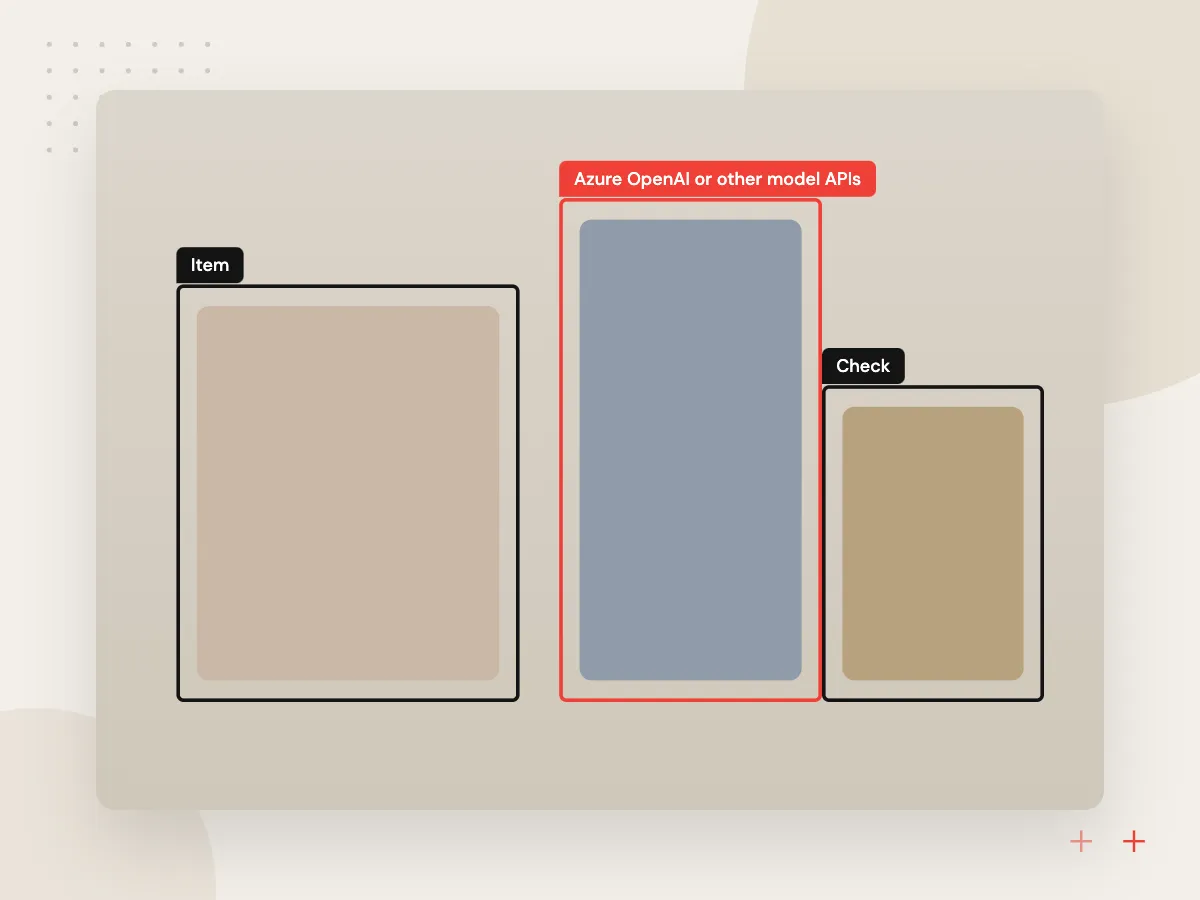
The C# skills that run your back end can also add AI to the app. We route model calls through an ASP.NET Core service that holds the keys and logs usage, then build features such as photo-based form filling, a policy assistant for field staff, or offline image checks with ONNX Runtime.
What we do
- Azure OpenAI or other model APIs
- Back-end proxy with usage logs
- Camera capture for paperwork
- On-device models for offline checks
- Review screen before data is saved

How we approach a project
Migration is the most common request. Microsoft’s Xamarin support policy confirms support has ended, and many of these apps also built and shipped through App Center, which Microsoft has retired. We replace that pipeline with GitHub Actions or Azure DevOps during the move. Older desktop and web systems are covered under legacy application modernization.
The APIs behind the app usually run on Azure, though MAUI works with any back end. For the full list of stacks our developers cover, visit the technologies overview.
How we work
- C# from server to screen
- Migrate in slices, test on devices
- Plan for the yearly .NET release
Our Process
-

Technical assessment
We build your current app, flag packages without MAUI support and estimate the porting effort for each screen.
-

Foundation release
Project structure, navigation, sign-in and the build pipeline go in first, before feature work starts.
-

Feature slices
Screens and services arrive in agreed batches, each tested on a device list that matches your users.
-

Store release and handover
We submit to Google Play, the App Store and the Microsoft Store or an installer, then document every release step.
Why Aranv for .NET MAUI
One C# team, front and back
The developers who build the MAUI app also write the ASP.NET Core APIs and Azure Functions behind it, so the contract between app and server lives in one place.
Device testing, not only emulators
Handlers, permissions and file access behave differently across Android makers and iOS versions, so every migration slice is tried on physical phones and tablets before release.
Clear about MAUI’s limits
If the app needs Linux desktop support or heavy custom graphics, we say so early and compare other options rather than stretching MAUI past what it does well.
Upgrades on the calendar
Microsoft ships a new .NET version every November. We schedule that upgrade each year so the app does not slide out of support a second time.
Planning .NET MAUI Development?
Book a 30-minute conversation with the team that would build it.
.NET MAUI FAQs
-
Is Xamarin still supported?
No. Microsoft ended support for all Xamarin SDKs, including Xamarin.Forms, on May 1, 2024. Xamarin apps receive no fixes from Microsoft and cannot target the newer SDK levels Apple and Google expect for store updates, so moving to .NET MAUI is the supported path.
-
How long does a Xamarin to .NET MAUI migration take?
Screen count, custom renderers and third-party packages set the pace, along with how much platform-specific code the app carries. An app built from standard controls moves far faster than one with many renderers. We estimate screen by screen after building your current code.
-
Is .NET MAUI a good choice for desktop apps?
Yes for Windows and macOS business tools that share code with a mobile app. It does not target Linux, and a Windows-only desktop app with dense data grids may suit WPF or WinUI on their own. We advise once we know who uses the app and on which machines.
-
Can .NET MAUI reuse our Blazor web app?
Partly. Blazor Hybrid lets a MAUI app host Razor components in a BlazorWebView, so shared components and services can serve both the website and the installed app. Code that relies on browser-only behavior or server rendering needs changes.
-
What should we have ready before a MAUI project begins?
Access to the source code and build settings, signing certificates or store accounts, a list of the devices your staff or customers use, and one person who can answer questions about how the app should behave. For a migration, the current store version helps us compare behavior.

Let’s talk about your next step
Contact Aranv to discuss your workflow, current tools, and goals. Meet with our team or send an inquiry.
Book a meeting with our team
Choose an available date and time for a 30-minute conversation about your project.
Tell us about your project
Share a few details so we can discuss a useful next step.
Prefer email? sales@aranv.com