


What an Odoo ERP implementation includes
Aranv is an Odoo implementation partner for small and midsize businesses moving off spreadsheets and disconnected tools. We roll out Odoo one app at a time, from sales and inventory to accounting, import your data, train your staff and stay on for support.
A typical scope covers process mapping, hosting and edition choice, setup of each app, data import, user roles and access rights, document templates, reports, training and support after go-live. We configure standard Odoo first and write code only when a real gap remains, which keeps future upgrades cheaper. When a gap does need code, our Odoo customization and integration service builds it.
Hosting decides what is possible later. Odoo Online suits firms looking for cloud ERP for small business with no servers to run, but Odoo’s own documentation says it is incompatible with custom modules and Apps Store modules. Odoo.sh and on-premise hosting both allow custom code. We explain these trade-offs before you sign a subscription.
How an Odoo rollout is phased
One app at a time, one database
- 01 Map how work flows Quotes, orders, stock moves and invoices traced from first contact to cash.
- 02 Pick hosting and edition Odoo Online, Odoo.sh or your own servers; Community or Enterprise.
- 03 Phase one goes live Often sales, inventory and invoicing first, with clean data imported.
- 04 Add apps in steps Purchasing, manufacturing, projects or helpdesk once the first phase has settled.
Every phase runs on a test database first, so staff can practice before go-live.
Where Odoo replaces scattered tools
Odoo works as ERP for small business because every app shares one database. These are typical first projects.
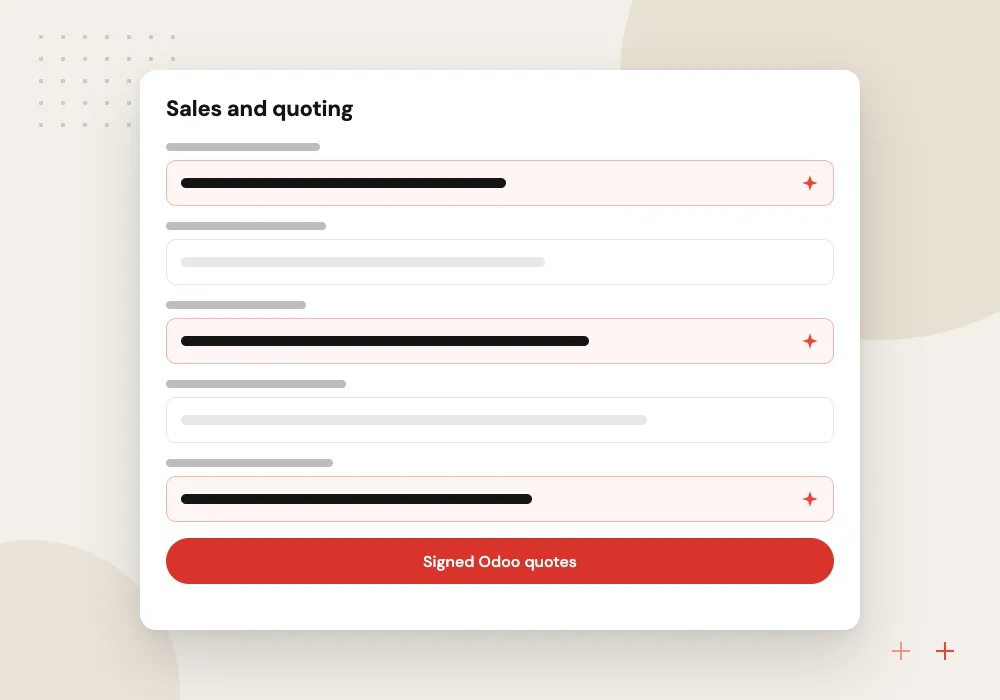
Sales and quoting
A CRM pipeline and quotes built from your templates, signed online by the customer and turned straight into sales orders.
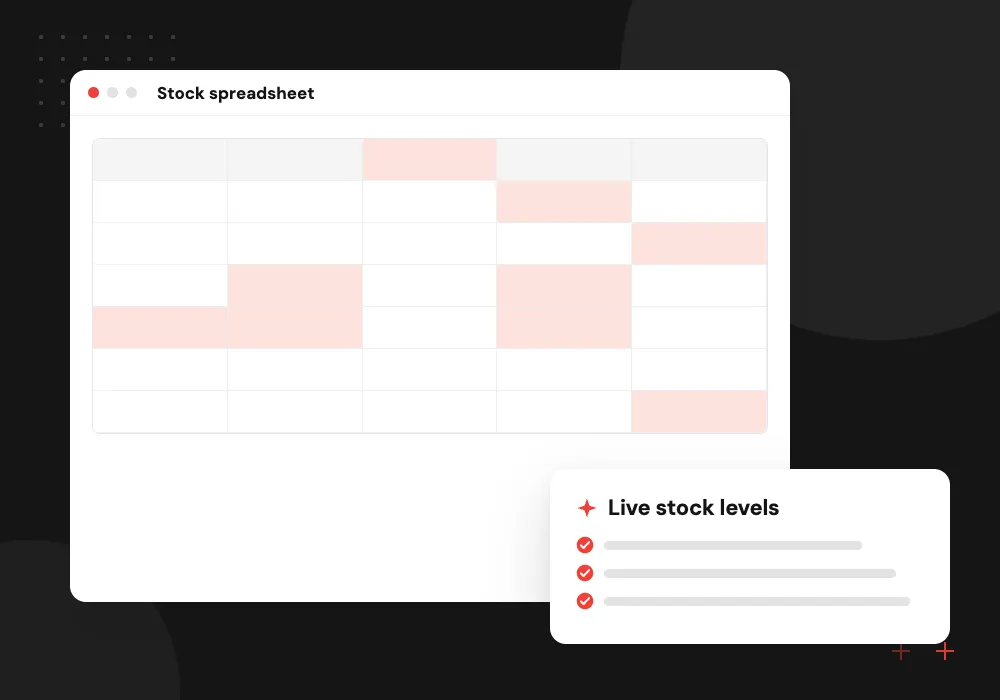
Inventory and purchasing
Stock by warehouse and location, with reordering rules that raise requests for quotation when stock runs low.
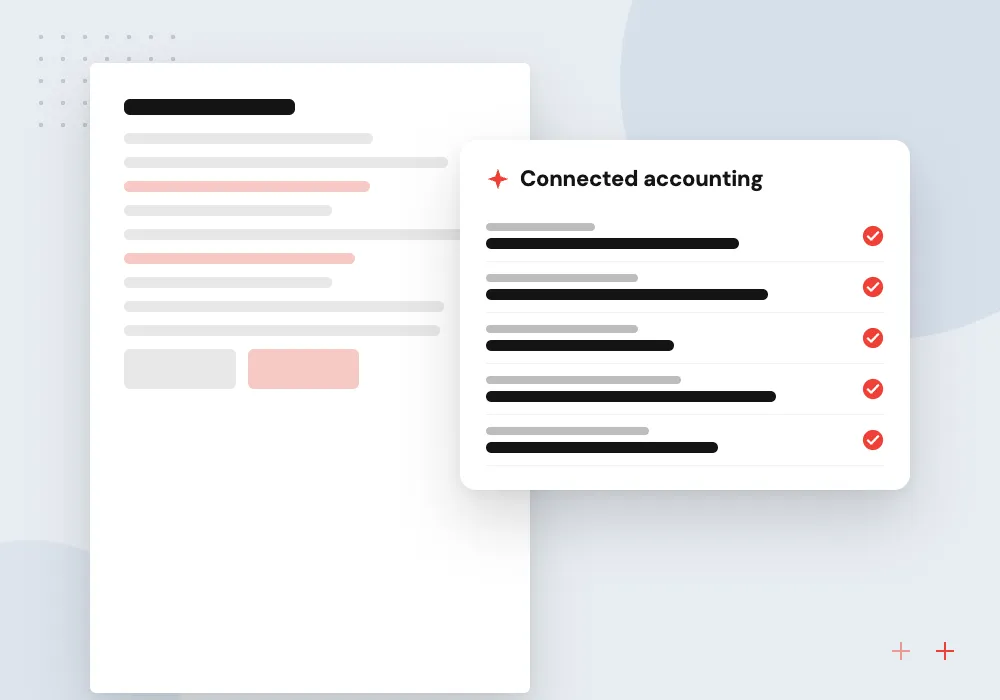
Accounting and invoicing
Invoices created from delivered orders, bank statement matching and the taxes and reports your company files.
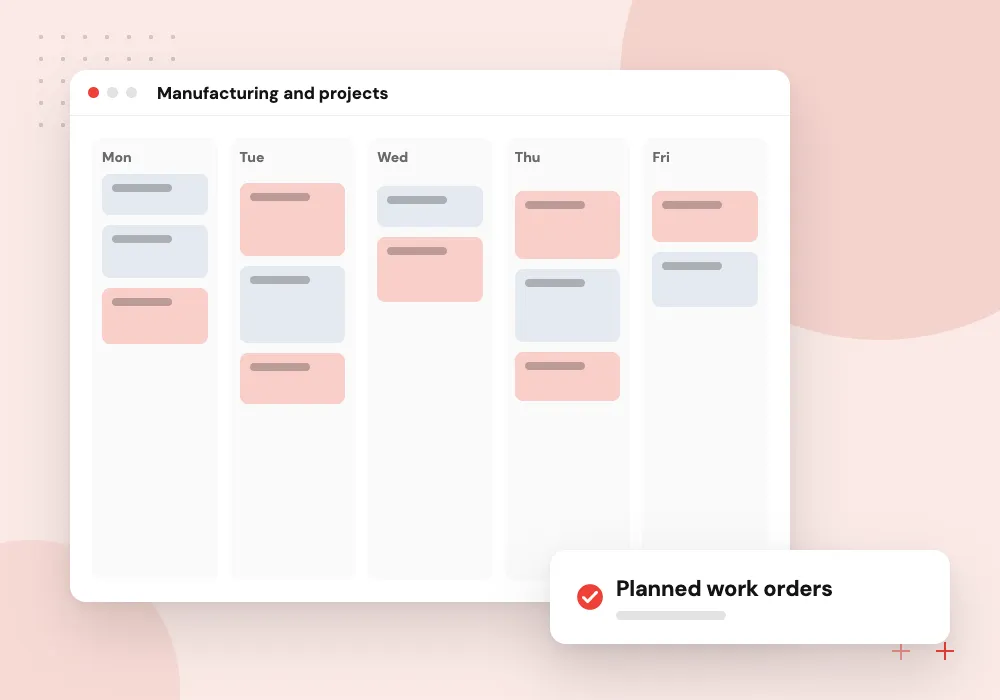
Manufacturing and projects
Bills of materials, work orders, timesheets and project billing for firms that make products or sell hours.
Training staff on their own data
People learn Odoo fastest when the screens show their own customers and products. We train key users first on the test database, give them short guides for each role, and help them coach colleagues, with our team on hand for the questions that come after go-live.
What we do
- Key-user sessions per department
- Short guides for each role
- Practice tasks on the test database
- Brief screen recordings
- Support on go-live day
Adding AI once Odoo is live
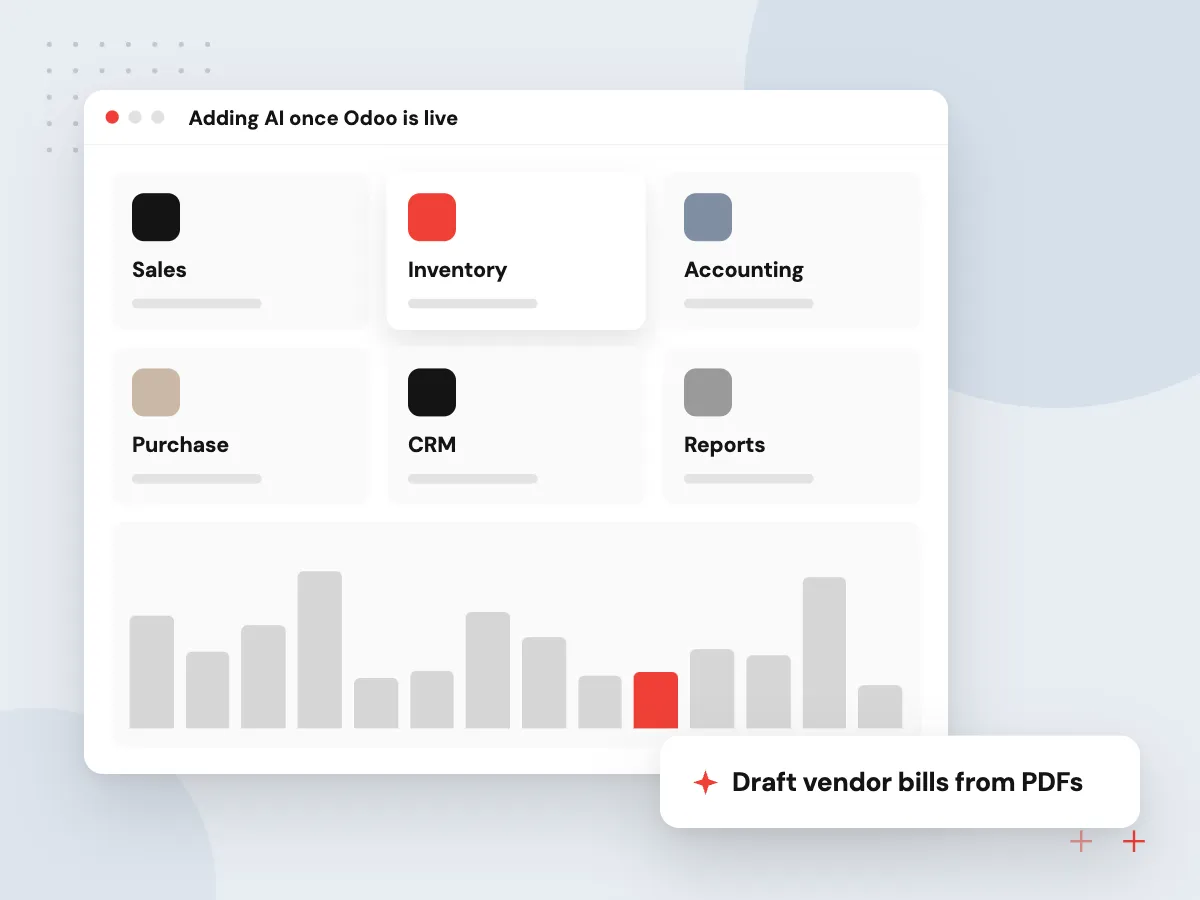
With sales, stock and accounting on one database, AI has clean records to work from. Common next steps are turning supplier PDFs into draft vendor bills, suggesting reorder quantities from past sales and answering staff questions about orders, with a person approving any change to a record.
What we do
- Draft vendor bills from PDFs
- Reorder suggestions from sales history
- Staff questions answered from Odoo
- Odoo’s built-in AI configured
- Approval before records change

How we approach a project
Odoo gives each major version three years of standard support, so starting on the latest major version buys the longest runway before your first upgrade. Release and end dates for each version are listed on Odoo’s standard and extended support page.
Data import is where many projects slip. Odoo accepts Excel or CSV files for contacts, products, journal entries and orders, with a test step before anything is saved. We clean and map customer, vendor, product and opening balance data, then run trial imports until the totals match. Coming from QuickBooks or an older Odoo version? See Odoo migration.
This service is part of our Odoo development work, and AI features come later through AI for ERP and Odoo.
How we work
- Standard Odoo before custom code
- Small phases, each one live
- Staff trained on their own data
Our Process
-

Discovery workshops
We sit with sales, warehouse and finance staff to record how work really happens and where it breaks down.
-

Fit and gap list
Each process is matched to standard Odoo features, and every remaining gap gets a proposed fix, workaround or module.
-

Configure and import
Apps are set up on a test database, your real data is loaded and key users run their daily tasks in it.
-

Go-live and early support
We switch over on a planned date, stay close to users in the first days and resolve issues before the next phase starts.
Why Aranv for Odoo implementation
Staff time planned upfront
We tell you early how many hours key users will need for workshops, testing and training, so the rollout does not collide with your busy season.
Your accountant signs off
Your accountant or bookkeeper reviews the chart of accounts, tax settings and opening balances before go-live, so the first month-end close runs cleanly in Odoo.
Workarounds weighed against code
For a minor gap we suggest a process change or configuration workaround before a custom module, and explain the upgrade cost of each option.
Reports rebuilt before cutover
The reports managers check today are listed in discovery and rebuilt in Odoo before the switch, so nobody loses a number they rely on each week.
Planning Odoo Implementation Services?
Book a 30-minute conversation with the team that would build it.
Odoo implementation FAQs
-
Is Odoo a good ERP for a small business?
Yes, for many firms. You start with the apps you need, all on one database, and add more as you grow. It fits less well if your industry depends on very specialist software that Odoo cannot cover, which we check during discovery.
-
How long does an Odoo implementation take?
Timelines vary with the number of apps, the state of your data, the amount of customization and the time your staff can give. A first phase with sales, inventory and invoicing is far shorter than a full rollout with manufacturing. We set dates after discovery.
-
Should we choose Odoo Community or Enterprise?
Community is the free, open-source edition. Enterprise is a paid subscription whose extra apps and features sit on top of the Community code. We list the apps you need, check which edition includes them and compare the running costs before you decide.
-
Can Odoo run in the cloud?
Yes. Odoo Online and Odoo.sh are both hosted by Odoo, and you can also run Odoo on your own cloud servers. Odoo Online is the simplest option but does not allow custom modules, so it suits firms happy with standard features.
-
What do you need from our team during the project?
One project lead who can make decisions, a key user from each department, access to your current data, and time for testing and training. Rollouts move fastest when key users try each new step on the test database every week.
-
What support do you give after go-live?
We stay close in the first weeks to answer questions and fix issues, then offer monthly support for new users, report changes, small improvements and planning for your next Odoo version.

Let’s talk about your next step
Contact Aranv to discuss your workflow, current tools, and goals. Meet with our team or send an inquiry.
Book a meeting with our team
Choose an available date and time for a 30-minute conversation about your project.
Tell us about your project
Share a few details so we can discuss a useful next step.
Prefer email? sales@aranv.com