


What a Next.js project includes
Aranv provides Next JS development services for small and midsize businesses. We build marketing sites, storefronts and web applications on Next.js and React, with pages rendered on the server for search and speed, content in a headless CMS, and hosting that suits you.
Next.js is a React framework that adds routing, server rendering, image optimization and data caching. In the App Router, pages are React Server Components by default, so data fetching happens on the server and only the interactive parts send JavaScript to the browser.
A typical scope covers information architecture, design, a component library, CMS or commerce integration, sign-in, forms, analytics, accessibility checks, Core Web Vitals budgets and hosting setup. We write TypeScript and test the key journeys end to end before each release.
How a Next.js page reaches a visitor
Rendered on the server, quick in the browser
- 01 Content from your CMS Editors publish in a headless CMS or your commerce platform.
- 02 Server Components fetch data Data loads on the server, so less JavaScript reaches the browser.
- 03 Cached close to visitors Static and revalidated pages are served quickly from a CDN.
- 04 Interactive where needed Client components handle carts, forms and filters on the page.
Hosting can be a managed platform, a Node.js server or a container in your own cloud.
What we build with Next.js
Next.js suits public pages that must rank and load fast, and web apps that mix public content with logged-in features.
Marketing sites
Search-friendly sites with landing pages and blog posts your marketing team edits in a headless CMS.
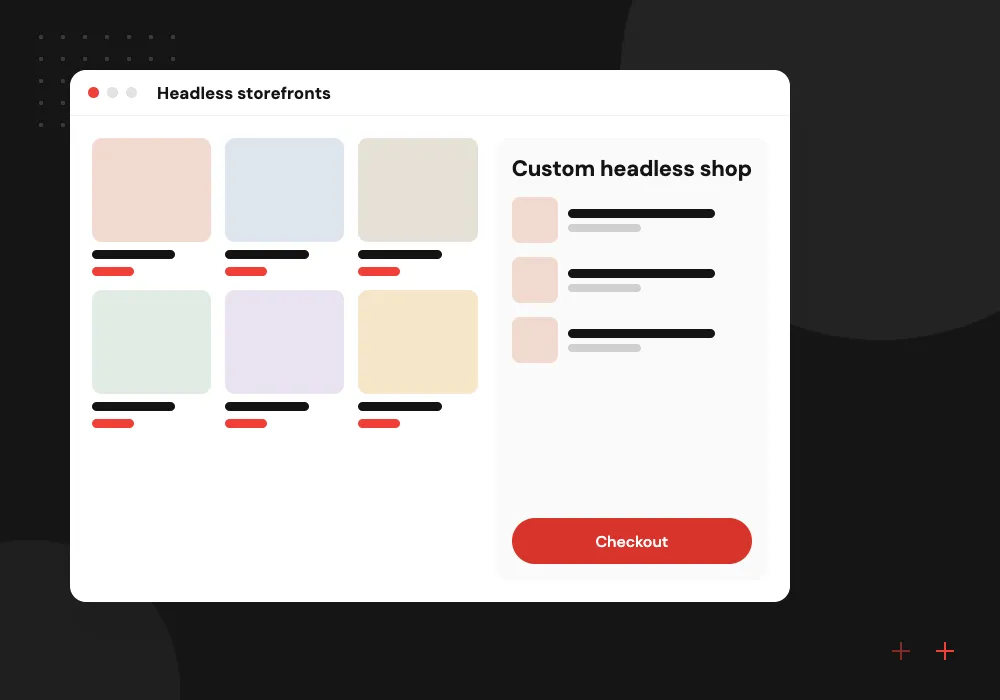
Headless storefronts
Custom shop fronts on top of Shopify or another commerce back end, with product pages rendered on the server.

SaaS and customer apps
Dashboards and account areas with sign-in, billing and data from your APIs, alongside the public site.

Content and docs hubs
Large libraries of articles, guides or product documentation with fast search, filters and quick navigation.

AI features in a Next.js site
Server Components and route handlers keep model API keys on the server, which makes Next.js a practical home for AI features. We build site search that answers from your own content, chat assistants that stream replies as they are written, and CMS tools that draft summaries and alt text for editors to approve.
What we do
- Search that answers from your content
- Chat replies streamed to the page
- Draft alt text and summaries
- API keys kept on the server
- Rate limits and usage logs
Moving from Pages Router to App Router
Sites on the Pages Router keep working, but features such as Server Components and Server Actions are available only in the App Router. We move routes in small batches, check each one for rendering, metadata and caching changes, and keep both routers live until the last page has moved.
What we do
- Route-by-route migration plan
- Metadata and sitemap checks
- Caching reviewed for each route
- Codemods for version upgrades
- Existing URLs and redirects kept

How we approach a project
Next.js builds on React, so it shares code and skills with our React development work. Custom back-end services usually run on Node.js, and storefront projects draw on our headless commerce team. For larger products, see web application development or browse all technologies we use.
Already on Next.js? Many older sites still use the Pages Router, and the official migration guide lets the app and pages directories run side by side.
How we work
- Server-first rendering
- Performance budgets on every page
- Editors publish without developers
Our Process
-

Content and route audit
We inventory pages, redirects, CMS content and current rankings, so nothing valuable is lost in the move.
-

Design system and templates
Page templates and components are designed once, then reused across every section of the site.
-

Build with performance checks
Each pull request gets a preview deployment and a Lighthouse run, so slow pages are caught before merge.
-

Launch with redirects in place
We ship with tested redirects, monitor Search Console and fix crawl or speed issues in the first weeks.
Why Aranv for Next.js
Hosting that fits your team
We set Next.js up on a managed platform, a Node.js server or a container in your cloud, based on your budget and who will run it, and we document the setup.
Accessibility built into components
Each page template is tested with keyboard navigation and a screen reader, so accessibility is handled once in the component rather than page by page.
Shared TypeScript types
Front end and API code share TypeScript types, so a renamed data field shows up as a build error instead of a broken page in production.
Search data shapes the plan
Rankings and top landing pages from Search Console guide the route plan, so the pages that bring in traffic get the most care during a rebuild.
Planning Next.js Development Services?
Book a 30-minute conversation with the team that would build it.
Next.js FAQs
-
What is the difference between React and Next.js?
React is a library for building interfaces. Next.js is a framework on top of React that adds routing, server rendering, caching and build tooling. For public sites that need search traffic, Next.js is usually the better starting point; for internal tools, plain React can be simpler.
-
What are React Server Components and why do they matter?
They are components that run on the server and send rendered output, not component code, to the browser. Pages load faster and secrets such as API keys stay on the server. In the Next.js App Router, components run on the server unless marked for the client.
-
Do we have to host a Next.js site on Vercel?
No. Vercel, the company behind Next.js, offers managed hosting, but Next.js also runs on a Node.js server, in Docker or on other platforms. We help you weigh cost, features and your team’s experience before choosing.
-
Will moving to Next.js improve our search rankings?
It can help by making pages faster and easier to crawl, but rankings also depend on content and links. During a move we keep URLs or add redirects so existing rankings carry over.
-
Can a Next JS development company connect our site to Shopify or a CMS?
Yes. Next.js works with headless CMS platforms, Shopify and custom APIs. Content teams keep publishing in a familiar editor while developers control the front end and its speed.
-
How do you keep a Next.js site fast after launch?
We set performance budgets, watch real-user Core Web Vitals, review new features for added JavaScript, and update Next.js and its dependencies on a regular schedule.

Let’s talk about your next step
Contact Aranv to discuss your workflow, current tools, and goals. Meet with our team or send an inquiry.
Book a meeting with our team
Choose an available date and time for a 30-minute conversation about your project.
Tell us about your project
Share a few details so we can discuss a useful next step.
Prefer email? sales@aranv.com