


Angular or React: when each is the better choice
Aranv’s short answer on Angular vs React: Angular is a full framework with routing, forms, an HTTP client and dependency injection built in, written in TypeScript by default, while React is a UI library, so your team picks routing, data and state tools or starts from a framework such as Next.js. Neither wins for every project.
When Angular fits. Long-lived internal systems with many forms, user roles and developers suit Angular: admin consoles, back-office tools, approval workflows. One set of conventions makes code review and moving people between teams easier. Our Angular development team builds new apps and upgrades older Angular versions.
When React fits. Customer-facing products, content-led sites and teams that want to choose their own libraries tend to suit React, often on Next.js for routing and server rendering. Our React development page covers new builds and inherited code, and the React vs React Native guide shows how React skills reach phone apps.
How the two are put together
Angular and React side by side
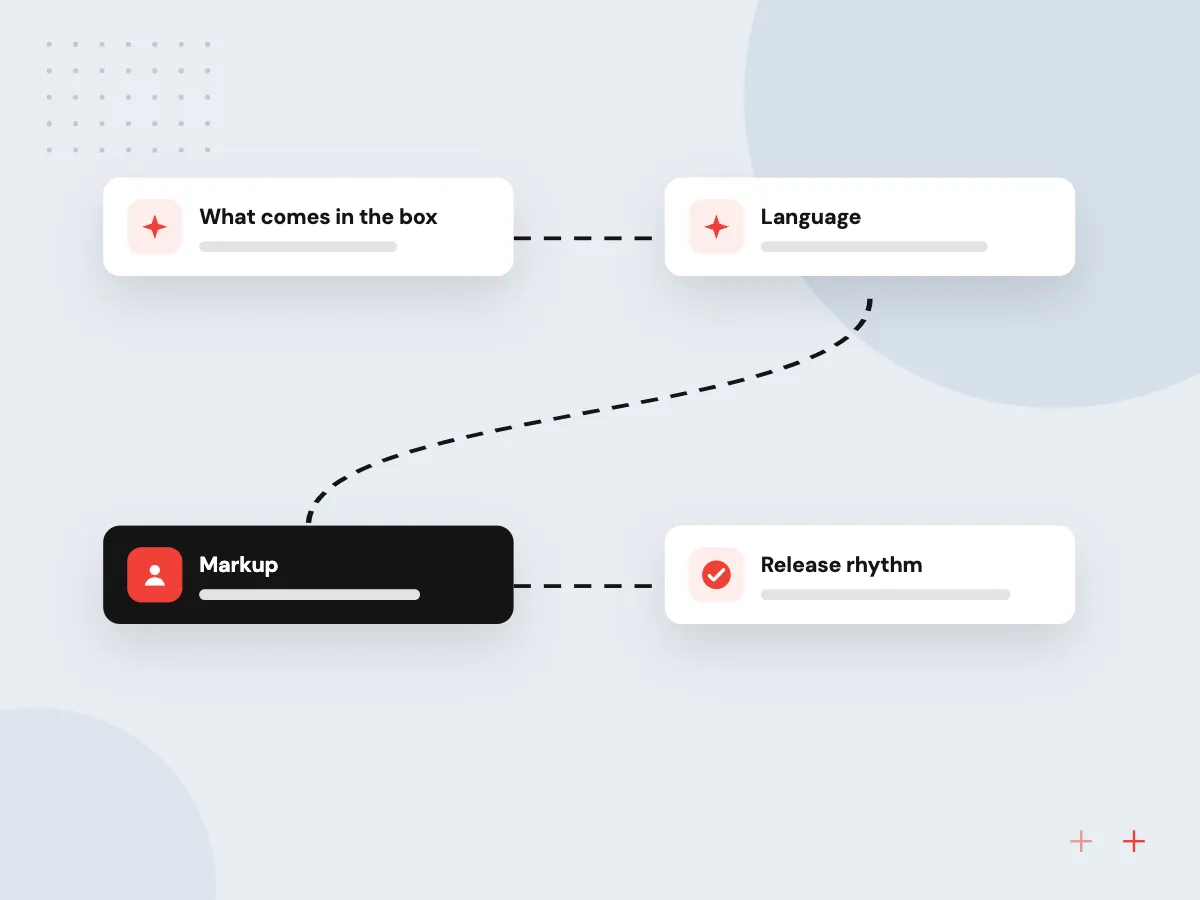
- 01 What comes in the box Angular ships a router, forms, HttpClient and a CLI; React covers components.
- 02 Language Angular projects start in TypeScript; React accepts JavaScript or TypeScript.
- 03 Markup Angular uses HTML templates with its own syntax; React components return JSX.
- 04 Release rhythm Angular publishes dated support windows; React follows semver with security backports.
Either can carry a large business app; your team and your existing code usually decide.
The difference between Angular and React in four points
These differences settle real projects more often than benchmark charts do.
Structure for large teams
Angular gives every team the same router, forms, services and project layout, so developers find code where they expect it. React teams set those conventions themselves.
Freedom to pick tools
With React you choose the router, data fetching and state library, or start from Next.js, and you can swap one part later without leaving React.
Learning curve
React’s core is small: components, props, state and hooks. Angular asks more at the start, including decorators, dependency injection and template syntax, then pays that back in consistency.
AI features in either
Chat panels, natural-language search and document review screens call your back end the same way in both, and each handles streamed replies and approval steps.
Release and support: dated windows versus semver
Angular publishes a schedule: a major release every 12 months, an active support stage followed by a long-term stage, and a table of supported versions. React follows semantic versioning without dated support windows, adds development warnings ahead of breaking changes, and backports security fixes to affected major versions.
What we do
- Angular: a major release every 12 months
- Angular: active support, then LTS
- React: warnings before breaking changes
- React: security fixes for affected majors
Moving off an old AngularJS app
AngularJS is the name for all 1.x versions, and Angular’s release and support practices apply to Angular 2.0 and later. Modern Angular shares the name, not the code, so the target can be Angular or React. We move one screen group at a time while the old app keeps running.
What we do
- Inventory of screens and dependencies
- Stable API layer for both apps
- Regression tests on key user journeys
- AngularJS retired once traffic moves

How we approach a project
Performance and testing in practice. Both support server-side rendering with hydration, and both offer ways to cut wasted updates: signals in Angular, React Compiler in React. New Angular projects include Vitest for unit tests by default, while React leaves the test runner to your team or framework. Slow screens usually come from large bundles or chatty APIs, not the framework.
Older apps and the wider build. A front end on AngularJS needs a planned exit, which our legacy application modernization team handles in stages. The framework is one layer of a web application; the API, data model and hosting matter as much. Read the Angular release policy and the React versioning policy before you commit. If Angular and React still look close for your app, a 30-minute conversation with our team, requested from the contact page, is a good next step.
How we work
- Choose for the people maintaining it
- Test the choice on your hardest screen
- Schedule upgrades next to features
Our Process
-

Take stock of what exists
Write down your current front-end code, the languages your developers use and who will own the app afterward.
-

Count forms, roles and screens
Form-heavy tools with many user roles lean toward Angular; public, content-led products often lean toward React with Next.js.
-

Prototype one difficult screen
Build the screen with the most data, validation or live updates in both, then compare the effort.
-

Set an upgrade calendar
Put major-version upgrades on the roadmap, using Angular’s published support dates or React’s release notes.
How Aranv helps you decide
We build in both
Our teams deliver and maintain Angular and React applications, so this comparison comes from real project work, not feature tables.
A review of your codebase
If front-end code already exists, we check its framework version, dependencies and test coverage before recommending an upgrade, extension or replacement.
Support dates in the plan
We map your framework version against the published policy and put each upgrade on the roadmap, so nothing slips out of support.
AI screens built for review
Chat, search and document review features show their sources and let staff correct or approve the output before it is saved.
Ready to act on this guide?
Ask our team in a 30-minute conversation.
Or see how we build it: Explore all services
Angular vs React FAQs
-
What are the main React advantages over Angular?
A smaller core that is quicker to learn, freedom to pick each library, and components that also reach phones through React Native. The trade-off is more decisions: routing, data fetching, forms and state each need a chosen tool, or a framework such as Next.js.
-
Which is faster, Angular or React?
In most business apps users will not notice a framework difference. Angular offers signals and server-side rendering with hydration; React offers Server Components and React Compiler, which handles memoization for you. API speed and bundle size matter more.
-
Is it easier to hire Angular or React developers?
You can hire for both in the US. React candidates differ more in which routers and data libraries they know, so check experience with your chosen stack. Angular developers share one toolkit, so they find their way around a new Angular codebase quickly.
-
Should we move an AngularJS app to Angular or React?
Either is a sound target, because AngularJS code needs rewriting whichever you pick. Choose Angular for form-heavy apps and teams who like its structure; choose React if your other products use it. We replace the app in sections while the old version stays live.
-
Can Angular and React apps both have AI features?
Yes. A chat assistant, natural-language search or document review screen calls your back end, which talks to the model, so the framework does not limit the AI work. Both handle streamed answers, source citations and approve-or-edit steps for staff.

Let’s talk about your next step
Contact Aranv to discuss your workflow, current tools, and goals. Meet with our team or send an inquiry.
Book a meeting with our team
Choose an available date and time for a 30-minute conversation about your project.
Tell us about your project
Share a few details so we can discuss a useful next step.
Prefer email? sales@aranv.com