


What HR help desk automation includes
Aranv builds an AI HR chatbot for small and midsize employers: staff ask about leave, benefits, pay dates and policies in Teams, Slack or a portal, get answers drawn from your handbook and HR system with the source shown, and sensitive matters go straight to a person on your HR team.
The chatbot runs where employees already are: Microsoft Teams, Slack, an intranet page or a mobile app. It signs people in through your identity provider, reads policy documents through a search index and, where you approve it, reads personal data such as leave balances from your HRIS or payroll system’s API.
Answers are built with the approach on our RAG and knowledge search page, so each reply links to the policy behind it. Inside Teams we use our Microsoft Teams bot development work, and if you are also replacing the HR system itself, see HRMS software development.
How an employee question gets answered
Ask, answer, or hand to HR
- 01 Employee signs in Single sign-on tells the chatbot who is asking, their location and their employee group.
- 02 Check the topic Sensitive subjects such as harassment or medical issues skip the bot and open an HR case.
- 03 Answer from policy Routine questions get an answer from the current policy version, with a link to it.
- 04 Log and improve Unanswered questions and thumbs-down replies go to HR each week for new or clearer content.
Personal data, such as a leave balance, is shown only to the employee it belongs to.
Employee questions AI can take off HR’s desk
HR inboxes fill with the same questions every week. These are the ones the chatbot handles.
Leave and time off
Employees check their PTO balance, see how to request leave and read the policy that applies in their state, without emailing HR.
Benefits questions
Plan summaries, enrollment deadlines and how to add a dependent, answered from your benefits guides with the relevant page linked.
Payroll and forms
Pay dates, direct deposit changes, W-2 copies and address updates, with links to the right self-service screen in your payroll system.
Case intake and escalation
When a question needs a person, the chatbot opens a confidential case with a short summary and routes it to the right HR contact.
Policy content that stays current
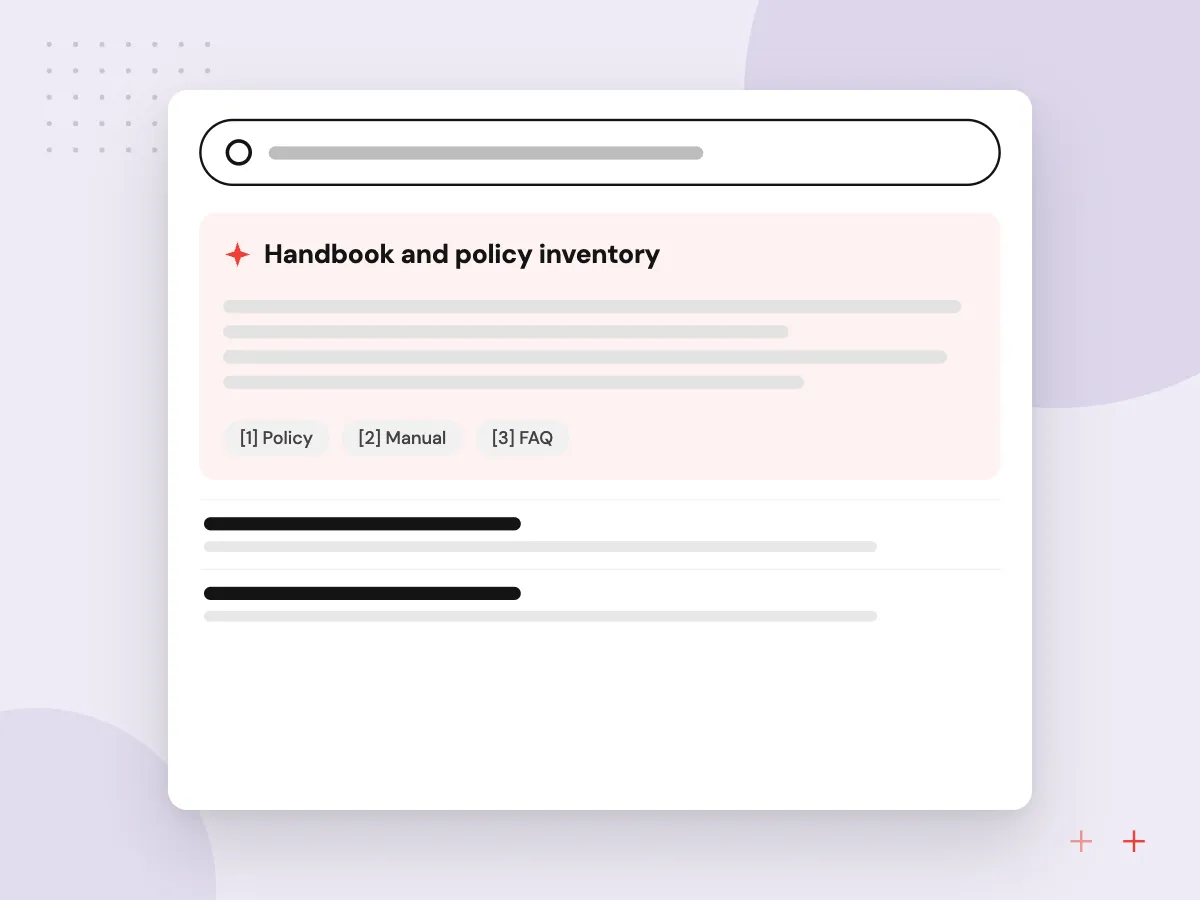
An HR chatbot is only as good as the documents behind it. We gather the handbook, benefits guides, state addenda and FAQs, give each an owner and an effective date, and remove outdated versions. When a policy changes, its owner updates one source and the answers change with it.
What we do
- Handbook and policy inventory
- Owner and effective date per document
- State and location variants
- Retired versions removed from search
- Gap report from unanswered questions
Escalation and confidentiality rules
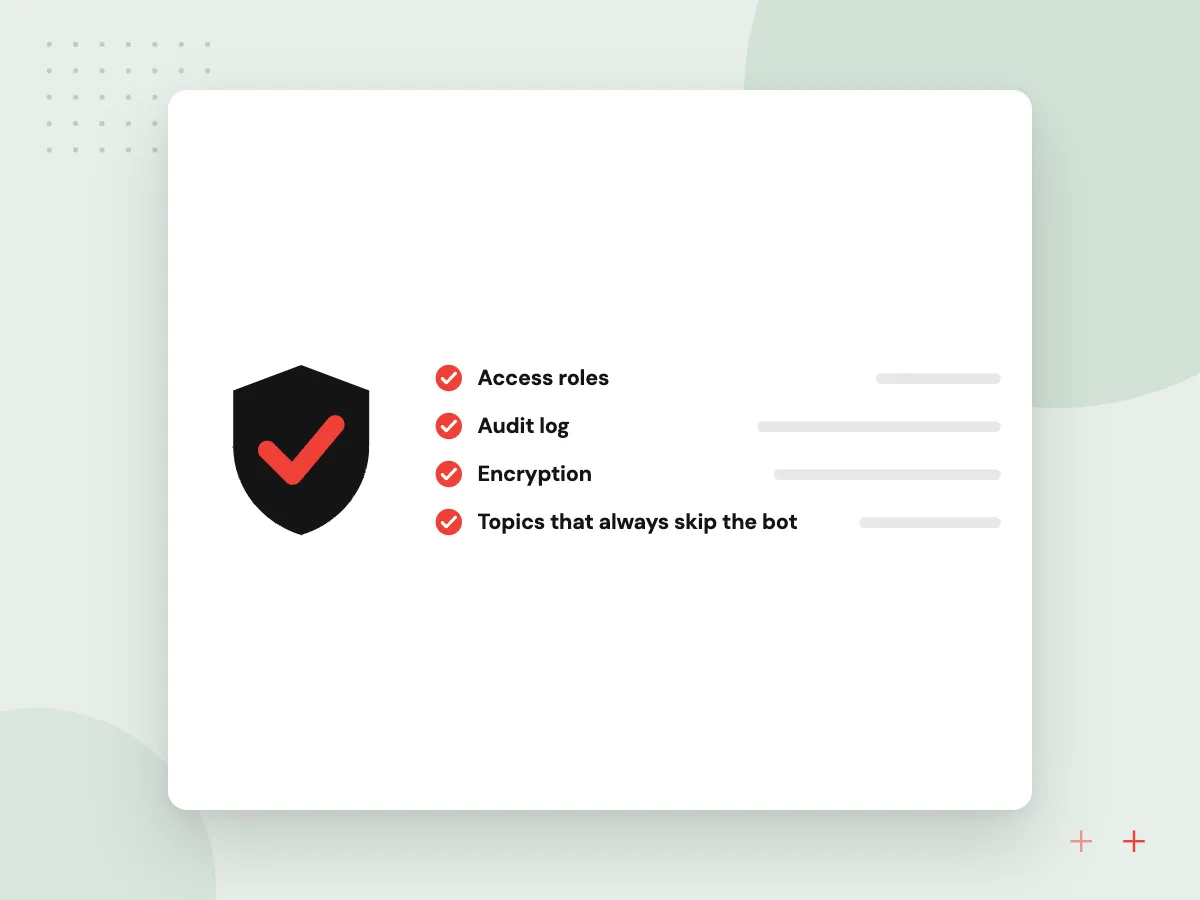
Some questions should never get an automated answer. Reports of harassment, discrimination or safety problems, accommodation and medical requests, and anything about termination go straight to a named HR person. The chatbot confirms receipt, tells the employee who will follow up and stores the conversation with restricted access.
What we do
- Topics that always skip the bot
- Confidential HR case creation
- Restricted access to case records
- Acknowledgment message to the employee
- Weekly review of escalated topics

How we approach a project
Our wider team has built an AI platform for HR support with multi-agent case intake and escalation, listed as Project 02 on our case studies page. Staffing firms and HR providers meet these questions at scale; see HR and recruitment software and AI for staffing agencies.
Leave and benefits rules vary by state and plan, so the chatbot quotes your policies and points to HR rather than interpreting the law. Planning an HR assistant starts with a 30-minute conversation between your HR lead and our team, arranged through the contact page.
How we work
- Policy answers cite the source
- Sensitive topics go to people
- Personal data only for its owner
Our Process
-

Inventory HR content
We collect policies, guides and the questions HR answered last quarter, and agree owners and the topics that skip the bot.
-

Connect identity and HRIS
Sign-in comes from your identity provider, and personal data is read from the HRIS only through scoped, approved access.
-

Pilot with one group
One office or department uses it first, and HR reviews every answer and escalation for accuracy and tone.
-

Roll out and maintain
We extend it to all staff, send HR a weekly gap report and update content whenever policies change.
Why Aranv for HR help desks
Sources on every answer
Each reply links to the policy section it came from, so employees can read the full text and HR can spot outdated content quickly.
Sensitive topics never automated
We agree the list of topics that go straight to a person with your HR lead before the build, and test the chatbot against awkward phrasings of each.
Scoped access to HR data
The chatbot reads only the HRIS fields HR approves, only for the employee asking, through access you can revoke at any time.
Experience with HR support
Our wider team has built multi-agent case intake and escalation for HR support, so handoffs and case records are planned from the start.
Planning AI HR Help Desk?
Book a 30-minute conversation with the team that would build it.
AI HR chatbot FAQs
-
What questions can an AI HR chatbot answer?
Routine, policy-based ones: leave and holiday rules, benefits enrollment, pay dates, expense policy, how to update personal details and where to find forms. With HRIS access it can also show employees their own leave balance. Judgment calls and sensitive matters go to your HR staff.
-
Will the chatbot give employees legal advice?
No. It quotes your written policies and links to them. When a question turns on how a law applies to someone’s situation, such as eligibility for protected leave, it hands the conversation to HR, who can bring in employment counsel if needed.
-
How do you keep employee data private?
Employees sign in through your identity provider, and the chatbot reads personal records only for the person asking. Sensitive conversations are stored in a restricted HR case, logs are kept for a period you set, and we use model provider settings that keep your data out of training.
-
Which HR systems can it connect to?
Many HRIS and payroll platforms used by smaller employers, such as BambooHR, Gusto, Rippling, ADP and Workday, offer APIs or integration programs. We check which data your plan exposes and agree with HR exactly which fields the chatbot may read.
-
How long does an HR help desk chatbot take to launch?
Timing depends mostly on the state of your policy documents and on HRIS access approvals, not on the chat interface. Organized handbooks move quickly; scattered or outdated content needs cleanup first. We agree a pilot plan after reviewing your content.

Let’s talk about your next step
Contact Aranv to discuss your workflow, current tools, and goals. Meet with our team or send an inquiry.
Book a meeting with our team
Choose an available date and time for a 30-minute conversation about your project.
Tell us about your project
Share a few details so we can discuss a useful next step.
Prefer email? sales@aranv.com