


Mobile app development steps, stage by stage
Aranv breaks the mobile app development process into nine stages: goals and discovery, a scoped first release, UX and UI design with a clickable prototype, a platform and back-end choice, building in short cycles, testing on real devices and for accessibility, App Store and Google Play submission, launch with analytics, and maintenance through yearly OS updates.
Goals, discovery and a first release. You decide who the app serves, which task comes first and what result would justify more investment. You receive a written brief and a scoped first release, often an MVP; see how to build an MVP for that cut, and app development cost for how scope drives the estimate.
Design and platform. You approve flows and visual style after users try a clickable prototype, then receive screen specs and a design system from our UI/UX design team. Next you choose native or cross-platform, plus the back end and APIs, with the native vs cross-platform guide, and receive an architecture note.
From app idea to a supported release
Nine stages in four phases
- 01 Plan the first release Goals, discovery and a scoped MVP, agreed in writing.
- 02 Design and pick the stack A clickable prototype, then the platform, back end and APIs.
- 03 Build and test in cycles Demos every cycle, checked on real phones and with screen readers.
- 04 Release, measure, maintain Store submission, launch analytics, then updates for each new OS version.
Each stage ends with your decision and our deliverable.
Four points that shape the app development process
A few early choices settle most of the risk in an app.
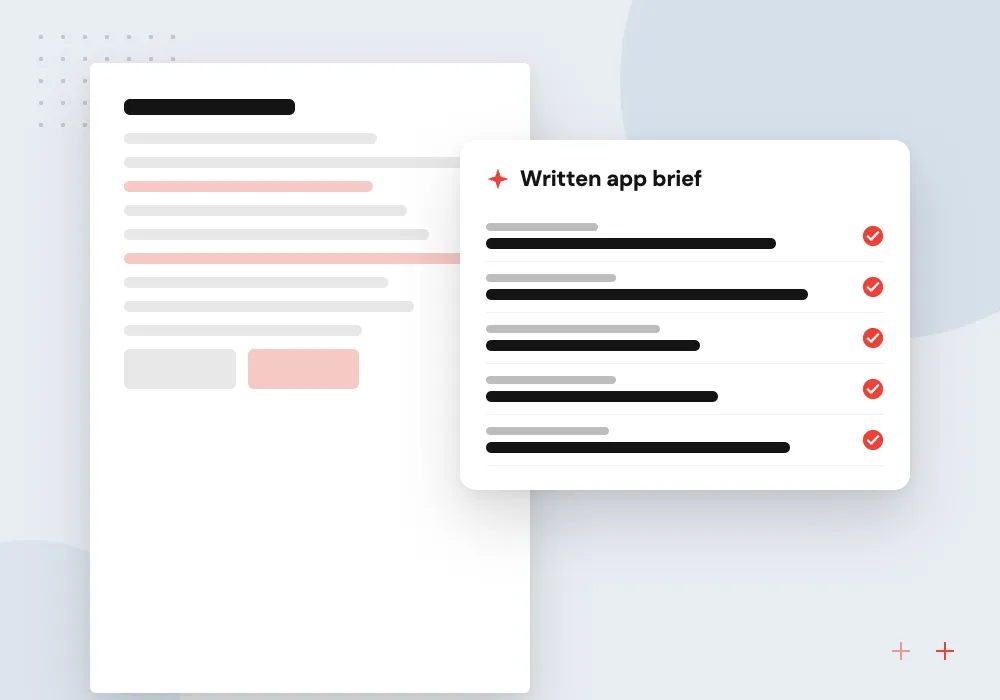
Discovery sets the target
You name the users, the first task and what success looks like, and receive a written brief with a ranked feature list.
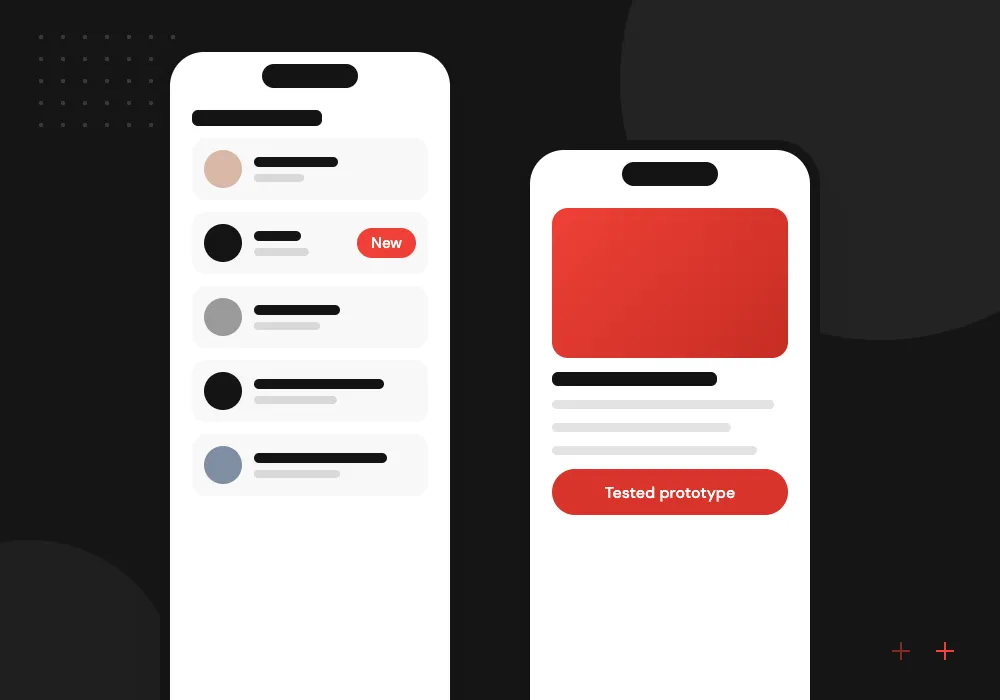
Prototype before code
Staff and customers tap through clickable screens on a phone, so confusing steps get fixed while changes are cheap.
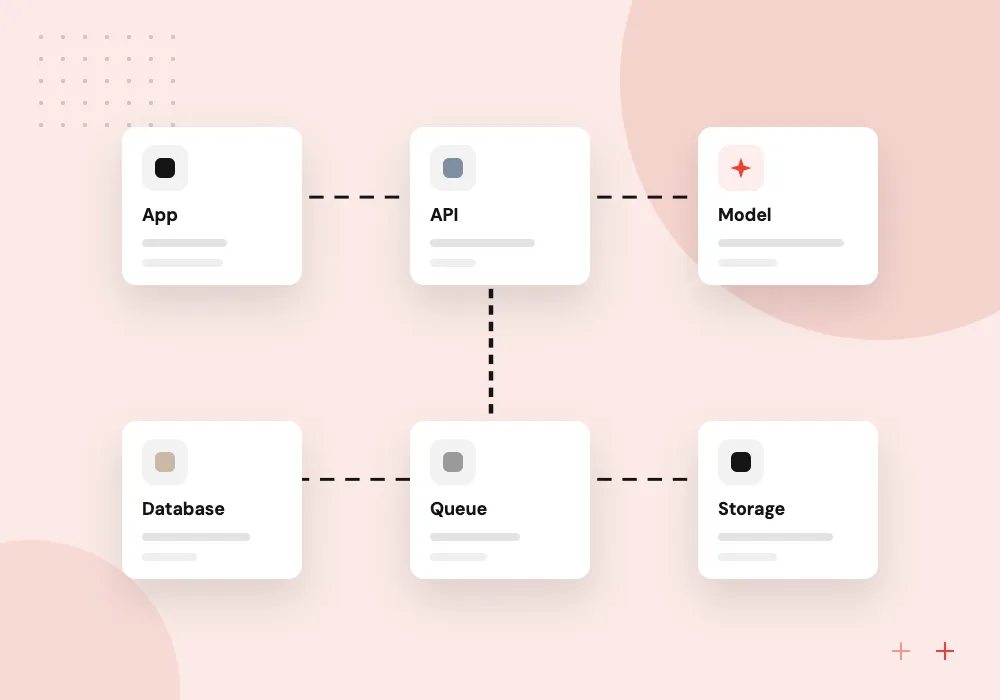
Native or cross-platform
Swift and Kotlin, or Flutter and React Native, plus the APIs and hosting behind them, picked to fit your features.
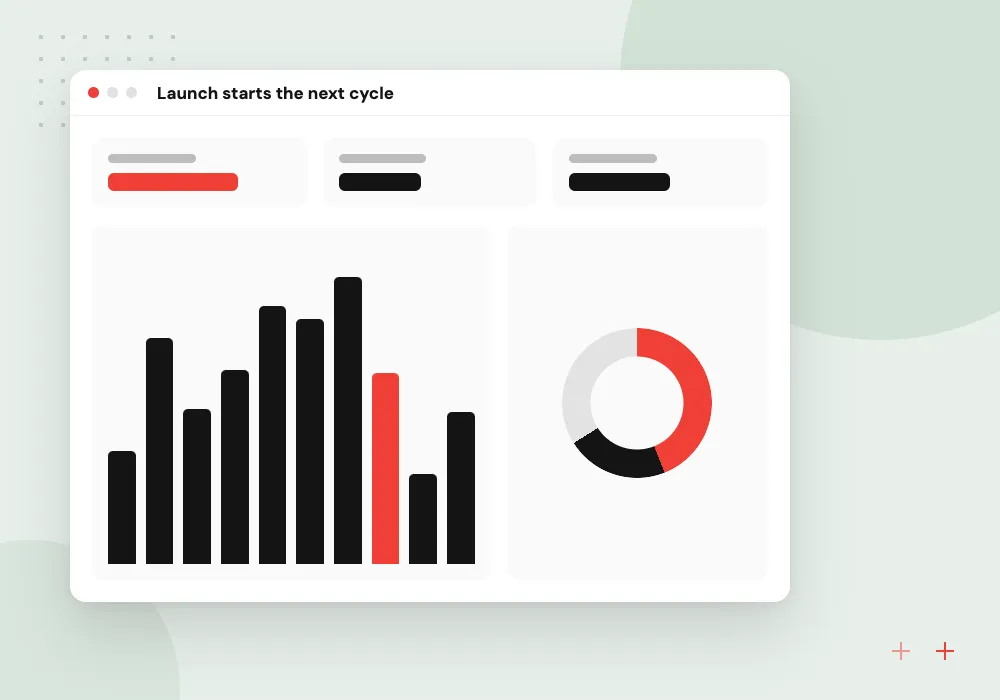
Launch starts the next cycle
Analytics, crash reports and store reviews feed the backlog, and each major iOS and Android release brings compatibility work.
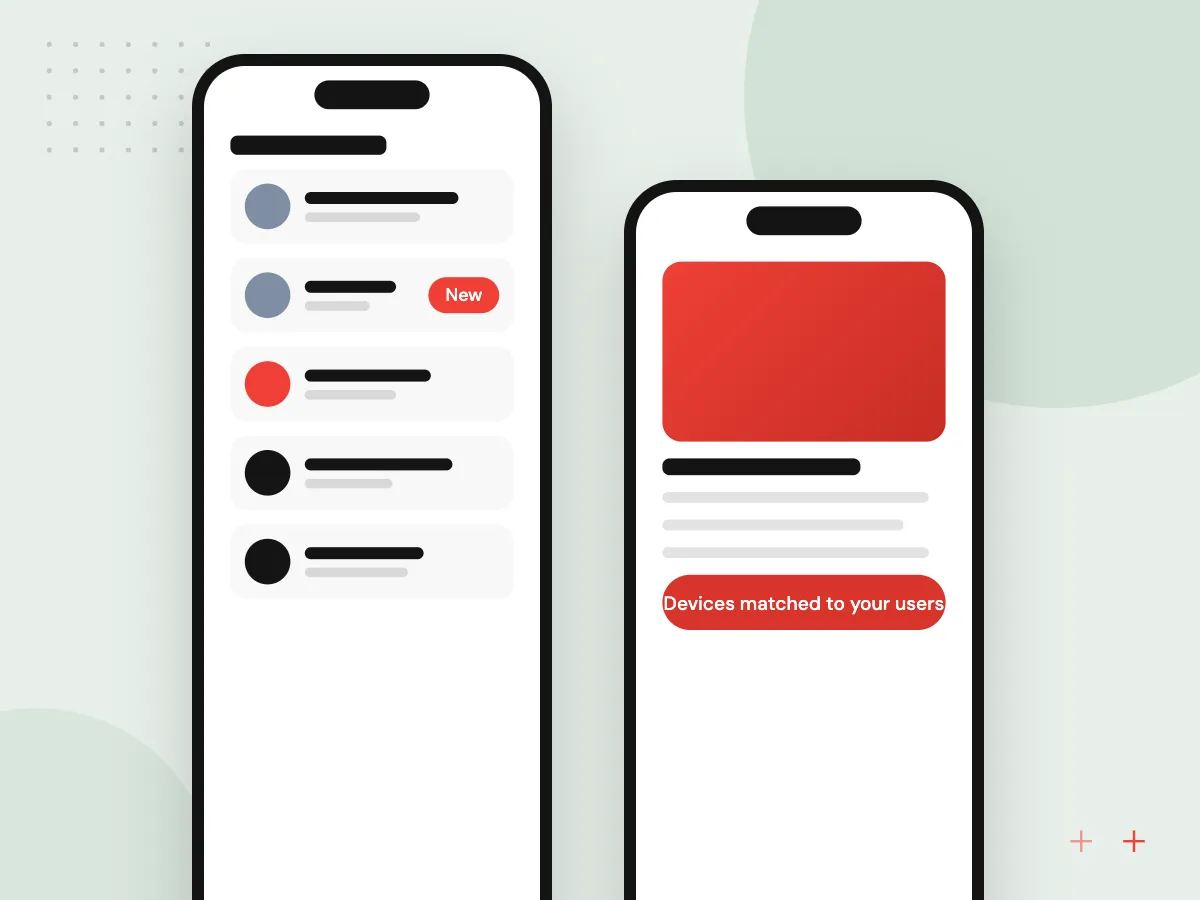
Testing on real devices and for accessibility
Simulators miss what customers hit on day one: an older Android phone low on memory, a weak signal, large text pushing a button off screen. We test release candidates on a range of iPhones and Android phones, with VoiceOver and TalkBack.
What we do
- Devices matched to your users
- Slow and offline network checks
- VoiceOver and TalkBack passes
- Large text and contrast checks
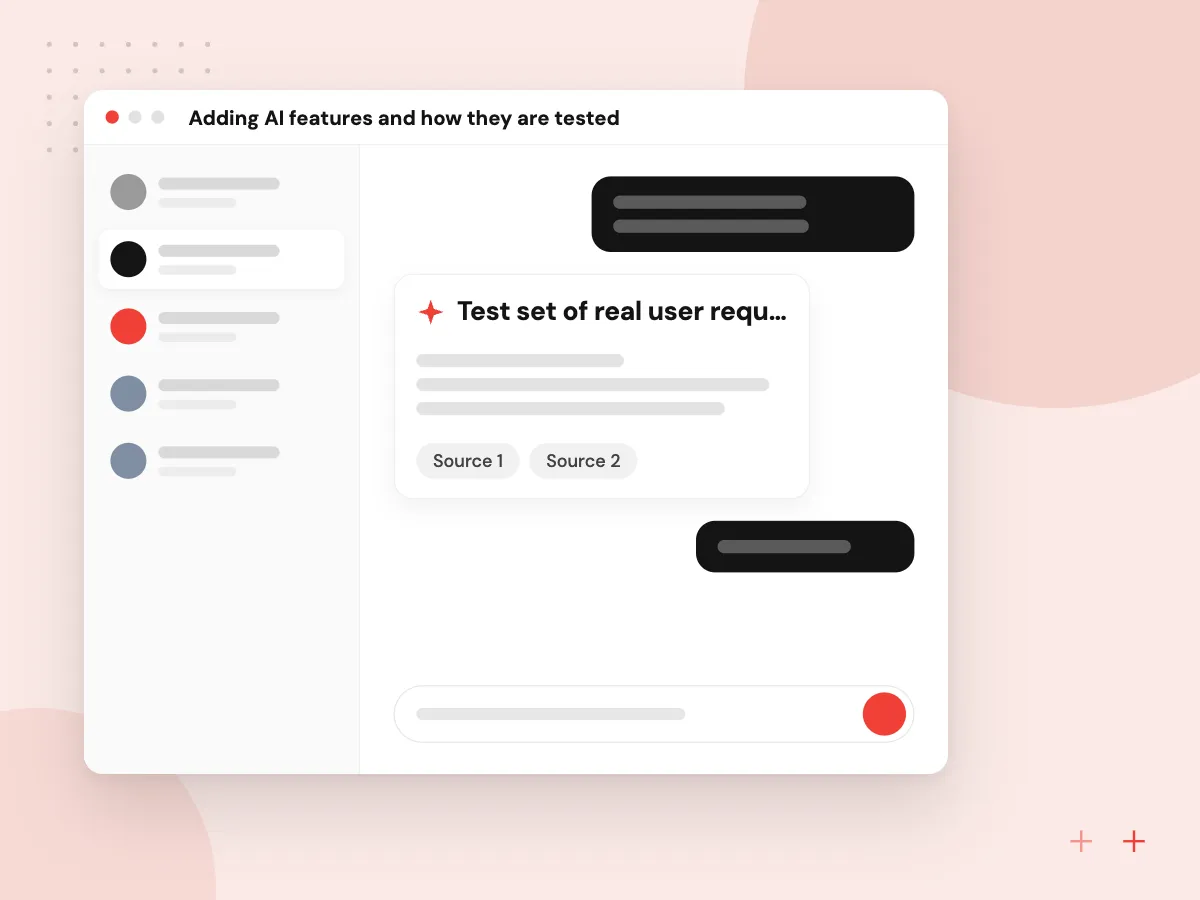
Adding AI features and how they are tested
Common additions are a support chat, document search, receipt reading or drafted replies, usually calling a model through your back end so keys stay off the phone. Before release we score each feature on real user requests, time it on mobile networks and add the consent screen Apple expects before personal data reaches third-party AI.
What we do
- Test set of real user requests
- Scored answers, reviewed errors
- Consent before data is shared
- Fallback when the model is slow

How we approach a project
Build and test. Each short cycle ends with a demo and a test build through TestFlight or a Google Play testing track, so you accept features as they arrive. Testing covers real phones, weak networks and screen readers, as Apple’s App Review Guidelines expect on-device testing for bugs and stability. Our QA and software testing team writes the test plan.
Submission and launch. You set the release date, a staged rollout and the in-app actions that count as success. You receive store listings, privacy answers and analytics on those actions; the app store submission checklist covers each item.
Maintenance and yearly OS updates. Both stores tighten build rules over time: since April 28, 2026, App Store Connect uploads need Xcode 26 or later, and Google Play regularly raises its target API level requirement. You decide who owns updates and receive fixes and a release calendar through software maintenance and support. Our mobile app development team can run every stage, and a 30-minute conversation about your app can be arranged through our contact page.
How we work
- A decision and deliverable per stage
- Test on the phones customers carry
- Plan for the years after launch
Our Process
-

Write a one-page app brief
Name the users, their main task and the result that would justify building.
-

List the systems and data
Note the CRM, ERP, booking or payment systems the app must use, and their owners.
-

Register store accounts yourself
Open Apple and Google Play developer accounts in your company’s name during design.
-

Name an owner for after launch
Choose who approves updates, reads reviews and plans for each new OS release.
How Aranv runs app projects
Sign-off at every stage
Every stage ends with something to review, such as a brief, prototype or test build, and a decision for your team.
One team from screen to API
Designers, mobile and back-end developers and testers share one backlog, so a screen change is checked against the API and tests together.
Your accounts, your source code
Store accounts, signing keys, repositories and analytics belong to your company, and the build is documented for whoever maintains it next.
AI features measured first
Any AI feature gets a test set built from real requests before launch, rerun after every model or prompt change.
Ready to act on this guide?
Ask our team in a 30-minute conversation.
Or see how we build it: Explore all services
App development process FAQs
-
What is the process of developing an app for a business?
Discovery, a scoped first release, UX and UI design, platform and back-end choices, short build cycles, device testing, store submission, launch and maintenance. At every stage you make a decision, such as approving the prototype, and get a deliverable, such as a test build.
-
How long does the mobile app development process take?
It depends on screens and user roles, connected systems, whether iOS and Android launch together and how fast decisions come back. After discovery we share a plan listing each stage and its deliverables.
-
Should we build for iOS and Android at the same time?
Often yes, when customers use both and the app is mostly forms, lists and accounts; Flutter or React Native keeps one codebase. If most users are on one platform, or the app relies on device hardware, start with one native app.
-
What do we need to provide during app development?
A decision maker who approves scope and designs, a few target users for testing, brand assets, access to the systems the app must use, and developer accounts with both stores in your company’s name.
-
What happens after a mobile app is launched?
Monitoring and updates. Crash reports, analytics and store reviews feed a backlog of fixes, and each yearly iOS and Android release can need compatibility work, so keep a maintenance agreement or a named owner.

Let’s talk about your next step
Contact Aranv to discuss your workflow, current tools, and goals. Meet with our team or send an inquiry.
Book a meeting with our team
Choose an available date and time for a 30-minute conversation about your project.
Tell us about your project
Share a few details so we can discuss a useful next step.
Prefer email? sales@aranv.com