


What AI quote generation covers
Aranv builds AI quote generation for small and midsize manufacturers, distributors and contractors. The system reads each request for quote, matches the line items to your catalog or past jobs, prices them with your own rules and prepares a draft quote that an estimator checks and sends.
The work splits into reading and pricing, and we keep the two apart. A language model reads the request and its attachments and turns them into structured lines. Pricing is ordinary code that applies your price book, cost sheets, freight tables and discount rules, so a quote never carries a number the model invented.
Reading drawings, spreadsheets and scanned PDFs uses the methods of our AI document processing work. Drafts are created where you keep quotes today: an Odoo quotation through AI for ERP and Odoo, an estimate in QuickBooks or a quote in your CRM. Accepted quotes can then feed AI order processing.
How an RFQ becomes a draft quote
Request in, priced draft out
- 01 Read the request Email text, attached spreadsheets, drawings and spec sheets are parsed into line items.
- 02 Match each item Every line is matched to a SKU or past job, or flagged as new.
- 03 Price with your rules Prices come from your price book, cost sheets and customer agreements.
- 04 Estimator reviews Flagged lines, thin margins and stated assumptions are shown for approval before sending.
The model reads and matches; your price lists and margin rules set every number on the quote.
Automated quoting jobs we build
Quotes slow down when an estimator retypes the same request into three systems before pricing even starts.
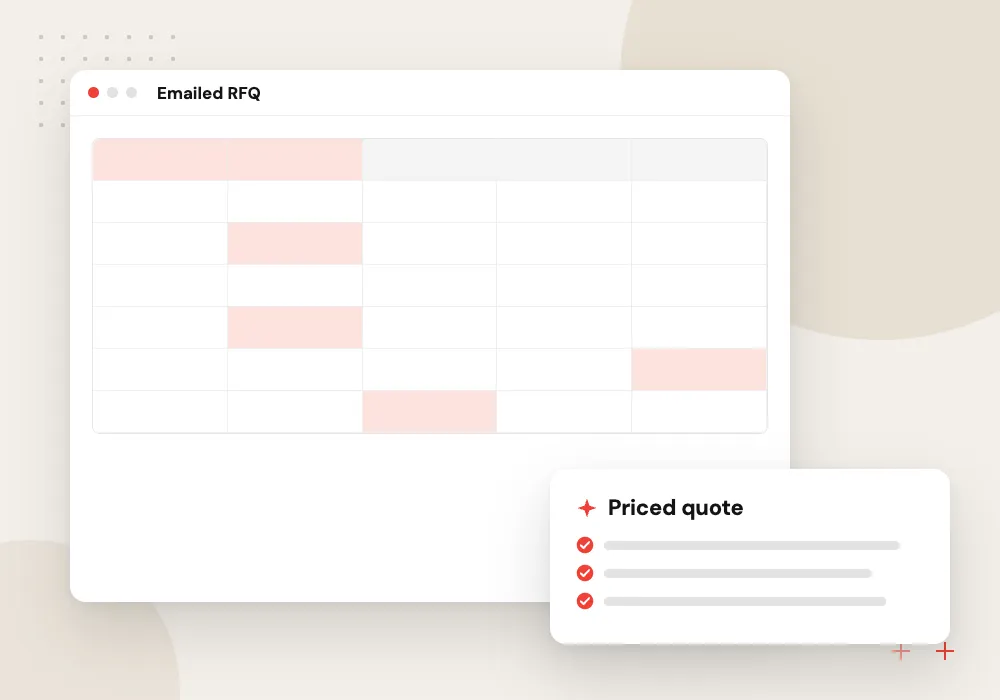
RFQ automation for distributors
Line-item RFQs from email or a buyer portal are read, matched to SKUs and stock, and priced at the customer’s contract level.
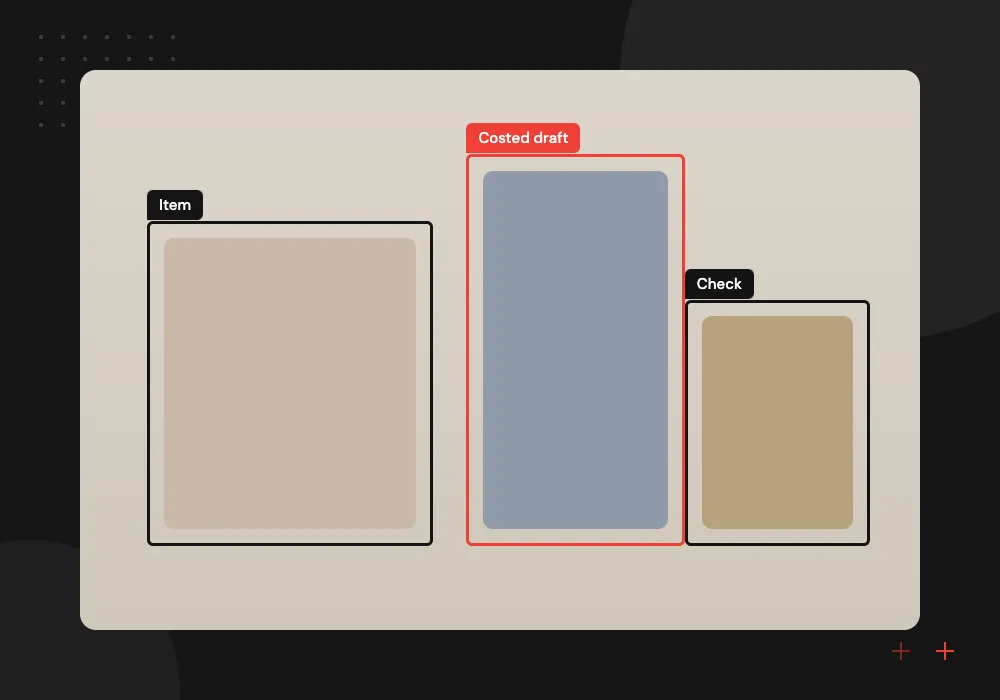
Engineered-to-order intake
Drawings and spec sheets are read for material, size, finish and quantity, and similar past jobs are pulled up for the estimator.
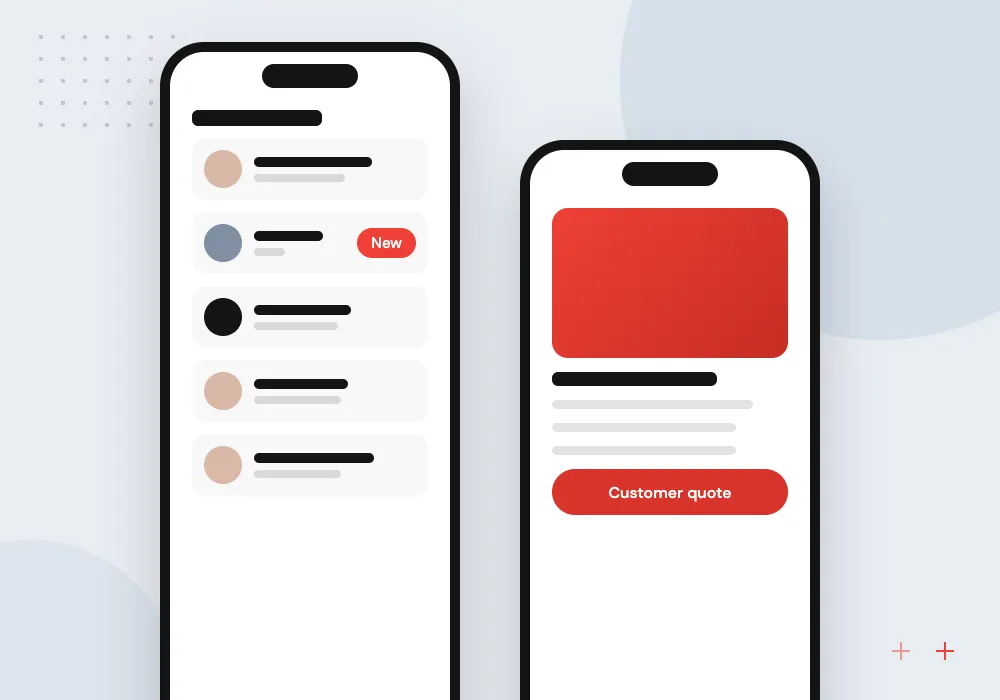
Service and repair quotes
A technician’s notes and photos become a parts and labor quote, using your flat-rate book and the equipment’s service history.
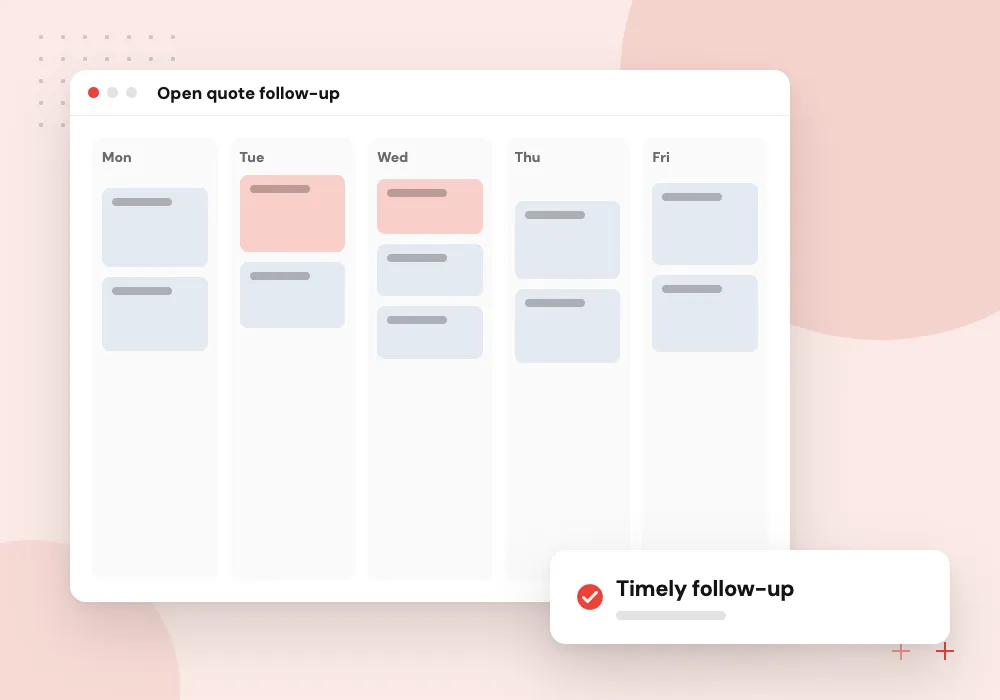
Open quote follow-up
Outstanding quotes are tracked by age and value, and the system drafts a follow-up or flags a quote that is about to expire.
Reading RFQs and drawings
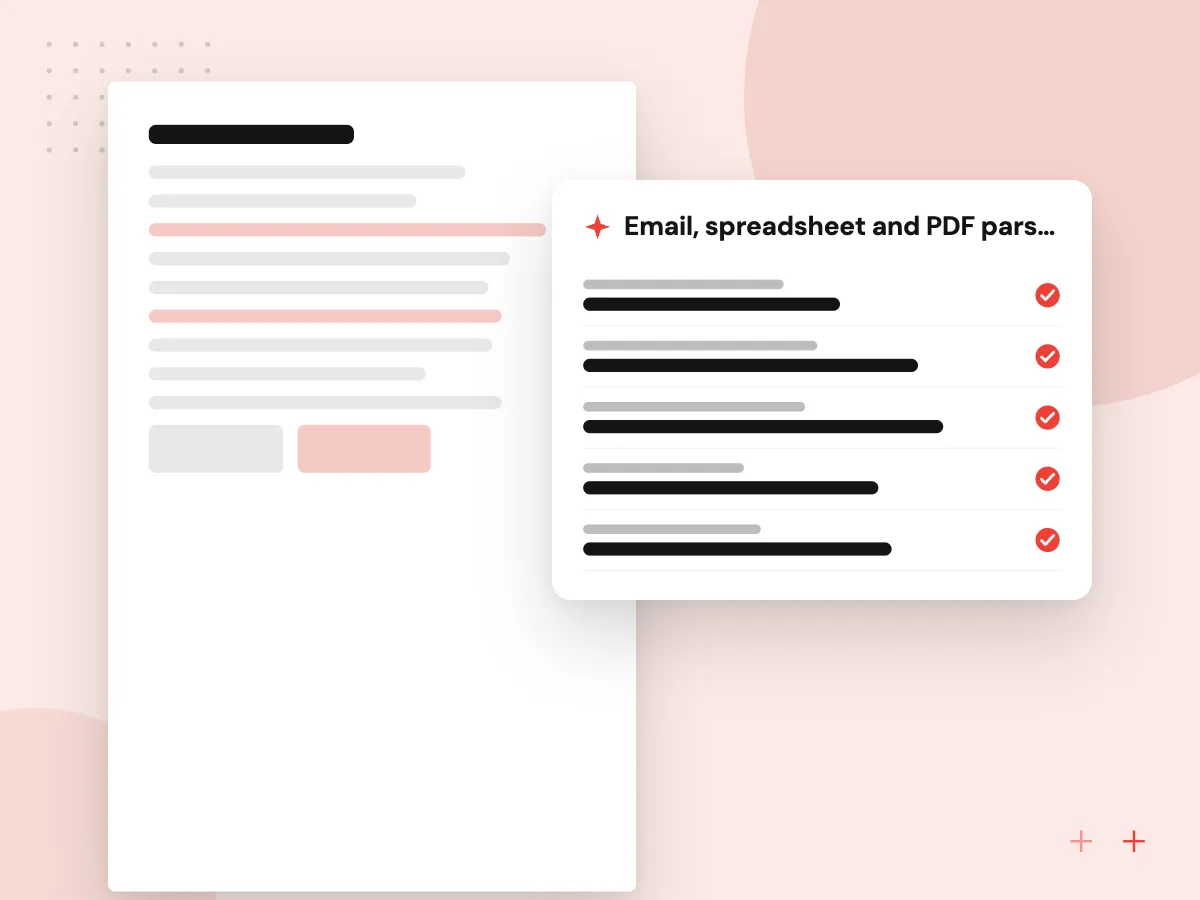
Requests arrive in every shape: a forwarded email with a pasted table, a spreadsheet with merged cells, a PDF drawing with a title block. The reading step pulls out part numbers, descriptions, materials, quantities and dates, keeps a link to where each value came from and marks anything it could not read clearly.
What we do
- Email, spreadsheet and PDF parsing
- Title block and notes extraction
- Source link on every value
- Unit and quantity normalization
- Unclear values flagged
Pricing rules and approval limits
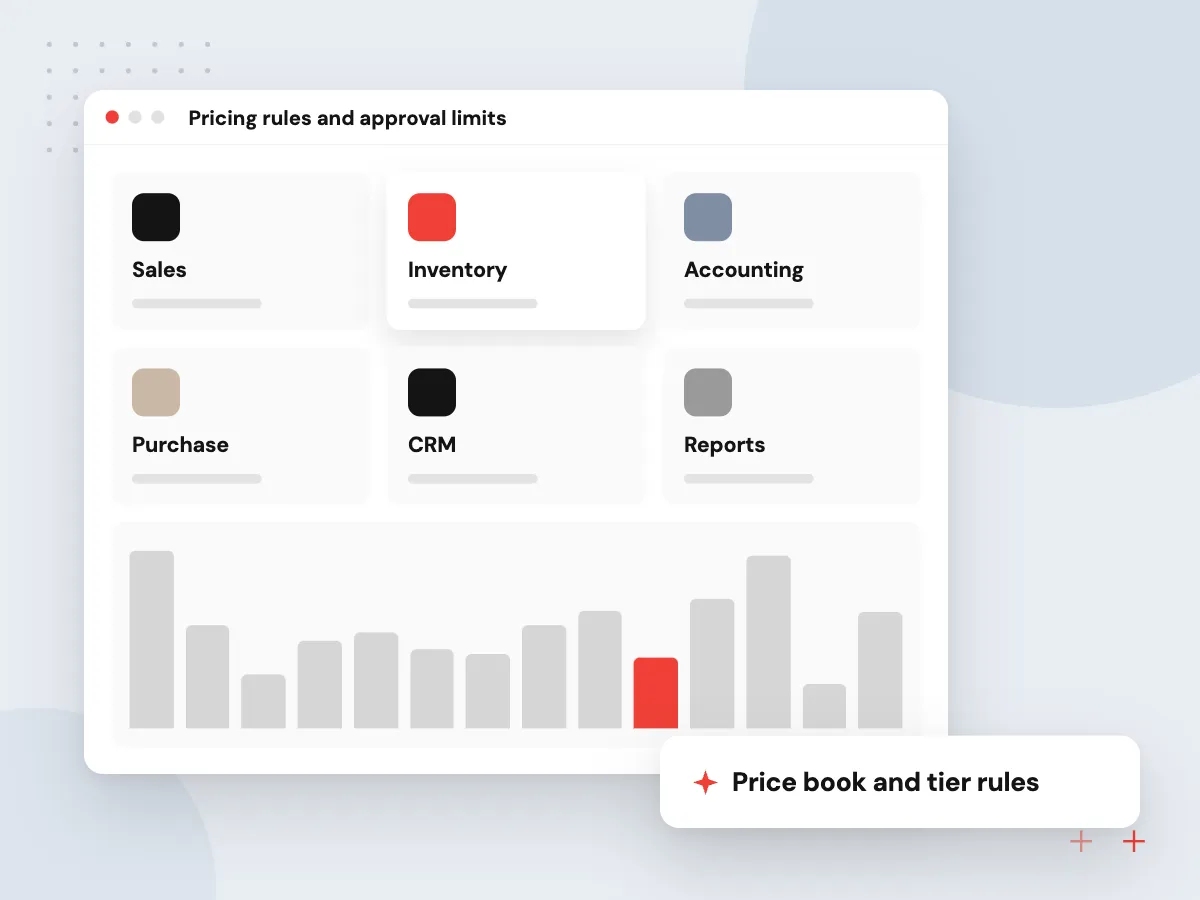
Your pricing logic becomes code you can read: list price, customer tier, quantity breaks, material surcharges, freight and minimum order charges. Quotes below a margin floor, above a value limit or for a new customer go to a manager for approval, and every adjustment is recorded on the quote.
What we do
- Price book and tier rules
- Quantity breaks and surcharges
- Margin floor alerts
- Manager approval queue
- Change log on each quote

How we approach a project
The estimator’s job changes rather than disappears. They review flagged lines, adjust assumptions and approve anything under your margin floor, and each correction is logged so matching gets better with use.
Quote turnaround matters most to manufacturers and distributors and to construction companies bidding many small jobs. Bring a handful of recent RFQs and the quotes you sent to a 30-minute conversation, booked through our contact page, and we will show you which parts can be automated.
How we work
- Prices come from your data
- Assumptions written on the quote
- Margin exceptions need a person
Our Process
-

Collect past RFQs and quotes
We pair recent requests with the quotes you sent, to see how your estimators read and price them.
-

Map the pricing logic
Price books, cost build-ups, freight, minimums and customer tiers are written as rules and checked against old quotes.
-

Build reading and matching
The model extracts lines from real requests, and we measure match accuracy against your estimators’ choices.
-

Pilot on one quote desk
One estimator or product line uses drafts for live RFQs while we close gaps before wider use.
Why Aranv for automated quoting
The model reads, rules price
We keep the language model away from the numbers. It handles reading and matching, and your own pricing rules produce every figure on the quote.
Tested on your old quotes
Before go-live we run past RFQs through the system and compare the drafts line by line with what your estimators actually sent.
Quotes land in your system
Drafts are created in your ERP, accounting package or CRM, so numbering, customer records and reports stay where they are today.
Estimators stay in charge
Flagged lines, new items and low-margin quotes always reach a person, and their corrections improve the matching over time.
Planning AI Quote Generation?
Book a 30-minute conversation with the team that would build it.
AI quote generation FAQs
-
Can AI set accurate prices on our quotes?
The AI reads the request and matches items; it does not decide prices. Prices come from your price book, cost sheets and customer agreements through fixed rules, so every number traces back to a source. That is what makes the drafts safe to send after review.
-
What kinds of RFQs can the system read?
Plain emails, spreadsheets, PDFs, scanned forms and portal exports. Drawings can be read for title block details, materials and quantities. Handwriting and poor scans read less reliably, so those lines are flagged for an estimator.
-
Which systems can the draft quotes go into?
Odoo, QuickBooks, HubSpot, Salesforce and most ERPs or CRMs with an API. If you quote from a spreadsheet template today, we can fill that template or build a simple quoting screen around it.
-
What happens with items that do not match our catalog?
They are marked as new or uncertain, with the closest past items shown beside them. The estimator prices them by hand, and that decision is saved so a similar request next time matches without help.
-
What should we prepare before an automated quoting project?
Recent RFQs paired with the quotes you sent, your price lists and cost rules, and one estimator who can walk us through a typical request. Read access to your ERP or CRM follows once the scope is agreed.

Let’s talk about your next step
Contact Aranv to discuss your workflow, current tools, and goals. Meet with our team or send an inquiry.
Book a meeting with our team
Choose an available date and time for a 30-minute conversation about your project.
Tell us about your project
Share a few details so we can discuss a useful next step.
Prefer email? sales@aranv.com