


What construction AI work covers
Aranv builds AI in construction for general and specialty contractors: tools that draft RFIs with the right drawing references, pre-check submittals against the spec section, turn superintendents’ voice notes into daily reports and help estimators count items on drawings, while your project team approves every document that leaves the office.
Most contractors already run a construction project management platform, plus estimating and accounting software. AI should write into those systems, not into an app the field ignores. Our construction software development page covers the wider build, from field apps to job costing.
Document work uses AI document processing for submittals, delivery tickets and pay applications, and RAG and knowledge search for specs and drawings. Field uploads are sorted with document classification, so a delivery ticket is never filed as an inspection report.
How AI fits a project’s paperwork
From field question to answered RFI
- 01 Capture the question A foreman’s photo and voice note describe the conflict found on site.
- 02 Find the references The tool pulls the drawing sheets and spec sections that cover that area.
- 03 Draft the RFI A clear question, a proposed fix and attachments go to the project engineer.
- 04 Track the answer Responses are logged, linked to sheets and flagged when cost or schedule may move.
The architect or engineer of record answers RFIs and reviews submittals. AI prepares and tracks the paperwork on your side.
Construction AI solutions we build
Project teams lose evenings to paperwork that repeats on every job: questions to the design team, product data packages, daily logs and quantity counts.
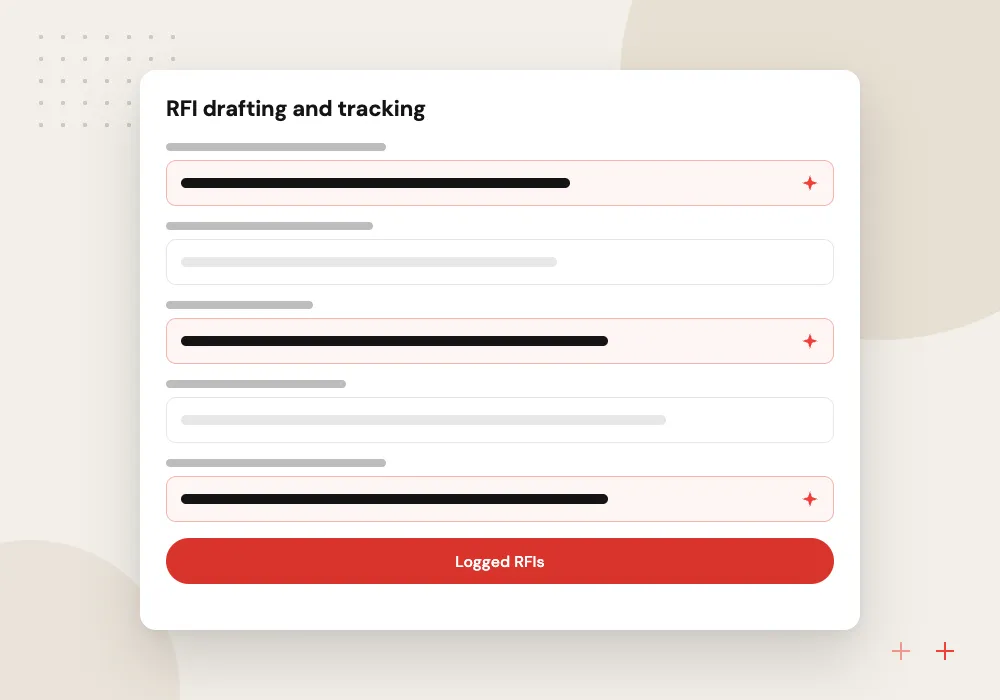
RFI drafting and tracking
Turns a field photo and note into a clear RFI with sheet and detail references, checks it against earlier RFIs, and tracks the due date in the log.
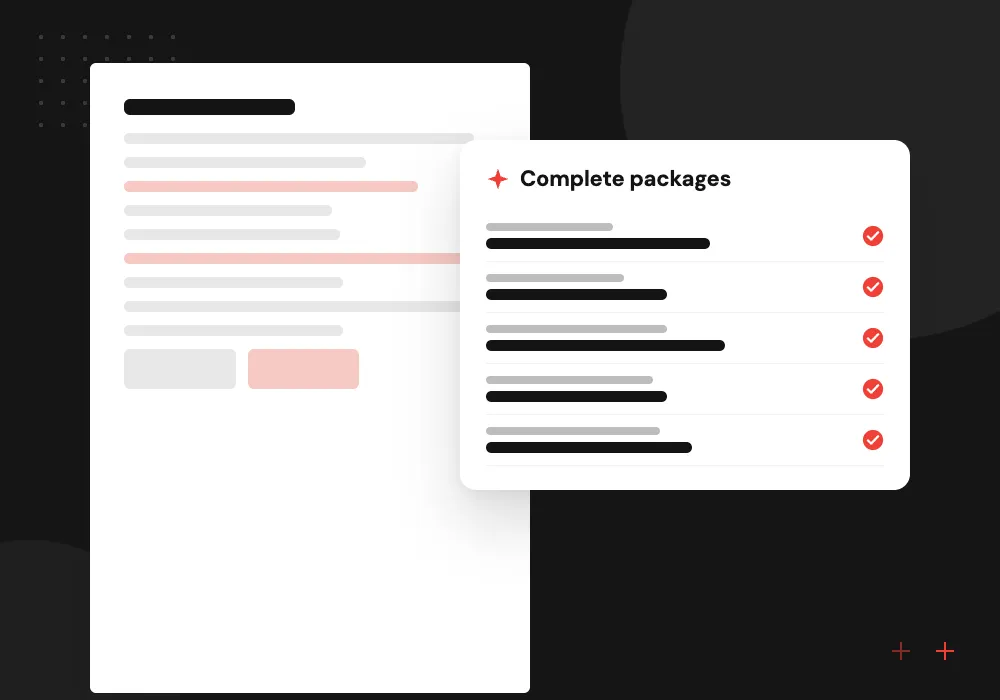
Submittal pre-checks
Compares product data and shop drawings with the requirements in the spec section and lists gaps before the package goes to the architect.
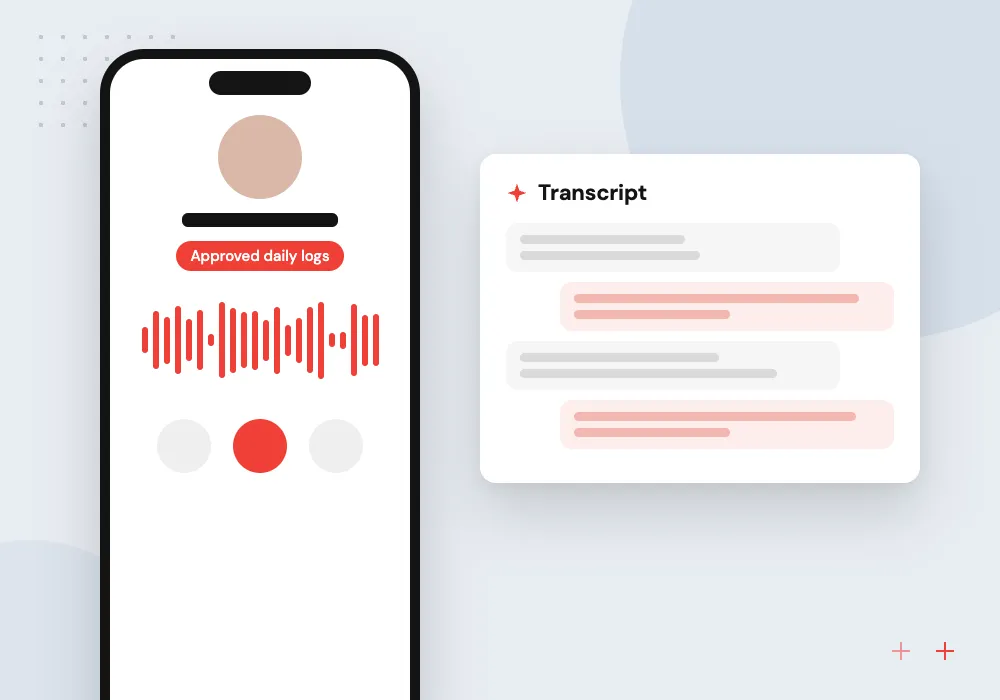
Daily reports from voice
Superintendents talk through crews, weather, deliveries, inspections and delays on their phone, and the tool writes a structured daily log for approval.
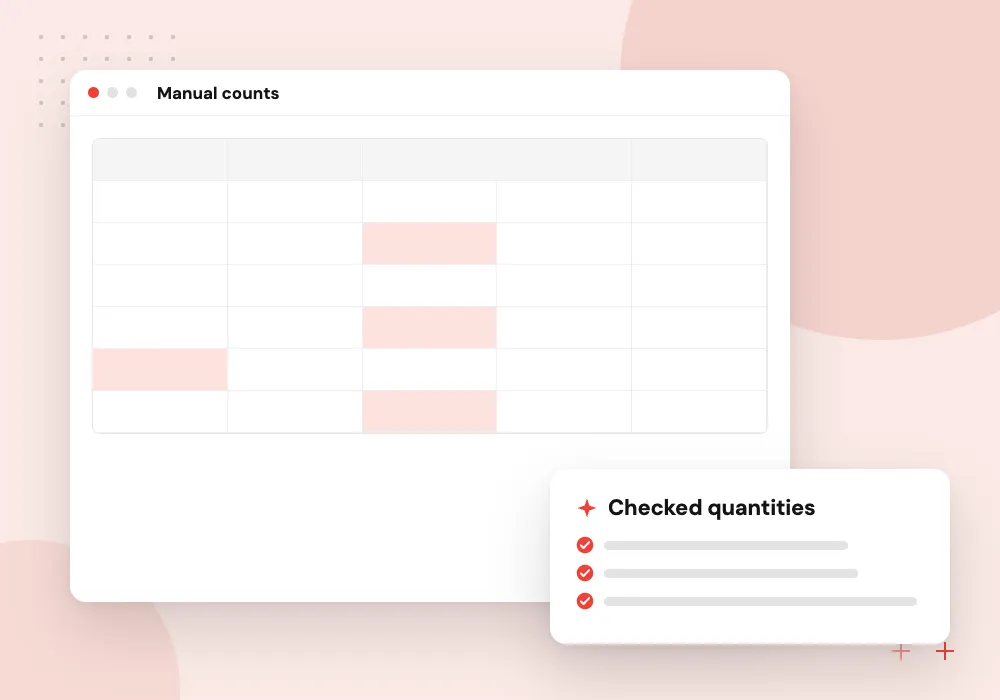
Takeoff and bid support
Counts fixtures, doors and devices from schedules and plan sheets, and lines up subcontractor bids to show scope one bidder left out.
Spec and drawing search for project teams
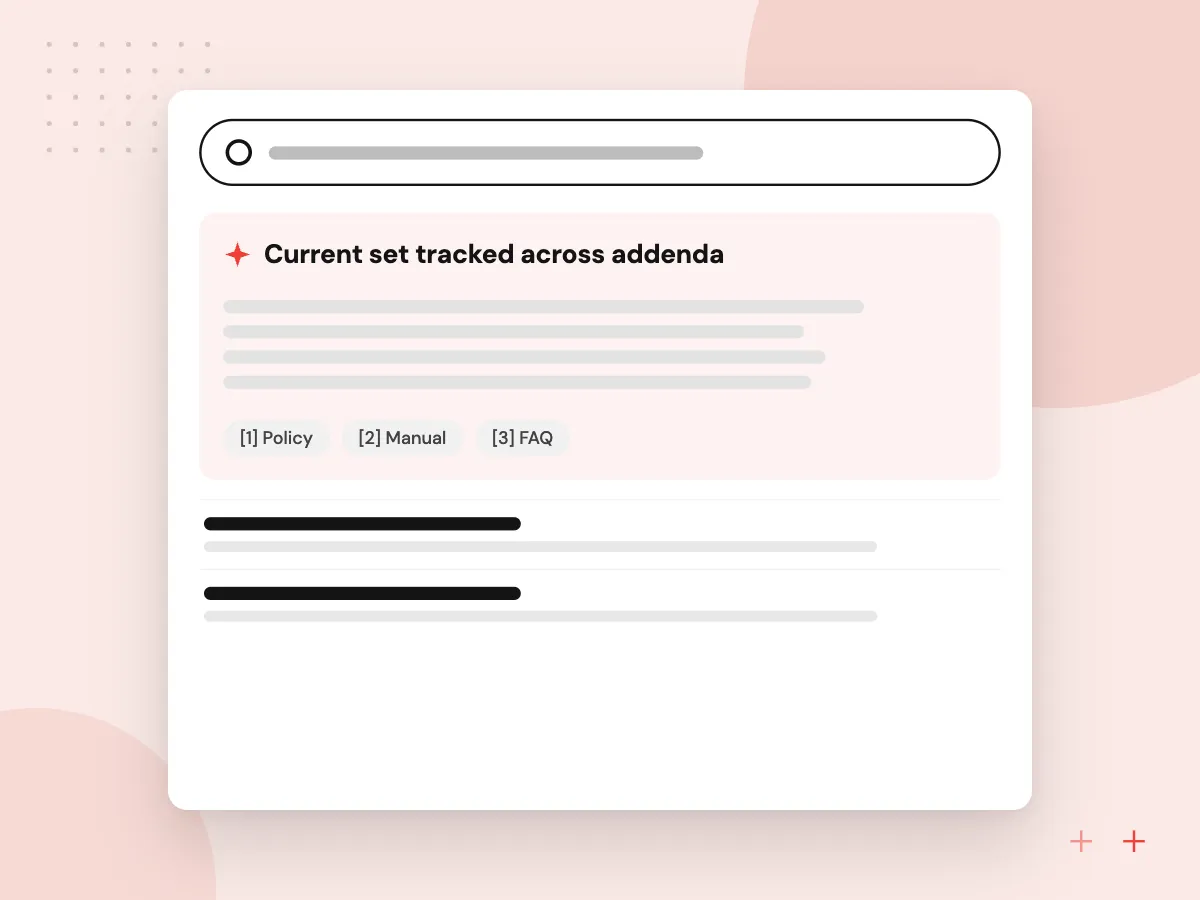
A commercial job can carry thousands of pages of specifications, addenda and bulletins. We index the current set so a project engineer can ask which fire rating a corridor door needs or what the spec says about concrete curing, and get an answer citing the section and the latest revision.
What we do
- Current set tracked across addenda
- Answers citing section and sheet
- Search by CSI division
- Warnings on superseded sheets
- Access tied to project roles
Daily logs, meeting minutes and change risk
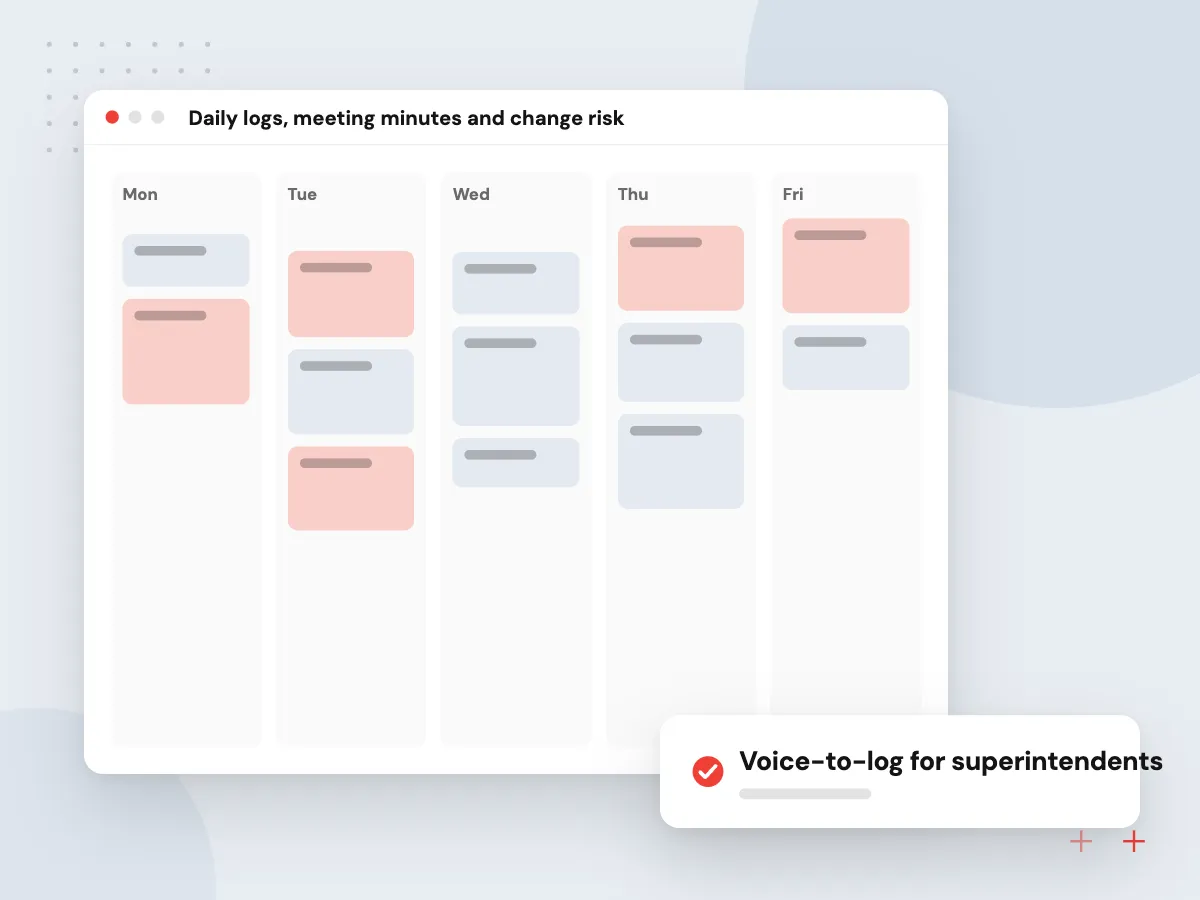
Field notes hold early signs of change orders: a late delivery, an owner request during a site walk, a hidden condition behind a wall. The tool turns voice notes and meeting recordings into logs and minutes, then flags items that may affect cost or schedule so the project manager sends notice in time.
What we do
- Voice-to-log for superintendents
- OAC minutes with action items
- Weather and manpower fields
- Potential change event flags
- Photo tagging by location

How we approach a project
Voice matters on a jobsite. Speech-to-text tuned for site noise and trade vocabulary feeds the daily log, and AI meeting summaries turn owner, architect and contractor meetings into minutes with owners and due dates.
Drawings and specs belong to the owner and design team and are shared under contract, so we keep them in your accounts, limit access by project role and never use them to train public models. Public projects can carry extra rules on document storage, which we check before setup.
How we work
- The design team keeps its authority
- Every draft cites a sheet or section
- Field staff talk, the tool types
Our Process
-

Study one active job
We read the RFI log, submittal register and a few weeks of daily reports to see where staff hours go.
-

Agree review points
Your project manager decides which drafts need approval, who signs off and what the tool must never send alone.
-

Run it on that job
The project team uses the tool on live work while we correct references, vocabulary and log fields each week.
-

Roll out to more jobs
New projects start with the setup in place, and superintendents get a short walkthrough on their phones.
Why contractors work with Aranv
Built around field habits
Superintendents keep talking and taking photos as they do today. The tool fits those habits instead of asking crews to fill in new forms on site.
References on every draft
Each RFI, submittal check and answer cites the sheet, detail or spec section it used, so the project engineer can confirm it before sending.
Your platform stays central
Drafts and logs land in the project platform your team already uses, so owners and design partners see records in the usual place.
Project data you control
Drawings, specs and logs stay in your accounts with role-based access, and the contract assigns the code and configuration to you once paid for.
Planning AI for Construction Companies?
Book a 30-minute conversation with the team that would build it.
Construction AI questions
-
Can AI read construction drawings well enough to do a takeoff?
It can count symbols and read schedules on clean drawing sets, which saves estimators time on repetitive counts. It is not reliable enough to produce a full takeoff alone, especially on scanned or cluttered sheets, so the estimator reviews every quantity and sees where each count came from.
-
Will AI answer RFIs or approve submittals for us?
No. The architect or engineer of record answers RFIs and reviews submittals under the contract. AI prepares the work on your side: clearer questions, correct references, complete packages and a log showing which items are overdue.
-
Does construction AI work with our project management platform?
The major construction platforms offer developer APIs, and we connect through them to read drawings, specs, RFIs and submittals and to write back drafts and logs. If your team works from a shared drive or a smaller tool, we check its API or export options during discovery.
-
What does an AI project for a contractor cost?
Cost follows scope: which documents are included, how many systems we connect, whether voice capture is part of it and how many jobs go live. Discovery ends with a written estimate in phases, and most contractors start with one workflow on one active job.
-
How do superintendents use it without slowing down?
They speak into their phone during a site walk or at the end of the day, and the tool fills the daily log fields. The super reads the draft, corrects anything wrong and approves it. That approval is the only new step.

Let’s talk about your next step
Contact Aranv to discuss your workflow, current tools, and goals. Meet with our team or send an inquiry.
Book a meeting with our team
Choose an available date and time for a 30-minute conversation about your project.
Tell us about your project
Share a few details so we can discuss a useful next step.
Prefer email? sales@aranv.com