


How AI data entry automation works
Aranv builds AI data entry automation for US companies whose staff retype forms, PDFs, emails and spreadsheets into an ERP, CRM or database. The system reads each source, maps it to your fields, validates values against your existing records and writes them in, holding uncertain fields for a person.
Older OCR tools needed a template for every layout and broke when a supplier moved a column. Language models read the content rather than fixed positions, so a new layout can often be handled without a new template, provided the output is checked. We combine both: templates where layouts never change, model reading where they do.
Validation is what makes the data safe to write. Item codes must exist, dates must be real, quantities must be numbers in the right unit and totals must agree. Values that fail go to a review screen with the source beside them. For PDF to ERP work, mapping to your item master and units is usually the biggest setup task.
How a retyped record becomes an automatic one
From source document to system record
- 01 Pick up the source Forms, PDFs, emails and spreadsheets are collected from inboxes, folders and uploads.
- 02 Map to your fields Values are read and placed into your target fields, units and formats.
- 03 Validate before writing Codes, dates, totals and references are checked against what your system already holds.
- 04 Write and record Clean records go in through the API; questionable ones wait for review.
Where the target system has no API, we use screen automation as a last resort and log every entry it makes.
Ways to automate data entry
Data entry hides in every department. These are common sources we turn into records.
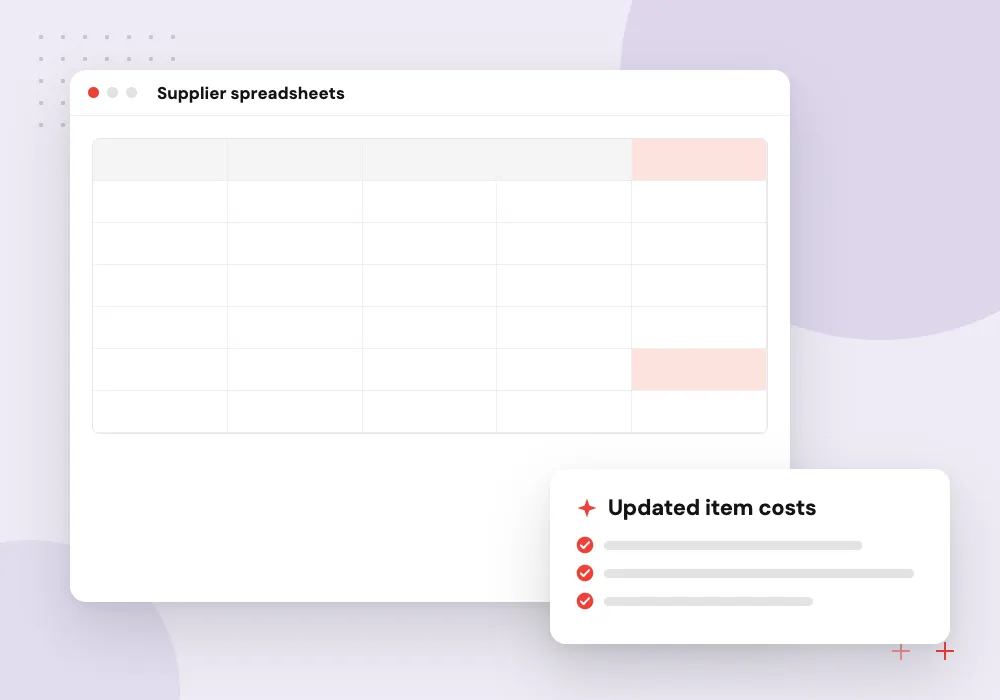
Supplier price lists
Spreadsheets and PDF catalogs from suppliers, each in its own layout, are mapped to your item master so cost and price updates arrive without retyping.
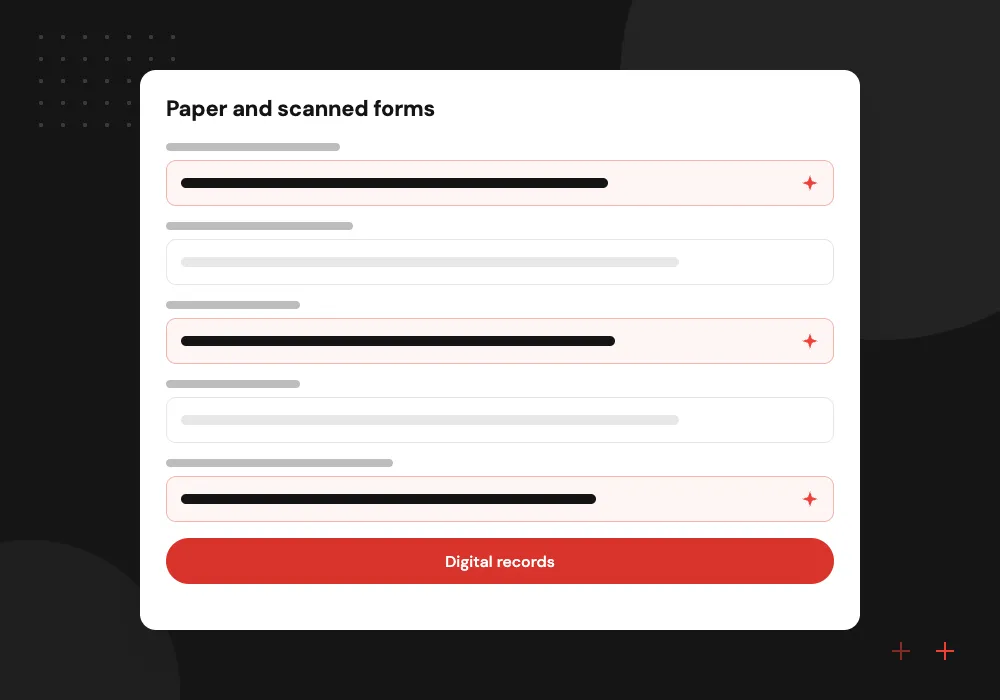
Paper and scanned forms
Inspection sheets, work orders, timesheets and applications, including handwritten entries, are read into structured records with unreadable fields flagged.
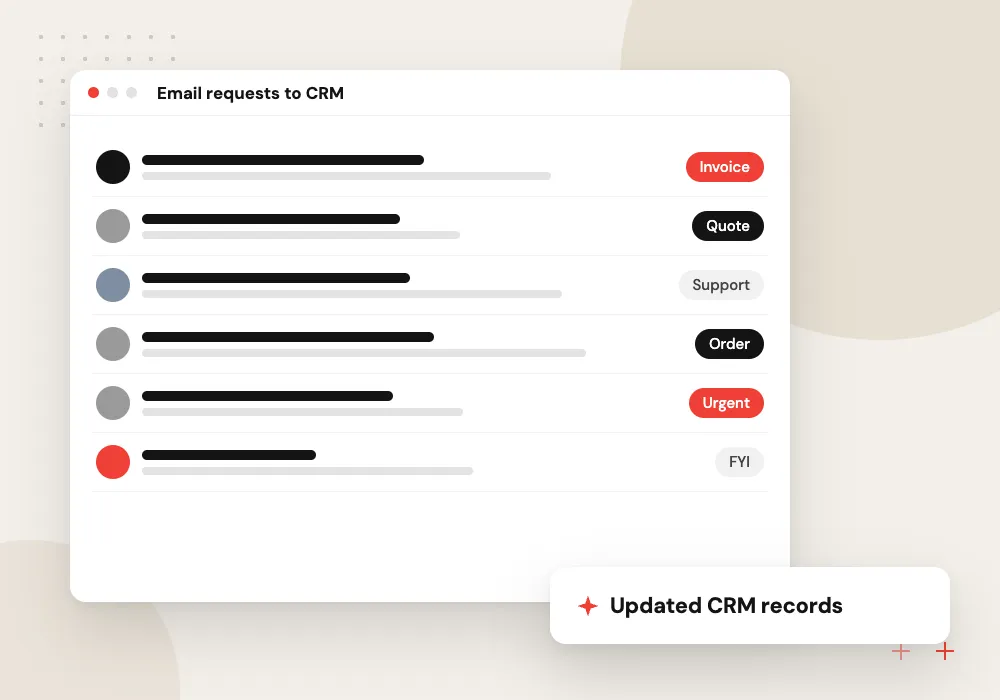
Email requests to CRM
Address changes, new contact details and service requests written in plain email become CRM updates, with the original message attached to the record.
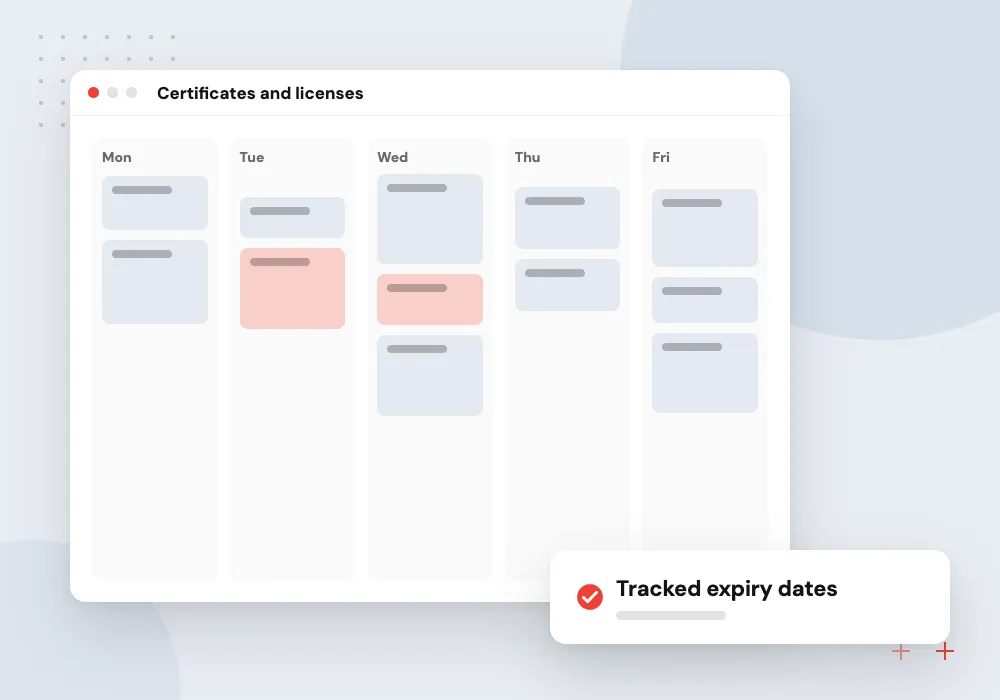
Certificates and licenses
Certificates of insurance, licenses and test reports are read for expiry dates and limits, which then fill vendor or asset records and set reminders.
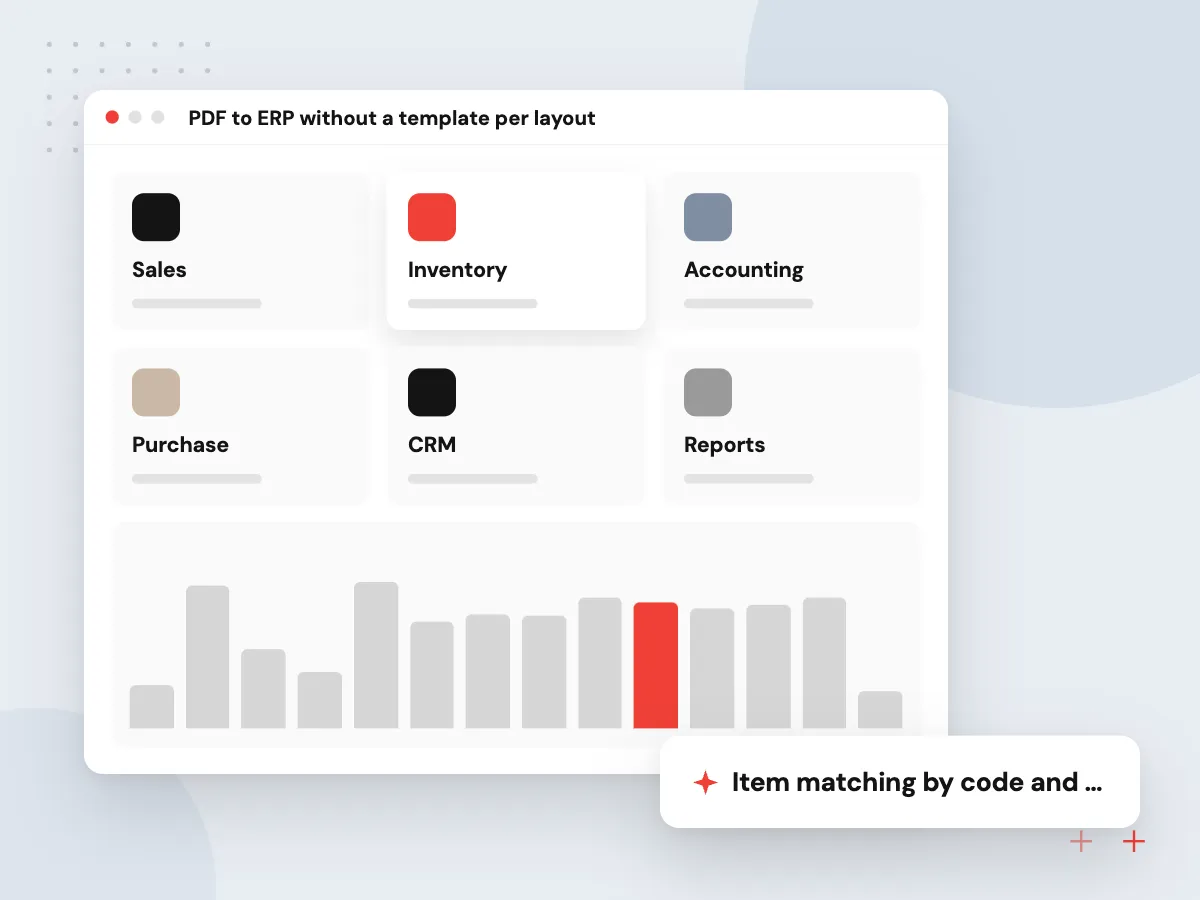
PDF to ERP without a template per layout
Supplier spec sheets, price lists and certificates arrive as PDFs in many layouts. The model extracts the values your ERP needs, converts units and formats, and matches each line to an existing item or marks it as new. Purchasing confirms new items before they are created.
What we do
- Item matching by code and description
- Unit and currency conversion
- New item proposals for approval
- Change preview before update
- Source page linked to each value
Handwritten and field forms
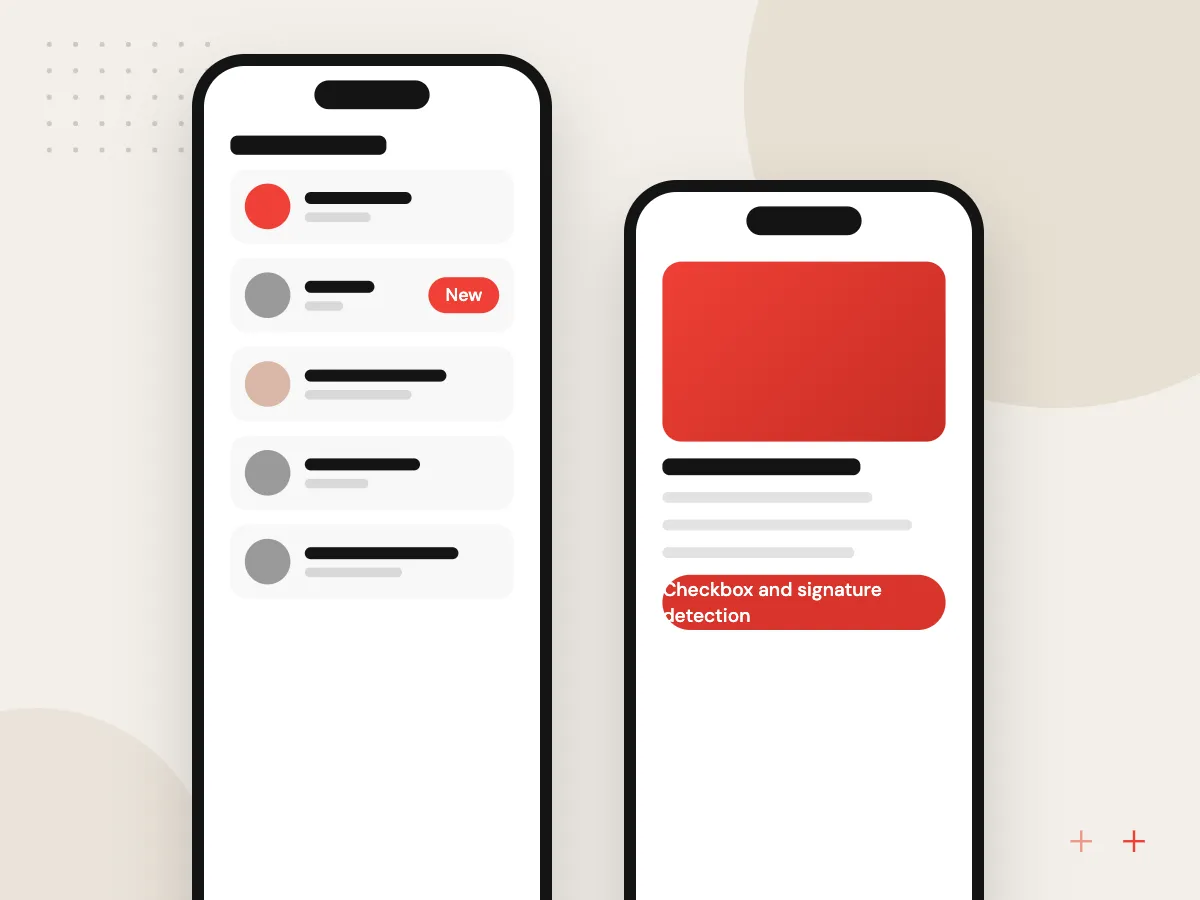
Paper still rules on inspections, deliveries and job sites. Phone photos of completed forms are read, checkboxes and signatures detected, and handwriting turned into text where it is legible. Anything below the confidence bar is shown to the office with an image crop, so they type only the doubtful fields.
What we do
- Checkbox and signature detection
- Handwriting read where legible
- Image crop for doubtful fields
- Photo capture from phones
- Form version recognition

How we approach a project
We write through the target system’s API whenever one exists, built by our API integration team. For older desktop or terminal systems without one, we use the screen automation described under intelligent automation and RPA, with extra logging because screens change. On Odoo, the same logic ships as an add-on module; see AI for ERP and Odoo.
Some document families have their own pages: supplier bills under AI invoice processing and customer purchase orders under AI order processing. Manufacturers update item and price data constantly, so they carry a lot of this work; see AI in manufacturing.
How we work
- Validate first, write second
- API before screen automation
- Every entry traceable to its source
Our Process
-

Shadow the person typing
We watch the task, collect a sample of sources and note every rule the clerk applies from memory.
-

Map fields and rules
Source values are mapped to target fields, and validation rules are written and agreed with the team lead.
-

Run in preview mode
Records are prepared but not written, and staff compare them with their own entries for a set period.
-

Write with thresholds
High-confidence records are written automatically, the rest queue for review, and thresholds are tuned with the team.
Why Aranv for data entry automation
We count the keystrokes first
We measure which sources take the most staff time and where errors slip through, then automate the sources that matter, not every form in the building.
Checks your clerks would make
Validation rules come from the people who do the typing today, so the system catches the mistakes they catch and records each one.
API first, screens if needed
Direct API writes are preferred because they are stable. Screen automation is used only when no other route exists, and it is watched for breakage.
Corrections become test cases
Every field a person fixes is stored with its source, added to the test set and checked again before the next extraction change goes live.
Planning AI Data Entry Automation?
Book a 30-minute conversation with the team that would build it.
Data entry automation FAQs
-
Can AI automate data entry from PDFs and scanned forms?
Yes. OCR turns the page into text, and a language model or trained extractor maps it to your fields. Clean digital PDFs read most reliably; scans, photos and handwriting need validation and a review step. We test on your documents before connecting any system.
-
What if our system has no API?
We can type into the application with screen automation, the way a person would, or use an import file if the system accepts one. Screen automation breaks when screens change, so we add monitoring and alerts and prefer an import or API route where one exists.
-
How do you keep bad data out of our ERP?
Every record passes validation before it is written: codes must exist, totals must agree and values must fall within expected ranges. Failures go to a person. Records can also land in a draft or pending status so your system’s own approval step still applies.
-
Which systems can the data be written to?
ERPs such as NetSuite, Odoo, Business Central and SAP Business One, CRMs such as Salesforce and HubSpot, accounting packages and your own databases. Access methods and permissions for your edition are confirmed during discovery.
-
What happens to the staff who do data entry today?
In the projects we design, they become reviewers of exceptions and owners of data quality. Their sense of which values look wrong is exactly what the validation rules need, so they join from the first workshop.

Let’s talk about your next step
Contact Aranv to discuss your workflow, current tools, and goals. Meet with our team or send an inquiry.
Book a meeting with our team
Choose an available date and time for a 30-minute conversation about your project.
Tell us about your project
Share a few details so we can discuss a useful next step.
Prefer email? sales@aranv.com