


What intelligent automation services include
Aranv offers intelligent automation services for US companies whose staff still key the same data into portals, legacy desktop apps and spreadsheets. We combine RPA bots that work through screens, AI that reads documents and emails, and API integrations where they exist, with people approving the cases that need judgment.
We start with a process assessment: volume, steps, systems, exceptions and the rules people apply. Each step gets the simplest reliable method, whether an API call, a desktop or browser bot, an AI step for reading and sorting, or a person.
Bots are built with Power Automate for desktop when you run on Microsoft 365, or with code-based browser automation when that suits better. Document reading follows our AI document processing methods, and the surrounding steps are designed as in AI workflow automation.
How RPA and AI share one process
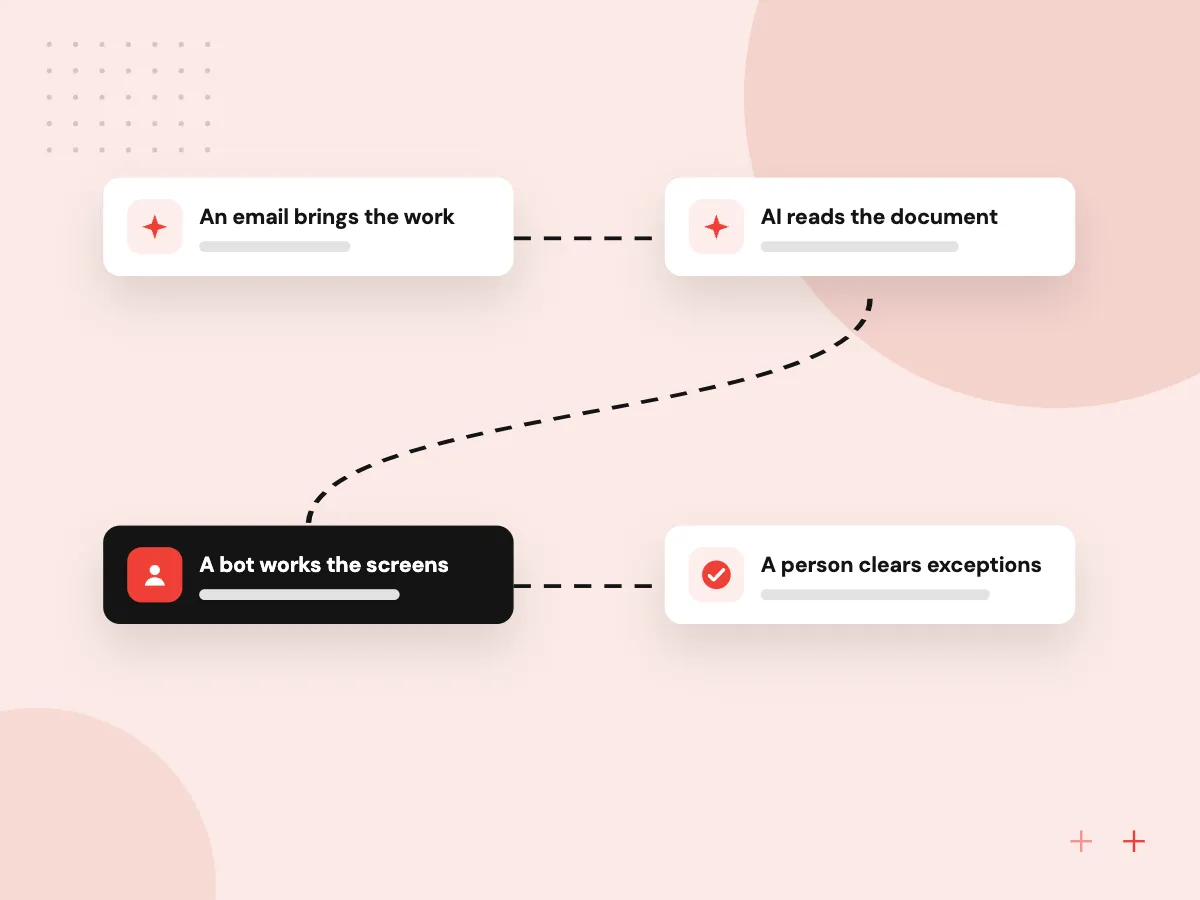
A vendor portal task, automated end to end
- 01 An email brings the work A PDF order, claim or invoice lands in a shared mailbox.
- 02 AI reads the document The model extracts fields and flags anything missing or out of range.
- 03 A bot works the screens The RPA bot signs in to the portal or desktop app and enters the data.
- 04 A person clears exceptions Flagged items wait in a queue for staff to check, fix and release.
If a system offers an API, we use it instead of the screen, because API connections break less often.
Intelligent automation we build
The best candidates are high-volume, rule-heavy tasks inside systems nobody plans to replace soon.
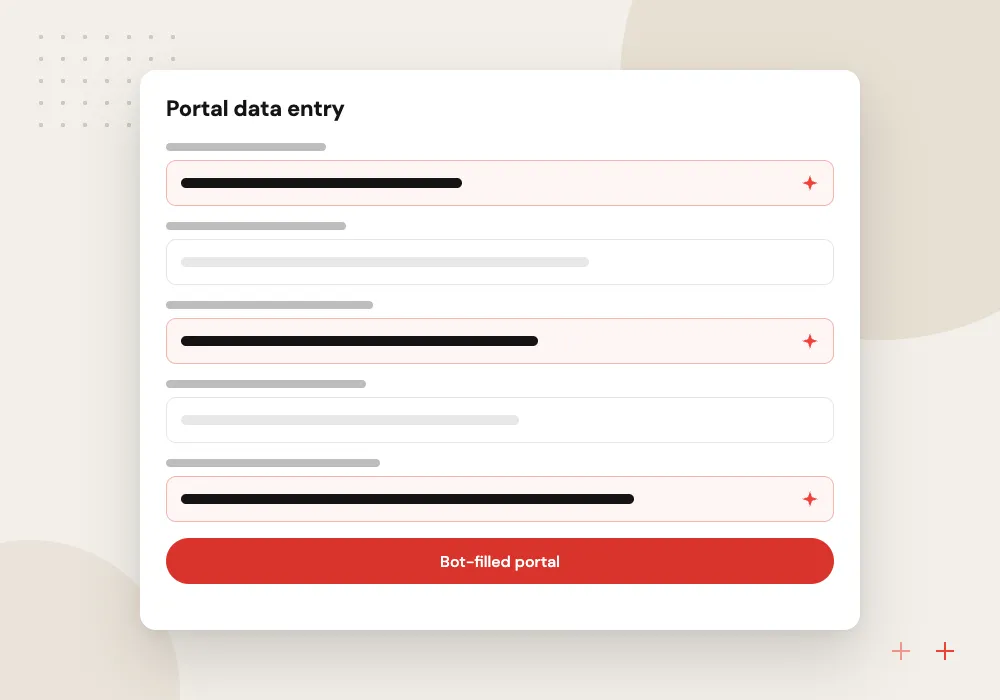
Portal data entry
Orders, claims or registrations are typed into carrier, insurer or agency portals by a bot, using data AI pulled from emails and PDFs.
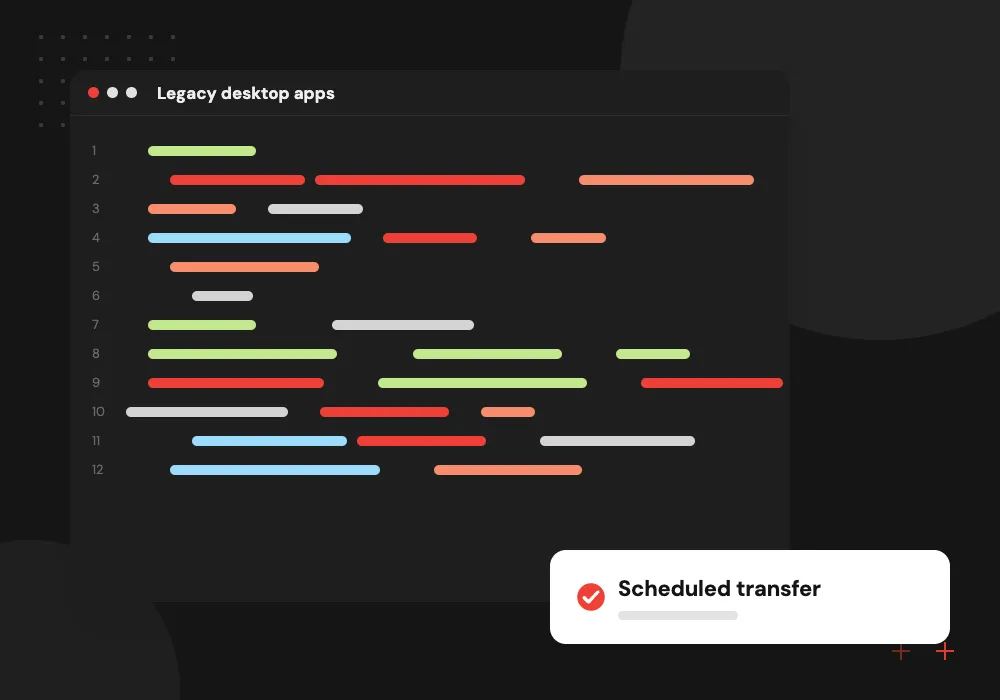
Legacy desktop apps
A bot drives an older Windows or terminal application that has no API, moving records between it and your newer systems on a schedule.
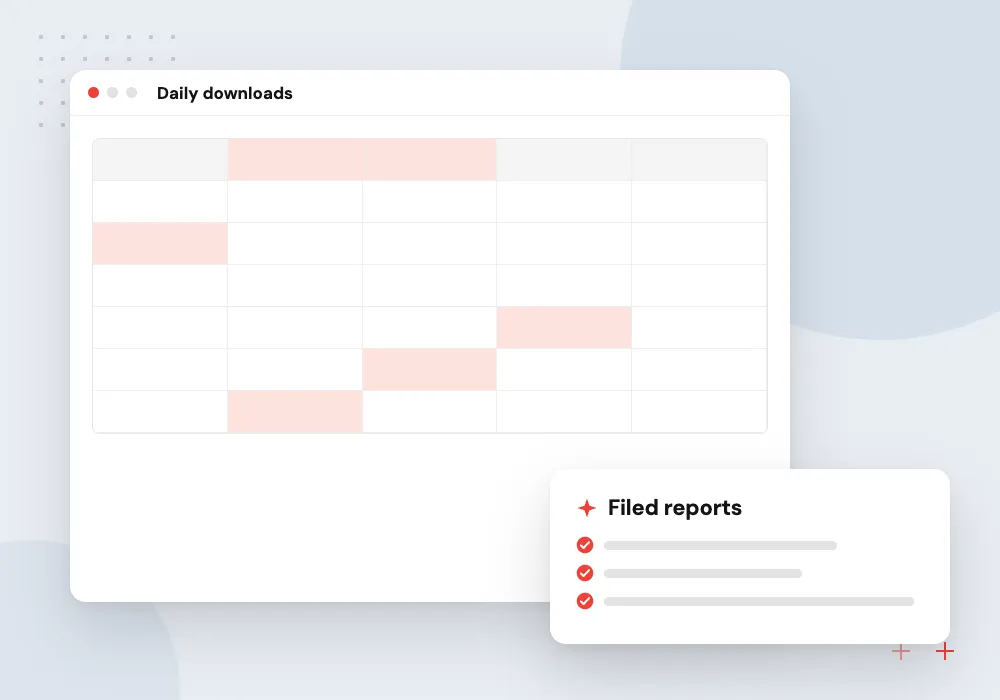
Report collection
Bots sign in to supplier and partner portals each morning, download statements and reports, and file them where finance expects to find them.
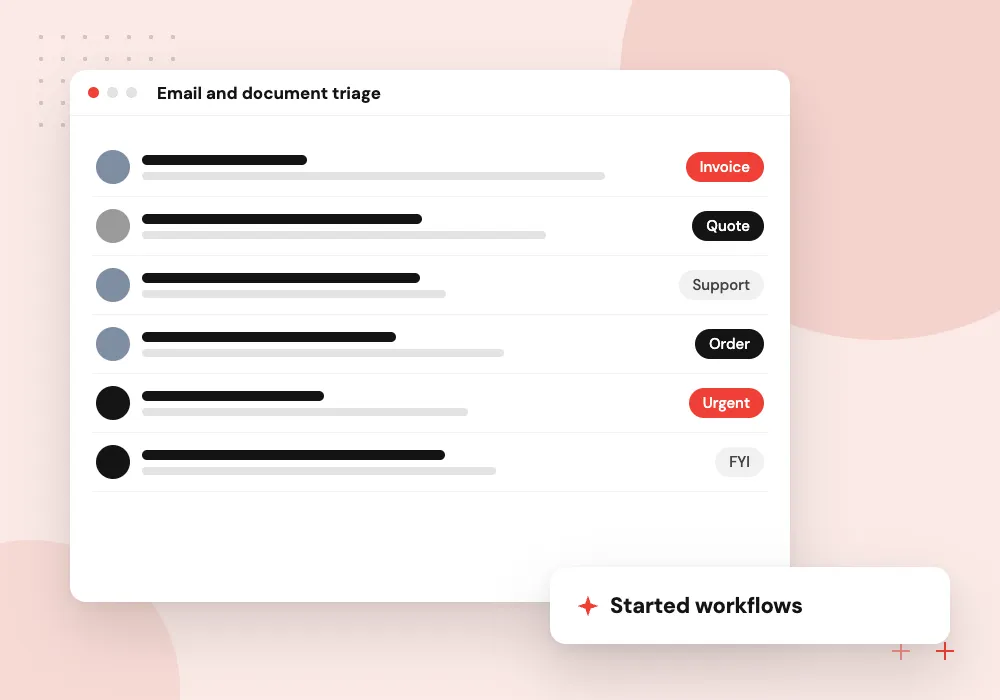
Email and document triage
AI sorts incoming emails and attachments by type, extracts the key fields and starts the right bot or workflow for each one.
Bots for portals and legacy systems
Many processes still run through vendor portals, older Windows programs or terminal screens with no API. We build bots that sign in with their own accounts, read and enter data through the screens, check each page before acting, and hand off cleanly when something unexpected appears.
What we do
- Browser and desktop bots
- Terminal and older app support
- Dedicated bot accounts
- Screen checks before input
- Scheduled and triggered runs
AI steps and the exception queue
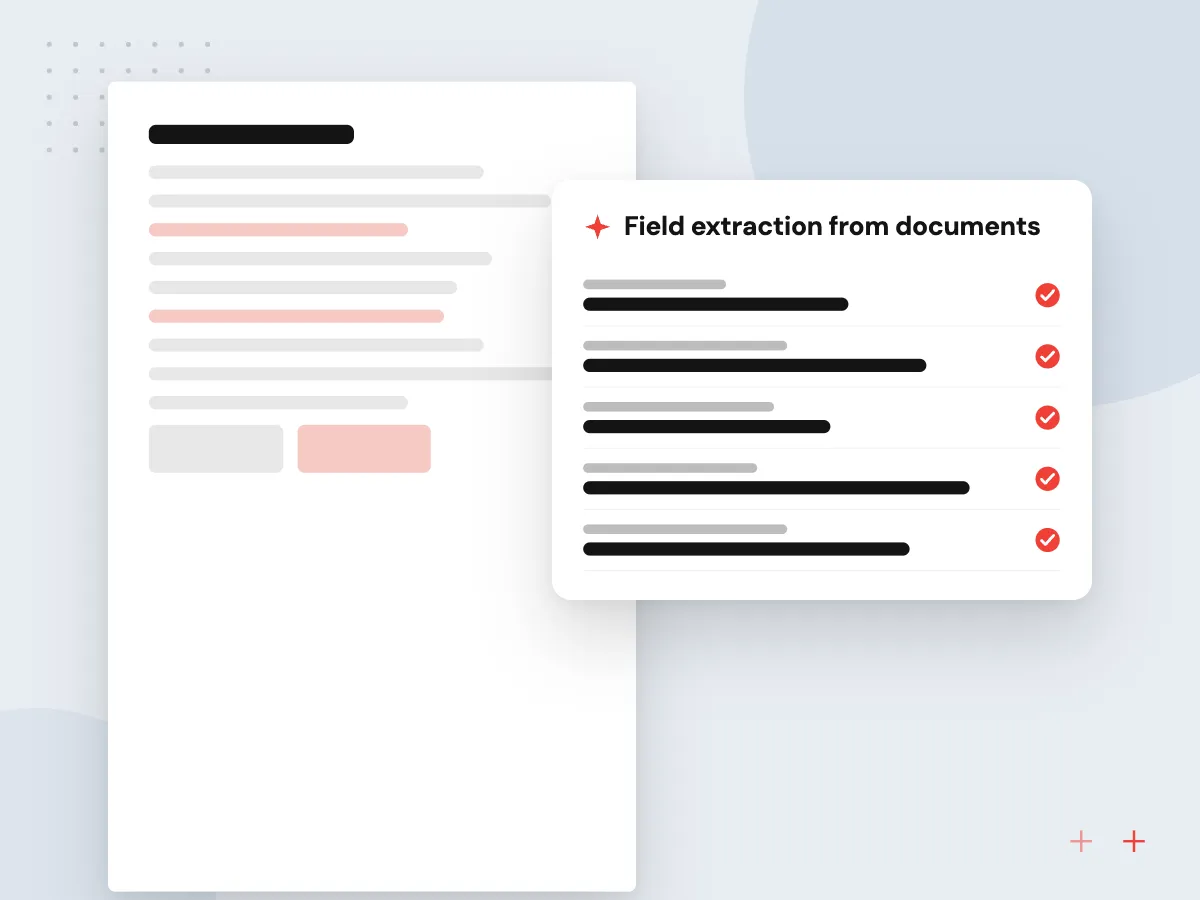
AI handles the reading and sorting that rules cannot, but it also makes mistakes. Each AI result is checked against business rules and source totals, anything that fails goes to an exception queue, and staff decisions there are logged so we can see where the model goes wrong.
What we do
- Field extraction from documents
- Rule and total checks
- Exception queue for staff
- Decision log for review
- Monthly accuracy check

How we approach a project
Screen bots are a bridge, not a destination. When an old system costs more to automate around than to replace, we say so and plan its retirement through legacy application modernization. Tasks that only touch modern, API-ready systems often fit n8n automation services better than RPA.
Microsoft lists the prerequisites for Power Automate for desktop, including Windows versions and hardware for unattended mode. We size the bot machines with your IT team early in the project.
How we work
- APIs first, screens when necessary
- Exceptions routed to named people
- Every bot run logged
Our Process
-

Record the task as done today
We watch staff complete the task, capture each screen and decision, and count how often it runs and fails.
-

Design the bot and exceptions
We decide which steps use APIs, screens or AI, and define exactly what goes to the exception queue.
-

Run alongside staff
The bot works in parallel with your team for a period so outputs can be compared before it runs alone.
-

Monitor and maintain
Dashboards show runs, failures and queue size, and we update selectors when a portal or app changes its screens.
Why Aranv for intelligent automation
We choose the method per step
APIs, screen bots, AI and people each take the steps they handle best, so a bot never does work an API could do more reliably.
Exceptions designed, not ignored
Every process has a queue for the cases the bot cannot finish, with a clear owner, so items do not vanish when something goes wrong.
Bots that report breakage
Failed runs send an alert with a screenshot and the record involved, which makes fixes faster when a portal changes its layout.
A path off old systems
We record what each bot works around, giving you the information to retire the legacy system later instead of automating around it forever.
Planning Intelligent Automation and RPA?
Book a 30-minute conversation with the team that would build it.
Intelligent automation FAQs
-
How much do intelligent automation services cost?
Cost depends on how many applications the bot must operate, whether they are web, desktop or terminal based, how many exceptions occur, which AI steps are needed and how often screens change. RPA licenses and bot machines are separate costs, and we include them in the estimate so you see the whole picture.
-
What is the difference between RPA and intelligent automation?
RPA follows fixed rules to click and type through screens. Intelligent automation adds AI for the parts rules cannot handle, such as reading a scanned form, sorting an email or spotting data that looks wrong, plus workflow and human review around the bot.
-
When is RPA with AI the wrong choice?
When the systems involved have usable APIs, when the process changes every few weeks, or when volume is too low to repay the build. In those cases an API integration, a simple workflow tool or a better form often does the job for less.
-
What happens when a website or app changes its screens?
The bot may stop at the changed step. We use stable selectors, check for expected screens before typing, alert a person on failure and hold failed items in a queue so nothing is lost. Bot updates are part of our support plans.
-
Do RPA bots need their own computers?
Attended bots run on the user’s own PC while they work. Unattended bots run on a dedicated Windows machine or virtual machine under a bot account that your IT team controls, and we help size and secure those machines.

Let’s talk about your next step
Contact Aranv to discuss your workflow, current tools, and goals. Meet with our team or send an inquiry.
Book a meeting with our team
Choose an available date and time for a 30-minute conversation about your project.
Tell us about your project
Share a few details so we can discuss a useful next step.
Prefer email? sales@aranv.com