


What an AI knowledge base includes
Aranv builds an AI knowledge base for companies whose know-how is spread across SharePoint, Google Drive, Confluence, Notion and old tickets: staff ask a question in plain words and get an answer with links to the source, limited to documents they are allowed to open.
We connect to the places your knowledge lives through their APIs, split documents into passages and store them in a search index with their permissions and metadata. Questions come in through Teams, Slack, your intranet or a helpdesk sidebar, and answers come back with citations.
The core technique is retrieval-augmented generation, built through our RAG development services; the guide What is retrieval-augmented generation explains it in plain terms. Large or mixed collections may need a dedicated store, covered on our vector database development page.
How the knowledge assistant answers a question
Question in, cited answer out
- 01 Index your sources Wikis, drives and ticket history are indexed with their owners, dates and permissions.
- 02 Search what they can see Each question searches only documents the person asking can already open.
- 03 Answer with citations The answer quotes and links the passages it used, or says nothing was found.
- 04 Flag gaps and stale pages Unanswered questions and outdated sources go to content owners for fixing.
If your documents do not contain the answer, the assistant says so instead of filling the gap.
Who uses an internal knowledge assistant
One index serves several teams, each asking about the documents they rely on.
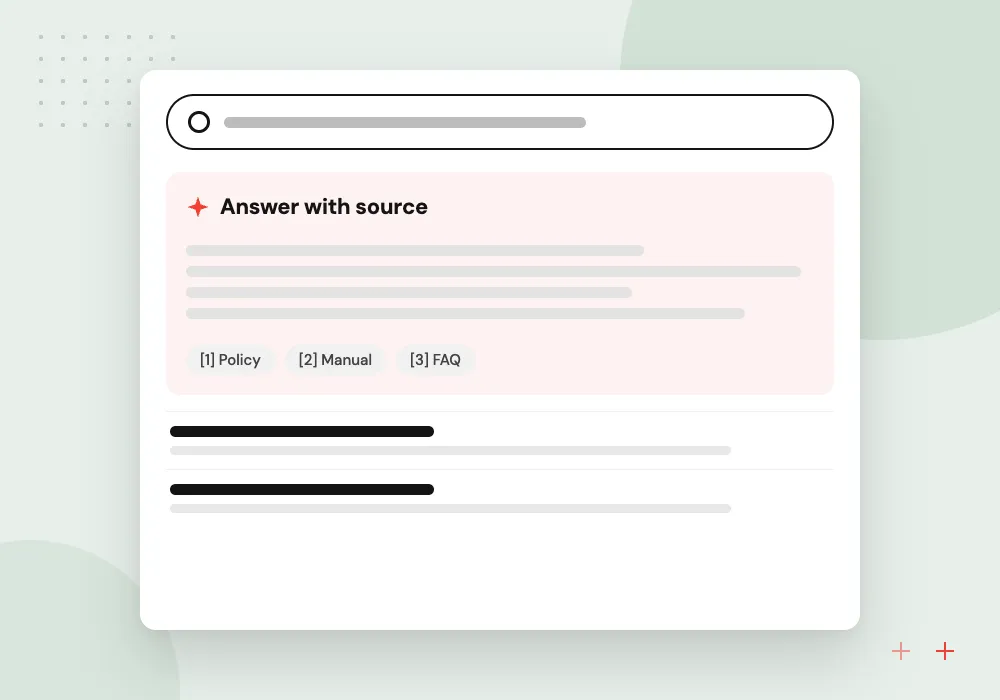
Support agents
Agents find the troubleshooting step, warranty term or past fix for a customer issue without interrupting a senior colleague.
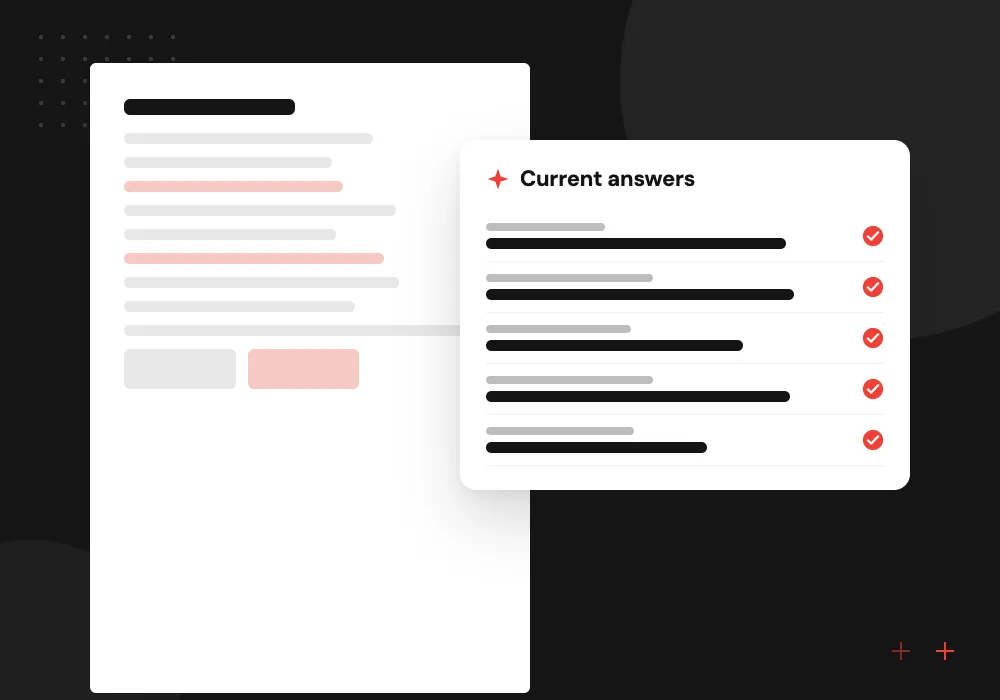
Sales and account teams
Product specs, discount rules and approved answers to security questionnaires in one place, always citing the latest version of each document.
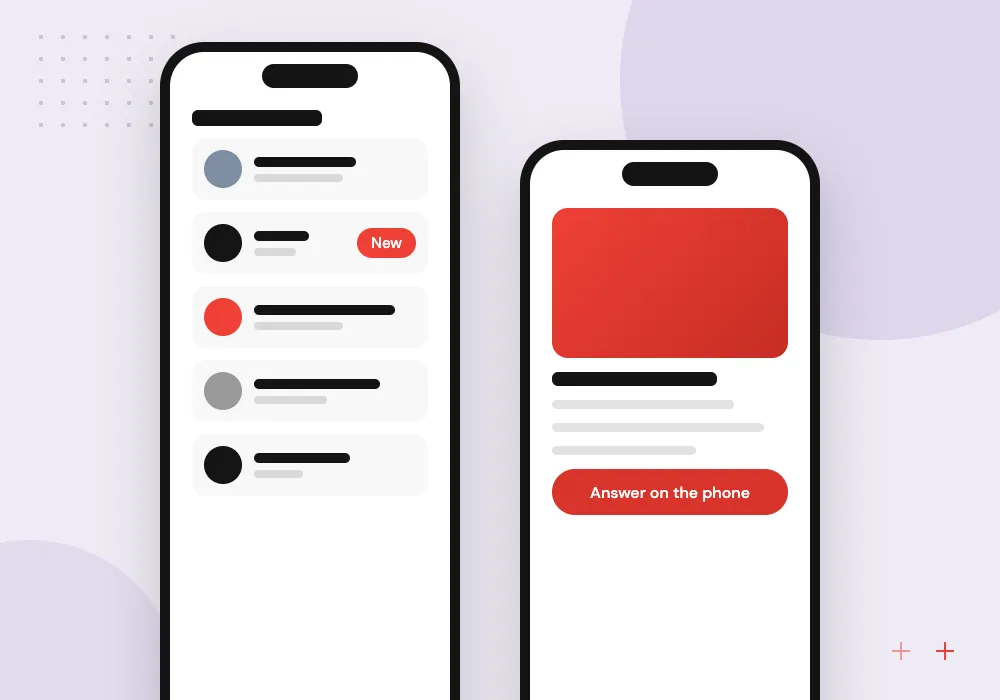
Operations and field staff
Procedures, safety sheets and equipment manuals searchable from a phone on site, in plain language rather than by file name.
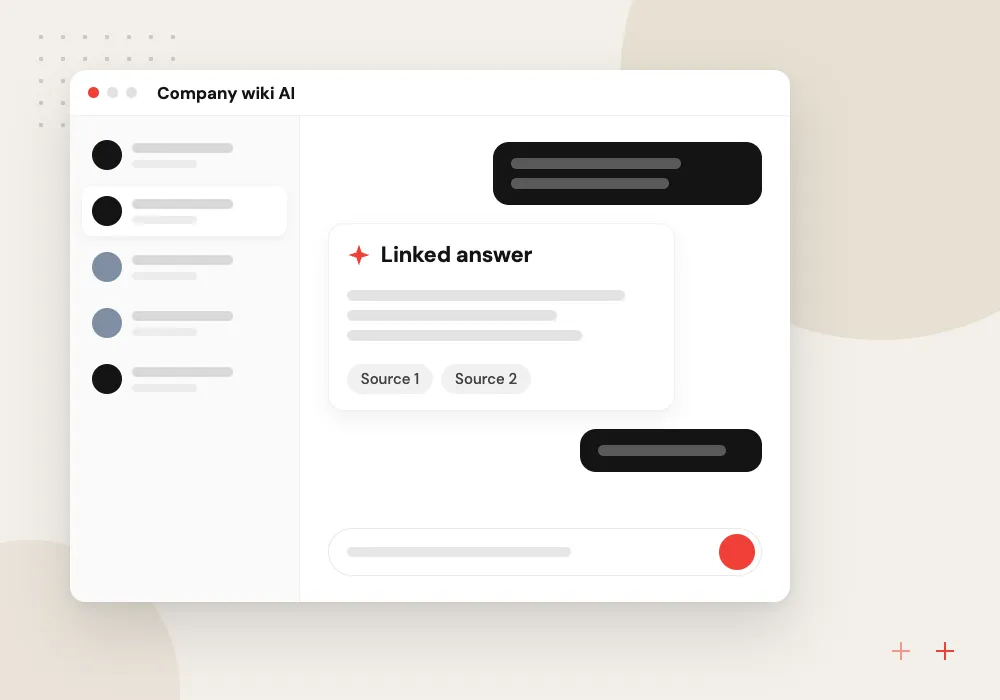
Company wiki AI
New employees ask how things work here, who owns what and where templates live, and get answers that point to the right page.
Permission-aware indexing
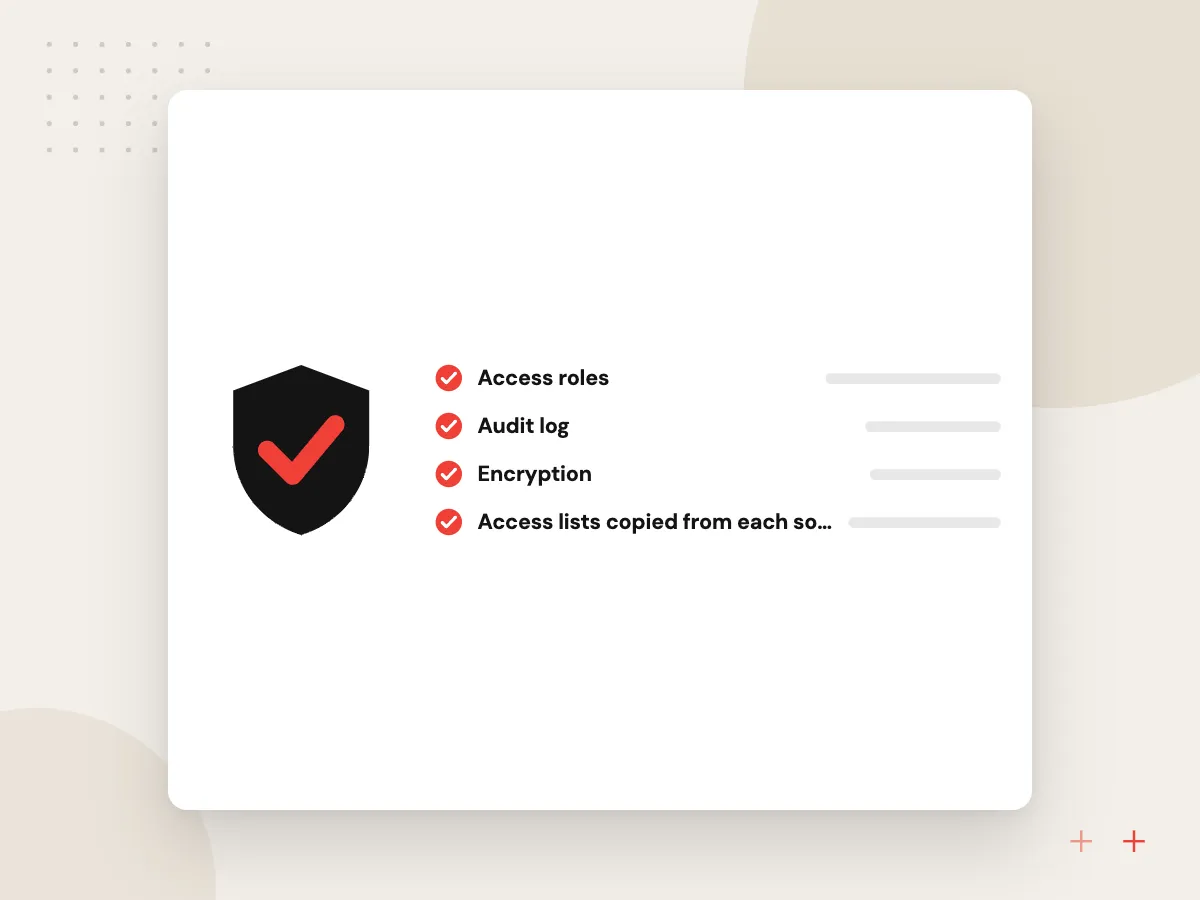
A knowledge base that shows everyone everything is a data leak. We index each source with its access lists, keep them in sync as sharing changes and filter every search by the asker’s identity from your sign-in provider. HR files, contracts and board papers stay with the people who can already open them.
What we do
- Access lists copied from each source
- Sync when sharing changes
- Search filtered by signed-in user
- Excluded folders and labels
- Access tests before launch
Keeping content true over time
Answers age as documents do. Each indexed page carries an owner and a last-reviewed date. The assistant flags pages that contradict each other, reports questions it could not answer and drafts new articles from resolved tickets or long chat threads for an owner to approve.
What we do
- Owner and review date per page
- Reports on conflicting documents
- Unanswered question log
- Article drafts from resolved tickets
- Monthly content health report

How we approach a project
Law firms and accounting firms, where precedent and past work matter, are a natural fit; see AI for law firms and AI for accounting firms. HR policy questions often get their own assistant, described on our AI HR chatbot page.
NIST’s AI Risk Management Framework, along with the profile it added for generative AI, gives a useful checklist for answer quality and data risk. When you have a list of the systems your knowledge sits in, a 30-minute conversation with our team is the next step, requested through the contact page.
How we work
- No source, no answer
- Permissions follow the original files
- Owners keep content current
Our Process
-

List sources and owners
We map where knowledge lives, who owns each source and which folders must never be indexed.
-

Collect real questions
Staff give us questions they recently asked colleagues, and these become the test set for answer quality.
-

Index and test access
We index the sources, then sign in as different roles to confirm nobody sees documents they should not.
-

Launch to one team
One team uses it first, and we review missed and wrong answers weekly, fixing content or retrieval.
Why Aranv for knowledge bases
Tested on your questions
Quality is measured on questions your staff actually asked, scored before launch and again after content changes, not on generic demo queries.
Access rules from day one
Permissions are copied from each source and tested with real roles before launch, so the assistant never widens who can read a document.
Admits what it does not know
When retrieval finds nothing relevant, the assistant says so and logs the question for an owner, rather than writing a plausible guess.
Content upkeep built in
Stale-page reports, conflict checks and drafted articles give owners a short list of fixes each month instead of a full audit.
Planning AI Knowledge Base?
Book a 30-minute conversation with the team that would build it.
AI knowledge base FAQs
-
How is an AI knowledge base different from search in SharePoint or Google Drive?
Built-in search returns a list of files. An AI knowledge base reads the relevant passages across all your sources and writes a direct answer with links to them. It covers several systems at once, so staff do not need to know which tool holds the document.
-
Will the assistant make up answers?
Language models can produce confident errors, so we design against it: answers must cite retrieved passages, the assistant says when nothing relevant was found, and we test it on your own questions before launch. Staff can flag a wrong answer for review with one click.
-
Can it see confidential files?
It sees only what it is allowed to index, and each answer is limited to documents the asker can already open. You can exclude folders, sites or labels completely, and we test access with several user roles before anyone else uses it.
-
Which systems can an internal knowledge assistant connect to?
Common sources are SharePoint, OneDrive, Google Drive, Confluence, Notion, helpdesk articles, ticket history and file shares. Slack or Teams threads can be included if your policy allows. We check API access and permission data for each source during discovery.
-
Who keeps the knowledge base up to date?
Your content owners, with help from the system. It reports stale and conflicting pages, logs questions it could not answer and drafts articles from resolved tickets. Owners approve or edit those drafts, so answers improve as the content does.

Let’s talk about your next step
Contact Aranv to discuss your workflow, current tools, and goals. Meet with our team or send an inquiry.
Book a meeting with our team
Choose an available date and time for a 30-minute conversation about your project.
Tell us about your project
Share a few details so we can discuss a useful next step.
Prefer email? sales@aranv.com