


What AI appointment scheduling involves
Aranv builds AI appointment scheduling for clinics, salons, home service firms and professional offices: an assistant that books, reschedules and confirms appointments by web chat, text or phone, checks live calendars and staff rules, and writes every booking into the system your team already uses.
Automated booking is only safe when the assistant reads the same calendar your staff use. We list every service you book, how long it takes, who can do it and what room or equipment it needs, then connect to your calendar or practice system through its API.
The conversation can run in a website widget, over SMS or on the phone. Web and text booking come from our AI chatbot development work, and phone booking puts the same logic behind an AI voice agent. For a full customer booking product, see booking app development.
How an AI scheduling assistant books a visit
From request to confirmed slot
- 01 Read the request The assistant works out the service, preferred times, location and whether the customer is new.
- 02 Query real availability Open slots come from your calendar or practice system, filtered by staff skills and rules.
- 03 Hold and confirm The chosen time is held, confirmed with the customer, then written back with their details.
- 04 Remind and follow up Reminders go out on your schedule, and replies to them update the booking or alert staff.
The model handles the conversation; your scheduling system stays the record of who is booked when.
What an AI scheduling assistant handles
Scheduling work splits into booking, changing, reminding and filling gaps, and each part needs its own rules.
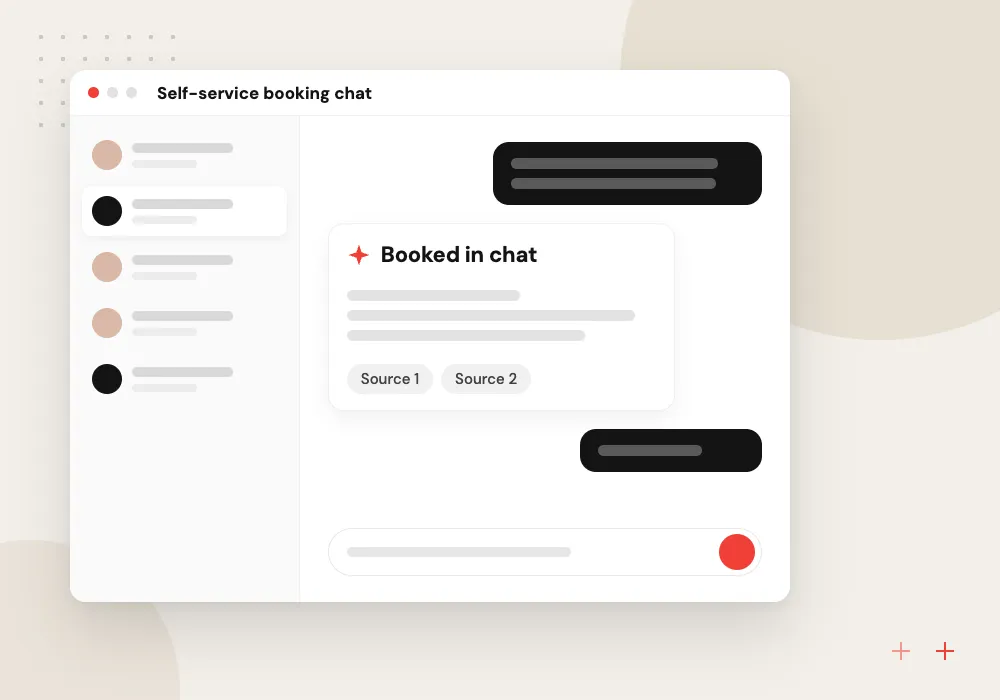
Self-service booking chat
Customers describe what they need in their own words; the assistant picks the right service, length and location, then offers open times from your live calendar.
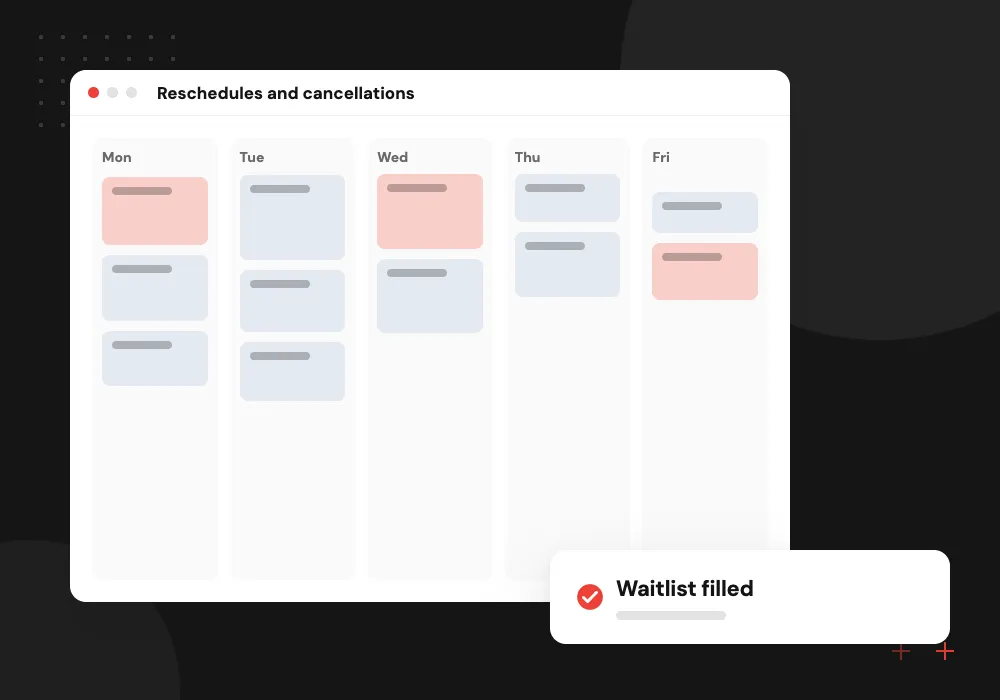
Reschedules and cancellations
Moves and cancellations follow your notice period and deposit terms, and any freed slot is offered to people waiting on the list for that service.
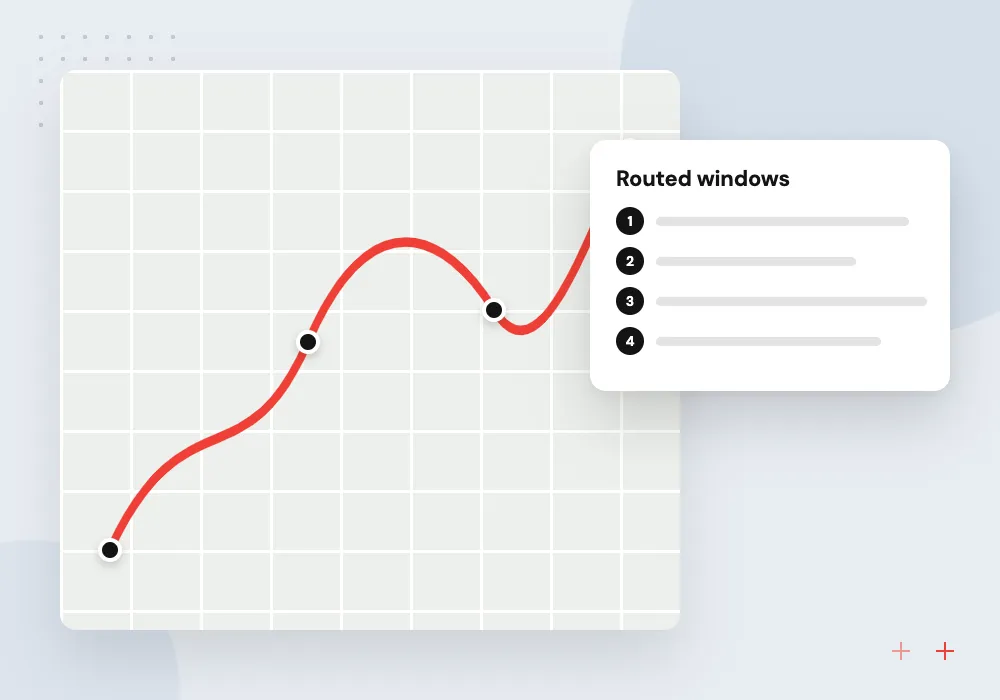
Route-aware job booking
For home service crews, the assistant offers arrival windows that account for drive time, territory and technician skills, not only empty calendar space.
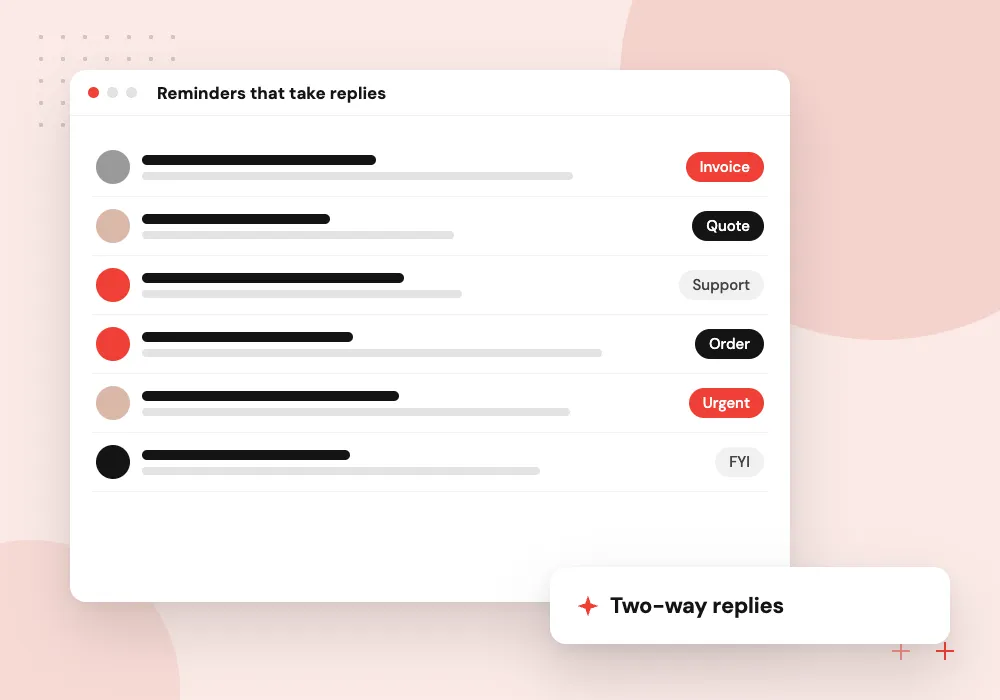
Reminders that take replies
Text and email reminders accept answers like running late or need another day, and the assistant acts on them or alerts the front desk.
Booking rules your team can see and change
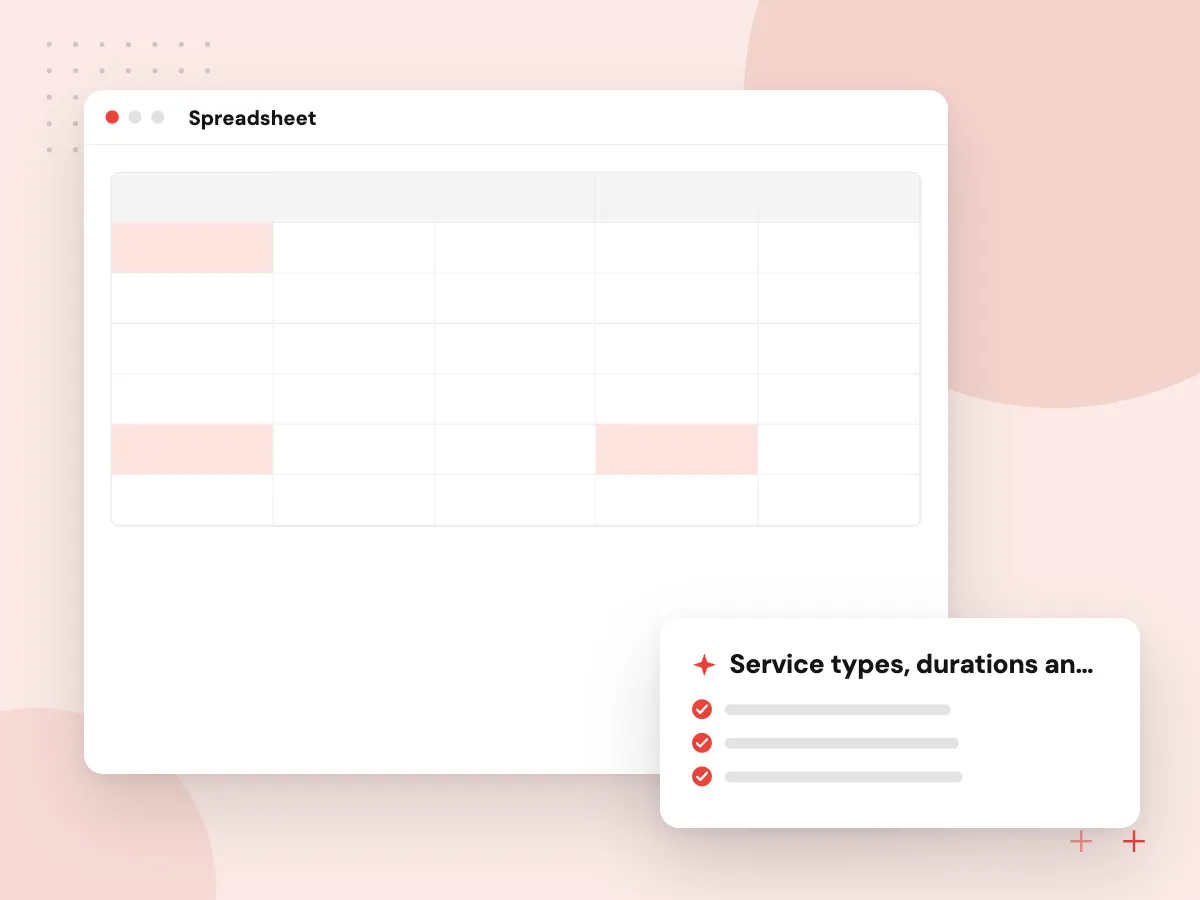
Most scheduling mistakes come from rules that live in one person’s head: new patients need a longer slot, only certain technicians install heat pumps, no consultations late on Fridays. We put these rules in a table your office manager can edit, and every proposed time is checked against it.
What we do
- Service types, durations and buffers
- Staff skills and room or equipment needs
- Lead time and same-day limits
- Deposit and cancellation terms
- Holiday and closure dates
Calendar and system connections
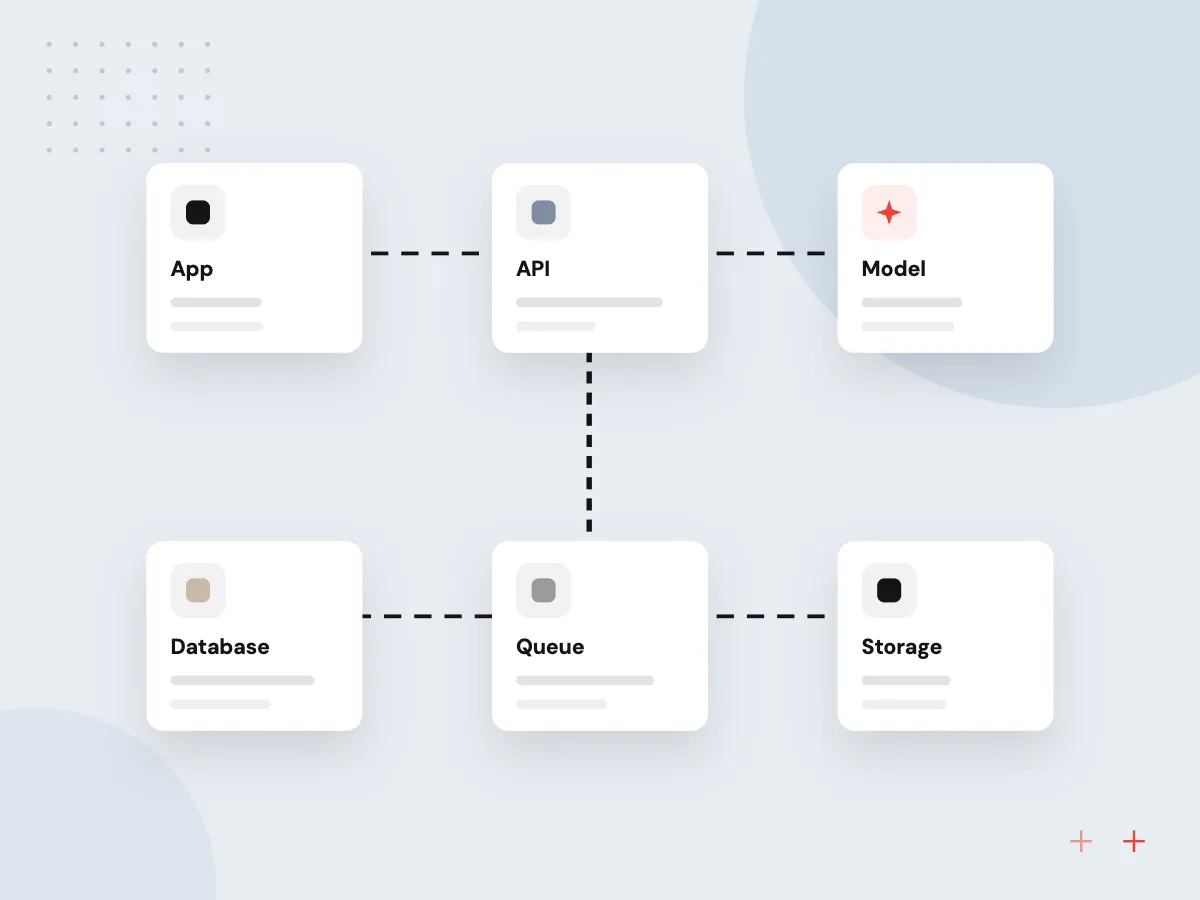
The assistant never guesses availability. It asks your calendar or practice system for open times, holds the slot the customer picks and writes the confirmed booking back, so two people cannot take the same opening.
What we do
- Google Calendar and Microsoft 365 sync
- Practice and field service system APIs
- Slot holds that stop double booking
- Time zone and daylight saving handling
- Audit log of every change

How we approach a project
Dental and medical offices add steps: the assistant collects only what booking needs, gives no clinical advice and passes urgent symptoms to staff. If appointment records include protected health information, HIPAA rules decide where data is hosted, who may open it and which vendor contracts are needed, and your compliance lead signs off on those choices before we build. See AI for dental practices and AI for home service businesses.
Calendar invites follow the iCalendar standard, RFC 5545, so confirmations open in Outlook, Google Calendar and Apple Calendar alike. To walk through your booking rules with us, schedule a 30-minute conversation from the contact page.
How we work
- Availability comes from your system
- Rules enforced in code, not prompts
- Staff handle every exception
Our Process
-

Collect the booking rules
We sit with the front desk or dispatcher and write down every service, duration, buffer and exception they apply from memory.
-

Connect the calendar
We integrate with your calendar or practice system, test availability lookups and slot holds, and handle time zones.
-

Pilot on one channel
The assistant starts on web chat or after-hours calls, and staff check every booking it makes during the pilot.
-

Widen and tune
We add channels, waitlist filling and two-way reminders, and adjust rules based on the bookings staff had to correct.
Why Aranv for scheduling
Your calendar stays in charge
We build the assistant around the system your staff already book in. It reads availability and writes bookings there, so the office never runs a second calendar.
Rules in a table
Durations, buffers, staff skills and cancellation terms live in a table your manager edits. Changing a rule needs neither a developer nor a rewritten prompt.
Tested against messy requests
Before launch we run the assistant on real phrasing from your call notes and emails, including vague dates, time zones and people who change their mind.
Front desk stays informed
Every booking, change and handoff shows up where staff work, with the conversation attached, so anyone can step in without starting over.
Planning AI Appointment Scheduling?
Book a 30-minute conversation with the team that would build it.
AI appointment scheduling FAQs
-
Can an AI scheduling assistant work with the calendar we already use?
Usually, yes. Google Calendar, Microsoft 365 and many practice and field service systems offer APIs for reading availability and writing bookings. We confirm in discovery that the API covers what you need, and if it does not, we propose a sync or a booking layer in front of it.
-
How does automated booking avoid double bookings?
Availability comes from your system at the moment of booking, never from the model’s memory. The chosen slot is held briefly while the customer confirms. If writing the booking fails, the assistant offers the next opening and alerts staff.
-
What happens when a request does not fit our rules?
The assistant hands it to a person, for example a group booking, a request for a fully booked staff member, an urgent problem or a complaint. Staff receive the conversation and the customer’s details, so nobody repeats the same questions.
-
Is AI appointment scheduling suitable for a medical or dental office?
Yes, within limits. The assistant books, moves and confirms visits but never judges symptoms, and anything urgent goes straight to your team. Where booking data includes protected health information, hosting, access and vendor terms are agreed with your compliance lead first.
-
What does it cost to add an AI scheduling assistant?
Cost depends on the number of channels, how many services and rules you have, how open your calendar system’s API is and whether you want waitlists and two-way reminders. We give a written estimate after discovery and usually start with one channel.

Let’s talk about your next step
Contact Aranv to discuss your workflow, current tools, and goals. Meet with our team or send an inquiry.
Book a meeting with our team
Choose an available date and time for a 30-minute conversation about your project.
Tell us about your project
Share a few details so we can discuss a useful next step.
Prefer email? sales@aranv.com