


What an AI receptionist setup includes
Aranv builds an AI receptionist for small and midsize offices: it answers your main number, recognizes returning callers, answers routine questions from a list you approve, takes complete messages and transfers calls by your rules, so staff stop losing the day to the phone.
A virtual receptionist AI sits on your existing phone number. We connect it through your phone provider or a cloud telephony service, so callers dial the same number and staff keep their desk phones and apps. It can cover after hours only, take overflow when lines are busy, or answer every call first.
The receptionist is built on our AI voice agent development work, tuned for front desk duties. Callers who want to book are handed to the flow described on our AI appointment scheduling page, and call notes go to your CRM. If no CRM fits, see custom CRM development.
What happens when the AI receptionist picks up
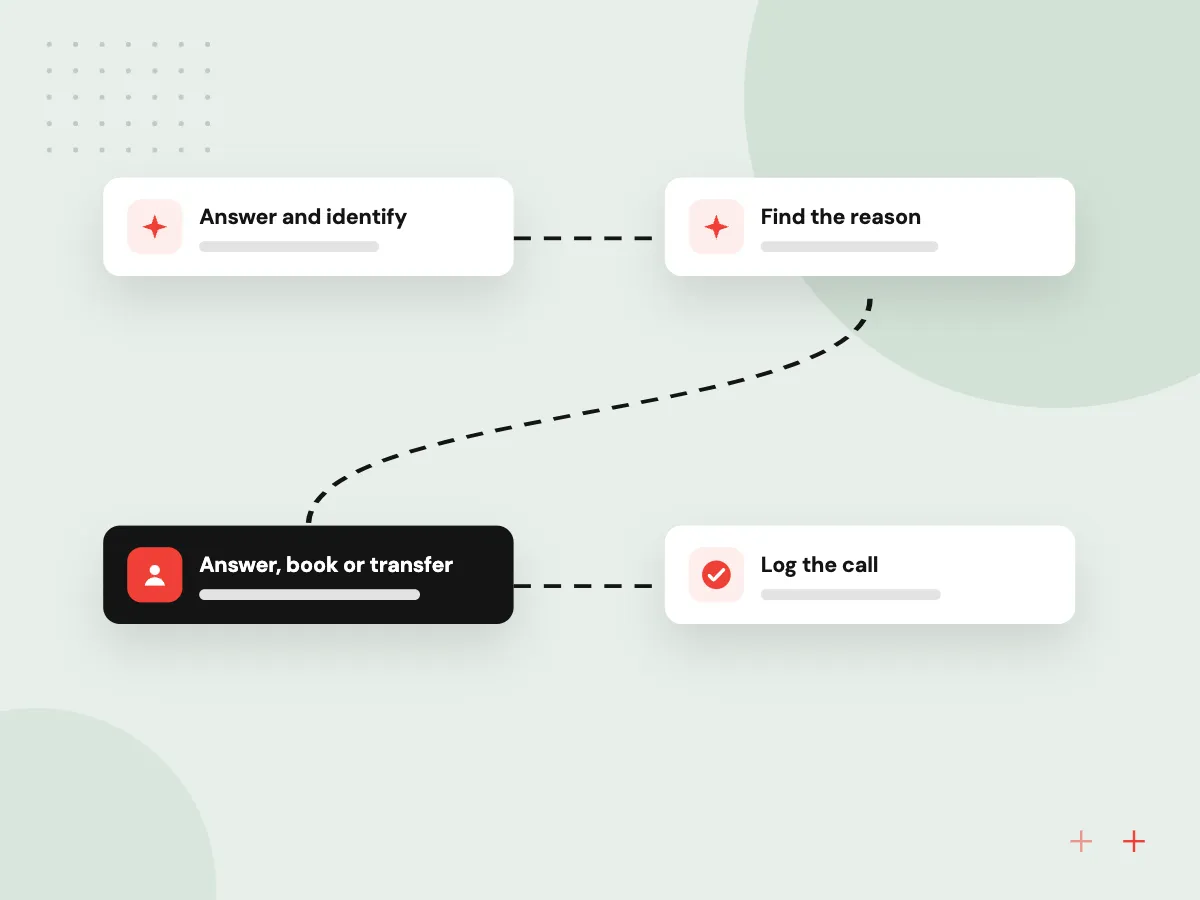
One call, handled start to finish
- 01 Answer and identify It greets the caller and checks the number against your contact records.
- 02 Find the reason It asks why they are calling and sorts the request into one of your call types.
- 03 Answer, book or transfer Routine questions get approved answers; the rest go to a person or a booking flow.
- 04 Log the call A short summary, the caller’s details and any follow-up task land in your CRM.
The receptionist says it is an automated assistant, and callers can ask for a person at any point.
Front desk calls an AI receptionist takes
Most office lines get the same few kinds of calls. The receptionist handles those and passes the rest to staff.
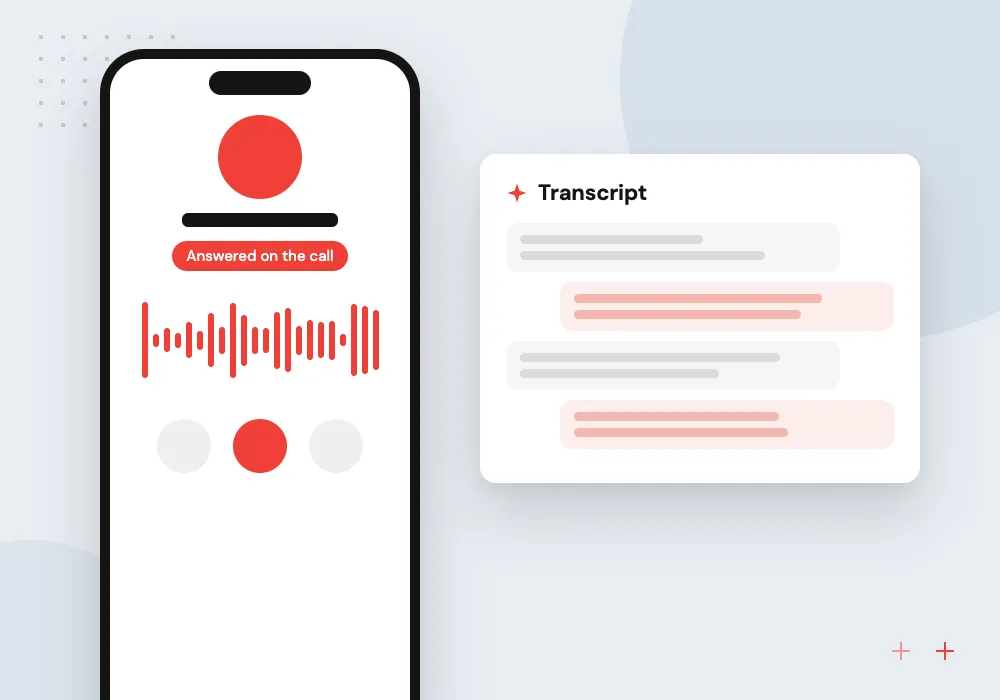
Routine caller questions
Hours, directions, parking, accepted payment methods and what to bring, answered from a list your office manager approves and keeps current.
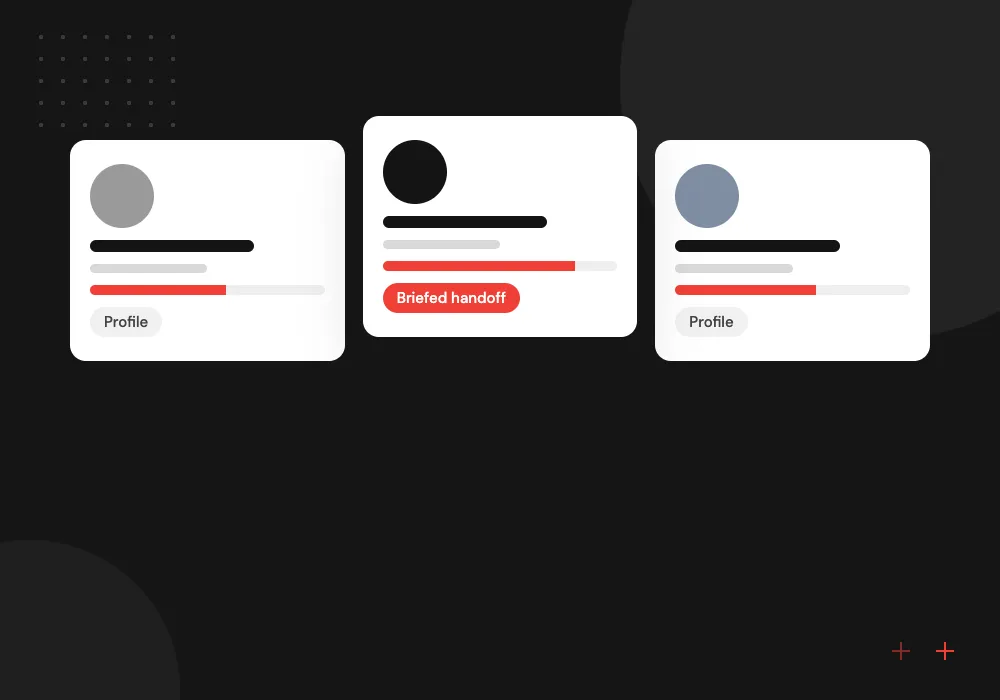
Warm transfers
When a caller needs a person, the receptionist checks who is free, gives them a one-line summary of the call, then connects the caller.
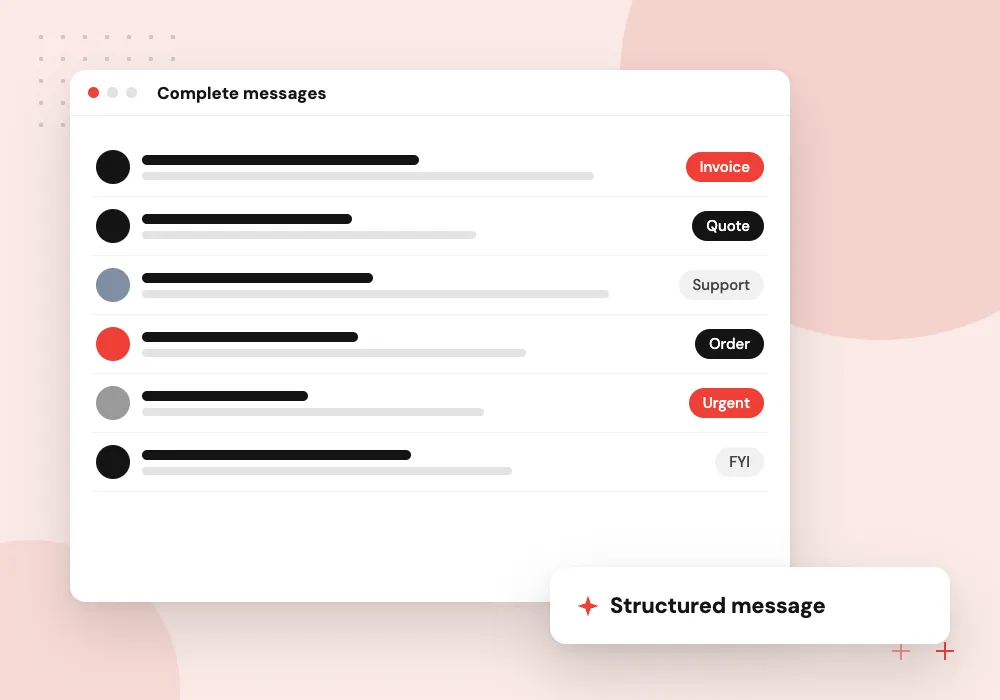
Complete messages
Name, callback number, reason and urgency are captured and sent to the right inbox or CRM record instead of a rambling voicemail.
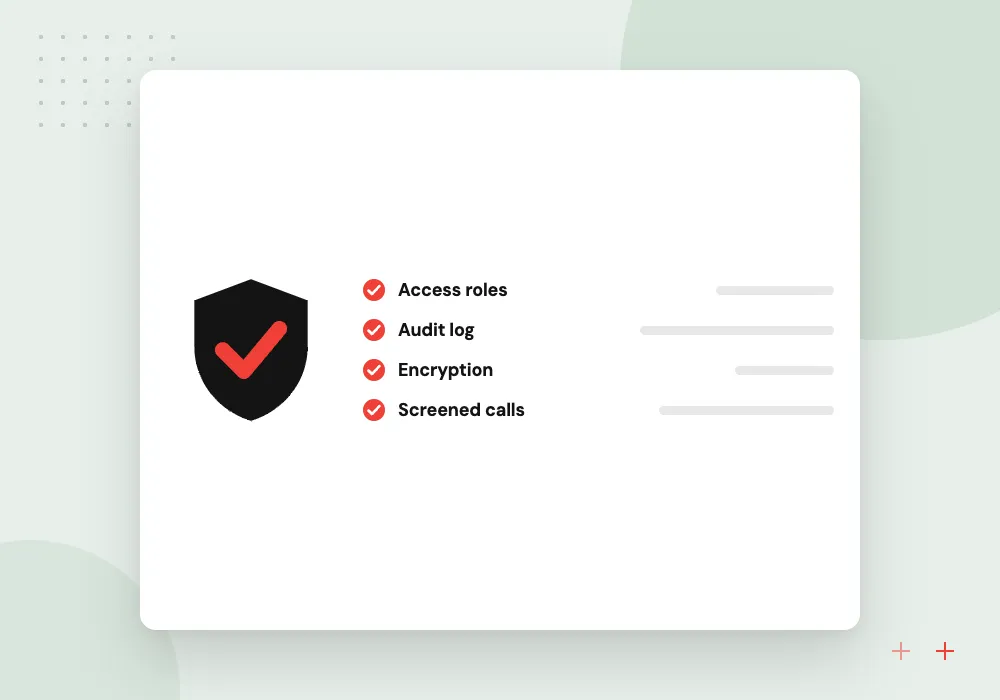
Spam and sales screening
Robocalls and unsolicited sales pitches are recognized and ended politely or sent to a shared inbox, so desk phones ring for real customers.
Call types and transfer rules
Before any setup, we sort a few weeks of your calls into types: new inquiries, existing customers, vendors, job applicants, billing questions. Each type gets one rule: answer it, take a message, book a time, or transfer to a named person or group, with a fallback when nobody picks up.
What we do
- Call type list from your real calls
- Transfer targets and fallback order
- Business hours and holiday modes
- Approved answers, each with an owner
- Escalation path for urgent calls
Transcripts, reviews and recording notices
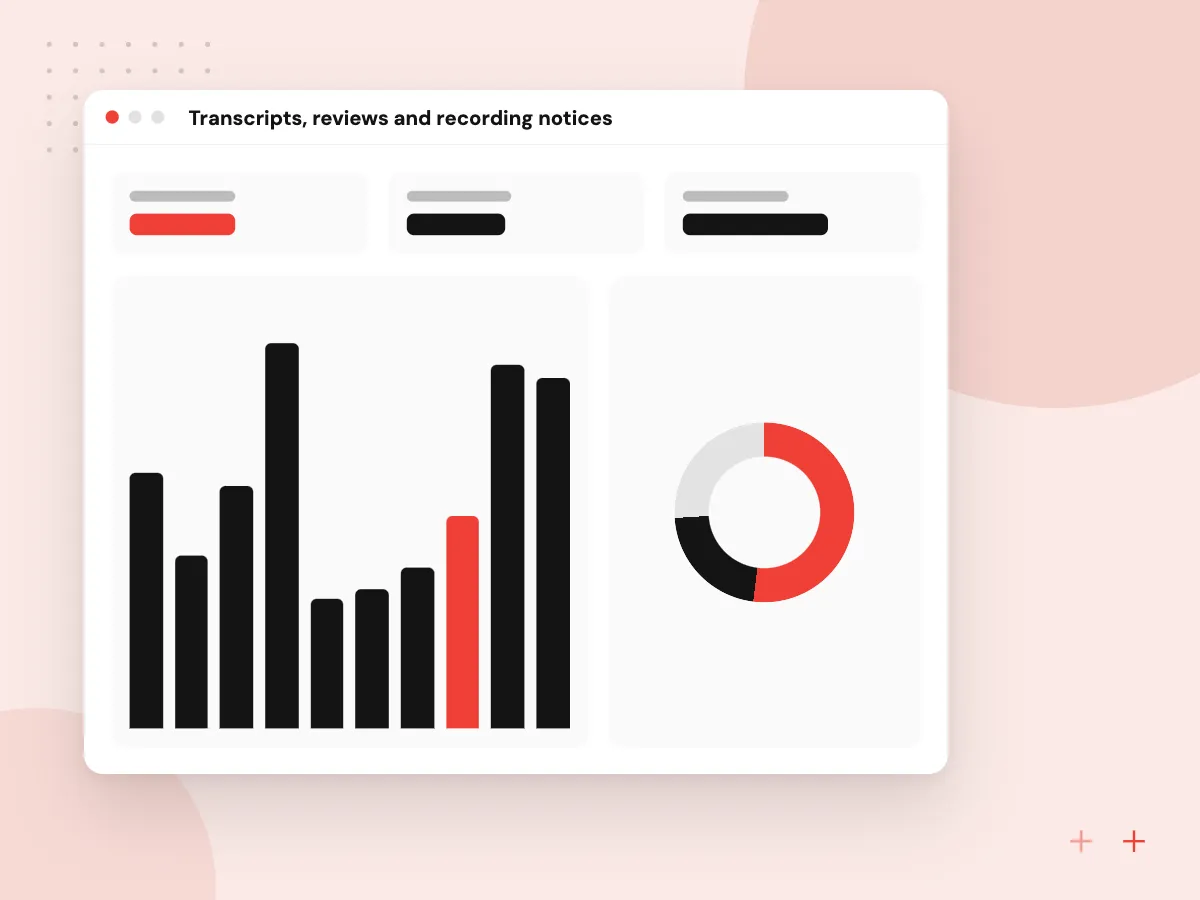
Every call produces a transcript and summary staff can search. A weekly look at transfers, failed answers and hang-ups shows which questions to add and which to stop answering. Recording notices follow the consent rules where your callers are, and you decide how long audio and text are kept.
What we do
- Searchable call transcripts and summaries
- Weekly review of missed answers
- Recording notice set per state
- Retention period you choose
- Masking of card numbers in text

How we approach a project
AI phone answering suits offices with steady call volume and repeat questions, such as law firms, property managers, home service companies and clinics. Our pages on AI for law firms and AI for property management show how it fits. Calls about legal advice, emergencies or health details go to people by rule.
For a first 30-minute conversation, bring a rough list of why people call you and who handles each kind of call. Use our contact page to pick a time that suits your front desk.
How we work
- Callers can always reach a person
- Answers come from your approved list
- Every call leaves a written record
Our Process
-

Sort your calls
We review recent call logs, or listen in with staff, and group calls into types with a rule for each.
-

Write the answers
Your team approves the greeting, the answers the receptionist may give and the wording for transfers and messages.
-

Run after hours first
We launch on evenings and weekends, read every transcript and fix wrong answers before daytime use.
-

Add daytime overflow
Once after-hours calls run cleanly, the receptionist takes busy-line overflow, with weekly transfer reviews.
Why Aranv for front desk calls
Built from your real calls
Call types, answers and transfer rules come from your own call logs and staff knowledge, so the receptionist is ready for the calls you actually get.
Honest with callers
The receptionist says it is automated, never claims to be a person, and always offers a message or a transfer when it cannot help.
Staff own the answers
Each approved answer has an owner in your office. When a policy or fee changes, they update the list and the next caller hears the new answer.
Fits your phone setup
We work with your current number and provider wherever possible, so customers keep dialing the same number and nobody installs new hardware.
Planning AI Receptionist?
Book a 30-minute conversation with the team that would build it.
AI receptionist FAQs
-
Do callers know the receptionist is an AI?
Yes. We recommend it says so in the greeting, and callers can ask for a person whenever they like. Honest disclosure sets expectations, and a quick route to staff keeps frustrated callers from hanging up.
-
Can a virtual receptionist AI transfer calls to staff cell phones?
Yes, if your phone system allows forwarding to outside numbers. Transfers can go to a desk phone, a ring group or a mobile in the order you set. If nobody answers, the receptionist takes a message and tells the caller who will call back.
-
How does an AI receptionist compare in cost with a human receptionist?
Cost depends on call volume, the number of call types, links to your CRM or scheduling system and your telephony provider’s usage fees. We usually suggest keeping front desk staff and using the receptionist for overflow and after hours, so compare it with missed calls rather than salaries.
-
What happens if the AI receptionist does not understand a caller?
It rephrases its question once, then offers to take a message or put the call through to staff. It does not guess. Calls it struggled with are flagged in the weekly review so we can add the missing answer.
-
Can it answer calls in Spanish?
Yes, it can greet and handle callers in Spanish and other common languages, provided your approved answers exist in those languages and someone on staff can follow up on transfers. We test each language on sample calls before it goes live.

Let’s talk about your next step
Contact Aranv to discuss your workflow, current tools, and goals. Meet with our team or send an inquiry.
Book a meeting with our team
Choose an available date and time for a 30-minute conversation about your project.
Tell us about your project
Share a few details so we can discuss a useful next step.
Prefer email? sales@aranv.com