


What booking app development includes
Aranv offers booking app development for US service businesses, clinics, studios and rental companies: web and mobile apps where customers pick a time, pay a deposit and get reminders, while staff manage calendars, resources and cancellations from one screen.
A booking app looks simple from the outside. The hard parts sit underneath: resources shared between services, staff on split shifts, holds that expire and customers in other time zones. We write those rules down with your front desk first, because most booking bugs turn out to be rule gaps.
Customers often book on the web and come back on their phones. Our mobile app development team builds iOS and Android apps that share one booking engine with the website, so a slot taken in one place is gone everywhere. Customer invites use the standard iCalendar file format, and staff calendars sync both ways through the Google Calendar and Microsoft Graph APIs.
From phone calls to self-service booking
How a booking flow comes together
- 01 Model services and resources We list each service, its length, and the staff, rooms or equipment it needs.
- 02 Set the booking rules Buffers, lead times, deposits and cancellation windows are written down before design starts.
- 03 Build and sync calendars Customers book on web or phone; staff calendars and reminders update from the same record.
- 04 Launch and tune We watch no-shows, abandoned bookings and support calls, then adjust rules and screens.
Double-booking, time zone and daylight saving cases are tested before any customer sees the app.
Appointment booking software we build
Each booking product starts from the thing being booked: a person’s time, a room, a vehicle or a seat in a class.
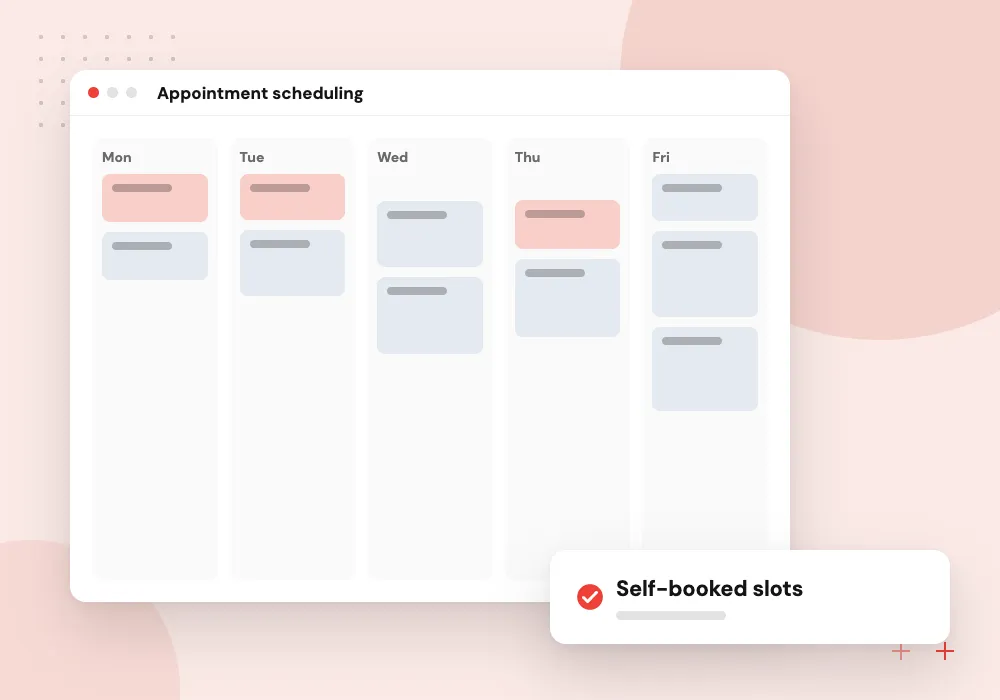
Appointment scheduling
Clients choose a service, a provider and an open slot, then answer intake questions so staff arrive prepared for the visit.
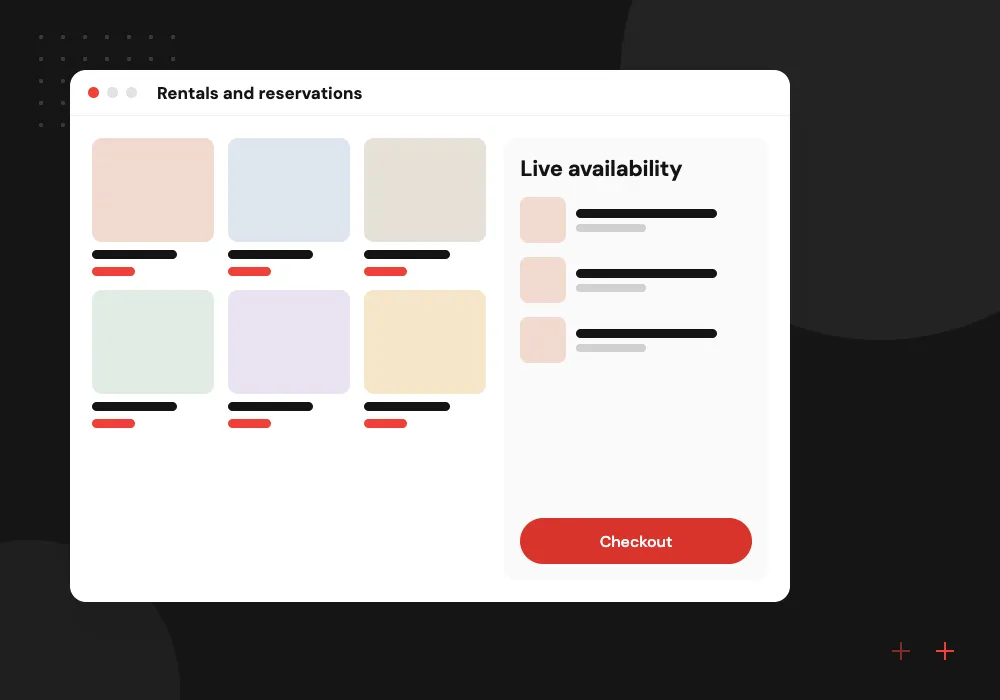
Rentals and reservations
Equipment, rooms, boats or vehicles with pickup and return times, damage notes, deposits and blackout dates handled by the reservation system.
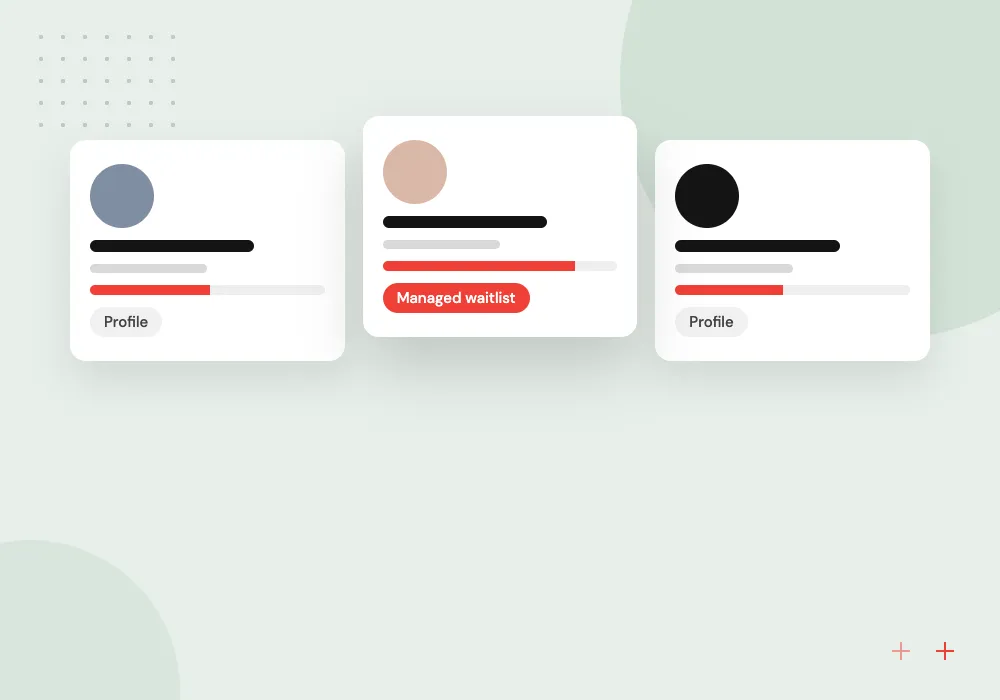
Classes and group sessions
Capacity limits, waitlists that promote the next person automatically, class packs and memberships for gyms, studios and training providers.
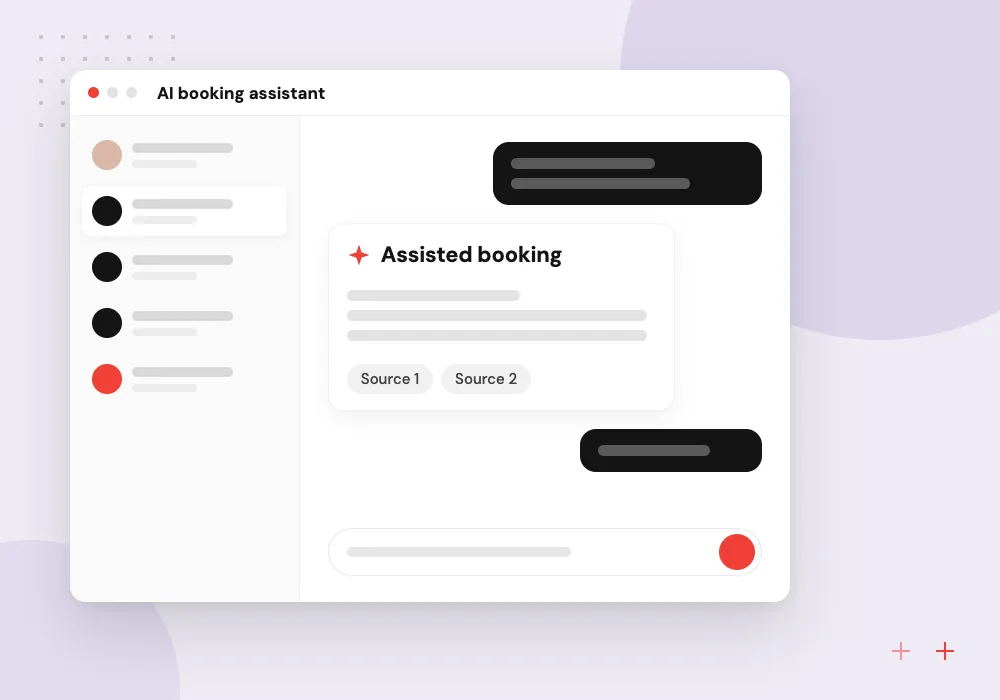
AI booking assistant
A chat or voice assistant answers questions, offers open times and books, moves or cancels appointments under the same rules as the app, passing unusual requests to staff.
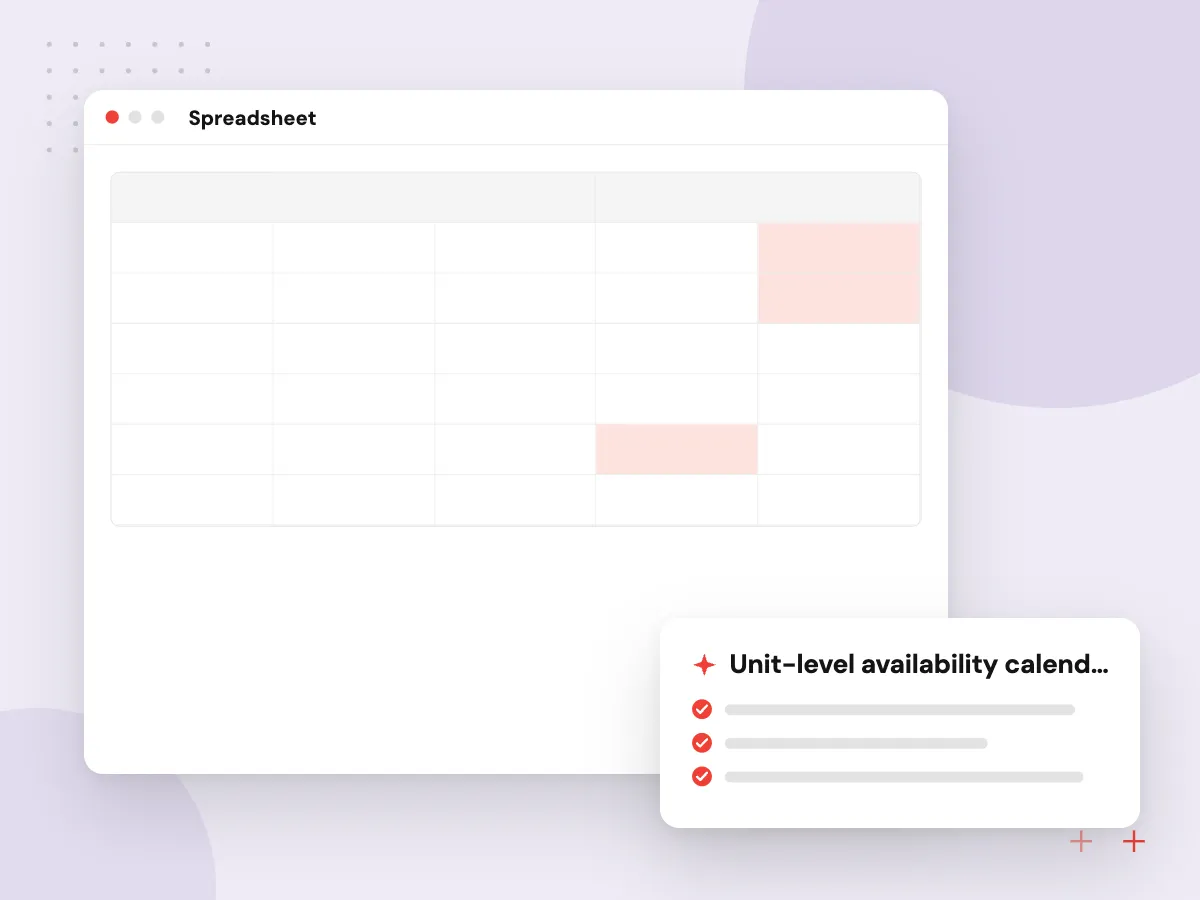
Reservation system development for shared resources
When the thing being booked is a room, a vehicle or equipment, availability depends on cleaning, inspections and late returns. Our reservation systems track each unit, block it until it is ready again, and show staff what is out, due back and overdue.
What we do
- Unit-level availability calendar
- Pickup and return logs
- Deposits and damage notes
- Blackout dates and seasonal rates
- Overdue alerts for staff
AI that books, moves and confirms appointments
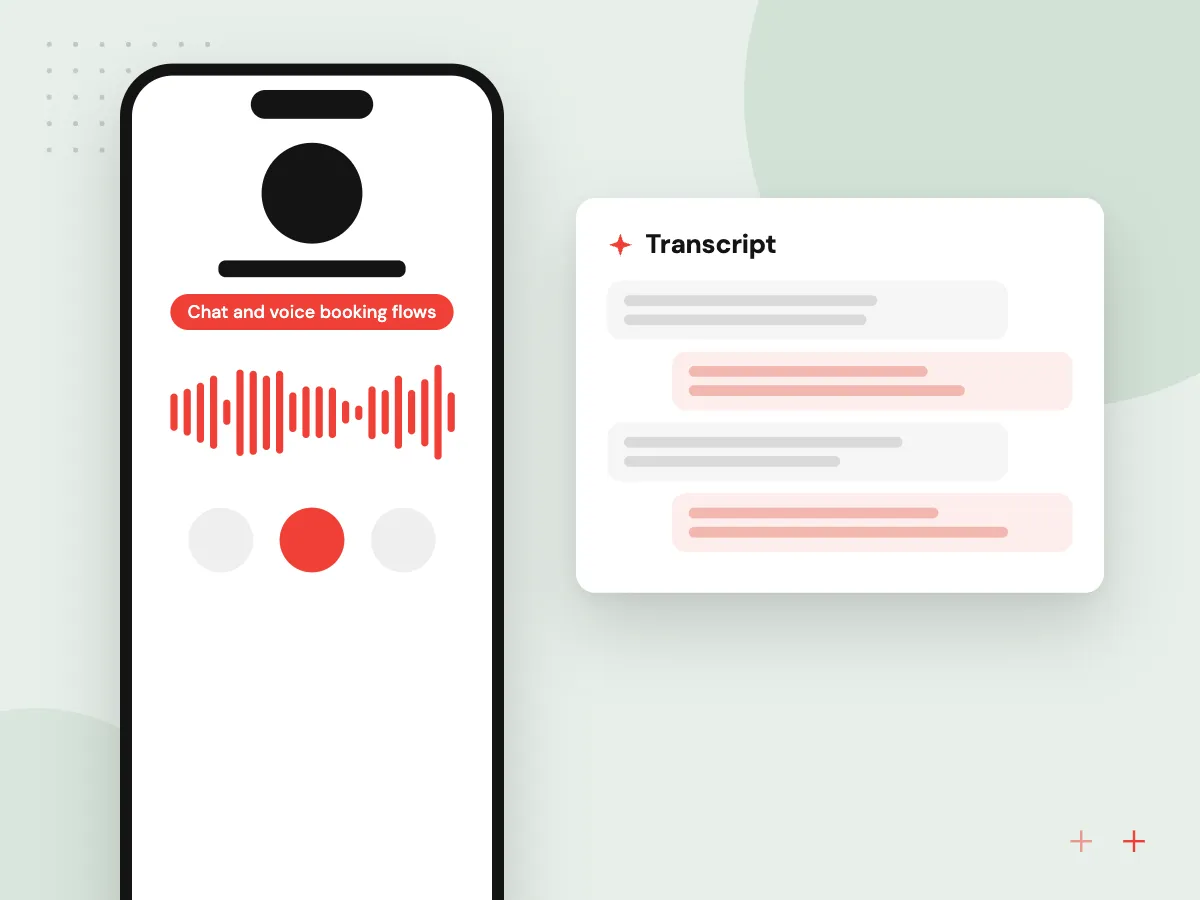
An AI assistant on your website, phone line or text channel can answer common questions, find open times and complete a booking. It works through the app’s own API, so it cannot offer a slot the rules forbid, and staff can take over any conversation.
What we do
- Chat and voice booking flows
- Rescheduling by text message
- Intake questions before the visit
- Handoff to staff with context
- Conversation logs for review

How we approach a project
Deposits, no-show fees and prepaid packages need a payment provider. Because the service happens outside the app, Apple’s App Review Guidelines point you to card entry or Apple Pay rather than in-app purchase. Our payment gateway integration work keeps card entry on the provider’s hosted fields, so your app stores only a token.
AI fits where people ask before they book. A voice or chat assistant can check availability and hold a slot, the job described on our AI appointment scheduling page. It calls the booking engine’s API instead of guessing, and anything outside the rules goes to a person. Your front desk lead is welcome at the first step, a 30-minute conversation you can request from our contact page.
How we work
- One source of truth for availability
- Rules your front desk can change
- Reminders customers can act on
Our Process
-

Shadow the front desk
We sit with whoever answers the phone, list every booking type and note the exceptions they handle from memory.
-

Prototype the booking path
Clickable screens for choosing, paying and rescheduling are tried by a handful of real customers before the build.
-

Build the availability engine
Rules, holds, buffers and calendar sync are coded and tested against busy-day scenarios such as holiday weekends.
-

Soft launch, then switch
One location or service takes bookings through the app first, while the old process stays open until staff are confident.
Why Aranv for booking apps
Rules before screens
Every booking rule, exception and fee is documented with your staff first, so the app behaves like your front desk on a busy day.
Tested for the rush
Automated tests for double bookings, expired holds, daylight saving shifts and time zone changes run before every release, so old bugs do not quietly return.
Connected to your systems
Bookings can flow into your CRM, POS or accounting package through their APIs, so nobody copies appointments between tools by hand.
You own the code
The contract gives you the source code, designs and customer data, with documentation another team could pick up.
Planning Booking App Development?
Book a 30-minute conversation with the team that would build it.
Questions about booking apps
-
What does a custom booking app cost?
Price follows the number of booking types, native mobile apps versus a web app alone, deposit and refund rules, calendar sync and links to your CRM or POS. Our estimate comes in phases once discovery is done, so your main booking type can go live before extras such as memberships.
-
Should we use an off-the-shelf booking tool or build our own?
Start with a packaged scheduler if it handles your services and its per-staff fees stay reasonable. Build when your rules do not fit, such as shared equipment or several locations with different policies, or when booking must sit inside your own app.
-
Can a booking app sync with Google Calendar and Outlook?
Yes. Staff calendars sync both ways through the Google Calendar API and Microsoft Graph, and customers add bookings to their own calendar from an iCalendar file. We agree in discovery which calendar wins when they disagree.
-
How do you stop double bookings?
The engine holds a slot briefly while the customer pays, checks every resource the service needs at the moment of confirmation, and locks the record so two people cannot confirm the same time. We test this with simulated rush traffic before launch.
-
Can customers pay a deposit or a late cancellation fee?
Yes. Deposits, prepaid packages and late fees run through a payment provider such as Stripe or Square. The app keeps the provider’s token and your refund rules, so staff never handle card numbers at the front desk.

Let’s talk about your next step
Contact Aranv to discuss your workflow, current tools, and goals. Meet with our team or send an inquiry.
Book a meeting with our team
Choose an available date and time for a 30-minute conversation about your project.
Tell us about your project
Share a few details so we can discuss a useful next step.
Prefer email? sales@aranv.com