


What an AI email triage project covers
Aranv builds AI email triage for the shared mailboxes of small and midsize companies, such as sales, orders and support. Each message is read, sorted by intent and urgency, matched to the customer record and routed to the right person or system, with a draft reply when one helps.
We start with a recent export of real mail from the mailboxes in question, handled under a data process we agree with you. Your team sorts a sample by hand, which gives us the categories, the routing rules and a test set for measuring the model.
Microsoft 365 mailboxes connect through Microsoft Graph, and Google Workspace through Gmail API push notifications. App permissions are limited to the mailboxes being triaged. Results show up as the folders, categories or labels people already use, and as tickets or CRM activities through our AI workflow automation work.
How one shared mailbox gets sorted
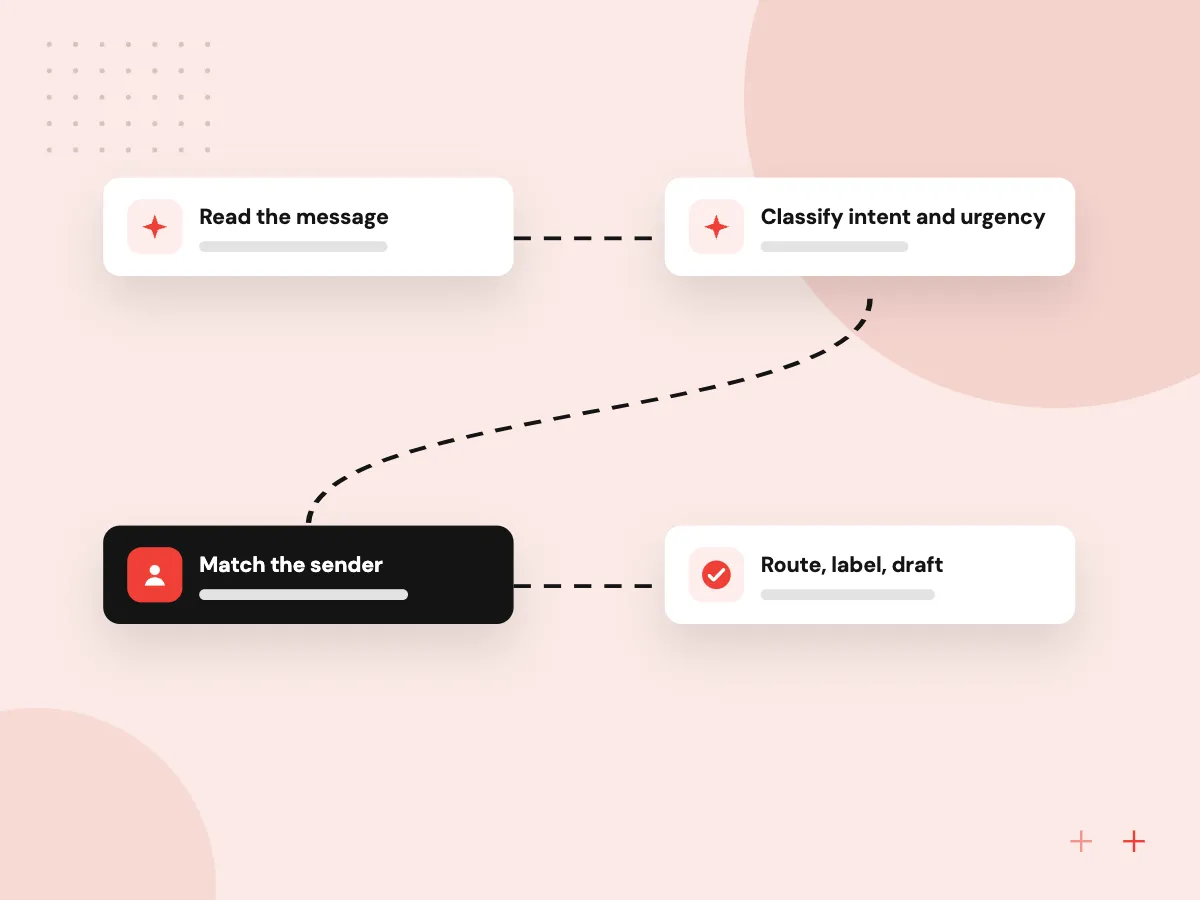
From arrival to the right desk
- 01 Read the message Body, thread history and attachments are read as soon as new mail arrives.
- 02 Classify intent and urgency Order, quote request, complaint, invoice or noise, each with a confidence level.
- 03 Match the sender The address and domain are looked up in your CRM or ERP.
- 04 Route, label, draft The email gets a folder or label, an owner and, where useful, a draft.
Low-confidence messages go to a person for sorting, and nothing is ever deleted automatically.
AI email management for busy mailboxes
Shared inboxes break down when one person sorts for everyone, or when everyone sorts at once.
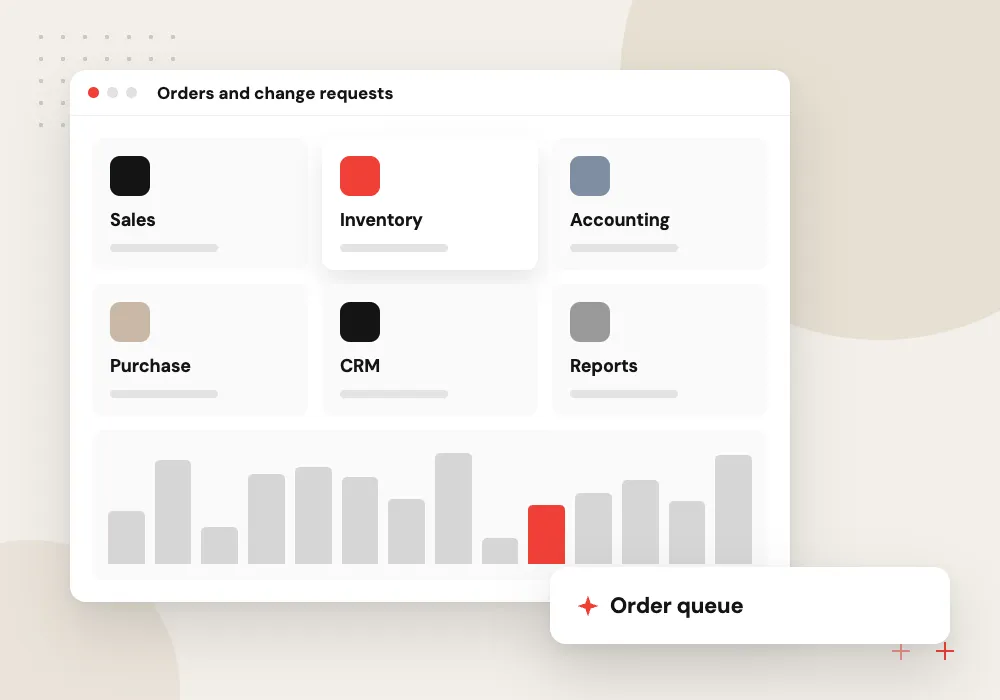
Orders and change requests
Purchase orders and change emails are tagged with the PO number and account, then sent to order entry or the ERP queue.
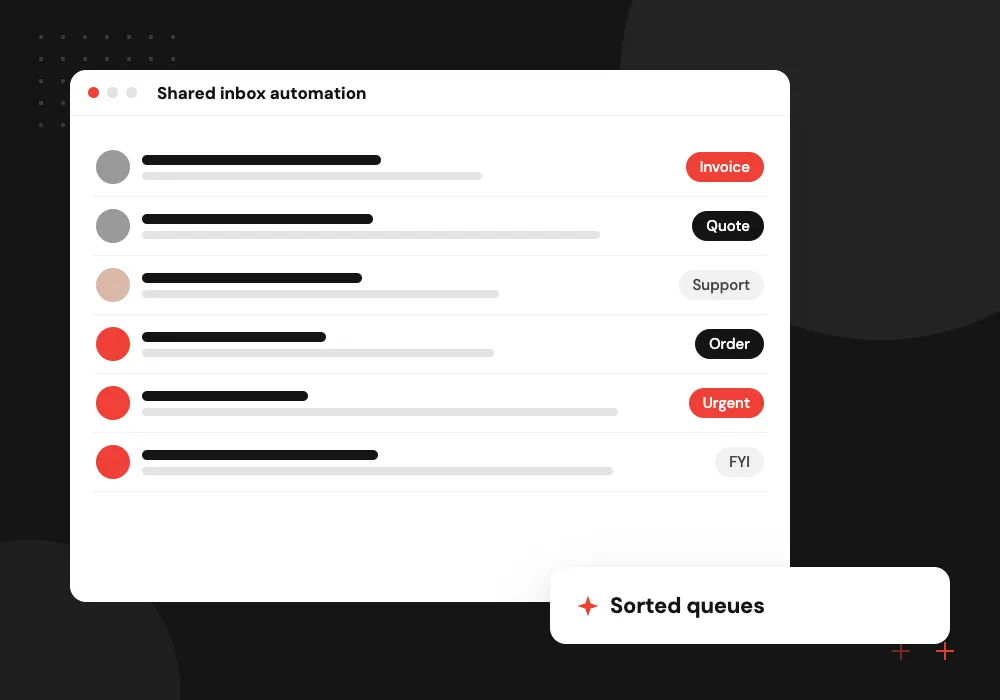
Shared inbox automation
Mail sent to a general address is split between sales, support, billing and recruiting without anyone reading each message first.
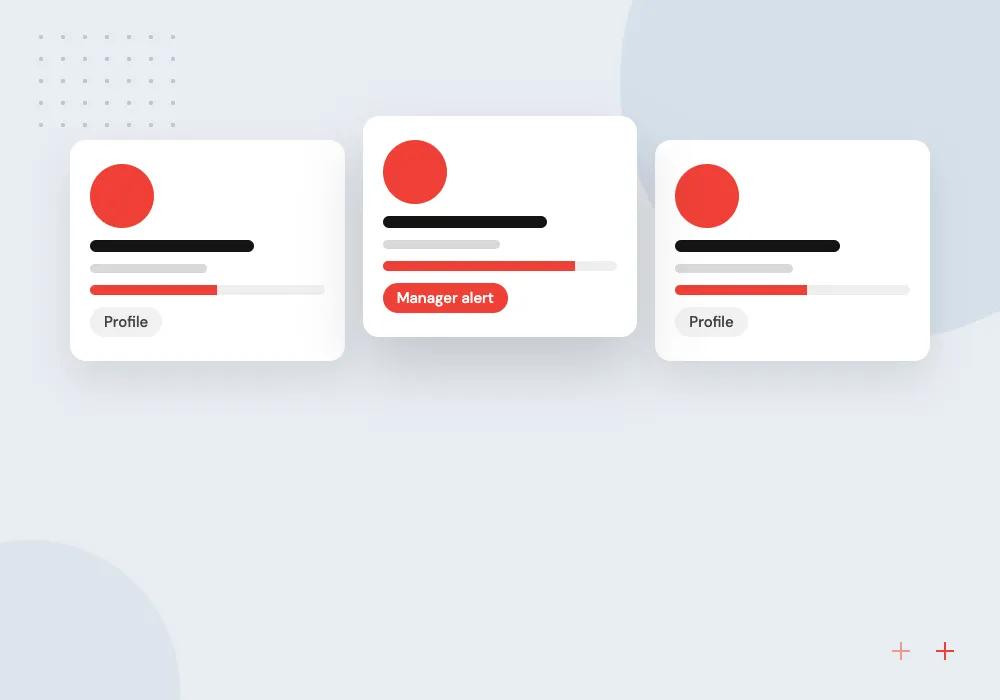
Complaints and escalations
Angry tone, cancellation threats or legal wording raise the priority and alert a named manager instead of waiting in line.
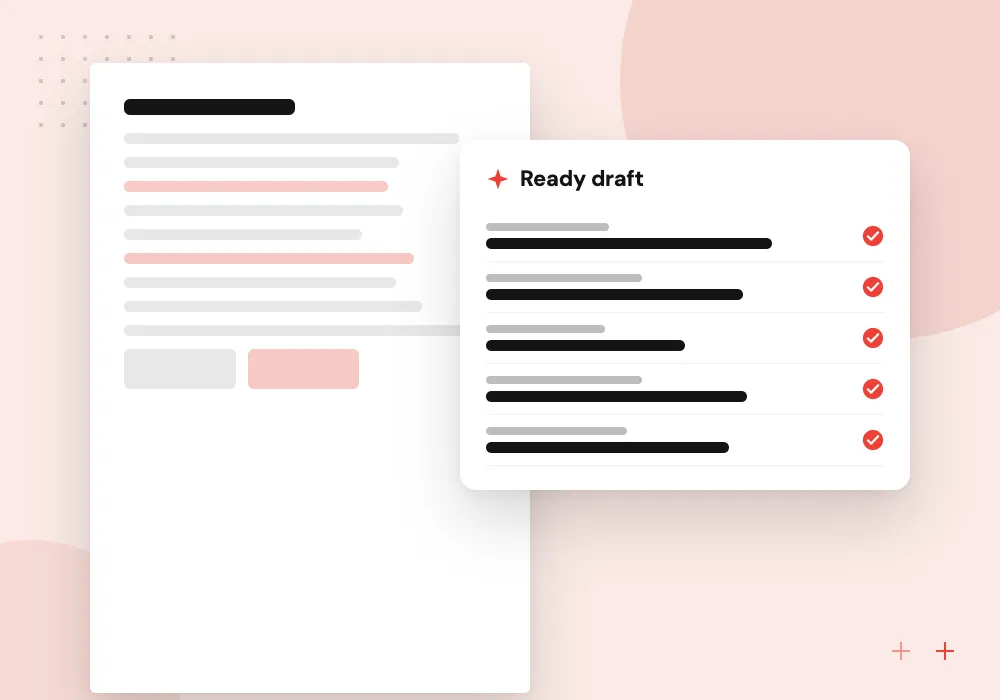
Drafted replies
Routine questions about hours, order status or paperwork get a draft built from your policies and records, ready to edit and send.
Routing rules your team controls
Categories, owners and escalation paths live in a settings screen, not in code. When a product line launches or someone changes roles, an office manager updates the route and it applies from the next message. Each decision is stored with its reason, so you can always see why an email went where it did.
What we do
- Editable categories and owners
- VIP sender and domain lists
- Escalation after missed targets
- Routing log with reasons
- Weekly accuracy summary
Mailbox access and data handling
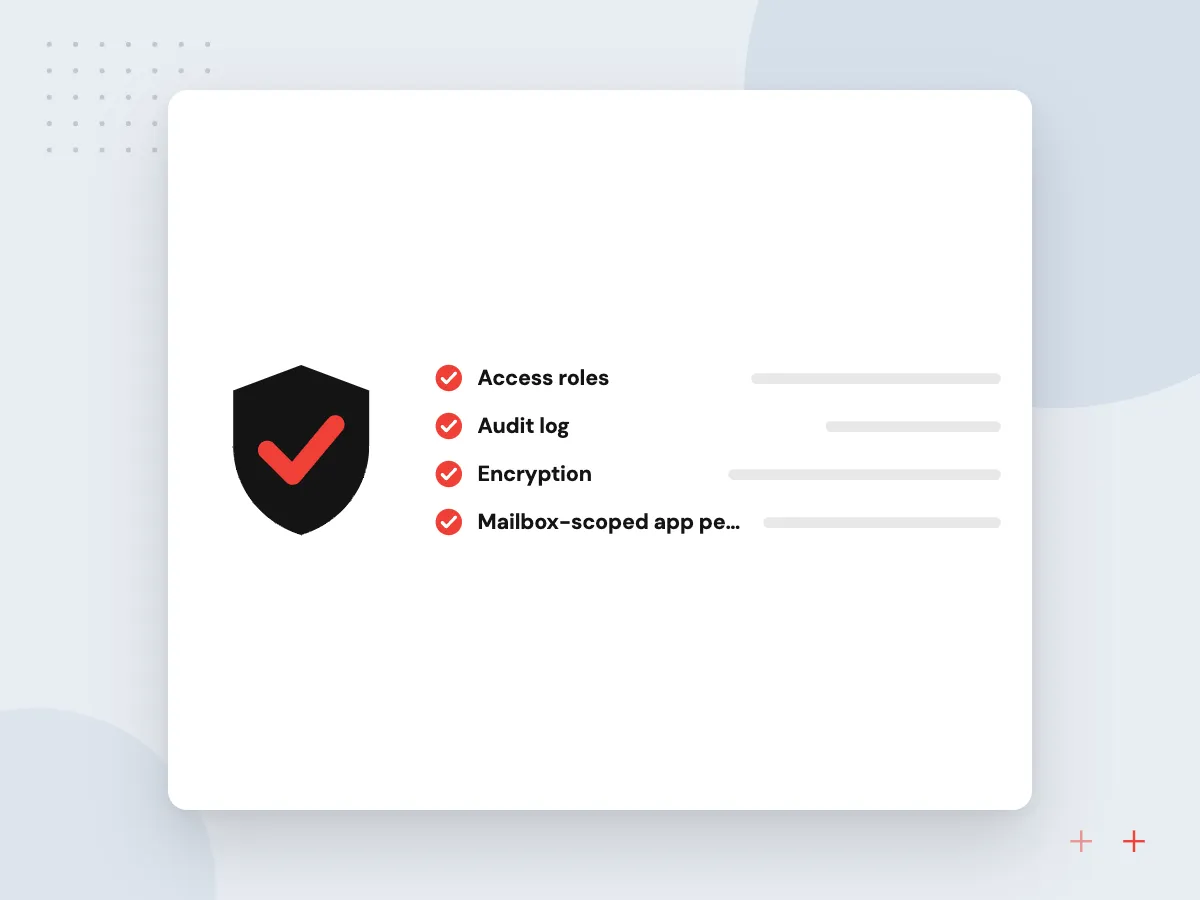
The app reads only the shared mailboxes you name, under permissions your admin grants. Before launch we agree which model provider processes the text, whether message bodies are kept and for how long. Attachments holding sensitive data can be skipped or masked before the model sees them.
What we do
- Mailbox-scoped app permissions
- Retention rules for logs
- Masking of account numbers
- Model provider agreed upfront
- Access your admin can revoke

How we approach a project
Email triage has two close neighbors. When most mail is support requests, AI ticket routing inside the helpdesk may fit better. When emails carry orders, AI order processing reads the attachment and keys the order. We often build them together.
Practices with many client mailboxes, such as legal and professional services firms, and property managers fielding tenant mail tend to gain the most. Tell us which inbox hurts most in a 30-minute conversation, which you can arrange on our contact page.
How we work
- Nothing deleted, nothing lost
- Unsure messages go to a person
- Every routing decision is logged
Our Process
-

Sample and label real mail
Your staff sort a few hundred recent emails by hand, so we learn your categories and exceptions.
-

Define routes and owners
Each category gets a destination, an owner, a response target and a fallback when nobody picks it up.
-

Label without acting
The model tags incoming mail without moving anything, and we compare its tags with your team’s choices.
-

Switch on routing in stages
Categories with high agreement go live first; harder ones stay in a review folder until they are ready.
Why Aranv for email triage
Built on your real mail
Categories come from a labeled sample of your own messages rather than a generic list, so the system knows what your customers actually send.
Read-only before it acts
We run in tagging mode first and show agreement with your staff, category by category, before any email is moved, routed or answered.
Connected past the inbox
Sorted mail can open a helpdesk ticket, log a CRM activity or start an order in the ERP, so triage removes a step instead of adding one.
Plain controls for staff
Office managers change categories and owners themselves, and every decision is logged with a reason anyone on the team can read.
Planning AI Email Triage?
Book a 30-minute conversation with the team that would build it.
AI email triage FAQs
-
Does AI email triage work with Outlook and Gmail?
Yes. We connect to Microsoft 365 through Microsoft Graph, to Google Workspace through the Gmail API and to other providers over IMAP where needed. Staff keep their normal mail client and simply see better-sorted folders and labels.
-
Can the system send replies on its own?
It can, for categories you approve, such as acknowledging an order or sending a standard document. Most teams start with drafts only. Complaints, pricing and anything with legal weight always go to a person to write or approve.
-
What happens when the AI is not sure where an email belongs?
It moves the message to a review folder with its best guess and the reason. A person sorts it, and those corrections are used to adjust the categories and rules over time.
-
Is it safe to give an AI model access to company mailboxes?
Access covers only the shared mailboxes being triaged, through app permissions your admin approves and can revoke. We agree the model provider, whether message text is stored and how long logs are kept. Personal mailboxes stay out unless you ask.
-
How is this different from Outlook rules or Gmail filters?
Rules match fixed words, senders or subjects. AI triage reads meaning, so an order phrased a new way, a complaint with no keyword or a message in another language still lands in the right place. Existing rules can keep running beside it.

Let’s talk about your next step
Contact Aranv to discuss your workflow, current tools, and goals. Meet with our team or send an inquiry.
Book a meeting with our team
Choose an available date and time for a 30-minute conversation about your project.
Tell us about your project
Share a few details so we can discuss a useful next step.
Prefer email? sales@aranv.com