


What AI patient intake includes
Aranv builds AI patient intake for medical, dental and therapy practices: patients complete digital intake before the visit, insurance cards are read from a photo, missing or conflicting answers are flagged, and staff review a clean summary before anything is filed in the practice management system or EHR.
We build the patient-facing forms, the extraction and checking steps and a staff review screen, then connect them to your scheduling system so the right forms go out for each visit type. Approved intake is written to your practice management system or EHR through its API or integration interface, or filed as a document where no interface exists.
Card and document reading uses our AI document processing work, and a conversational version of the forms can run through AI chatbot development. Intake usually follows booking, covered on our AI appointment scheduling page.
How digital patient intake reaches the chart
From booked visit to reviewed intake
- 01 Send the intake link Booking triggers a text or email link to forms matched to the visit type.
- 02 Patient completes forms History, medications, consents and insurance card photos are collected on the patient’s phone.
- 03 Check and extract Card details are read, gaps and conflicts flagged, and a draft summary prepared.
- 04 Staff review and file Front desk and clinical staff confirm the intake before it is written to the record.
The intake assistant gives no medical advice; answers that suggest urgent symptoms alert staff at once.
Intake form automation for the front desk
Intake work splits between the patient’s time before the visit and the front desk’s time after it.
Insurance card reading
Patients photograph the front and back of their card, and member ID, group number and payer are extracted for staff to confirm.
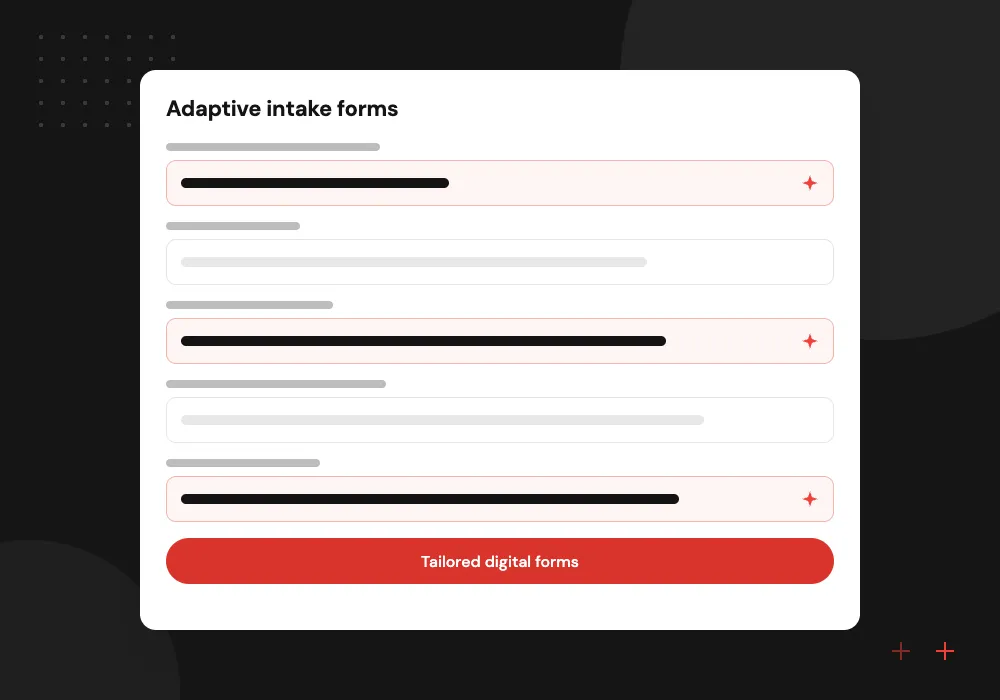
Adaptive intake forms
Questions adapt to the visit type and earlier answers, in plain language and the patient’s preferred language, with help text where needed.
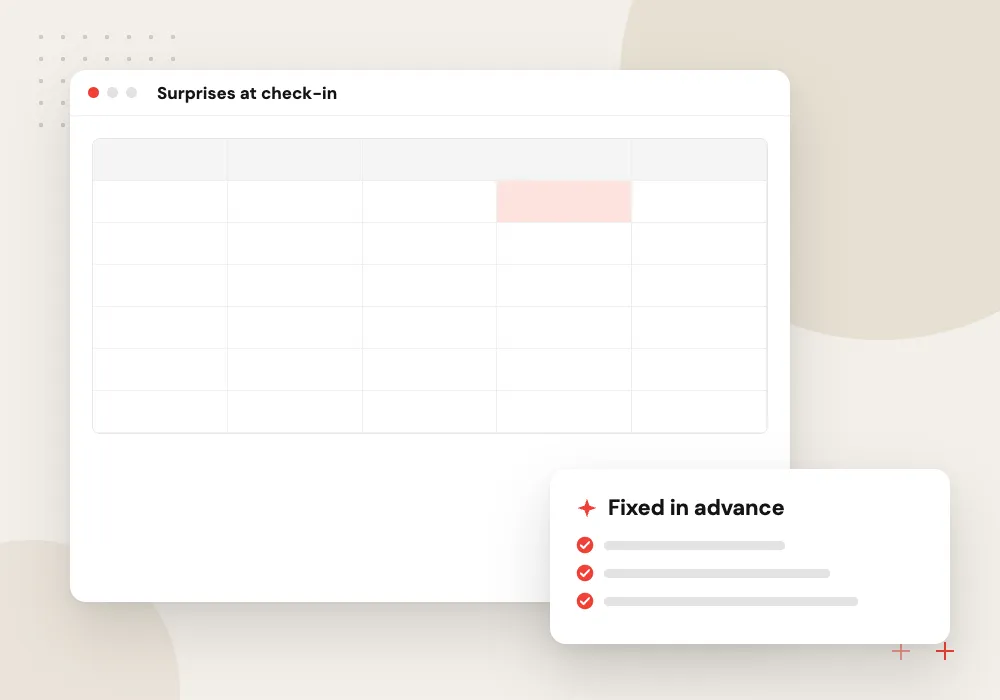
Completeness and conflict checks
A missing allergy list, a medication entered twice or a birth date that differs from the booking is flagged before the patient arrives.
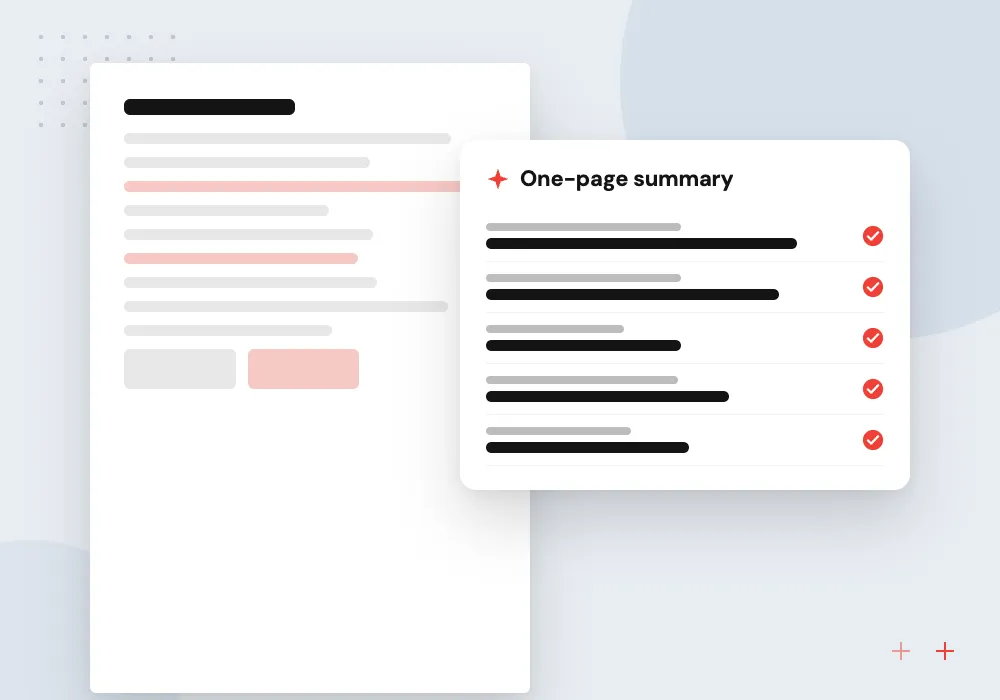
Visit summary for clinicians
A short draft of the reason for the visit, history changes and current medications, which the clinician reviews like any other note.
Insurance and eligibility before the visit
Coverage problems are easier to solve before the patient walks in. Card details are extracted, matched to the payer list in your practice management system and, where your clearinghouse supports it, sent for an electronic eligibility check. Self-pay patients are flagged so staff can prepare a good faith estimate in time.
What we do
- Card photo extraction
- Payer matching to your list
- Eligibility check through your clearinghouse
- Self-pay flag for estimates
- Staff confirmation queue
Privacy and review rules agreed first
Because intake collects protected health information, HIPAA requirements shape where the system is hosted, which staff can open each record and which vendors sign business associate agreements. Those decisions are signed off by your compliance lead before development begins, and every view and change is logged.
What we do
- Hosting and vendor terms agreed upfront
- Role-based access for staff
- Only the fields each visit needs
- View and change logs
- Retention set by your policy

How we approach a project
For the wider picture of AI in clinics, see AI for medical practices and healthcare software development. Our guide to HIPAA and AI lists the questions to settle with your compliance lead and vendors.
CMS explains the good faith estimate timing for self-pay patients, one reason intake should capture coverage early. Bring a blank copy of each intake form you use today to a 30-minute conversation with us; requests go through our contact page.
How we work
- Staff confirm before anything is filed
- Collect only what the visit needs
- No medical advice from the assistant
Our Process
-

Review current forms
We go through your paper and PDF forms with the office manager and a clinician, dropping questions nobody uses.
-

Agree data and access rules
With your compliance lead we settle hosting, vendor agreements, who sees what and how long data is kept.
-

Build and test with staff
Front desk staff fill in forms as patients would and review the flagged results before any patient sees them.
-

Launch by visit type
New patient visits usually go first; we review flags and staff edits weekly, then add other visit types.
Why Aranv for patient intake
Staff review stays central
Nothing the assistant extracts or summarizes reaches the chart until a person on your team confirms it, and every edit they make is recorded.
Privacy terms settled early
Hosting, vendor agreements and access roles are agreed with your compliance lead during discovery, before any patient data is collected.
Forms patients can finish
Plain wording, translated versions and questions that adapt to earlier answers keep forms short, which matters for older patients filling them in on a phone.
Built around your EHR
We work with the integration options your EHR vendor offers and fall back to reviewed document filing where an interface does not exist.
Planning AI Patient Intake?
Book a 30-minute conversation with the team that would build it.
AI patient intake FAQs
-
Does digital patient intake work with our EHR?
In most cases, yes. Depending on the system, approved intake goes in through an API, an integration interface or a supported import. Some systems only accept attached documents, and then staff file the reviewed intake as a PDF. We confirm the options with your EHR vendor before estimating the build.
-
How do you handle HIPAA with AI patient intake?
Intake answers held by a practice are usually protected health information, so HIPAA requirements determine the hosting, staff access and business associate agreements for the project. Your compliance lead approves each of those before we build, and we collect only the fields each visit type needs.
-
Will patients without smartphones be left out?
No. Patients can complete forms on a computer, on a tablet in the waiting room or on paper with staff entering the answers. The digital route is offered, not forced, and the same review applies to every channel.
-
Can the intake assistant answer medical questions?
No. It explains the form, helps with wording and language, and collects answers. If an answer suggests an urgent problem, it shows your practice’s urgent care instructions and alerts staff. Clinical questions go to your team.
-
How long does it take to launch digital patient intake?
Timing depends on how many visit types and forms you have, the EHR integration route and the time needed for privacy and vendor review. We plan a first launch for one visit type and add the others in stages.

Let’s talk about your next step
Contact Aranv to discuss your workflow, current tools, and goals. Meet with our team or send an inquiry.
Book a meeting with our team
Choose an available date and time for a 30-minute conversation about your project.
Tell us about your project
Share a few details so we can discuss a useful next step.
Prefer email? sales@aranv.com