


AI tools for small business, and when to go custom
Aranv’s practical view of AI for small business: begin with the AI features already inside the software you pay for, use them on writing, email and paperwork with a person checking the result, and consider custom work only when a repeated task spans several systems or depends on your own data.
Off the shelf first. Many accounting, CRM, email and help desk products now include AI features for drafting, summarizing and sorting. Try those before buying anything new, and read each vendor’s data terms. Our build vs buy AI guide explains how to judge the fit.
Custom work for repeated, connected tasks. When one job runs every day across your inbox, accounting package and CRM, AI workflow automation can handle the routine steps and pass exceptions to staff. A customer-facing AI chatbot suits firms that answer the same questions many times a day.
A sensible way for a small company to start
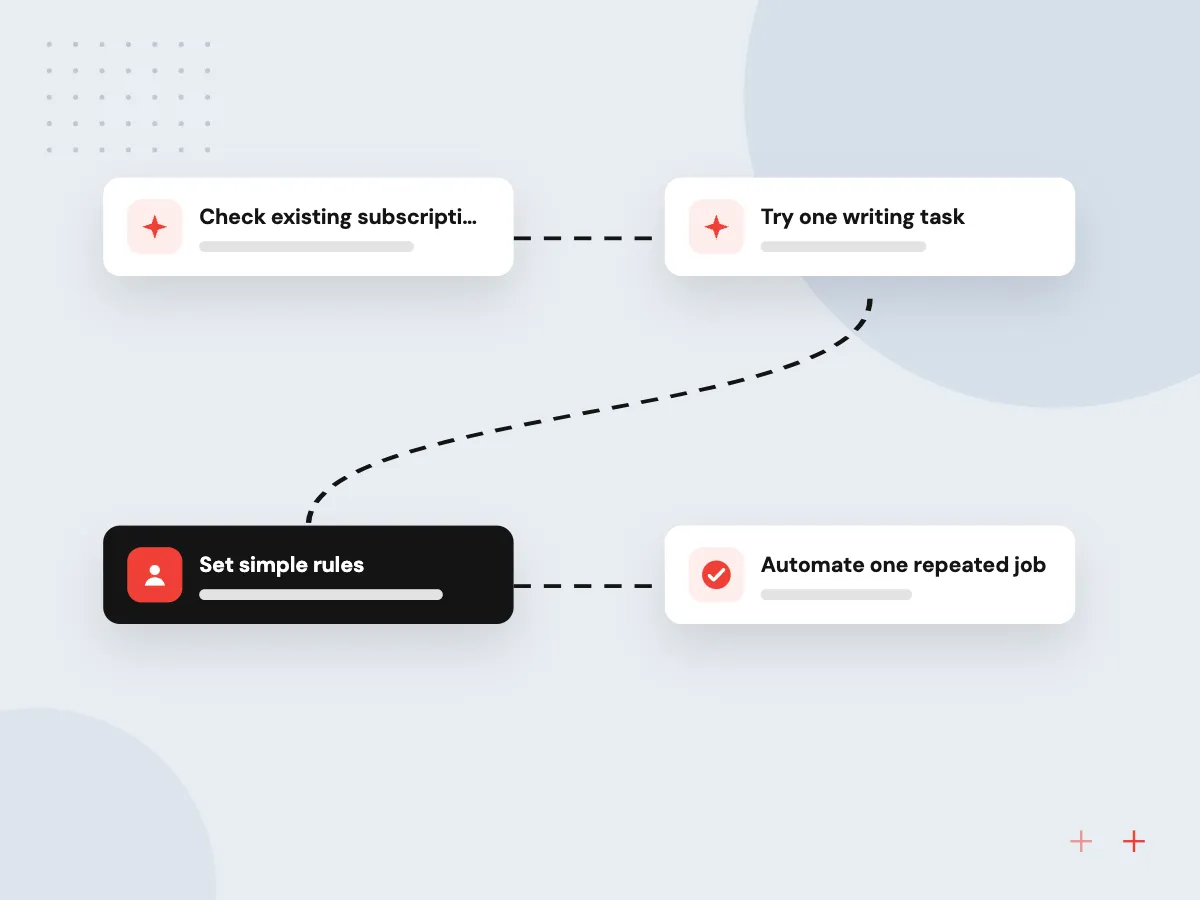
Start with what you already own
- 01 Check existing subscriptions Your office suite, CRM or help desk may already include AI features.
- 02 Try one writing task Drafting replies or summaries with a review step is a low-risk way to learn.
- 03 Set simple rules Decide which data staff may paste into AI tools, and put it in writing.
- 04 Automate one repeated job When a task repeats daily across systems, consider a connected workflow.
Lean teams gain most where one person spends hours each week on the same inbox or document work.
Small business AI ideas by area
These are common places where owners of small firms try AI first, each with a review step kept in place.
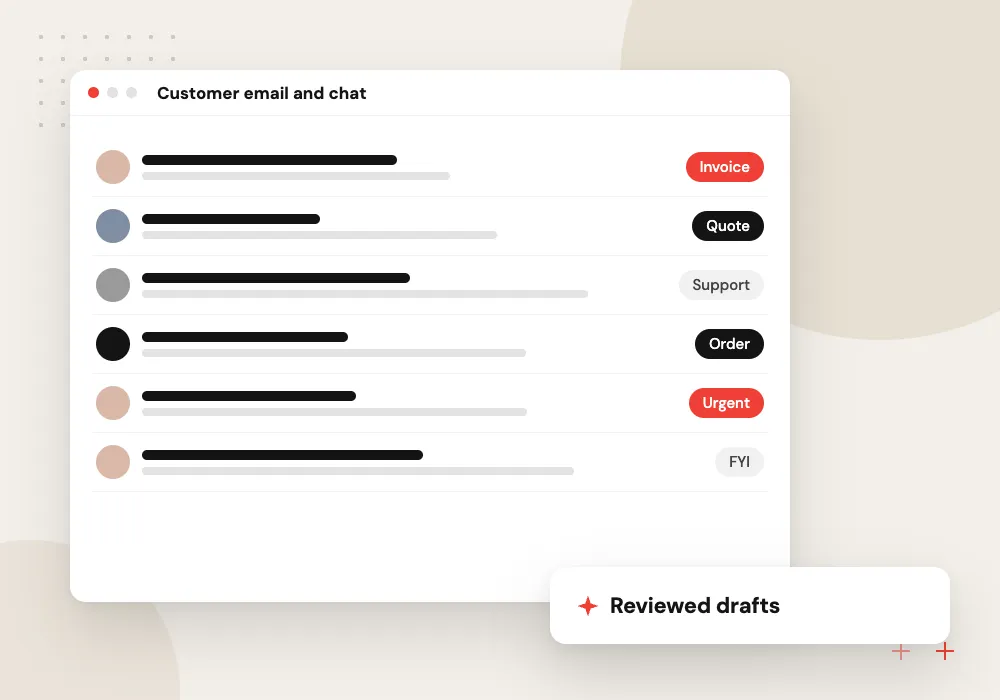
Customer email and chat
Draft replies to routine questions about orders, hours or bookings from your own policies, with staff sending the final message.
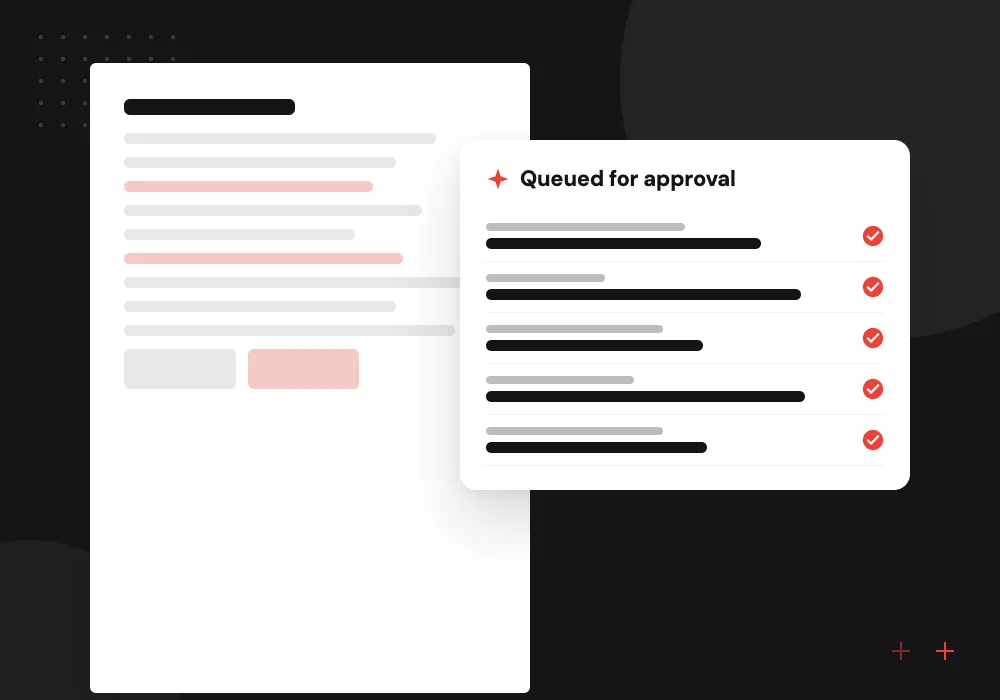
Bookkeeping paperwork
Read receipts and supplier invoices, pull out totals and dates, and queue them for approval in your accounting package.
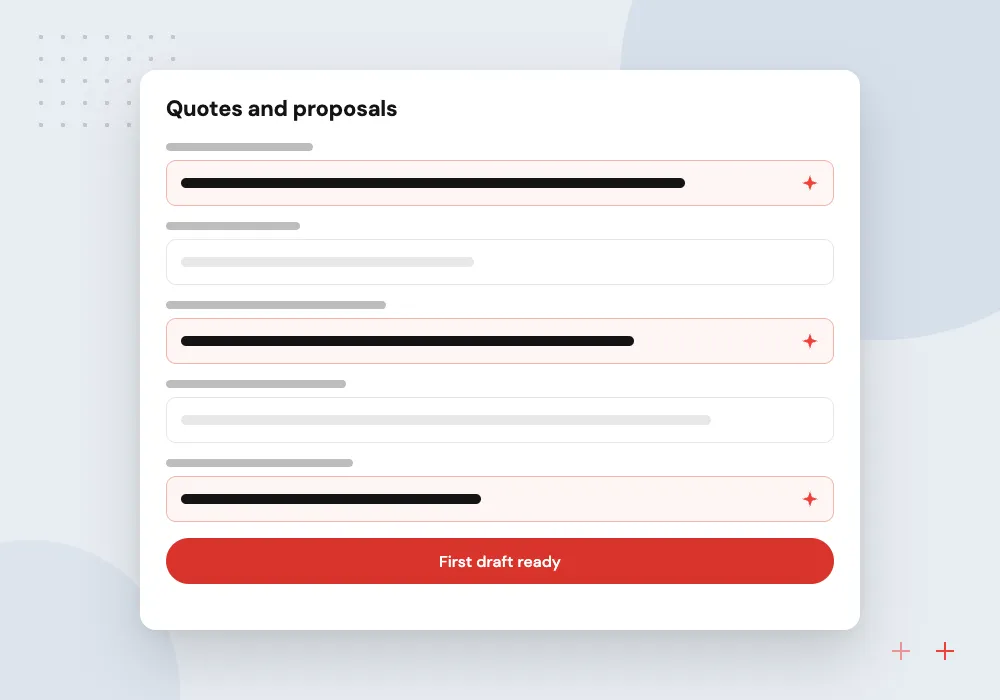
Quotes and proposals
Assemble a first draft from your price list, similar past jobs and notes from the customer call, ready for the owner to adjust.
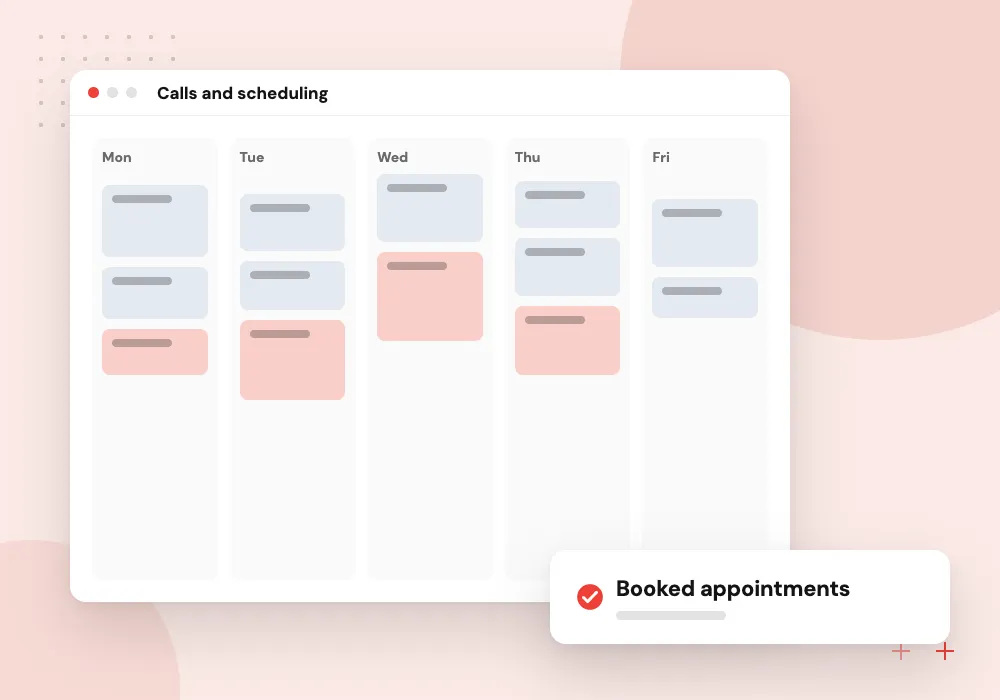
Calls and scheduling
Answer calls after hours, take the caller’s details and offer open slots from the shared calendar, then text a confirmation.
Built-in AI features worth trying first
Before buying a new product, open the settings of the tools you already pay for. Email, document, accounting, CRM and help desk software often includes drafting, summaries or smart sorting. Check what each feature does with your data, then test it on real work for a few weeks.
What we do
- Draft and rewrite inside email
- Meeting transcripts and summaries
- Receipt capture in accounting software
- Reply suggestions in the help desk
- Data terms checked per vendor
When a small custom build makes sense
Custom work earns its place when a task repeats every day, follows clear rules and moves information between systems that do not talk to each other. A small build can read the input, update the right records and hand anything unusual to a person.
What we do
- Inbox to accounting or CRM
- Document reading with an approval queue
- After-hours call handling
- Quote drafts from your price list
- Exceptions routed to a named person

How we approach a project
Keep it safe and simple. Write a short AI acceptable use policy, keep customer and payroll data out of consumer chat apps, and have someone check outputs before customers see them. The AI use cases pages walk through specific jobs in more detail.
Get a second opinion. If you are unsure where to begin, a 30-minute conversation with us, requested on the Contact page, looks at the tasks that fill your week and whether a built-in tool or a small custom build fits better.
How we work
- Built-in AI features first
- A person checks every output
- Custom work only for repeat tasks
Our Process
-

Track one week of work
Note which tasks take the most staff hours and which repeat with the same steps each time.
-

Test built-in features
Turn on the AI options inside software you already subscribe to and try them on that work.
-

Write three simple rules
Approved tools, data that stays out, and who checks outputs before they go to customers.
-

Review after a month
Keep what saved time, drop what did not, and decide whether a custom workflow is worth scoping.
How Aranv helps small businesses
Advice sized for small teams
We look at where your hours go and suggest the smallest change that helps, which is often a feature you already pay for rather than a new system.
Builds that use current tools
When custom work fits, we connect it to the accounting package, CRM and inbox you already run instead of asking staff to learn a new platform.
Review steps kept in
Each workflow we design has a named person who approves what goes to customers or into the books until the results earn more trust.
Ownership and documentation
The contract sets out who owns what we build, and we document it so your staff or another developer can follow it later.
Ready to act on this guide?
Ask our team in a 30-minute conversation.
Or see how we build it: Explore all services
AI for small business FAQs
-
What is the best way for a small business to start using AI?
Start with the AI features in software you already use, on a writing or sorting task where a person reviews the result. That shows what AI handles well in your business before you spend money on custom work.
-
Which AI tools are useful for small businesses?
General assistants for drafting and summarizing, AI features inside accounting, CRM and help desk products, meeting transcription, and document readers for invoices and receipts. The right mix depends on where staff hours go, so start from the task, not the tool.
-
Is AI affordable for a business with a few employees?
Built-in features often come with subscriptions you already pay for. Custom work costs more and makes sense only when a repeated task takes enough staff time to justify it, which a short discovery can confirm before you commit.
-
Is it safe to put customer data into AI tools?
Only into tools whose business terms explain how your data is stored and whether it is used for training, and only the data the task needs. Consumer chat apps are a poor place for customer records, payroll or health details.
-
Will AI replace staff in a small business?
In most small firms AI takes over parts of tasks, such as first drafts or data entry, while people keep the judgment, the customer relationships and the approvals. Plan for staff to review outputs, especially in the first months.

Let’s talk about your next step
Contact Aranv to discuss your workflow, current tools, and goals. Meet with our team or send an inquiry.
Book a meeting with our team
Choose an available date and time for a 30-minute conversation about your project.
Tell us about your project
Share a few details so we can discuss a useful next step.
Prefer email? sales@aranv.com