


More practical AI agents, and how they connect
Aranv’s answer on AI agent examples for business: the agents that work today handle bounded jobs, such as resolving order-status requests, qualifying inbound leads, matching supplier invoices to purchase orders and booking appointments, each using a few tools and passing exceptions to staff.
Operations teams use agents to chase missing paperwork: the agent checks which documents a file still needs, emails the customer or supplier, reads what comes back and updates the record. AI order processing follows a similar pattern, turning emailed orders into draft sales orders for review.
Front-desk work suits agents too. An AI receptionist answers calls, collects details and books visits into your calendar, while AI appointment scheduling handles reschedules and reminders by text or email. Both pass unusual requests to a person with a summary.
What every working example shares
Trigger, tools, limits, handoff
- 01 A clear trigger An email, form, ticket or call starts the job, not a vague goal.
- 02 A few tools The agent reads and writes in two or three systems through their APIs.
- 03 Written limits Rules cap what it may change, spend or send without a person.
- 04 A handoff path Exceptions go to a named team with the agent’s notes attached.
Projects missing one of these four parts tend to stall at the demo stage.
Four AI agent use cases by team
Each example is one job with a trigger, a few tools and a point where staff take over.
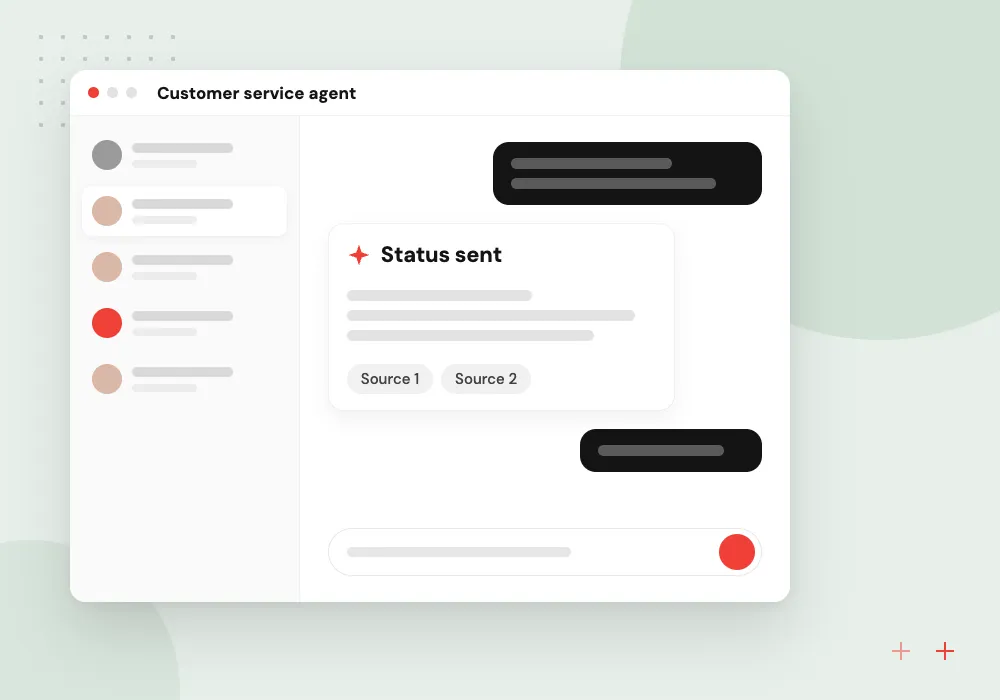
Customer service agent
Reads an order question, checks the order system and carrier tracking, replies with the status and opens a ticket when a parcel looks lost.
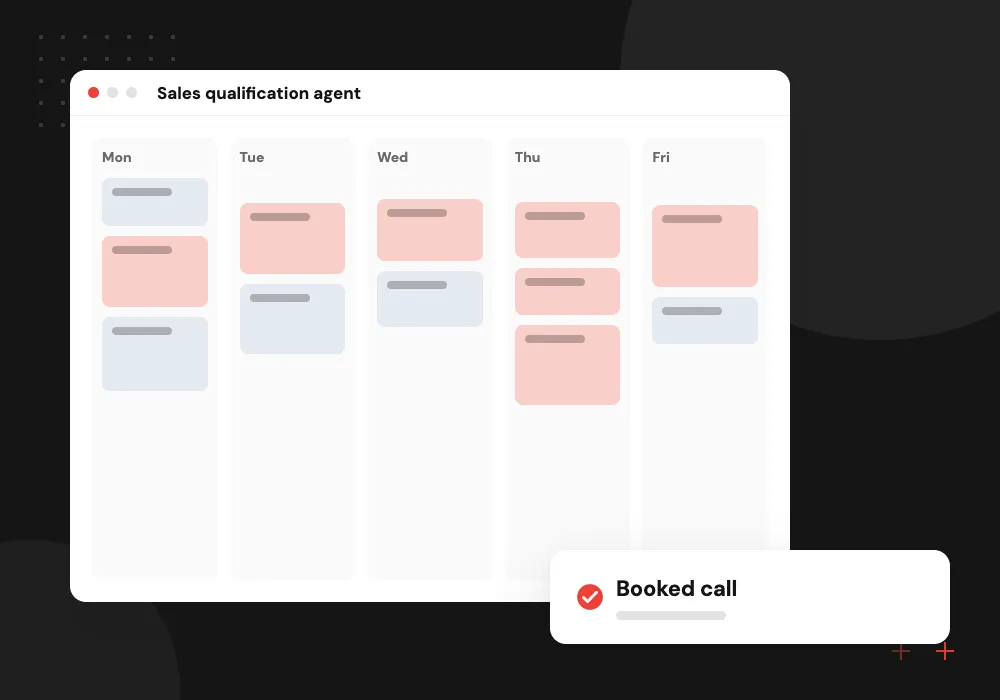
Sales qualification agent
Reviews a new web inquiry, adds context from the CRM, scores it against your criteria and books a call when the lead qualifies.
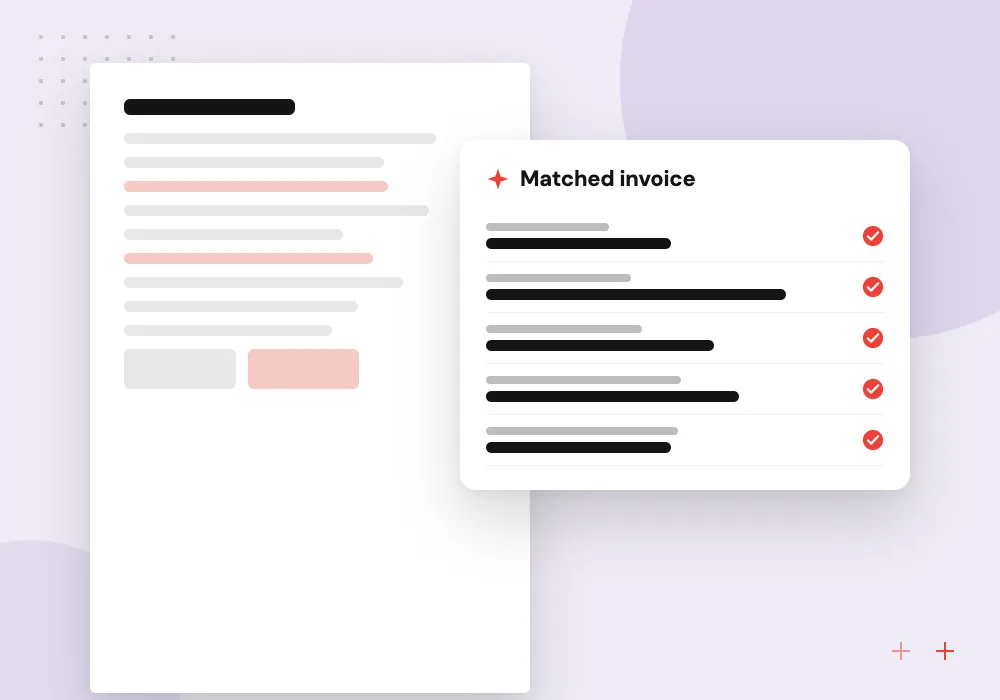
Accounts payable agent
Reads a supplier invoice, matches it to the purchase order and receipt in the ERP and routes any mismatch to the AP clerk.
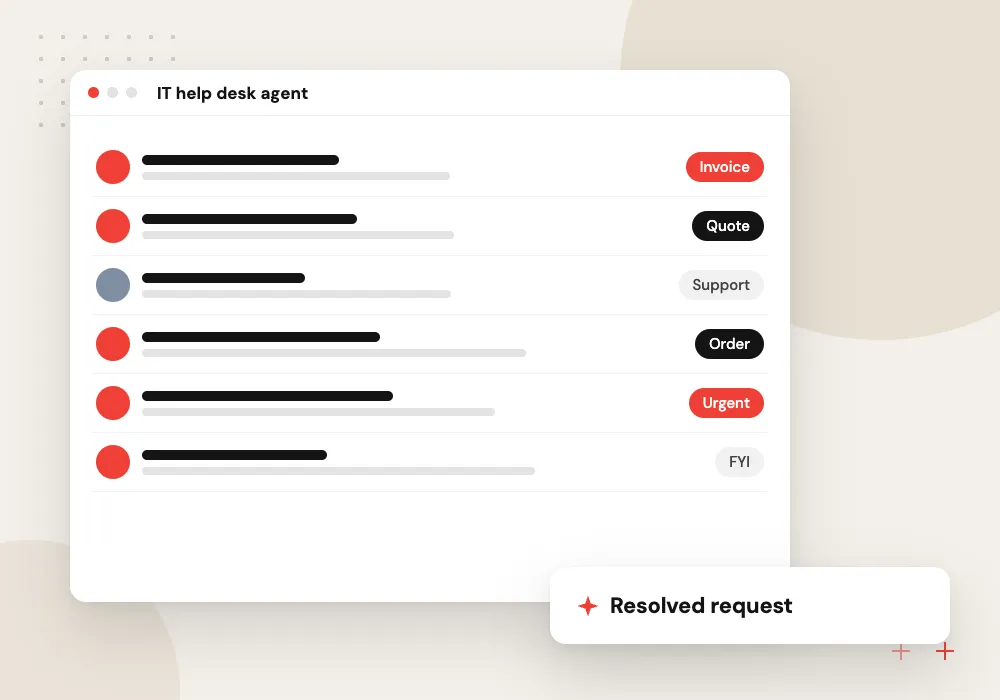
IT help desk agent
Handles routine requests such as software access and printer setup by following your runbooks, and escalates anything outside them to IT staff.
A support agent, step by step
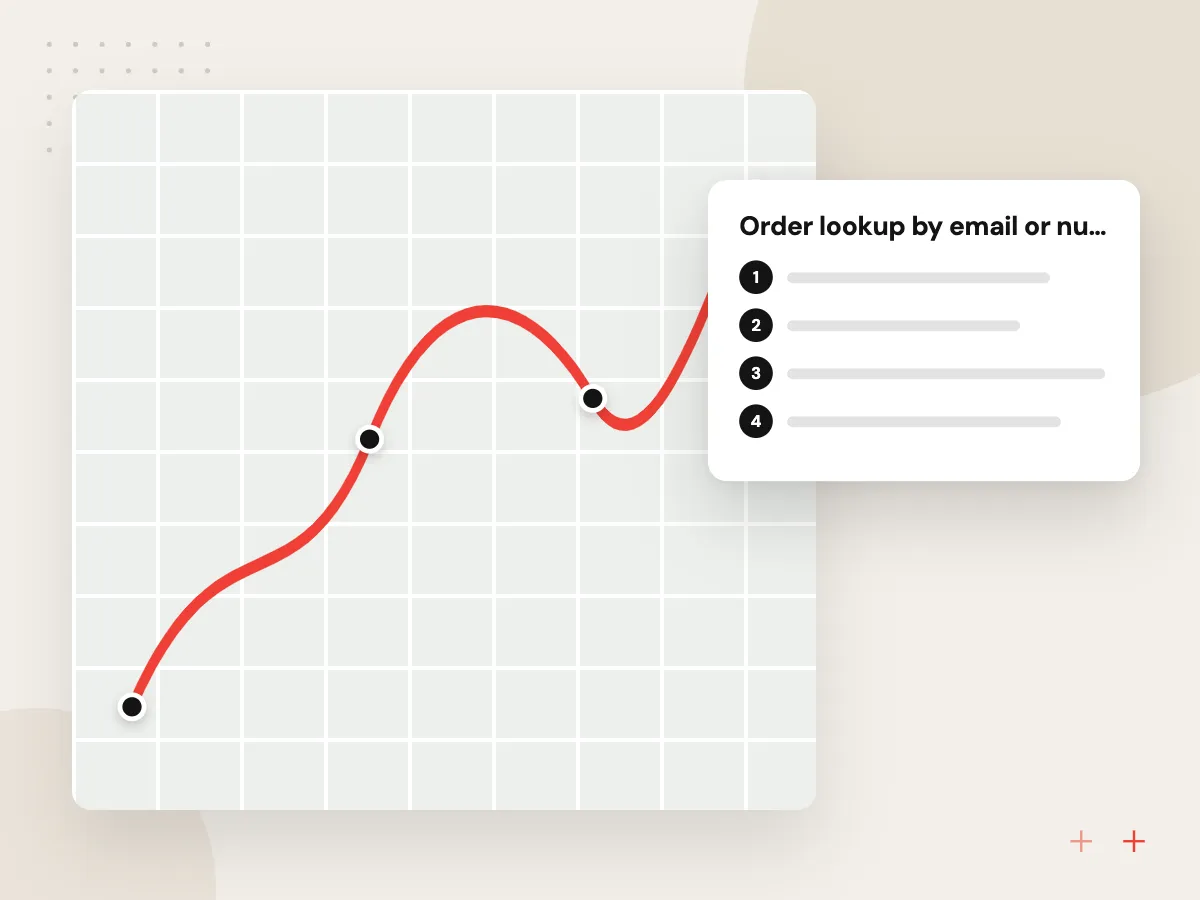
A customer writes that an order has not arrived. The agent finds the order, checks the carrier’s tracking and either replies with the delivery estimate or, if the parcel is stuck, starts a claim, offers the options your policy allows and flags the case for a person.
What we do
- Order lookup by email or number
- Carrier tracking check
- Replies based on your policy
- Claim or reship request drafted
- Escalation with full notes
A finance agent, step by step
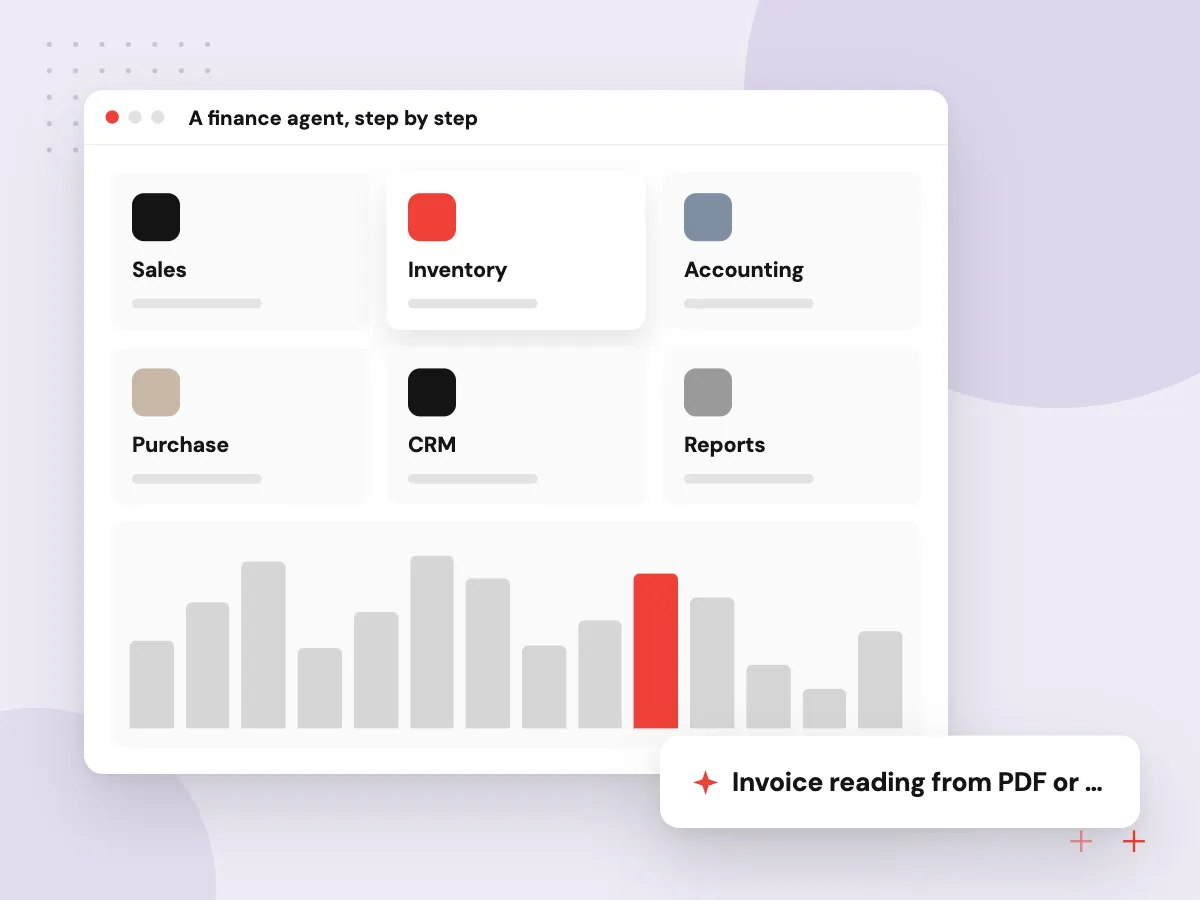
An invoice arrives by email. The agent reads the supplier, amounts and line items, finds the matching purchase order and goods receipt, and posts a draft bill when everything agrees. Price or quantity differences go to the AP clerk with the mismatch highlighted.
What we do
- Invoice reading from PDF or email
- Three-way match against PO and receipt
- Draft bill in the accounting system
- Mismatch report for the clerk
- Duplicate invoice check

How we approach a project
Internal agents answer staff questions and take small actions. An HR help desk agent explains the leave policy and files the request, and a ticket routing agent reads each new ticket and assigns it a category, a priority and an owner.
All of these depend on tool access to your systems, which model vendors now support directly; Anthropic, for example, made tool use generally available in 2024. We build them through AI agent development, and the AI use cases section lists more jobs by team.
How we work
- Narrow jobs, clear finish lines
- Exceptions go to people
- Measured against past cases
Our Process
-

List repeated jobs
Note jobs that happen many times a week, follow written rules and touch the same systems.
-

Score volume and risk
Rank them by how often they occur and how costly a mistake would be.
-

Check system access
Confirm each system involved has an API and agree the actions the agent may take.
-

Pilot with full review
Run the agent on live work with every result checked, then reduce review where it proves reliable.
How Aranv builds practical agents
We start with your volume
We look at your real queues and inboxes to find the job that repeats most, so the first agent targets work that actually piles up.
Integrations done properly
Agents connect to your CRM, ERP, helpdesk or calendar through their APIs, with a separate account and permissions for each agent.
Review built into the flow
Approval steps, exception queues and notes for staff are designed with the team that will use them, not added after launch.
Measured on your past cases
Before go-live we replay closed cases through the agent and show how its results compare with what your staff decided.
Ready to act on this guide?
Ask our team in a 30-minute conversation.
Or see how we build it: Explore all services
Questions about practical AI agents
-
What is a good first AI agent for a small business?
One that handles a frequent, rule-based request in one or two systems, such as answering order-status questions or sorting inbound email into the right queue. These jobs have clear right answers, so you can test the agent on past cases and see quickly whether it helps.
-
Can an AI agent send emails or update records on its own?
It can if you allow it, and that choice should be made action by action. Many teams let agents draft emails for approval and update low-risk fields directly, while payments, refunds and customer-facing changes above a set limit wait for a person.
-
How do AI agents connect to our CRM or ERP?
Through the system’s API, called directly or wrapped in a Model Context Protocol server. The agent gets its own account with limited permissions, and each call it makes is logged so staff can see what changed and why.
-
What jobs should not be given to an AI agent?
Jobs with no written rules, rare cases with high stakes, decisions that need a license or legal judgment, and anything where a mistake cannot be reversed. An agent can still prepare the paperwork for these, but a qualified person should decide.
-
How do we know if an agent is working well?
Compare its results with what staff did on the same cases, then track a few measures after launch: jobs completed without help, errors found in review, time to finish and how often it escalates. Review a sample of runs every week at first.
-
Are AI agents the same as RPA bots?
No. RPA bots follow fixed scripts on screens or APIs and break when the input changes shape. AI agents read varied input, such as free-text emails, and decide the next step. Many processes use both: RPA for fixed clicks and an agent for reading and deciding.

Let’s talk about your next step
Contact Aranv to discuss your workflow, current tools, and goals. Meet with our team or send an inquiry.
Book a meeting with our team
Choose an available date and time for a 30-minute conversation about your project.
Tell us about your project
Share a few details so we can discuss a useful next step.
Prefer email? sales@aranv.com