


What an AI RFP response build covers
Aranv builds AI RFP response tools for small and midsize companies that bid for business. The tool breaks each RFP into a requirements list, drafts answers from your approved content, fills the buyer’s questionnaire format and sends unanswered or risky questions to the right expert.
Most of the value sits in the content library, so we build it first from past submissions, policies and product documents, with a named owner for each topic. Retrieval follows our RAG development approach: the model sees only approved passages and must cite the one it used.
The tool reads RFP packages in PDF, Word and Excel, fills spreadsheet questionnaires cell by cell and keeps the buyer’s numbering. Uploading to the buyer’s portal stays a manual step, because portals vary and a person should make the final submission. For proposals written without a formal RFP, our AI proposal writing tool is the closer fit.
How an RFP moves through the tool
From RFP package to submission draft
- 01 Break down the package Requirements, deadlines, page limits and evaluation criteria are pulled into one matrix.
- 02 Decide bid or no-bid A summary of fit, risks and missing capabilities supports the go decision.
- 03 Draft from approved answers Each question is matched to library content and drafted with its source.
- 04 Expert review and assembly Gaps go to subject experts; approved answers fill the buyer’s format.
No answer is drafted without a source in your library; anything new goes to a named expert.
RFP automation for each part of a bid
Bid teams lose most of their hours finding last year’s answer and checking that it is still true.
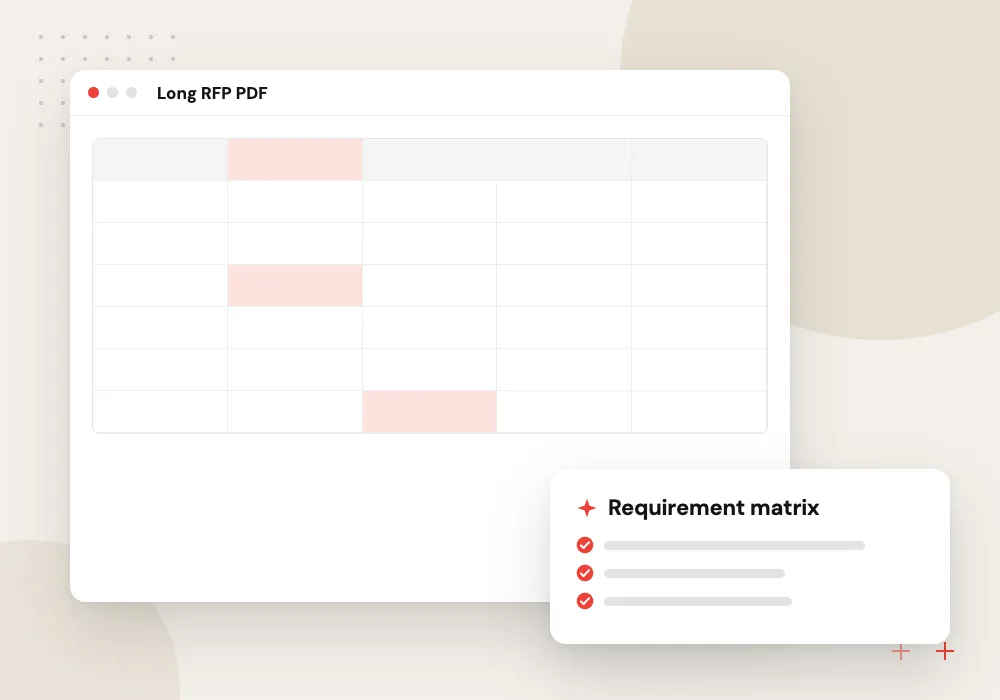
Compliance matrix builder
Every shall, must and submission instruction in the RFP is listed with its section number, an owner and a status.
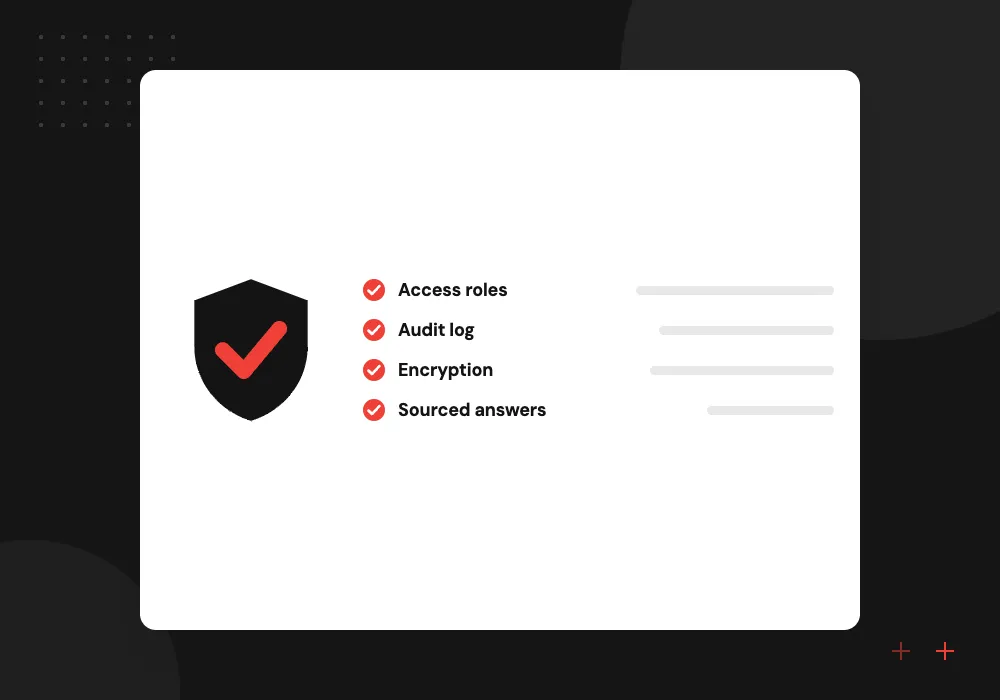
Security questionnaire automation
Long security and privacy spreadsheets are answered from your current policies, each answer linked to the policy section it relies on.
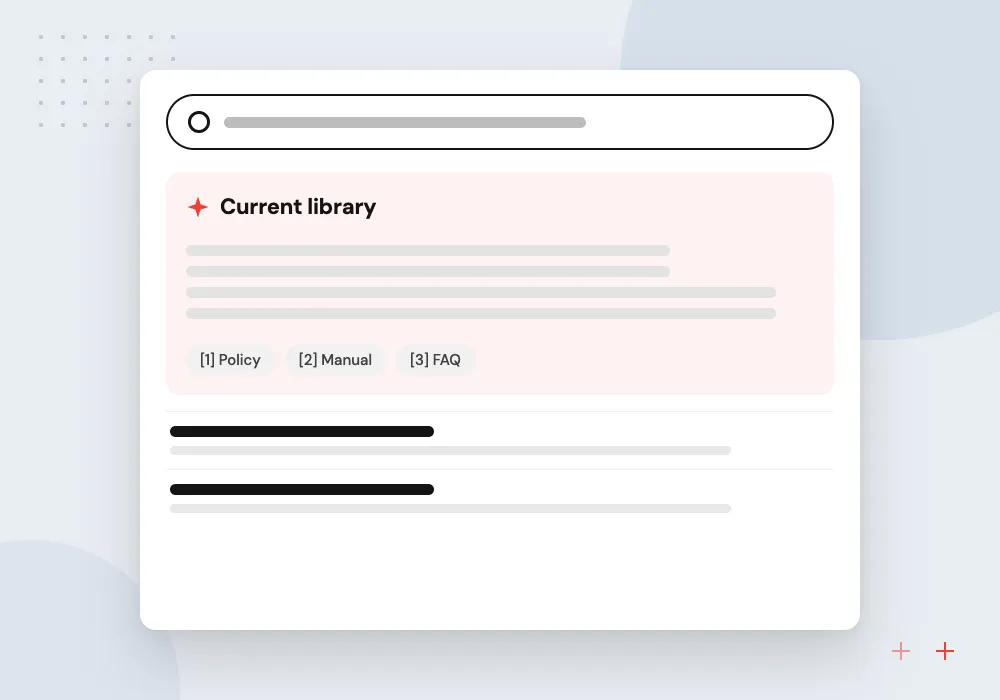
Answer library upkeep
Approved answers carry an owner and a review date, and stale or conflicting ones are flagged before the next bid uses them.
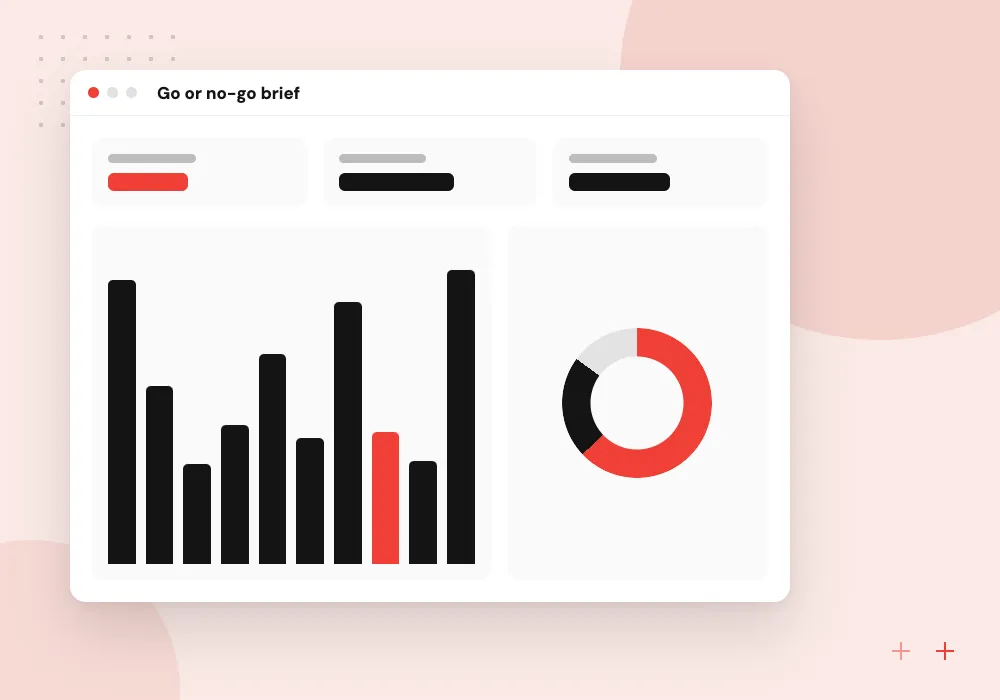
Go or no-go brief
A short brief lists the buyer’s must-haves, scoring weights, deadlines and the gaps your team would need to cover.
The answer library behind every bid
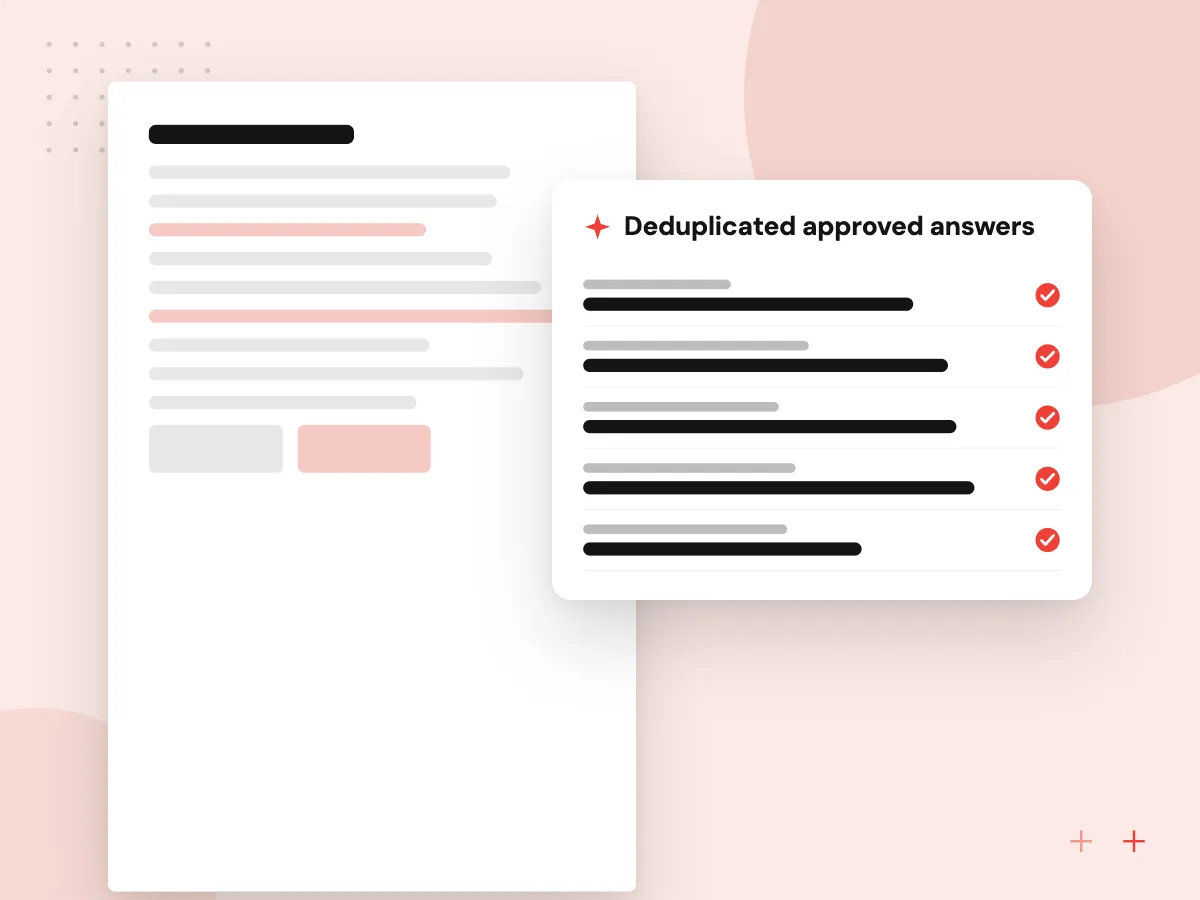
Each approved answer is stored once, with the question variants it covers, the owner who approved it, the documents it relies on and its next review date. When two answers disagree, the tool flags the conflict instead of picking one, and bid managers can see thin topics before a deadline arrives.
What we do
- Deduplicated approved answers
- Owner and review date per answer
- Links to supporting documents
- Conflict and staleness alerts
- Coverage report by topic
Security and compliance answers
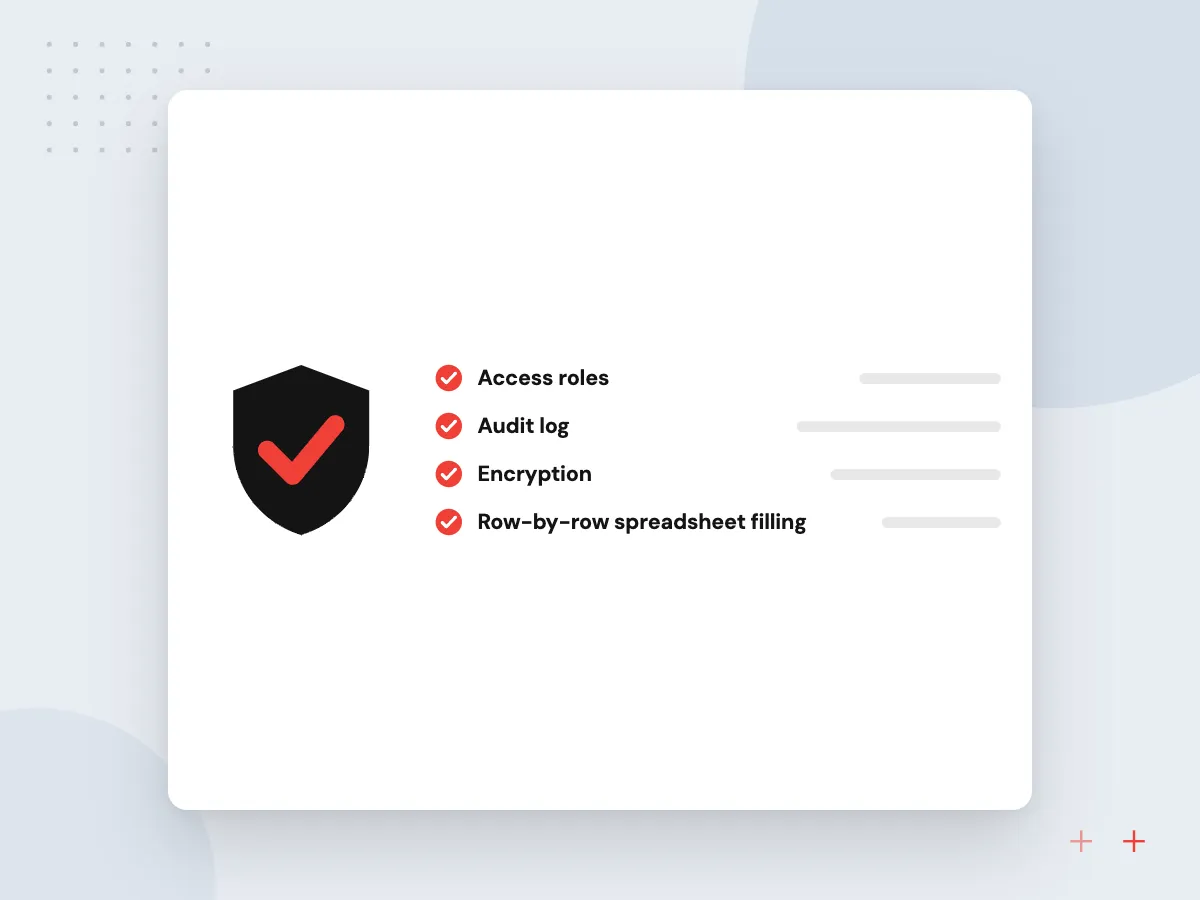
Security questionnaires ask the same things in different words: encryption, access control, backups, incident response, vendor management. The tool maps each row to your policies and audit evidence, drafts a short answer in the buyer’s format and holds anything describing a control for your security lead.
What we do
- Row-by-row spreadsheet filling
- Answers tied to policy sections
- Evidence file references
- Security lead approval step
- Alerts when a policy changes

How we approach a project
Security questionnaires weigh heavily on SaaS companies selling to larger buyers. Those answers must match your real controls, so the tool drafts only from current policies and audit reports, and your security lead approves anything that commits the company.
Small firms bid for public work as well, and the SBA publishes government-wide small business contracting goals. If you also issue RFPs, our guide to writing a software development RFP covers the buyer’s side. The easiest start is a 30-minute conversation about one recent RFP; the contact page has the booking form.
How we work
- Every answer cites its source
- Experts approve new commitments
- The bid decision stays human
Our Process
-

Gather past bids
We collect recent RFPs, your submitted answers, any debriefs or scores, and your current policies.
-

Build the answer library
Answers are split by topic, deduplicated, given an owner and set a date for review.
-

Test on a closed RFP
We run a past RFP through the tool and compare its drafts with what you submitted.
-

Run a live bid together
On your next RFP we work beside the bid manager and close gaps as they appear.
Why Aranv for RFP automation
Sources on every answer
Each draft shows the approved passage it came from, so reviewers can check a fact without searching shared drives for old submissions.
Buyer formats preserved
Answers are written back into the buyer’s spreadsheet or Word template with numbering and layout intact, so nothing is reformatted by hand at the end.
Experts asked only when needed
Questions the library already answers never reach your engineers or lawyers. Only new or risky ones do, each with the context attached.
Content that stays yours
The library, prompts and code live in your accounts and remain yours under the contract, ready for the next bid and the next tool.
Planning AI RFP Response?
Book a 30-minute conversation with the team that would build it.
AI RFP response FAQs
-
Can AI answer an entire RFP on its own?
It can draft most answers when your library covers the questions, but a person should own the bid. New commitments, pricing, legal exceptions and topics the library lacks go to a named expert, and the bid manager reviews the full package before submission.
-
How does security questionnaire automation stay accurate?
Answers come only from your current security policies, audit reports and approved past responses, and each draft shows its source. When a policy changes, the answers that relied on it are flagged. Your security lead signs off anything that describes a control.
-
What file formats can the RFP tool handle?
PDF and Word RFPs, Excel questionnaires with many tabs, and question lists copied from buyer portals. Answers can be written back into the original spreadsheet or Word template, so the buyer’s numbering and layout stay intact.
-
Do we need a large content library before starting?
No. Past submissions are usually enough to start, and we turn them into a library during setup. It grows as each new bid adds answers your experts have approved.
-
Where is our bid content stored?
In your own cloud account or document system, under access rules you set. We agree the model provider and data retention terms before setup, and the content remains yours under the contract.

Let’s talk about your next step
Contact Aranv to discuss your workflow, current tools, and goals. Meet with our team or send an inquiry.
Book a meeting with our team
Choose an available date and time for a 30-minute conversation about your project.
Tell us about your project
Share a few details so we can discuss a useful next step.
Prefer email? sales@aranv.com