


How automated invoice processing works
Aranv builds AI invoice processing for US small and midsize businesses that receive supplier bills as PDFs, scans or email text. The system extracts vendor, dates, totals and line items, suggests account codes, stops duplicates and posts draft bills to QuickBooks, Xero, NetSuite or Odoo for approval.
We begin with a sample of your real bills, including the handwritten ones and long utility statements. Where a prebuilt model such as the Azure Document Intelligence invoice model reads your layouts well, we use it; where it struggles, a language model or custom extractor fills the gap. Measured accuracy on your sample decides the mix.
Checks carry most of the weight. Line amounts must sum to the subtotal, tax must fit the rate you expect, the vendor must exist in your vendor list and the invoice number must be new for that vendor. This page covers capture and coding; matching to purchase orders, approvals and payment runs sit under AI accounts payable automation.
One supplier bill, from inbox to ledger
How an invoice moves through the system
- 01 Collect from the AP inbox Attachments, scans and forwarded emails are pulled in and split into single invoices.
- 02 Extract fields and lines Vendor, invoice number, dates, tax, totals and each line return in a fixed format.
- 03 Check, code and flag Totals must add up, the vendor must exist and repeat invoice numbers are stopped.
- 04 Post as a draft bill A clean bill lands in your accounting system, linked to the original PDF.
Invoices that fail a check go to a review screen with the page image beside the extracted values.
What AI invoice processing handles
Supplier bills rarely arrive in one tidy format. These are the variations the system is built to cope with.
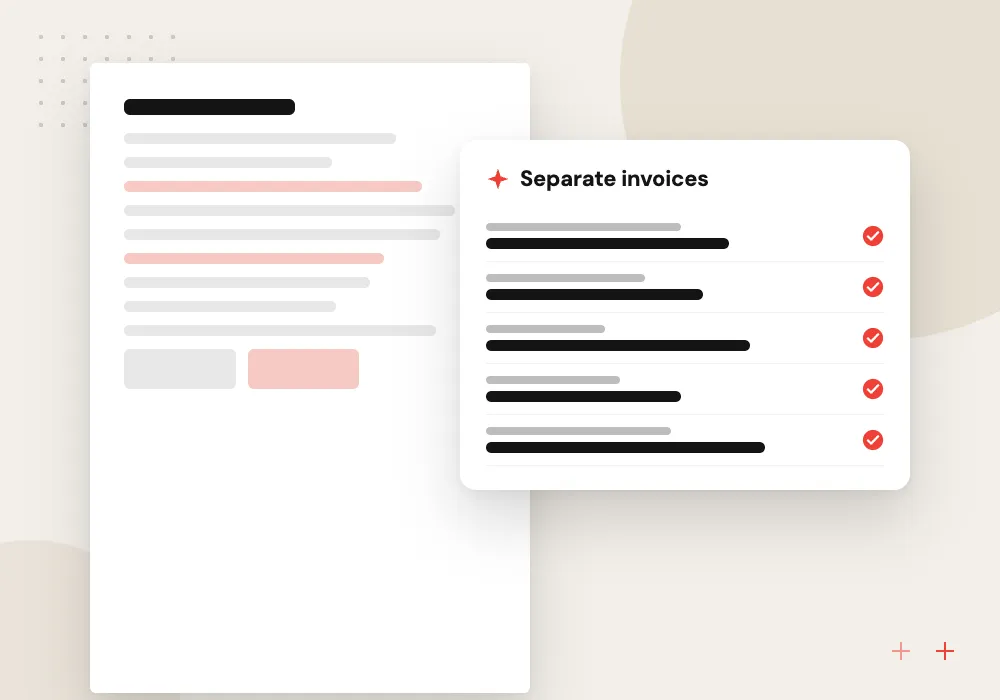
Multi-invoice scans
One scanned file holding five invoices and a vendor statement is split apart, and the statement is set aside instead of being posted as a bill.
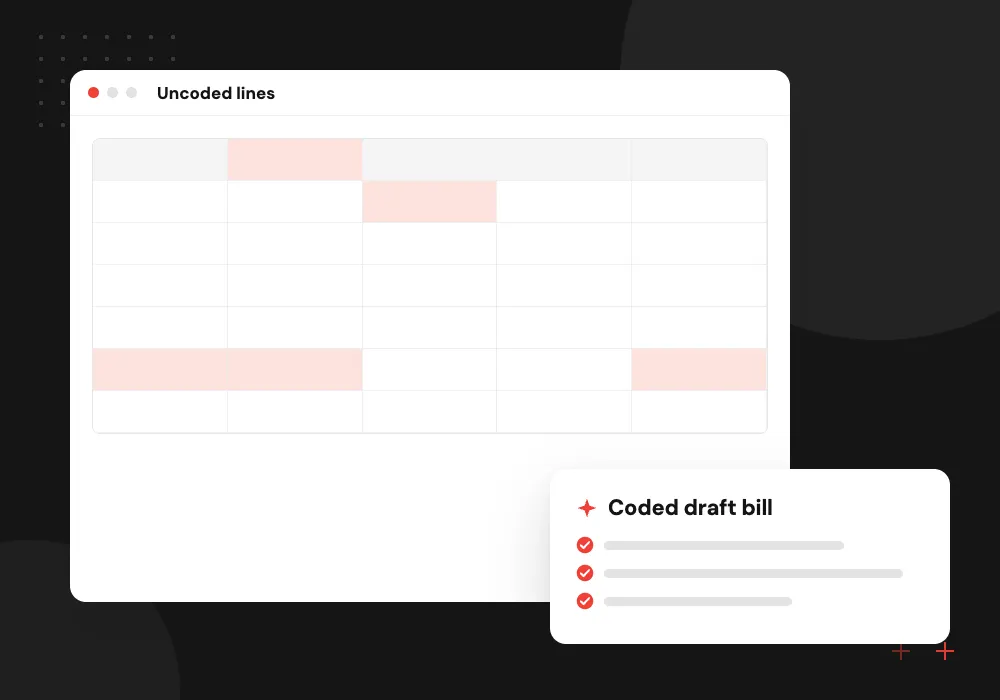
Line items and GL coding
Each line gets a suggested expense account, class or job based on that vendor’s past bills, so the clerk confirms codes instead of picking them from a long list.
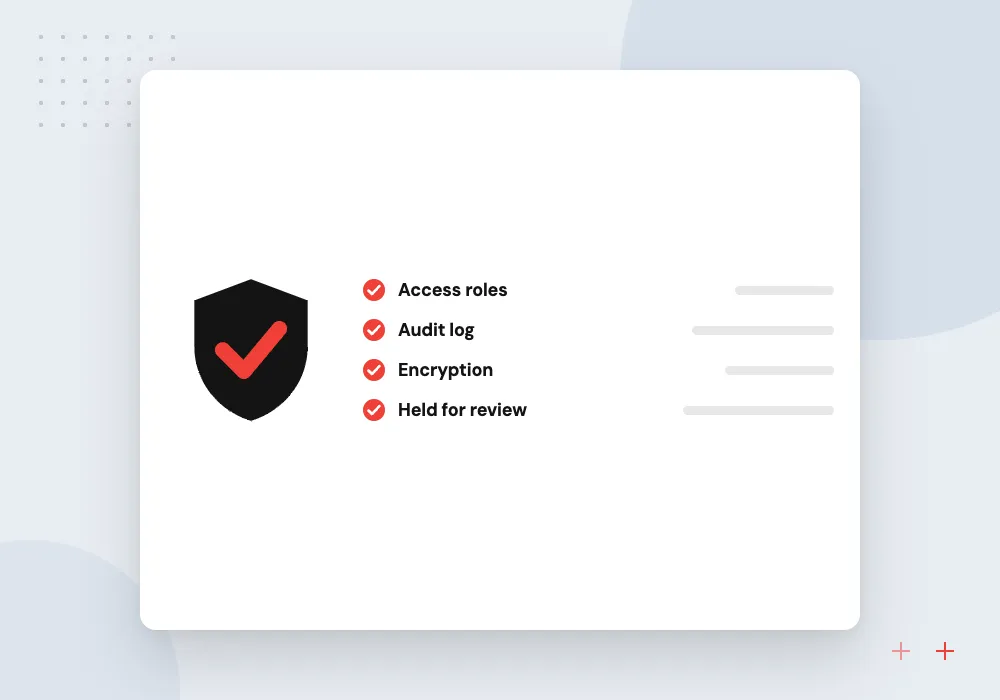
Duplicate and credit checks
Repeat invoice numbers, the same amount from one vendor within a few days and credit memos sent as if they were bills are all caught and held.
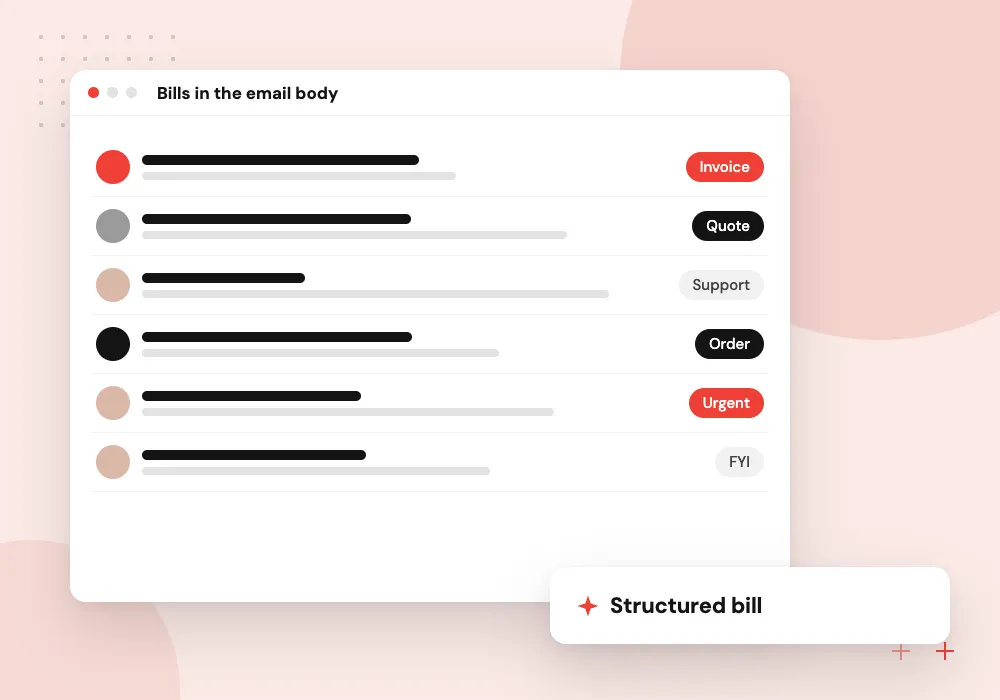
Bills in the email body
Some suppliers type the amount due into the email instead of attaching a PDF. Those are read too, and the record notes where each value came from.
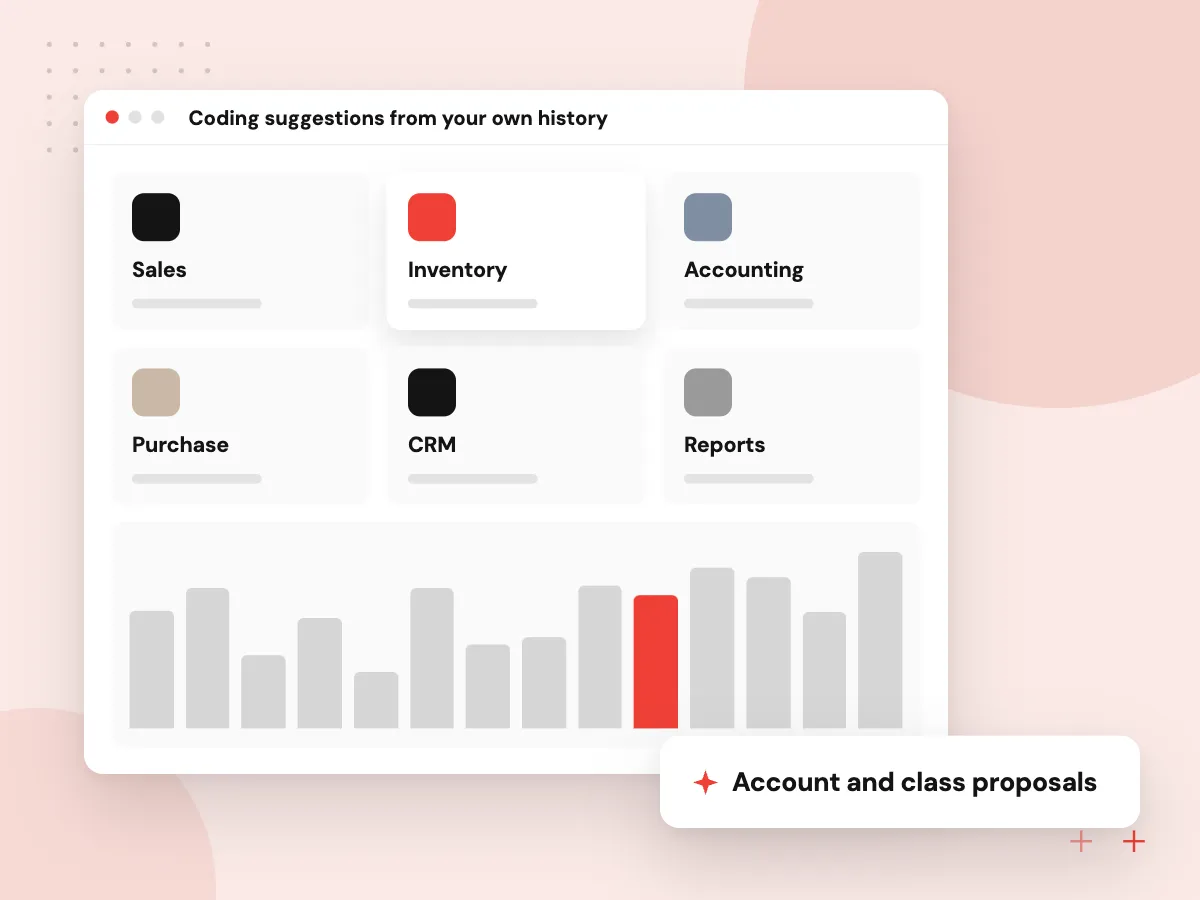
Coding suggestions from your own history
Bills from a regular supplier usually go to the same accounts. The system reads your posted bills to learn those habits and proposes an expense account, class, location or job for each line, with the past bills it relied on. When a vendor is new or a line is unusual, it leaves the code blank.
What we do
- Account and class proposals
- Job and location tags
- Blank when evidence is thin
- Past bills shown as reasons
- Rules finance can edit
Review screen and audit trail
Clerks work from one queue: the invoice image on the left, extracted values on the right, failed checks highlighted. Each correction joins the test set, and every posted bill links to its source file for auditors.
What we do
- Page and fields side by side
- Failed checks highlighted
- Approve or edit in one step
- Corrections kept for retesting
- Source file linked to each bill

How we approach a project
Draft bills reach the ledger through each system’s API. Our QuickBooks integration work covers QuickBooks Online, and Xero, NetSuite and Odoo follow the same pattern. Invoice data extraction is one part of our broader AI document processing service, which also reads forms and statements.
Distributors buying from many suppliers are typical candidates, covered under AI for distributors. Firms that enter bills for many clients run the same pipeline with a rule set per client, described under AI for accounting firms.
How we work
- Every field traced to the page
- Duplicates stopped before posting
- Clerks approve, software does the typing
Our Process
-

Collect a bill sample
You export a few months of supplier bills, credit memos and statements, plus the entries your team posted for them.
-

Measure extraction
We run the sample through candidate models and compare every field with what your team actually entered.
-

Connect in draft mode
Bills post to your accounting system as drafts only, so the team can compare them with their own work for a few weeks.
-

Raise trust by supplier
Once a supplier’s bills pass checks consistently, finance can let them skip some review steps; others stay manual.
Why Aranv for invoice capture
Tested on your suppliers’ bills
Accuracy is measured on a sample of your real invoices before any system is connected, and your controller sees the results field by field.
Posting rules you control
Finance decides which checks block a bill, which only warn and which vendors may ever post without a human look. Those rules sit in settings, not in code.
Works with your ledger
We write to QuickBooks, Xero, NetSuite or Odoo through their published APIs and respect each system’s own approval and closed-period settings.
Data kept where you choose
Invoice images and extracted data stay in storage you control, and model providers are set not to train on your documents where they offer that option.
Planning AI Invoice Processing?
Book a 30-minute conversation with the team that would build it.
AI invoice processing FAQs
-
How accurate is AI invoice data extraction?
It depends on your documents, so we measure it rather than quote a figure. Clean digital PDFs from regular suppliers usually read well; faded scans, handwriting and long statements need more checks. Before you commit, we report how each field scored on a batch of your bills.
-
Which accounting systems can the bills be posted to?
Any system with a usable API or import format. Common targets are QuickBooks Online, Xero, NetSuite, Sage Intacct, Business Central and Odoo. Bills are created as drafts or awaiting approval, so the approval workflow your system already has still applies.
-
Can it read invoices in other languages or currencies?
Yes, within limits we test for. Prebuilt invoice models cover many languages. Currency, tax format and date order are checked against the vendor record, so a day-first date does not post as the wrong month.
-
What happens when the AI is unsure about a field?
The field is left for a person. Each value carries a confidence signal and a check result, and if either falls short the bill goes to the review queue with the problem highlighted. Nothing that fails a check posts on its own.
-
Do we still need an accounts payable clerk?
Yes. The clerk stops typing and starts reviewing: confirming codes, handling exceptions and chasing suppliers about wrong or missing bills. Payment approval stays with the people who hold that authority today.

Let’s talk about your next step
Contact Aranv to discuss your workflow, current tools, and goals. Meet with our team or send an inquiry.
Book a meeting with our team
Choose an available date and time for a 30-minute conversation about your project.
Tell us about your project
Share a few details so we can discuss a useful next step.
Prefer email? sales@aranv.com