


What OCR development includes
Aranv provides OCR development services for US businesses that still work from scans, faxes, phone photos and image-only PDFs. We build custom OCR pipelines that clean up images, read printed and handwritten text, keep the page layout, and pass checked text and fields to your document system, ERP or database.
Optical character recognition turns pictures of text into text a computer can search and store. The engine is only one part. Most of the work is image cleanup, layout handling, checks and delivery into the right system, which is where custom OCR differs from the feature built into a desktop scanner.
We choose the engine per job. Open-source engines such as Tesseract suit clean printed pages and private hosting, cloud OCR services cope well with forms and handwriting, and multimodal models can read messy photos and answer questions about a page. Many pipelines combine two of them.
How a scanned page becomes searchable text
From image to verified text
- 01 Clean the image Deskew, crop, remove shadows and raise contrast before any text is read.
- 02 Find the layout Detect columns, tables, stamps and handwriting areas so reading order stays correct.
- 03 Recognize the text An OCR engine or vision model reads each region and scores its confidence.
- 04 Check and deliver Low-confidence words go to a reviewer, and the rest flows to your system.
Scan quality and page variety matter more than the engine, so we test on a real sample of your pages first.
Custom OCR for the paper you still handle
OCR is worth building where the same kinds of pages arrive every day, or where a back catalog of scans holds information nobody can search.
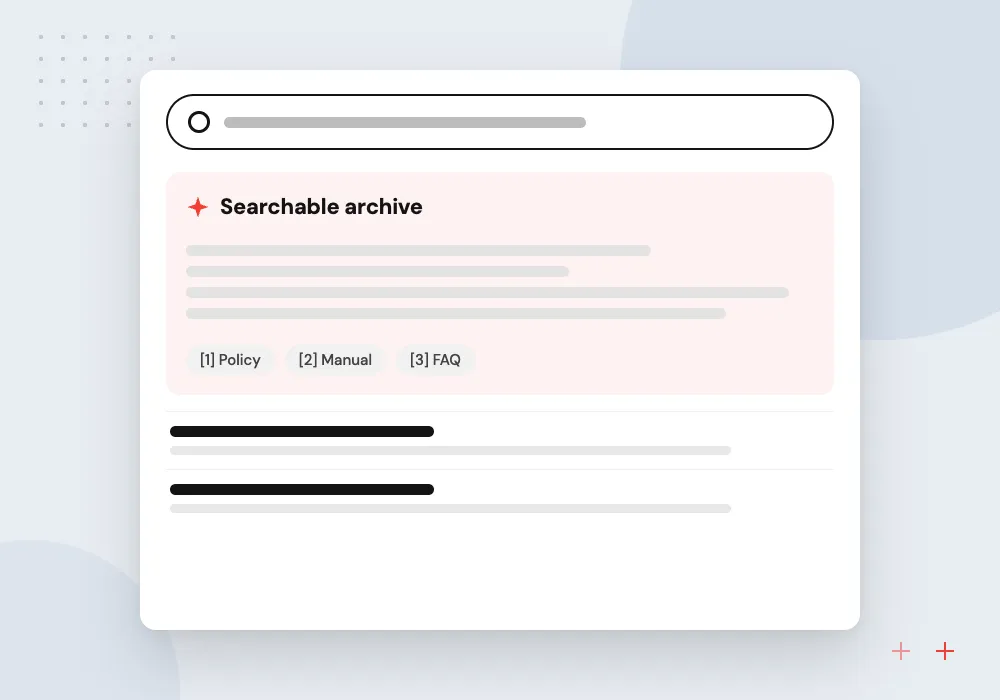
Archive digitization
Boxes of scanned files, drawings or ledgers turned into searchable PDFs with text layers, indexed by date, name and reference number.
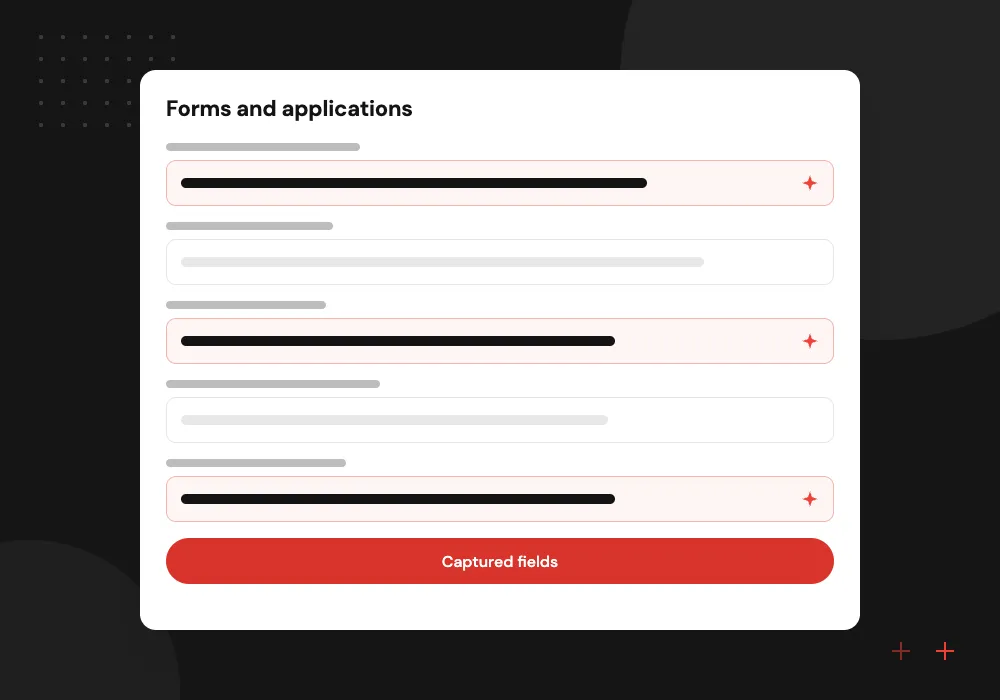
Forms and applications
Printed and handwritten forms read field by field, with checkboxes, dates and signatures detected and passed to your database.
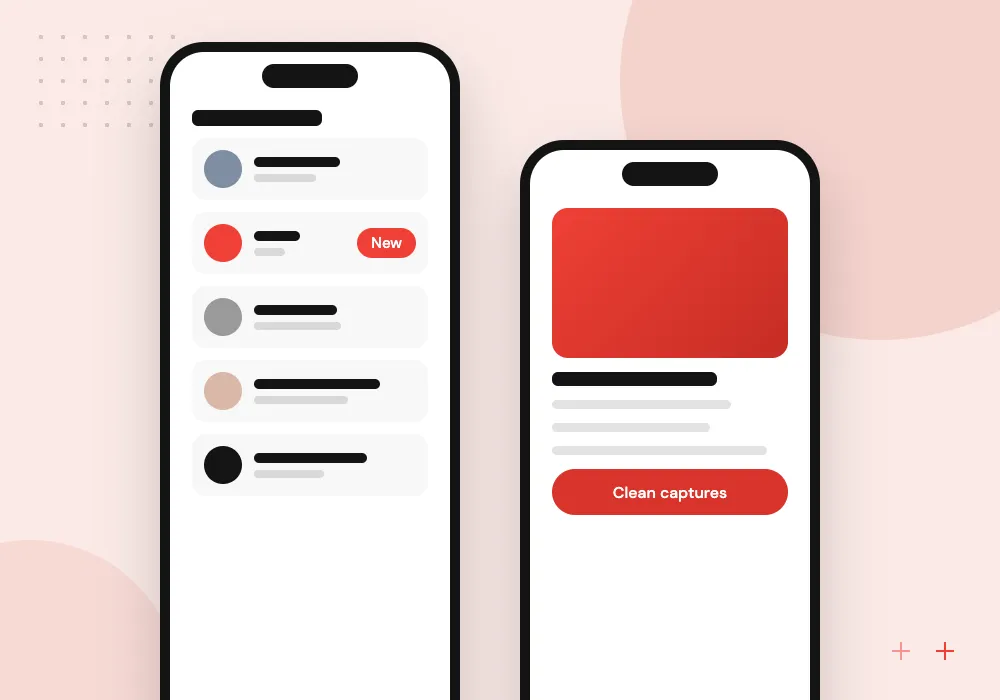
Mobile document capture
Staff or customers photograph a document in an app that checks focus and glare before upload, so OCR gets a usable image.
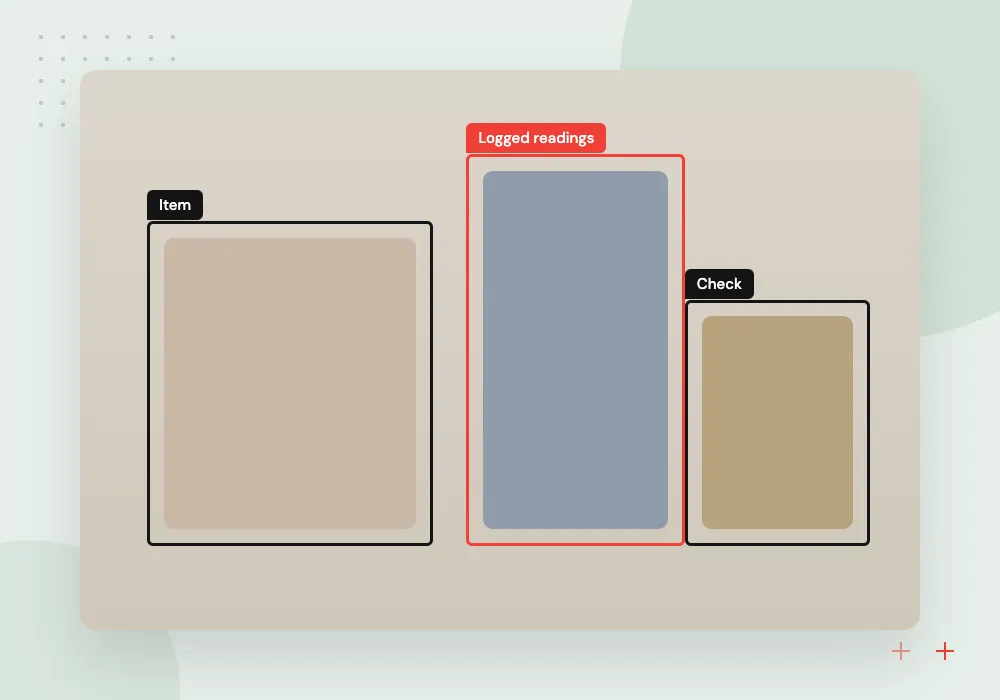
Labels, plates and packaging
Serial numbers, lot codes, meter readings and shipping labels read from photos taken on the warehouse floor or in the yard.
Intelligent OCR with layout and language models
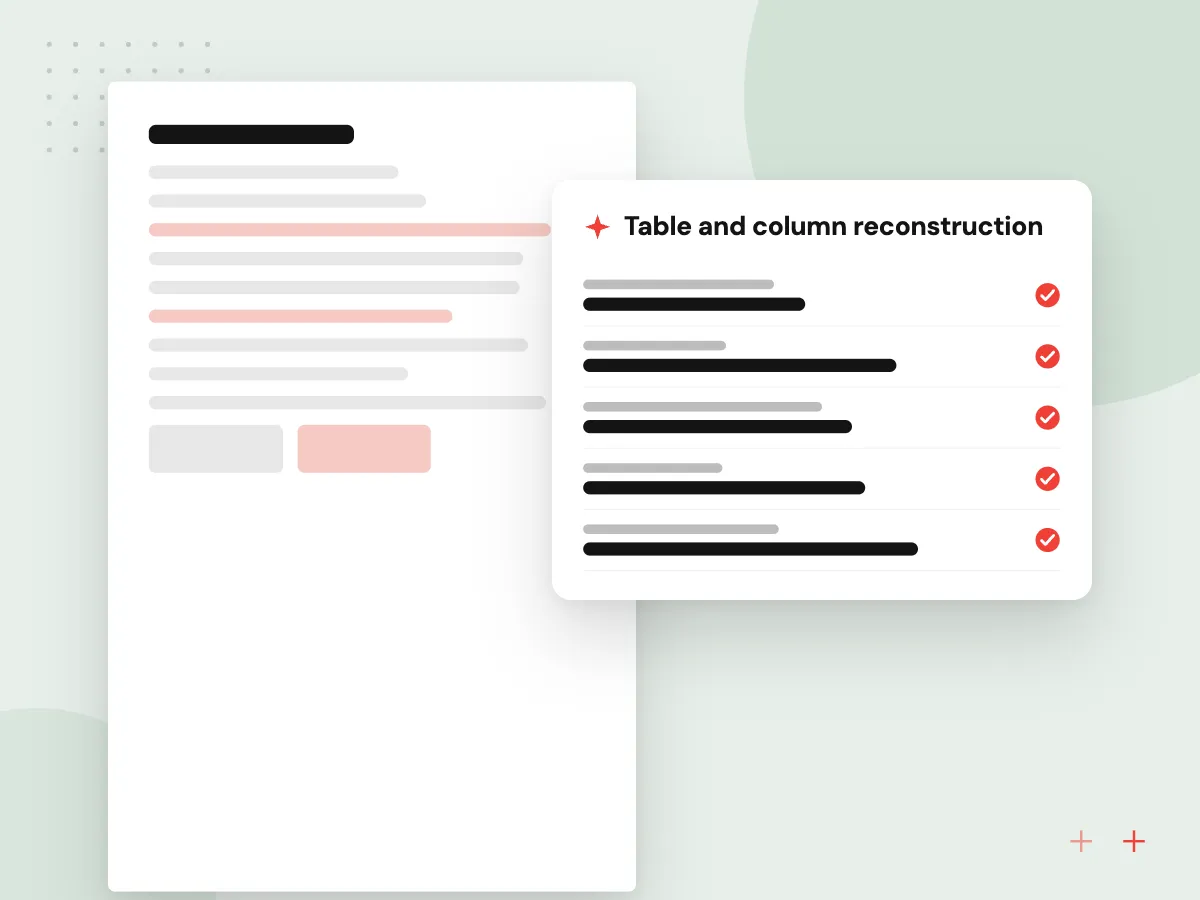
Classic OCR returns lines of text. Intelligent OCR adds layout detection, table reconstruction and a language model that understands what each value means, so a date in a box labeled ship by is stored as the ship date. The raw OCR output is kept alongside, so every value can be traced to its place on the page.
What we do
- Table and column reconstruction
- Handwriting recognition where legible
- Field mapping with a language model
- Value-to-page traceability
- Searchable PDF output
Accuracy checks and the review screen
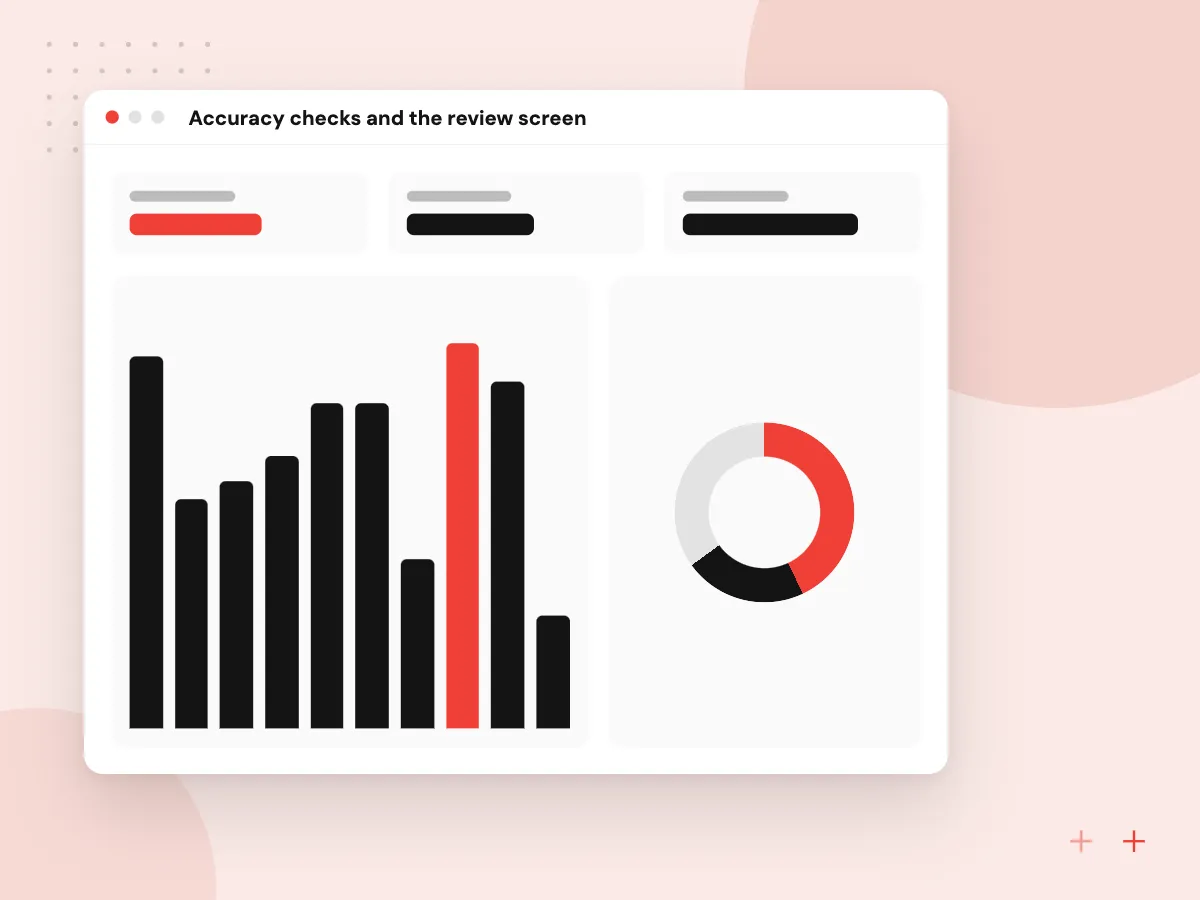
OCR mistakes are quiet: a zero read as the letter O looks fine until an order ships wrong. We measure character and field accuracy on a labeled sample, set confidence thresholds per field, and give reviewers a screen that shows the page image beside each extracted value, so corrections are quick.
What we do
- Labeled test set from your pages
- Field-level accuracy report
- Per-field confidence thresholds
- Side-by-side review screen
- Corrections logged for retraining

How we approach a project
OCR is usually the first stage of a bigger job. Once the text is clean, AI document processing extracts and validates business data, and AI invoice processing and AI data entry automation show complete examples. Searchable archives often end up in a document management system.
Collect a handful of typical pages, the bad ones included, and go through them with us in a 30-minute conversation. We will point out which pages OCR will read well and which will need a person. Use the contact page to book.
How we work
- Image quality before engine choice
- Confidence scores on every field
- Reviewers see the original page
Our Process
-

Page sample and sorting
We gather a sample across every page type and quality level you receive, then group the pages by layout.
-

Engine and cleanup tests
Cleanup steps and two or more engines are tested on the sample and measured against hand-typed ground truth.
-

Pipeline and review screen
We build intake from your scanner, inbox or app, the recognition pipeline, and the reviewer screen for doubtful fields.
-

Volume run and tuning
A full batch runs with reviewers in place, and thresholds are tuned until review time and error rates meet the agreed target.
Why Aranv for OCR work
We test the ugly pages
Faxes, skewed scans and coffee-stained forms are in the test set from the start, so accuracy figures reflect the pages you actually receive.
Every value is traceable
Each extracted field keeps a link to its position on the original page, so reviewers and auditors can check it against the source image.
Engines are replaceable
The OCR engine sits behind a common interface, so you can move to a better or cheaper engine later without rebuilding intake or review.
Hosting fits your records
Pages can be processed in your own cloud or on your servers when records should not leave your environment, with retention set before launch.
Planning OCR Development?
Book a 30-minute conversation with the team that would build it.
OCR development FAQs
-
What is the difference between OCR and intelligent document processing?
OCR reads the characters on a page and returns text. Intelligent document processing works on top of that text to find specific values, such as an invoice total or a policy number, validate them and send them to a system. Most business projects need both stages.
-
Can OCR read handwriting?
Modern engines read neat handwriting reasonably well, especially block capitals in form boxes. Cursive notes, faint pencil and crowded margins remain hard for any engine. We measure handwriting accuracy separately on your pages and route uncertain fields to a reviewer instead of guessing.
-
Why build custom OCR when scanners already include it?
Built-in scanner OCR creates a text layer, which is fine for searching. It does not know which value is a lot number or a due date, does not flag doubtful reads and does not post anything to your systems. Custom OCR adds those steps for pages you process every day.
-
Can OCR run on our own servers?
Yes. Open-source engines and several layout models run on your own hardware or private cloud, which suits records that should not leave your environment. Accuracy on difficult pages can trail the strongest cloud services, so we test both options on your sample.
-
How do you measure OCR accuracy?
We hand-type the correct text for a sample of your pages and compare the output character by character and field by field. Field accuracy matters most, because one wrong digit in an account number makes a failed record even if the rest of the page is perfect.

Let’s talk about your next step
Contact Aranv to discuss your workflow, current tools, and goals. Meet with our team or send an inquiry.
Book a meeting with our team
Choose an available date and time for a 30-minute conversation about your project.
Tell us about your project
Share a few details so we can discuss a useful next step.
Prefer email? sales@aranv.com