


What QuickBooks integration services cover
Aranv builds QuickBooks integration for US businesses whose sales, operations and accounting data sit in separate systems. Using the QuickBooks Online API, we sync customers, invoices, bills and payments with your CRM, online store or ERP, and add AI steps that read bills and suggest matches for your bookkeeper to approve.
We build on the QuickBooks Online API with OAuth 2.0, so an admin on your QuickBooks company grants access and can revoke it at any time. The work covers customers, vendors, items, invoices, bills, payments and journal entries, plus webhooks and change tracking so systems stay in step.
Syncs get the same treatment as our API integration services projects: field mapping, conflict rules, retries and alerts. QuickBooks Desktop needs a different approach, so we confirm which product and version you run before estimating.
How a QuickBooks sync keeps the books current
From a closed deal to a posted invoice
- 01 A sale closes elsewhere A won deal, paid order or finished job is recorded in your CRM, store or ERP.
- 02 The integration maps it Customer, items, tax and class are matched to your QuickBooks lists.
- 03 QuickBooks gets the record An invoice, sales receipt or bill is created through the QuickBooks Online API.
- 04 Changes flow back Webhooks report payments and edits so the other system shows the same status.
Mapping rules are agreed with your accountant first, because a wrong account or tax code costs more to fix than to set up.
QuickBooks integrations we build
Most requests come from teams that rekey the same sale or bill into QuickBooks after entering it somewhere else.
CRM to QuickBooks invoicing
Won deals or finished jobs in your CRM or field service tool become QuickBooks invoices with the right customer, items and payment terms.
Online store sync
Orders, refunds and payouts from your store are posted as sales receipts and deposits, with fees recorded so reconciliation goes faster.
AI bill capture
Vendor bills arriving by email are read by AI, matched to vendors and accounts, and queued for your bookkeeper to approve before they post.
Cash and AR dashboard
Open invoices, aging and recent payments feed a dashboard, with AI notes on customers who are slipping past their usual pay dates.
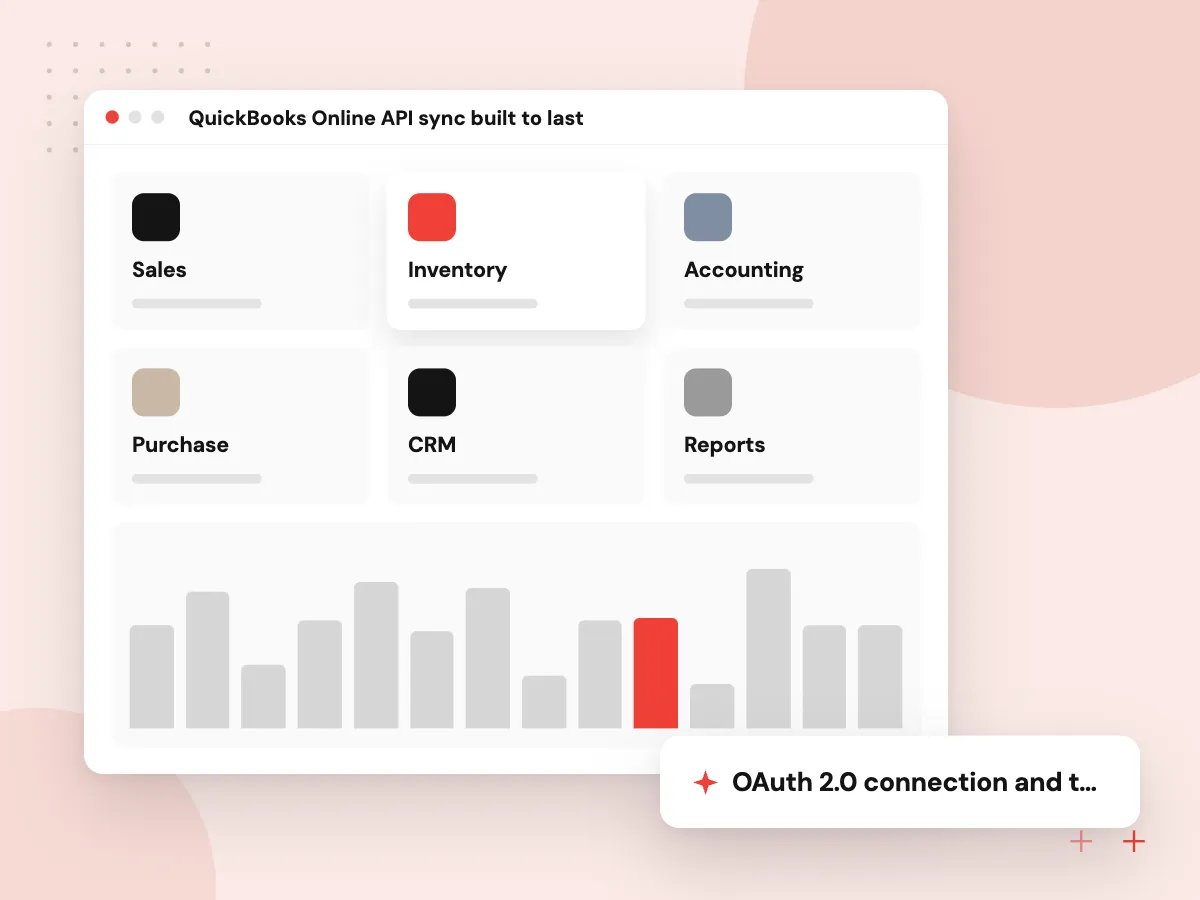
QuickBooks Online API sync built to last
A sync that works on day one can still drift by month end. We use webhooks and change tracking to catch edits, keep a cross-reference of record IDs between systems, retry with backoff when Intuit throttles requests, and run a nightly check that compares totals in both systems.
What we do
- OAuth 2.0 connection and token refresh
- ID cross-reference table
- Webhooks and change tracking
- Throttle-aware retries
- Nightly totals check
QuickBooks automation with AI review
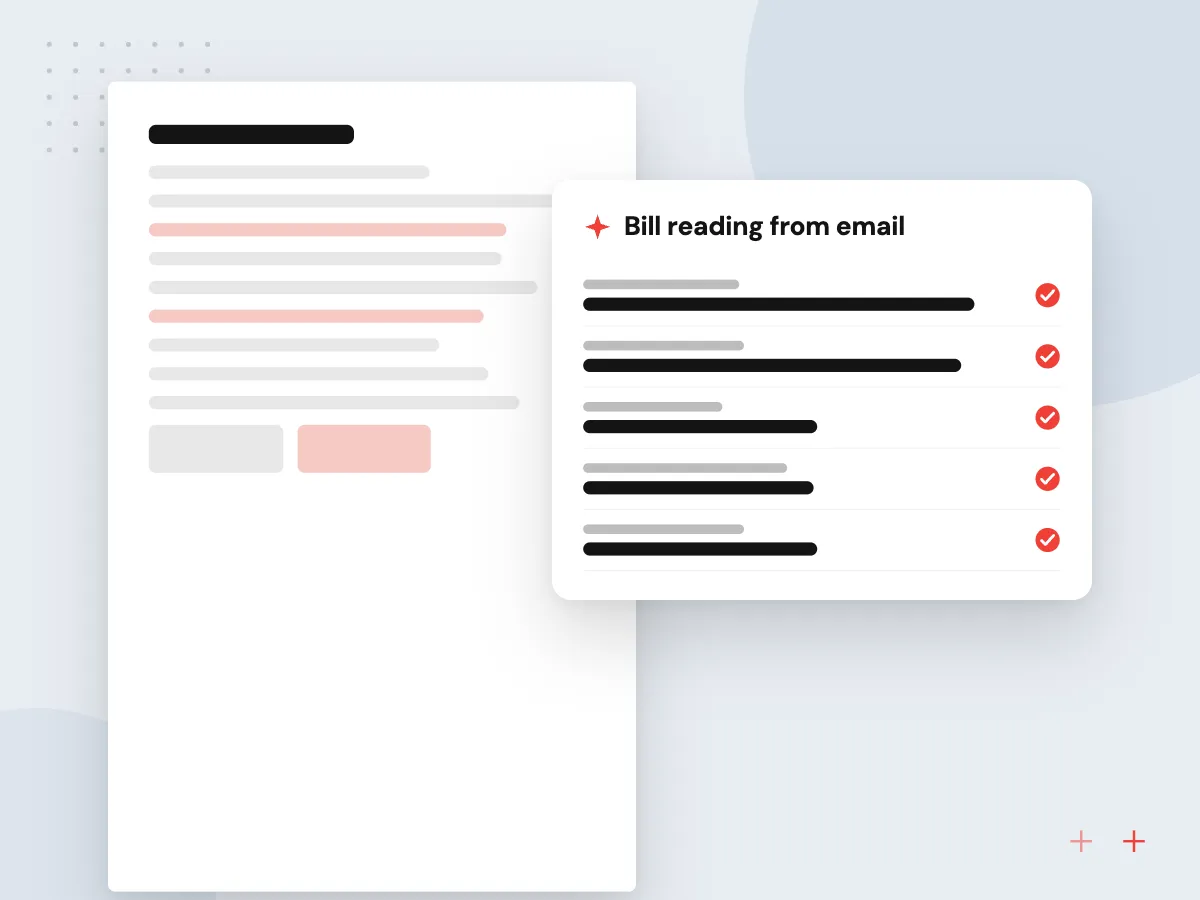
AI helps with the reading and matching that fill a bookkeeper’s week. Bills are read from email, payments are matched to open invoices, and expense lines get a suggested account. Each suggestion shows why it was proposed, and nothing posts until your rules or a reviewer approve it.
What we do
- Bill reading from email
- Payment-to-invoice matching
- Suggested accounts and classes
- Approval queue for bookkeepers
- Decision log for audits

How we approach a project
AI steps sit before QuickBooks, not inside it. Bill reading follows our AI invoice processing pattern, and categorizing and matching follow AI bookkeeping automation. Firms that keep books for many clients can also read about AI for accounting firms.
Intuit publishes call limits and throttles for the QuickBooks Online API, and we batch requests to stay within them. We also review Intuit’s current developer terms for your type of app before the build starts.
How we work
- Your accountant signs off the mapping
- Nothing posts without a matching rule
- Every sync leaves an audit trail
Our Process
-

Map accounts with your accountant
We agree which accounts, items, classes, locations and tax codes each kind of transaction should use.
-

Connect a sandbox company
The integration is built against an Intuit sandbox company loaded with sample data that resembles yours.
-

Backfill and reconcile
Historical records load in batches, then totals are compared with your reports before live sync starts.
-

Go live with monitoring
Live sync starts with alerts for failed posts, and we review the first month-end close with your bookkeeper.
Why Aranv for QuickBooks
Accountant-approved mapping
We do not guess at accounts or tax codes. The mapping is written down and signed off by your accountant before the first live record posts.
Reconciliation built in
Nightly totals checks and an exception list show any mismatch between systems well before month-end close turns it into a problem.
AI kept to suggestions
Models read and propose while rules and people decide, which keeps your books defensible and shows clearly where the AI saves time.
Connection under your control
Your QuickBooks admin authorizes the app and can disconnect it whenever needed, and the code and documentation are handed over to you.
Planning QuickBooks Integration Services?
Book a 30-minute conversation with the team that would build it.
QuickBooks integration FAQs
-
How much does a QuickBooks integration cost?
Our estimate reflects which systems connect to QuickBooks, the number of transaction types, how complex your account and tax mapping is, whether historical data needs loading, and whether AI steps are included. We price it after a short mapping session and phase the work so the most time-consuming sync comes first.
-
Can you connect QuickBooks Online to our CRM or online store?
Yes. Through the QuickBooks Online API we connect CRMs, eCommerce platforms, field service tools, ERPs and custom systems. Where a ready-made connector already fits your process, we will say so; custom work makes sense when mapping, timing or volume needs more control.
-
Is it safe to let AI touch our accounting data?
We keep AI out of the posting step. AI reads bills, suggests accounts and proposes payment matches, but nothing is created in QuickBooks until a rule passes or a person approves it. Every suggestion and decision is logged for your accountant.
-
Do you work with QuickBooks Desktop as well as QuickBooks Online?
Our main work is with QuickBooks Online and its API. QuickBooks Desktop uses a different integration method with its own limits, so we assess your version and setup first and advise whether integrating it or moving to QuickBooks Online makes more sense.
-
What happens if a QuickBooks sync fails?
The failed record stays in a queue with its error message, and a named person gets an alert. Common causes include missing items, closed periods and changed tax settings, which your team can fix and resend without waiting for us.

Let’s talk about your next step
Contact Aranv to discuss your workflow, current tools, and goals. Meet with our team or send an inquiry.
Book a meeting with our team
Choose an available date and time for a 30-minute conversation about your project.
Tell us about your project
Share a few details so we can discuss a useful next step.
Prefer email? sales@aranv.com