


What AI employee onboarding includes
Aranv builds AI employee onboarding for growing companies: once an offer is accepted, the system builds a checklist for the role and location, chases forms and signatures, opens IT and equipment requests, and gives the new hire an assistant that answers first-week questions from your own materials.
The workflow starts in your applicant tracking system and ends in your HRIS, payroll, identity provider and learning system. We connect to each through its API, so one accepted offer creates the employee record, the IT request and the training plan without anyone retyping names and dates.
The orchestration follows our AI workflow automation approach, and the new hire assistant answers from the same indexed handbook that powers an AI HR chatbot. Account setup can hand off to an AI IT help desk where you run one.
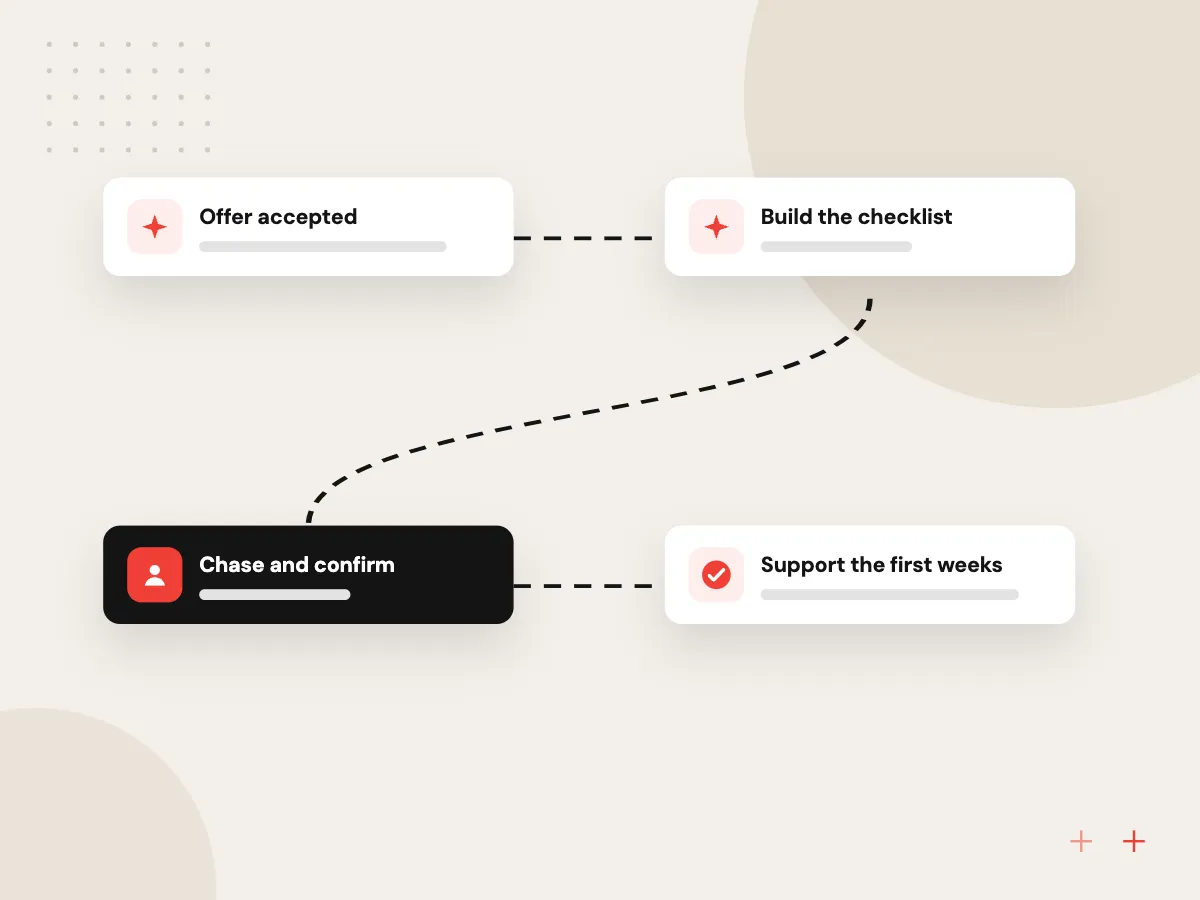
How onboarding runs from offer to first month
Offer accepted, nothing missed
- 01 Offer accepted The signed offer in your applicant tracking system starts the onboarding record.
- 02 Build the checklist Tasks for HR, IT, the manager and the new hire are set by role and location.
- 03 Chase and confirm Reminders go out for missing forms, and deadlines such as Form I-9 are tracked.
- 04 Support the first weeks The new hire assistant answers questions and prompts the manager to check in.
HR staff examine identity documents and approve pay and benefits; the system tracks, reminds and reports.
Onboarding automation from offer to first month
Onboarding involves HR, IT, payroll and the hiring manager, and most delays happen in the handoffs between them.
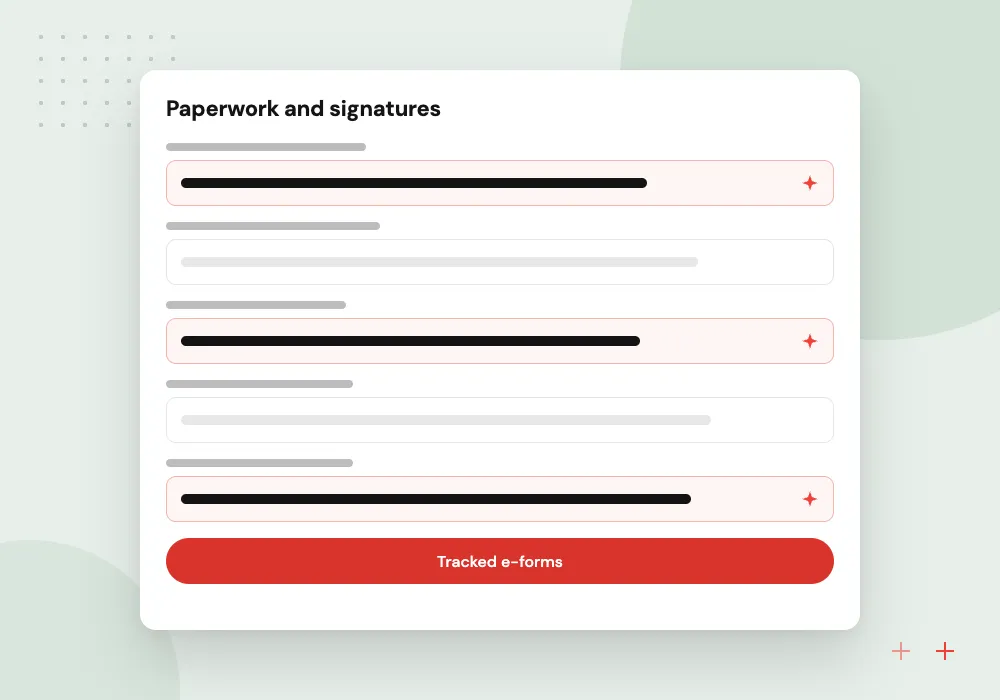
Paperwork and signatures
Tax forms, direct deposit, policy acknowledgments and the employee’s section of Form I-9 are sent, tracked and chased until they are complete.
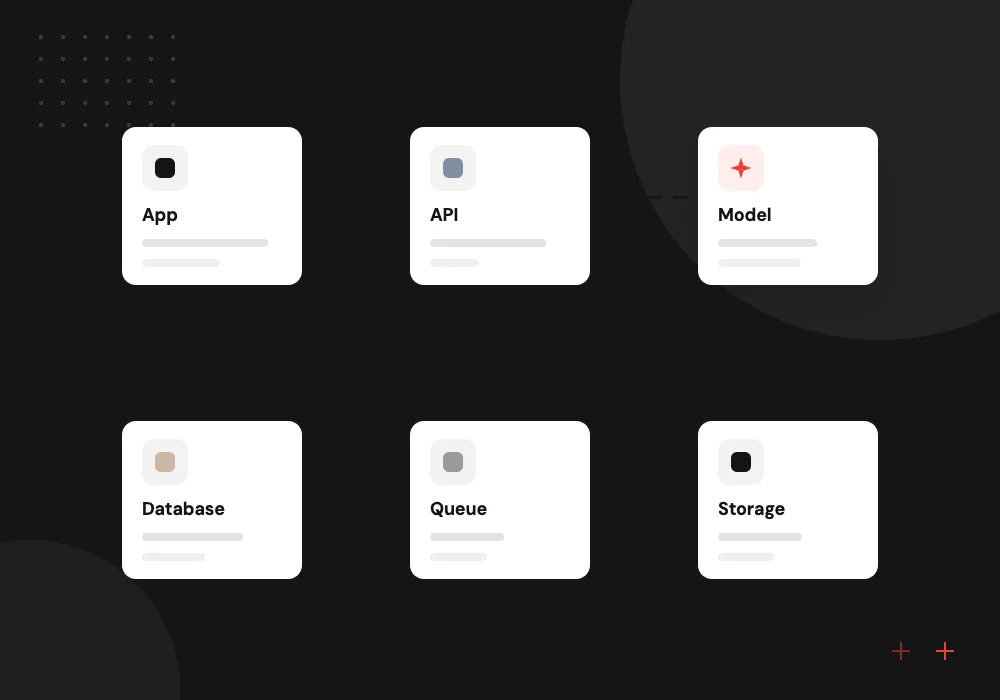
Accounts and equipment
IT receives a ticket listing the role’s apps, groups and hardware before the start date, so the laptop and logins are ready on the first morning.
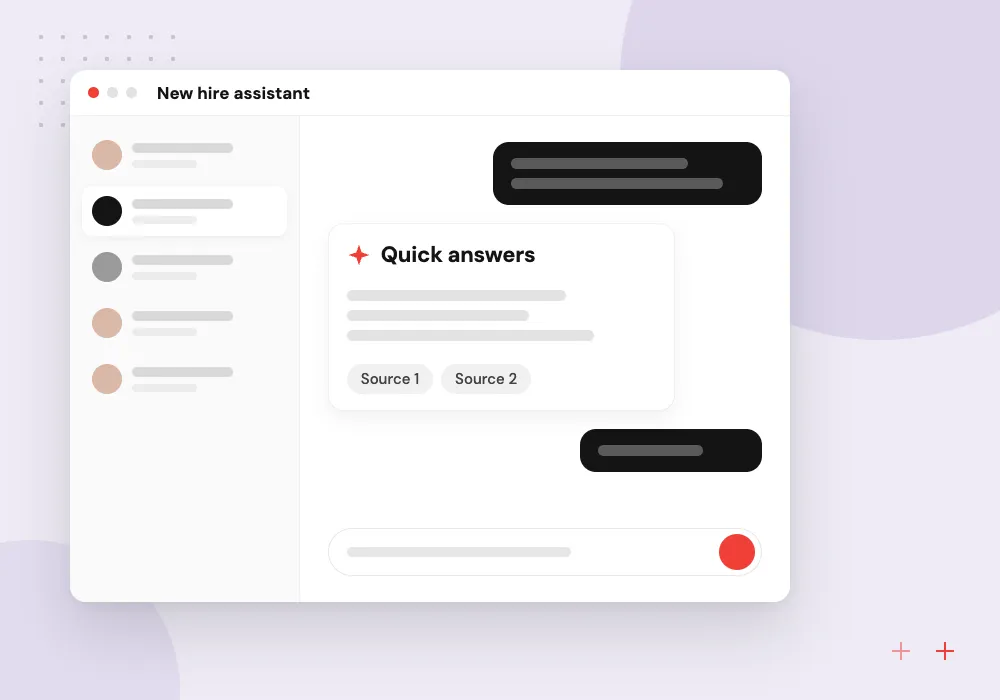
New hire assistant
Before and after the start date, new hires ask about parking, dress code, payday or benefits and get answers from your own materials.
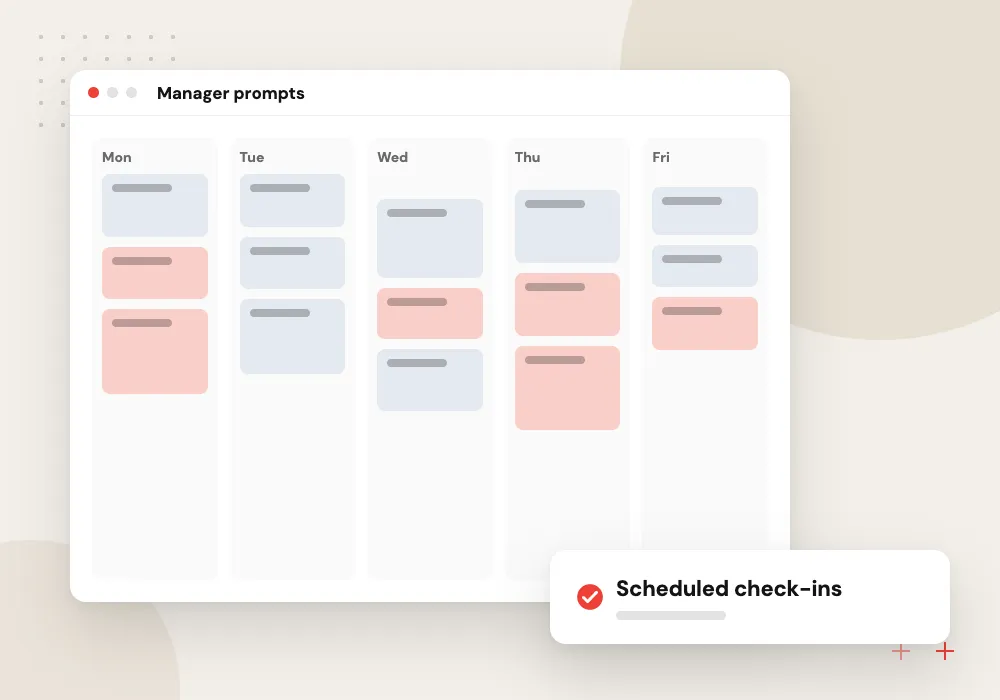
Manager prompts
Managers get reminders to plan the welcome, set first goals and hold check-ins, along with a short list of what is still open.
Checklists that build themselves
We turn your onboarding spreadsheet or binder into rules. A field technician in Michigan and a remote accountant in North Carolina need different forms, equipment, training and state documents. The system reads role, location and start date from the offer and builds the right task list for everyone involved.
What we do
- Role and location task templates
- State tax and notice forms
- IT and equipment tickets
- Training assignments in your LMS
- Status board for HR
Deadline tracking and HR review
Some onboarding steps carry legal deadlines, such as Form I-9, and others simply matter to the new hire, like a working laptop. HR sees one board of every hire’s open items, overdue tasks are escalated to their owner, and the AI never decides eligibility, pay or benefits.
What we do
- Deadline alerts by task owner
- Overdue escalation to HR
- Record of completed steps
- Document review kept with HR
- Weekly onboarding status report

How we approach a project
Companies that hire often or in batches are the usual fit: staffing agencies placing workers, home care agencies bringing on caregivers and retailers before a busy season. See AI for staffing agencies and AI for home care agencies.
USCIS sets the Form I-9 Section 2 timing; the system tracks it, while your HR staff complete the review. Mapping your current onboarding steps is the topic of a first 30-minute conversation, and the contact page is where to request one.
How we work
- Checklists set by role and location
- Deadlines tracked, not remembered
- People handle the welcome
Our Process
-

Map today’s onboarding
We list every step HR, IT, payroll and managers take for a recent hire, including the ones nobody wrote down.
-

Write role templates
Tasks, forms, equipment and training are grouped by role and location, with an owner and deadline for each.
-

Connect the systems
We link the ATS, HRIS, payroll, identity provider and learning system, then test with dummy hires end to end.
-

Run with the next hires
The next few new hires go through the new flow while HR watches the status board and flags gaps.
Why Aranv for onboarding
One record from offer onward
Names, dates and role details flow from the applicant tracking system to every other system, so nobody retypes them and typos stop spreading.
Compliance steps stay human
Document review, eligibility, pay and benefits decisions remain with HR. The system tracks deadlines and evidence so audits are easier, without deciding anything itself.
Templates per location
State forms, notices and office details differ from site to site, so each location gets its own template instead of one long checklist with exceptions.
New hires get real answers
The assistant answers from your own handbook and schedules, cites them, and hands personal questions to a person instead of guessing.
Planning AI Employee Onboarding?
Book a 30-minute conversation with the team that would build it.
AI employee onboarding FAQs
-
What does AI add to onboarding automation?
Rules-based workflows handle the checklist. AI handles the parts that involve language: answering a new hire’s questions from your handbook, reading offer details into the record, drafting welcome messages and summarizing for HR who is behind on what.
-
Can the system complete Form I-9 for us?
No. It can send employees their section, track the deadline and remind the right person, but your HR staff or authorized representative must examine the documents and complete Section 2. The tracking supports that step rather than replacing it.
-
Which HR and IT systems does it connect to?
Applicant tracking systems, HRIS and payroll platforms, Microsoft Entra ID or Google Workspace for accounts, your IT ticketing tool and your learning system. We confirm API access for each in discovery and skip any connection that costs more effort than it saves.
-
What does a new hire assistant know?
Only what you give it: the handbook, benefits summaries, office details, the first-week schedule and role guides. It cites a source for each answer, cannot see other employees’ data and passes questions about pay or personal situations to HR.
-
How long until onboarding automation is running?
That depends on how many roles and locations you have, how many systems need connecting and how settled your current process is. We usually start with one role family at one location, then add others once the first flow runs cleanly.

Let’s talk about your next step
Contact Aranv to discuss your workflow, current tools, and goals. Meet with our team or send an inquiry.
Book a meeting with our team
Choose an available date and time for a 30-minute conversation about your project.
Tell us about your project
Share a few details so we can discuss a useful next step.
Prefer email? sales@aranv.com