


What AI ticket routing includes
Aranv builds AI ticket routing for support teams on Zendesk, Freshdesk, Jira Service Management and similar helpdesks: each new ticket is read, given a category, priority, product and language, matched to the customer’s plan or SLA, and assigned to the queue or agent best placed to solve it.
We connect to your helpdesk through its API and webhooks, so routing runs inside the tool your agents already use. A new ticket triggers the routing service, which writes fields, tags and the assignment back to the ticket. Agents see ordinary tickets that arrive already sorted.
Routing is often the first step of wider AI customer support automation, which adds drafted replies and self-service. If most requests start in a shared mailbox rather than a helpdesk, AI email triage covers that setup, and internal IT requests follow a similar pattern on our AI IT help desk page.
How a ticket gets routed
From new ticket to the right agent
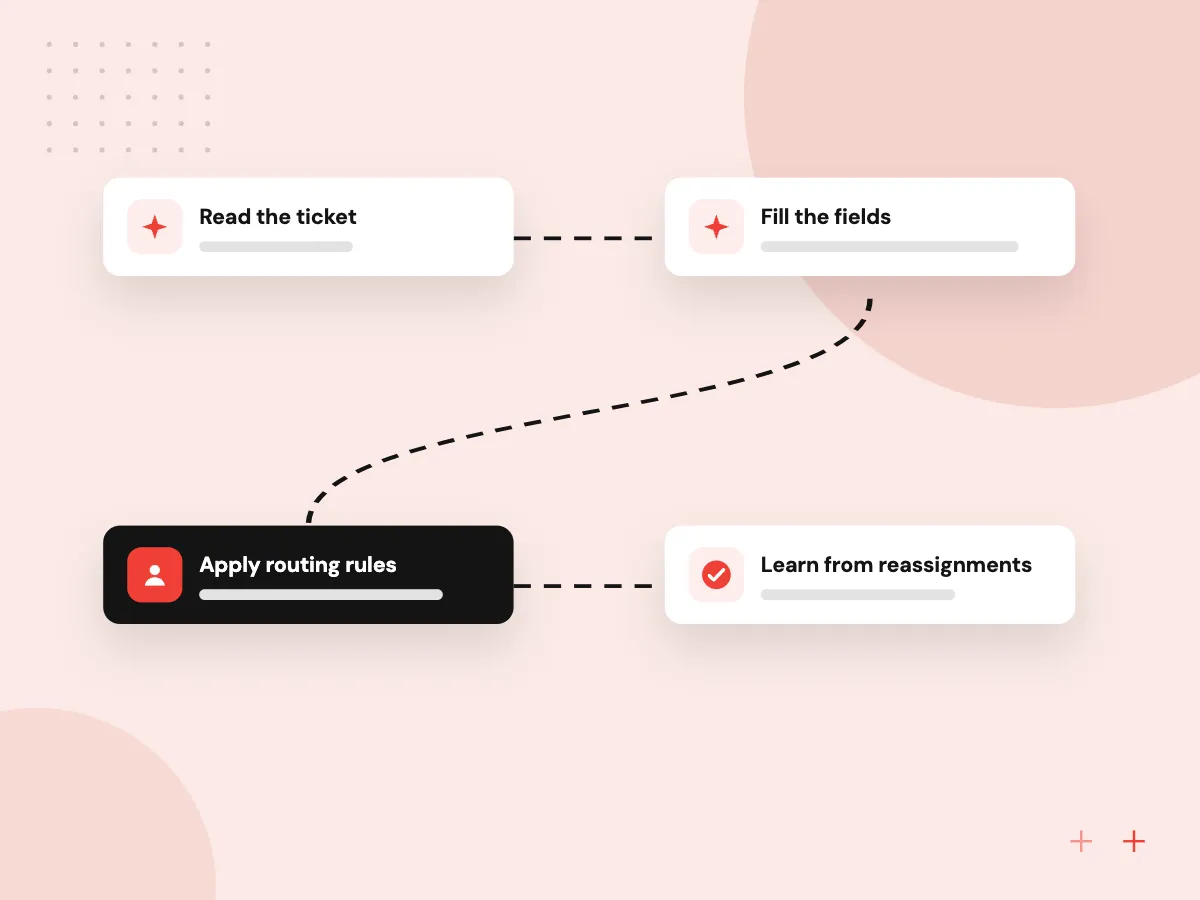
- 01 Read the ticket Subject, body, attachments and the customer record are read together as it arrives.
- 02 Fill the fields The model sets category, product, priority and language, each with a confidence score.
- 03 Apply routing rules Your rules combine those fields with SLA, plan and agent skills to pick a queue.
- 04 Learn from reassignments When agents move a ticket, the correction is logged and used to tune routing.
Tickets the model is unsure about go to a human triage queue instead of a guess.
Helpdesk automation around triage
Routing is more than picking a queue. These are the jobs we automate around it.
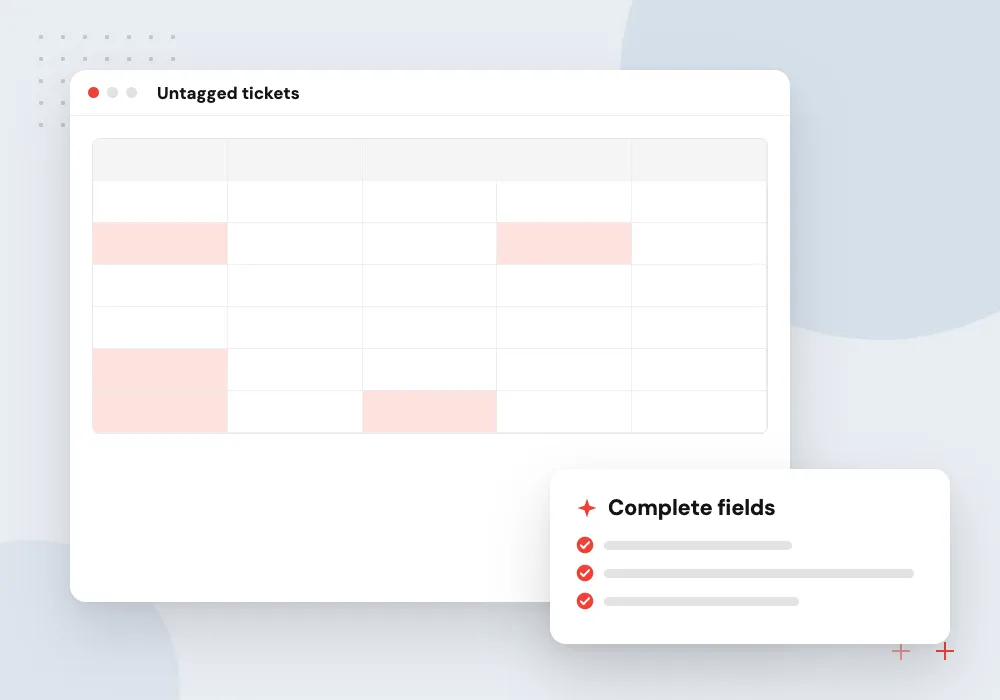
Category and priority tagging
Every ticket gets the category, product and priority fields your reports depend on, filled in the same way at any hour of the day.
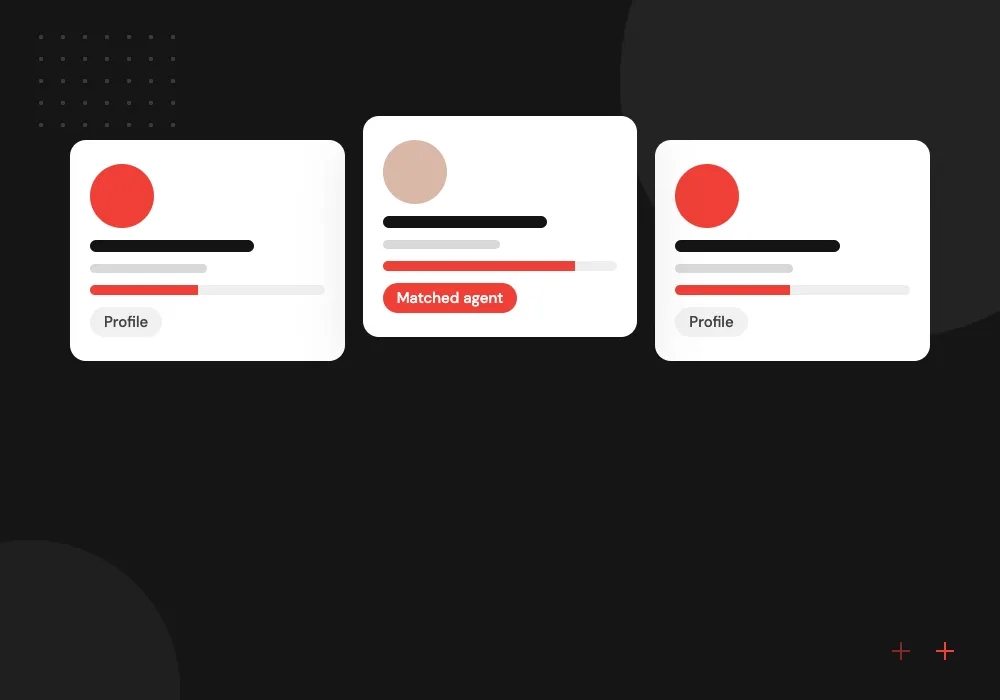
Skill and language routing
Billing questions reach billing, Spanish tickets reach Spanish speakers, and large accounts reach the team that owns their service agreement.
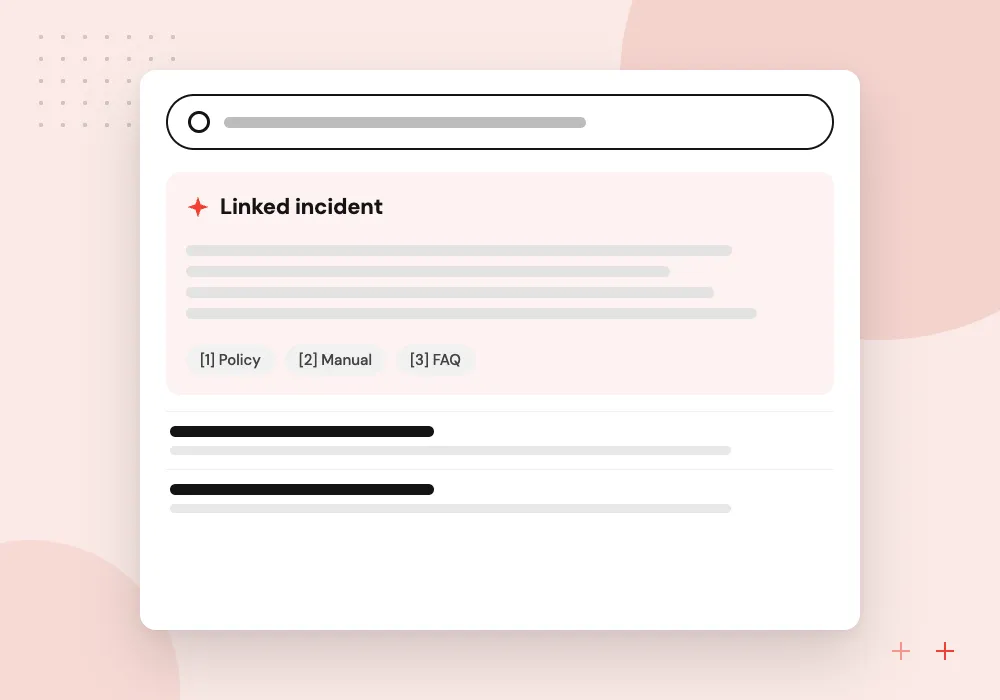
Duplicate and incident detection
When many customers report the same outage, their tickets are linked to one incident so agents answer once and update everyone together.
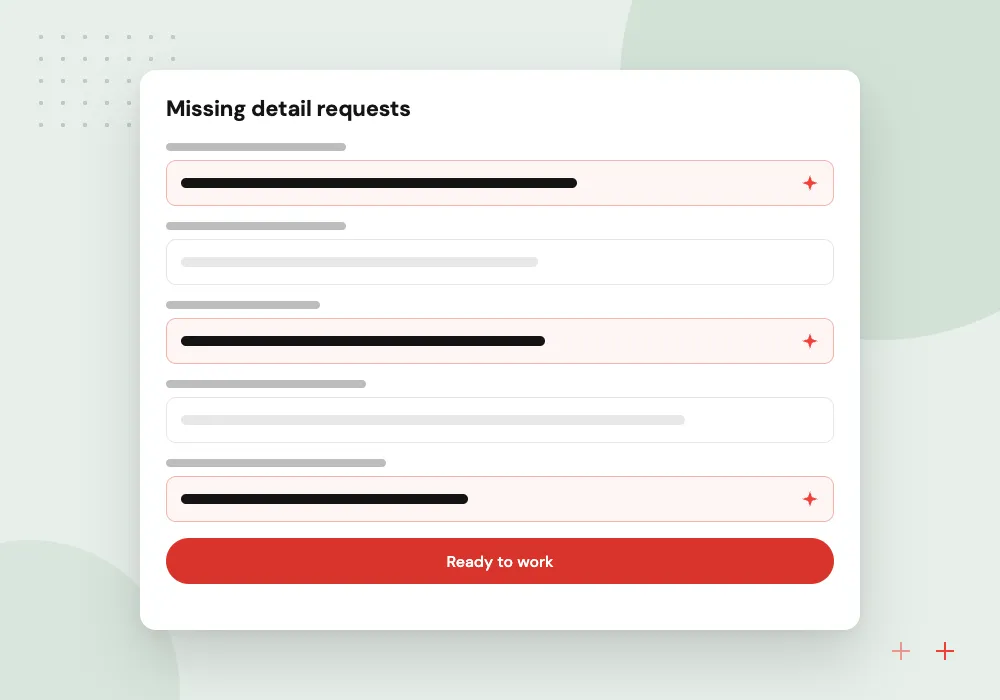
Missing detail requests
If a ticket lacks an order number, device model or account email, the customer is asked for it automatically before an agent picks it up.
Clean categories before any model
Routing breaks when categories overlap. Helpdesks tend to collect tags over the years, some unused and some meaning the same thing. We review recent tickets with your support lead, merge and retire tags, and write a one-line definition for each category the model will use.
What we do
- Tag and category audit
- Written definition for each category
- Priority rules tied to your SLAs
- Labelled sample for testing
- Report fields that stay consistent
Confidence, fallbacks and an audit trail
Each field the model sets comes with a confidence level. Above your threshold, the ticket routes on its own; below it, the ticket lands in a triage queue with the model’s suggestion shown. Every decision is written to an internal note, so supervisors can see why a ticket went where it did.
What we do
- Thresholds per field and queue
- Human triage queue for unsure tickets
- Internal note explaining each decision
- Weekly accuracy check on samples
- API calls that respect rate limits

How we approach a project
Support ticket triage pays off where volume is high and products vary, as in software companies and online retail. See AI for SaaS companies and AI for retailers for those settings.
Helpdesk APIs cap how many calls an integration can make, as the Zendesk rate limit documentation shows, so the service queues and retries its requests. Export a sample of tickets first, and in a 30-minute conversation we will go through your tags and queues together; booking is on our contact page.
How we work
- The model fills fields, rules assign
- Unsure tickets go to people
- Agent corrections improve routing
Our Process
-

Audit tags and queues
We pull recent months of tickets, review how they were categorized and agree a clean list with your support lead.
-

Label a test set
Senior agents confirm the right category and queue for a few hundred tickets, which become the scoring benchmark.
-

Shadow mode
The model suggests routing on live tickets without acting, and we compare its choices with what agents did.
-

Switch on by queue
Automatic routing starts in the queues where it scored best, then expands while accuracy holds on new tickets.
Why Aranv for ticket routing
Clean categories first
We fix overlapping tags and vague categories before adding a model, because routing can never be clearer than the categories it sorts tickets into.
Inside your current helpdesk
Agents keep their views, macros and SLAs. Routing writes to standard fields and notes, so switching it off later leaves a working helpdesk behind.
Measured before it acts
Shadow mode on live tickets shows how often the model agrees with your agents, queue by queue, before any automatic assignment is turned on.
Explains each decision
An internal note on every ticket records the fields set, the confidence and the rule applied, so supervisors can trace any routing choice.
Planning AI Ticket Routing?
Book a 30-minute conversation with the team that would build it.
AI ticket routing FAQs
-
Which helpdesks does AI ticket routing work with?
Any helpdesk with an API and webhooks or triggers, including Zendesk, Freshdesk, Jira Service Management, HubSpot and Salesforce Service Cloud. We check your plan, because some API features and limits depend on it, and confirm which fields an integration can write.
-
How is this different from our helpdesk’s built-in rules?
Built-in rules match keywords and form fields. A language model reads the whole message, so it can tell a refund request from a question about refund policy and notice urgency written in plain words. Your existing rules stay and use the fields the model fills.
-
What if the model sends a ticket to the wrong team?
The agent reassigns it as they would today, and the correction is logged. Tickets below the confidence threshold never route automatically in the first place. We review corrections weekly at first and adjust definitions or thresholds where a mistake repeats.
-
How many past tickets do you need to start?
Recent months of tickets are usually enough to audit categories and build a test set. Language models do not need a large training set for routing, but they do need clear category definitions and a labeled sample to check against.
-
Will AI routing change our support reports?
It should make them more consistent, because fields are filled the same way every time. We agree the category list with your support lead first and map old tags to new ones, so month-over-month comparisons still work.

Let’s talk about your next step
Contact Aranv to discuss your workflow, current tools, and goals. Meet with our team or send an inquiry.
Book a meeting with our team
Choose an available date and time for a 30-minute conversation about your project.
Tell us about your project
Share a few details so we can discuss a useful next step.
Prefer email? sales@aranv.com