


What sales order entry automation covers
Aranv builds AI order processing for US distributors, wholesalers and manufacturers that receive purchase orders by email, PDF or spreadsheet. The system reads each order, matches the customer, ship-to and items to your ERP, checks price, stock and credit, and creates a sales order for your order desk to confirm.
Orders arrive in every shape: a PDF from the customer’s purchasing system, a spreadsheet, a photo of a handwritten list or an email that says ‘same as last week, plus two cases of gloves’. A language model reads them into a standard order structure, and references like ‘same as last week’ are resolved from order history and shown to the rep.
Matching is the hard part. Customer part numbers, old SKUs, abbreviations and units such as case, box or each are mapped to your item master, and confirmed pairs are saved so that buyer’s next order matches directly. Ship-to addresses are matched to existing locations; a new address is flagged, never created silently.
An emailed purchase order, start to finish
From customer PO to confirmed sales order
- 01 Read the order PDFs, spreadsheets and plain email text are read for items, quantities, dates and ship-to.
- 02 Match customer and items Customer part numbers and descriptions are mapped to your SKUs and units of measure.
- 03 Check price, stock, credit Contract or quoted prices, available stock and credit limits are checked before entry.
- 04 Create and acknowledge A sales order is created for review, and a confirmation goes back to the buyer.
Large customers on EDI keep their EDI feed; this covers the long tail of buyers who order by email.
Email order automation for the order desk
Much of an order desk’s day goes on reading and typing. These are the parts of that job the system takes over.
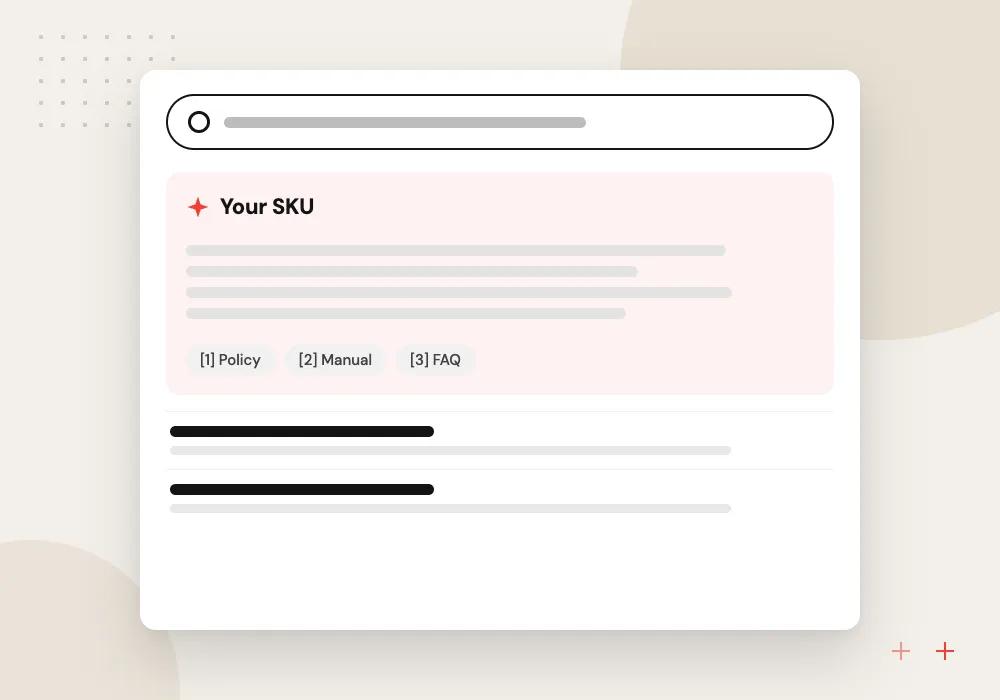
Customer item cross-reference
A buyer’s part number or loose description is matched to your SKU using past orders and a cross-reference table that grows as the desk confirms new pairs.
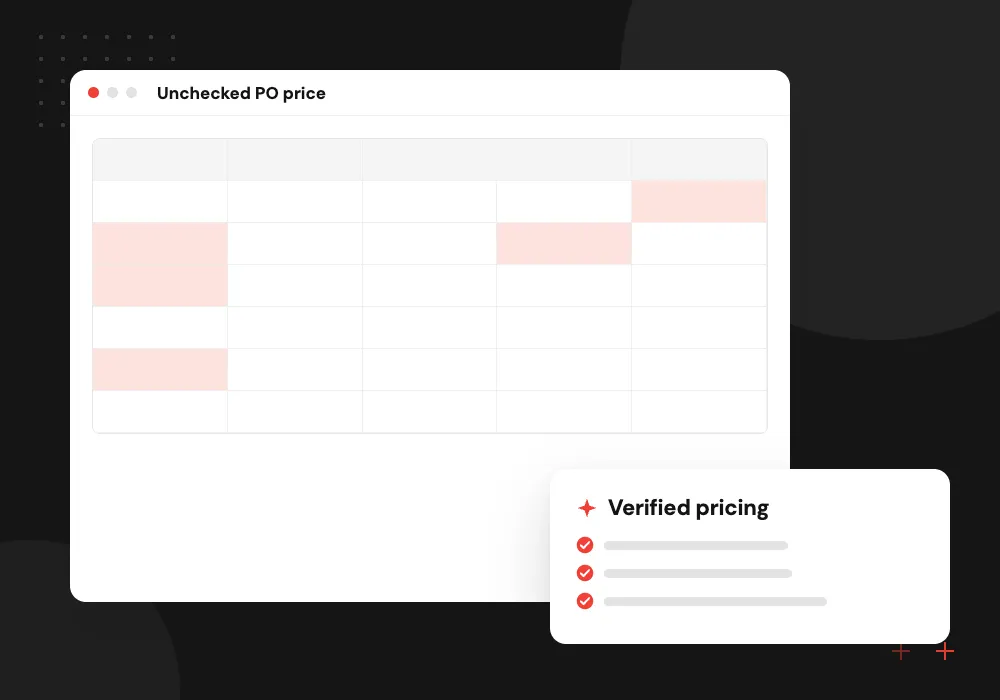
Price and contract checks
The price on the PO is compared with the customer’s contract or last quote, and any difference is shown to the rep before the order is accepted.
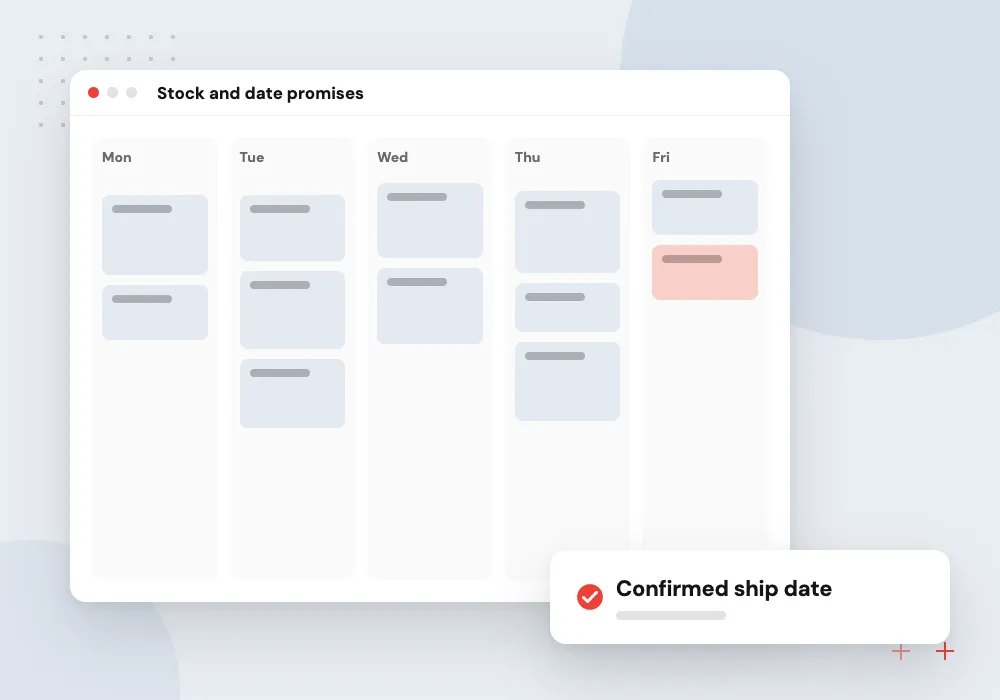
Stock and date promises
Stock and lead times are checked line by line, and partial shipments or substitutes are proposed when an item cannot meet the requested date.
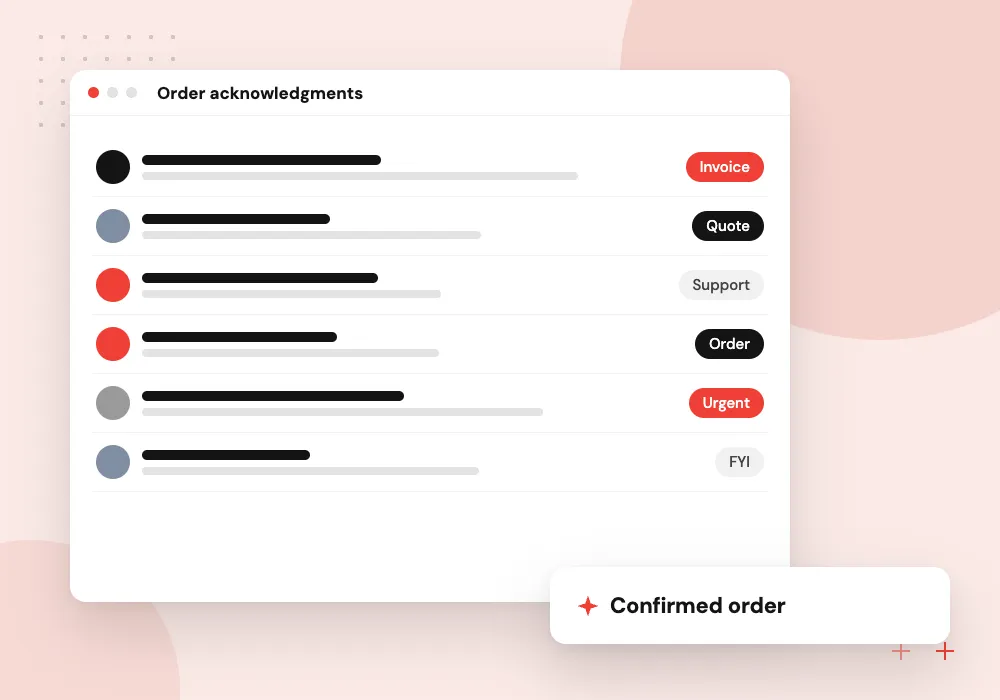
Order acknowledgments
Once the desk approves, a confirmation with order number, prices and ship dates is drafted and sent back to the buyer in the same email thread.
Matching customer items to your catalog
Every customer describes products their own way. The system builds a cross-reference per customer from past orders, suggests a match for each new line with the reason, and asks the order desk only about lines it cannot place. Confirmed answers are saved, so the same question does not come back.
What we do
- Per-customer cross-reference table
- Unit of measure conversion
- Substitute item suggestions
- Discontinued SKU warnings
- Reason shown for each match
Checks before an order is released
An order entered wrong costs a return or a credit later. Before creation, the system checks contract or quoted price, minimum order quantity, stock by warehouse, credit status and ship-to details, and the rep sees every exception on one screen with a suggested fix.
What we do
- Contract price comparison
- Credit hold awareness
- Stock by warehouse
- Minimum and pack quantity rules
- Duplicate PO detection

How we approach a project
Orders are created in your ERP through its API, whether NetSuite, Business Central, Odoo, SAP Business One or a custom system; Odoo work runs through AI for ERP and Odoo. Buyers who order through a B2B ecommerce platform skip this step entirely, and some customers can be moved there over time.
Distributors with many small accounts ordering by email carry the most of this work; see AI for distributors and wholesale distribution software. Related jobs such as AI quote generation and AI email triage share much of the same intake.
How we work
- Customer part numbers mapped once
- Price gaps never pass silently
- Order desk confirms before release
Our Process
-

Sample a month of orders
We collect a month of emailed orders together with the sales orders your desk created from them.
-

Build the cross-reference
Past orders are used to map customer part numbers and units to your SKUs before anything goes live.
-

Shadow the order desk
For a few weeks the system drafts orders while reps key them as usual, and we compare the two line by line.
-

Release by customer
Customers whose orders match reliably move to automatic drafting first; others follow as their mappings fill in.
Why Aranv for order processing
Built around your item master
We start with your SKUs, units and customer pricing structure, because matching quality depends on them more than on the model.
Order desk stays in control
Reps approve orders before release and decide which customers or order types may pass straight through once the results have earned it.
Works next to EDI
Customers on EDI keep their feed. We cover the email, PDF and spreadsheet orders that EDI never reached and write both into the same ERP order flow.
Replies in the buyer’s thread
Acknowledgments go back on the buyer’s original email with order number and dates, so customers get an answer without logging in to a portal.
Planning AI Order Processing?
Book a 30-minute conversation with the team that would build it.
AI order processing FAQs
-
How does AI order processing handle emailed purchase orders?
The system watches your order inbox, reads each PO whether it is a PDF, spreadsheet or email text, matches the customer and items to your ERP, checks price, stock and credit, and creates a sales order for review. A confirmation can then go back to the buyer.
-
Can it handle customer part numbers that differ from ours?
Yes. It builds a cross-reference per customer from past orders and descriptions, suggests matches for new lines and saves each pair the order desk confirms. Confirmed pairs are reused on that customer’s next order.
-
Do we still need EDI?
For large customers who require it, yes. EDI suits high-volume trading partners with fixed formats. AI order processing covers the customers who will never set up EDI and keep sending PDFs and emails, and both can feed the same order flow in your ERP.
-
What happens when the PO price does not match our price?
The order is held and the rep sees both prices, the source of each (contract, quote or price list) and the gap. The rep decides whether to accept, correct or call the buyer. Nothing with a price mismatch is released automatically.
-
Which ERP systems can orders be created in?
Any ERP that exposes an API or accepts a reliable import file, including NetSuite, Business Central, Odoo, SAP Business One, Acumatica, Epicor and custom systems. We confirm your version and the fields your order flow requires during discovery.

Let’s talk about your next step
Contact Aranv to discuss your workflow, current tools, and goals. Meet with our team or send an inquiry.
Book a meeting with our team
Choose an available date and time for a 30-minute conversation about your project.
Tell us about your project
Share a few details so we can discuss a useful next step.
Prefer email? sales@aranv.com