


How AI document classification works
Aranv builds AI document classification for small and midsize US companies that take in mixed paperwork through shared inboxes, scanners and portals. Each file is split into separate documents, labeled by type, tagged with identifiers such as account or claim number, and routed to the team, folder or system that handles it.
We start with your list of document types and a sample of each, including the awkward ones: two-sided scans, forms with handwriting, documents that look alike but belong to different teams. Some classifiers train from very few examples; Microsoft’s custom classification model needs at least two classes and five samples per class. Look-alike types get more.
The method depends on your documents. Some sets suit a trained classifier, others a language model that reads the first pages and picks a label from your list with a reason, and many use both, with rules on top for clear signals such as a printed form number. Low confidence always sends the document to a person.
From a mixed pile to sorted, routed documents
How a document gets its label
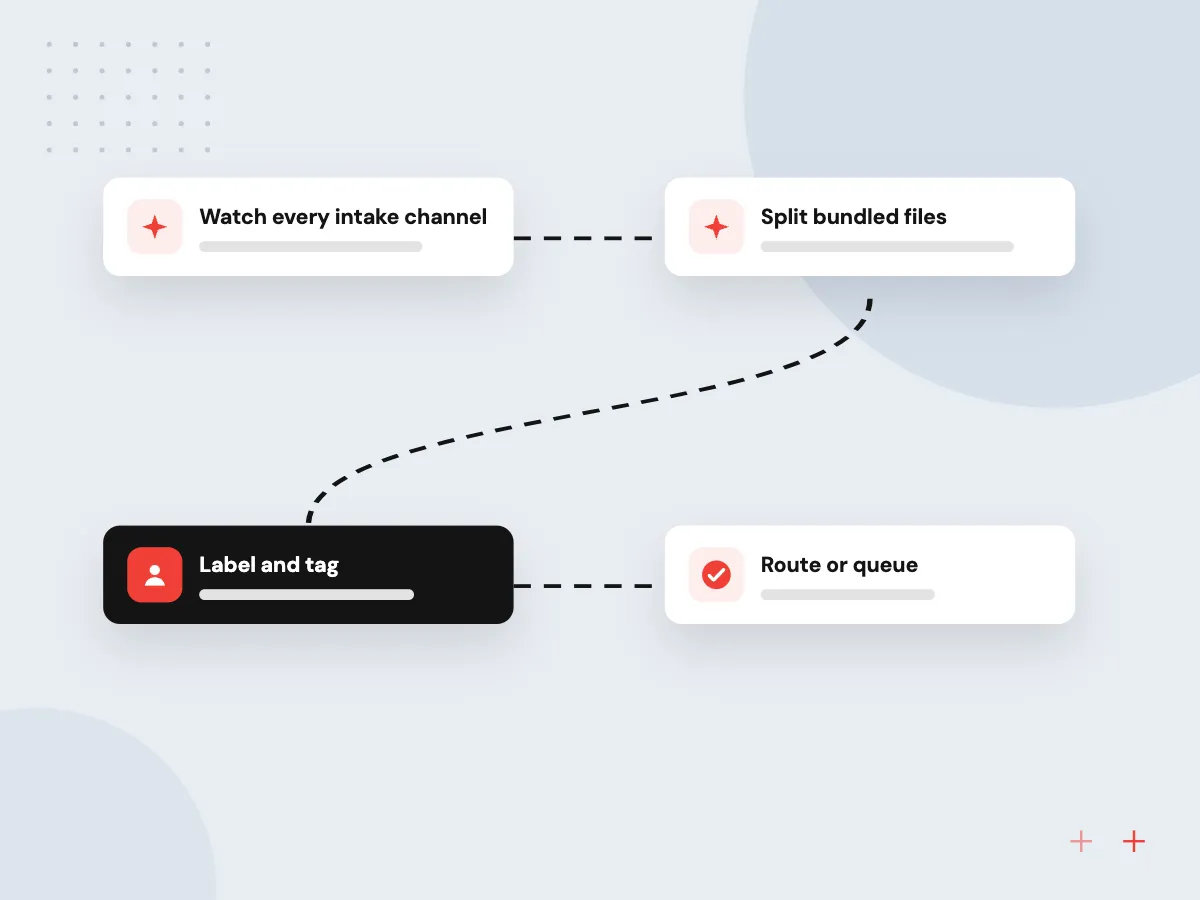
- 01 Watch every intake channel Shared inboxes, scanner folders, portal uploads and fax-to-email feeds are gathered in one place.
- 02 Split bundled files A 40-page scan is cut into its separate documents using page content and layout.
- 03 Label and tag Each document gets a type, a confidence score and identifiers like customer or policy number.
- 04 Route or queue Confident results go to the right folder or system; doubtful ones go to a sorter.
An ‘other’ label catches documents outside your list, so nothing is forced into the wrong category.
Document sorting AI in practice
A label is rarely the goal on its own. It decides what happens next, so each of these jobs pairs a label with an action.
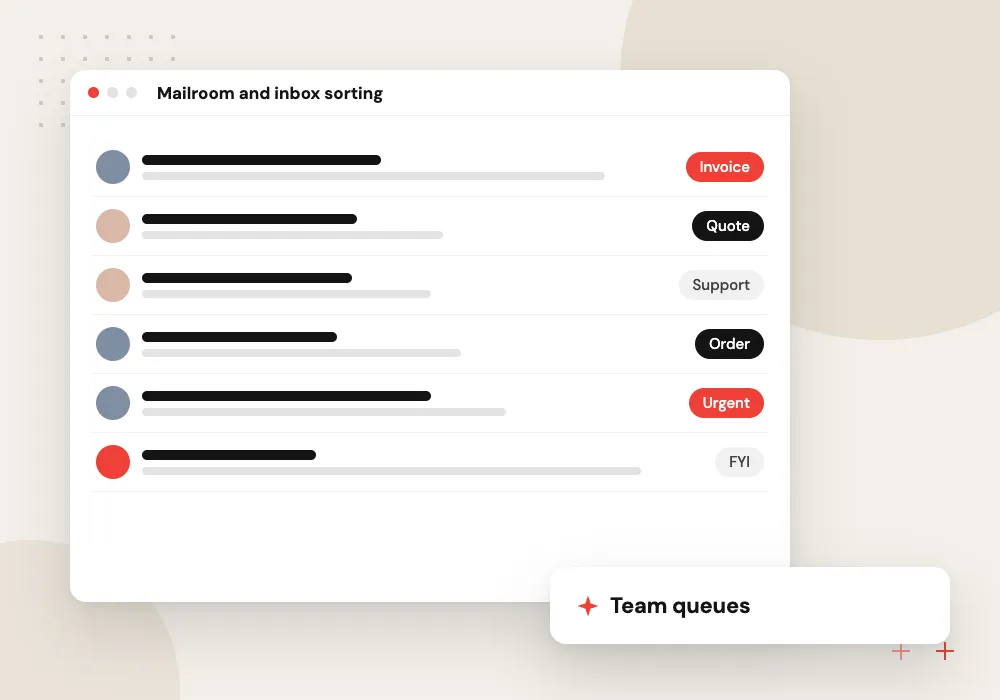
Mailroom and inbox sorting
Invoices, statements, W-9s, certificates of insurance and customer letters arriving in one inbox are labeled and sent to finance, compliance or service queues.
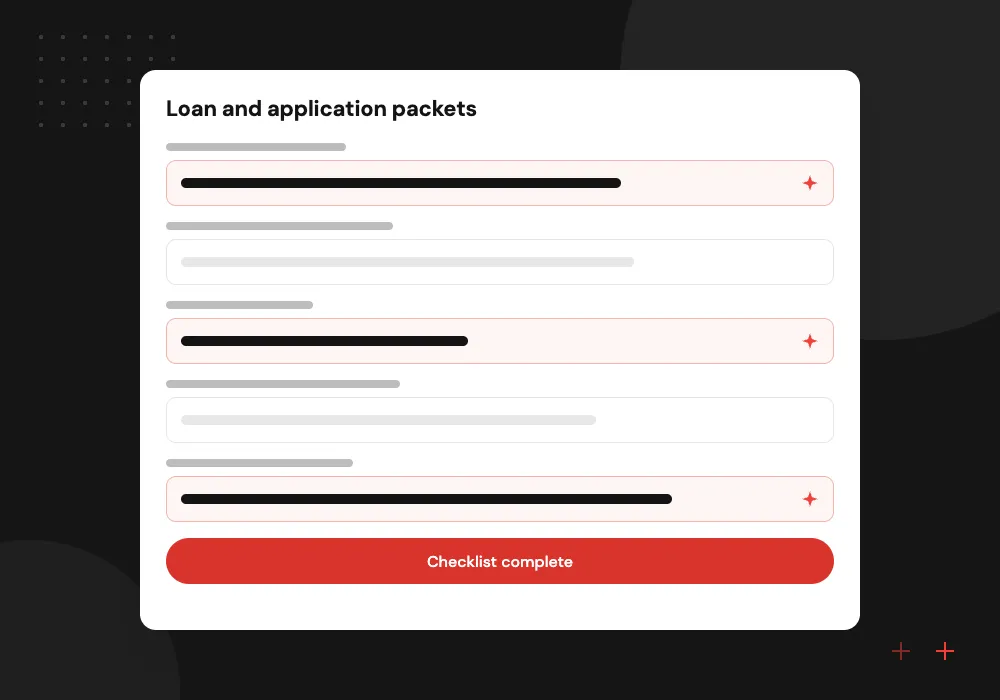
Loan and application packets
One upload holding pay stubs, bank statements, tax returns and IDs is split apart and checked against the list of documents the application needs.
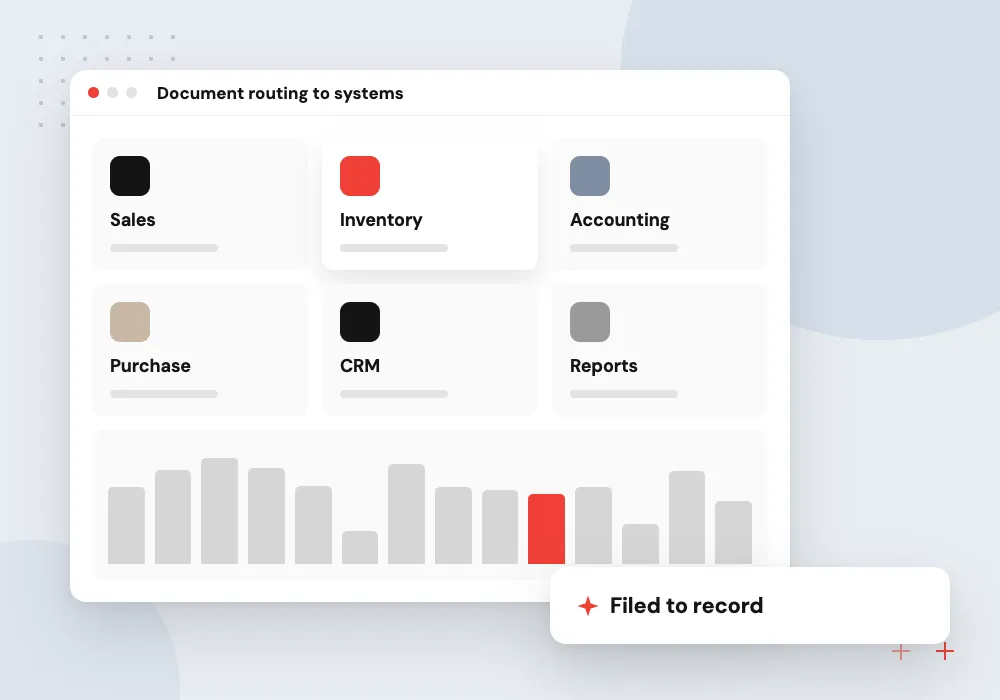
Document routing to systems
Labeled documents are filed against the right record in your DMS, CRM or ERP, using the customer, order or claim number read from the page.
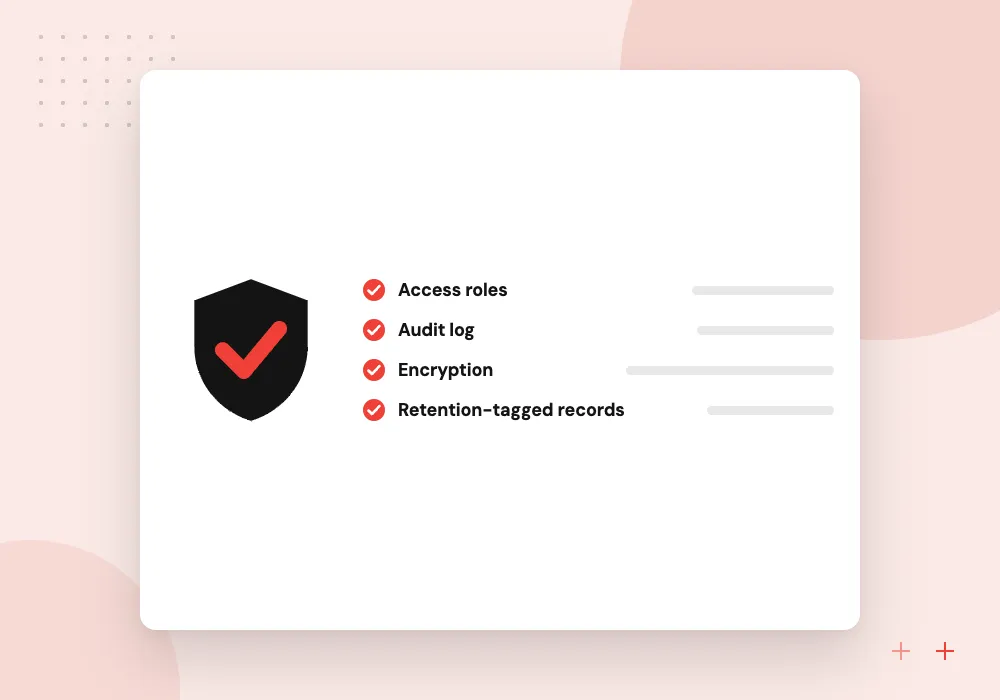
Retention tagging
Documents get a retention category on arrival, so finance, HR and legal records follow the right schedule without anyone tagging them by hand later.
Splitting bundled scans
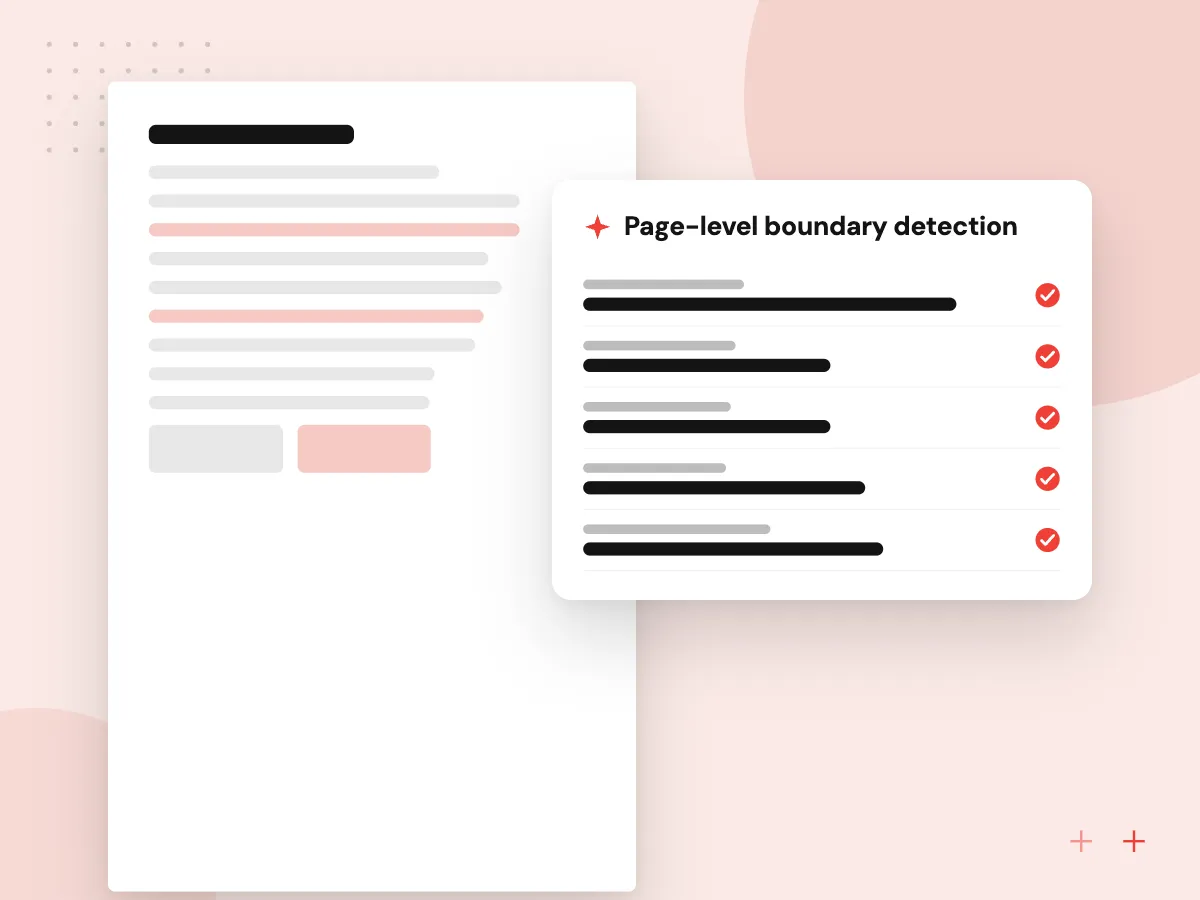
Scanners and portals often deliver many documents in one file. The system looks at each page for signs of a new document: a fresh letterhead, a ‘page 1 of 3’ footer, a change in layout or sender. It returns page ranges per document, and a sorter can drag a boundary if a split is wrong.
What we do
- Page-level boundary detection
- Page ranges per document
- Blank and separator pages dropped
- Manual boundary correction
- Original file kept intact
Routing rules and the review queue
A label alone does not move work. Routing rules say where each type goes, which identifier links it to a record and what to do when no record matches. Sorters work one queue of uncertain items, and every correction becomes a new training example.
What we do
- Destination per document type
- Record lookup by identifier
- Orphan items held for review
- Corrections saved as examples
- Daily volume and accuracy report

How we approach a project
Classification is the front door to most document work. After sorting, invoices continue into AI invoice processing, contracts into AI contract review and forms into AI data entry automation. All of it runs on our AI document processing stack.
Insurers and lenders handle some of the widest mixes of incoming paperwork; see AI solutions for insurance. Filing targets range from SharePoint and Google Drive to a document management system we build or extend for you.
How we work
- Your document types, your labels
- Low confidence goes to people
- Nothing filed without a trail
Our Process
-

Agree the category list
With the teams that receive documents, we list every type, where it should go and who owns it.
-

Collect labeled samples
Your staff label a sample per type from recent intake, and we add an ‘other’ class for strays.
-

Train and compare methods
Classifier, language model and rule options are tested on held-back samples, and the best mix is chosen.
-

Route with a safety net
Live documents are routed by confidence threshold, with a review queue and a weekly accuracy check.
Why Aranv for document classification
Labels that match your teams
We design categories around who acts on each document, not a generic taxonomy, so every label implies a next step and an owner.
Measured per category
Accuracy is reported for each document type, including which types get confused with each other, so you decide where automatic filing is safe.
Connected to where files live
Sorted documents are filed into SharePoint, Google Drive, your DMS, CRM or ERP against the right record, with the source file preserved.
Corrections feed retraining
Every relabel by a sorter is stored and used in the next training round, and we retest before each model update goes live.
Planning AI Document Classification?
Book a 30-minute conversation with the team that would build it.
Document classification FAQs
-
How many example documents does AI document classification need?
Fewer than most people expect for clearly different types. Some classifiers train with five samples per class, but we gather more where types look alike, such as two similar forms. A few dozen labeled examples per type gives a fair test of accuracy.
-
What happens to documents the system does not recognize?
They get the ‘other’ label, or go to the review queue when confidence is low. A person labels them, and if a new type keeps turning up we add it to the category list and retrain.
-
Can it split a single PDF that contains several documents?
Yes. The system looks for page-level signs that a new document starts and returns a page range for each one, labeled separately. Sorters can move a boundary in the review screen if a split is wrong.
-
Where do classified documents go after sorting?
Wherever your team works: a SharePoint or Google Drive folder, a document management system, or a record in your CRM, ERP or claims system. Each document is linked to the right record using identifiers read from the page.
-
Is document routing different from classification?
Classification decides what a document is; routing decides where it goes and who acts on it. Routing uses the label plus details such as customer number, region or amount, so two documents of the same type can reach different teams.

Let’s talk about your next step
Contact Aranv to discuss your workflow, current tools, and goals. Meet with our team or send an inquiry.
Book a meeting with our team
Choose an available date and time for a 30-minute conversation about your project.
Tell us about your project
Share a few details so we can discuss a useful next step.
Prefer email? sales@aranv.com