


What Copilot Studio development covers
Aranv provides Copilot Studio development for US companies already working in Microsoft 365 and Power Platform. We design, build and govern Microsoft Copilot agents that answer from SharePoint and Dataverse, act through Power Automate and connectors, and publish to Teams, Microsoft 365 Copilot or your website.
We set up environments, decide where topics or generative orchestration should drive the conversation, and connect knowledge such as SharePoint, uploaded files and Dataverse. Actions run through Power Platform connectors, custom connectors to your APIs, or agent flows in Power Automate.
Governance comes first: data loss prevention policies, who may create agents, which connectors are allowed and how agents move from test to production as solutions. For a wider review of AI risk, our AI governance consulting covers policy and sign-off paths.
How a Copilot Studio agent is put together
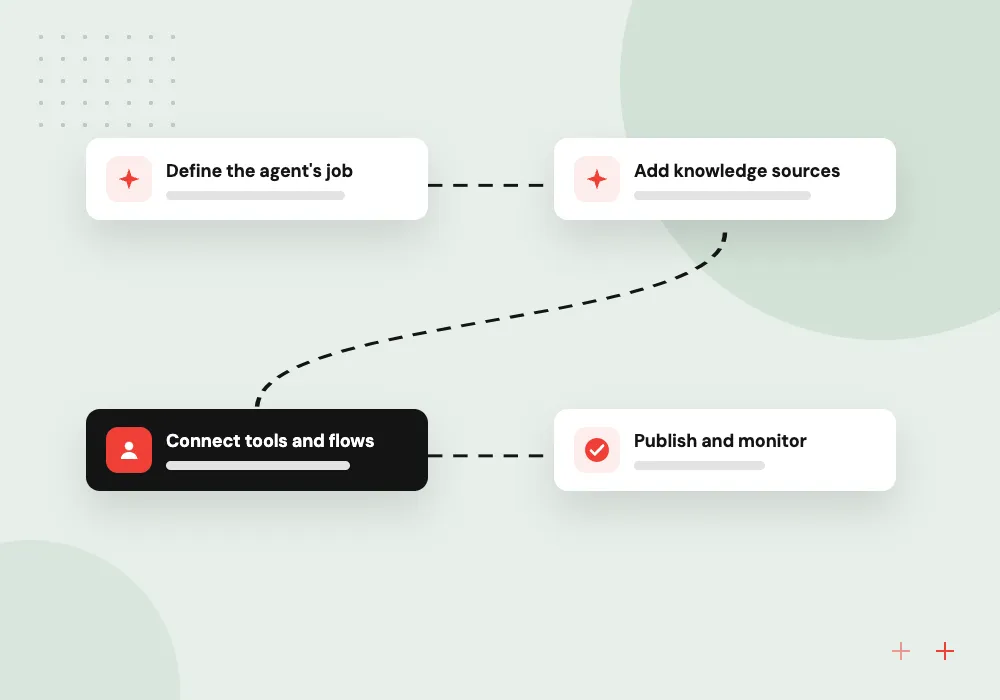
From a business question to a governed agent
- 01 Define the agent’s job Instructions, tone and the questions it should and should not handle.
- 02 Add knowledge sources SharePoint sites, uploaded files, Dataverse tables or approved public web pages.
- 03 Connect tools and flows Connectors and agent flows let it look up and update business records.
- 04 Publish and monitor Release to Teams or Microsoft 365 Copilot, then review analytics and feedback.
Power Platform environments, data policies and solutions keep test agents and production agents apart.
Copilot Studio agents we build
Copilot Studio fits teams that already keep their knowledge in SharePoint and run their processes on Power Platform.
Employee help agent
Staff ask about benefits, travel rules or IT steps in Teams, and the agent answers from SharePoint pages and hands off to a person when unsure.
Sales and service agent
Account managers ask for customer history, open cases or contract dates, and the agent pulls them from Dataverse, Dynamics 365 or a connected CRM.
Request and approval agent
The agent collects the details for a purchase, access or leave request, starts an agent flow and reports the approval status back.
Website service agent
A public agent on your site answers service questions from approved pages and opens a case in your service system for follow-up.
Agents grounded in SharePoint and Dataverse
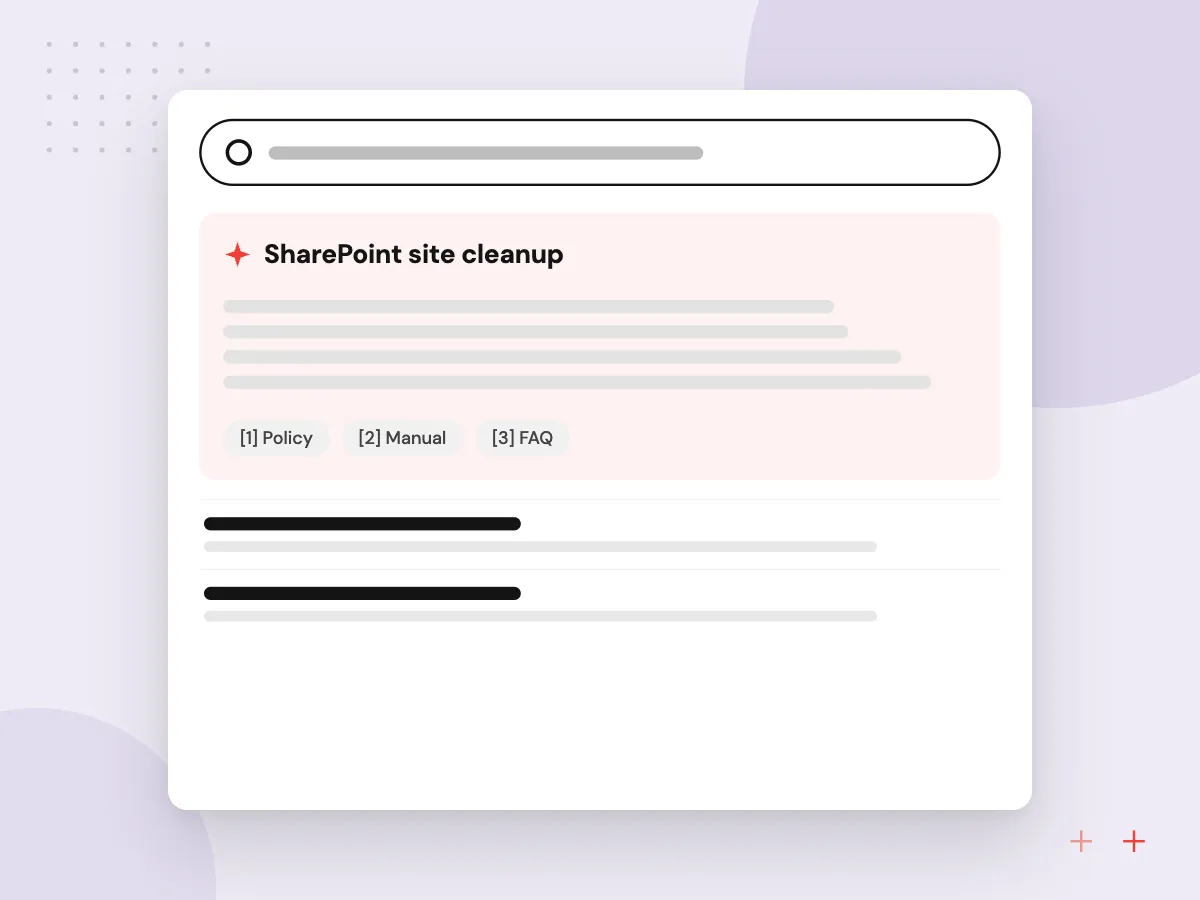
Most Copilot Studio agents answer from content you already have. We tidy the SharePoint sites they draw on, check that permissions match who should see what, add Dataverse tables for structured data, and test that answers cite the right page rather than an old copy in another library.
What we do
- SharePoint site cleanup
- Permission review before indexing
- Dataverse tables as knowledge
- Synonyms and glossary setup
- Answer tests with citations
Governance, testing and usage review
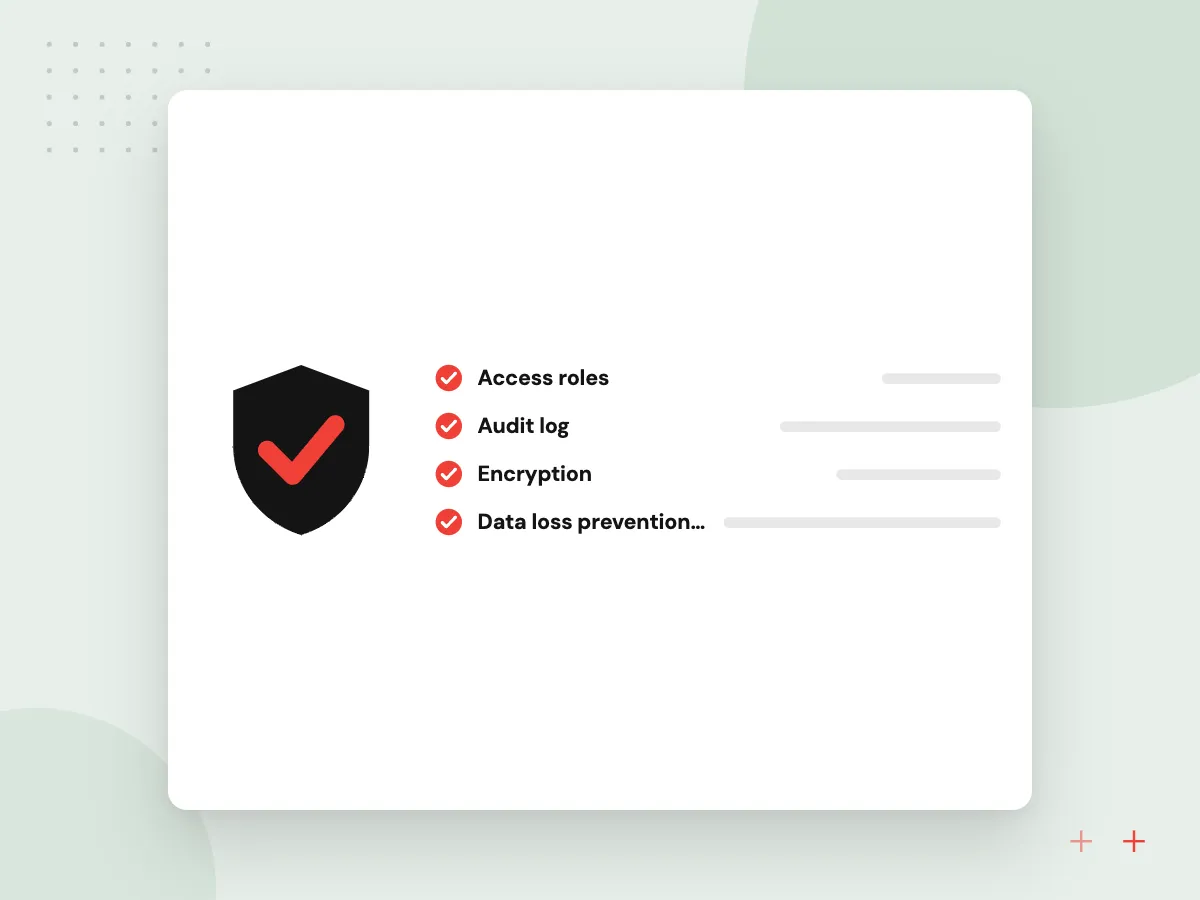
Low-code agents still need controls. We set data policies, separate test and production environments, move agents between them as solutions, and keep a list of questions to rerun after each change. After launch we review analytics and credit use with the owner so problems surface early.
What we do
- Data loss prevention policies
- Separate test and production
- Solution-based releases
- Rerun question list
- Monthly analytics and credit review

How we approach a project
Copilot Studio is not always the right fit. When an agent needs a custom model, heavy logic or strict hosting control, we build it in code as a custom Microsoft Teams bot or on Azure OpenAI. Workflows spanning many non-Microsoft systems belong under AI workflow automation.
Microsoft publishes quotas and limits for Copilot Studio, including request rates and file sizes. We check them against your expected volume and estimate Copilot Credit use with you before launch.
How we work
- Low-code only while it stays maintainable
- Data policies set before publishing
- Business owners can edit topics
Our Process
-

Pick the agent and its owner
We choose one agent with a named business owner who will keep its topics and knowledge current.
-

Prepare sources and policies
SharePoint content is tidied, permissions are checked, and data policies are agreed with your Power Platform admin.
-

Build in a test environment
Topics, knowledge, connectors and flows are built and tried against a saved set of real staff questions.
-

Publish, train, hand over
We publish to the chosen channel, show the owner how to edit topics, and review analytics together after launch.
Why Aranv for Copilot Studio
We tell you when to code
If an agent would be easier to test and run as code, we say so before you invest in topics and flows that will be hard to maintain.
Owners trained to edit
Your business owner learns to change topics and knowledge safely, so small updates never wait in a developer’s queue.
Admins kept in the loop
Connector choices, data policies and environment setup are agreed with your Power Platform admin and written down for later audits.
Custom connectors you own
Connectors we build to your APIs are documented and stored in your tenant and repository, so other agents and flows can reuse them.
Planning Copilot Studio Development?
Book a 30-minute conversation with the team that would build it.
Copilot Studio FAQs
-
How much does Copilot Studio development cost?
Our build cost depends on the number of topics and flows, the knowledge sources to prepare, custom connectors to your systems and the governance work your tenant needs. Microsoft licensing and Copilot Credit usage are separate and billed by Microsoft, so we estimate expected usage with you during discovery.
-
What is the difference between Copilot Studio agents and Microsoft 365 Copilot?
Microsoft 365 Copilot is the assistant licensed per user inside Microsoft 365 apps. Copilot Studio is the tool for building your own agents with your instructions, knowledge and actions. Those agents can be published into Microsoft 365 Copilot, Teams or a website, depending on your licenses.
-
Can business users maintain a Copilot Studio agent themselves?
Often, yes. After handover a trained owner can edit topics, add knowledge and read analytics. Changes to connectors, flows and data policies should still pass through your Power Platform admin, and we document which parts are safe to change.
-
When should we not use Copilot Studio?
Skip it when you need tight control over the model, logic that becomes hard to follow on a low-code canvas, high volumes of users outside Microsoft 365, or full control of hosting and logs. A coded agent is often easier to test in those cases and can cost less at volume.
-
Can a Copilot Studio agent connect to systems outside Microsoft?
Yes. Power Platform offers connectors for many common business systems, and we build custom connectors to your own APIs where none exist. Salesforce, ServiceNow, Zendesk and Confluence can also act as knowledge sources for answers.

Let’s talk about your next step
Contact Aranv to discuss your workflow, current tools, and goals. Meet with our team or send an inquiry.
Book a meeting with our team
Choose an available date and time for a 30-minute conversation about your project.
Tell us about your project
Share a few details so we can discuss a useful next step.
Prefer email? sales@aranv.com