


What construction software development includes
Aranv provides construction software development for general contractors, specialty trades and builders: field apps for daily logs and time, change order and RFI tracking, job cost dashboards tied to accounting, subcontractor portals for waivers and insurance, and AI search across specs, submittals and site notes.
Contractors usually run estimating software, a project management platform and accounting with job costing, plus many spreadsheets. We connect and extend what already works, then build the missing pieces, such as a field app or a sub portal. Specialty trades that also run service calls can see our field service software page for dispatch and work orders.
Money and paperwork move between the site and the office. We tie time cards and committed costs to accounting through QuickBooks integration or your ERP’s API, so a job cost report reflects this week rather than last month. Public jobs often need certified payroll, and we export it from the same time records.
How field work reaches the job cost report
From jobsite to cost report
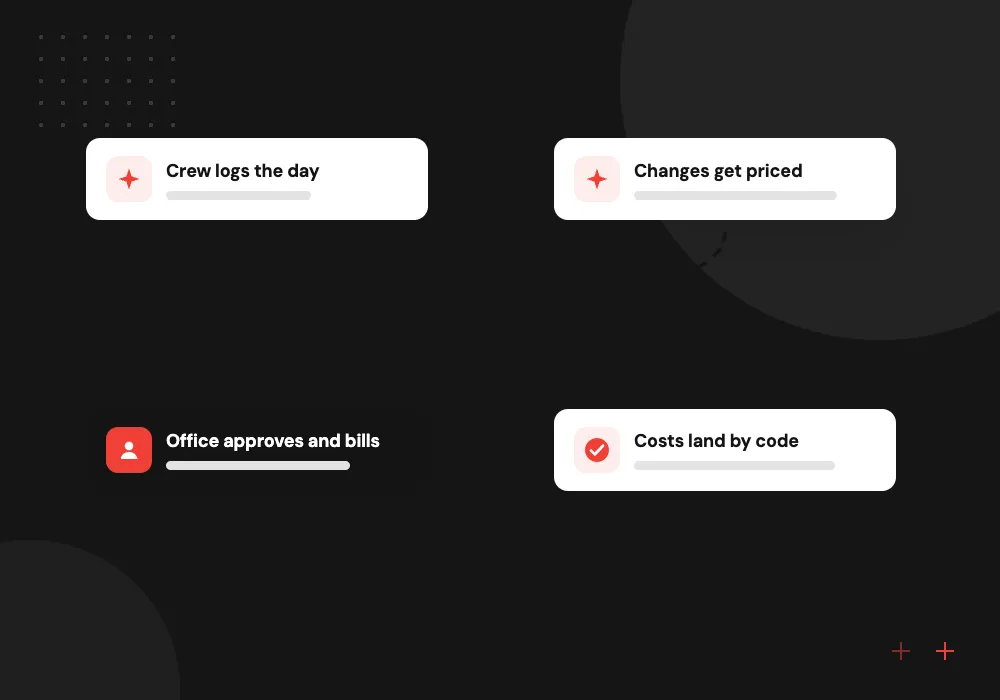
- 01 Crew logs the day Hours, photos, weather and delivered materials are entered on a phone at the site.
- 02 Changes get priced RFIs and change requests are logged with cost and schedule impact before work proceeds.
- 03 Office approves and bills Approved changes update the budget and the next pay application.
- 04 Costs land by code Field hours and invoices post to cost codes, so margins are current each week.
We connect your estimating, project and accounting tools first, and only build what they cannot do.
Contractor software for the field and office
Superintendents, project managers and accounting staff often work from different numbers. These tools give them the same ones.
Field apps for crews
Daily logs, time cards, photos and toolbox talks captured on a phone at the jobsite and synced to the office by the end of the shift.
Change orders and RFIs
Requests for information, submittals and change orders tracked with owners, due dates and cost impact, so nothing sits unanswered in an inbox.
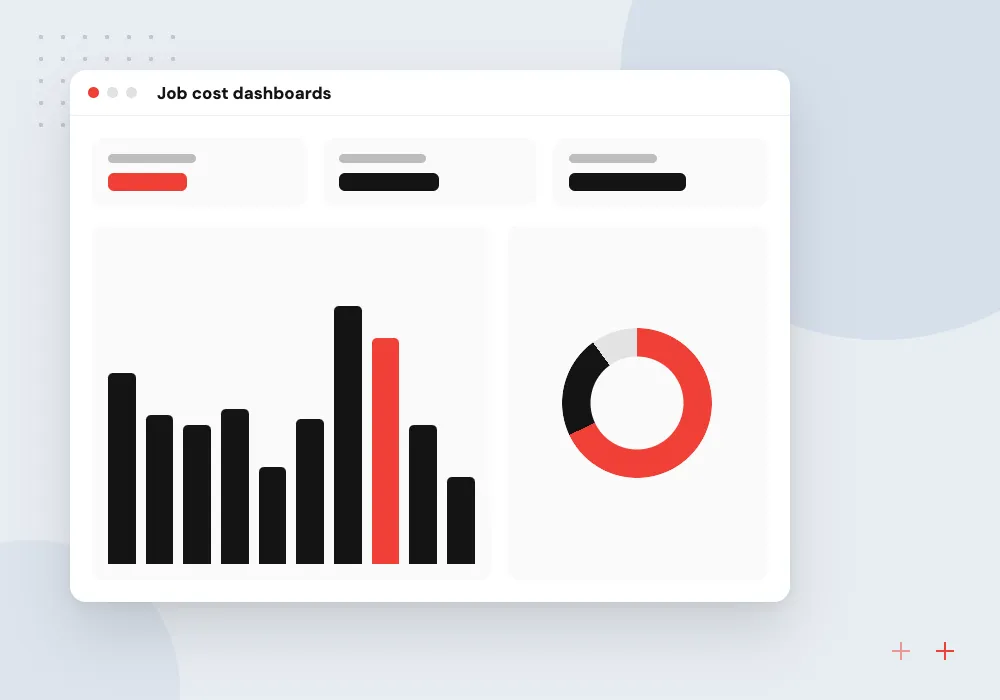
Job cost dashboards
Budget, committed cost and actual spend per cost code, combining field hours and accounting entries into one view for each project.
Subcontractor portals
Subs upload insurance certificates, lien waivers and pay applications in one place, with expiry reminders and checks before payment is released.
Pay applications and subcontractor compliance
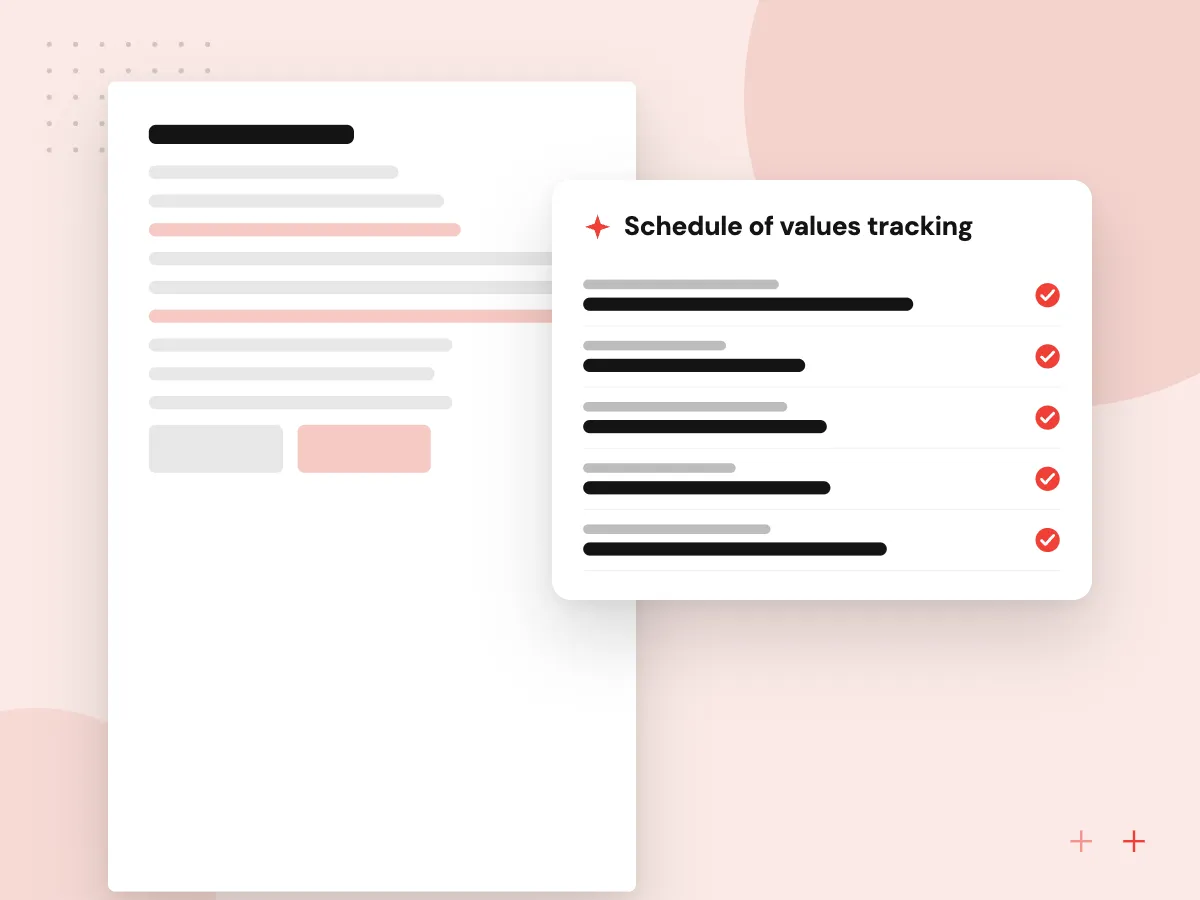
Monthly billing on a commercial job runs on schedules of values, retainage and lien waivers. We build tools that prepare AIA-style pay applications from approved progress, track retainage per subcontract and hold a sub’s payment until the waiver and a current insurance certificate are on file.
What we do
- Schedule of values tracking
- Retainage by subcontract
- Conditional and unconditional waivers
- Insurance certificate expiry alerts
- Certified payroll exports
AI on specs, submittals and site notes
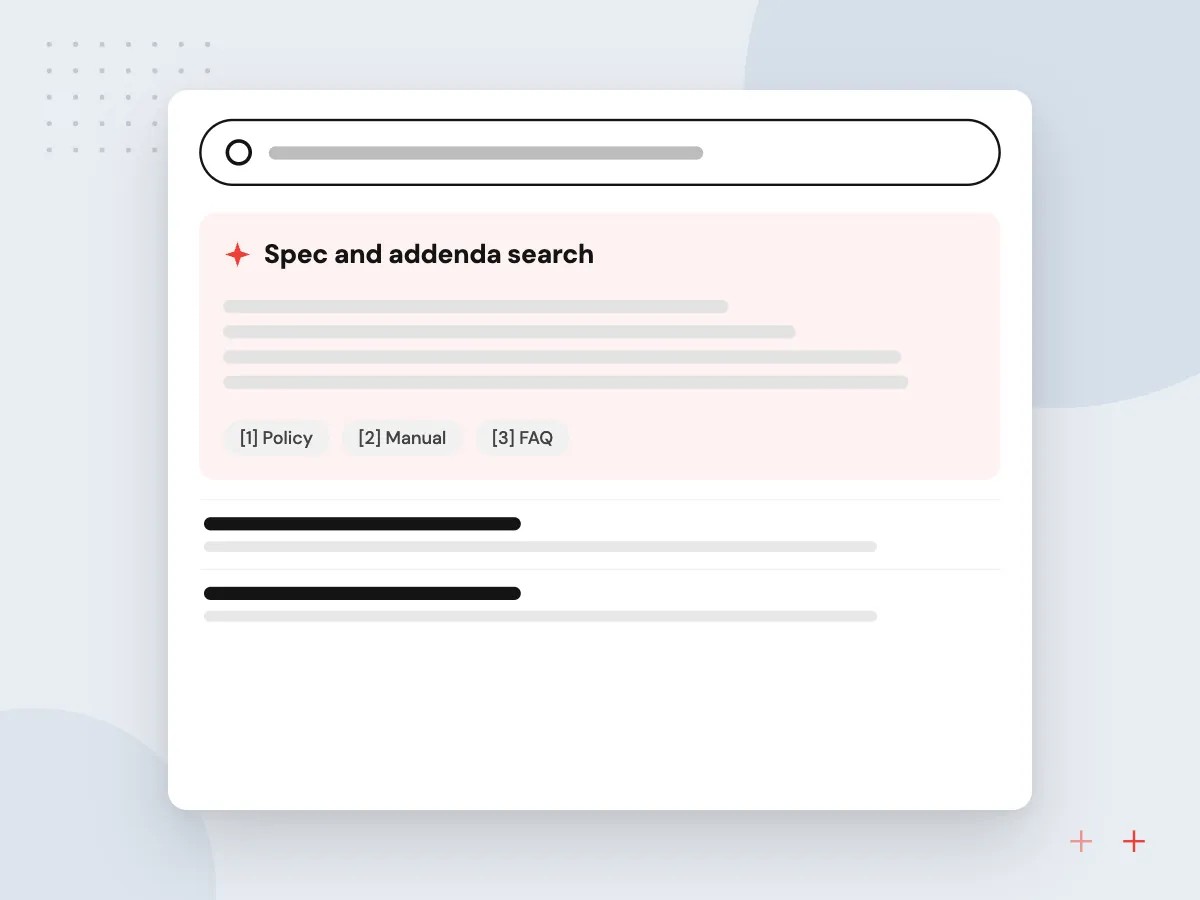
Specs, addenda and submittals on a single project can run to hundreds of pages. We build search that answers a superintendent’s question with the exact spec section, drafts daily reports from voice notes and compares product data against the spec. A project manager approves anything sent to the owner or architect.
What we do
- Spec and addenda search
- Voice note to daily report
- Submittal checks against the spec
- Photo tagging by area and trade
- RFI drafts with section references
How we approach a project
Safety records also need a home. OSHA requires many employers to keep injury and illness logs, and some establishments must submit them electronically each year through its Injury Tracking Application. We build incident forms that feed the OSHA 300 log and the annual summary, and your safety manager confirms which forms apply.
For AI, AI for construction companies goes deeper on assistants for estimators and project managers, and RAG and knowledge search explains how document answers cite their source pages. Other trades and sectors appear on our industries hub, and superintendents are welcome on the 30-minute conversation that starts each project, booked through our contact page.
How we work
- Faster than the paper it replaces
- Cost codes match across every system
- Every change keeps its paper trail
Our Process
-

Visit a live jobsite
We spend time with a superintendent and the office team, on site or by video, to see how logs, RFIs and costs move.
-

Pick the costliest gap
Together we choose the first problem, such as slow change orders or missing waivers, and define what fixed looks like.
-

Pilot on one project
One active job uses the new tool with its real crew, and screens are adjusted after the first few weeks.
-

Roll out across jobs
New projects start on the system by default, with templates for cost codes, forms and approval limits.
Why contractors work with Aranv
Tried on a real jobsite
Each screen a crew uses is tested on an active site before rollout, and we change it based on what foremen and superintendents report.
One set of cost codes
We align cost codes, job numbers and vendor names across field, project and accounting systems, so reports agree without manual cleanup.
A record for disputes
Change orders, RFIs, photos and approvals keep timestamps and authors, which helps when a payment dispute or claim reaches the owner.
Answers with page references
Results from spec or contract search link back to the page and section they came from, so staff can check them before acting.
Planning Construction Software Development?
Book a 30-minute conversation with the team that would build it.
Construction software FAQs
-
Should a contractor buy construction software or build custom tools?
Buy a packaged platform for standard project management if it fits your work. Build custom tools for the gaps it leaves, such as your own estimating logic, a sub portal or links between field and accounting. Many contractors do both, and we will say when a packaged option is enough.
-
How much does construction software development cost?
Cost is set by how many systems must connect, how many roles use the tool, whether crews need offline mobile apps and how much project history moves across. We estimate in phases after discovery, so a first tool can pay its way before the next is funded.
-
Will our crews actually use a construction app?
They will if it is quicker than the paper it replaces. We design for gloves, sunlight and weak signal: big buttons, photo-first entries, offline storage and only the fields the office truly needs. A crew tests each screen before rollout.
-
Can you connect our estimating, project and accounting systems?
Often, yes, through each product’s API or export files. We map cost codes, jobs and vendors across systems first, because mismatched codes are the usual reason two job cost reports disagree.
-
Can AI read construction drawings and specs?
Searching and summarizing specs, submittals and RFIs works well today, as does reading text, schedules and title blocks on drawings. Measuring quantities from plans is less dependable, so any AI takeoff is treated as a draft that an estimator checks.

Let’s talk about your next step
Contact Aranv to discuss your workflow, current tools, and goals. Meet with our team or send an inquiry.
Book a meeting with our team
Choose an available date and time for a 30-minute conversation about your project.
Tell us about your project
Share a few details so we can discuss a useful next step.
Prefer email? sales@aranv.com