


Hybrid app vs native, and the options between
Aranv’s answer on native vs cross-platform app development: choose cross-platform, such as Flutter or React Native, when one team must ship the same app to iOS and Android, and choose native Swift and Kotlin when the app leans on heavy device hardware, advanced graphics or the newest platform features.
Hybrid app vs native. A hybrid app wraps web pages in a native shell. It is quick to build, but Apple expects apps to offer more than a repackaged website, and the feel rarely matches native screens. A progressive web app is often cleaner when store presence is not essential.
Cross-platform options. Flutter and React Native share most code across platforms, and our Flutter vs React Native guide compares them. Kotlin Multiplatform shares business logic while keeping native screens, which suits teams with Android experience.
Three ways to build a mobile app
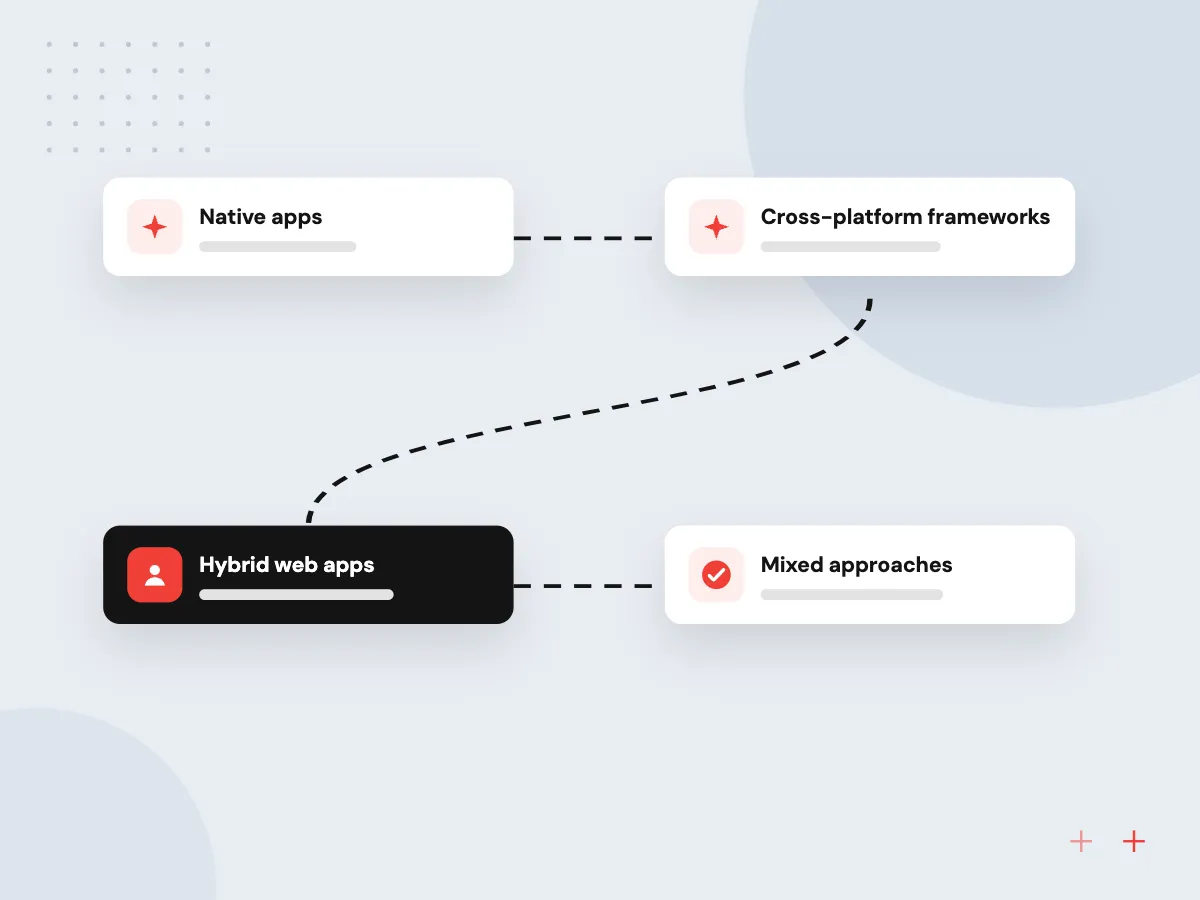
Native, cross-platform or hybrid
- 01 Native apps Swift for iOS and Kotlin for Android: two codebases with full platform access.
- 02 Cross-platform frameworks Flutter, React Native or Kotlin Multiplatform share most code between both platforms.
- 03 Hybrid web apps Web pages inside a native shell; quick to build, limited in feel and device access.
- 04 Mixed approaches Shared code for most screens, native modules for camera, payments or sensors.
The choice rests on what your app must do and who will maintain it, not on which approach is newer.
Native or cross-platform: four deciding points
Most business apps can be built either way. These points show when the choice really matters.
Device and OS features
Apps built around Bluetooth accessories, AR, background location or brand-new OS features are simplest native. Cross-platform apps reach them through plugins or custom native modules.
Team and upkeep
A cross-platform codebase means one set of features to test and maintain. Native means two developers or one person fluent in both Swift and Kotlin.
Look and performance
Native screens follow each platform’s conventions by default. Flutter draws its own interface and React Native maps to native views; both run smoothly for typical business apps.
On-device AI features
Apple and Google expose on-device AI models through native APIs first. Cross-platform apps use them through a maintained plugin or a small native module.
What a native build gives you
Native apps use each platform’s own language, tools and interface components, so new OS features, accessibility settings and hardware APIs are available as soon as Apple or Google release them. The cost is two codebases, two test plans and more coordination for every release.
What we do
- SwiftUI and Jetpack Compose screens
- Full hardware and background access
- New OS APIs on release day
- Platform-standard accessibility behavior
- Separate release plan per store
What cross-platform gives you
A shared codebase lets one team build, test and ship features to iOS and Android together, which keeps both apps in step. Native modules cover what a framework cannot reach. The cost is an extra layer to update when frameworks and OS versions change.
What we do
- One feature backlog for both stores
- Shared tests and business logic
- Native modules where needed
- Planned framework and SDK upgrades
- Web or desktop targets possible

How we approach a project
When native is worth it. Products built around the camera, hardware accessories, complex animation or each new OS release get the most from iOS app development in Swift and Android app development in Kotlin. Native is also the natural path when an existing native app needs new features.
Planning either way. Store review rules, OS updates and target API deadlines apply to every approach. Our mobile app development team plans releases around them, and the app store submission checklist lists what each store asks for.
How we work
- Start from the hardest feature
- Count two years of upkeep
- Prototype the risky screen first
Our Process
-

List the device features
Write down every sensor, background task and hardware accessory the app must use.
-

Check plugin support
Confirm that maintained Flutter or React Native packages exist for each of those features.
-

Build a thin prototype
Prototype the riskiest screen in the chosen approach and try it on older and newer phones.
-

Decide on two-year cost
Compare build effort plus two years of updates, OS changes and new features for each option.
How Aranv helps you choose
We build both ways
Our teams build native iOS and Android apps as well as Flutter and React Native apps, so the advice follows your feature list rather than one toolset.
Feature-by-feature check
We go through each device feature and third-party SDK your app needs and confirm support in every option before you commit.
Prototype the risky part
When one feature decides the approach, we build a short prototype of it and test it on real phones before the full plan.
Upkeep in the plan
OS updates, store rule changes and framework upgrades go into the plan, so the cheaper build does not turn into the costlier app to keep.
Ready to act on this guide?
Ask our team in a 30-minute conversation.
Or see how we build it: Explore all services
Native vs cross-platform FAQs
-
Does cross-platform save money over native?
In most cases it lowers effort, since features, tests and fixes are written once for iOS and Android. Savings shrink when the app needs many custom native modules, or when each platform must look and behave differently. We estimate both routes when the answer is unclear.
-
Do cross-platform apps perform worse than native apps?
For forms, lists, maps, payments and dashboards, users rarely notice a difference when the app is built well. Gaps appear in heavy 3D graphics, real-time audio or video processing and very complex animation, where native code gives more control.
-
What is the difference between hybrid and cross-platform apps?
Hybrid apps show web pages inside a native container, so the interface is HTML and JavaScript. Cross-platform frameworks such as Flutter and React Native produce compiled app interfaces from shared code instead of web pages, which gives better speed and a closer native feel.
-
Can we switch from cross-platform to native later?
Yes, though it means rewriting the screens. Many teams start cross-platform and add native modules for specific features instead of rewriting. Flutter and React Native can also be added to an existing native app one screen at a time.
-
Will Apple accept a hybrid app?
Apple accepts hybrid apps that offer real app value, but section 4.2 of its review guidelines expects more than a repackaged website. Apps that only wrap a mobile site risk rejection, so plan offline use, notifications or device features that justify an app.
-
Which approach is better for AI features?
Both work. Cloud AI features, such as an assistant calling a model API through your back end, behave the same in native and cross-platform apps. On-device models are reached through native APIs, so cross-platform apps need a plugin or a small native bridge.

Let’s talk about your next step
Contact Aranv to discuss your workflow, current tools, and goals. Meet with our team or send an inquiry.
Book a meeting with our team
Choose an available date and time for a 30-minute conversation about your project.
Tell us about your project
Share a few details so we can discuss a useful next step.
Prefer email? sales@aranv.com