


What Kotlin Multiplatform development includes
Aranv offers Kotlin Multiplatform development for US businesses that want Android and iOS apps without writing the same rules twice: one shared Kotlin module for business logic, data and networking, with native or Compose Multiplatform screens on top, built and maintained by one team.
Kotlin Multiplatform compiles one Kotlin codebase for Android, iOS, desktop, web and server targets. For most businesses the value is on mobile: rules, data models and API calls live in one module, and each app keeps a native interface. Our mobile app development page and the guide to native vs cross-platform apps cover the wider choice.
KMP is not always the answer. For a brand new app that needs one UI toolkit and a large plugin catalog, Flutter may fit better. If iOS is the product and Android comes second, plain Swift can be simpler.
How a KMP project is put together
Share the logic, keep the platform feel
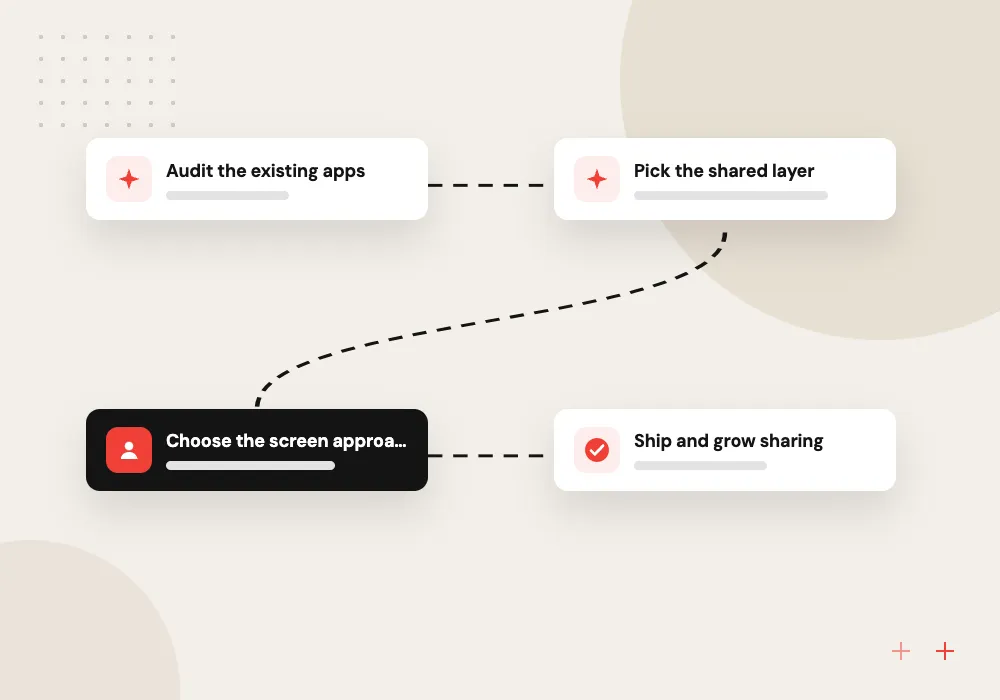
- 01 Audit the existing apps We list which rules, API calls and data models each app repeats today.
- 02 Pick the shared layer Networking, validation, storage and sync usually move first into one Kotlin module.
- 03 Choose the screen approach SwiftUI and Jetpack Compose natively, or Compose Multiplatform for shared screens.
- 04 Ship and grow sharing Each release moves another feature into shared code once tests cover it.
Sharing can start with one module inside the apps you already run, without a full rewrite.
What we build with Kotlin Multiplatform
Most KMP work starts from an Android app written in Kotlin and an iOS app that has fallen behind it.
Shared business logic
Pricing rules, form validation and permission checks written once in Kotlin, so the Android and iOS apps calculate an order total the same way.
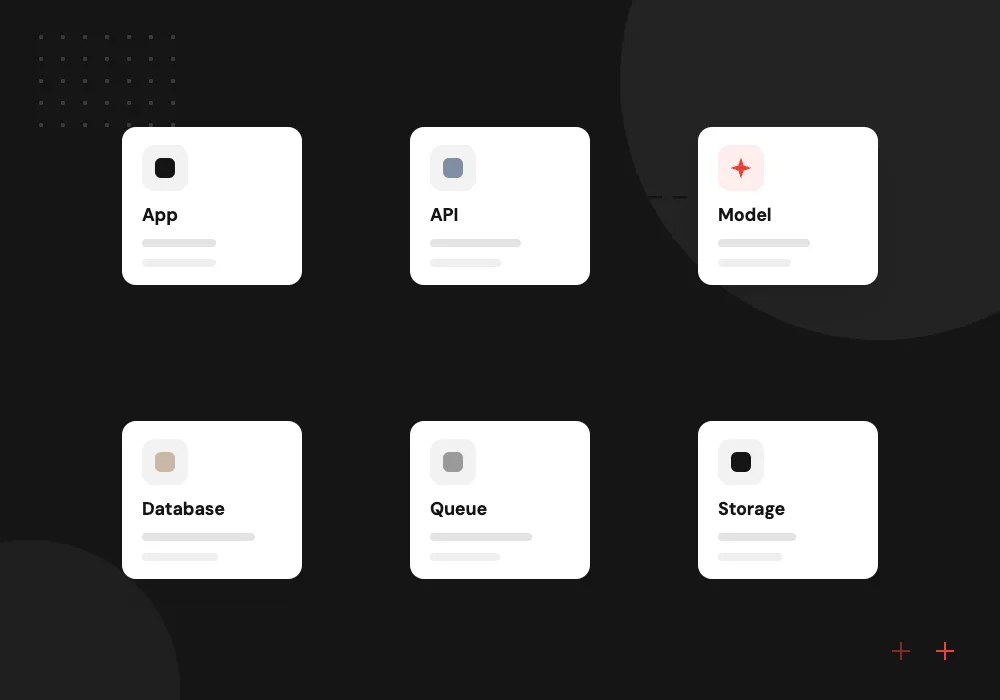
Offline data and sync
A local database on each phone with one shared sync engine, for field staff who lose signal in basements, barns and rural roads.
Compose Multiplatform screens
Shared UI for internal apps and admin tools, where shipping both versions together matters more than platform-specific styling.
KMM project upgrades
Projects started in the Kotlin Multiplatform Mobile era moved to the current Kotlin compiler, Gradle plugin and source set layout.
Adding iOS to an existing Android app
If your Android app is already written in Kotlin, much of its non-UI code can move into a shared module that the iOS app imports as a framework. We separate the Android-only parts, wrap platform APIs behind expect and actual declarations, and hand your iOS developers a tested library instead of a rewrite.
What we do
- Codebase review and sharing plan
- Shared module and Gradle setup
- Swift-friendly API for the iOS team
- Unit tests for the shared layer
- CI builds for both platforms
AI features written once for both apps
Assistants, smart search and document capture need the same prompts, limits and output checks on Android and iOS. We put the model client, retry logic and response validation in shared Kotlin, keep API keys on your server, and use each platform’s own camera and speech APIs for input.
What we do
- Shared client for your model provider
- Streaming chat responses
- Server proxy that holds API keys
- Checks on model output
- Usage logs for review

How we approach a project
On iOS, the shared code compiles to a framework that Xcode imports like any other dependency. Keychain, Bluetooth and push notifications are reached through expect and actual declarations, so the shared API stays clean. Our iOS and Android developers review that boundary together, and JetBrains keeps the Kotlin Multiplatform documentation current for the technical detail.
Upgrade work is common. Projects started under the older Kotlin Multiplatform Mobile name often need the current compiler, the newer project layout and updated libraries before new features land. After launch we handle those updates through maintenance and support, and other stacks we use are listed on our technologies page.
How we work
- Share rules, not platform habits
- Adopt one module at a time
- Shared tests guard both apps
Our Process
-

Code and team review
We read both apps, list duplicated logic and talk with the developers who maintain them.
-

Pilot one shared module
A single feature, often sign-in or product data, moves to shared Kotlin and ships in both apps.
-

Widen the shared layer
Networking, storage and business rules follow in an agreed order, each with tests that run in CI.
-

Release and keep current
We publish through both app stores and schedule Kotlin and library upgrades into each quarter’s work.
Why Aranv for Kotlin Multiplatform
Android and iOS people together
Our Kotlin developers sit with iOS developers who read Swift every day, so the shared module’s API makes sense to the people who call it from Xcode.
Honest about what to share
Some features belong in native code, such as home screen widgets, payment sheets and background location. We name them early and keep them native instead of forcing them into the shared layer.
Gradual adoption, no big switch
We add KMP inside your current apps one module at a time, so store releases keep going out on schedule while the shared code grows.
Code you can hand over
The shared module, build scripts and written notes belong to you under the contract, and any experienced Kotlin developer can pick them up.
Planning Kotlin Multiplatform Development?
Book a 30-minute conversation with the team that would build it.
Kotlin Multiplatform FAQs
-
Is Kotlin Multiplatform ready for production apps?
Yes. JetBrains declared Kotlin Multiplatform stable with Kotlin 1.9.20 in November 2023, and several Android Jetpack libraries, including Room and DataStore, now publish multiplatform versions. Some third-party libraries are younger than their Android-only equivalents, so we check each dependency before the project relies on it.
-
Is KMP better than Flutter or React Native?
It depends on what you want to share. KMP shares logic and keeps native screens, which suits teams with Kotlin skills and apps that must feel fully native. Flutter and React Native share the interface too, which can be quicker for a brand new app. We recommend one in writing after seeing your code and your team.
-
Do we have to rewrite our Android app to use KMP?
No. Kotlin Multiplatform is added module by module. Your Android app keeps working while code with no Android dependencies moves into the shared module, and the iOS app starts calling it one feature at a time.
-
Can our iOS developers keep using Swift and SwiftUI?
Yes. The shared module appears to them as a framework of Swift-callable classes, and the screens stay in SwiftUI. We shape the shared API so it reads naturally from Swift, adapting coroutines and flows where the default export is awkward to call.
-
What affects the cost of a KMP project?
The amount of logic worth sharing, the state of the current apps, how many platform features need native code, and whether screens are native or Compose Multiplatform. After a code review we give a phased estimate that starts with one shared module, so you can judge the approach on real code.

Let’s talk about your next step
Contact Aranv to discuss your workflow, current tools, and goals. Meet with our team or send an inquiry.
Book a meeting with our team
Choose an available date and time for a 30-minute conversation about your project.
Tell us about your project
Share a few details so we can discuss a useful next step.
Prefer email? sales@aranv.com