


What expense report automation includes
Aranv builds AI receipt processing for US small and midsize businesses whose staff still tape receipts to forms or email photos to finance. Employees snap a picture, the system reads merchant, date, amount and tax, checks it against your expense policy and assembles a report for the manager to approve.
Receipts come as phone photos, crumpled paper, airline and ride-app emails and PDFs from online stores. OCR and a language model read each one into the same set of fields, and the total is checked against the card charge it belongs to. Blurry photos are sent back to the employee at once, while they still have the paper.
Your policy becomes rules the system applies: meal limits per day or city, categories that need a business purpose note, who approves above a set amount. The IRS describes the records that travel, gift and car expenses need in Publication 463; your accountant decides how your accountable plan applies it.
A receipt’s path from phone to reimbursement
From photo to approved expense
- 01 Snap or forward Staff photograph a receipt in the app or forward an emailed one to a single address.
- 02 Read and categorize Merchant, date, total, tax, tip and currency are read and a category suggested.
- 03 Match to card lines Each receipt is paired with its corporate card charge or marked as out-of-pocket.
- 04 Check policy, then approve Limits, missing receipts and repeat claims are flagged before the manager signs off.
Approved amounts then flow to payroll or your accounting system as summarized entries.
Receipt scanning AI for everyday expenses
Expense claims are small one at a time and tedious in bulk. These are the parts the system takes off people’s plates.
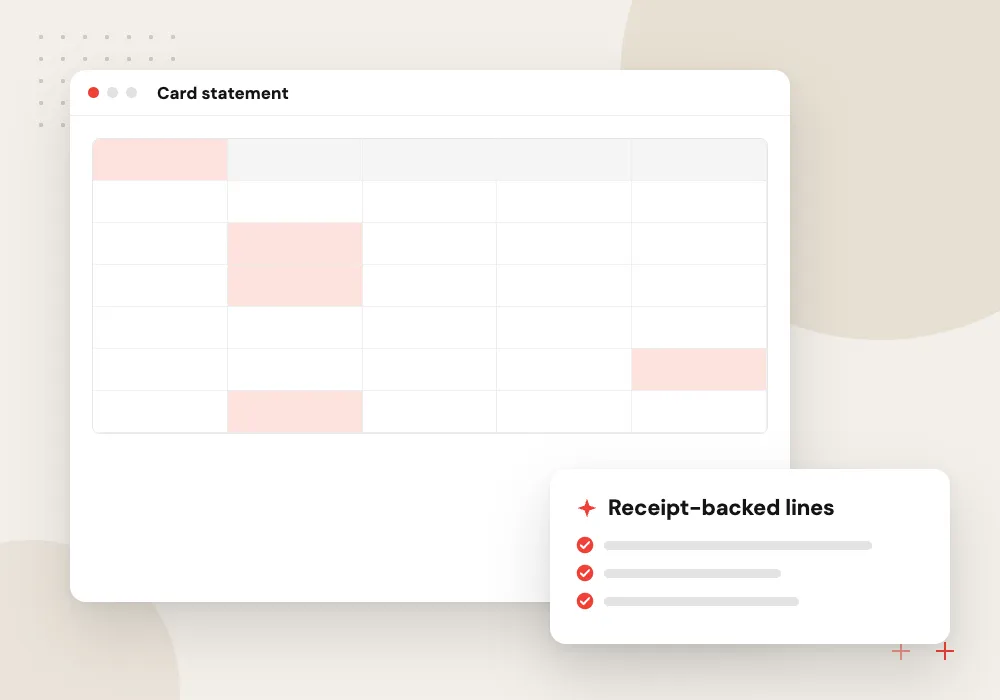
Card transaction matching
Corporate card charges are paired with receipts by amount, date and merchant, even when the bank shows a cryptic merchant code instead of the shop’s name.
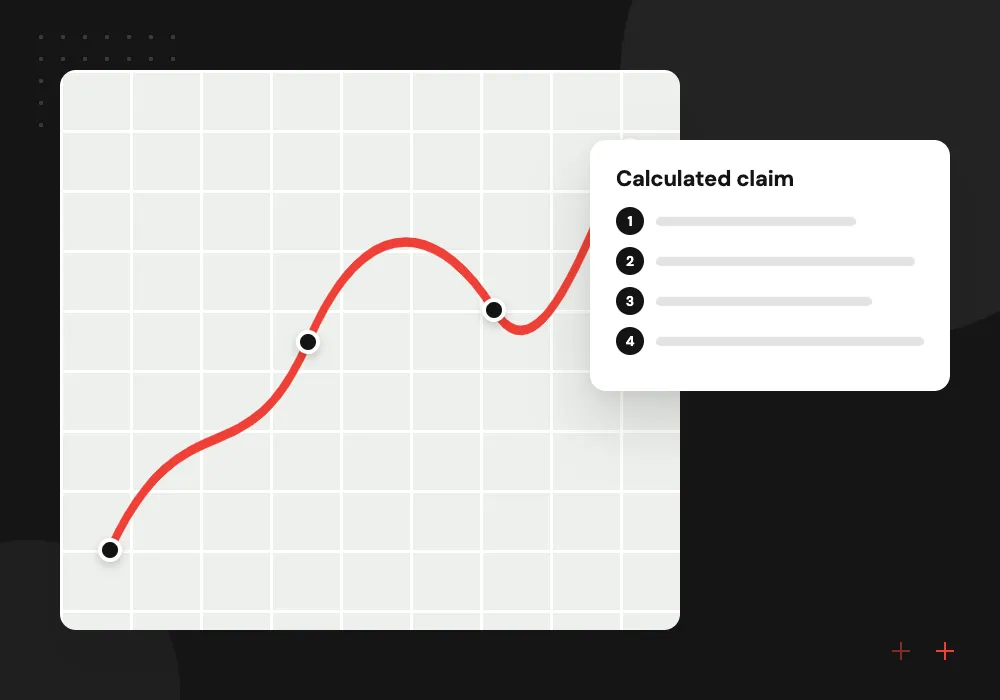
Mileage and per diem
Trips logged with start and end points become a mileage claim at the rate you set, and travel days get per diem amounts without a receipt for every meal.
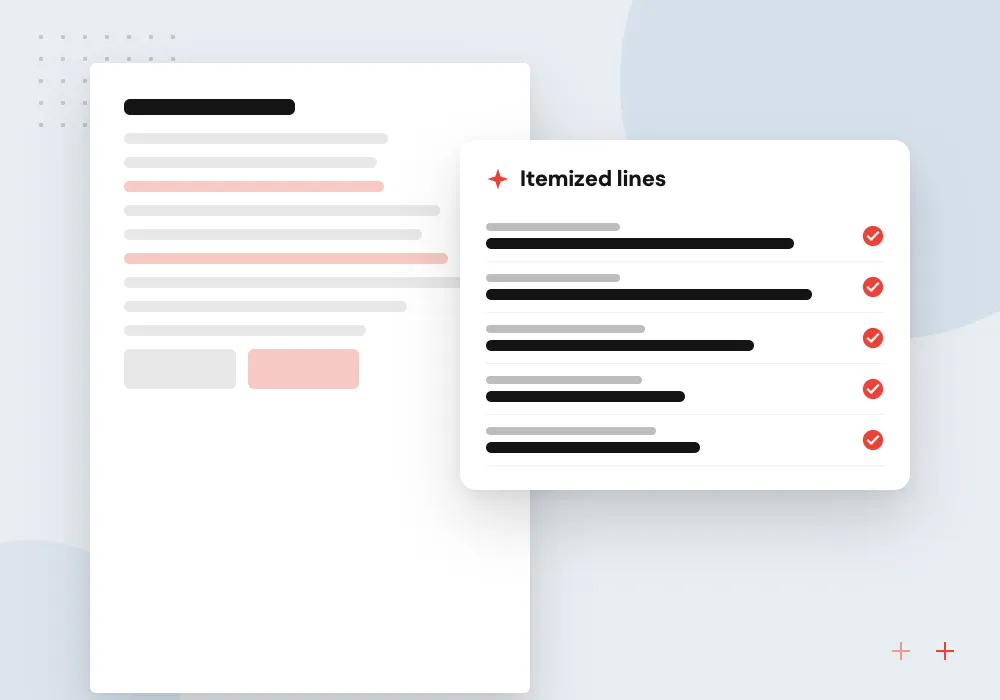
Hotel folio breakdown
Long hotel bills are split into room, tax, meals and parking, so each charge lands in the right category and personal items are separated out.
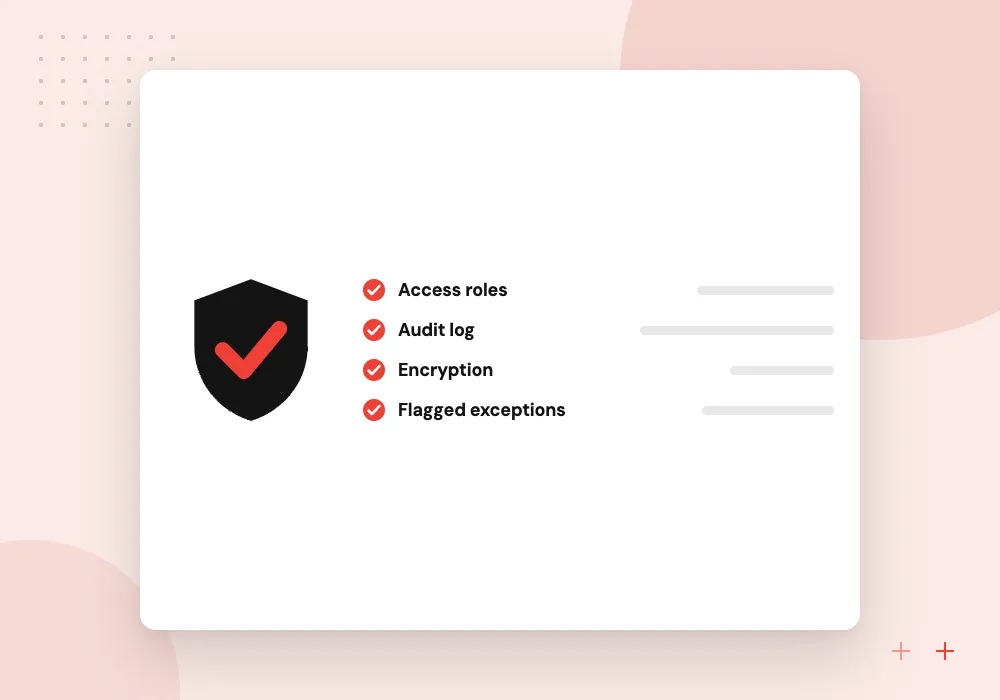
Policy and duplicate flags
Claims over category limits, alcohol where policy forbids it, weekend spend and the same receipt submitted twice are flagged for the approver with the reason.
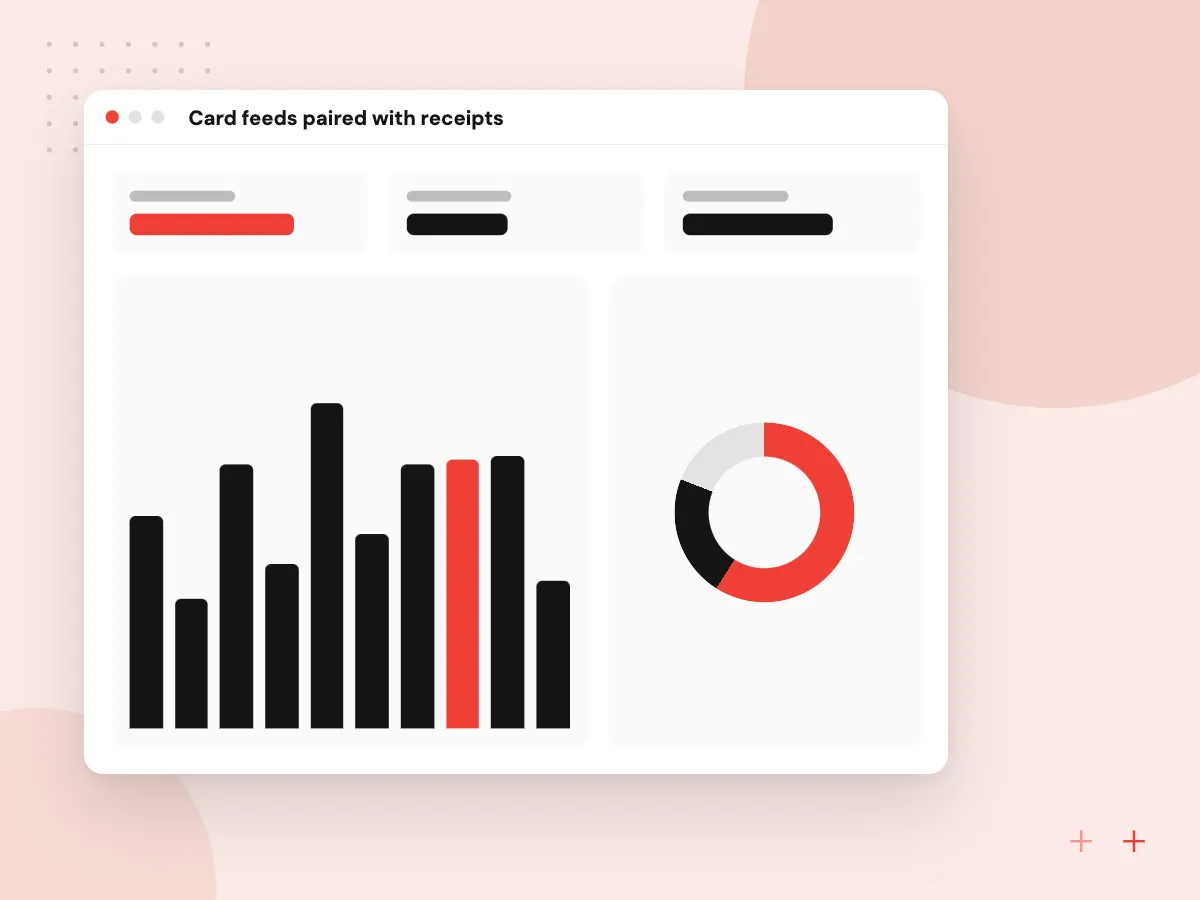
Card feeds paired with receipts
Card charges arrive from the bank or card program each day. Each one waits for its receipt, and staff get a reminder listing what is missing. When a receipt comes in, the system matches it by amount, date and merchant, allowing for tips, currency conversion and charges that settle later.
What we do
- Daily card feed import
- Missing-receipt reminders
- Tip and currency tolerance
- Split charges across categories
- Personal charges marked for repayment
An app people actually use
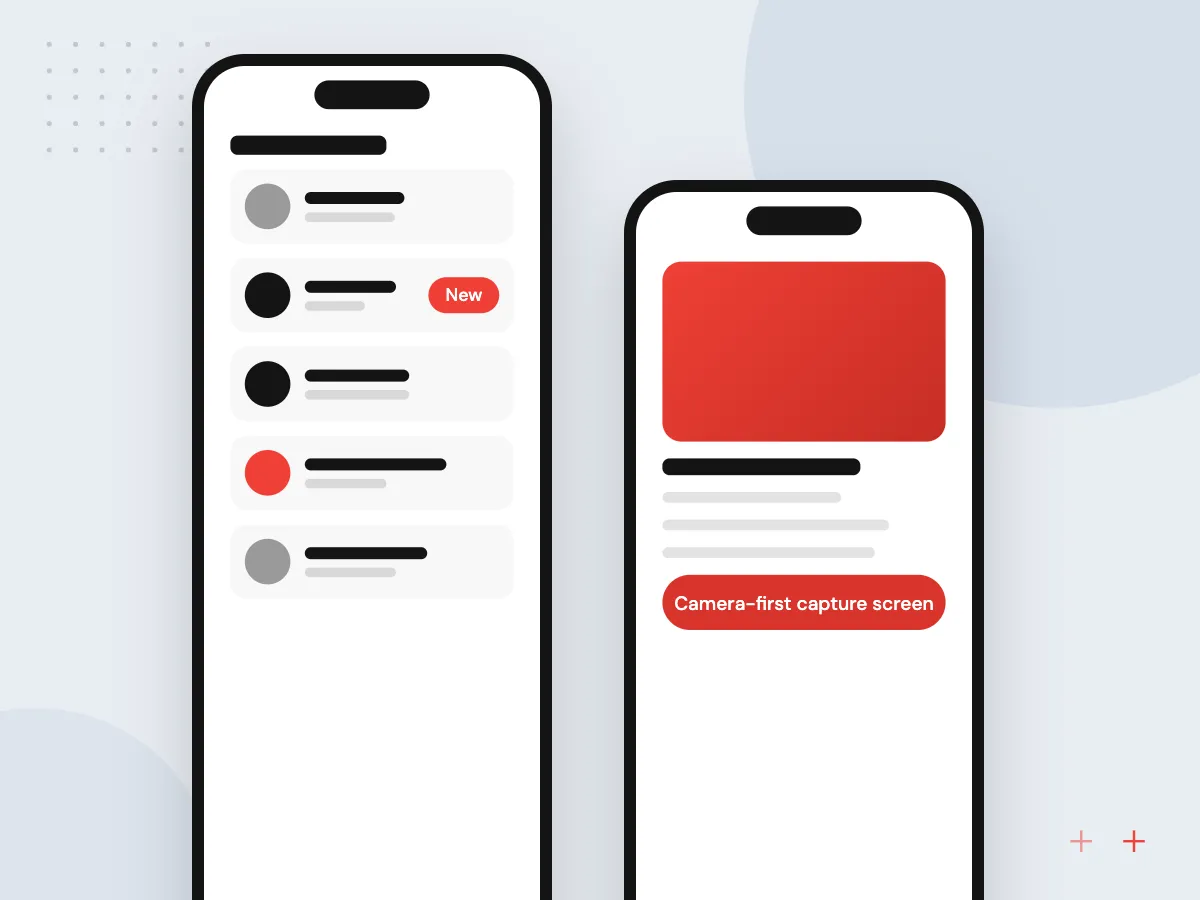
Expense tools fail when staff avoid them. The capture app opens straight to the camera, asks for a business purpose only when policy needs one, and queues photos when signal is poor. Employees can see what was approved, what was rejected and why.
What we do
- Camera-first capture screen
- Offline photo queue
- Forwarding address for e-receipts
- Status of each claim
- Reminder before month-end cutoff

How we approach a project
Approved reports post to your accounting system as bills or journal entries, and reimbursements go through payroll or AP. Our QuickBooks integration work covers one common target. Receipt reading shares its engine with our AI document processing service, and the capture app can be a light progressive web app that needs no install.
Field crews and traveling sales teams produce piles of small receipts, which is why home service businesses and construction companies often ask for this. If you already pay for an expense tool, we can add AI checks to it through its API instead of replacing it.
How we work
- Photo in, report out
- Policy checked before approval
- Receipt image kept with every claim
Our Process
-

Read the policy and claims
We review your expense policy and a few months of past claims to see where staff and approvers get stuck.
-

Write rules, test reading
Policy rules are drafted with finance, and receipt reading is tested on a batch of real past receipts.
-

Pilot with one team
A sales or field team uses the app through a full month-end, and approvers tell us what the checks missed.
-

Extend company-wide
Other teams join, card feeds are connected and the paper or spreadsheet process is retired.
Why Aranv for expense processing
Policy written in, not bolted on
We turn your written expense policy into explicit rules with finance, and the approver sees which rule a claim broke rather than a vague warning.
Works with your expense platform
Teams that already run an expense platform or card program keep it. We add reading and checks through its API rather than forcing a switch.
Receipts stay retrievable
Every receipt image stays linked to its approved line in storage you control, so year-end questions and audits can be answered from the record.
Tested on your worst receipts
Faded thermal paper, foreign currencies and handwritten tips are in the test set from day one, so measured accuracy reflects real claims.
Planning AI Receipt and Expense Processing?
Book a 30-minute conversation with the team that would build it.
Receipt processing FAQs
-
How does AI receipt processing work?
An employee takes a photo or forwards an emailed receipt. OCR and a language model read the merchant, date, total, tax and payment method, suggest a category and match the receipt to a card charge. Policy rules flag anything unusual before a manager approves.
-
Can it read faded or crumpled thermal receipts?
Often, not always. Thermal paper fades and phone photos blur, so the app checks image quality at capture and asks for a retake while the employee still has the receipt. If a total still cannot be read reliably, the employee types it.
-
Do we need to keep paper receipts after scanning?
Ask your accountant how your accountable plan treats scanned images. The IRS explains what documentary evidence travel and other business expenses need in Publication 463. Either way, we store the image with the approved line. This is general information, not tax advice.
-
Can it replace our current expense software?
It can, but it does not have to. If your tool works and staff use it, we add AI reading and policy checks through its API. A custom build makes sense when the tool cannot handle your approval rules, job costing or card program.
-
How are reimbursements paid out?
Approved out-of-pocket amounts go to payroll or accounts payable as a payment item, depending on how you reimburse today. Card spend posts against the card liability account instead, so the same expense is not paid twice.

Let’s talk about your next step
Contact Aranv to discuss your workflow, current tools, and goals. Meet with our team or send an inquiry.
Book a meeting with our team
Choose an available date and time for a 30-minute conversation about your project.
Tell us about your project
Share a few details so we can discuss a useful next step.
Prefer email? sales@aranv.com