


How bookkeeping automation fits your books
Aranv builds AI bookkeeping automation for US small and midsize businesses and the accounting firms that serve them. Bank and card transactions are categorized from your own history, matched to invoices and bills for reconciliation and gathered into a month-end review list, with every posting approved by a bookkeeper.
Accounting packages already offer bank rules, and they work for fixed payees. AI helps with what rules miss: a new vendor, a vague card description, a transfer that is really a loan payment. The model compares each line with your past entries and chart of accounts, and gives a reason with each suggestion.
Reconciliation follows the same idea. Exact matches go first; then the system looks for combinations, partial payments and timing differences, and anything still open goes on a list with the documents that might explain it. Supplier bills from AI invoice processing and staff claims from AI receipt processing mean fewer lines arrive without paperwork.
How a month of transactions gets booked
From bank feed to closed month
- 01 Pull the feeds Bank, card and payment processor transactions arrive daily from feeds or statements.
- 02 Suggest a category Each line gets an account, class and payee based on how similar lines were booked.
- 03 Match and reconcile Deposits pair with invoices and payouts, withdrawals with bills, transfers with each other.
- 04 Review before close The bookkeeper clears a list of uncertain items, then locks the period.
Suggestions stay suggestions until a person accepts them; the general ledger changes only after review.
Bookkeeping jobs AI can take on
Bookkeeping is mostly sorting and matching. These are the repeat tasks where good suggestions remove typing.
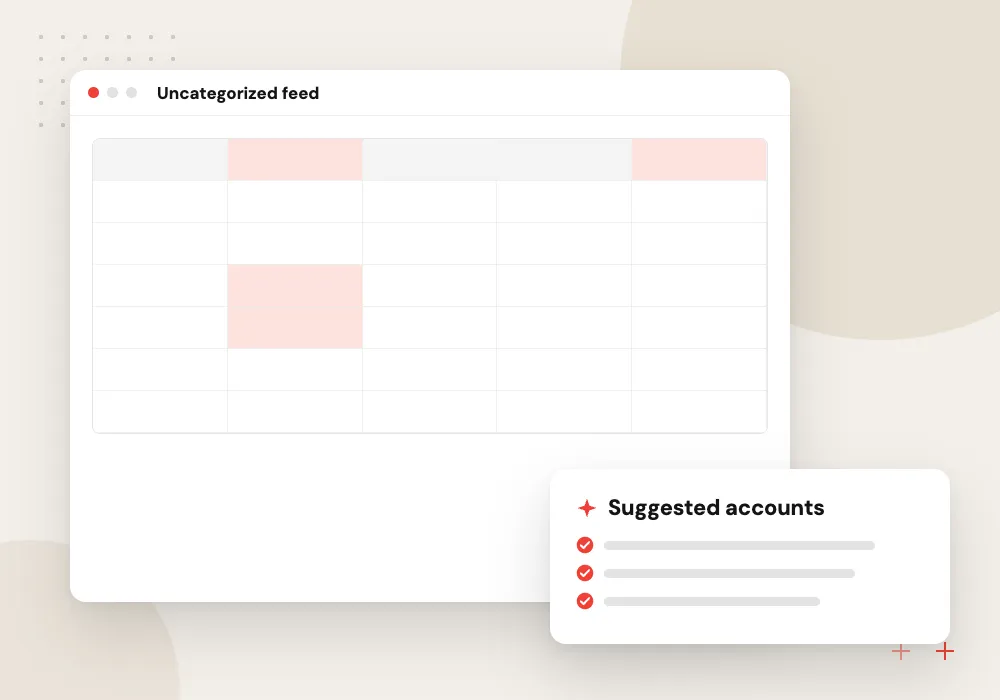
Transaction categorization AI
Each bank and card line gets a suggested account, class and payee drawn from how similar lines were booked before, with a note on which past entries it used.
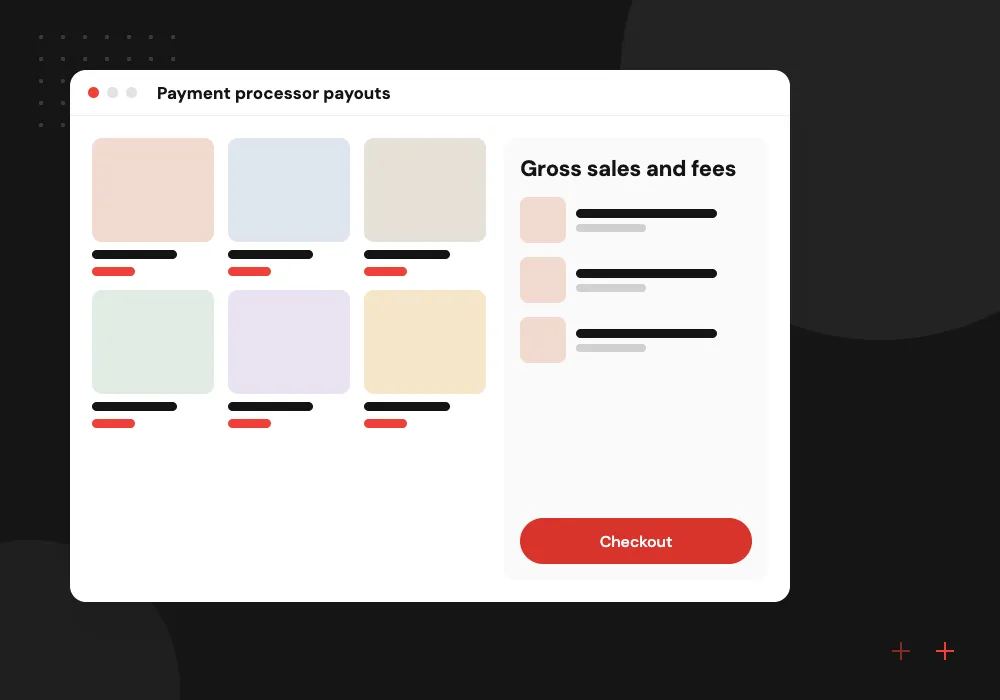
Payment processor payouts
Card processor and marketplace deposits are broken into gross sales, fees and refunds, so the amount in the bank agrees with the sales recorded in your books.
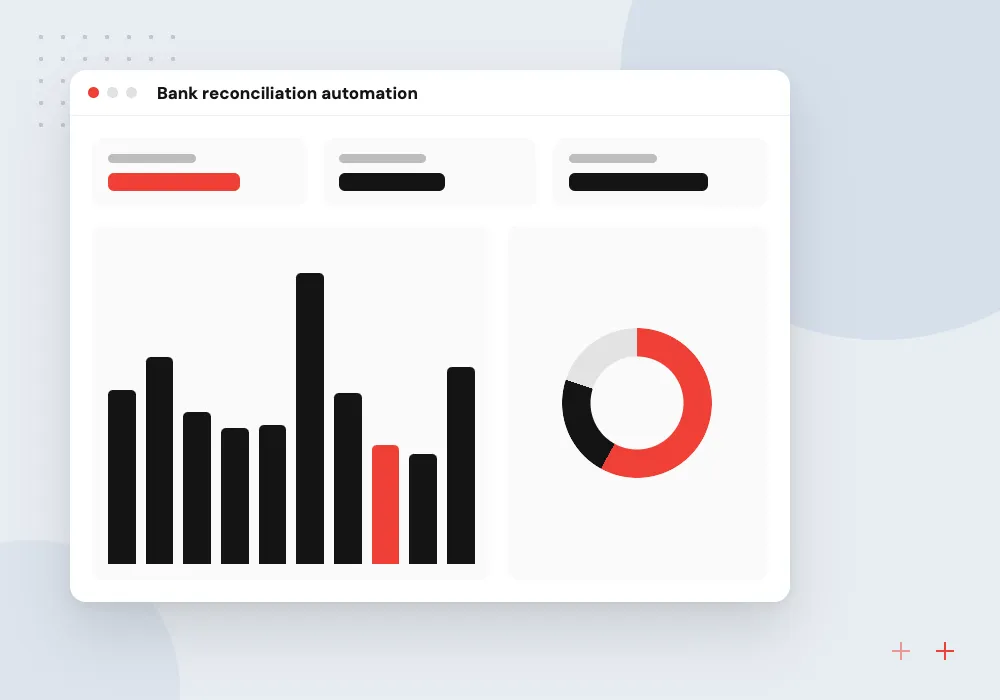
Bank reconciliation automation
Statement lines are matched to recorded payments, including one deposit that covers several invoices, and leftover differences are listed with likely causes.
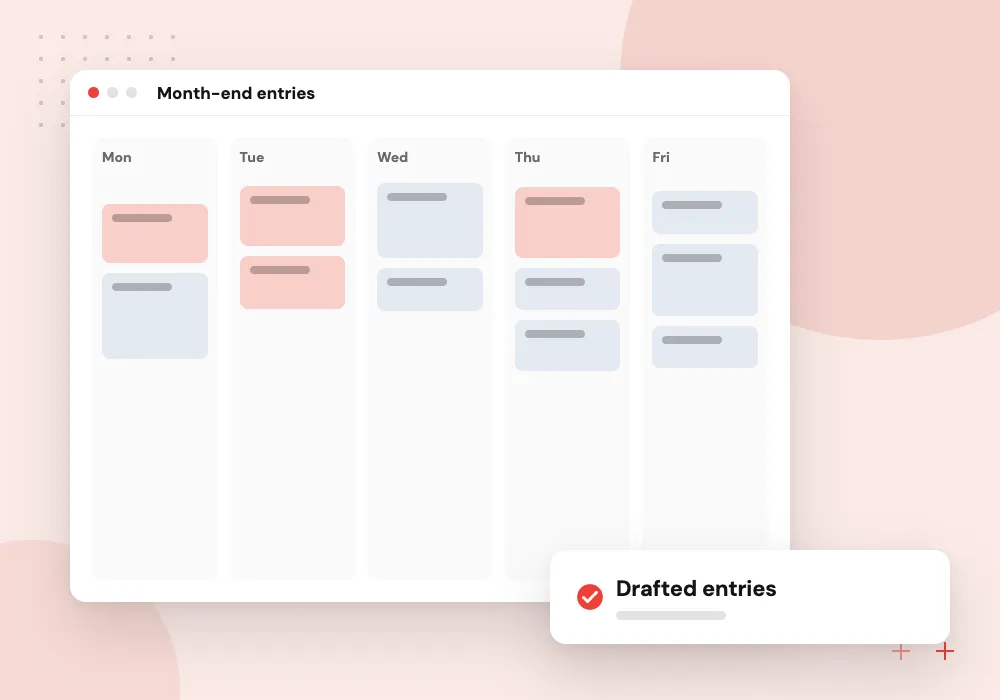
Month-end entries
Accruals, prepaid expense amortization, depreciation and recurring journals are drafted from last month’s pattern for the accountant to confirm or adjust.
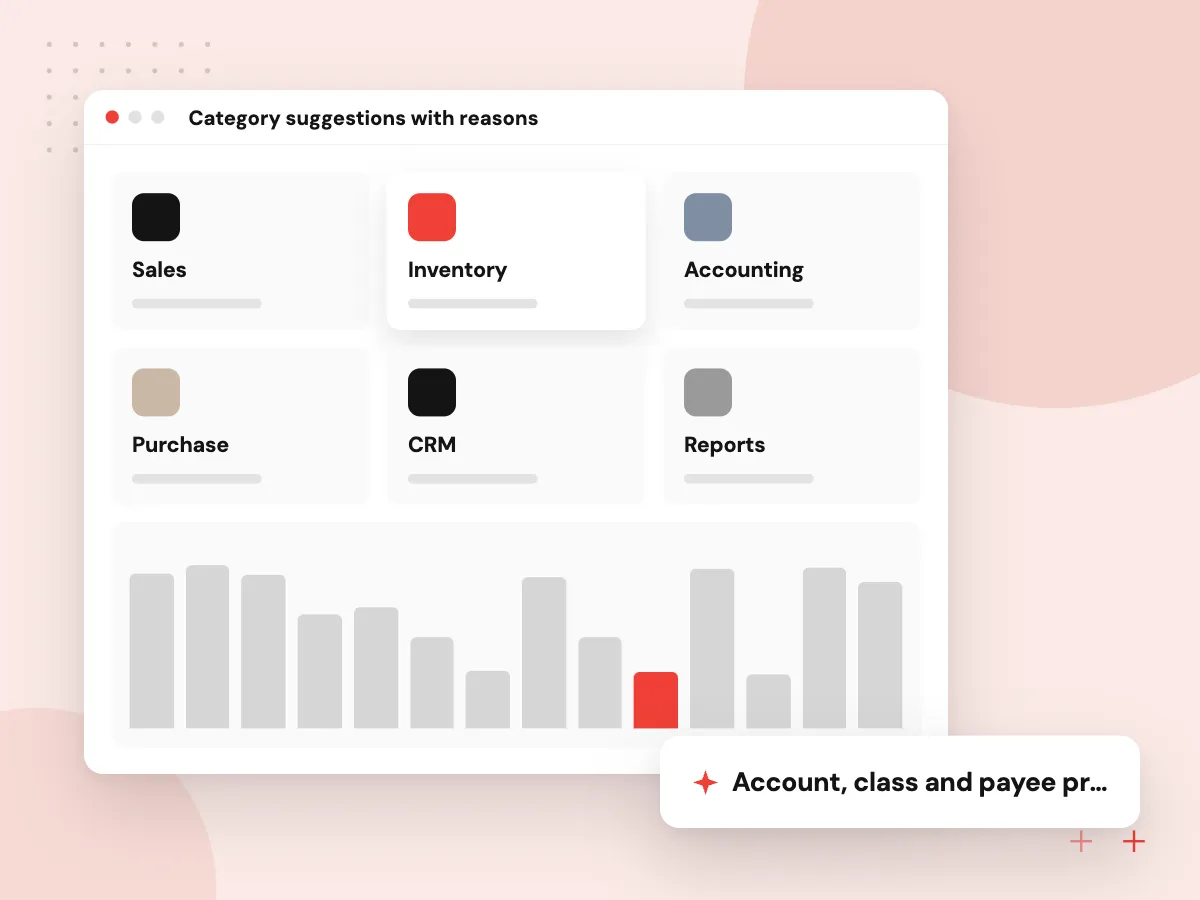
Category suggestions with reasons
A suggestion only helps if the bookkeeper can trust it quickly. Each one shows the past entries behind it, the pattern it followed and how sure the system is. Lines with no close precedent are left blank and placed at the top of the review list.
What we do
- Account, class and payee proposals
- Past entries shown as evidence
- Confidence level per line
- New payees sent to review
- Accepted fixes reused next month
Multi-client setup for accounting firms
Firms that keep books for many clients need separation before speed. Each client file has its own chart of accounts, payee history and approval settings, and staff see only the clients assigned to them. Review queues sort by client or close date so the team can plan its month-end.
What we do
- Separate rules per client
- Staff access by assignment
- Queue sorted by close date
- Client questions drafted for review
- Notes kept with each item

How we approach a project
We connect to QuickBooks Online, Xero, NetSuite or Odoo through their APIs; see our QuickBooks integration page for that system. Firms can run one pipeline across many client files, each with its own chart of accounts and rules, as set out under AI for accounting firms.
Records still have to be kept for the periods the IRS sets out in its record retention guidance, so each suggestion, approval and source document stays linked to the posted entry. The build is part of our AI workflow automation work.
How we work
- Learn from your own ledger
- Uncertain items go to people
- Close the month from one list
Our Process
-

Review a closed month
We take a recently closed month and compare raw bank lines with how each was finally booked.
-

Test on earlier months
Categorization and matching run on older history, and we measure how often they agree with your bookkeeper.
-

Shadow one month-end
During the next close the system suggests and your team decides, so gaps surface without risk to the books.
-

Hand over the controls
Your team gets settings for rules and thresholds, plus a weekly report of accepted and rejected suggestions.
Why Aranv for bookkeeping automation
We read your ledger first
Before building, we study how your books are kept: payee habits, classes, recurring entries and the mistakes that keep coming back. Suggestions rest on that history.
Nothing posts without approval
Every category, match and journal entry is a proposal until a bookkeeper accepts it, and the period lock in your accounting system stays under your control.
Entries tied to source documents
Each posted entry links to its bank line, invoice, receipt or bill, so questions from owners, lenders or tax authorities can be answered from the file.
One set of books, not two
We connect to the package you use today and respect its bank rules, classes and locations instead of keeping a parallel ledger.
Planning AI Bookkeeping Automation?
Book a 30-minute conversation with the team that would build it.
Bookkeeping automation FAQs
-
Can AI do our bookkeeping without a bookkeeper?
No, and we would not build it that way. AI can categorize transactions, propose matches and draft recurring entries, but someone who knows your business has to review exceptions, approve postings and close the month. The work shifts from typing to reviewing.
-
How is this different from bank rules in QuickBooks or Xero?
Bank rules match fixed text, such as a payee name, and apply one category. AI reads the whole line in context, compares it with your past entries and copes with new vendors or vague descriptions. We keep your existing rules and use AI for what they miss.
-
Is our financial data safe with an AI model?
We use model providers under business terms, with training on your data switched off where that setting exists, encrypt data in transit and at rest, and limit access to named staff. The accounting connection uses its own permissions, so you can revoke it.
-
Does bank reconciliation automation handle several accounts and cards?
Yes. Each account and card is reconciled on its own, and transfers between them are matched as pairs so they are not booked as income or expense. Payment processor clearing accounts get the same treatment.
-
What access and documents does a bookkeeping automation project need?
Read-only access to your accounting system, a few months of bank and card statements, your chart of accounts and time with the person who closes the books. Accounting firms also pick which client files to use for the pilot.

Let’s talk about your next step
Contact Aranv to discuss your workflow, current tools, and goals. Meet with our team or send an inquiry.
Book a meeting with our team
Choose an available date and time for a 30-minute conversation about your project.
Tell us about your project
Share a few details so we can discuss a useful next step.
Prefer email? sales@aranv.com