


What AP automation with AI covers
Aranv builds AI accounts payable automation for US small and midsize businesses. Supplier bills are matched to purchase orders and receiving records, sent to the right approver, screened for fraud signals and queued for payment, while your controller keeps the final say on every payment run.
Reading the bill is step one; our AI invoice processing page covers it. AP automation picks up from there: matching, approvals, vendor checks and payment preparation. Rules handle exact matches, and a language model helps when the bill says ‘SS bolt 3/8 x 2’ while the PO says ‘stainless hex bolt, 0.375 in’.
Fraud controls get their own design. Business email compromise often arrives as a polite request to update a supplier’s bank account. The system compares the sender’s domain and tone with past messages, spots look-alike addresses and blocks the change until a person confirms it using a phone number already on file.
Where AI sits in the AP cycle
From captured bill to scheduled payment
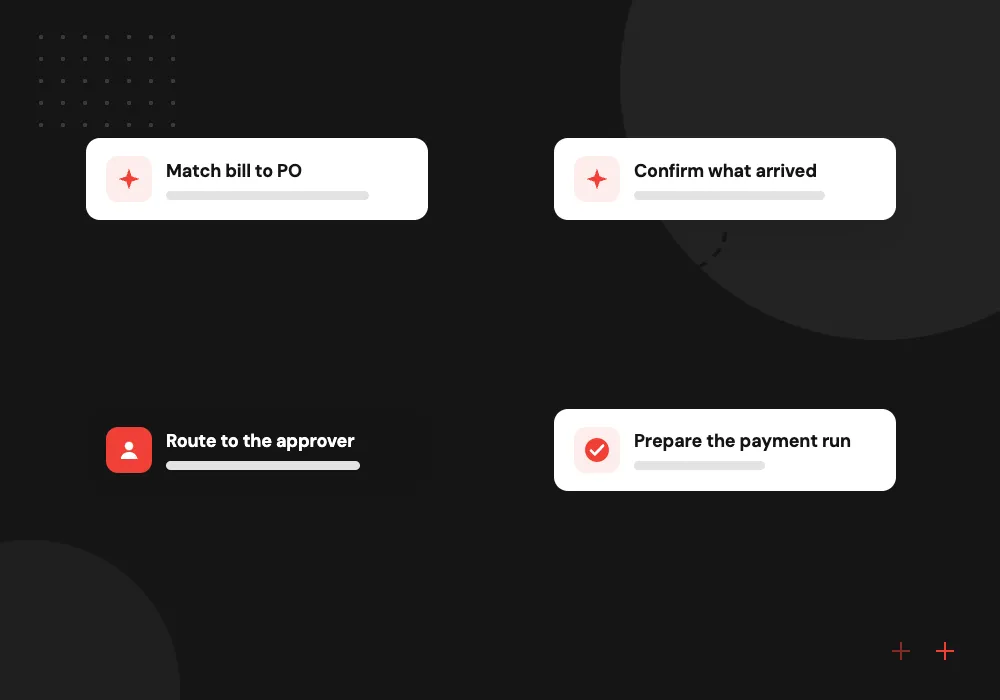
- 01 Match bill to PO Bill lines are paired with purchase order lines even when descriptions or units differ.
- 02 Confirm what arrived Quantities received at the warehouse or job site are compared with what was billed.
- 03 Route to the approver Exceptions go to the buyer or budget owner with the mismatch explained in plain words.
- 04 Prepare the payment run Due dates, early-pay discounts and cash on hand shape a proposed batch for sign-off.
New vendors and bank detail changes always pass through a separate check that the model cannot approve.
AP automation jobs we build
Accounts payable is several jobs chained together. Each card is one link in that chain that AI can take on.
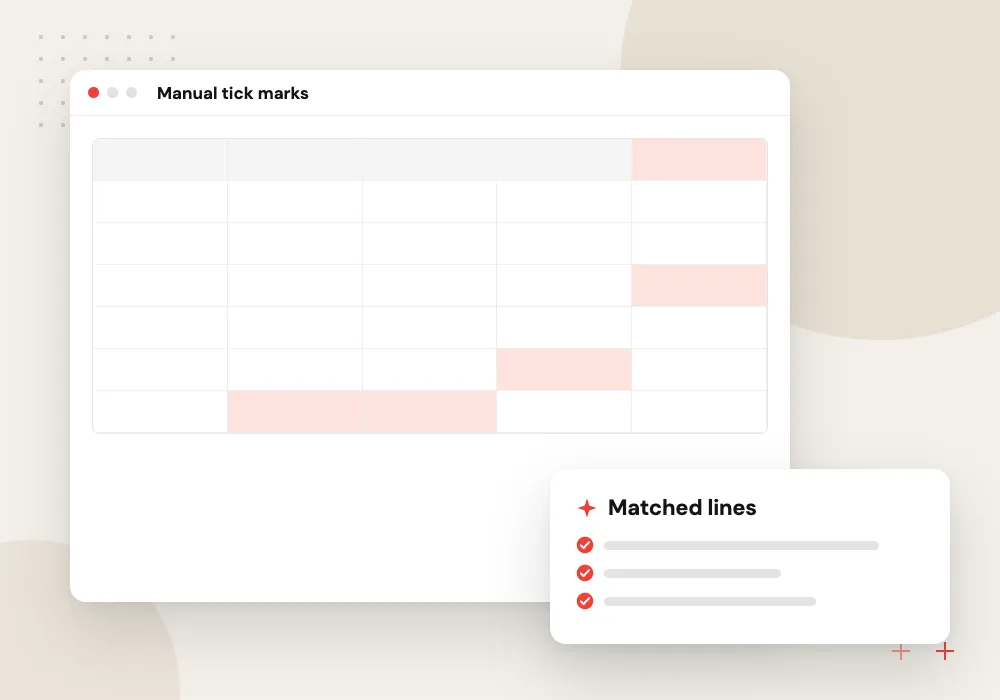
Three-way match automation
Bill, purchase order and goods receipt are compared line by line within price and quantity tolerances you set, and partial deliveries are tracked across several bills.
Approval routing
Bills without a PO go to the budget owner for that department or job, with a short note on what was bought and how it compares with past spend.
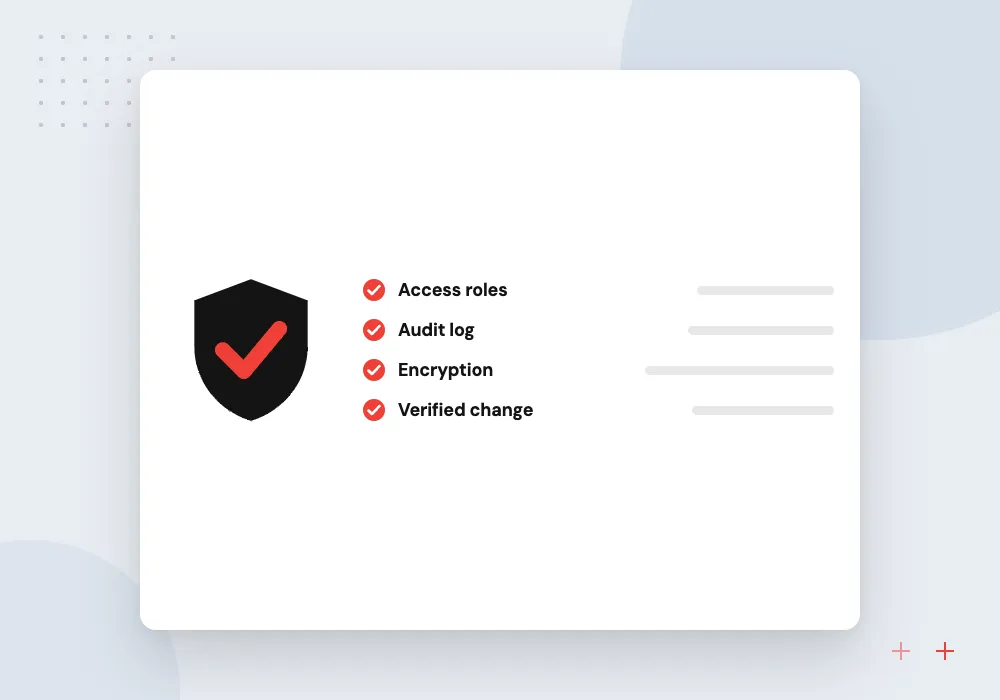
Vendor change screening
Requests to change bank details are checked against known contacts, flagged when wording or timing looks odd and held until someone calls the vendor back.
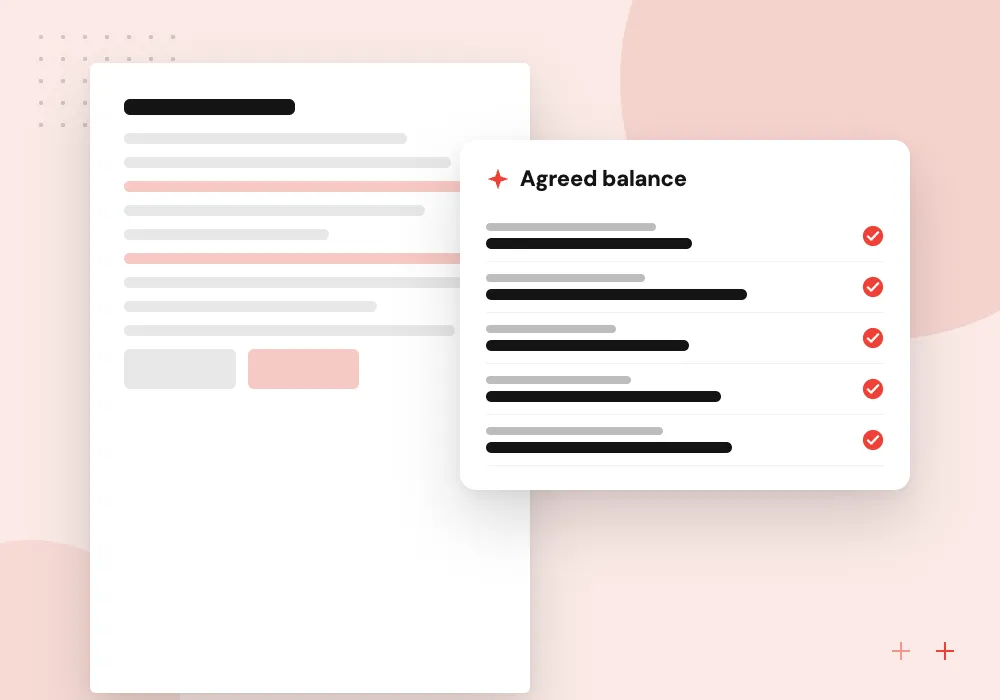
Statement reconciliation
Monthly supplier statements are compared with your open bills, and missing invoices or unapplied credits are listed for the clerk to chase.
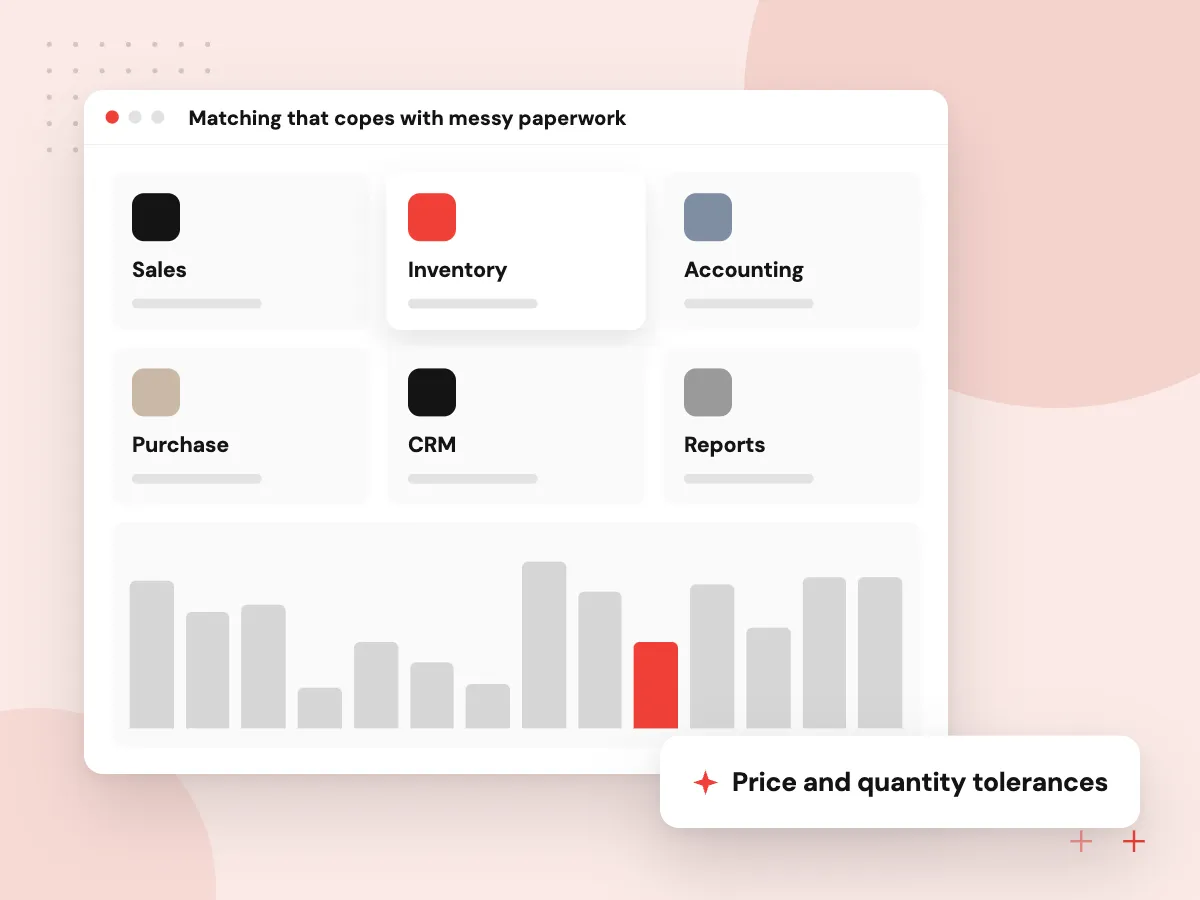
Matching that copes with messy paperwork
Suppliers rename products, split deliveries, add freight and round prices. We set tolerances per vendor or category, use the model to pair lines whose descriptions differ, and show the buyer exactly which line broke the match and by how much.
What we do
- Price and quantity tolerances
- Freight and surcharge handling
- Partial delivery tracking
- Unit of measure conversion
- Mismatch explained per line
Controls on vendor master changes
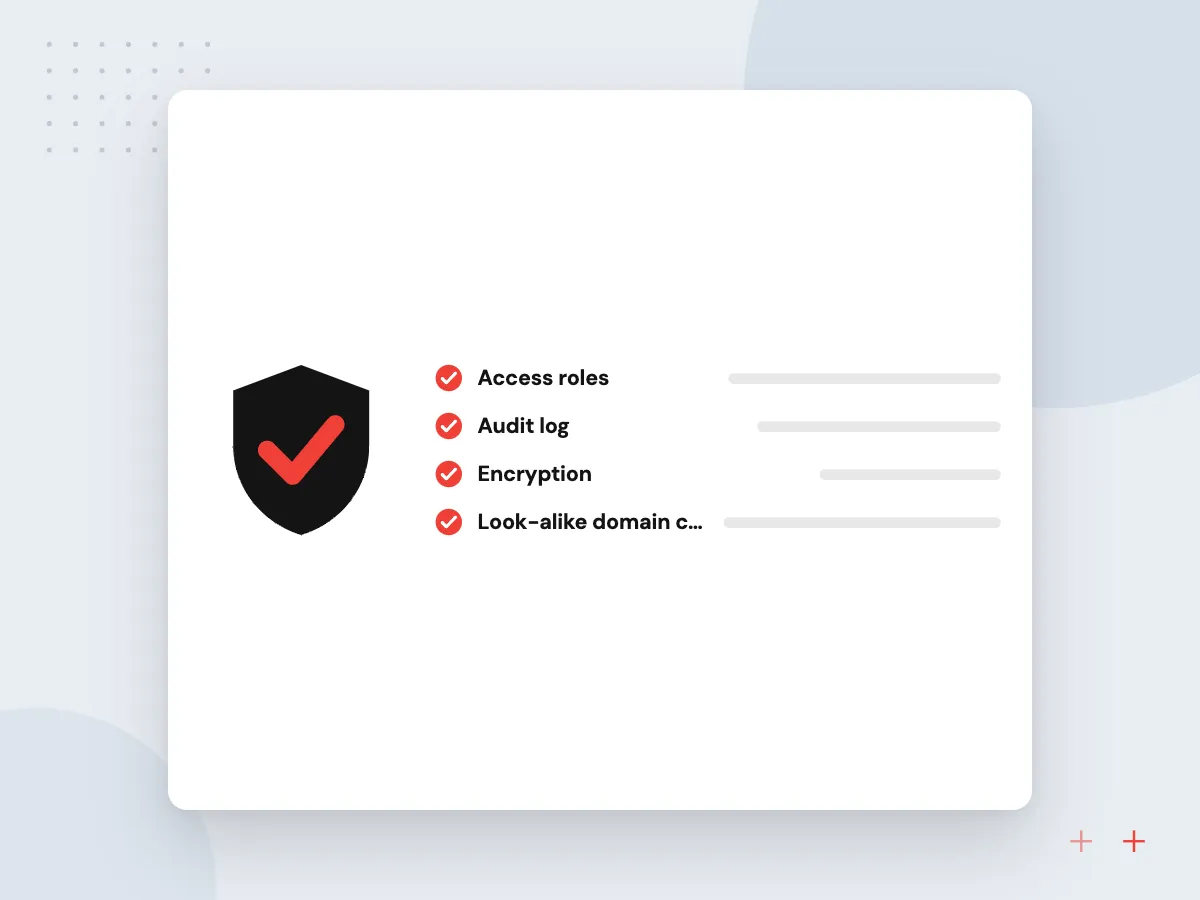
New vendors and changed bank details are the riskiest records in AP. Each request is checked against the vendor’s history, W-9 details and known contacts, and every change needs a second person to approve it. The model can flag a suspicious request; it cannot approve one.
What we do
- Look-alike domain checks
- Callback task to a known number
- W-9 and tax ID capture
- Two-person approval on changes
- Change history per vendor

How we approach a project
Payment proposals follow your cash position. The system lists bills due, discounts worth taking and vendors on hold, and finance picks the batch. Release happens in your bank or payment platform under its own dual-approval settings; our payment integration team connects those systems where needed.
AP automation runs on the ERP or accounting system that holds your purchase orders. In Odoo we build it as native modules through AI for ERP and Odoo; elsewhere, AI workflow automation links the steps. Contractors with many partial deliveries are typical users, as described under AI in construction.
How we work
- Match before anyone approves
- Extra scrutiny on vendor changes
- Payments released only by people
Our Process
-

Walk the AP cycle
We sit with the AP clerk, a buyer and the controller and trace several bills from arrival to payment.
-

Set tolerances and limits
Finance agrees match tolerances, approval thresholds and which exceptions block payment outright.
-

Run beside the team
For about a month the system proposes matches and routing while staff work as before, and we compare the two.
-

Switch on in stages
Matching goes live first, then approvals, then payment proposals, each one after finance signs off.
Why Aranv for AP automation
Controls designed with finance
We map your approval limits, segregation of duties and payment release steps first, then automate inside those controls rather than around them.
A clear reason for every hold
When a bill is held, the screen says why: price over tolerance, receipt missing, vendor details changed. Clerks fix the cause instead of guessing.
Your ERP stays in charge
Purchase orders, receipts and vendor records stay in your ERP. Our software reads and writes through its API and keeps no second ledger.
Logs auditors can follow
Each match, override, approval and vendor change is stored with the user and time, so a payment can be traced back to its bill at year end.
Planning AI Accounts Payable Automation?
Book a 30-minute conversation with the team that would build it.
AP automation FAQs
-
What is three-way match automation?
It compares each supplier bill with the purchase order and the receiving record before approval. If prices, quantities or items differ beyond your tolerance, the bill is held and the gap is shown. AI helps pair lines when the three documents word things differently.
-
Can AI approve and pay supplier invoices on its own?
We do not set it up that way. The system prepares matches, routes approvals and proposes a payment batch, but money only leaves your account when an authorized person releases it under your bank’s own approval controls.
-
How does AP automation help prevent payment fraud?
It adds checks where fraudsters aim: new vendors, bank detail changes and urgent payment requests. Suspicious messages are flagged, and changes need a second approver and a callback to a known number. It lowers risk; staff still need to stay alert.
-
Does it work if we do not use purchase orders?
Yes, with a different design. Without POs, bills are compared with contracts, past spend and budgets, then routed to the budget owner. Some teams start this way and add POs for larger purchases later.
-
Which ERP and accounting systems does it work with?
Systems that hold purchase orders and receipts and offer an API, such as NetSuite, Odoo, Business Central, Sage Intacct and QuickBooks Online. Some purchasing features depend on your subscription level, so we check your edition during discovery.

Let’s talk about your next step
Contact Aranv to discuss your workflow, current tools, and goals. Meet with our team or send an inquiry.
Book a meeting with our team
Choose an available date and time for a 30-minute conversation about your project.
Tell us about your project
Share a few details so we can discuss a useful next step.
Prefer email? sales@aranv.com